The landscape of AI language models has evolved dramatically with the arrival of GPT-5.2 and Gemini 3 Pro. These powerhouse models from OpenAI and Google represent the pinnacle of current AI technology, each offering distinct advantages depending on your specific needs.

What Sets These Models Apart
GPT-5.2 stands as OpenAI's flagship language model, built for nuanced understanding and sophisticated reasoning. It processes both text and images, adapting its responses based on your specified verbosity and reasoning requirements. This flexibility makes it particularly valuable when you need precise control over output length and depth.
Gemini 3 Pro takes a different approach by embracing true multimodal capabilities. Beyond text and images, it handles audio files (up to 8.4 hours) and video content (up to 10 videos at 45 minutes each). This broader input support opens doors for multimedia analysis that GPT-5.2 simply cannot match.
Reasoning and Intelligence
GPT-5.2 implements a five-tier reasoning system ranging from "none" to "xhigh." This granular control lets you balance speed against depth. For quick answers, you might use low reasoning effort. For complex analysis requiring multiple steps of logical thinking, xhigh becomes your go-to option.
💡 Worth noting: Higher reasoning efforts in GPT-5.2 consume more tokens, so you may need to adjust max_completion_tokens accordingly to avoid truncated responses.
Gemini 3 Pro simplifies this with two thinking levels: low and high. While less granular, this streamlined approach often proves sufficient for most tasks and makes the model more approachable for users who don't want to fine-tune every parameter.

Multimodal Capabilities
This is where the models diverge most significantly. GPT-5.2 accepts text and image inputs, processing visual content alongside written prompts. This proves valuable for tasks like image description, visual question answering, or combining screenshots with text instructions.
Gemini 3 Pro expands this dramatically with support for:
- Text prompts (standard input)
- Images (up to 10 files, 7MB each)
- Audio files (single file, maximum 8.4 hours)
- Video content (up to 10 videos, 45 minutes each)
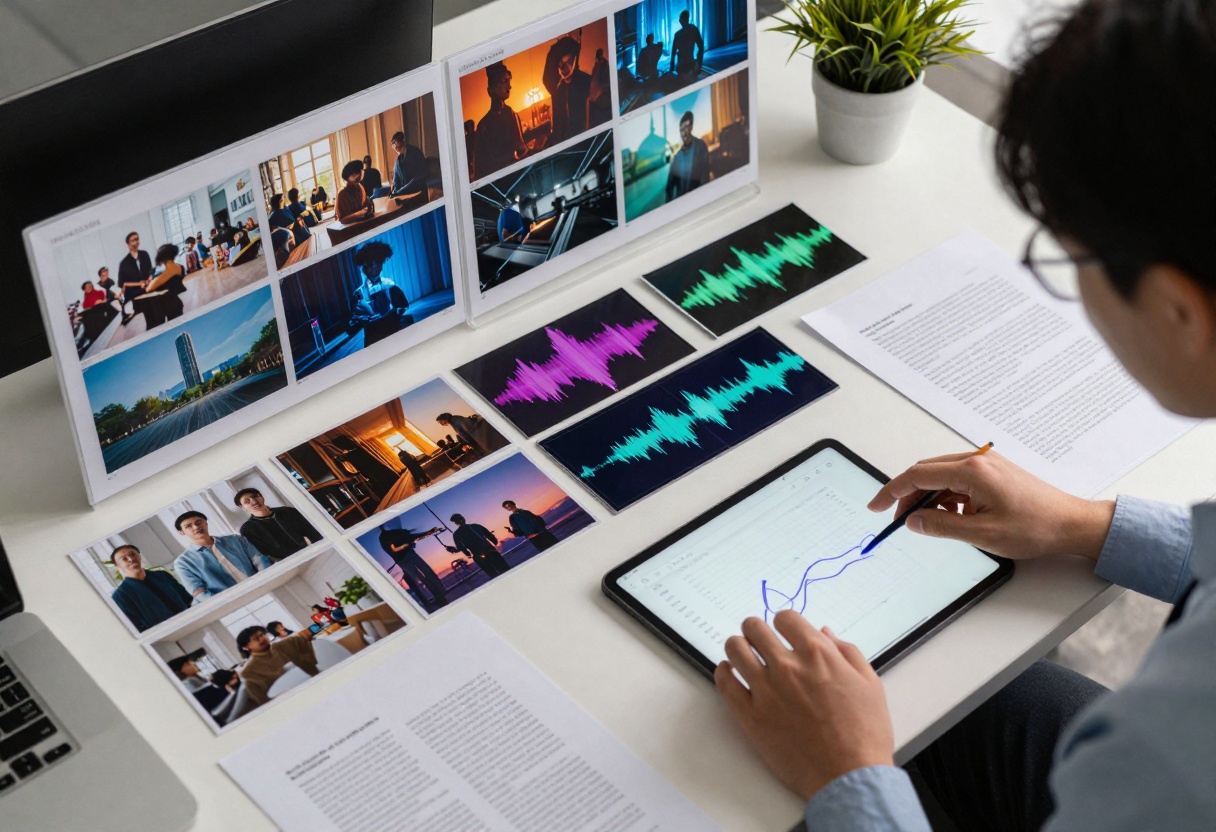
For content creators analyzing podcast episodes, video marketers reviewing campaigns, or researchers processing lecture recordings, Gemini 3 Pro's audio and video support becomes a genuine differentiator.
Token Limits and Output Control
GPT-5.2 uses a flexible token limit system controlled through max_completion_tokens. The actual limit varies based on the specific deployment, but you have direct control over output length. The verbosity parameter adds another layer, letting you request concise or detailed responses regardless of token limits.
Gemini 3 Pro provides a massive default limit of 65,535 tokens, among the highest in the industry. This enables extremely long-form content generation without hitting boundaries. Combined with adjustable temperature (0-2) and top_p parameters, you get fine-grained control over output creativity and randomness.

| Feature | GPT-5.2 | Gemini 3 Pro |
|---|
| Text Generation | Excellent | Excellent |
| Image Input | Yes | Yes (up to 10) |
| Audio Input | No | Yes (8.4 hours) |
| Video Input | No | Yes (10 videos) |
| Reasoning Levels | 5 tiers | 2 levels |
| Max Output Tokens | Varies | 65,535 |
| Verbosity Control | 3 levels | Via temperature |
| System Instructions | Yes | Yes |
Real-World Use Cases
When to Choose GPT-5.2
Pick GPT-5.2 when you need:
- Precise control over reasoning depth and verbosity
- High-quality text generation for articles, reports, or documentation
- Image analysis combined with text prompts
- Customizable assistant behavior through system prompts
- Complex reasoning tasks requiring multiple logical steps
- Balanced performance across diverse text-based applications
Example scenario: A technical writer needs to generate documentation that varies in detail level depending on the audience. GPT-5.2's verbosity control (low/medium/high) allows them to create both executive summaries and detailed technical guides from the same source material.

When to Choose Gemini 3 Pro
Opt for Gemini 3 Pro when you need:
- Multimedia analysis involving audio or video
- Extremely long-form content generation
- Processing multiple images simultaneously (up to 10)
- Analyzing podcast episodes or video content
- Multimodal document summarization
- Creative projects requiring various input types
- Educational content analysis across different media
Example scenario: A content marketing team reviews campaign videos, analyzes competitor podcasts, and processes screenshot feedback. Gemini 3 Pro handles all these inputs in a single workflow, generating comprehensive reports that synthesize insights across text, images, audio, and video.
Getting Started with Both Models on PicassoIA
GPT-5.2 on PicassoIA
Visit the GPT-5.2 model page to start generating advanced text content.
Basic Setup:
- Enter your prompt in the text field
- Optionally add images using the image_input parameter
- Set verbosity level (low, medium, or high)
- Choose reasoning effort (none, low, medium, high, or xhigh)
- Click generate to receive your response
Pro tip: For complex reasoning tasks, start with medium reasoning effort and increase to high or xhigh only when necessary, as higher levels consume more tokens.
Gemini 3 Pro on PicassoIA
Access Gemini 3 Pro on PicassoIA for multimodal AI generation.
Basic Setup:
- Write your prompt describing what you need
- Upload images (up to 10), audio, or video files
- Set thinking_level to low or high based on task complexity
- Adjust temperature (0-2) to control creativity
- Modify max_output_tokens if you need longer responses
- Generate your content
Pro tip: When analyzing multimedia content, provide context in your prompt about what aspects interest you most. This helps Gemini 3 Pro focus on relevant details rather than describing everything.
Parameter Configuration Details
GPT-5.2 Parameters
Verbosity controls response length and detail:
- Low: Brief, to-the-point answers
- Medium: Balanced responses with adequate detail
- High: Thorough explanations with examples
Reasoning Effort affects cognitive depth:
- None: Fast responses without deep analysis
- Low: Basic logical processing
- Medium: Balanced reasoning and speed
- High: Deep analysis with multiple reasoning steps
- Xhigh: Maximum cognitive effort for complex problems
System Prompt lets you define the assistant's role, tone, and behavior. This shapes how the model interprets and responds to all subsequent prompts.
Gemini 3 Pro Parameters
Temperature (0-2) controls randomness:
- 0-0.3: Focused, deterministic outputs
- 0.7-1.0: Balanced creativity and coherence
- 1.5-2.0: Highly creative, more unexpected results
Top_p (default 0.95) refines token selection by considering only the top percentage of probable tokens. Lower values make output more predictable.
Thinking Level simplifies reasoning control:
- Low: Quick responses, lighter processing
- High: Deeper analysis, more comprehensive answers
System Instruction guides overall model behavior, similar to GPT-5.2's system prompt.
Context Window Considerations

Both models offer substantial context windows, but they handle them differently. GPT-5.2 focuses on efficient token utilization with its verbosity controls, helping you pack more meaning into fewer tokens when needed. This matters for applications where you're working within specific token budgets.
Gemini 3 Pro's 65,535 token default effectively removes token anxiety for most use cases. You can generate lengthy reports, analyze multiple documents, or create extensive content without constantly monitoring token usage.
Cost and Speed Considerations
While specific pricing varies by deployment, understanding the performance trade-offs helps you make informed decisions. GPT-5.2's reasoning effort parameter directly impacts both speed and token consumption. Lower effort settings complete faster and use fewer tokens, while xhigh reasoning requires more processing time and tokens.
Gemini 3 Pro's multimedia processing adds overhead when handling audio or video, but the time investment often proves worthwhile given the unique insights you can extract from these formats.
Which Model Should You Choose?
The answer depends on your specific needs:
Choose GPT-5.2 if you:
- Need fine-grained control over reasoning depth
- Work primarily with text and occasional images
- Value flexible verbosity controls
- Require consistent, predictable outputs
- Focus on analytical or technical content
Choose Gemini 3 Pro if you:
- Work with audio or video content regularly
- Need to process multiple images simultaneously
- Generate very long-form content
- Value multimedia analysis capabilities
- Want maximum flexibility in input types
Use both strategically:
Many users find value in accessing both models for different purposes. GPT-5.2 might handle your daily writing and analysis tasks, while Gemini 3 Pro takes on multimedia projects and extremely long-form content. PicassoIA makes this multi-model approach straightforward, giving you access to both through a unified platform.

Looking Forward
Both GPT-5.2 and Gemini 3 Pro represent significant advances in AI capability, and the competition between them drives continued innovation. GPT-5.2's strength lies in its refined control mechanisms and consistent performance across diverse text tasks. Gemini 3 Pro distinguishes itself through broad multimodal support and massive token capacity.
Neither model is objectively "better" in all scenarios. Success comes from matching the right tool to your specific requirements. For text-focused work requiring precise reasoning control, GPT-5.2 excels. For multimedia analysis and very long outputs, Gemini 3 Pro leads the pack.
The real winner? Users who understand each model's strengths and can access both through platforms like PicassoIA, choosing the optimal tool for each task rather than forcing a one-size-fits-all approach.
Ready to experience both models? Try GPT-5.2 and Gemini 3 Pro on PicassoIA today.


