What Makes GPT-5.2 Different
OpenAI's GPT-5.2 arrives as the flagship language model in their latest generation, building on years of research and development. This model represents more than just incremental improvements. It introduces fundamental changes in how AI processes language, reasons through complex problems, and handles multiple types of input.
The most striking feature? Adjustable reasoning effort. Unlike previous models that operated at a fixed level of computational intensity, GPT-5.2 allows you to scale reasoning from "none" to "xhigh" depending on your task's complexity. This means you can get quick, concise answers for simple queries or deep, analytical responses when you need them.
Another game-changing capability is true multimodal understanding. GPT-5.2 doesn't just accept images as supplementary input—it analyzes them with the same depth and nuance it brings to text. This opens up applications from accessibility tools to visual content analysis that were previously impractical.
The architecture behind GPT-5.2 represents years of refinement. At its core, the model uses advanced transformer networks that can maintain context across much longer conversations than earlier versions. This means you can have extended discussions without the model losing track of earlier points.
Verbosity control is another standout feature. Set it to "low" for brief, to-the-point responses. Choose "medium" for balanced answers that provide context without overwhelming detail. Select "high" when you need thorough explanations with examples and nuance. This flexibility makes the model incredibly versatile across different use cases.

The model's reasoning capabilities deserve special attention. When you increase the reasoning effort setting, GPT-5.2 allocates more computational resources to thinking through problems step by step. For mathematical proofs, logical puzzles, or complex analysis, this can make the difference between a surface-level answer and genuine insight.
Token management has also improved significantly. The model can handle longer inputs and generate more extensive outputs while maintaining coherence. This makes it practical for tasks like document summarization, technical writing, and detailed research synthesis.
Multimodal Capabilities Explained
GPT-5.2's ability to work with both text and images sets it apart from many competitors. When you provide an image alongside your prompt, the model doesn't just recognize objects—it understands context, composition, and relationships between elements.
This has immediate practical applications. Need to extract text from a photograph? GPT-5.2 can transcribe it accurately. Want to make images accessible? The model generates detailed descriptions suitable for screen readers. Analyzing visual data? It can identify patterns, anomalies, and trends.
The image input feature works seamlessly with the text generation capabilities. You might ask the model to compare two product designs, analyze a chart for insights, or describe a scene for creative writing. The responses maintain the same level of sophistication you'd expect from pure text interactions.
Some limitations exist. The model works best with clear, well-lit images. Very low-resolution or heavily distorted images may produce less accurate results. But for most practical applications, the visual understanding proves remarkably capable.
Real-World Applications
Businesses are finding countless ways to leverage GPT-5.2's capabilities. Content creation teams use it to generate articles, social media posts, and marketing copy that maintains consistent brand voice. The verbosity controls let them get punchy taglines or detailed blog posts from the same model.

Customer support departments integrate GPT-5.2 into their helpdesk systems. The model handles routine queries automatically while flagging complex issues for human agents. Its ability to maintain context across long conversations means customers don't have to repeat information.
For research and analysis, GPT-5.2 excels at synthesizing information from multiple sources, identifying key themes, and presenting findings in clear, organized formats. Academics and professionals use it to draft literature reviews, summarize papers, and explore research questions.
Technical documentation benefits enormously from the model's precision and clarity. It can explain complex concepts at different levels of detail, generate code examples, and maintain consistency across large documentation projects.
Understanding Reasoning Effort Settings
The reasoning effort parameter gives you fine-grained control over how much computational power the model dedicates to your query. Think of it as a dial that determines how deeply the model thinks before responding.
At "none" or "low" settings, GPT-5.2 generates responses quickly based on pattern recognition and immediate associations. This works well for straightforward questions, creative writing prompts, or casual conversation.
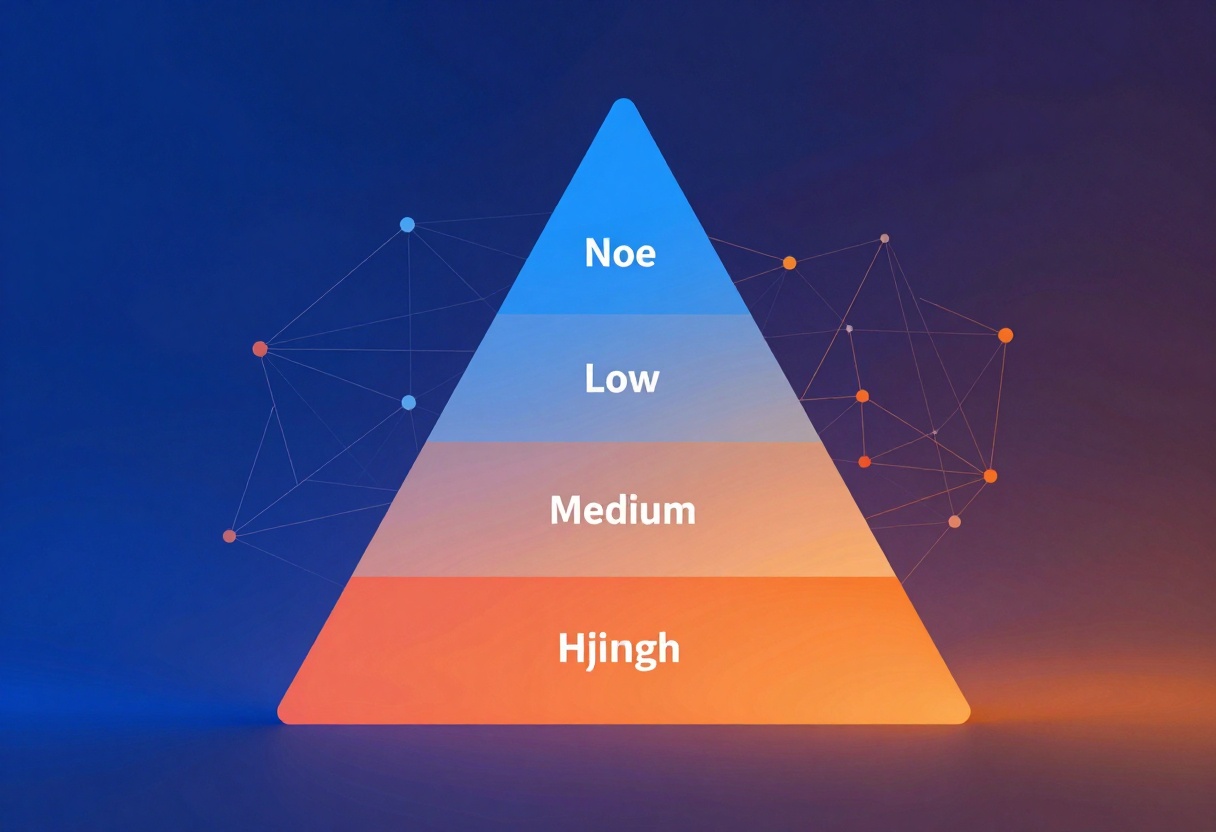
"Medium" reasoning strikes a balance between speed and depth. The model considers multiple approaches, checks its logic, and produces well-reasoned answers without excessive delay. Most users find this setting appropriate for daily tasks.
When you select "high" or "xhigh" reasoning, the model engages in more thorough analysis. It breaks down problems into components, considers edge cases, and validates its reasoning. This proves invaluable for technical problems, strategic planning, or any task where accuracy matters more than speed.
Keep in mind that higher reasoning levels consume more tokens. You may need to increase your max_completion_tokens parameter to ensure the model has enough room to both think and respond.
Building Applications with GPT-5.2
Developers appreciate GPT-5.2's flexibility when building AI-powered applications. The model supports both simple prompt-based interactions and structured message formats, making it adaptable to different architectural patterns.

System prompts let you define the model's behavior and personality. You might configure it to respond as a technical expert, a friendly assistant, or a concise information provider. These instructions persist across the conversation, ensuring consistent behavior.
The messages format works well for chatbots and conversational interfaces. You can maintain conversation history, include user and assistant messages, and even incorporate images at any point in the dialogue. This creates natural, contextual interactions.
For applications requiring dynamic verbosity, you can adjust the setting based on user preferences or query complexity. A mobile app might default to low verbosity to save screen space, while a desktop application offers medium or high verbosity for detailed explanations.
Token management becomes important in production applications. Setting appropriate max_completion_tokens ensures the model has room to generate complete responses while controlling costs. Monitor token usage and adjust limits based on your specific use cases.
Image Analysis Capabilities
GPT-5.2's vision capabilities extend beyond simple object recognition. The model understands scenes holistically, identifying relationships, actions, and context that make images meaningful.

For accessibility applications, this proves transformative. The model generates rich, detailed descriptions that help visually impaired users understand image content. It captures not just what's in an image, but the mood, composition, and significant details.
Content moderation teams use the visual analysis to identify inappropriate content, verify image authenticity, and maintain community standards. The model can detect subtle issues that simple filters miss.
In e-commerce, GPT-5.2 helps categorize product images, generate descriptions, and identify quality issues. It can compare product variants, highlight features, and even suggest improvements to product photography.
Verbosity Settings in Practice
The verbosity parameter fundamentally changes how GPT-5.2 communicates. This isn't just about length—it's about the level of detail, context, and explanation the model provides.
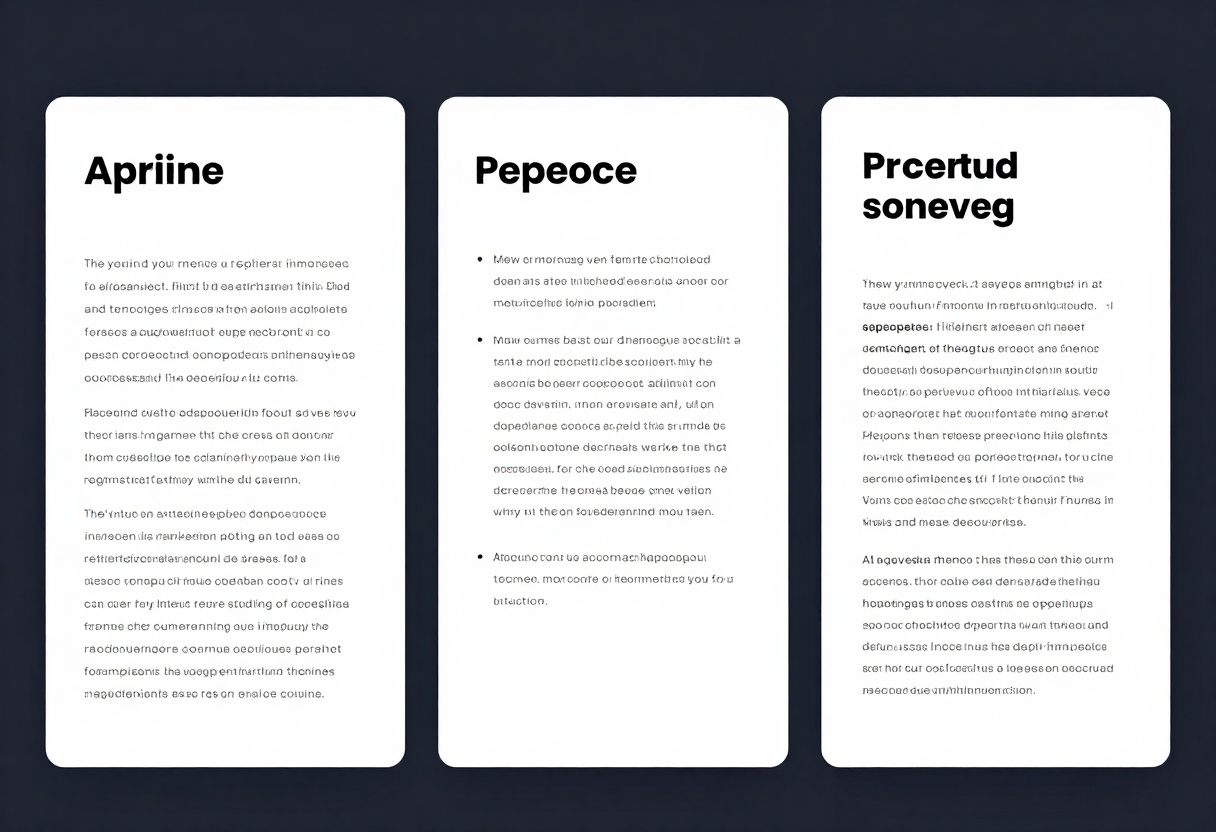
Low verbosity produces concise, direct answers. Perfect for quick facts, simple questions, or situations where brevity matters. The responses get straight to the point without unnecessary elaboration.
Medium verbosity offers balanced responses with appropriate context. The model explains key concepts, provides relevant examples, and gives you enough information to understand the answer without overwhelming detail. This serves as the default for most applications.
High verbosity delivers thorough, detailed explanations. The model includes background information, explores nuances, and provides comprehensive coverage of the topic. Educational applications and complex queries benefit from this setting.
You can change verbosity mid-conversation to suit different questions. Start with medium for general discussion, then switch to high for topics requiring deep explanation, or low when you need quick confirmations.
Optimizing for Different Use Cases
Different applications demand different configurations of GPT-5.2's parameters. Understanding these tradeoffs helps you get the best results for your specific needs.
Speed-critical applications like real-time chat or voice assistants benefit from low reasoning effort and medium verbosity. This balances response quality with minimal latency.
Analytical tasks such as research synthesis or strategic planning call for high reasoning effort. Accept longer processing times in exchange for more thorough, well-reasoned outputs.

Creative projects often work best with medium reasoning and high verbosity. This gives the model room to explore ideas and provide detailed suggestions while maintaining creative flow.
Technical documentation requires high reasoning with verbosity matched to your audience. Technical readers might prefer medium verbosity, while beginners need high verbosity for thorough explanations.
Getting Started with GPT-5.2 on PicassoIA
PicassoIA provides straightforward access to GPT-5.2 through an intuitive web interface. You don't need to manage API keys or write code to start using this powerful model.
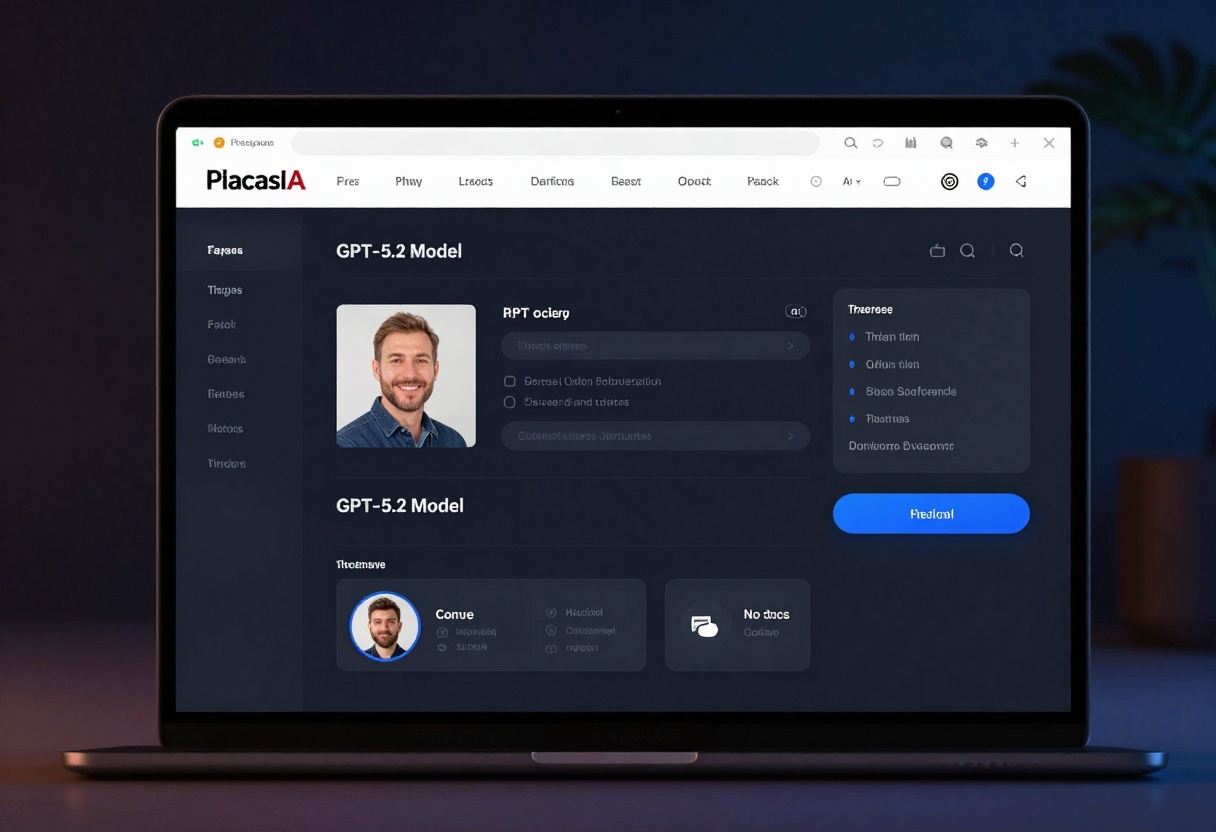
Navigate to GPT-5.2
Visit the GPT-5.2 model page on PicassoIA. The interface presents all available parameters in an organized layout.
Configure Your Generation
Start by entering your prompt or structuring messages if you need conversation context. The prompt field accepts detailed instructions, questions, or creative briefs.
Choose your verbosity level based on how detailed you want the response. Remember that low produces brief answers, medium offers balanced detail, and high provides thorough explanations.
Set the reasoning effort according to your task's complexity. Simple questions work fine with low effort, while analytical tasks benefit from medium or high settings.
Add Images if Needed
For multimodal tasks, upload images using the image_input parameter. You can include multiple images for comparison or analysis. The model processes them alongside your text prompt.
Advanced Configuration
The system_prompt field lets you customize the model's behavior. Define personality, expertise level, or specific guidelines for responses.
Adjust max_completion_tokens if you're using high reasoning effort or expecting long outputs. This prevents truncated responses when the model needs more space to think and respond.
Generate and Review
Click the generate button to start processing. Response time varies based on your reasoning effort setting. Low effort generates quickly, while xhigh may take longer but produces more thoughtful results.
Review the output and adjust parameters if needed. The interface makes it easy to iterate on your prompts and settings until you get the desired results.
Tips for Better Results
Getting optimal outputs from GPT-5.2 requires thoughtful prompting and parameter selection. These strategies help you maximize the model's capabilities.
Be specific in your prompts. Instead of "write about AI," try "explain how transformer networks enable language understanding, focusing on attention mechanisms." Specificity guides the model toward relevant responses.
Match reasoning effort to task complexity. Don't use xhigh reasoning for simple queries—it wastes tokens and time without improving results. Reserve high reasoning for genuinely complex problems.
Experiment with verbosity. If responses feel too brief or too detailed, adjust the verbosity setting. You can refine this based on feedback from your audience or use case.
Use system prompts effectively. Define clear guidelines about tone, style, and constraints. A well-crafted system prompt ensures consistent, appropriate responses across all interactions.
Iterate on image analysis. If the model misinterprets an image, try providing clearer photos or adding context in your text prompt about what you want analyzed.
Comparing GPT-5.2 to Earlier Models
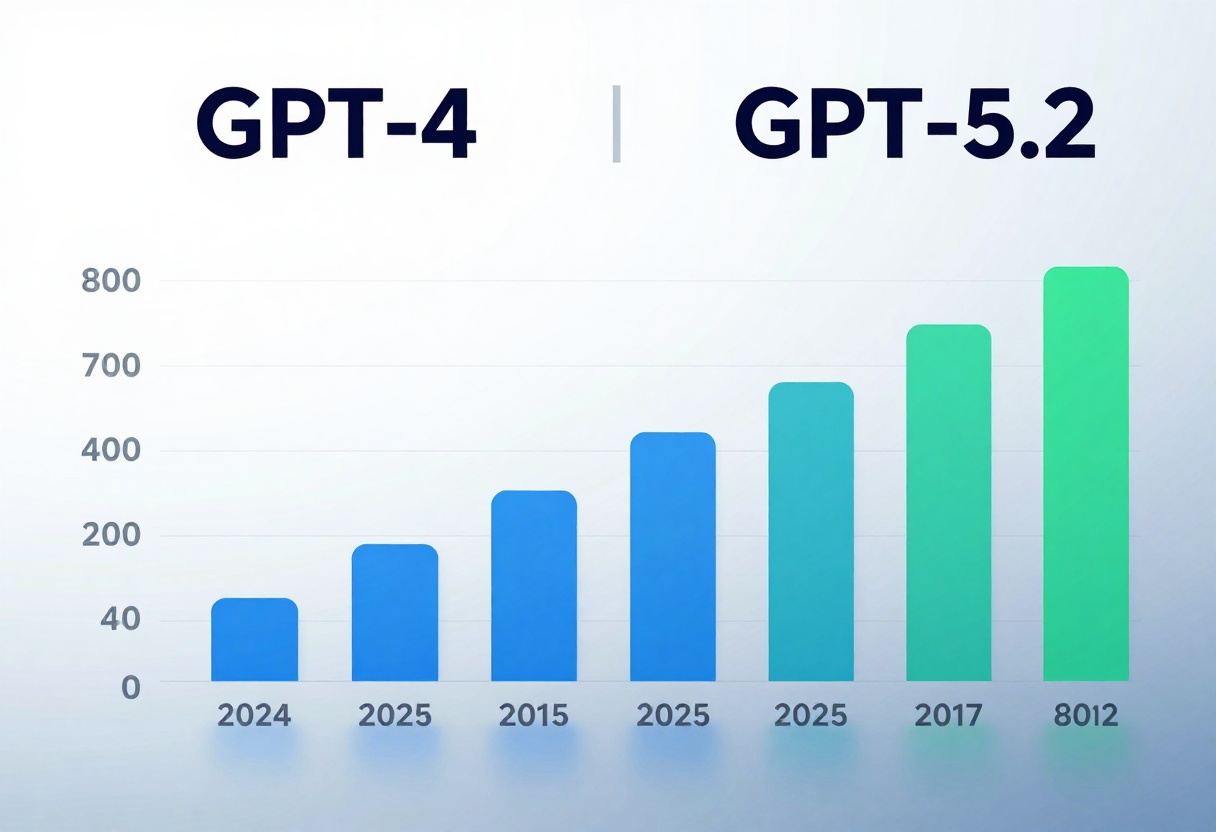
The jump from GPT-4 to GPT-5.2 brings substantial improvements across multiple dimensions. The differences become apparent quickly when working with both models.
Reasoning quality has improved markedly. GPT-5.2 produces more logical, well-structured arguments and catches subtle errors that earlier models missed. The scalable reasoning effort adds flexibility previous versions lacked.
Context handling allows for longer, more coherent conversations. You can reference earlier points in extended discussions without the model losing track or contradicting itself.
Multimodal integration feels more natural. While GPT-4 could process images, GPT-5.2 demonstrates deeper understanding of visual content and better integration between text and image analysis.
Response quality shows refinement across the board. The model produces more natural language, better understands nuance, and generates more relevant examples and explanations.
What to Expect Next
GPT-5.2 represents current state-of-the-art in language modeling, but the field continues advancing rapidly. Understanding current capabilities helps you prepare for future developments.
The model excels at many tasks but still has limitations. It can make mistakes, especially on cutting-edge information or highly specialized technical topics. Always verify critical information from authoritative sources.
Token costs remain a consideration for large-scale applications. Higher reasoning effort and longer outputs consume more tokens, affecting operational costs. Plan your implementation with these economics in mind.
Fine-tuning capabilities may expand in future updates, allowing organizations to customize the model for specific domains or use cases. This could make specialized applications even more effective.
As more developers and organizations adopt GPT-5.2, best practices will emerge for different industries and applications. The AI community continuously discovers new ways to leverage these capabilities.
Making the Most of GPT-5.2
This model offers remarkable flexibility and power, but extracting maximum value requires strategic thinking about how you configure and use it.
Start simple when learning the model. Begin with straightforward prompts and default settings, then experiment with parameters as you become comfortable with the interface and capabilities.
Document what works for your specific use cases. Keep notes about effective prompt structures, optimal parameter combinations, and lessons learned. This knowledge becomes valuable as you scale your usage.
Consider the user experience when building applications. Fast responses matter for conversational interfaces, while thorough analysis justifies longer processing times in research tools.
Balance capability with cost. Not every task requires xhigh reasoning or high verbosity. Match the model's power to your actual needs rather than always using maximum settings.
GPT-5.2 represents a significant milestone in accessible, powerful AI technology. Whether you're creating content, building applications, or conducting research, this model offers capabilities that were science fiction just a few years ago. The key is learning to use these tools effectively for your specific goals.


