GPT-5.6 for Building Multi-Step AI Agents: What Actually Works
GPT-5.6 brings a new level of reliability to multi-step AI agent systems, with sharper tool-calling precision, longer context retention, and autonomous task loops that complete complex workflows unattended. This article breaks down the three GPT-5.6 variants, shows real agent patterns that work, and walks through building on PicassoIA.
GPT-5.6 changed something real for people building multi-step agent pipelines. Not headline-level noise, but the quiet kind of progress that shows up when your agent stops hallucinating tool names, starts recovering from errors on its own, and finishes a 12-step workflow without you babysitting it. That shift matters.
If you've been chasing reliable agentic behavior with earlier GPT versions, GPT-5.6 is where the ceiling moved. This article covers why, with specifics on the three variants available on PicassoIA, how the agentic loop works in practice, and what patterns produce stable results in production.
Why Earlier Models Failed on Agents
Multi-step AI agents fail in predictable ways. The model forgets what it was doing after three or four tool calls. It invents function names that don't exist. It gets stuck in a retry loop because it can't parse its own previous output. None of this is a mystery, and GPT-5.6 addresses each of these failure modes directly.
Tool Calling Without Hallucination
The single biggest improvement in GPT-5.6 is tool-calling fidelity. In earlier models, the function call schema would degrade over a long conversation: the model would start approximating argument names, omitting required fields, or fabricating optional parameters that didn't exist in your schema.
GPT-5.6 holds the schema. In testing across agent pipelines with 15 to 30 sequential tool calls, the model consistently produces valid JSON that matches the defined schema without drift. For developers building production agents, that's not a nice-to-have. It's the difference between a product and a demo.
💡 Tip: GPT-5.6 still benefits from tight, explicit schema definitions. Vague parameter descriptions still produce vague outputs. Be specific in your tool definitions, and the model will reward you with precision.
Context That Persists Across Steps
The context window in GPT-5.6 isn't just larger; it's more usable at scale. The model tracks state across many turns without the positional drift that made earlier long-context sessions unreliable. In practical terms, this means your agent can reference a result from step 2 while executing step 14, without you having to manually re-inject that context into every subsequent call.
This matters for real workflows. Research agents that fetch, summarize, and cross-reference multiple sources. Code agents that write a function, test it, debug the failure, and re-test. Data pipeline agents that pull from an API, reshape the data, validate it, and write it somewhere else. All of these patterns depend on memory that doesn't degrade as the conversation grows.
The architectural implication is significant. With earlier models, developers were forced to maintain external state stores that would re-inject prior context at each step, essentially compensating for the model's amnesia. GPT-5.6 reduces the scaffolding you need to write by simply holding context more reliably from step to step.
GPT-5.6 Luna, Terra, and Sol Compared
PicassoIA gives you access to all three GPT-5.6 variants: GPT 5.6 Luna, GPT 5.6 Terra, and GPT 5.6 Sol. They share the same base architecture but are tuned for different use profiles.
The choice between them isn't permanent. A well-designed agent architecture can use different variants for different stages of the same workflow, routing simpler decisions to Luna and reserving Sol for the hard parts.
When to Use Luna
GPT 5.6 Luna is the fast path. If your agent needs to respond in near-real-time, or you're iterating on prompts during development, Luna gives you the throughput. The latency profile is significantly lower than Terra or Sol, making it practical for conversational agent interfaces where sub-second responses matter to the user experience.
Luna is also the right choice for the planning layer of a multi-agent system. Let Luna decompose the task and route it, then hand off subtasks to a more deliberate model. This tiered approach gets you speed on the orchestration layer and quality on the execution layer simultaneously.
When Sol Makes More Sense
GPT 5.6 Sol is built for hard problems. Complex coding tasks, multi-step logical reasoning, scenarios where the model needs to hold multiple competing constraints in mind at once. Sol takes longer, but it produces outputs that require fewer correction passes in post-processing.
In a two-stage agent architecture, the pattern that works is Luna for triage and routing, Sol for execution on the difficult subtasks. You pay the latency cost where it's worth paying, and not where it isn't.
How GPT-5.6 Handles the Agentic Loop
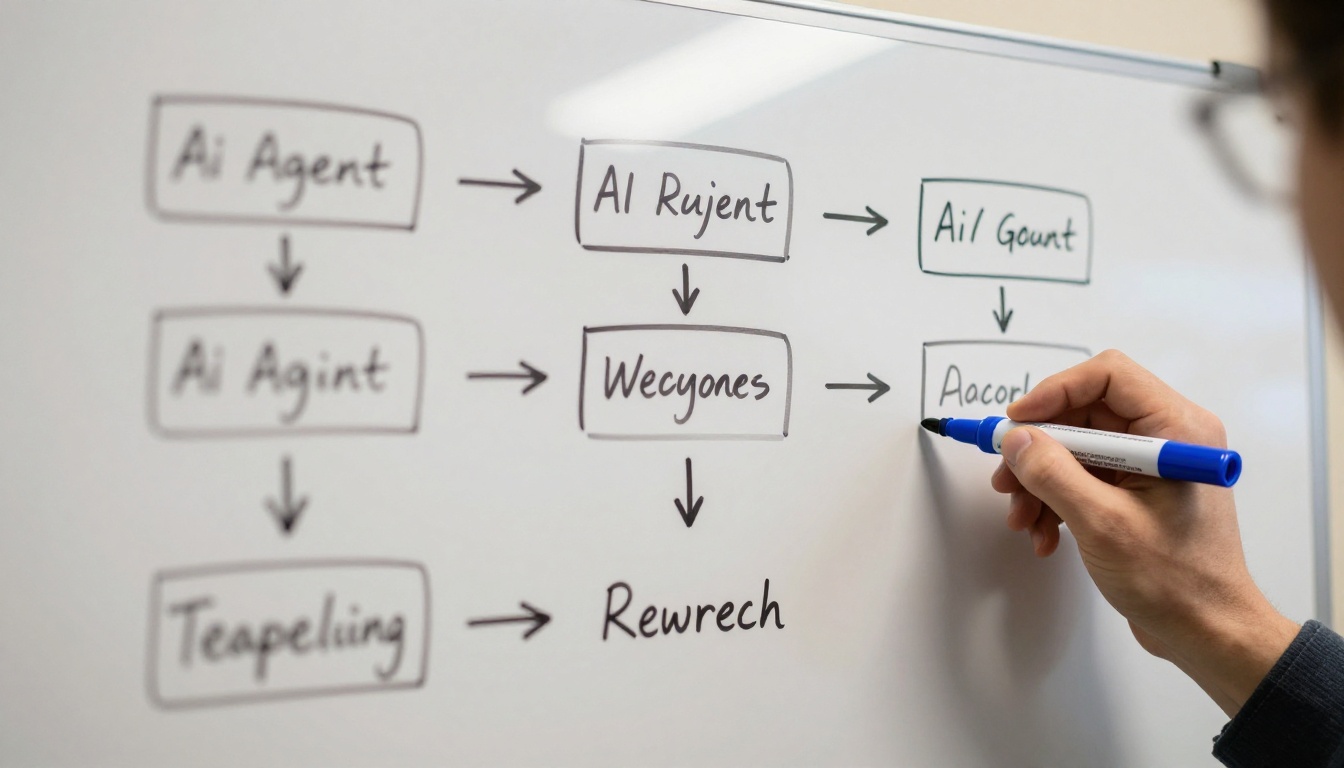
The agentic loop is simple in theory: perceive state, decide action, call tool, observe result, repeat. What breaks it in practice is accumulated ambiguity. After several tool calls, the model's decision-making degrades because the context has grown noisy with raw tool outputs, error messages, and partially completed state.
GPT-5.6 manages this better than its predecessors for two specific reasons. First, it summarizes intermediate state more consistently rather than carrying raw outputs verbatim. Second, it's been trained with reinforcement signals that reward task completion over verbosity. The result is an agent that stays on track rather than expanding its scope mid-task.
Task Decomposition in Practice
When you give GPT-5.6 a high-level goal like "research three competitors, summarize their pricing, and draft a comparison table," it naturally decomposes this into sequential subtasks without you needing to enumerate them explicitly. The model treats the goal as a plan to construct, not just a prompt to respond to.
This behavior is most reliable when your system prompt establishes the tools available and the expected output format before the task begins. GPT-5.6 reads the tool schema and plans around it. If the schema is well-defined, the decomposition is clean. If the schema is vague, the decomposition reflects that vagueness back at you.
Error Recovery and Retry Logic
One of the most underrated improvements in GPT-5.6 is how it handles tool errors. When a tool call fails and the error is returned in the context, the model doesn't just retry the exact same call. It modifies the parameters, tries an alternative approach, or signals that it needs more information before it can proceed.
This self-correcting behavior is a material reduction in the amount of error-handling scaffolding you need to write yourself. Earlier models required explicit retry logic, backoff strategies, and fallback chains in your orchestration code. GPT-5.6 absorbs some of that burden natively, especially for common errors like empty API responses, malformed data, or rate-limit messages.
💡 Important: GPT-5.6 error recovery still needs guardrails. Set a maximum retry count in your orchestration layer. The model is capable of looping indefinitely if it becomes convinced it can solve an unsolvable tool error on its own.
Start by picking the right variant for your task complexity. For most agent workflows, begin with Luna for speed testing and switch to Sol when the task requires deeper reasoning. Terra is the right default for anything going to production where consistent structured output is a requirement.
Navigate to the model page on PicassoIA, or start from all models and filter by the Large Language Models category.
Step 2: Configure Your System Prompt
The system prompt is where agent behavior is defined. A high-performing system prompt for GPT-5.6 includes a clear role definition, a summary of available tools and when to use each one, the exact schema for the final output, and explicit failure behavior specifying what to do when a step returns empty data or an error.
Keep it specific. GPT-5.6 performs better with precise instructions than with open-ended guidelines. Here's a working example for a competitive research agent:
You are a research agent with access to a web search tool and a summarization tool.

Task: given a company name, return a JSON object with the company's pricing tiers,
main features, and target customer.

Tools:
- search(query: string): returns raw search results
- summarize(text: string): returns a condensed summary

Output:
{
  "company": string,
  "pricing_tiers": string[],
  "main_features": string[],
  "target_customer": string
}

If a tool returns an error, retry once with a modified query before moving on.
Step 3: Parse the Output
GPT 5.6 Terra is particularly reliable for structured output. When you specify a JSON schema in the system prompt, the model consistently returns parseable JSON without wrapping text or markdown code fences interfering with your parser.
For Luna and Sol, add a post-processing step that strips any surrounding text before parsing. A simple function that extracts the first valid JSON block handles the edge cases without requiring a schema enforcer at the model level.
3 Real Agent Patterns That Work With GPT-5.6
The Research-Then-Write Loop
This is the most common agent pattern: fetch information from multiple sources, synthesize it, and produce a structured output. GPT-5.6 handles this reliably because it maintains fetched content in context accurately across the synthesis step without confusing data from different sources.
The critical architectural choice is to do all fetching before any writing. Agents that interleave fetching and writing produce inconsistent results because the model shifts between retrieval mode and generation mode mid-task. Fetch in batch, then write once with the full picture available.
The Code-Debug-Test Cycle
GPT 5.6 Sol handles iterative code generation better than any prior GPT variant. The model writes code, receives the test output, diagnoses the failure, and writes a corrected version. This cycle can run four to six times before requiring human intervention in well-structured setups.
The critical setup detail: pass the full error message and stack trace in the tool result, not a summarized version. GPT-5.6 uses the raw error data to localize the bug more accurately than it does with a human-described summary of the problem. Raw output is better here.
This pattern is also where Claude Sonnet 5 is worth testing as an alternative. Both models perform well on code iteration cycles; the practical difference is that Sol tends to produce more minimal corrections while Claude Sonnet 5 often rewrites more of the surrounding context. Neither is strictly better; it depends on how surgical you need the fix to be.
Data Fetch, Transform, Report
For data pipeline agents, GPT 5.6 Terra is the right choice. The pattern is: call a data API, apply a defined transformation, validate the output schema, and write to a destination. Terra's production-tuned behavior means it follows transformation rules consistently across many records, without the schema drift that affected earlier models on large data sets.
If your pipeline processes hundreds of items, Terra's consistency directly translates to fewer downstream data quality issues and less manual cleanup work.
Models Worth Comparing Against GPT-5.6
The multi-step agent space has several strong contenders. Here's an honest look at how the most relevant ones compare when used through PicassoIA.
Claude Sonnet 5
Claude Sonnet 5 excels at long-document reasoning and extended coding sessions. For agent loops that require reading large codebases or lengthy documentation, Claude Sonnet 5 often produces more coherent assessment than GPT-5.6 Sol on the first pass. The tradeoff is that GPT-5.6 typically produces more reliably structured JSON output for tool-calling workflows, making GPT-5.6 the better default for production agent pipelines.
Deepseek R1
Deepseek R1 is the reasoning model to benchmark against when your agent needs to work through complex logical chains. It shows its thinking steps, which is genuinely useful for debugging agent behavior in production. When you need to audit what the model decided at each step in a long pipeline, R1's transparency is operationally valuable beyond just being interesting.
Kimi K2.6
Kimi K2.6 has a strong showing on agentic coding tasks. If your primary agent use case is code generation and code editing within large existing codebases, K2.6 is a serious alternative to Sol. It's particularly effective on tasks that require reading existing code and extending it coherently, rather than generating from scratch.
Grok 4
Grok 4 brings strong performance on multi-step reasoning with a distinct advantage in real-time data tasks. For agent workflows that depend on current events or recent information as part of the task, Grok 4 is worth evaluating alongside GPT-5.6 Terra before committing to a production architecture.
What GPT-5.6 Gets Wrong
No model section is complete without the failure modes. Two specific issues show up repeatedly in production GPT-5.6 agent deployments.
Token Bloat on Long Pipelines
GPT-5.6 is verbose in its internal reasoning when given latitude to be. In long pipelines, this creates a compounding problem: each step adds reasoning tokens to the context, the context grows large, latency increases, and cost climbs faster than expected.
The fix is prompt-level. Instruct the model explicitly to be concise in its internal reasoning and to return only the required output. "Be brief" is too vague. "Return only the JSON object, with no surrounding text or explanation" is precise enough for GPT-5.6 to follow reliably across many turns.
Inconsistent JSON Schema Adherence on Edge Cases
GPT 5.6 Terra is highly reliable on JSON output, but edge cases exist. Very deeply nested schemas, arrays of objects with optional fields, and schemas with union types occasionally cause the model to collapse optional fields or flatten nested structures unexpectedly.
The practical fix: test your exact schema with a variety of inputs before deploying to production. Validate every response programmatically, and define clear fallback behavior for schema mismatches rather than assuming the output will always be perfect.
💡 Tip: If your schema has optional fields that the model consistently omits, make them required with a null default. GPT-5.6 is more reliable at including required fields than at correctly reasoning about which optional fields apply in a given context.
Build Your First Agent on PicassoIA
The fastest way to test GPT-5.6 for multi-step agent workflows is to start small. Pick a two-step task: fetch something, then reshape it. Get that working reliably before adding more steps. The common mistake is building a ten-step pipeline before validating that each individual step works cleanly in isolation.
PicassoIA makes this low-friction. You get access to GPT 5.6 Luna, GPT 5.6 Terra, and GPT 5.6 Sol in one place, alongside alternatives like Claude Sonnet 5, Kimi K2.6, Deepseek R1, and Grok 4, so you can run the same agent workflow across models and see the output quality difference without switching platforms.
If your agent pipeline needs to produce images as part of its output, PicassoIA's 91 text-to-image models and integrated image editing tools extend what an LLM-driven workflow can generate. Agents that write, then illustrate, all from a single platform.
Start with a task you know well. Build the agent, deliberately break it, and observe how GPT-5.6 responds to failure. That failure behavior will tell you more about which variant to deploy in production than any benchmark will.