The AI photography landscape has undergone a significant transformation with the arrival of GPT Image 1.5, marking what many consider a watershed moment for photorealistic image generation. Unlike previous iterations that often produced images with noticeable digital artifacts, unnatural textures, or inconsistent lighting, this latest model delivers what photographers have been seeking: clean, professional-grade images that rival traditional photography in quality and authenticity.
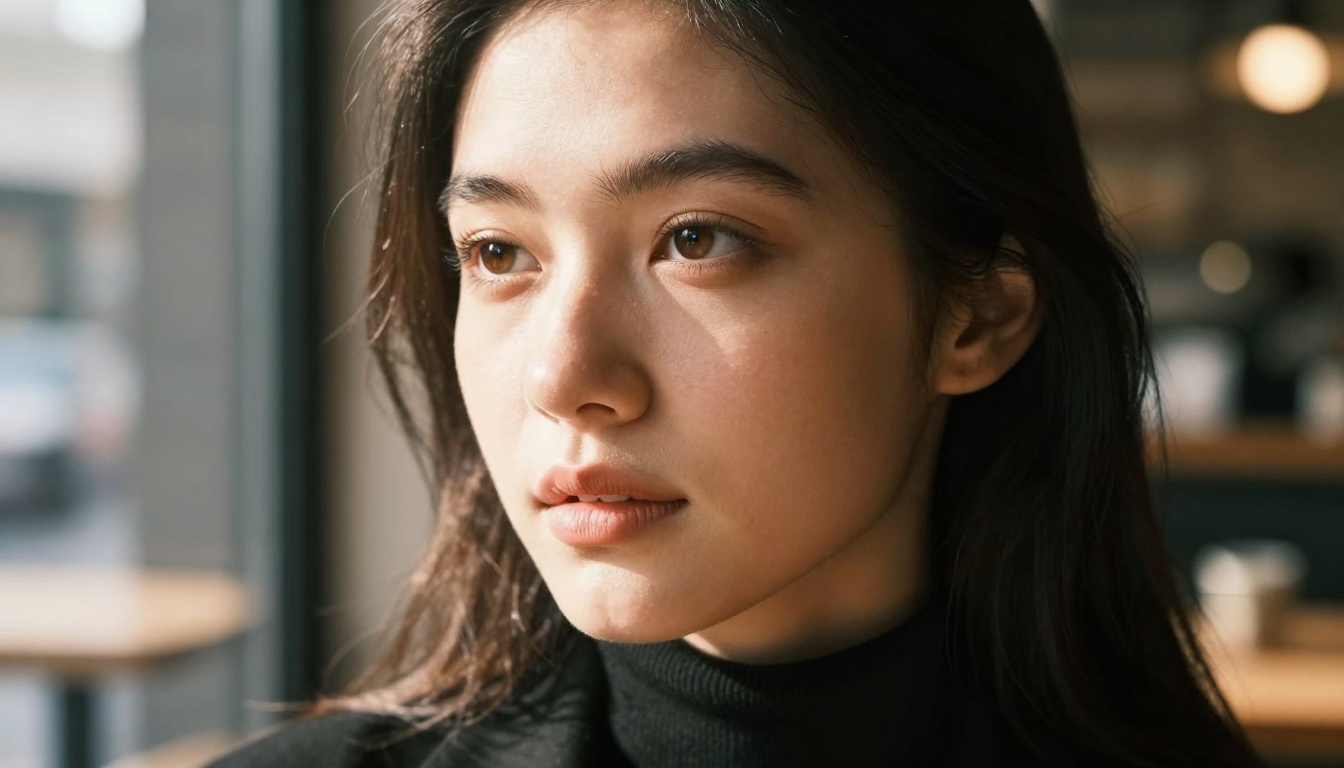
Caption: Close-up portrait demonstrating GPT Image 1.5's exceptional skin texture rendering and noise-free image quality.
What Makes GPT Image 1.5 Different
The fundamental improvement lies in the model's architecture, which has been redesigned from the ground up to prioritize photographic realism over artistic interpretation. Previous AI image generators often defaulted to exaggerated features, unrealistic lighting, and synthetic-looking textures. GPT Image 1.5 takes the opposite approach, focusing on:
- Natural skin rendering with realistic pores, subtle imperfections, and authentic skin tone variations
- Professional lighting simulation that mimics real-world photographic setups
- Material accuracy for fabrics, surfaces, and environmental elements
- Noise reduction algorithms that eliminate digital artifacts while preserving detail
Technical Improvements Behind the Scenes
GPT Image 1.5 incorporates several groundbreaking technical advancements that contribute to its cleaner output:
Enhanced Noise Processing
💡 Key Improvement: The model now uses advanced denoising techniques previously reserved for professional photo editing software, resulting in images that maintain sharpness while eliminating digital grain.
Texture Preservation Algorithms
Traditional AI models often "smooth over" fine details to create aesthetically pleasing but unrealistic images. GPT Image 1.5 employs texture preservation algorithms that:
- Maintain micro-details in skin, fabrics, and environmental elements
- Preserve natural imperfections that give photographs authenticity
- Accurately render material properties like leather grain, fabric weave, and surface textures
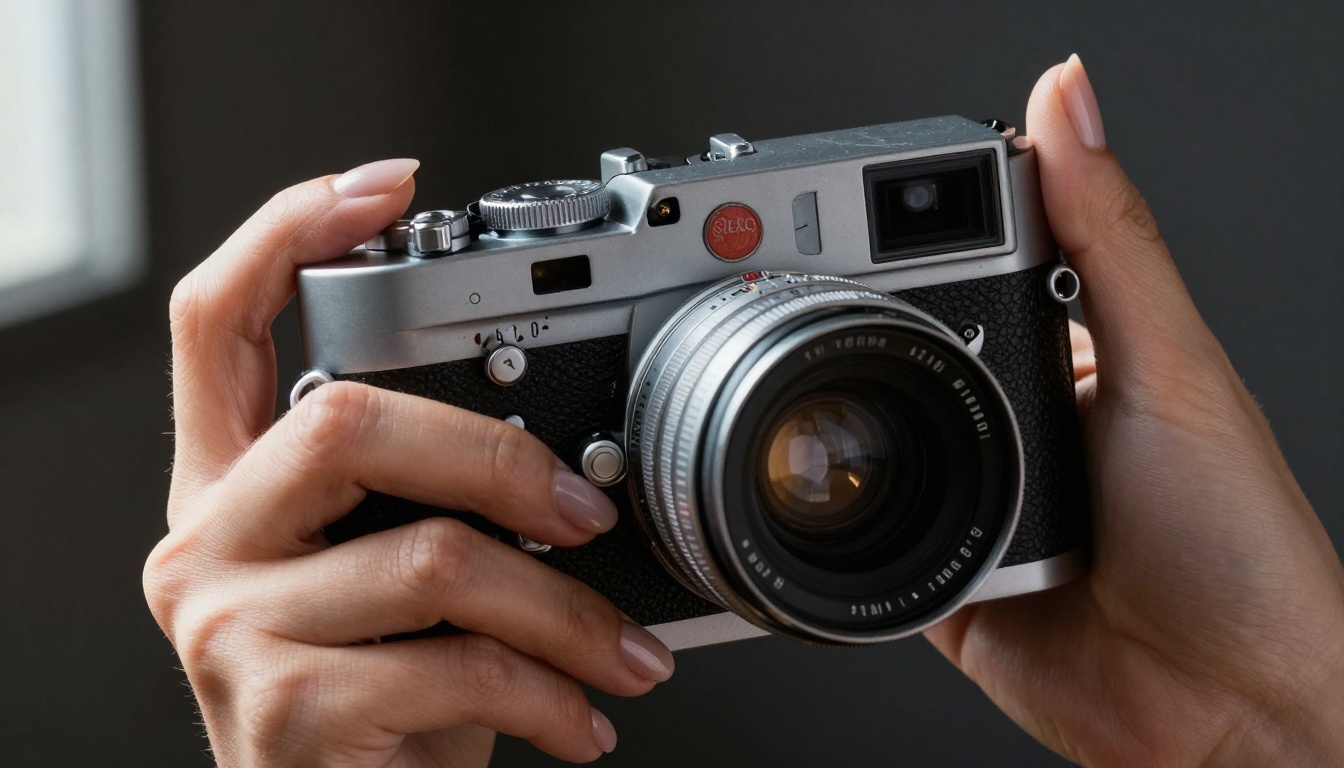
Caption: Macro shot showing exquisite detail rendering of both human skin and mechanical textures.
Lighting System Overhaul
The lighting simulation has been completely rebuilt to mimic real photographic principles:
| Lighting Aspect | Previous Models | GPT Image 1.5 |
|---|
| Directionality | Often uniform or inconsistent | Precise, directional, follows physics |
| Shadow Quality | Hard edges, unnatural falloff | Soft, natural transitions |
| Color Temperature | Inconsistent across scene | Uniform, follows lighting source |
| Reflection Handling | Basic, often unrealistic | Photographically accurate |
Practical Applications for Photographers
Portrait Photography Replacement
For portrait photographers, GPT Image 1.5 offers compelling advantages:
- Consistent quality regardless of lighting conditions
- Perfect exposure every time, eliminating bracketing needs
- Skin retouching built into the generation process
- Pose variety without requiring multiple sessions
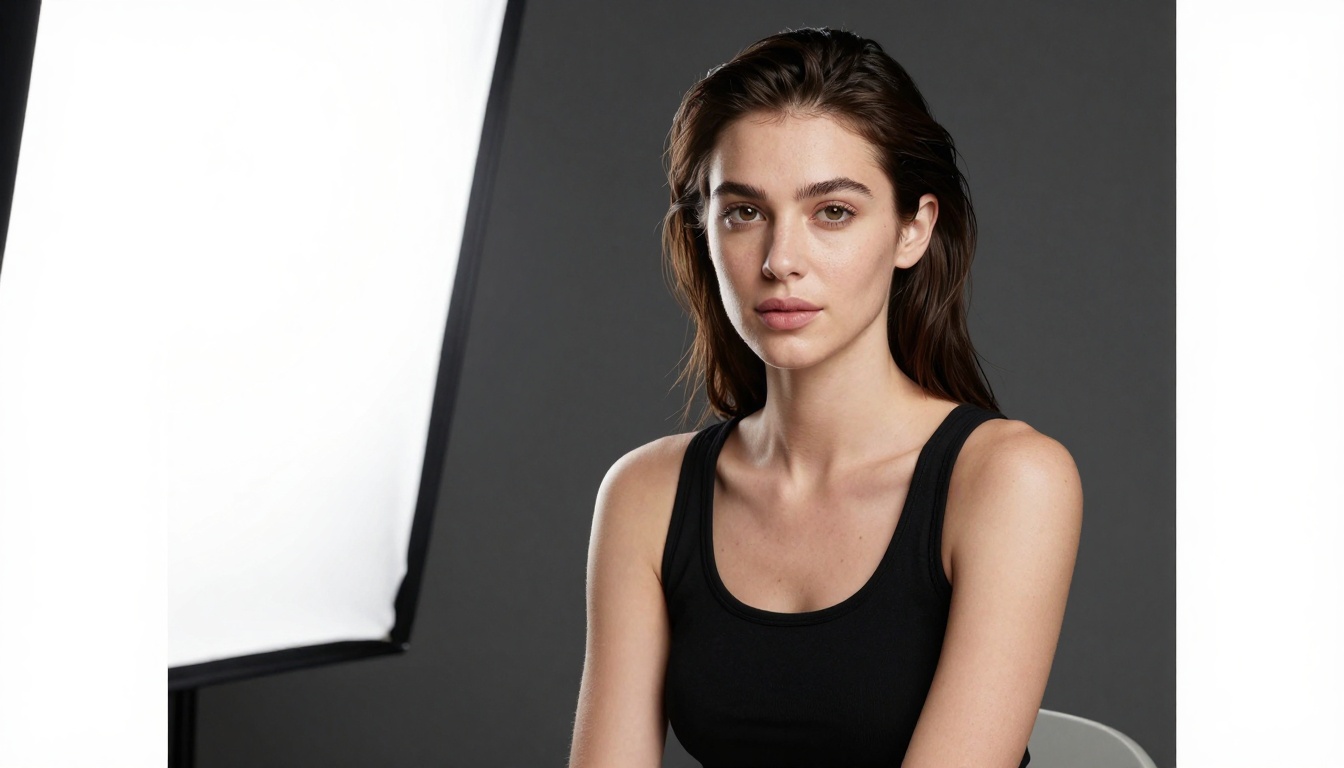
Caption: Professional studio portrait demonstrating perfect lighting control and skin rendering.
Environmental and Location Photography
The model excels at complex environmental scenes that previously challenged AI systems:
- Depth accuracy in landscape and architectural shots
- Atmospheric rendering of fog, rain, and natural phenomena
- Consistent scale between foreground and background elements
- Natural color grading that matches real-world conditions
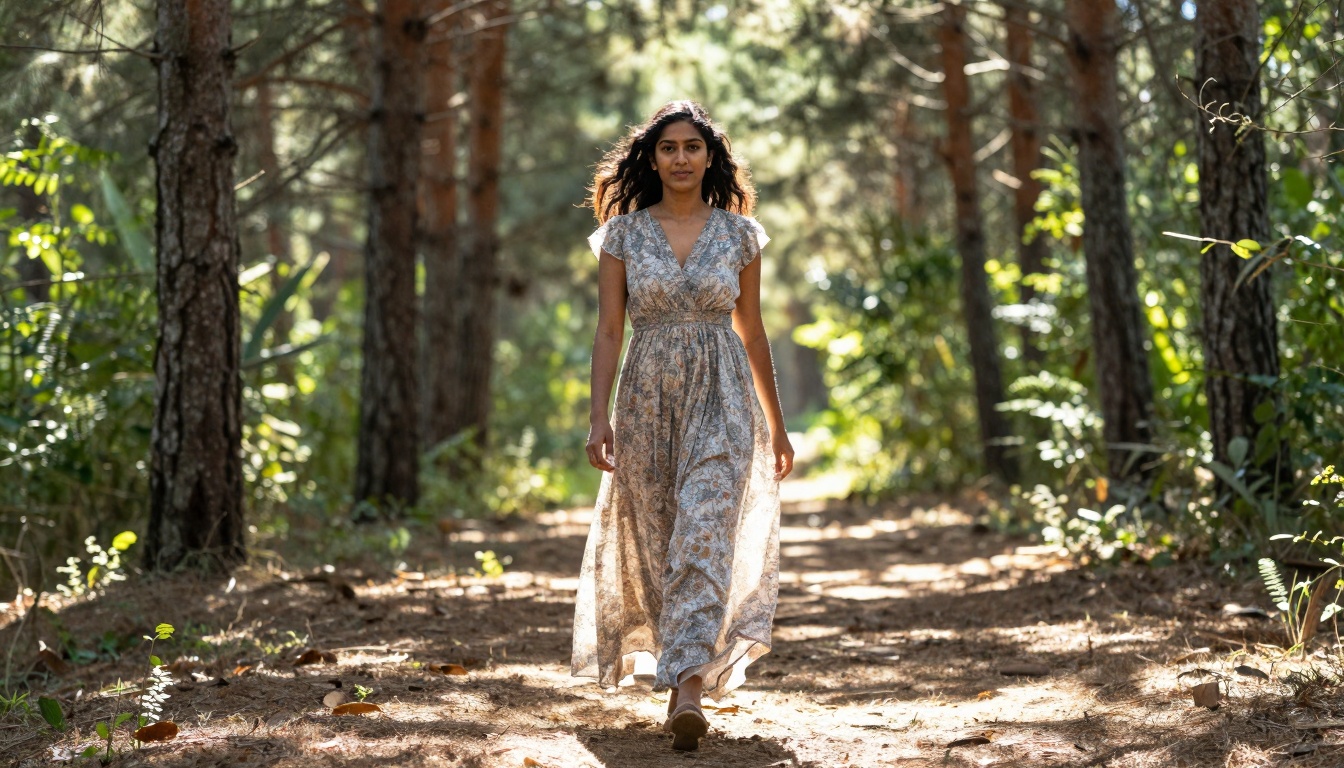
Caption: Environmental portrait showing perfect balance between subject and natural surroundings.
Comparison with Other AI Models
When stacked against competing models available on platforms like PicassoIA, GPT Image 1.5 demonstrates clear advantages:
Versus Traditional Diffusion Models
Models like Stable Diffusion and DALL-E have different strengths:
- Artistic flexibility vs photographic accuracy
- Creative interpretation vs realistic representation
- Style variety vs consistency in realism
Versus Other Photorealistic Models
Compared to specialized photorealistic models like Flux and Qwen:
- GPT Image 1.5 excels at human subject rendering and natural lighting
- Flux models offer different artistic styles and creative interpretations
- Qwen models provide fast generation with good quality balance
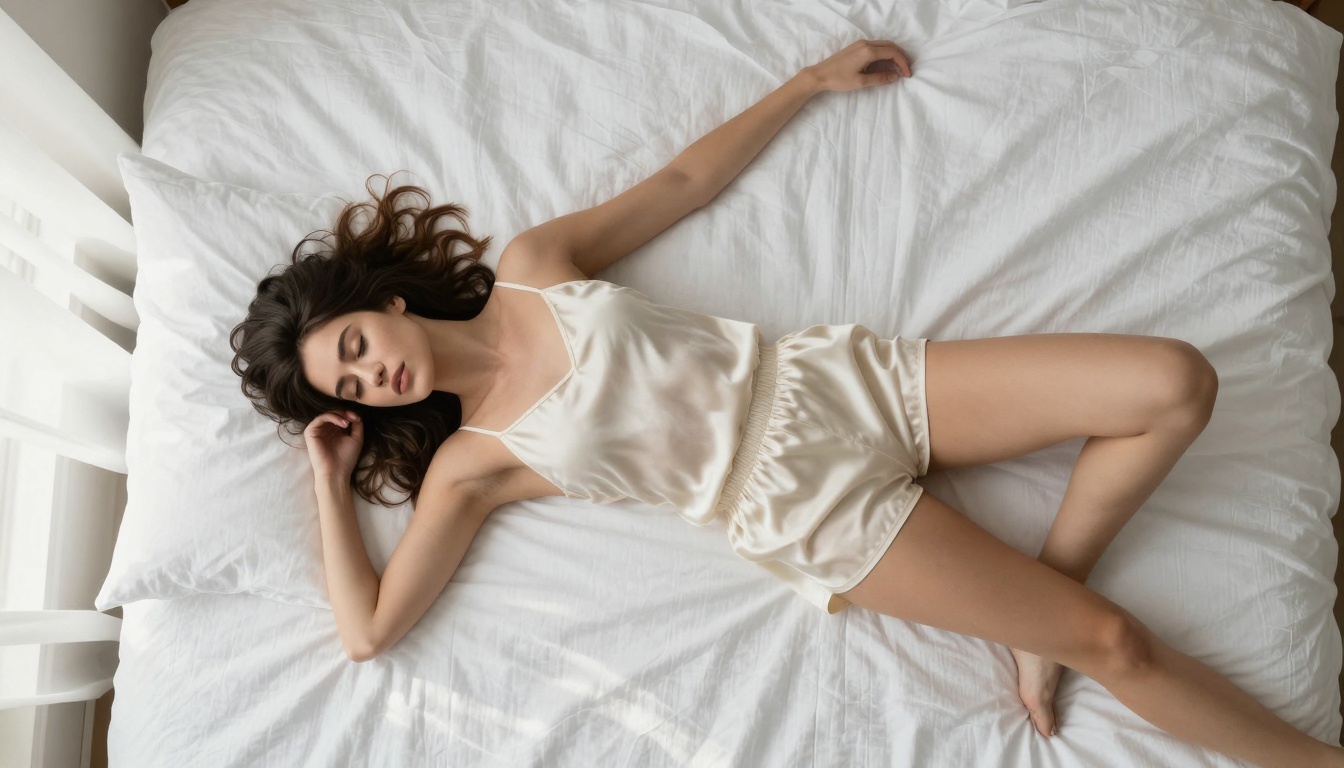
Caption: Aerial view demonstrating perfect texture rendering across multiple surfaces and materials.
How to Achieve Best Results with GPT Image 1.5
Prompt Engineering for Photography
To get the cleanest results from GPT Image 1.5, structure your prompts with photographic terminology:
- Specify camera equipment: "Shot with 85mm f/1.8 lens"
- Describe lighting conditions: "Golden hour with side lighting"
- Include photographic styles: "Kodak Portra 400 film simulation"
- Mention specific textures: "Natural skin texture with fine pores"
Common Mistakes to Avoid
Photographers transitioning to AI should watch for these pitfalls:
- Over-specifying artistic styles (the model defaults to photographic realism)
- Neglecting lighting descriptions (the model needs lighting cues for best results)
- Using vague terminology ("beautiful" vs "photorealistic with natural lighting")
- Ignoring composition elements (camera angles, depth of field, focal length)
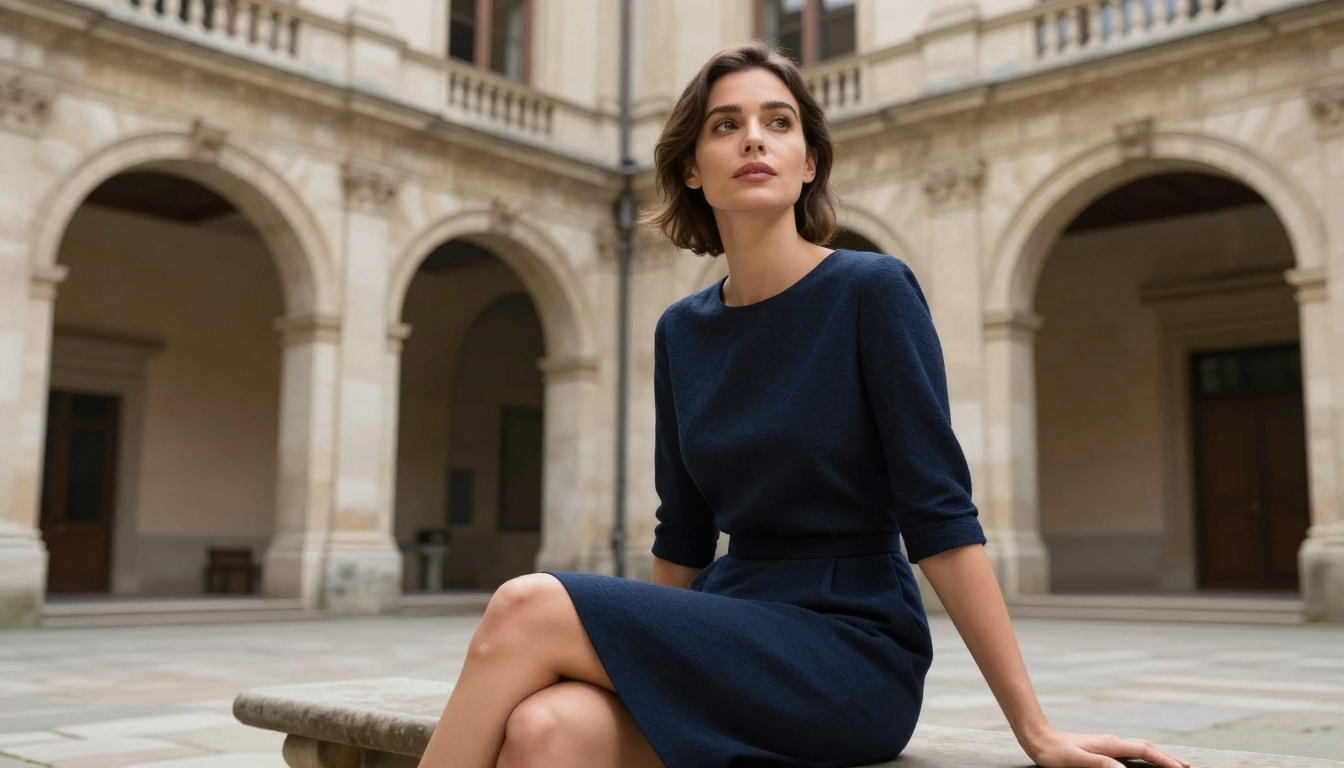
Caption: Low-angle architectural portrait showing perfect detail in both human subject and stone environment.
Real-World Use Cases
Commercial Photography
Businesses can leverage GPT Image 1.5 for:
- Product photography with perfect lighting and detail
- Model shots without hiring talent or scheduling sessions
- Environmental mockups for architecture and real estate
- Style consistency across marketing materials
Personal Photography Projects
Individual photographers benefit from:
- Portfolio expansion without additional equipment costs
- Concept testing before actual photo shoots
- Skill development by studying AI-generated lighting setups
- Creative exploration of difficult or expensive photographic scenarios
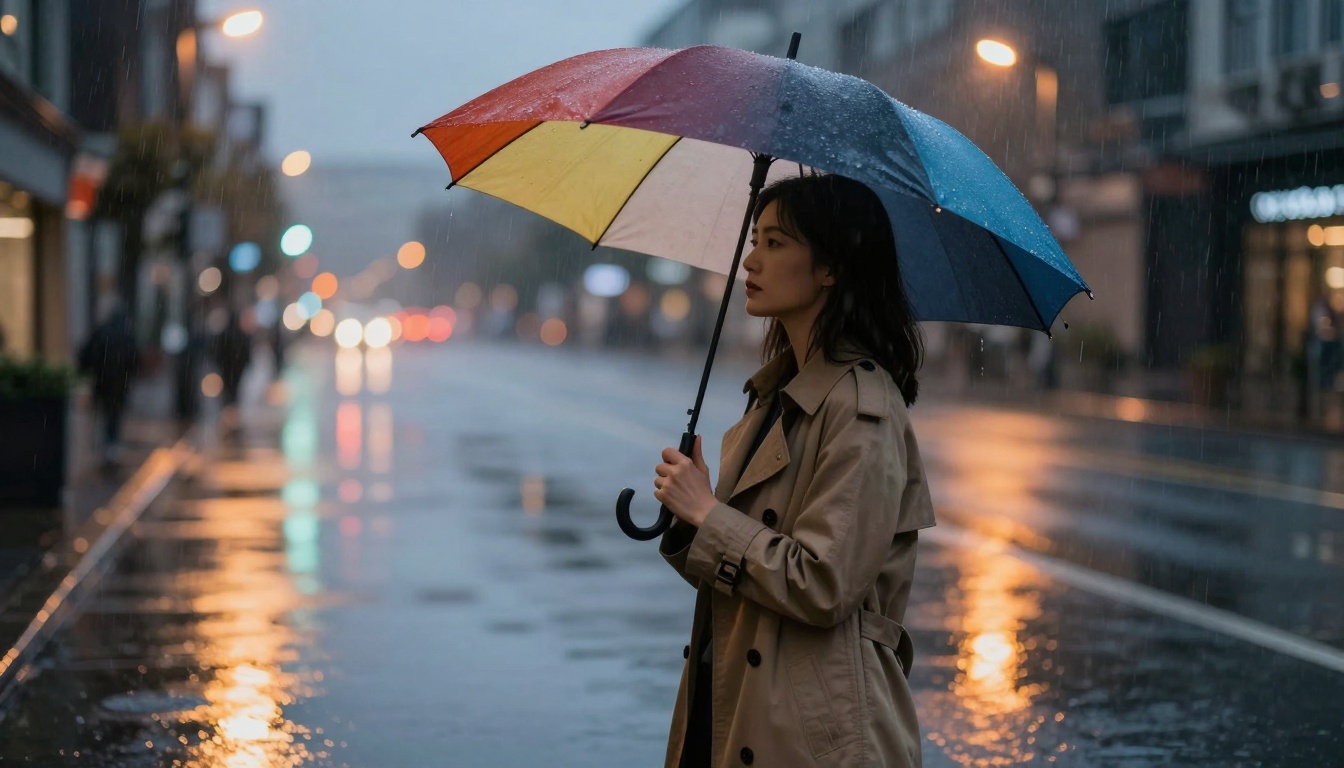
Caption: Urban street scene demonstrating perfect noise handling in low-light rainy conditions.
Technical Considerations for Professional Use
Resolution and Output Quality
GPT Image 1.5 generates images at resolutions suitable for:
- Web use (1920x1080 and larger)
- Print media (with appropriate upscaling)
- Social media (various aspect ratios supported)
- Commercial printing (with quality preservation)
File Format and Metadata
The model outputs standard image formats with:
- Standard color profiles for consistent display
- Embedded metadata where applicable
- Quality compression that preserves detail
- Format flexibility for different use cases
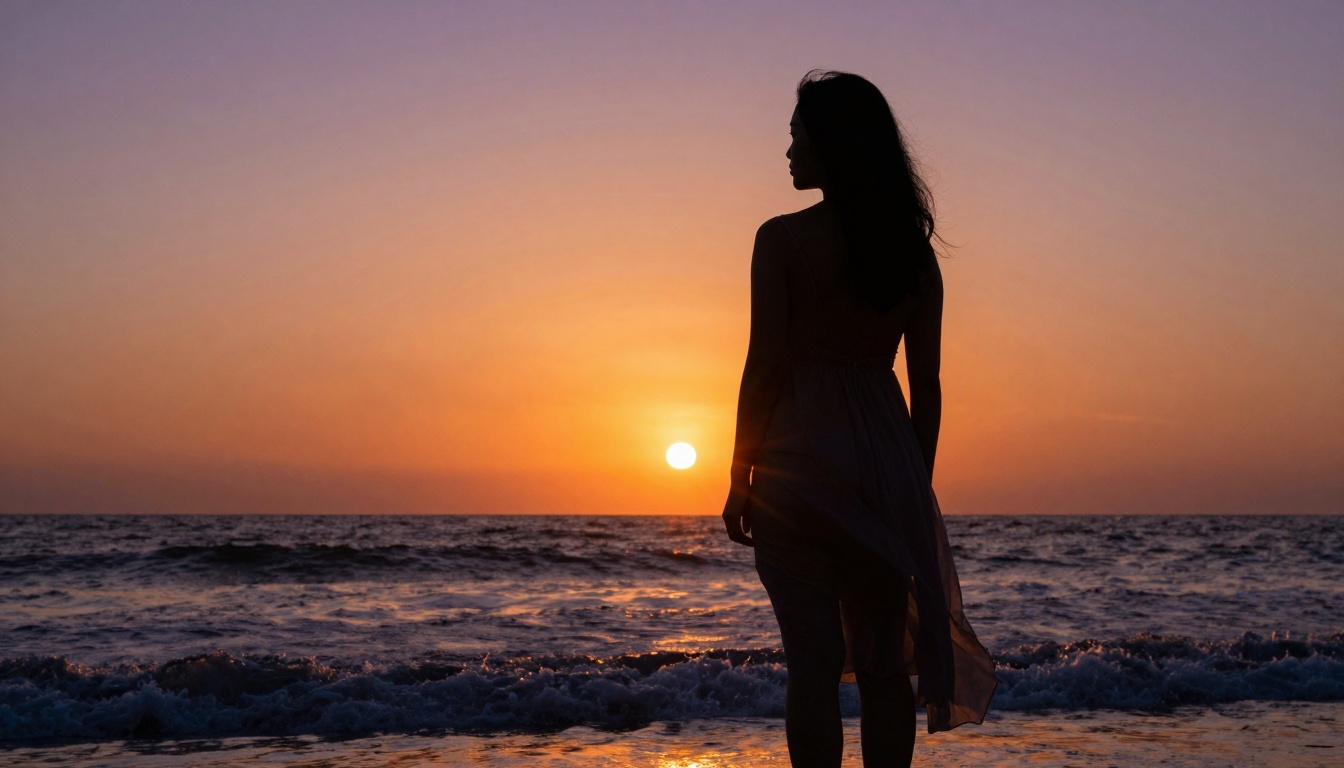
Caption: Backlit sunset silhouette demonstrating perfect highlight handling and dynamic range.
Integration with Photography Workflows
Post-Processing Compatibility
GPT Image 1.5 images work seamlessly with standard photo editing software:
- Adobe Lightroom color grading and adjustment
- Photoshop compositing and retouching
- Capture One professional color correction
- Specialized software for specific photography niches
Workflow Optimization
Photographers can integrate the model into existing workflows:
- Concept development using AI-generated references
- Lighting planning based on AI simulations
- Composition testing before actual shoots
- Final image enhancement combining AI and traditional techniques
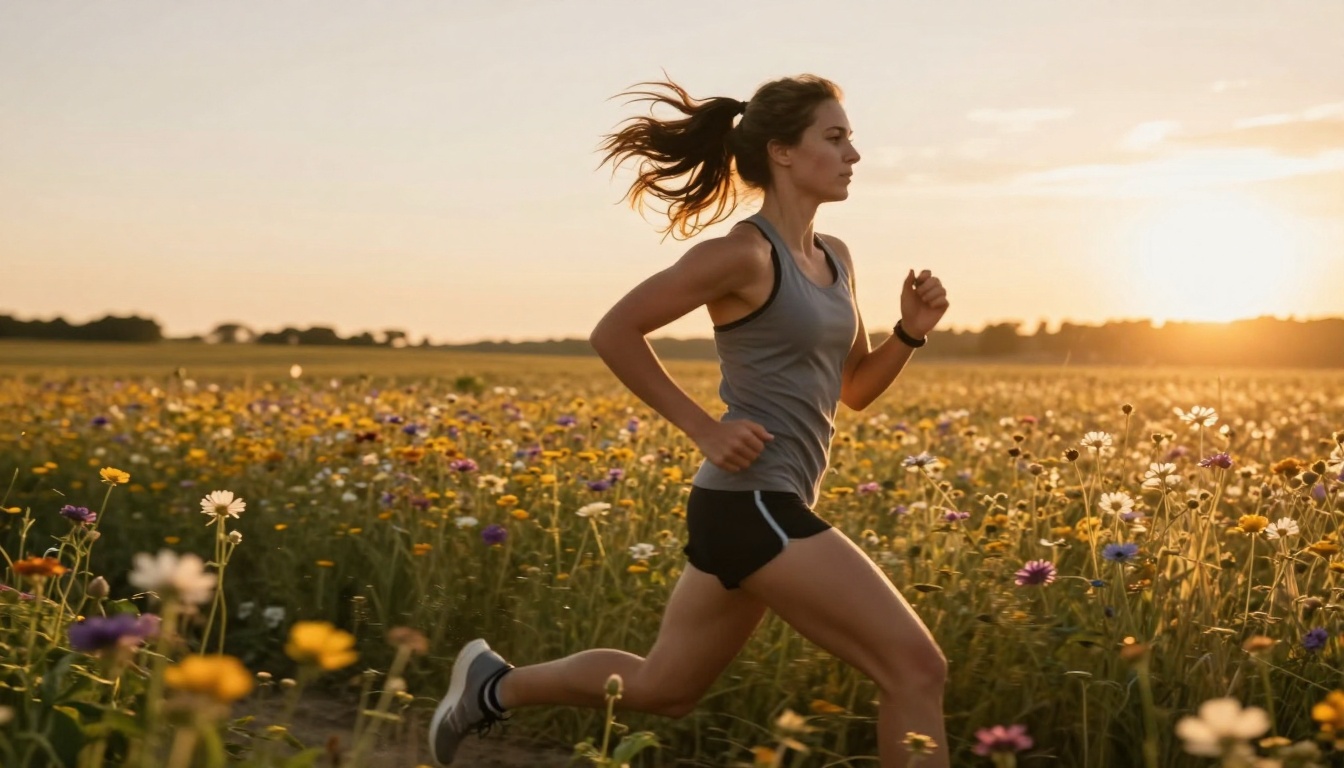
Caption: Action shot demonstrating perfect motion blur handling and focus tracking simulation.
The Future of AI-Assisted Photography
GPT Image 1.5 represents not just an incremental improvement but a fundamental shift in how AI can assist photographic creation. The clean, professional-quality output opens doors for:
- Democratizing professional photography for those without extensive equipment
- Accelerating creative workflows for working photographers
- Exploring impossible photographic scenarios safely and affordably
- Developing photographic skills through AI-generated examples
The technology continues to evolve, with future iterations likely to offer even greater realism, more specialized photographic styles, and deeper integration with traditional photography tools.
Try Creating Your Own AI Photographs
The best way to understand GPT Image 1.5's capabilities is to experiment with it directly. Visit the GPT Image 1.5 model page on PicassoIA to start generating your own clean, professional-quality AI photographs. Begin with simple portrait prompts, then experiment with different lighting conditions, camera angles, and environmental settings to discover the full range of what this advanced model can create.


