GPT Image 1.5 for Clean Profile Pictures: The Professional Edge You Need
Your profile picture creates the first impression that lasts. In today's digital landscape, a clean, professional portrait can determine whether you get the job interview, attract clients, or build meaningful connections. Traditional photography comes with scheduling hassles, inconsistent quality, and high costs. GPT Image 1.5 changes everything by generating photorealistic profile pictures that look like they came from a professional studio. This guide shows you exactly how to create stunning profile pictures for every professional context, with practical examples and step-by-step instructions using the PicassoIA platform.
Your profile picture creates the first impression that lasts. Whether it's LinkedIn, Twitter, company websites, or professional portfolios, that small circle at the top of your profile carries disproportionate weight. Recruiters spend 6.2 seconds looking at your profile picture before deciding to read further. Clients form opinions about your professionalism before they even see your credentials. In a world where digital presence equals professional presence, your image matters more than ever.
💡 First Impression Statistics: Research shows that profiles with professional headshots receive 14 times more profile views on LinkedIn. Job applicants with quality profile pictures are 36% more likely to get interview requests.
Traditional professional photography presents significant barriers: scheduling conflicts with photographers, inconsistent quality depending on the photographer's skill, high costs ranging from $200-$800 for a basic session, and the anxiety of being photographed. What if you could generate perfect profile pictures tailored to your industry, personality, and professional goals without ever stepping into a studio?
GPT Image 1.5 changes the landscape completely. As OpenAI's advanced text-to-image model available on PicassoIA, it generates photorealistic portraits indistinguishable from professional photography. The technology understands human facial structure, professional lighting principles, and composition rules that traditionally required years of photographic training.
Why Clean Profile Pictures Matter
Clean doesn't mean boring or generic. A clean profile picture presents you at your professional best while remaining authentic. It's the balance between approachable and competent, between human and polished.
Three critical elements define a clean profile picture:
Professional Context - The background and environment should support your professional narrative without distracting
Authentic Expression - Your facial expression should convey genuine personality while remaining appropriate for your industry
Technical Quality - Lighting, composition, and technical execution must meet professional standards
Different industries have different expectations:
Industry
Expected Style
Key Elements
Example Use Case
Corporate/Finance
Conservative, polished
Neutral background, professional attire, subtle smile
Professional attire, soft lighting, warm expressions
Medical, therapy, wellness
How GPT Image 1.5 Creates Professional Portraits
GPT Image 1.5 isn't just another AI image generator. Its architecture is specifically optimized for human portraits, with several key advantages:
Facial Structure Understanding: The model has been trained on millions of professional portraits, understanding proportional relationships between facial features, natural expressions, and how light interacts with human skin.
Lighting Simulation: GPT Image 1.5 can simulate complex lighting setups that would require thousands of dollars in studio equipment - Rembrandt lighting, butterfly lighting, loop lighting, and natural window light effects.
Composition Intelligence: The model understands photographic composition rules like the rule of thirds, golden ratio, leading lines, and negative space application.
Style Adaptation: Unlike generic models, GPT Image 1.5 can adapt to specific professional styles - corporate conservative, creative expressive, tech minimal, or academic intellectual.
Example: Corporate professional headshot generated with GPT Image 1.5 showing perfect Rembrandt lighting, appropriate professional attire, and confident yet approachable expression.
Crafting the Perfect Prompt
The quality of your GPT Image 1.5 output depends entirely on your prompt engineering. A well-crafted prompt should include these essential components:
1. Subject Description
"Professional woman in her early 30s with dark brown hair in loose waves, wearing a cream-colored cashmere sweater"
2. Expression and Pose
"Authentic smile that reaches her eyes, showing genuine confidence and approachability, standing with relaxed posture"
3. Lighting Specification
"Soft morning light from camera-left creating volumetric light shafts, natural key light with soft shadows under chin"
4. Background Context
"Minimalist loft studio with floor-to-ceiling windows, blurred artist's workspace in background with abstract paintings"
5. Technical Specifications
"85mm f/1.8 lens, shallow depth of field, shot on Sony A7R IV with natural grain, Kodak Portra 400 film simulation"
6. Style and Mood
"Warm and muted color palette, organic contrast, sophisticated yet creative atmosphere, professional but approachable"
💡 Prompt Pro Tip: Always specify the camera lens and lighting direction. These technical details dramatically improve photorealism. Terms like "85mm f/1.8" or "soft window light from camera-left" tell the AI exactly what professional photographers would use.
Example: Casual professional portrait perfect for creative industries or personal branding. Notice the environmental storytelling through the coffee shop setting.
Industry-Specific Profile Picture Formulas
Different professional contexts require different visual approaches. Here are optimized prompt formulas for each major industry:
Corporate/Finance Formula
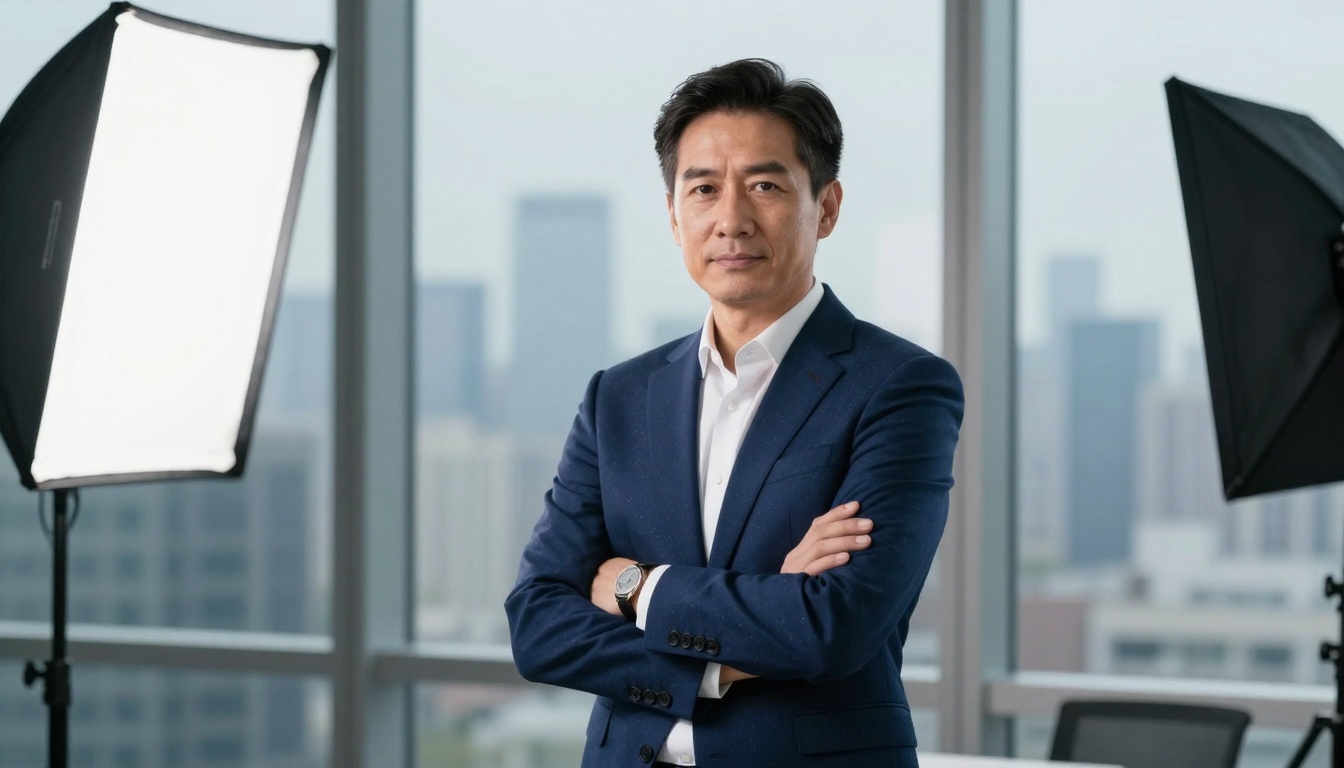
"Professional [man/woman] in [age range] wearing [navy blue/gray/black] suit with [white/light blue] shirt, [with/without] tie. Confident but approachable expression with slight smile in eyes. Standing against floor-to-ceiling glass wall with city skyline blurred in background. Shot with 70-200mm f/2.8 lens at 135mm for flattering compression. Professional studio lighting with large softbox key light camera-left, hair light from above-right. Color graded to cool corporate tones with warm skin contrast. --ar 16:9 --style raw"
Tech Industry Formula
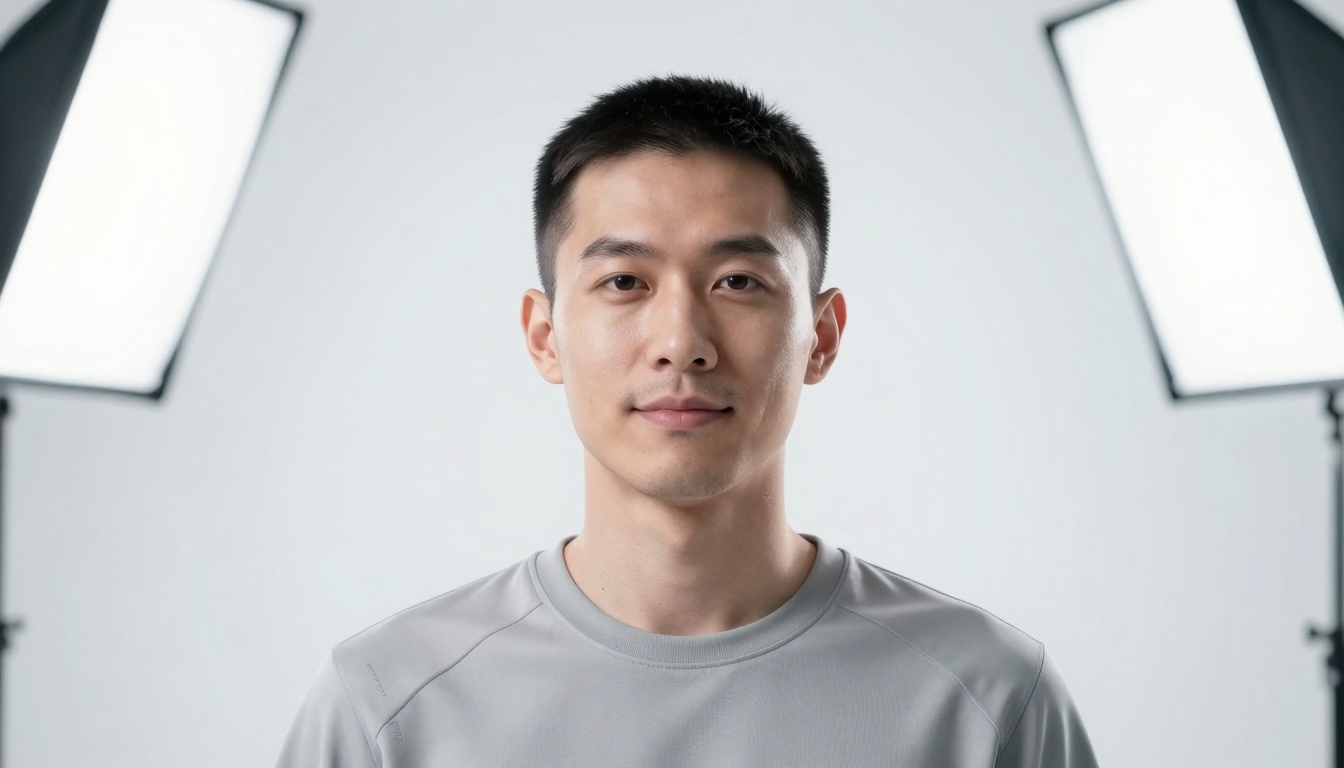
"[Man/woman] in early 30s with clean modern haircut, wearing minimalist gray techwear sweatshirt. Neutral expression with slight smirk conveying innovation. Positioned in white cyc studio with seamless white background. Ultra-soft even lighting from large overhead softboxes creating zero shadows. 100mm f/2.8 macro lens for clinical precision. Color graded to cool neutral with slight cyan tint in highlights. --ar 16:9 --style raw"
Creative Industry Formula
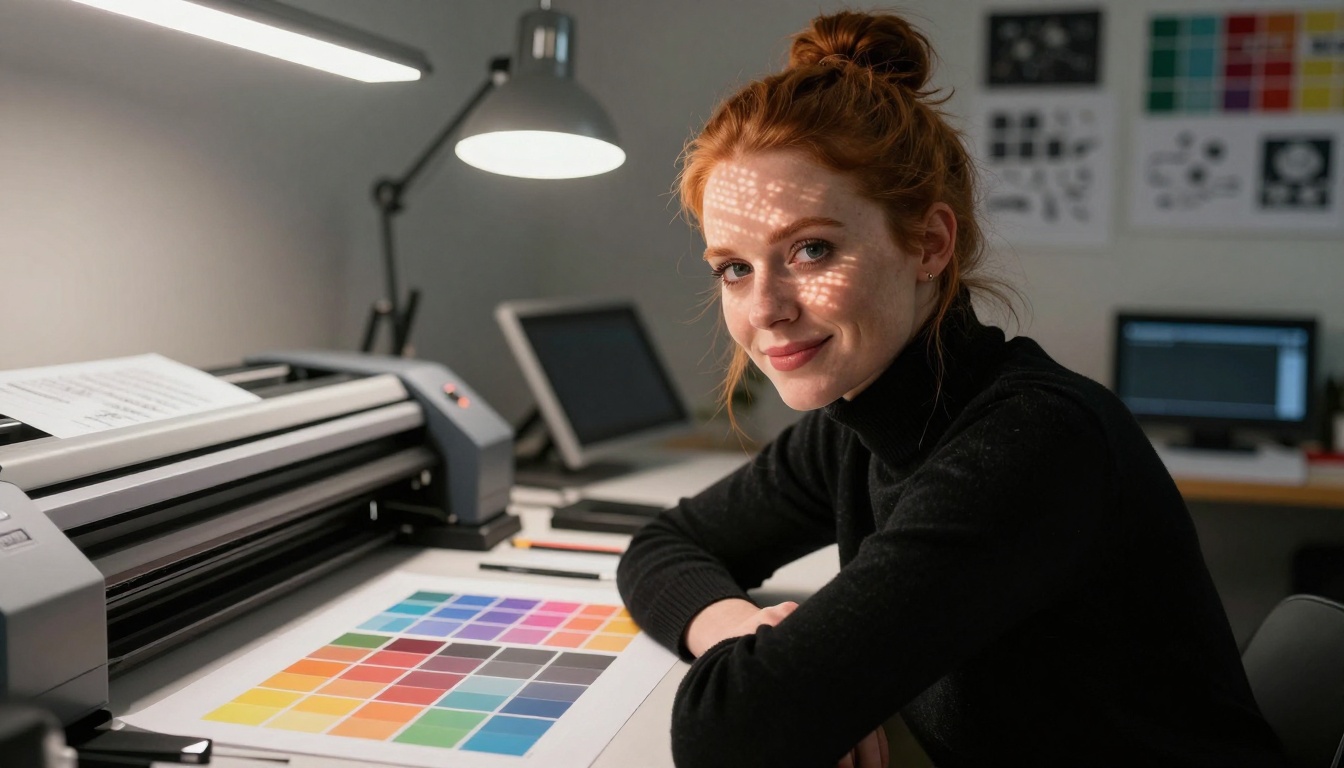
"Graphic designer in her workspace wearing black turtleneck sweater, red hair in messy bun. Confident half-smile with direct eye contact. Leaning against large format printer with colorful test prints scattered around. 50mm f/1.2 lens at close proximity. Soft overhead LED panels mixed with practical desk lamp warm light. Custom LUT with lifted blacks and strategic color pops. --ar 16:9 --style raw"
Example: Creative industry portrait showing professional competence within a contextual workspace. The Wacom tablets and design sketches tell the story without words.
Common Mistakes and How to Avoid Them
Even with advanced AI, certain pitfalls can make your profile pictures look amateurish:
❌ Mistake 1: Overly Generic PromptsBad: "professional profile picture"
Good: "corporate executive in late 40s wearing navy suit, confident expression, modern office background, 70-200mm lens, studio lighting"
❌ Mistake 2: Unnatural ExpressionsBad: "big smile showing all teeth"
Good: "authentic smile that reaches the eyes, natural laugh lines, genuine warmth"
❌ Mistake 3: Distracting BackgroundsBad: "busy office with people working"
Good: "blurred bookshelf background" or "minimalist white studio"
❌ Mistake 4: Incorrect LightingBad: "bright light"
Good: "soft window light from camera-left creating Rembrandt triangle on cheek"
❌ Mistake 5: Missing Technical DetailsBad: "high quality photo"
Good: "85mm f/1.8 lens, shallow depth of field, Sony A7R IV, natural grain"
💡 Quality Check: Before finalizing, ask yourself: Would this look natural on a company website? Would a recruiter find this professional? Does it match industry standards?
Using GPT Image 1.5 on PicassoIA
Now that you understand the principles, here's how to actually create your professional profile pictures using GPT Image 1.5 on PicassoIA:
Step 2: Craft Your Prompt
Use the industry-specific formulas above as templates. Modify the bracketed sections with your specific details:
Replace [man/woman] with your gender
Replace [age range] with your approximate age group
Adjust clothing descriptions to match your professional attire
Modify the background to match your industry context
Step 3: Adjust Parameters
GPT Image 1.5 offers several parameters that affect output quality:
Parameter
Recommended Setting
Why It Matters
Aspect Ratio
16:9
Standard for profile pictures, crops well to square
Style
Raw
Produces photorealistic results without artistic filters
Seed
Leave empty
Allows variation between generations
Prompt Upsampling
Off
Manual prompts work better for professional portraits
Step 4: Generate and Refine
Generate your first image
Analyze the result against professional standards
Refine your prompt based on what worked/didn't work
Generate variations until you achieve perfection
Step 5: Post-Processing (Optional)
While GPT Image 1.5 produces excellent results, you might want to:
Crop to perfect square for LinkedIn/Twitter
Adjust brightness/contrast slightly
Add minimal retouching if desired
Convert to black and white for dramatic effect
Example: Corporate portrait showing perfect studio lighting, appropriate professional attire, and confident posture. The city skyline background adds context without distraction.
Advanced Techniques for Specific Use Cases
LinkedIn Profile Pictures
LinkedIn has specific requirements and best practices:
Square crop (400×400 pixels minimum)
Eye-level composition with face filling 60% of frame
Professional but approachable expression
Consistent lighting across all your profile elements
Optimized LinkedIn Prompt:
"Professional [job title] in [industry], authentic smile showing confidence and approachability, eye-level composition with face filling 60% of frame, clean blurred office background, soft professional lighting, 85mm f/1.8 lens, square aspect ratio ready for LinkedIn crop, color graded to warm professional tones"
Company Website Team Pages
Team pages require consistency across all portraits:
Uniform background (all white or all matching environment)
Consistent lighting direction (all from same side)
Similar expression style (all smiling or all serious)
Matching composition (same framing for all team members)
Team Page Consistency Prompt:
"[Team member description], [consistent expression style], standing against [uniform background], [consistent lighting setup], [same lens and camera specs], color graded with [team color palette], --ar 16:9 --style raw"
Conference Speaker Photos
Speaker photos need to convey expertise and approachability:
Slightly more dynamic composition
Engaging expression that shows passion
Contextual elements suggesting presentation setting
Slightly higher contrast for visibility on event websites
Speaker Photo Prompt:
"Conference speaker with engaging expression showing expertise and passion, slight low-angle for authority, blurred audience or presentation screen in background, dynamic lighting with spot effect, 70-200mm f/2.8 lens, slightly increased contrast for web visibility, --ar 16:9 --style raw"
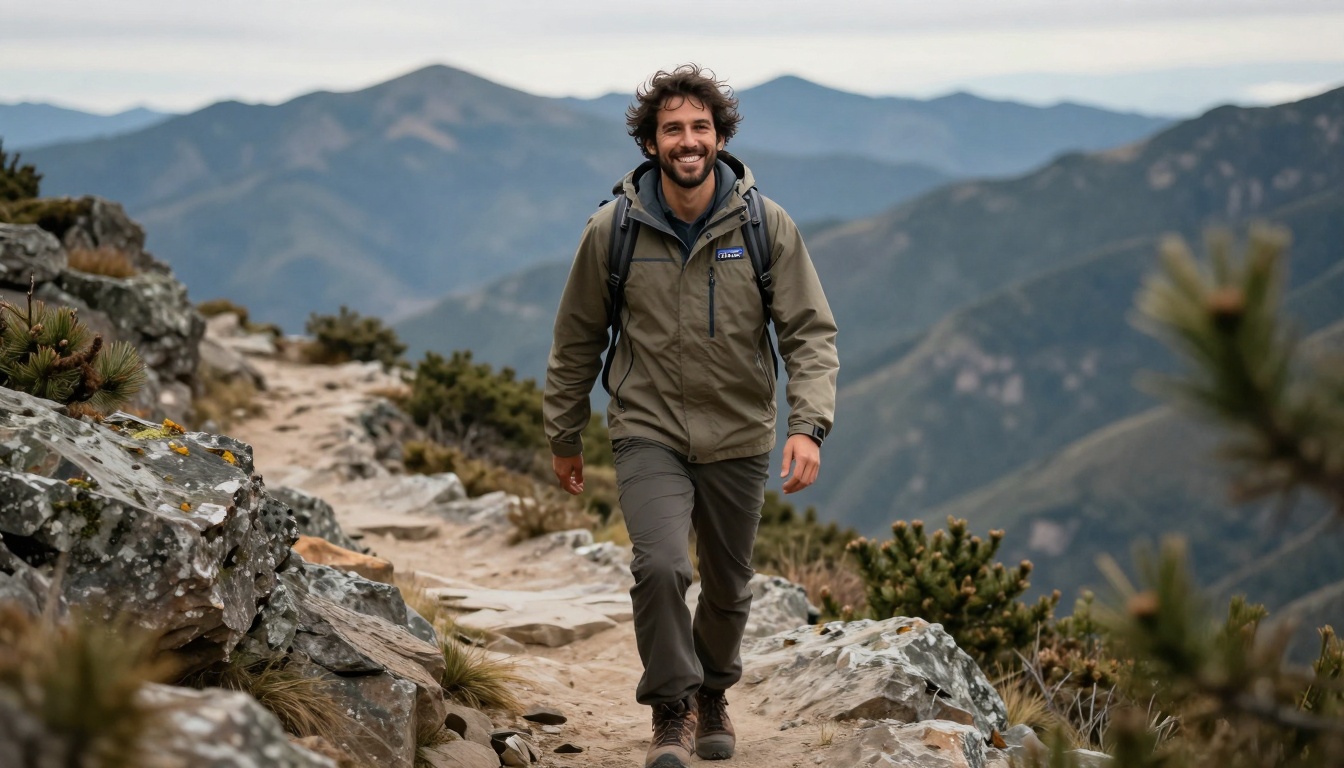
Example: Outdoor industry professional showing authentic joy and connection to environment. Perfect for industries like outdoor retail, environmental consulting, or adventure tourism.
Comparing GPT Image 1.5 with Alternatives
When creating professional profile pictures, you have several options. Here's how they compare:
Method
Cost
Time
Quality
Consistency
Control
Professional Photographer
$200-$800
2-4 weeks
Excellent
Variable
Limited
DIY Photography
$50-$300
1-2 days
Poor-Fair
Poor
High
Generic AI Generators
$10-$50
Minutes
Fair
Good
Medium
GPT Image 1.5
$5-$20
Minutes
Excellent
Excellent
High
Key Advantages of GPT Image 1.5:
Cost-effective - 90% cheaper than professional photography
Time-efficient - Results in minutes versus weeks
Consistent quality - Every generation meets professional standards
Total control - You dictate every aspect of the final image
Unlimited variations - Generate until perfect without additional cost
💡 Budget Consideration: For the cost of one professional photography session ($500), you could generate 25-100 different professional profile pictures with GPT Image 1.5, covering every professional context you'll encounter for years.
Real-World Success Stories
Professionals across industries are already using GPT Image 1.5 for their profile pictures:
Sarah, Marketing Director: "I needed updated headshots for our company rebrand. Traditional quotes were $750 for our team of 8. Using GPT Image 1.5, I created consistent professional portraits for everyone in 2 hours for under $40. The website launch got compliments on our 'professional photography budget.'"
Michael, Software Engineer: "My LinkedIn profile had a grainy selfie from 5 years ago. Recruiters commented on it negatively. I generated 10 variations with GPT Image 1.5, picked the best, and my profile views increased by 300% in the first month."
Dr. Chen, Academic Researcher: "University budget cuts eliminated department photography. I generated professional academic portraits for our faculty page that look better than our previous $2,000 photography session. The dean asked for our photographer's contact info!"
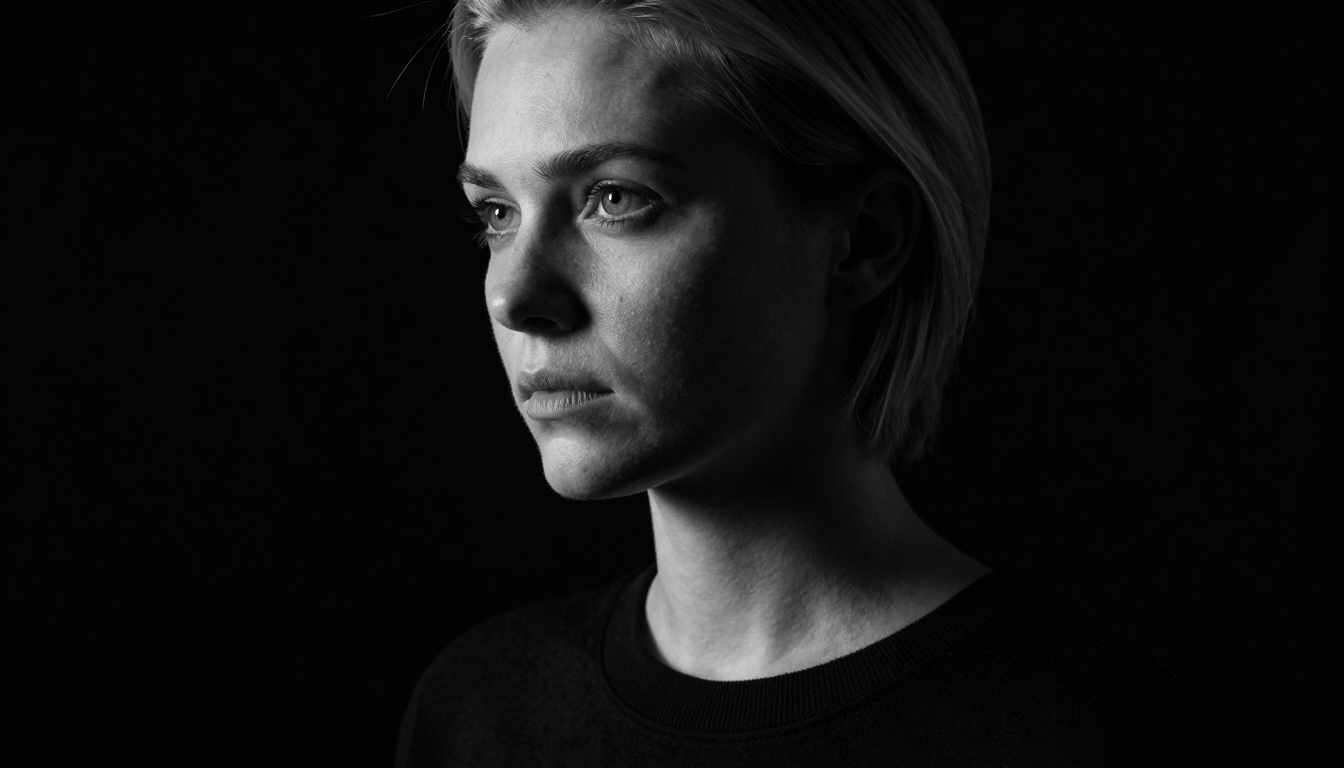
Example: Minimalist dramatic portrait perfect for creative directors, artists, or professionals wanting a bold, memorable profile picture.
Creating a Complete Professional Image Set
Your professional presence extends beyond one profile picture. Consider creating a coordinated set:
Primary Profile Picture: Your main headshot for LinkedIn, company website, email signature
Secondary Variations: Slightly different expressions/angles for Twitter, Instagram, speaking profiles
Context-Specific Images: Industry-appropriate variations for different professional contexts
Brand-Consistent Backgrounds: Matching style across all your professional platforms
Seasonal Updates: Refreshed images quarterly or annually to keep your presence current
Getting Started Today
The barrier to professional profile pictures has never been lower. Here's your action plan:
Your professional image shouldn't be a barrier to career advancement. With GPT Image 1.5, you have studio-quality photography capabilities at your fingertips. The technology understands professional standards better than most entry-level photographers, and gives you control over every aspect of your professional presentation.
The digital first impression economy rewards those who invest in their professional image. While others struggle with outdated selfies or budget constraints, you can present yourself with the polish of a Fortune 500 executive, the creativity of an award-winning designer, or the intellect of a leading academic - all generated in minutes, tailored to your exact professional context.
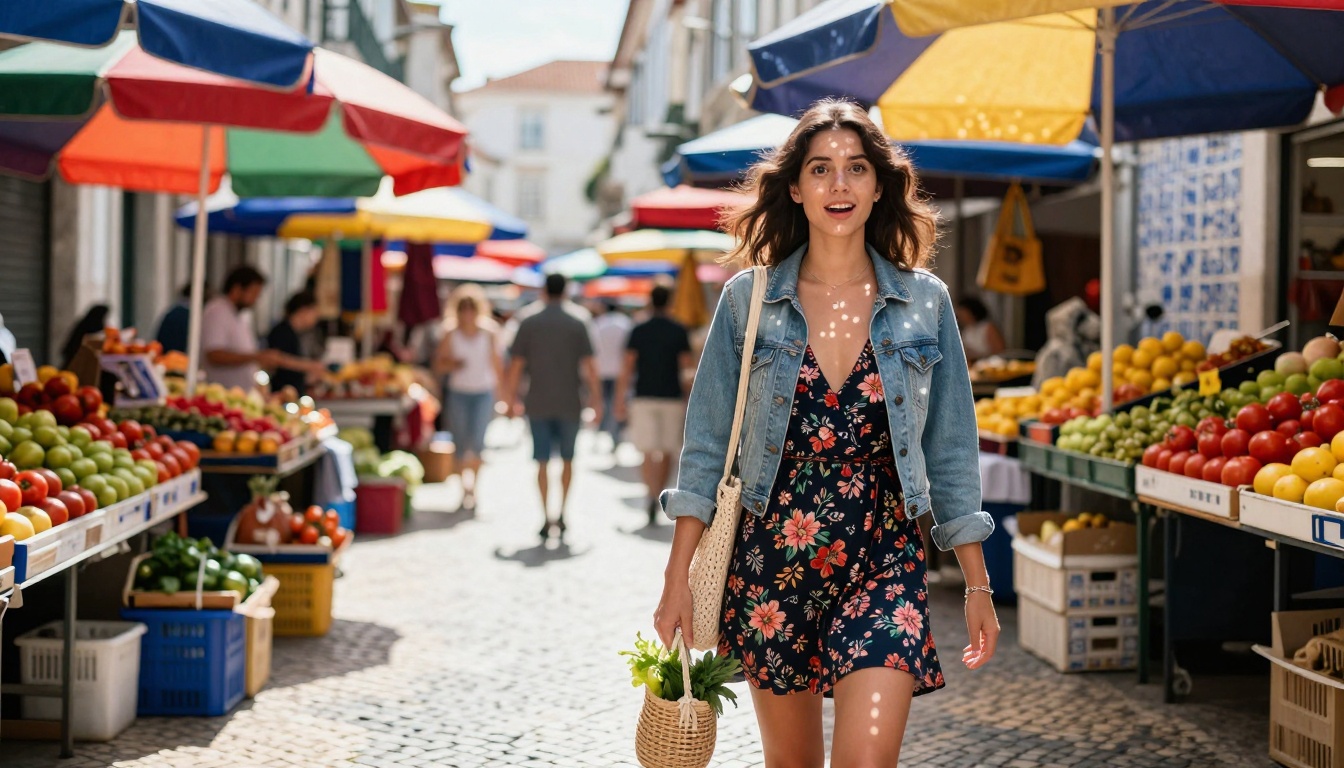
Example: Urban lifestyle profile showing personality and context. Perfect for professionals in travel, hospitality, or creative fields where personality is part of the brand.
Try It Yourself
The best way to understand GPT Image 1.5's capabilities is to experiment. Start with one of the formulas in this guide, modify it to match your professional context, and generate your first professional portrait. You'll be surprised at how quickly you can create results that rival professional studio photography.
Remember: Your profile picture isn't just an image - it's your professional handshake in the digital world. Make it count.
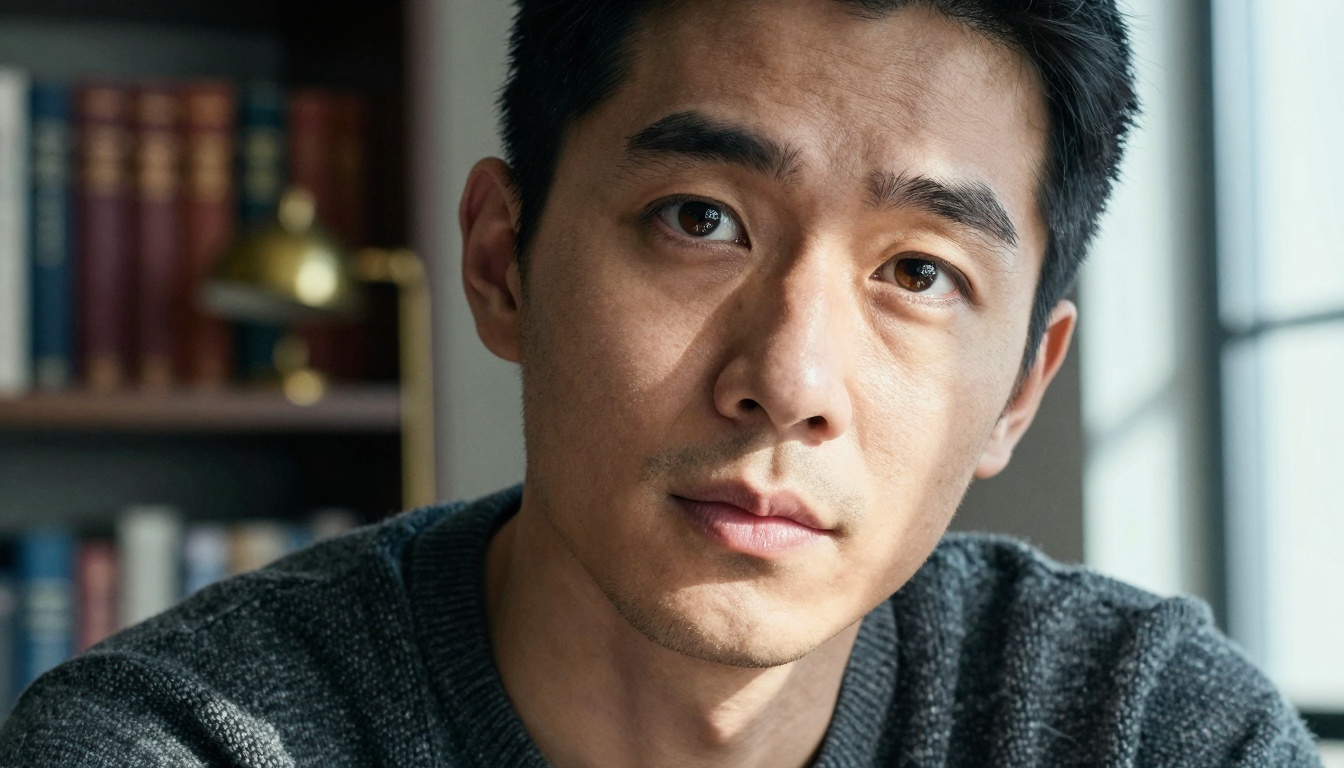
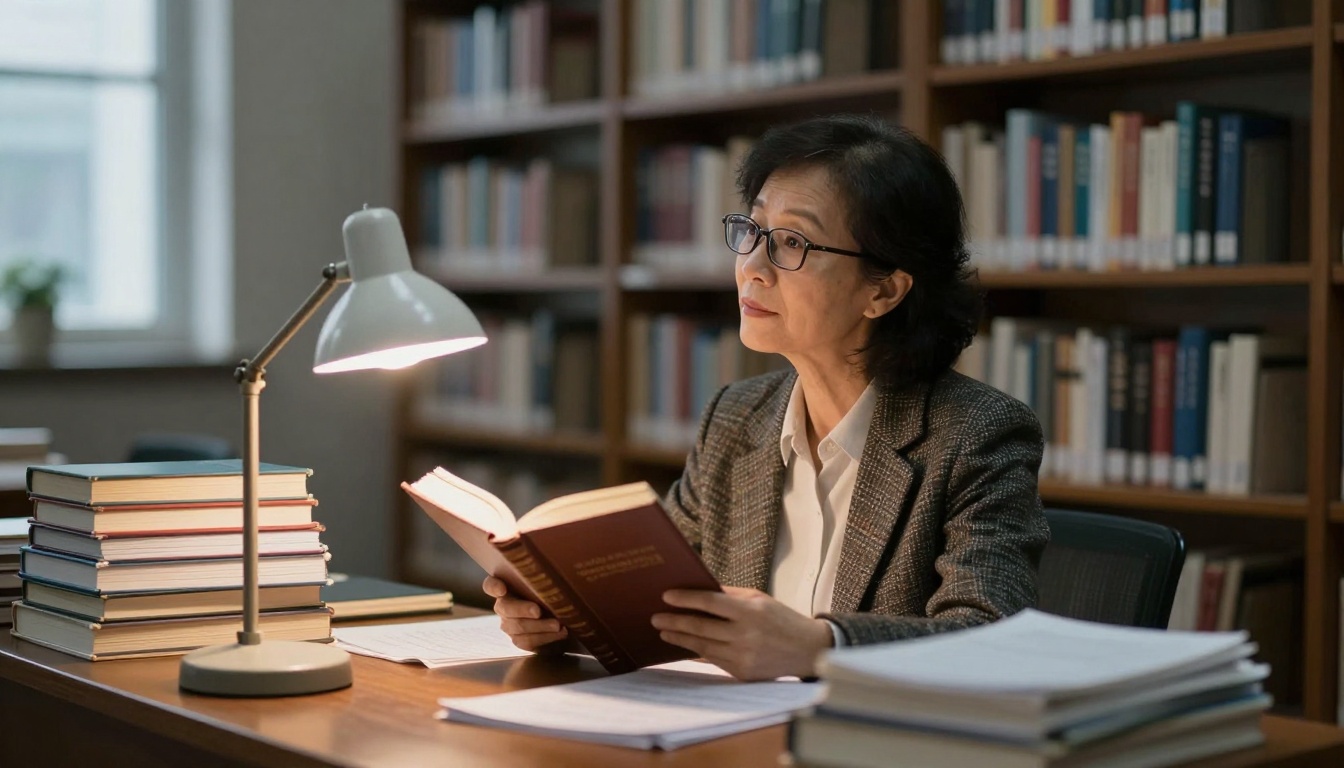
Example: Academic portrait showing intellectual depth and scholarly context. The library environment and thoughtful expression convey expertise and dedication.
Example: Tech industry profile with clean, minimalist aesthetic. The infinite white background and clinical precision match Silicon Valley branding standards.
Now that you've seen what's possible, it's time to create your own professional profile pictures. Visit GPT Image 1.5 on PicassoIA and start generating. Experiment with different prompts, refine your approach, and watch as your professional digital presence transforms. The technology has removed the barriers - the only question is how effectively you'll use it.