GPT Image 1.5 for E-commerce Listings: Real Results for Online Stores
GPT Image 1.5 is reshaping how online sellers create product images for their listings. This article breaks down how it works, what it does well, where it falls short, and which AI image tools deliver better results for e-commerce stores in 2027.
Every online seller knows the pain: you have a great product, but your phone photos look amateur, a professional photographer costs more than your profit margin, and your competitor's listings look like they came from a luxury catalog. GPT Image 1.5 is OpenAI's latest image generation model, and it has caught the attention of Shopify sellers, Amazon merchants, and Etsy creators who want to level up their listings without a studio budget.
This article breaks down exactly how GPT Image 1.5 performs for e-commerce product photography, covers the practical prompting approaches that actually work, and shows you where AI image platforms like PicassoIA deliver results that go beyond what GPT Image 1.5 can offer on its own.
What GPT Image 1.5 Actually Is
GPT Image 1.5 is a significant step up from DALL-E 3 in terms of photorealism, text rendering, and instruction-following accuracy. Unlike DALL-E 3, which often produced images that looked painterly or slightly surreal, GPT Image 1.5 is specifically optimized for generating images that feel photographically grounded.
For e-commerce purposes, this distinction matters enormously. Customers browsing product listings on Amazon, Etsy, or your Shopify store have trained eyes. They can immediately sense when a product image looks artificial, and that hesitation costs you the sale.
GPT Image 1.5 runs through ChatGPT's interface and through the OpenAI API. As of 2025, it is one of the most capable consumer-facing image generators for realistic output. It handles:
Complex scene compositions (products with props and styled backgrounds)
Consistent lighting across multiple regenerations
Accurate text rendering in product packaging
Multiple products in a single scene
Brand-specific color fidelity when described precisely in the prompt
💡 Important distinction: GPT Image 1.5 is a generative model. It creates images that look like your product, not your actual product. For new products still in development, this is a powerful prototyping tool. For existing inventory, the output is a visual approximation.
Why Product Photos Make or Break Listings
Before diving into the AI mechanics, it helps to establish what is actually at stake with product photography.
The Numbers Do Not Lie
Product images are the single highest-leverage asset in any e-commerce listing. Research consistently shows:
Factor
Impact on Conversion
High-quality hero image
Up to 30% conversion lift
Multiple angle shots (5+)
Reduces return rate by 22%
Lifestyle context image
Increases average order value
White background compliance
Required for Amazon, Walmart
Image resolution (min 1000px)
Mandatory for zoom feature
Bad product photos kill good products. A $200 item shot on a kitchen counter with inconsistent lighting will consistently underperform a $50 item photographed professionally. This is the economic reality that makes GPT Image 1.5 and tools like it so immediately relevant to e-commerce sellers.
Traditional product photography costs between $50 and $300 per image when you factor in a photographer's fee, studio rental, retouching, and turnaround time. For a catalog of 50 SKUs with 5 images each, that is a $12,500 to $75,000 expense before a single sale. AI image generation changes this math completely.
How GPT Image 1.5 Performs for Products
GPT Image 1.5 is genuinely impressive in a number of areas, but it has specific limitations that matter practically for sellers who need listing-ready images.
Strengths Worth Noting
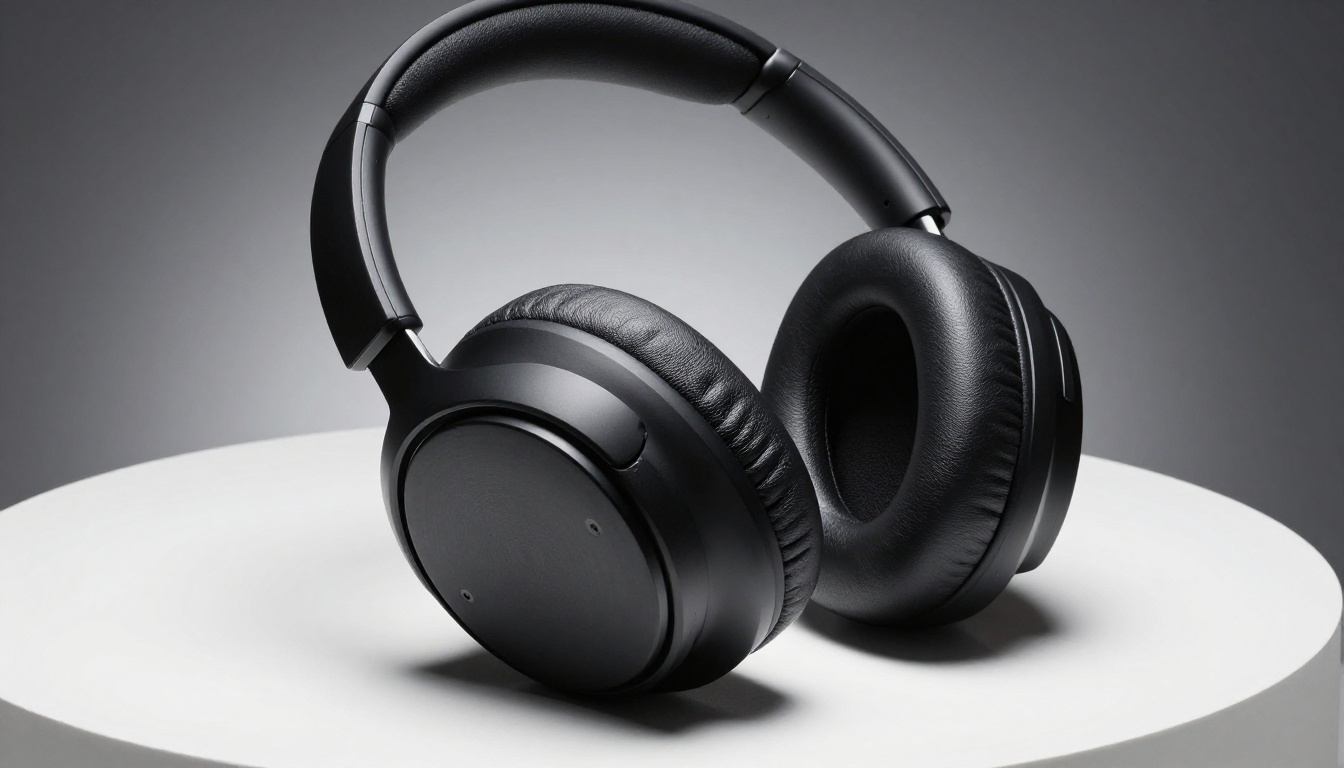
Photorealism on simple products: For solid-colored items like mugs, t-shirts, or plain packaging, GPT Image 1.5 produces results that are often indistinguishable from studio photography. The model's lighting simulation is sophisticated enough that shadows fall naturally and surfaces catch light convincingly.
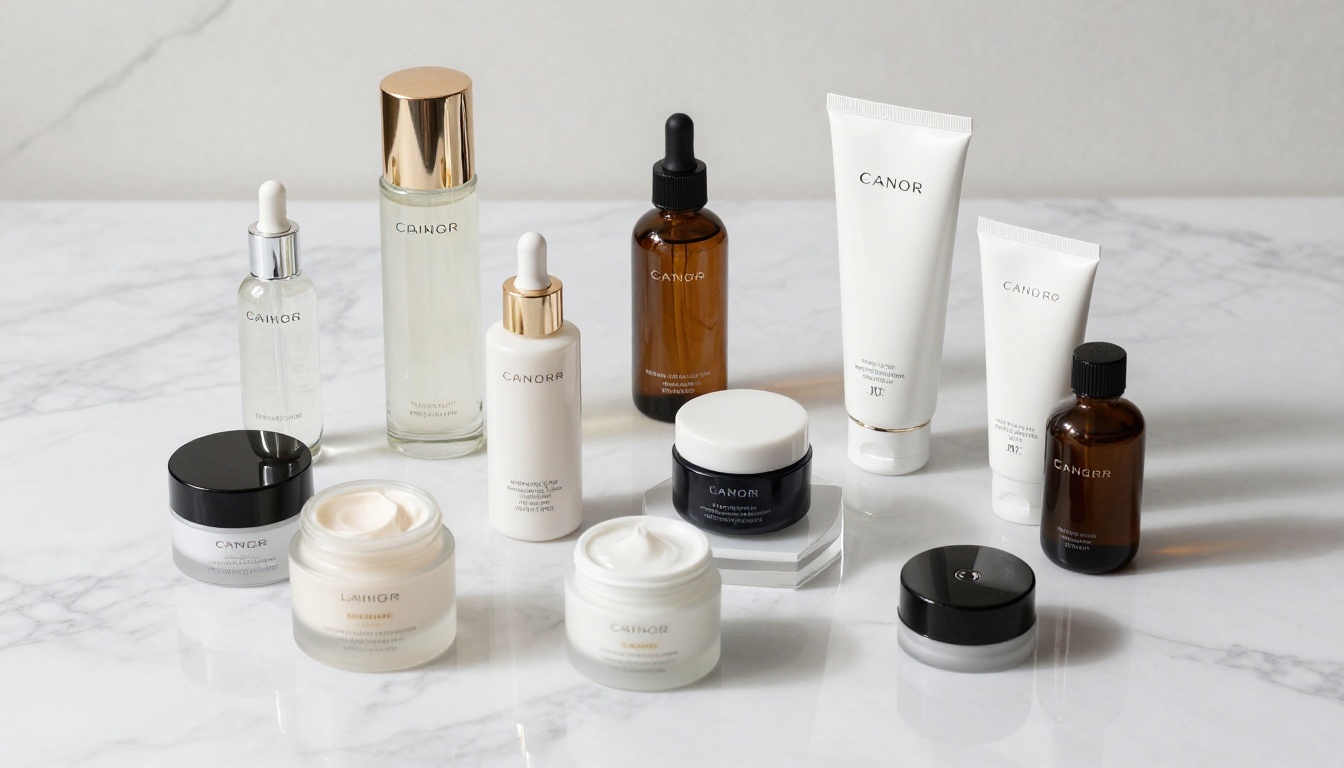
Lifestyle scenes: Ask GPT Image 1.5 to place a product in a context (a coffee mug on a rustic wooden table, morning light, steam rising) and it creates scenes that would cost hundreds of dollars to reproduce in a real studio.
Background generation: White studio backgrounds, marble surfaces, linen textures, wooden tabletops. The model generates these convincingly and responds well to specific color and texture descriptions.
Rapid iteration: Generating 10 image variations of the same product takes seconds rather than the hours a photoshoot requires.
Where It Struggles
The limitations are specific and predictable:
Logo and text accuracy: GPT Image 1.5 handles text better than previous models, but brand logos with complex geometry still distort on occasion
Complex textures: Highly detailed surfaces like woven fabrics, leather grain, or ceramic glazes sometimes render as smooth approximations rather than accurate textures
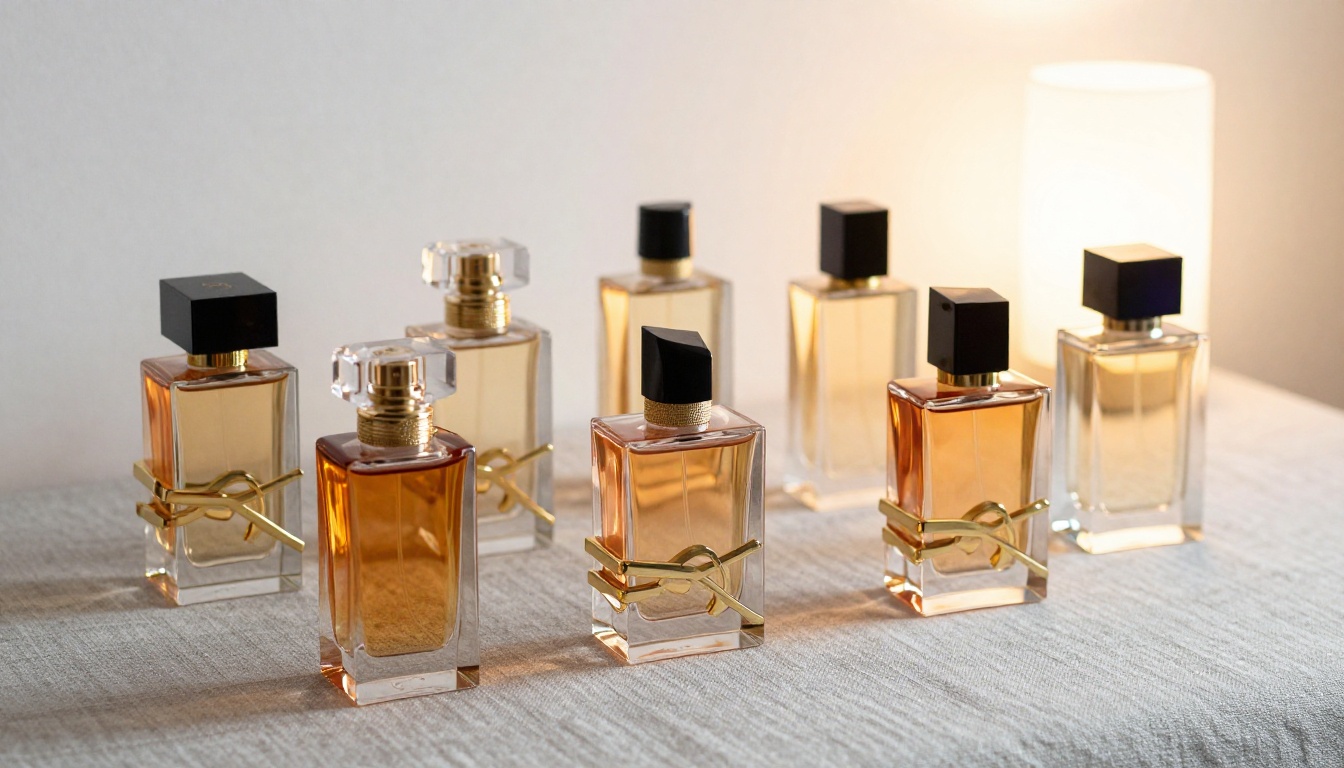
Exact color matching: If your product has a specific Pantone color, the model approximates rather than matches precisely
Real product specificity: The model generates a product like yours, not your actual product. If you need to show your specific SKU rather than a generic representative, you need image editing tools alongside generation
Consistency across scenes: Getting the same product to look identical across multiple lifestyle scenes requires careful prompting and often multiple regeneration cycles
💡 Practical note: GPT Image 1.5 is best used for prototyping, lifestyle scenes, and secondary listing images. For hero images on Amazon where white background compliance is mandatory, AI generation works well but benefits from dedicated background removal tools in post-processing.
Prompting GPT Image 1.5 the Right Way
The quality gap between a generic prompt and a structured product photography prompt is enormous. Most sellers under-specify their prompts and get mediocre results. Here is what actually works.
Prompts That Work for Products
Use this structure for reliable results:
[Product description] on [background/surface], [lighting type] from [direction],
[camera angle], [lens/depth of field], [style/mood], photorealistic, 8K,
product photography
Example for a watch:
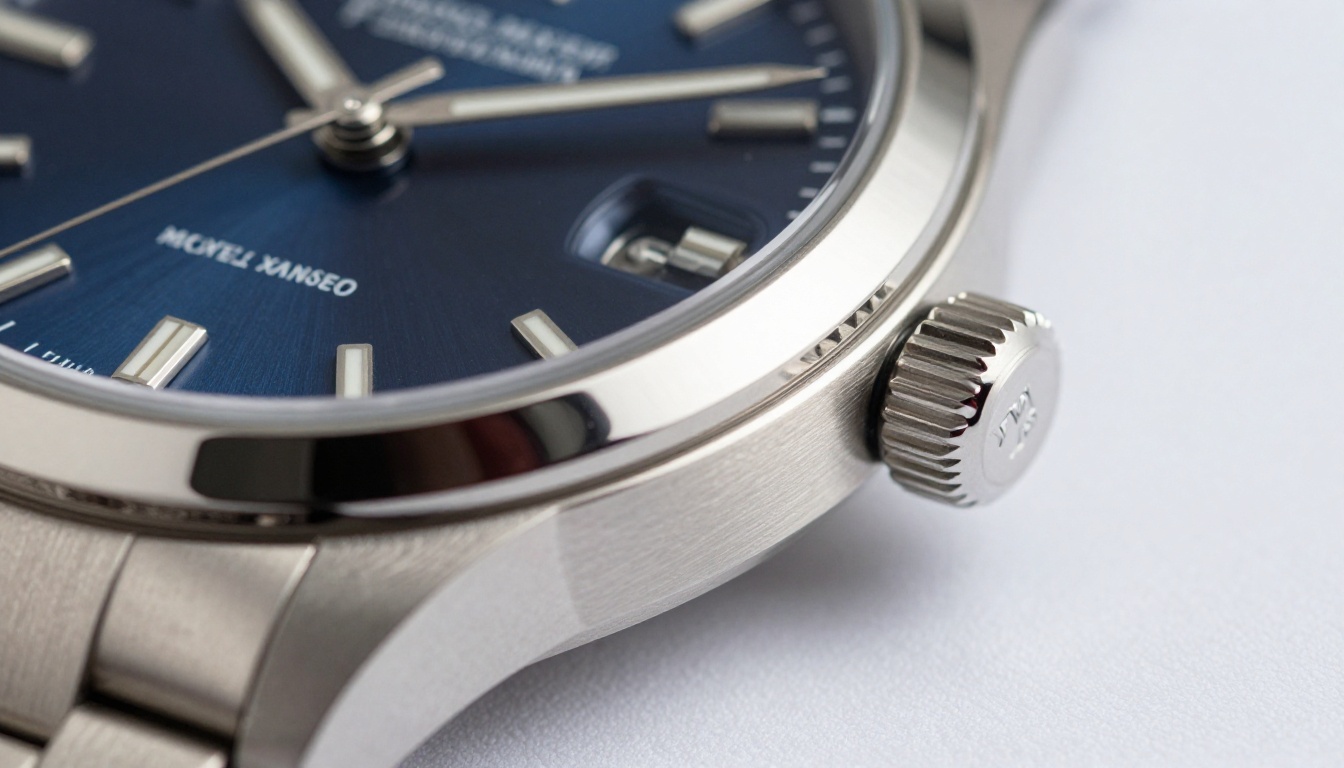
A stainless steel chronograph watch with a navy dial, positioned at a 45-degree angle on a white marble surface. Soft studio light from the upper left, casting a subtle shadow. Close-up shot with 100mm macro lens, shallow depth of field. Professional product photography, 8K, photorealistic.
Example for sneakers:
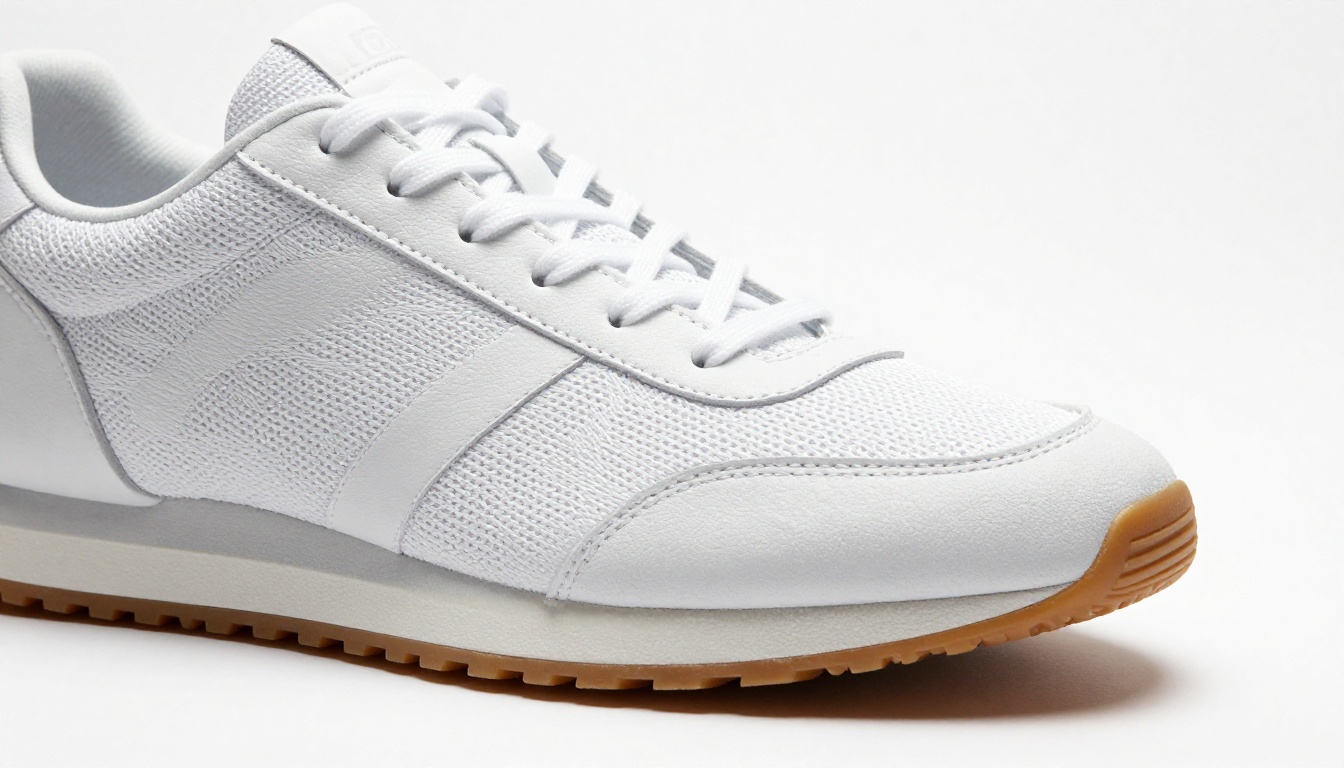
A pair of white leather low-top sneakers, three-quarter angle view, on a seamless white sweep background. Single studio softbox from the right creating subtle directional shadow beneath the sole. Eye-level camera height, 50mm lens. Clean commercial product photography, 8K.
The more specific your prompt, the more consistently GPT Image 1.5 delivers results that are actually useful for listings.
Better Image Tools for E-commerce Sellers
GPT Image 1.5 is a powerful tool, but it is one tool in what should be a broader AI image workflow. For sellers who need consistent, high-volume output, or who want access to specialized models optimized for specific product types, PicassoIA provides a curated library of over 91 text-to-image models alongside editing, upscaling, and background removal tools all in one place.
PicassoIA Models for Product Photography
P Image Upscale by PrunaAI is the fastest upscaling option on the platform, sharpening images in approximately one second. For sellers who generate images at standard resolution and need listing-ready 2000x2000px outputs, this model is indispensable.
Clarity Pro Upscaler applies photorealistic upscaling with detail enhancement, making it the right choice when you need an image to hold up at maximum zoom in Amazon's listing viewer.
Crystal Upscaler specializes in portraits and close-up shots, which makes it particularly effective for beauty, cosmetics, and apparel products where face and skin detail matters.
Image Upscale by Topaz Labs offers the highest ceiling at 6x upscaling, making it the tool for large-format print assets like trade show banners, packaging print files, and catalog print runs.
For the foundation image generation itself, PicassoIA's text-to-image collection includes models from multiple providers, giving you the ability to match the generation style to your product category. Browse the full library at picassoia.com/en/all-models.
Background Removal and Image Polishing
One of the highest-ROI operations in e-commerce image production is background removal. Amazon, Walmart, and most major marketplaces require a pure white background for hero images. Photographing against white is harder than it looks: shadows bleed, the background turns gray, and edge transitions around hair, fur, or fine jewelry are messy. AI background removal solves this cleanly.
Remove Background by Bria uses AI edge detection trained on commercial product images. It handles complex edges including jewelry with fine filigree, fabric with fringe, and transparent or semi-transparent products like glasses and bottles. For most product types, the output is clean enough to use directly without manual cleanup in Photoshop.
💡 Workflow tip: Generate your lifestyle image with GPT Image 1.5, then run the product through Remove Background by Bria to get a clean cutout. You get the best of both worlds: a realistic lifestyle scene alongside a precisely cut product image that meets marketplace white-background requirements.
Upscaling for Print and High-Res Listings
Most AI-generated images come out at 1024x1024 or 1792x1024 pixels. For web listings, this is often sufficient. But Amazon's product image guidelines recommend 2000px on the shortest side to enable the zoom feature, and print applications require even higher resolution.
Here is how the PicassoIA upscaling tools compare for e-commerce use:
For most e-commerce sellers, P Image Upscale covers 90% of use cases. For premium brands requiring print-quality assets, Topaz Image Upscale is the right investment.
Real Workflows for Real Sellers
Knowing the tools is one thing. Knowing how to sequence them for actual listing production is another. Here are two workflows that work in practice.
The Fast Seller Workflow
For sellers with 10 to 50 SKUs who need solid listing images quickly:
Write a detailed product description prompt for GPT Image 1.5 or PicassoIA's text-to-image models
For print assets (catalogs, packaging inserts, banners), run through Topaz Image Upscale at 6x
Total time per SKU: 30 to 45 minutes for a complete 10-image set. Comparison: 3 to 5 business days with a traditional photographer, at a fraction of the cost.
GPT Image 1.5 vs. Dedicated AI Image Platforms
It is worth being direct about where GPT Image 1.5 fits versus dedicated AI image platforms built specifically for production use:
Capability
GPT Image 1.5
PicassoIA
Text-to-image generation
Strong
91+ specialized models
Background removal
Prompt-based only
Dedicated AI tool
Image upscaling
Not available
Multiple models up to 6x
Model selection by product type
Single model
Per-category library
Batch processing
Limited
Supported
API access for automation
Yes
Yes
Post-processing in same workflow
No
Yes
For occasional image needs, GPT Image 1.5 accessed through ChatGPT is an excellent starting point with zero setup. For sellers producing images at scale, across many SKUs, or needing background removal and upscaling in the same workflow, a dedicated platform removes the friction and saves significant time per product.
Create Your Own Product Images on PicassoIA
AI image generation for e-commerce listings is not a trend on the horizon. It is a present, practical tool being used right now by sellers of every size to create images that convert at rates traditional photography often cannot match at the same cost.
The fastest way to start: Visit picassoia.com/en/all-models and try the text-to-image models with a detailed prompt describing your product. No photography equipment, no studio booking, no waiting on a photographer's schedule.
For sellers who want a complete image production workflow without switching between platforms:
Use text-to-image models to generate your base product images in multiple angles and scenes
Your product photos no longer need to be the reason a potential customer clicks away. The tools to create catalog-quality images are available now, they work at scale, and they cost a fraction of what traditional photography demands. The only question is how quickly you start putting them to work.