GPT Image 1.5 transforms text descriptions into photorealistic images that work for social media content, personal art projects, and professional visual material. This exploration covers practical applications, prompt strategies, workflow integration, and comparisons with other AI image models available on PicassoIA. The article includes ten original images generated with the tool to demonstrate its capabilities across different use cases from casual creation to professional content production.
The moment you describe something and watch it materialize as a photograph that looks real enough to touch—that's the experience GPT Image 1.5 delivers. This isn't about complicated tools or technical expertise. It's about typing what you imagine and getting a visual result that works for Instagram, your blog, or that personal art project you've been thinking about.
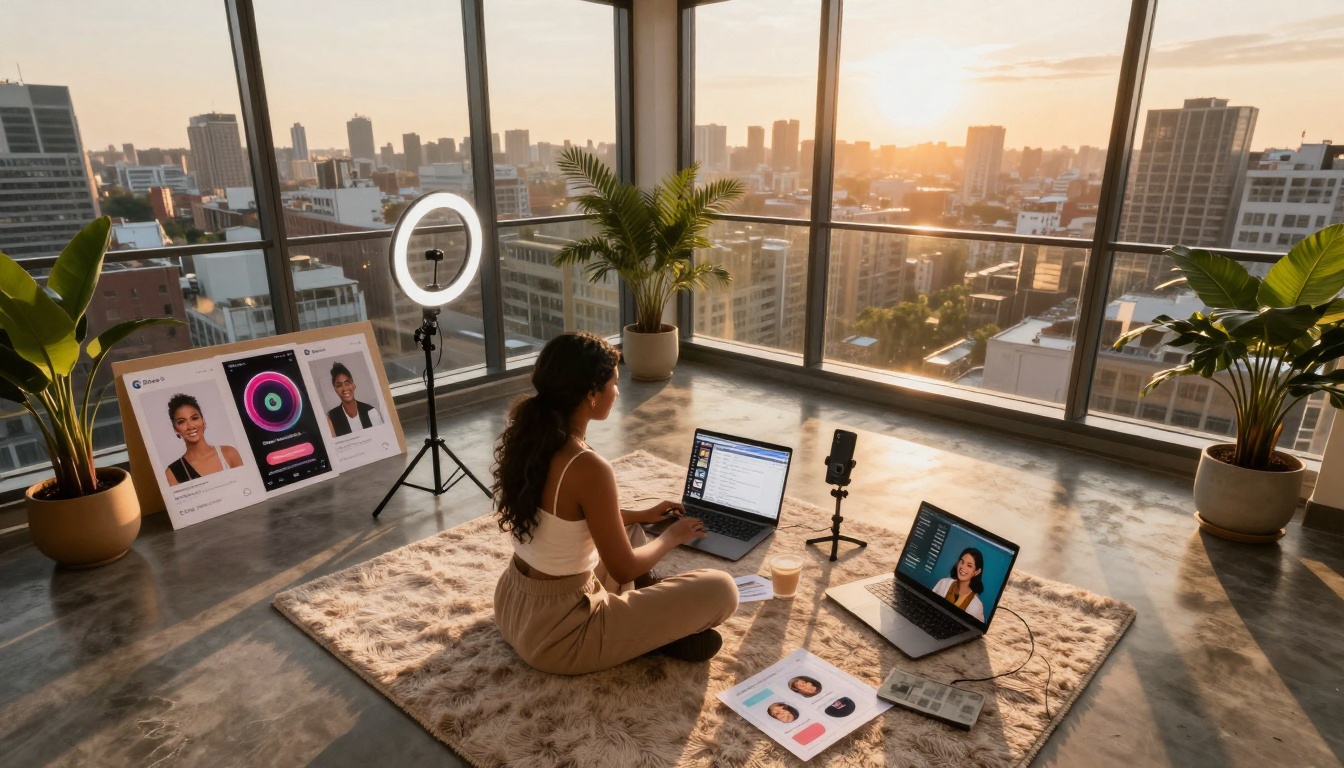
Low-angle aerial view of a creator's penthouse studio setup using GPT Image 1.5 for Instagram and TikTok content
What GPT Image 1.5 Actually Does
GPT Image 1.5 translates your words into images with a level of photorealism that surprises most first-time users. The GPT Image 1.5 model on PicassoIA handles this conversion with specific strengths:
Strength
What It Means For You
Best Use Case
Photorealistic output
Images look like photographs, not digital art
Social media posts, blog headers, product mockups
Context understanding
Gets relationships between described elements
Scene creation, character interactions
Style consistency
Maintains visual coherence across generations
Series creation, brand consistency
Detail preservation
Captures textures, lighting, small elements
Close-up shots, product details
💡 The quality difference: When you compare GPT Image 1.5 to other models like Flux or Qwen Image, the photorealistic approach stands out. It's not trying to create "AI art" in the stylized sense—it's creating images that could pass as actual photographs.
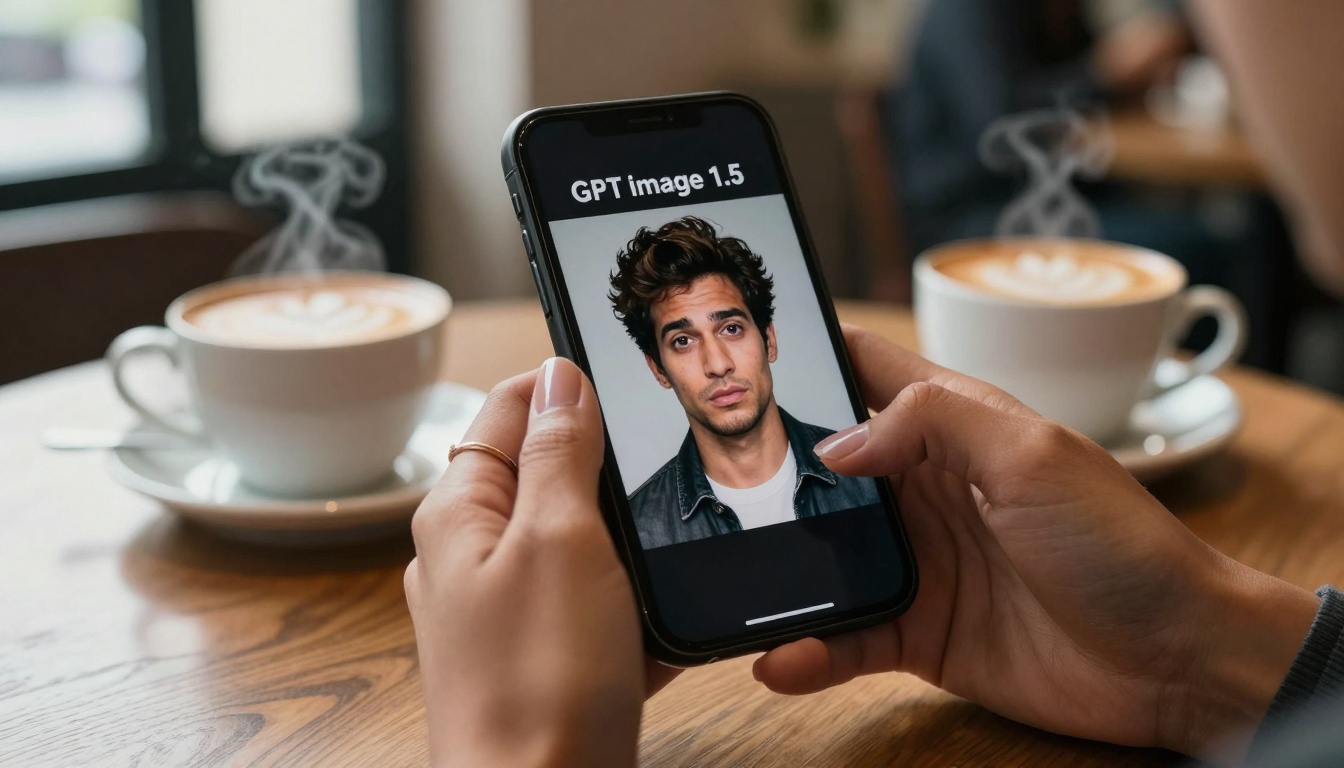
Close-up of hands creating humorous meme art with GPT Image 1.5 in a cozy cafe setting
Three Practical Ways People Use It
1. Social Media That Actually Gets Engagement
The algorithm doesn't care if your image came from a camera or AI—it cares about visual appeal. GPT Image 1.5 creates content that performs:
Instagram Stories backgrounds that match your aesthetic
Twitter/X headers with specific themes or messages
TikTok video backgrounds for talking-head content
LinkedIn article featured images that look professional
2. Personal Art Projects Without the Learning Curve
You don't need to learn Photoshop or spend years developing artistic skills:
"concept art for a fantasy novel about a librarian discovering magic in an abandoned bookstore"
That prompt gets you usable concept art in seconds. The same applies to:
Book cover ideas
Character visualizations
Mood boards for creative projects
Inspiration for traditional art
3. Professional Content That Saves Time
Small businesses and solo entrepreneurs benefit most:
Product mockups before manufacturing
Website banner images that match brand colors
Presentation visuals that explain concepts
Marketing material for campaigns
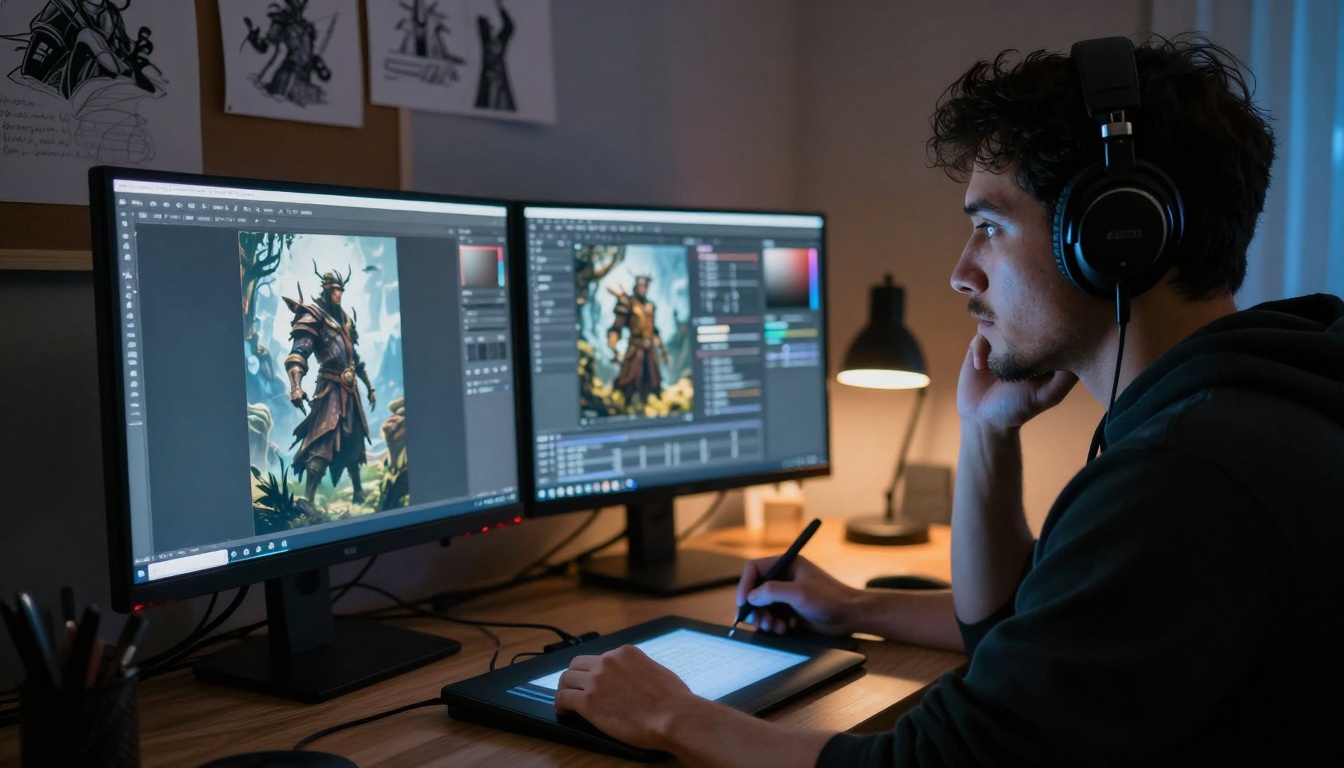
Documentary-style shot of a digital artist using GPT Image 1.5 for fantasy concept art creation
The Technical Reality: What Works, What Doesn't
Prompt Structure That Gets Results
GPT Image 1.5 responds better to descriptive language than technical jargon:
Instead of: "high contrast, cinematic lighting, 8K"
Try: "morning light streaming through windows, creating long shadows across wooden floors"
Instead of: "photorealistic, detailed, professional"
Try: "looks like a photograph taken with a 35mm film camera, natural skin tones, visible texture"
Common Issues and Fixes
Text in images: If you need text, describe it clearly: "a sign that reads 'OPEN' in vintage lettering"
Specific faces: Use descriptive traits rather than celebrity names
Complex scenes: Build them step by step or focus on key elements
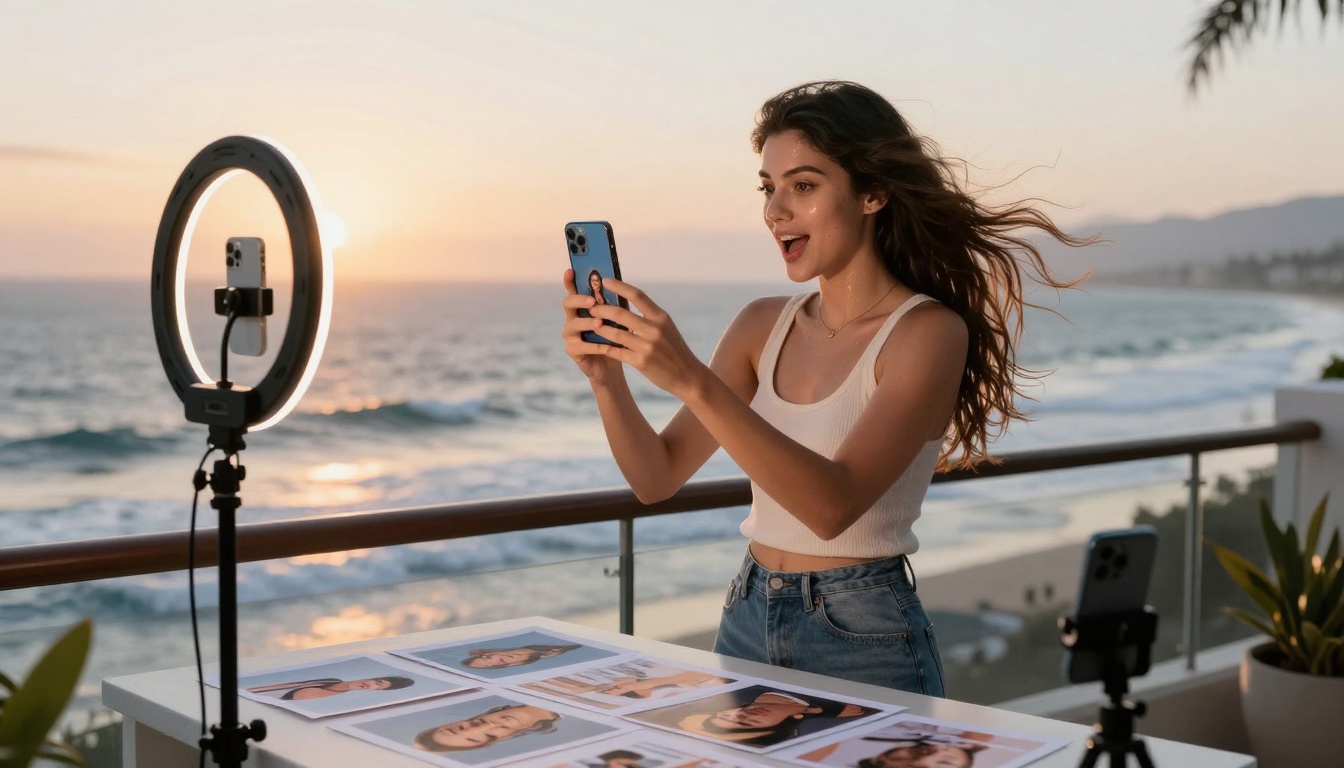
Dynamic action shot of an influencer using GPT Image 1.5 for lifestyle brand content creation
How It Compares to Other Tools on PicassoIA
While GPT Image 1.5 excels at photorealism, other models serve different purposes:
The cost consideration: GPT Image 1.5 sits in the middle range—not the cheapest, not the most expensive. You're paying for that specific photorealism quality that works for public-facing content.
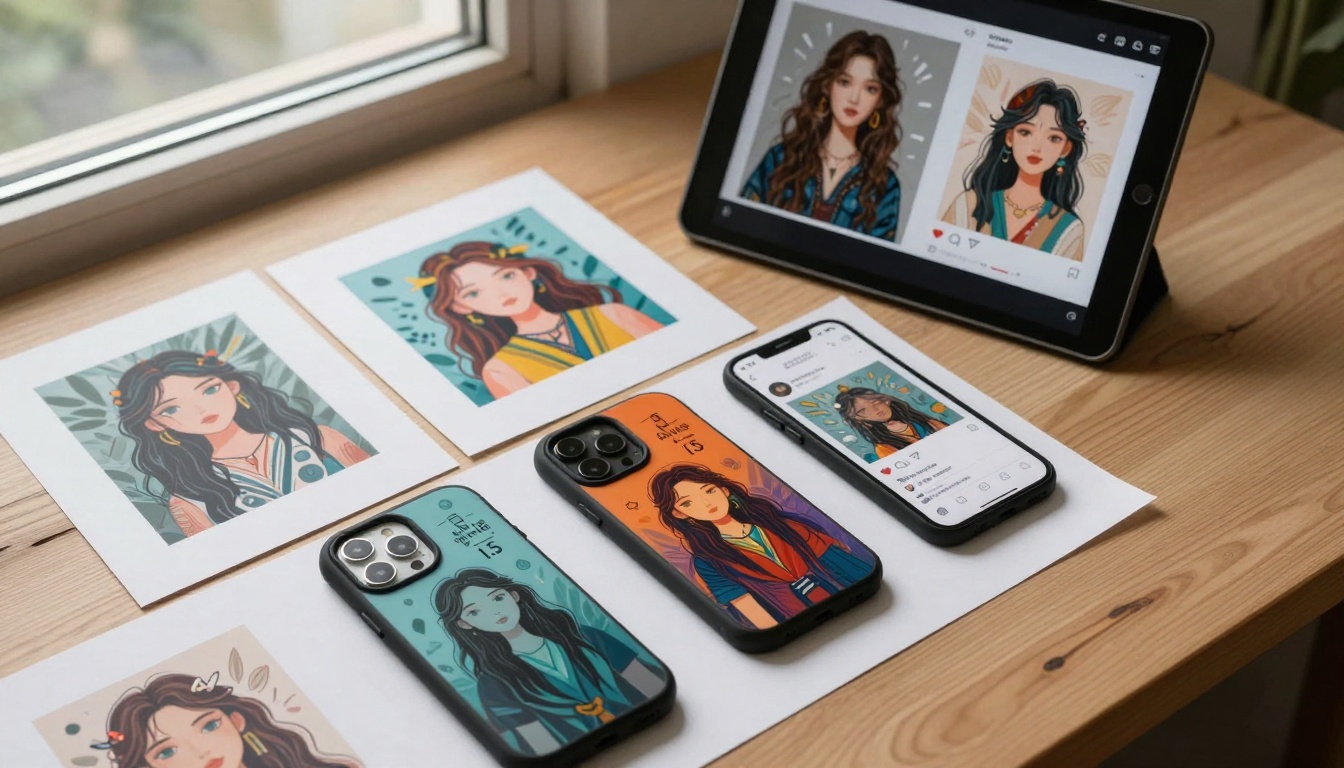
Overhead flat lay showing GPT Image 1.5 generations turned into physical prints and products
Creative Workflows That Actually Work
The Social Media Pipeline
Generate 5-10 variations of your core concept
Select 2-3 that match your aesthetic
Add your branding (text, logos, filters)
Schedule across platforms
Analyze which styles perform best
The Personal Project Method
Write your scene/character descriptions
Generate reference images
Use as inspiration for traditional work
Create a mood board from the results
Iterate based on what sparks ideas
The Business Content System
Define your visual requirements
Create a prompt template
Generate batch variations
Select final images
Implement across channels
Candid lifestyle shot of friends using GPT Image 1.5 together for creative fun
Specific Prompt Examples That Work
For Instagram Food Content
"Overhead shot of artisanal avocado toast on a rustic wooden table, morning light from a cafe window, steam rising from fresh coffee in the background, food photography style"
For Travel Blog Headers
"Aerial view of a secluded tropical beach at sunset, turquoise water meeting white sand, palm trees casting long shadows, drone photography style"
For Professional Presentations
"Modern office workspace with laptop and notebook, clean minimalist design, natural light from large windows, professional photography for business content"
For Personal Art Inspiration
"Old bookstore interior with sunlight filtering through dust particles, leather-bound books on wooden shelves, atmospheric and moody, film photography look"
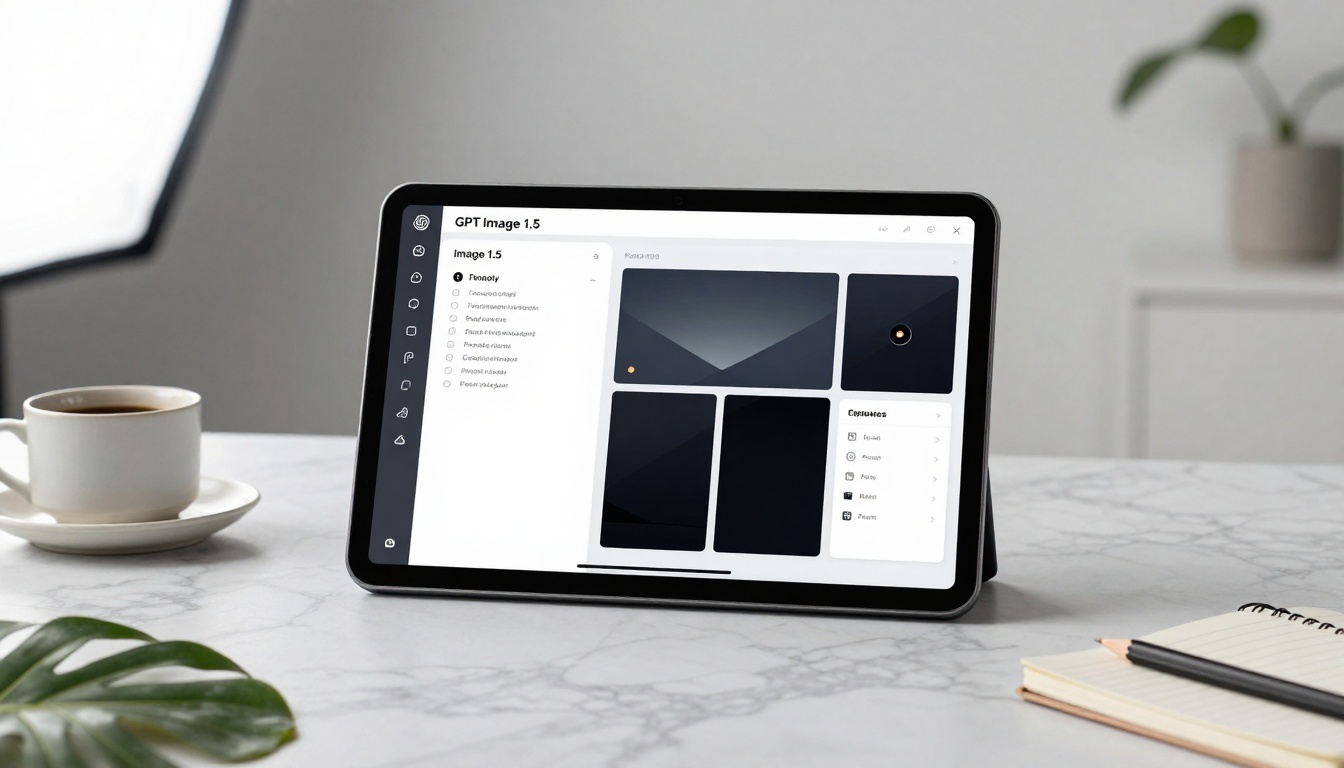
Product shot showcasing GPT Image 1.5 interface in a designer workspace setting
The Ethical and Practical Considerations
Copyright and Usage
GPT Image 1.5 generations generally fall into a gray area—you can use them for personal and commercial purposes, but:
Don't claim you photographed something you didn't
Be transparent if asked about image origins
Check platform-specific guidelines (some have AI content policies)
Consider adding subtle edits to make images uniquely yours
Quality Control Checklist
Before using any generation:
Check for artifacts (strange blurs, distorted elements)
Verify lighting consistency (shadows make sense)
Examine details (hands, text, small objects)
Assess overall coherence (does the scene look natural?)
Test different sizes (how does it look cropped?)
Street photography style image of a small business owner using GPT Image 1.5 for visual content
Integrating with Your Existing Tools
Social Media Management Platforms
Most platforms accept uploaded images regardless of origin:
Buffer, Hootsuite, Later: Direct upload works
Canva: Import and add design elements
Adobe Express: Use as base for further editing
CapCut: Incorporate into video projects
Design Software Compatibility
GPT Image 1.5 images work as standard image files:
Photoshop: Edit, composite, retouch
Lightroom: Color grade, apply presets
Figma: Use in UI/UX mockups
Procreate: Trace, paint over, use as reference
The Mobile Workflow
Since PicassoIA works in browsers:
Access on your phone or tablet
Generate images directly
Save to camera roll
Edit with mobile apps
Post immediately
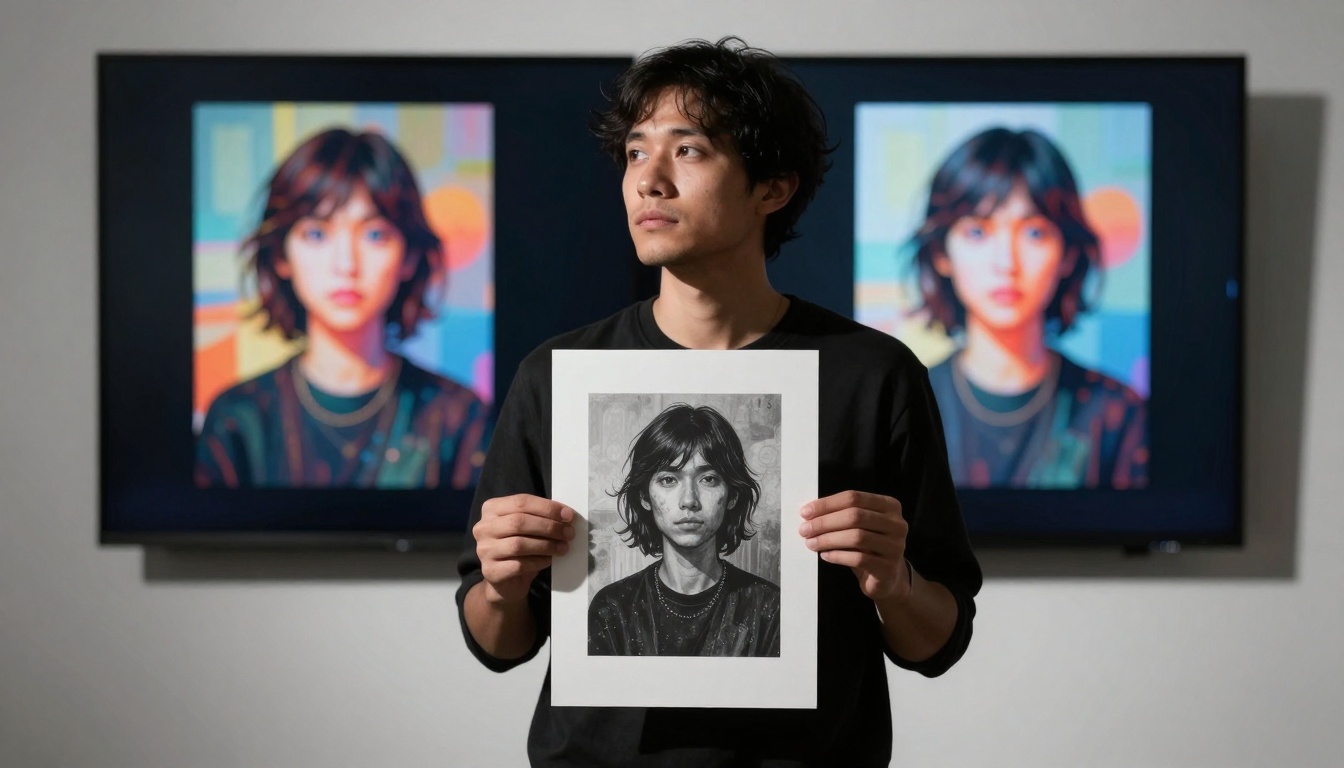
Creative portrait exploring the relationship between physical prints and digital AI generations
Making It Part of Your Creative Process
The most successful users treat GPT Image 1.5 as another tool in their kit, not a replacement for creativity. It's the difference between:
Using it poorly: Generating random images hoping something works
Using it well: Having a clear intention, iterating based on results, combining with other techniques
Start with one specific use case. Maybe it's blog headers. Or Instagram Stories backgrounds. Or concept art for that novel idea. Get good at that one application, understand what prompts work, what edits you need to make, how the images perform.
Then expand. The tool works for social media, personal projects, professional content, educational material, marketing campaigns, product development, and pure creative exploration. But trying to master everything at once leads to frustration.
Your next step isn't reading more about it—it's typing a description and seeing what appears. The GPT Image 1.5 interface on PicassoIA waits for your words. Describe that scene in your head. See if it matches what you imagined. Adjust. Try again. That's the creative process now—conversational, immediate, iterative.
The images throughout this article were generated with GPT Image 1.5 to show what's possible. They demonstrate the photorealistic quality, the variety of applications, and the professional results you can achieve. Your results will depend on your descriptions, your iterations, and how you integrate the generations into your workflow.
Try creating something today. Not as a test, but as actual content you'll use. A social media post. A blog header. A concept for a project. The tool exists to be used, not just discussed.