OpenAI changed the image generation landscape when it released GPT Image 1.5, a model that does not behave like anything that came before it. While most image generators are built on diffusion architectures, GPT Image 1.5 takes a fundamentally different approach, one rooted in how language models process meaning, context, and intent. The result is an image generator that does not just paint pixels. It reasons about them.
What GPT Image 1.5 Actually Is
GPT Image 1.5 is OpenAI's flagship image generation model, integrated natively into the GPT-4o architecture. It represents a departure from the diffusion-based pipeline that powers most competitors and sits at the intersection of language processing and visual synthesis. When you send a prompt, the model does not just match visual patterns from training data. It interprets the semantic weight of your words, infers intent, and constructs a scene with knowledge of spatial relationships, lighting physics, and compositional logic.
The "1.5" designation signals an iterative update from the original GPT Image 1. OpenAI refined the model's instruction-following capabilities, improved text rendering accuracy inside generated images, and tightened coherence when handling multi-object, multi-condition prompts. It is not a total architectural overhaul. It is a precision upgrade applied to a model that was already ahead of the curve.
Not Built on Diffusion

The vast majority of text-to-image models, including Stable Diffusion 3 and most Flux variants, are diffusion models. They start with random noise and iteratively denoise it using a learned score function, guided by a text encoder. It is a proven and powerful paradigm, but it has a ceiling.
GPT Image 1.5 operates differently. It is built on a transformer architecture where both text and image tokens are processed in the same sequence. This means the model can reason about an image the way it reasons about language: attending to earlier context, maintaining coherence across the full scene, and responding to nuanced instructions that require something closer to cognitive processing than pattern matching.
💡 Why this matters: A diffusion model will give you a "man reading a newspaper in a cafe." A transformer-based image model processes the full scene: the newspaper should have readable text, the cafe should have depth and ambient light, the man's expression should match the mood. Context drives every pixel.
The Role of Native Multimodality
What makes GPT Image 1.5 particularly powerful is its native multimodality. It was not trained on images as a separate fine-tuning step. Visual processing was baked into the base model from the ground up, meaning the model does not need to "translate" between language and visual space. It operates in both simultaneously.
This architecture is why GPT Image 1.5 can take an existing image as input, interpret its contents at a semantic level, and generate new images that are contextually consistent with that reference. No additional ControlNet layer required. No external adapter. The capability is intrinsic to the model's core design.
How It Generates Images
Prompt Interpretation at Scale

GPT Image 1.5's prompt handling is not about keyword extraction. The model processes your prompt as a complete semantic statement. That distinction has practical consequences.
Most image generators struggle with negation. Tell a diffusion model "a dog without a collar" and you will often get a dog with a collar, because negation is poorly resolved at the token-embedding level. Tell GPT Image 1.5 the same thing and it processes the constraint correctly, because it was trained on natural language where "without" carries precise meaning.
Similarly, complex conditional prompts work far more reliably. "A woman wearing a red jacket if it is raining, otherwise a blue dress" is the kind of instruction that breaks most pipelines. GPT Image 1.5 handles the logical structure because it was trained to process conditional language in general, not just image-specific commands.
Spatial Reasoning and Scene Coherence
The model's spatial reasoning is one of its most underrated qualities. Place multiple objects in a scene with specific positional relationships: "a blue vase on the left side of the table, a red book stacked on top of a green box on the right" and GPT Image 1.5 delivers a coherent composition where the spatial logic holds. Most models approximate this. GPT Image 1.5 executes it.
Lighting coherence follows the same pattern. Shadows fall in consistent directions. Reflections appear on appropriate surfaces. The model appears to have internalized enough about physics and photographic convention that scenes look like they were captured, not assembled.
Text Rendering Inside Images

Text rendering inside images has historically been the Achilles' heel of generative models. Diffusion models produce visual noise that looks like text from a distance but dissolves into gibberish when examined closely. GPT Image 1.5 changed this.
Because the model operates on tokens, and textual tokens are its native language, rendering readable text inside a generated image is not a separate problem. A storefront sign that says "OPEN" in the prompt will produce an image where the sign actually says "OPEN." This capability has immediate practical applications:
- Mockups and prototypes: UI screens, packaging, signage, labels
- Social content: Quote graphics, announcements, branded visuals
- Marketing materials: Ads, banners, promotional images with real copy
- Publishing: Book covers, magazine layouts, typographic compositions
GPT Image 1.5 vs Other Models
Honest comparison puts GPT Image 1.5 in the right context. The table below covers the areas that matter most in production use.
| Capability | GPT Image 1.5 | Flux Dev | Stable Diffusion 3 |
|---|
| Text rendering | Excellent | Good | Fair |
| Complex prompt following | Excellent | Good | Fair |
| Photorealism | Excellent | Excellent | Very Good |
| Generation speed | Moderate | Fast | Very Fast |
| Fine-tuning flexibility | Limited | Extensive | Extensive |
| Spatial reasoning | Excellent | Good | Fair |
| Multi-object coherence | Excellent | Good | Good |
| Open source | No | Yes (Dev) | Yes |
💡 Note: "Excellent" here means it reliably executes the instruction across varied prompts. All models produce variable results depending on prompt quality and settings.
The trade-off is clear. GPT Image 1.5 wins on intelligence and coherence. Models like Flux Schnell LoRA or Flux Fill Pro win on speed, flexibility, and customization. Which one is right depends entirely on the use case.
What GPT Image 1.5 Does Best
Portrait and Human Rendering
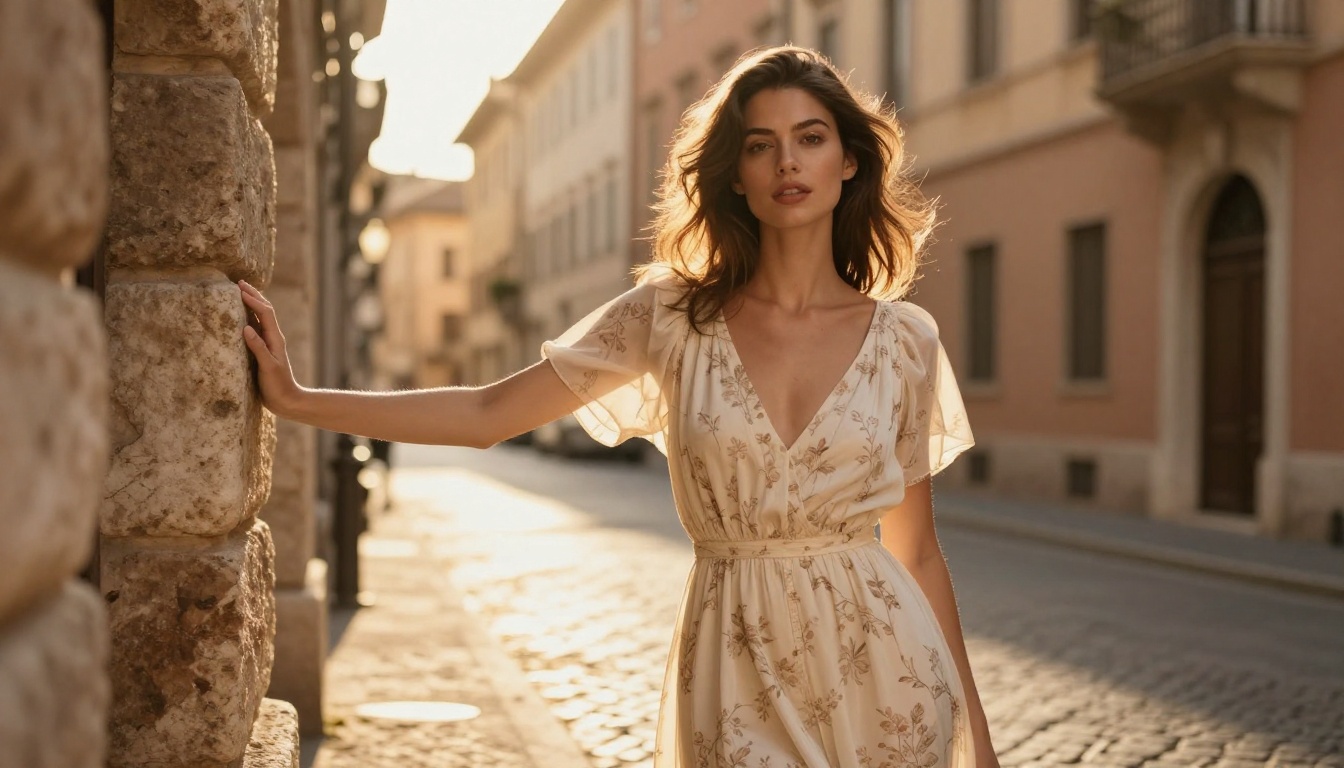
Human portraiture is one of the hardest problems in image generation. Faces are the things humans are most visually sensitive to. We detect subtle wrongness in a face instantly, even if we cannot articulate what is off. A hand with six fingers, eyes that are slightly asymmetrical, a neck that connects oddly to the shoulders.
GPT Image 1.5 handles faces and human anatomy with notably fewer artifacts than diffusion-based alternatives. Hands are correct. Faces are consistent. When you ask for a specific expression, the model delivers it with conviction rather than approximation.
Paired with GPT Image 1 on PicassoIA for full photorealistic portrait generation at scale, the results are consistently publication-ready.
Complex Scenes and Multi-Subject Compositions
Put five people in a frame, each doing something different, each described precisely, and GPT Image 1.5 will attempt to honor every instruction. The success rate on complex multi-subject prompts is significantly higher than diffusion models, which tend to collapse complexity into approximate visual noise.
This makes GPT Image 1.5 particularly effective for:
- Scene-heavy editorial work: Group shots, environmental portraits, documentary-style images
- Narrative compositions: Images that tell a story with multiple visual elements
- Technical content: Diagrams, annotated product shots, cutaway illustrations with labels
Instruction Following for Editing
The model also performs well at in-context editing. Provide an image and an instruction like "change the shirt color to navy" or "add a window to the left wall" and GPT Image 1.5 applies the instruction without degrading the rest of the composition. This is where many models fail: they process the instruction but apply it so aggressively that surrounding elements lose coherence.
How to Use GPT Image 1 on PicassoIA

PicassoIA gives you direct access to the GPT Image model family without API setup. Here is how to use it effectively.
Step 1: Open the Model Page
Go to GPT Image 1 on PicassoIA. You can also access GPT Image 1 Mini for faster, lighter-weight generation, or GPT Image 2 for the latest iteration of OpenAI's vision.
Step 2: Write a Detailed Prompt
GPT Image 1.5's strength is instruction following, so use it. Do not write "a woman at a cafe." Write:
"A woman in her 30s with dark curly hair, wearing a camel-colored trench coat, sitting at a round marble cafe table. Afternoon light from the window on her left. She is looking slightly downward at a ceramic espresso cup. Parisian cafe interior in soft focus behind her."
The more semantic detail you provide, the more the model has to work with. Directional light, textures, materials, emotional tone, compositional intent.
💡 Tip: GPT Image models are trained on language, so write prompts the way you would describe a scene to a person, not the way you would tag an image. Full sentences outperform keyword stacking.
Step 3: Choose Your Settings
- Aspect Ratio: 16:9 for widescreen, 1:1 for social media, 9:16 for vertical Stories format
- Quality Setting: Use maximum quality for final assets; fast mode for rapid iteration
- Prompt Upsampling: Enable if your prompt is short; disable for precise prompts where exact adherence matters
Step 4: Refine Iteratively
GPT Image 1.5 responds well to incremental refinement. Generate a first version, identify what needs adjustment, then provide a specific edit instruction. This approach is more efficient than rewriting the entire prompt from scratch every iteration.
5 Use Cases Where GPT Image 1.5 Wins
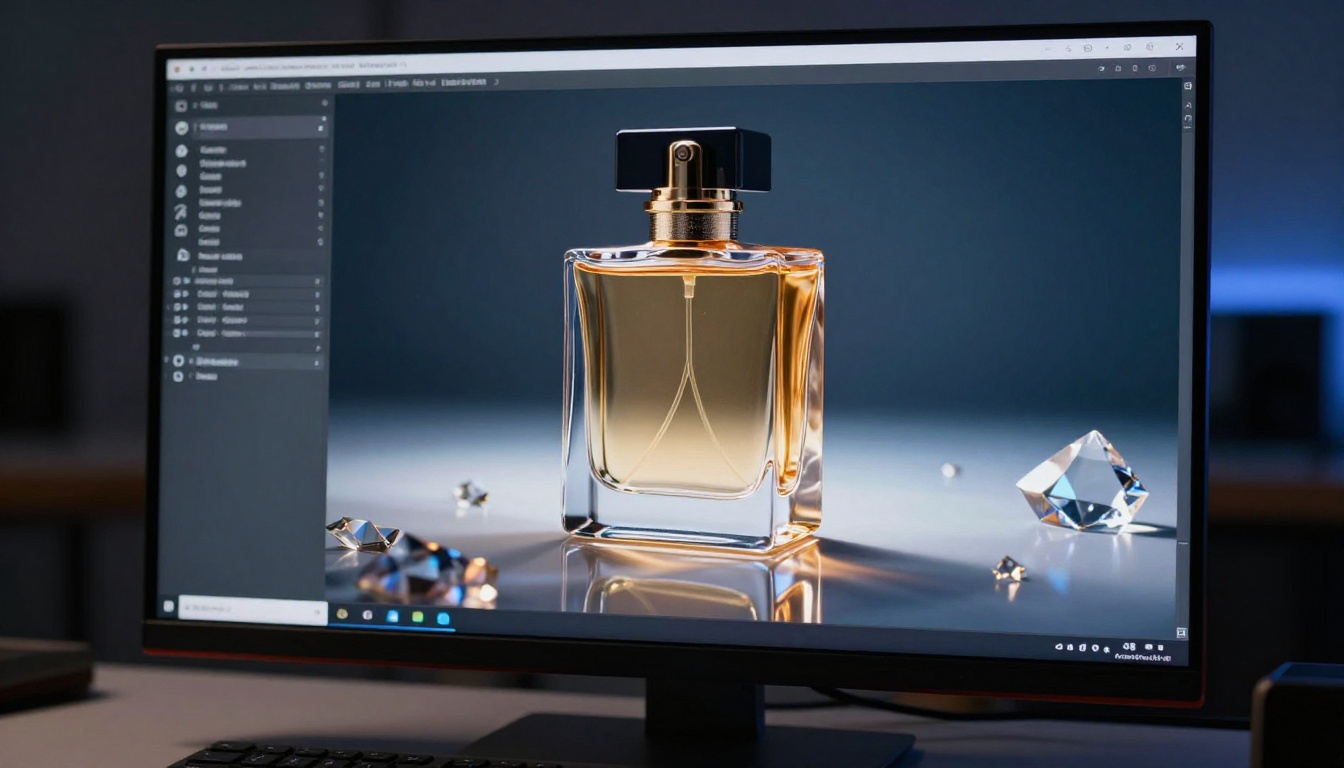
1. Product Mockups and Packaging
GPT Image 1.5's precise instruction following makes it a powerful tool for product visualization. Describe the product, the material, the label, the context, and the lighting, and the model generates a photorealistic mockup that can go directly into presentations or pitch decks. For agencies, this cuts days of 3D rendering into hours of AI iteration.
2. Marketing Creatives with Real Text
Banner ads, social graphics, promotional images with actual readable copy. GPT Image 1.5's text rendering capability means you no longer need to generate an image and then manually overlay text in post. The text is part of the scene from the moment of generation.
3. Editorial and Publishing
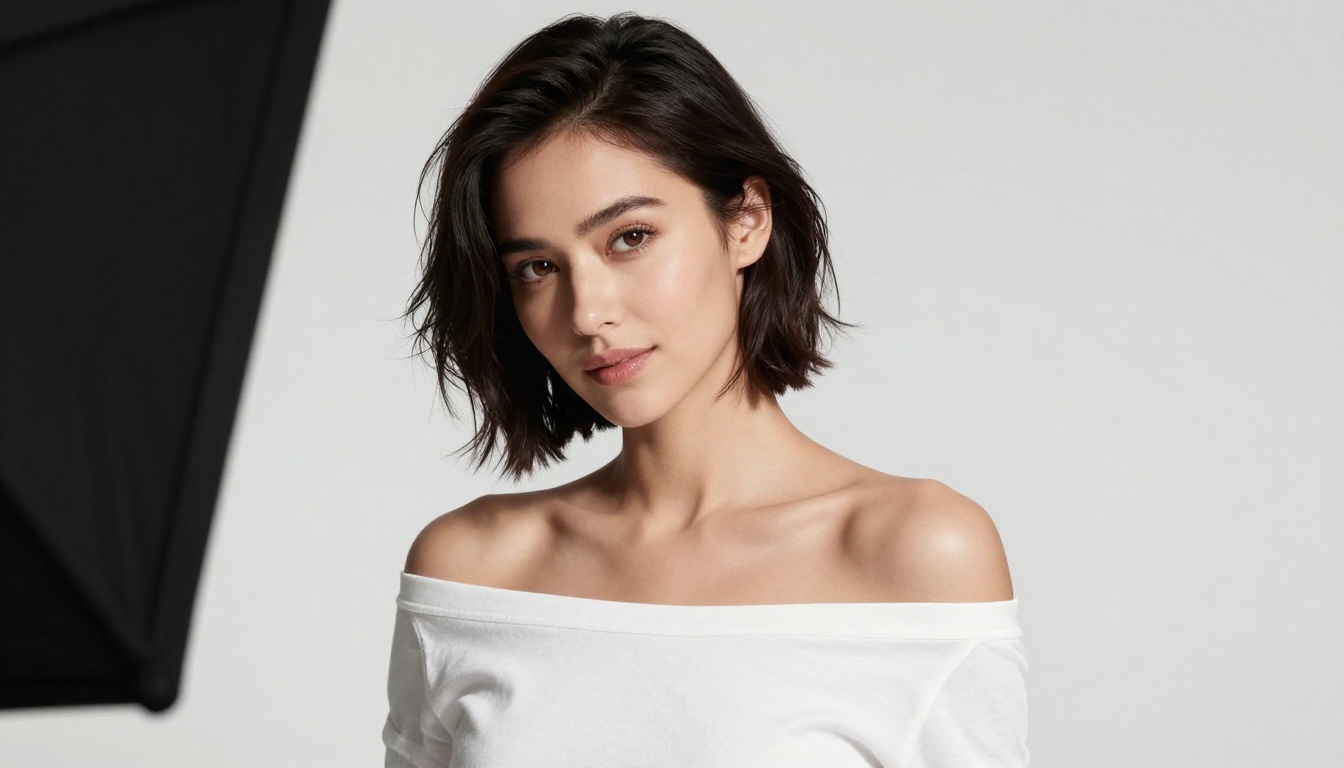
Magazine covers, article headers, book jacket concepts. The model's portrait quality and scene coherence make it viable for publication-grade imagery. Combine it with Flux Fill Dev on PicassoIA to extend or modify generated images with surgical precision.
4. Concept Art and Storyboarding
Directors, designers, and creative teams use GPT Image 1.5 to prototype visual ideas rapidly. Describe a scene with precise mood, lighting, and composition and iterate in minutes. It is putting concept-level visual thinking within reach of anyone with a clear idea and a specific prompt.
5. Social Content at Scale
Content teams producing high volumes of social imagery face a consistent bottleneck: visual differentiation. Using a single image generator style produces a homogeneous feed. GPT Image 1.5's diverse output range, from photorealistic portraits to complex scene compositions, means teams can maintain visual variety without a photography budget to match it.
Pair it with Flux Redux Schnell on PicassoIA to create rapid image variations at scale, or use Flux Pro Finetuned when you need brand-consistent outputs across a campaign.
What GPT Image 1.5 Still Cannot Do
It is worth being direct about the model's current limitations. GPT Image 1.5 is not the right fit for every workflow:
- Fine-tuning: Unlike Flux or Stable Diffusion variants, GPT Image 1.5 is not an open model. You cannot train custom LoRAs or fine-tunes on top of it. Brand-specific visual styles require prompt engineering, not model adaptation.
- Generation speed: Transformer-based image generation is computationally heavier than optimized diffusion models. Flux Schnell LoRA and similar models will always be faster for high-volume batch generation.
- Stylized output: When you want a highly stylized aesthetic or genre-specific look, fine-tunable diffusion models give you more precise control. GPT Image 1.5 defaults toward photorealistic coherence, which is its strength in most contexts but a limitation when the creative brief calls for something more abstract.
Try It Now on PicassoIA
The gap between knowing how a model works and seeing it produce an image from your own prompt is significant. PicassoIA brings together the GPT Image model family alongside 183+ other text-to-image models, all accessible without API credentials or technical setup.
Start with GPT Image 1 to put OpenAI's flagship image architecture to work on your actual projects. Test your prompt against GPT Image 2 for a direct comparison. Run the same prompt through Flux Redux Dev for variation-based workflows.
The question is not whether GPT Image 1.5 is worth using. For complex prompts, text-in-image requirements, and multi-subject scenes, it is currently the most capable model available. The real question is whether it fits your specific workflow. The best way to answer that is to create something.


