Something shifted in the AI image space, and the speed at which it happened caught most people off guard. OpenAI's GPT Image 1.5 arrived not with a slow rollout but with immediate, tangible results that professionals noticed within hours of its release. If you work with visuals — whether you're a creator, marketer, developer, or just someone who uses AI tools regularly — this one is worth your full attention.
What GPT Image 1.5 Actually Does
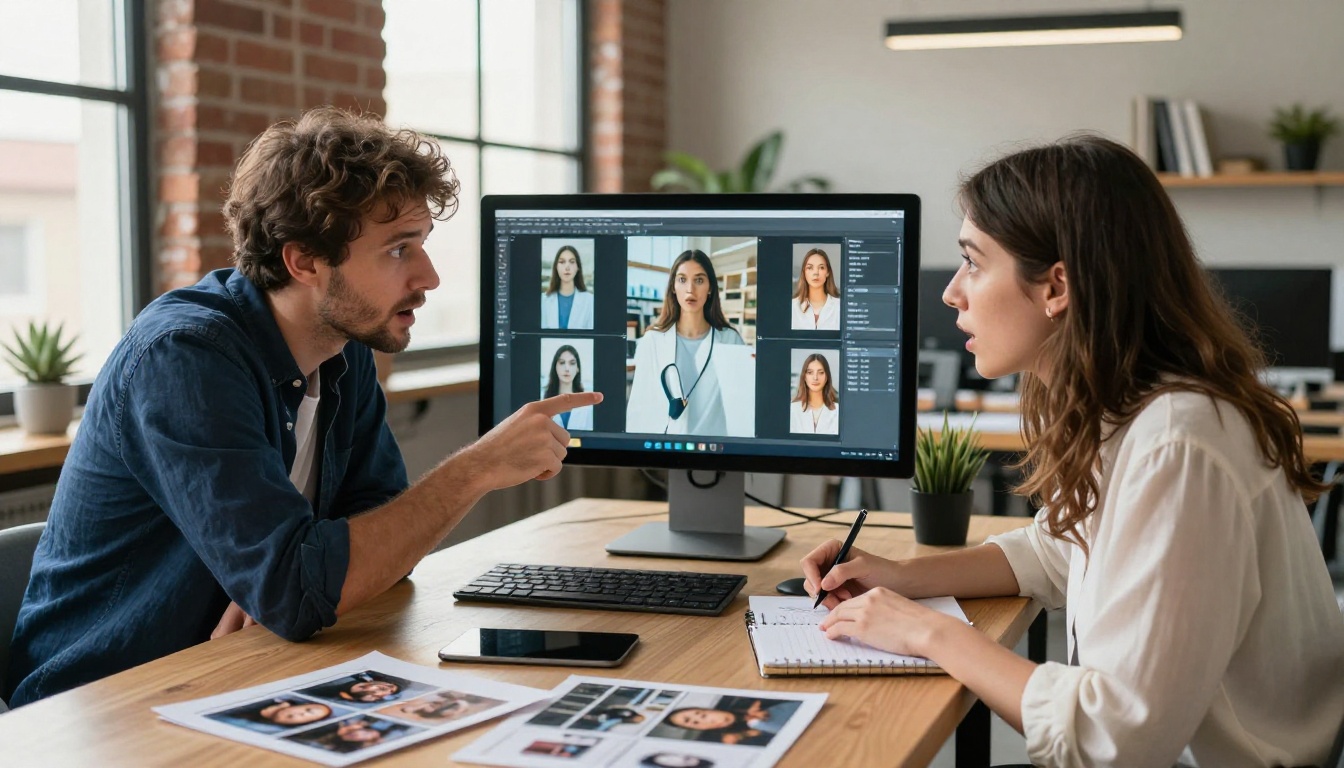
The short version: it generates images from text prompts at a level of photorealism and prompt fidelity that previous models struggled to hit consistently. But that summary undersells it. The longer version is that GPT Image 1.5 closes the gap between what you describe and what you actually get — a gap that has frustrated users of AI image tools since the beginning.
Photorealism at a New Level
The images produced by GPT Image 1.5 are sharp, coherent, and rich with natural detail. Skin textures render convincingly. Lighting behaves the way it does in real photographs. Fabric folds, hair strands, reflective surfaces — they all show up with the kind of specificity that used to require significant prompt engineering and multiple regenerations.
💡 The key distinction: It's not just resolution. It's the consistency of realism across the full frame, including edges, backgrounds, and small details that other models typically blur or distort.
What this means practically: you can generate a product shot, a portrait, a landscape, or a scene with real-world objects and get back something that holds up at full size without the tell-tale AI artifacts that trained eyes immediately recognize.
Prompt Adherence That Actually Works
This is where the model earns its reputation shift. Ask GPT Image 1.5 for "a woman in a red trench coat standing in front of a yellow door on a rainy street at dusk" and it gives you exactly that. Not approximately that. Not a woman in an orange coat near something door-adjacent. The actual scene you described.

For anyone who has spent time wrestling with AI image generators — rewriting prompts five times, adding negative prompts, hoping the model "gets it" — this is a significant quality-of-life improvement. The model reads prompts more like a skilled art director reads a brief and less like a pattern-matching system guessing at your intent.
How It Compares to What Came Before
DALL-E 3 vs. GPT Image 1.5
DALL-E 3 was a meaningful step forward when it launched. It introduced better text rendering in images and stronger overall coherence. But GPT Image 1.5 isn't an incremental update — it's a clear generational leap in output quality.
| Feature | DALL-E 3 | GPT Image 1.5 |
|---|
| Photorealism | Good | Excellent |
| Prompt fidelity | Moderate | High |
| Fine detail retention | Inconsistent | Consistent |
| Text in images | Improved | Strong |
| Inpainting quality | Limited | Significant upgrade |
| Speed | Fast | Fast |
The gap shows most clearly in complex scenes — multiple subjects, specific lighting conditions, environments with many interacting elements. DALL-E 3 would often simplify or misrepresent these. GPT Image 1.5 handles them with noticeably more accuracy.
The Inpainting Leap

Inpainting — the ability to edit a specific region of an image while leaving the rest intact — received a meaningful upgrade in GPT Image 1.5. The model now blends edits into existing images with far better awareness of context, lighting, and style consistency.
This matters for real workflows. Changing a product color in a photo shoot, adding or removing elements from a scene, adjusting backgrounds — these tasks used to leave obvious seams or inconsistencies. With GPT Image 1.5, the integration is tighter and the edits more believable.
💡 Practical tip: When using inpainting, describe not just what you want in the edited area but also the lighting and color characteristics of the surrounding image. This significantly improves blend quality.
Who Benefits Most From This
Content Creators
For anyone producing social content, blog visuals, YouTube thumbnails, or newsletter graphics at scale, GPT Image 1.5 shortens the production cycle. Fewer iterations, less prompt wrestling, more time on actual content strategy.
The real advantage is consistency. Producing a series of images that maintain a coherent visual style — same lighting treatment, same color palette, similar photographic feel — is dramatically easier when the model responds predictably to well-crafted prompts.
Brands and Marketers
The upgrade in photorealism opens up new territories for marketing use cases. AI-generated product imagery that looks convincingly real. Lifestyle shots without model fees or location costs. Campaign visuals that can be generated, tested, and iterated in hours rather than weeks.
This doesn't replace professional photography for all use cases — brand shoots, hero imagery, and campaigns requiring talent still have their place. But for B2B content, digital advertising, social posts, and supporting visual material, the ROI calculation has shifted considerably.
Developers and Builders
The model is available via API, which means developers can build GPT Image 1.5 directly into products and workflows. Applications that generate custom imagery for users, tools that automate visual content creation, platforms that personalize images at scale — the improved quality raises the ceiling on what's worth building.
How to Use GPT Image 1.5 on PicassoIA
GPT Image 1.5 is available directly on PicassoIA, making it accessible without API setup or separate subscriptions. Here's how to get started:
Step 1 — Access the Model
Head to GPT Image 1.5 on PicassoIA. You'll find it in the text-to-image collection alongside other top-tier generators including Flux 1.1 Pro, Imagen 4, and Seedream 4.5. No local setup required.
Step 2 — Write Your Prompt

GPT Image 1.5 responds especially well to detailed, specific prompts. The more precisely you describe your scene, the closer your output will be to your intent.
High-performance prompt structure:
- Subject: Who or what is the focus? (person, object, scene)
- Environment: Where are they? What's in the background?
- Lighting: Direction, quality, time of day, source
- Camera perspective: Angle, lens, depth of field
- Mood/atmosphere: Tone, color palette, emotional quality
Example: "A chef in a white apron plating a dish in a modern restaurant kitchen, dramatic directional overhead lighting, close-up shot with 50mm lens, steam rising from the plate, warm amber tones, photorealistic"
Step 3 — Refine and Iterate
GPT Image 1.5's strong prompt adherence means your first generation is often close to usable. But iteration still adds value.
- Adjust specific elements rather than rewriting the whole prompt
- Use inpainting to fix targeted issues without regenerating the full image
- Save prompts that work — reusable prompt templates are one of the highest-leverage habits in AI image generation
💡 Model pairing tip: Compare your GPT Image 1.5 results with Flux 2 Pro on PicassoIA. Different models respond differently to the same prompt, and running both gives you more options to choose from.
Real-World Use Cases

Product Photography
E-commerce is one of the highest-value applications. Clean product shots on white or lifestyle-context backgrounds, product variations in different colors, packaging mockups in realistic environments — all of these are viable with GPT Image 1.5 at a level of quality that wasn't quite there before.
The improved inpainting also enables post-generation refinement: swap a background, adjust an angle, change a color without reshooting.
Social Media Content
Volume and variety are the two demands that break most social content teams. GPT Image 1.5 handles both. Generate multiple visual concepts quickly, test different visual directions, maintain consistent style across a content calendar. The quality threshold now meets what you'd expect from competent photography or design work.
Creative Campaigns
The photorealism opens up conceptual territory that used to require expensive production. Surreal but photographic scenes. Impossible architecture. Cinematic moments without a film crew. The constraint isn't quality anymore — it's imagination and prompt craftsmanship.
Limitations Worth Knowing
What It Still Gets Wrong
No AI image model is without failure modes, and GPT Image 1.5 is no exception:
- Hands: Still occasionally malformed, especially in complex poses
- Text in images: Improved but not fully reliable for precise text placement
- Highly specific cultural references: May default to generalized representations
- Extreme lighting scenarios: Very dark or very bright scenes can lose detail at the extremes
These aren't deal-breakers — they're prompting challenges. Specific techniques help: avoiding prompts that require precise hand positions, keeping in-image text minimal and centered, over-describing lighting specifics.
Cost Considerations
GPT Image 1.5 is a premium-tier model. It's not the fastest option and not the cheapest per generation. For high-volume use cases where quality matters less than speed, models like Flux Schnell or Qwen Image 2 may serve better.
For quality-first work — hero imagery, client deliverables, premium content — the cost is justified by what you don't spend on revisions and reshoots.
How It Stacks Up Against Competitors

The AI image generation space is crowded, and GPT Image 1.5 enters a competitive field that includes strong alternatives available on PicassoIA:
GPT Image 1.5 sits at the top for quality but not for speed or volume. The model earns its place in a professional toolkit when the output needs to be excellent rather than just good.
Try It Yourself Right Now

The best way to understand what GPT Image 1.5 actually does is to use it. Reading descriptions of photorealism and prompt fidelity only gets you so far — the gap between reading about it and running your first prompt is real, and it closes fast.
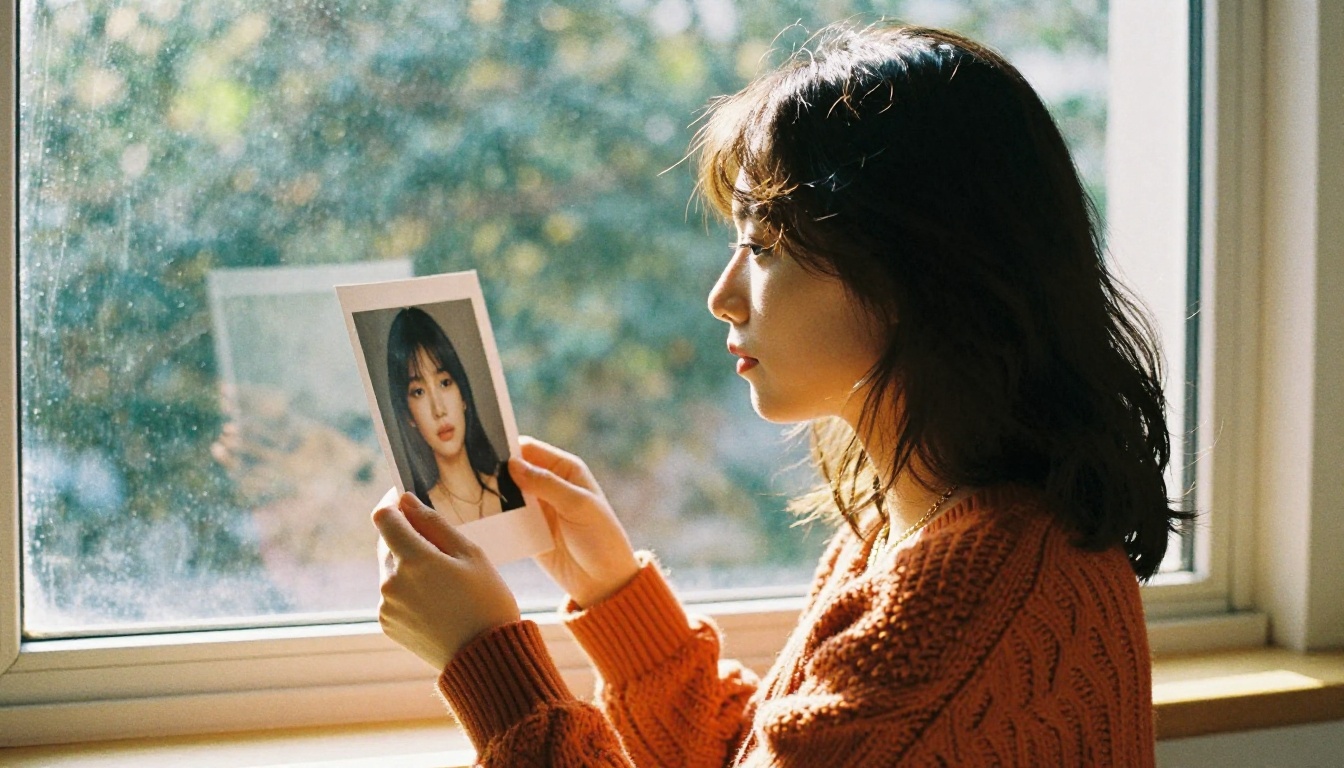
PicassoIA puts GPT Image 1.5 alongside the full range of today's best image generation models — Flux 2 Pro, Imagen 4, Seedream 4.5, and more — in one place, no API keys or local setup required. Start with a detailed prompt for something you actually need, compare the output against a second model, and build from there.
The tools are here. The quality is real. The only thing between you and the output you want is the prompt you write.


