GPT Image 1.5 Makes Photos from Plain Text: The Reality of AI Photography
GPT Image 1.5 represents a fundamental shift in how we create visual content. This AI model converts descriptive text into photorealistic images that professional photographers struggle to distinguish from traditional captures. We examine how the technology works, where it excels, what limitations remain, and practical applications across industries from marketing to product design. The analysis includes side-by-side comparisons, prompt engineering techniques, consistency testing, and ethical considerations for responsible use.
The moment you type "sunset over mountains" and watch a photorealistic landscape materialize before your eyes represents more than technological novelty—it's a fundamental rethinking of visual creation. GPT Image 1.5 bridges the gap between imagination and reality with precision that challenges traditional photography workflows.
The magical transformation where descriptive text becomes tangible visual reality
What changes when machines understand not just language but visual semantics? The answer lies in GPT Image 1.5's ability to parse descriptive text and generate corresponding images with photographic accuracy. This isn't digital art generation—it's computational photography where the camera is replaced by language understanding.
💡 The Core Idea: GPT Image 1.5 treats text descriptions as photographic briefs, then synthesizes images that match professional photography standards for lighting, composition, and detail.
How Text Becomes Visual Reality
The process begins with simple text input, but the transformation happens through sophisticated neural architecture. When you type "a woman smiling in golden sunlight," the model doesn't just generate a generic happy person—it creates specific photographic conditions.
Precise textual descriptions yield specific photographic results
Three critical transformations occur:
Language Tokenization: Your description breaks into semantic units—"woman" (subject), "smiling" (action/expression), "golden sunlight" (lighting condition), each with photographic implications
Visual Concept Mapping: Each token maps to visual libraries the model learned during training—"golden sunlight" connects to thousands of sunset photographs with specific angle, color temperature, and shadow characteristics
Photographic Synthesis: The model combines these visual concepts respecting photographic principles like lighting direction consistency, perspective accuracy, and material realism
The technical workflow:
Input Stage
What Happens
Photographic Result
Text Description
Language parsing into tokens
Conceptual understanding
Visual Mapping
Token-to-visual concept matching
Lighting, composition rules applied
Image Synthesis
Neural network generation
Photorealistic output with correct physics
Refinement
Iterative improvement
Professional quality final image
💡 Key Insight: GPT Image 1.5 doesn't "draw pictures"—it simulates photographic capture based on textual descriptions of scenes, lighting, and subjects.
The Architecture Behind the Magic
Understanding GPT Image 1.5 requires looking beneath the surface at its transformer-based architecture. The model builds on OpenAI's language understanding capabilities but applies them to visual synthesis.
The computational complexity behind simple text-to-image conversion
Architectural components that enable photorealistic generation:
Dual-Encoder System: One encoder processes text, another processes visual concepts, with cross-attention mechanisms linking language to imagery
Diffusion Process: Progressive refinement from noise to detailed image, similar to traditional photographic development
Photographic Priors: Built-in understanding of camera physics, lighting models, and material properties
Consistency Mechanisms: Ensures lighting direction, shadow consistency, and perspective accuracy throughout the image
The training difference: GPT Image 1.5 trained on professionally photographed images with metadata including camera settings, lighting conditions, and compositional notes, giving it inherent understanding of photographic principles rather than just visual patterns.
Professional Photography vs AI Generation
The most striking validation comes from professional photographers who struggle to distinguish GPT Image 1.5 outputs from their own work. The line between captured and generated imagery blurs when lighting, texture, and composition reach professional standards.
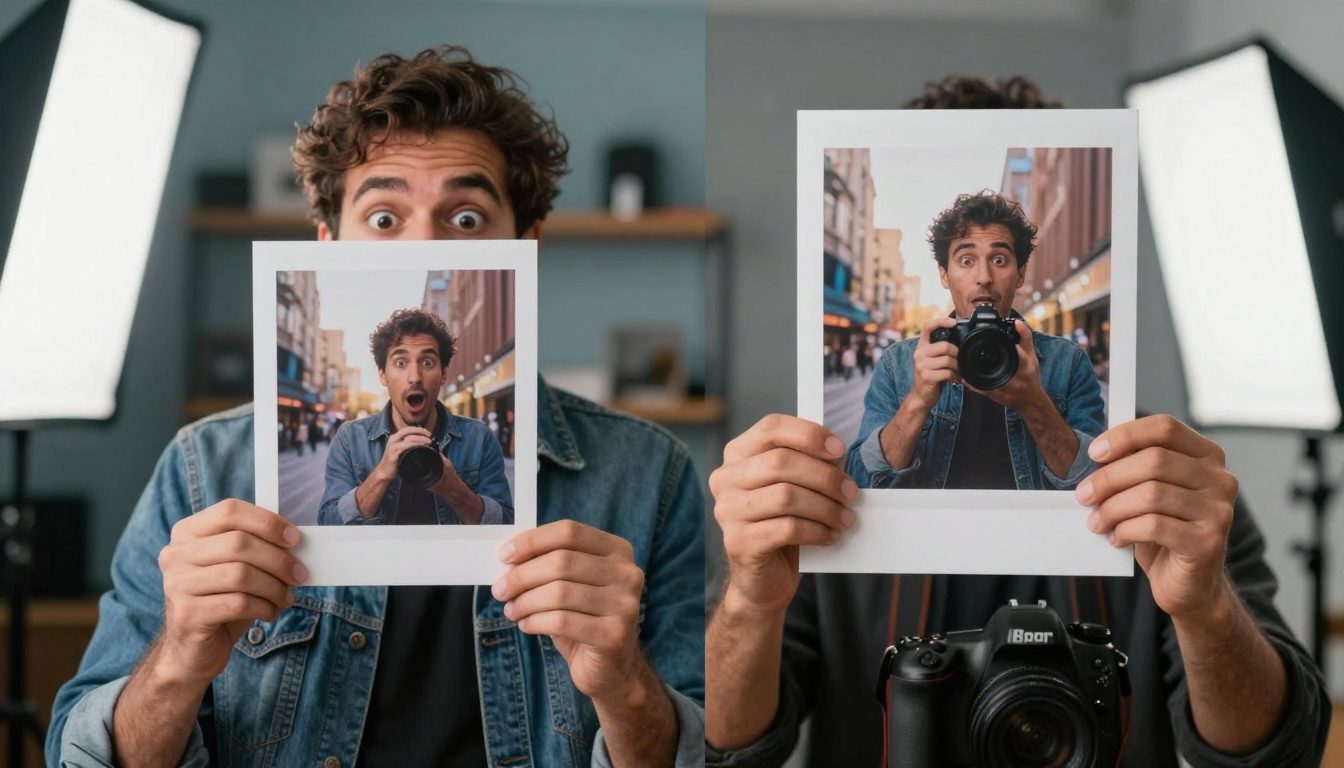
Even experts find it challenging to identify AI-generated photos in optimal conditions
Where GPT Image 1.5 matches professional photography:
Lighting Accuracy: Directional light, shadow falloff, and color temperature match real-world physics
Material Realism: Fabric textures, skin pores, metal reflections, and surface details appear authentic
Perspective Consistency: Vanishing points, foreshortening, and scale relationships remain correct
Spontaneous Moments: Candid human expressions and unplanned interactions
Complex Motion: Fast-moving subjects with precise timing requirements
Physical Texture: Tactile qualities that require actual material presence
Unpredictable Conditions: Weather changes, animal behavior, and natural phenomena
Practical implications for photographers:
Pre-visualization: Test lighting setups and compositions before actual shoots
Client Presentations: Show concepts before investing in production
Stock Enhancement: Generate specific images not available in existing libraries
Education: Demonstrate photographic principles without equipment
💡 Professional Perspective: "The best use isn't replacement but augmentation—using AI to explore ideas quickly, then executing the best concepts traditionally." — Commercial photographer
Where GPT Image 1.5 Excels
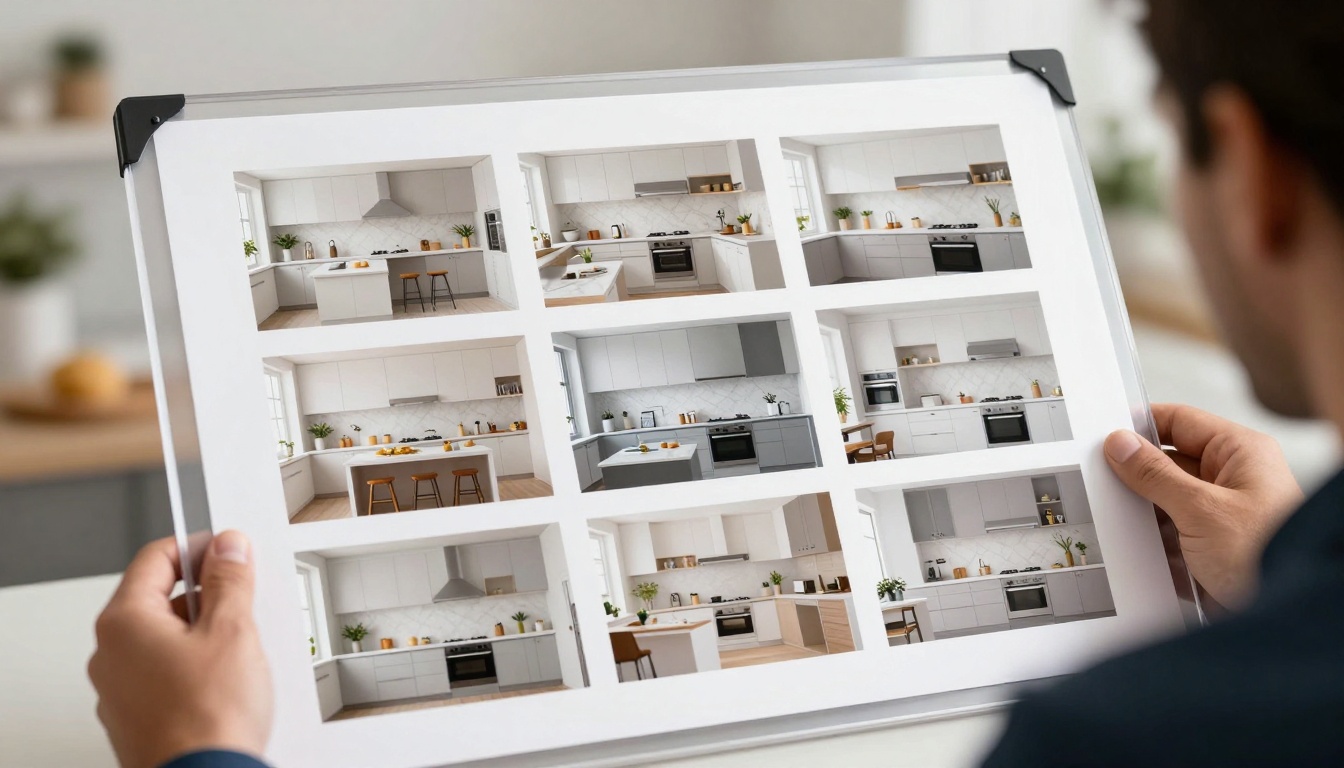
Certain applications showcase GPT Image 1.5's strengths particularly well. The model shines in scenarios where control, consistency, and specific requirements matter more than spontaneity.
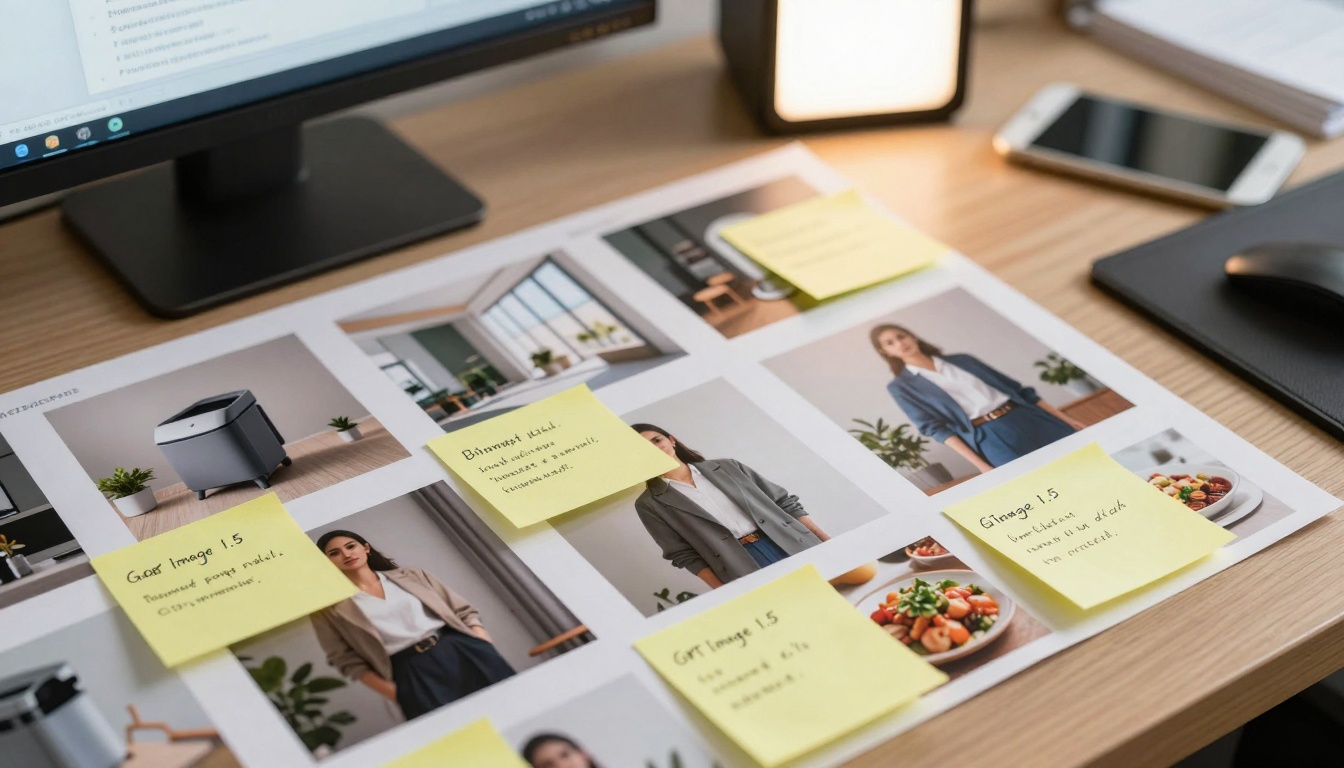
Commercial applications where AI generation provides practical advantages
Top applications demonstrating practical value:
Product Visualization
Generate marketing images before physical products exist
Test packaging designs in realistic environments
Create lifestyle shots showing products in use
Produce consistent imagery across product lines
Architectural Pre-visualization
Render building interiors with specific materials and lighting
Show design variations without 3D modeling
Create neighborhood context images
Generate different times of day for lighting studies
Fashion and Apparel
Show clothing on diverse body types
Create consistent model appearances across campaigns
Test fabric textures and draping
Generate accessory combinations
Food and Hospitality
Create menu images with consistent styling
Show dishes in different serving contexts
Generate restaurant interior shots
Produce ingredient close-ups
The commercial advantage: Speed and cost reduction for visualization phases, allowing more iteration before committing to physical production.
Prompt Engineering Makes the Difference
The single most important factor in GPT Image 1.5 output quality isn't the model—it's the input description. Vague prompts yield generic results, while specific descriptions produce photographic excellence.
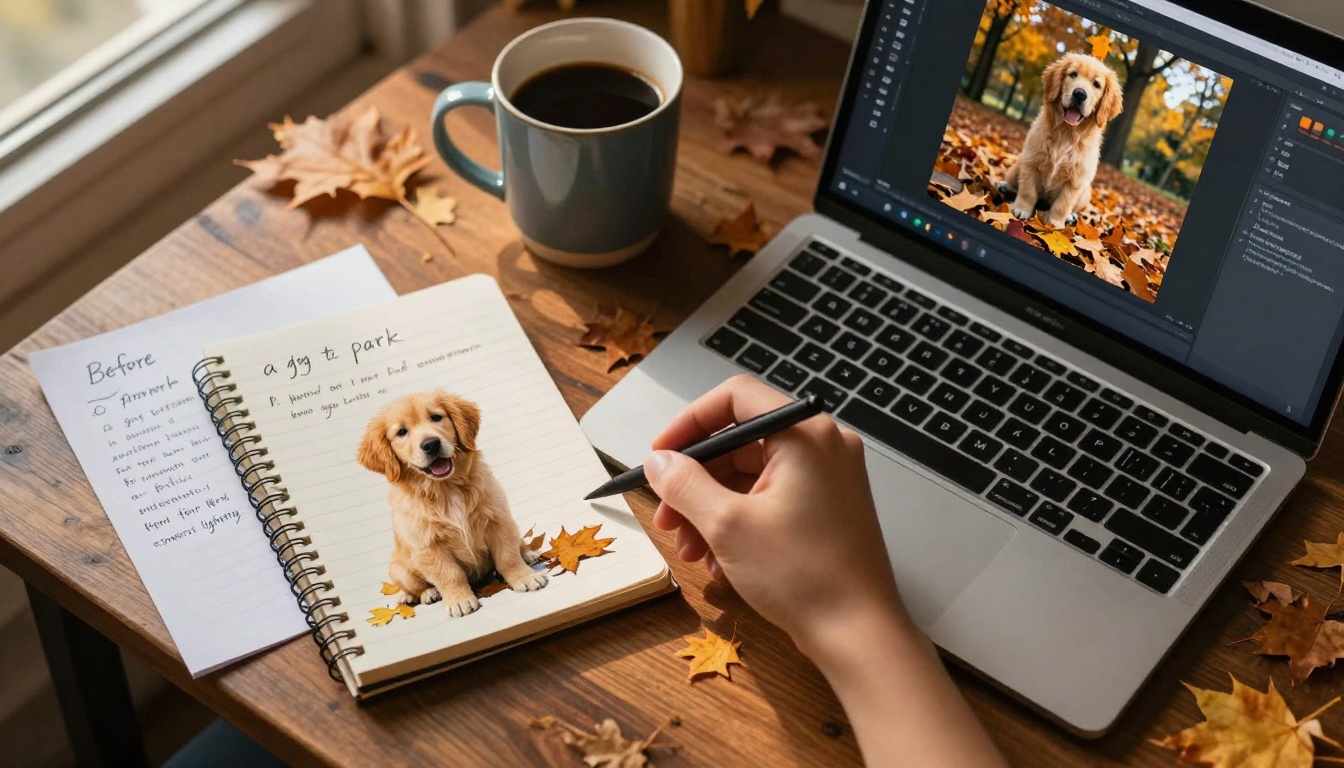
Specificity in text descriptions directly correlates with output quality
"a golden retriever puppy playing in autumn leaves in Central Park at golden hour"
Specific subject, action, location, time
Photographic
"a golden retriever puppy playing in autumn leaves in Central Park at golden hour, photorealistic, detailed fur texture, cinematic lighting, 85mm f/1.8 shallow depth of field"
Professional photography quality
Key photographic elements to include:
Lighting: "morning light through window," "sunset golden hour," "overcast soft light"
Camera Settings: "85mm portrait lens," "wide-angle perspective," "shallow depth of field"
Atmosphere: "hazy morning," "crisp autumn air," "rainy street reflections"
Composition: "rule of thirds," "leading lines," "symmetrical framing"
Contradictory Lighting: "bright sunshine" with "dark shadows" (choose one dominant condition)
Impossible Perspectives: "aerial view" with "eye-level details" (stick to consistent viewpoint)
Conflicting Styles: "photorealistic" with "cartoon style" (choose coherent aesthetic)
Over-specificity: Mentioning exact brand names or copyrighted elements
💡 Prompt Principle: Describe what a photographer would need to know to capture the scene—lighting, lens, composition, and mood.
Production-Ready Consistency
For commercial applications, consistency matters as much as quality. GPT Image 1.5 delivers remarkable output stability when given consistent prompt structures, making it suitable for brand campaigns and product lines.
Remarkable style consistency across multiple generations from the same prompt
Consistency metrics that matter for production:
Metric
What It Means
Commercial Importance
Style Consistency
Similar lighting, color grading, composition
Brand recognition
Quality Stability
Consistent detail level, no major artifacts
Professional standards
Subject Accuracy
Correct proportions, realistic materials
Product representation
Lighting Uniformity
Same direction, intensity, color temperature
Campaign coherence
Achieving production consistency:
Template Prompts: Create reusable prompt structures with variable elements
Reference Images: Include style references in prompts for visual consistency
Parameter Control: Use same seed values for related image sets
Batch Processing: Generate multiple variations simultaneously for comparison
Example template for product photography:
[Product name] on [surface material] with [lighting setup], [camera angle], [background description], photorealistic product photography, professional lighting, detailed textures, clean composition, [brand color] accents
Variation while maintaining consistency:
Variable: Surface material (marble, wood, fabric)
Variable: Lighting setup (studio softbox, window light, LED panels)
Constant: Photographic style, quality level, brand elements
The business case: Generating 50 product images with consistent quality costs significantly less than traditional photography while maintaining brand standards.
Current Limitations and Artifacts
Despite impressive capabilities, GPT Image 1.5 has identifiable limitations. Understanding these boundaries ensures appropriate application and sets realistic expectations.
Professional scrutiny reveals areas where AI still struggles
Common limitations observed:
Anatomical Complexity
Hands with correct finger count and joint positioning
Complex facial expressions with subtle muscle movements
Body proportions in unusual poses or perspectives
Hair physics with individual strand behavior
Logical Consistency
Reflection accuracy in mirrors and shiny surfaces
Shadow direction matching multiple light sources
Perspective lines converging correctly
Scale relationships between distant objects
Material Physics
Fabric draping with gravity and tension
Liquid behavior in motion or pouring
Smoke/steam diffusion patterns
Transparency and refraction effects
Temporal Understanding
Motion blur direction and intensity
Sequential action coherence
Before/after state relationships
Growth or decay processes
Technical artifacts to watch for:
Texture Repetition: Patterns that repeat unnaturally
Lighting Contradictions: Shadows pointing different directions
Perspective Errors: Vanishing lines that don't converge
Scale Inconsistencies: Objects sized incorrectly relative to environment
Anatomical Impossibilities: Joints bending beyond natural range
Mitigation strategies:
Simplification: Reduce scene complexity in challenging areas
Reference Images: Provide visual examples for difficult elements
Hybrid Approach: Combine AI generation with manual editing for problem areas
Realistic expectation setting: GPT Image 1.5 produces professional results for 80-90% of common photographic scenarios but requires workarounds for edge cases.
Ethical Framework for Responsible Use
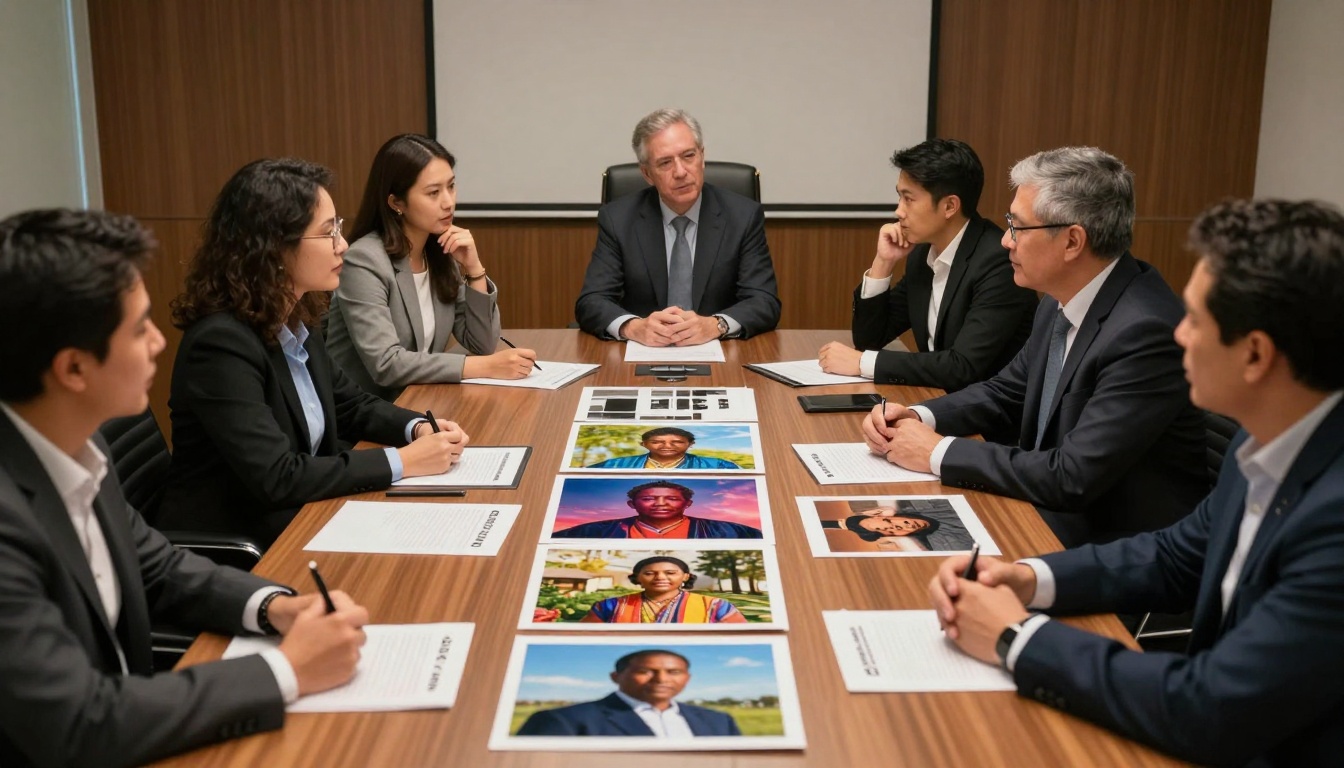
With great capability comes great responsibility. GPT Image 1.5's photorealistic outputs raise important ethical considerations that users must address proactively.
Responsible use requires considering societal impact and representation
Key ethical considerations:
Representation and Bias
Ensure diverse demographic representation in generated images
Avoid reinforcing stereotypes through prompt language
Balance gender, age, ethnicity, and ability representation
Consider cultural sensitivity in generated content
Transparency and Disclosure
Clearly label AI-generated content when context matters
Disclose generation method for journalistic or evidentiary uses
Maintain transparency in commercial applications
Document prompt and parameter details for audit trails
Intellectual Property
Respect copyright in training data references
Avoid generating recognizable likenesses without permission
Understand fair use boundaries for style imitation
Document inspiration sources for derivative works
Misuse Prevention
Establish protocols for sensitive content generation
Implement review processes for high-risk applications
Train users on responsible prompt formulation
Monitor outputs for unintended harmful content
Practical implementation guidelines:
Diversity Checklist: Review generated sets for balanced representation
Transparency Standards: Develop organizational policies for disclosure
IP Review Process: Screen prompts for potential copyright issues
Ethical Training: Educate team members on responsible use principles
Industry standards emerging:
Content Credentials: Technical standards for AI content provenance
Ethical Guidelines: Industry consortium recommendations
Legal Frameworks: Evolving legislation around AI-generated content
Best Practices: Community-developed responsible use patterns
💡 Ethical Principle: The goal isn't avoiding AI use but using it responsibly—with awareness of impact, commitment to fairness, and transparency about methods.
Future Applications and Trajectory
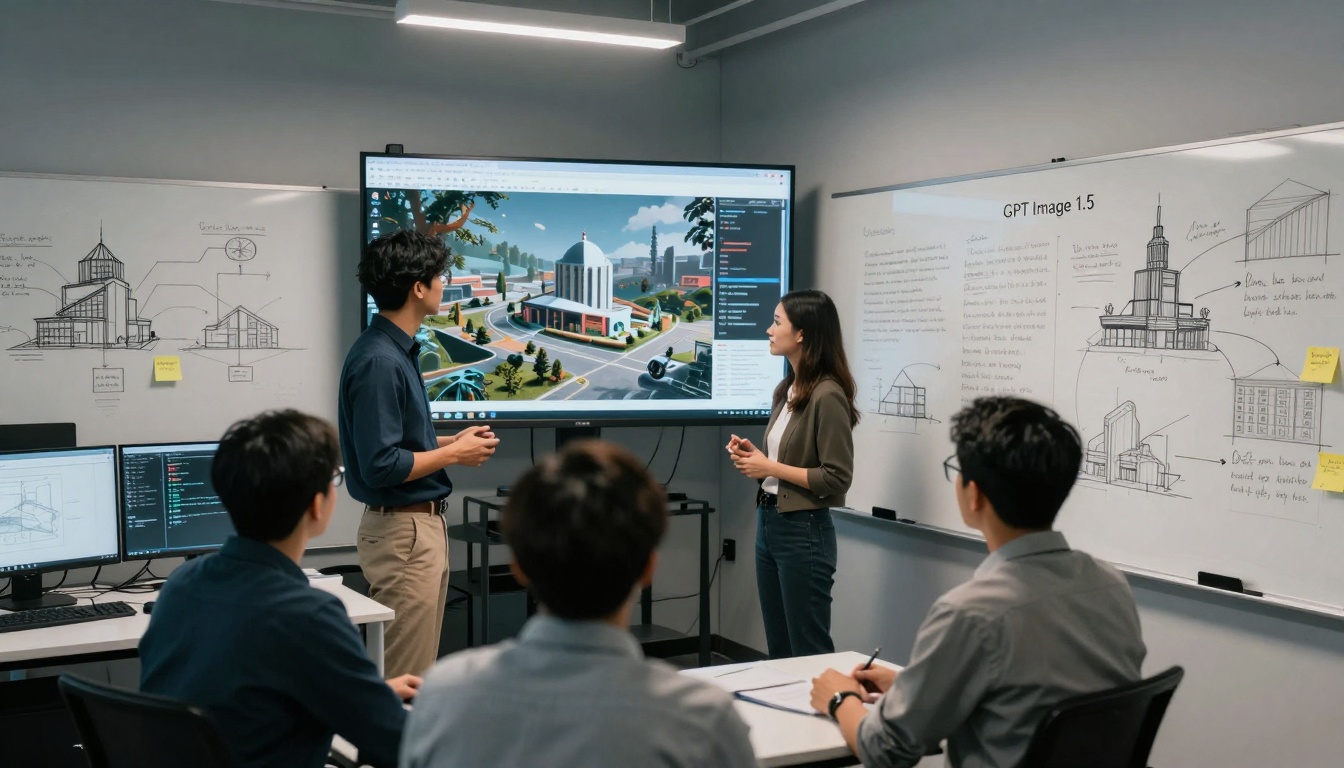
GPT Image 1.5 represents a current milestone, but the trajectory points toward even more integrated applications. The technology's true impact lies in enabling workflows that don't yet exist.
Today's capabilities form the foundation for tomorrow's innovations
Emerging application areas:
Film and Television Pre-visualization
Generate storyboard frames from script descriptions
Create location scouting images before physical visits
Produce character concept art from written descriptions
Visualize special effects shots for planning
Architectural and Urban Design
Generate neighborhood context from zoning descriptions
Create interior renderings from material specifications
Produce different times of day for lighting studies
Visualize proposed developments from planning documents
Product Development and Manufacturing
Generate product images from engineering specifications
Create packaging concepts from brand guidelines
Produce instruction manual illustrations from technical descriptions
Visualize custom configurations from customer selections
Education and Training
Create historical recreations from textual accounts
Generate scientific illustrations from research descriptions
Produce medical training images from case descriptions
Visualize complex concepts from educational texts
Technical evolution expected:
Real-time Generation: Near-instant image synthesis from text
3D Understanding: Conversion from text to 3D models with materials
Interactive Refinement: Live editing through conversational interaction
Multimodal Integration: Combined text, image, and voice input for generation
Personal Style Adaptation: Learning individual user preferences over time
The bigger picture: GPT Image 1.5 isn't just about generating images—it's about reducing the friction between idea and visualization, making visual communication more accessible and efficient.
Getting Started with GPT Image 1.5
Ready to transform your text into professional photographs? Here's how to begin with GPT Image 1.5 on PicassoIA.
Start Simple: Begin with basic descriptions to understand capabilities
Add Specificity: Gradually include more photographic details
Test Variations: Generate multiple versions from the same prompt
Refine Iteratively: Use results to improve subsequent prompts
Quick-start prompt examples:
Portrait Photography
professional headshot of [subject description], studio lighting, soft shadows, neutral background, photorealistic, detailed skin texture, professional photography
Product Shot
[product name] on clean white background, professional product photography, even lighting, detailed textures, commercial product image
Landscape
[location description] at [time of day], wide-angle perspective, dramatic lighting, photorealistic landscape, detailed foreground, atmospheric depth
Interior Design
[room type] with [style description], natural light from [direction], photorealistic interior, detailed materials, correct perspective
Optimization tips:
Batch Processing: Generate multiple images simultaneously for comparison
Style References: Include photographic style names in prompts
Parameter Experimentation: Test different aspect ratios and detail levels
Quality vs Speed: Balance generation time against output requirements
Integration considerations:
API Access: Programmatic integration for automated workflows
Format Requirements: Output specifications for different use cases
Storage Planning: Management strategy for generated image libraries
Workflow Design: How generation fits into existing creative processes
The invitation: Start with a simple description today. Type "a cup of coffee on a wooden table with morning light" and watch photographic reality emerge from plain text. Then experiment, refine, and discover how this technology can augment your visual communication capabilities.
The transformation happens word by word, description by description. What will you create?