GPT Image 1.5 Makes Photos Look Studio Ready - Professional AI Photography Enhancement
The moment you see a GPT Image 1.5 generated photograph, something feels different. It's not just another AI image—it's a photograph that looks like it came from a professional studio. The lighting is perfect. The composition feels intentional. The shadows transition naturally. The skin tones look real. This isn't accidental; it's the result of OpenAI's most advanced text-to-image model specifically designed to understand photography at a professional level.
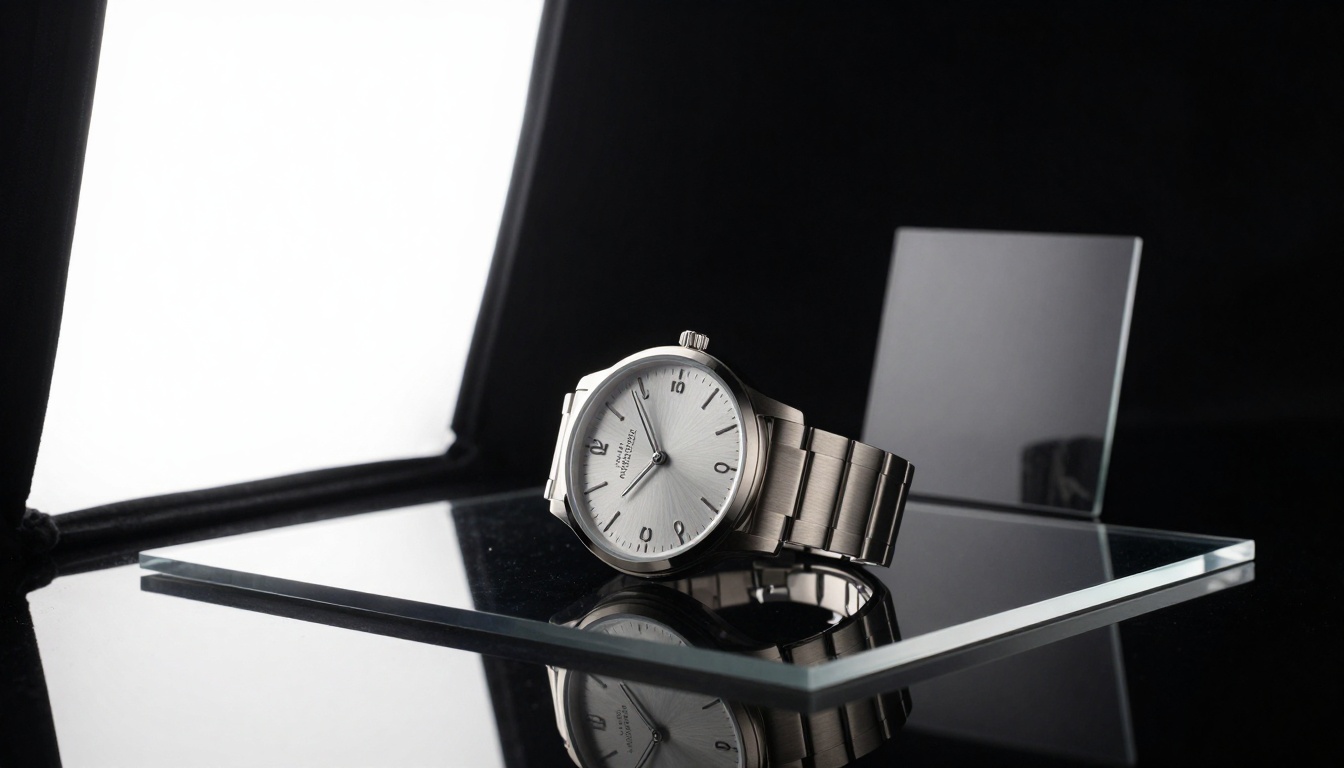
Above: GPT Image 1.5 creates product photography with professional lighting control—notice the perfect reflections and shadow detail.
Most AI image generators create "pictures." GPT Image 1.5 creates photographs. There's a fundamental difference. Pictures can be abstract, stylized, or obviously artificial. Photographs follow the rules of real-world photography: they have realistic lighting, natural perspective, accurate color reproduction, and professional composition. When you need images for commercial use—website banners, social media campaigns, product listings, or marketing materials—this distinction matters.
What GPT Image 1.5 Actually Does
At its core, GPT Image 1.5 is a text-to-image diffusion model trained on a massive dataset of professional photographs. Unlike models that learn from any image they can find, this model specifically studied studio photography, commercial images, and professional portraiture. The training data included:
- Commercial product photography from e-commerce and advertising
- Professional portraits from studio photographers
- Fashion editorial shots from magazines
- Architectural photography with perfect lighting
- Food photography that makes dishes look delicious
- Corporate headshots with professional lighting setups
The model doesn't just generate pixels—it understands photographic concepts. When you prompt "a professional product shot of a watch with studio lighting," it knows what that means technically: specific lighting angles, shadow control, reflection management, and composition rules that professional photographers use.
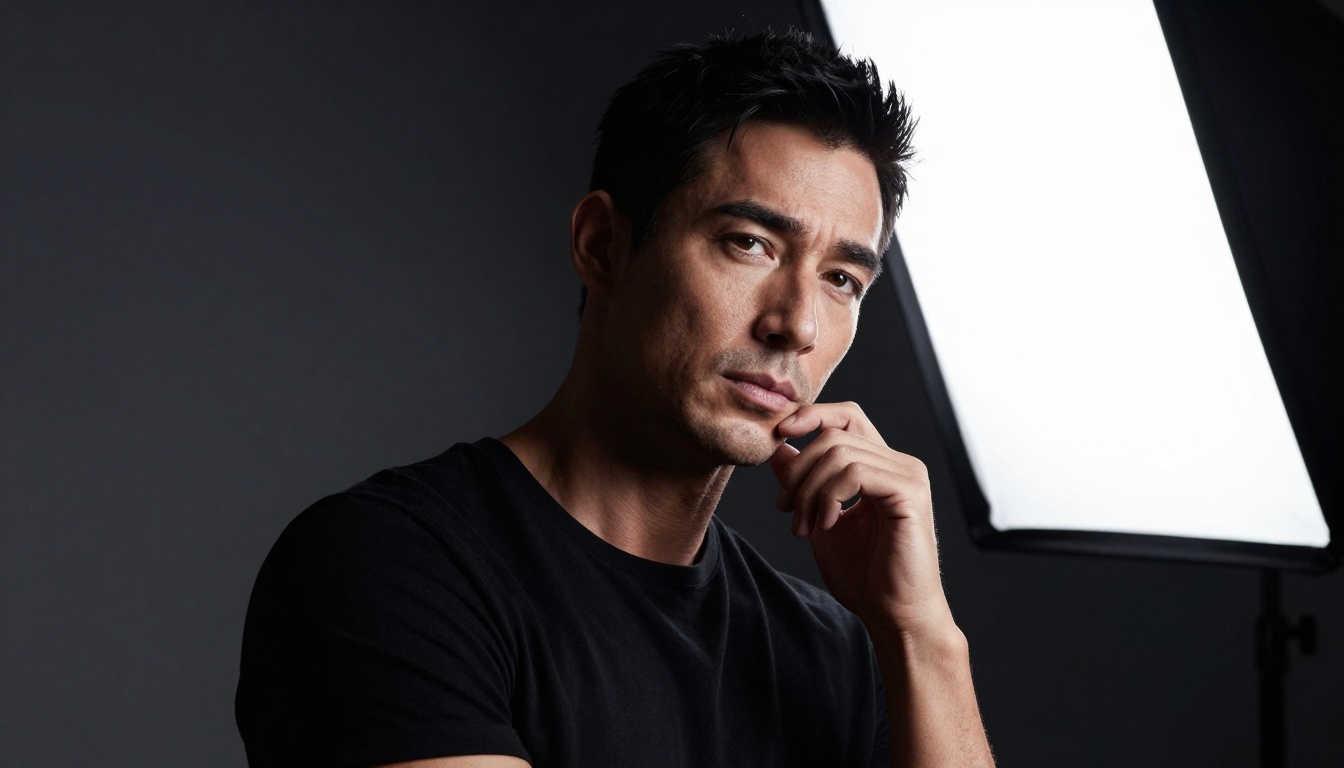
This cinematic portrait demonstrates GPT Image 1.5's ability to handle complex lighting scenarios with natural shadow rendering.
The Studio Quality Difference
What makes studio photography different from regular photography? It comes down to control. In a studio, photographers control every aspect:
- Lighting Control: Multiple light sources with precise positioning
- Shadow Management: Intentional shadow creation and fill
- Background Control: Seamless papers, infinity coves, custom backdrops
- Composition Control: Planned framing and subject placement
- Color Control: Accurate white balance and color grading
GPT Image 1.5 replicates this control digitally. When you describe a lighting setup, the model doesn't just add "brightness"—it creates specific lighting patterns that follow real-world physics:
💡 Professional Insight: The model understands lighting ratios. A "3:1 lighting ratio" means the main light is 3 times brighter than the fill light, creating dimensional but flattering shadows. A "5:1 ratio" creates dramatic contrast for editorial work. These aren't random—they're calculated.
Lighting That Looks Professional
Professional photographers spend years learning lighting. GPT Image 1.5 has learned those patterns and can recreate them instantly. Here are the lighting setups it understands:
| Lighting Type | Professional Use | GPT Image 1.5 Keywords |
|---|
| Rembrandt Lighting | Classic portrait lighting | "45-degree angle softbox, triangle light under eye" |
| Butterfly Lighting | Beauty/fashion photography | "Overhead main light, shadow under nose" |
| Split Lighting | Dramatic portraits | "90-degree side light, half face in shadow" |
| Loop Lighting | Corporate portraits | "Soft directional light, small nose shadow" |
| Broad Lighting | Making faces appear wider | "Light on visible side of face" |
| Short Lighting | Slimming effect | "Light on shadow side of face" |
| Clamshell Lighting | Beauty photography | "Two softboxes above and below" |
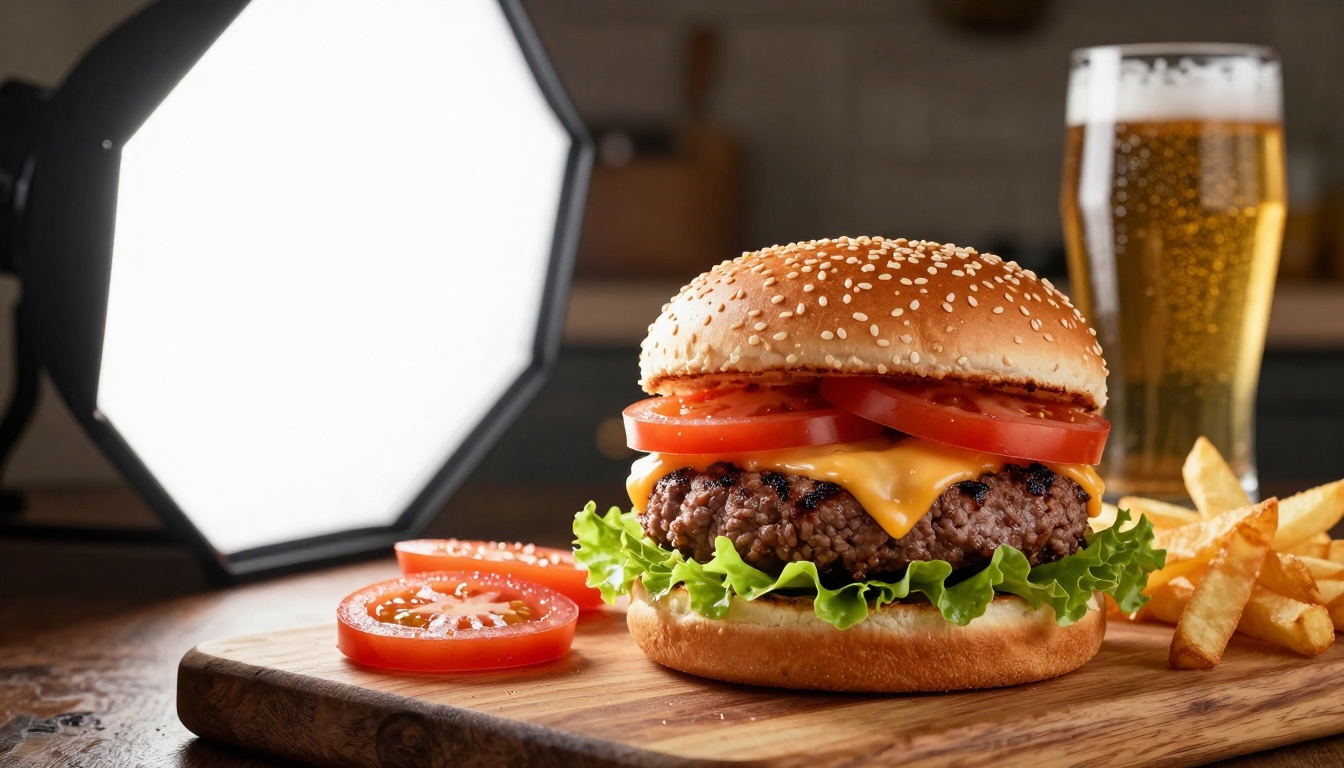
Food photography requires specific lighting to make food look appetizing—GPT Image 1.5 handles this perfectly.
The model also understands light modifiers—the tools photographers use to shape light:
- Softboxes: Large, diffuse light sources for soft shadows
- Umbrellas: Reflective or shoot-through for broad illumination
- Strip boxes: Narrow sources for linear highlights
- Beauty dishes: Specific pattern for fashion photography
- Grids: Control light spill and direction
- Reflectors: Fill shadows with bounce light
- Gobos: Patterned shadows for creative effects
When you include these terms in your prompt, GPT Image 1.5 applies them correctly, creating lighting that looks intentional and professional.
Composition Like a Photographer
Composition isn't just about where to place subjects—it's about visual flow, balance, and intent. Professional photographers follow specific rules that GPT Image 1.5 has learned:
Rule of Thirds: The most fundamental composition rule. Subjects placed at intersection points create natural balance.
Leading Lines: Lines that guide the viewer's eye through the image. The model understands architectural lines, furniture arrangements, and natural pathways.
Negative Space: Intentional empty space that emphasizes the subject. Professional commercial photography often uses generous negative space.
Framing: Using elements within the scene to frame the subject. The model can create natural frames from architecture, foliage, or other elements.
Depth Layers: Foreground, middle ground, and background elements creating dimensional space.
Symmetry vs. Asymmetry: Balanced symmetrical compositions for formal shots, dynamic asymmetry for energy.
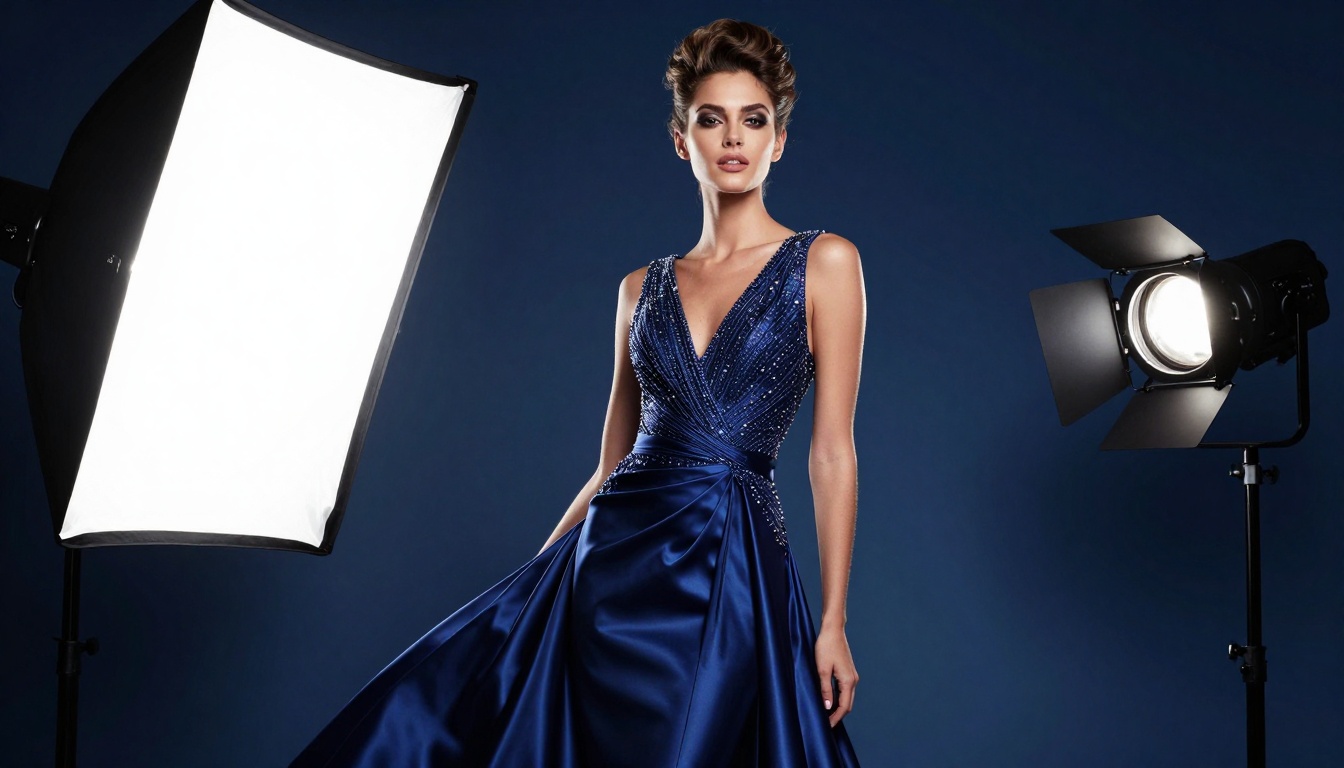
Fashion editorial requires complex lighting setups and dynamic composition—GPT Image 1.5 delivers studio-quality results.
When This Model Works Best
GPT Image 1.5 excels in specific scenarios where photographic quality matters more than artistic style:
Commercial Product Photography
- E-commerce product images
- Luxury brand marketing
- Packaging and label design
- Catalog and brochure images
Professional Portraiture
- Corporate headshots
- Professional profiles (LinkedIn, websites)
- Author photos for books
- Speaker photos for conferences
Fashion and Beauty
- Clothing catalog shots
- Accessory photography
- Makeup and skincare products
- Fashion editorial for magazines
Food and Beverage
- Restaurant menu photography
- Recipe blog images
- Food packaging design
- Beverage marketing
Architecture and Real Estate
- Interior design photography
- Real estate listings
- Hotel and resort marketing
- Commercial space documentation
Lifestyle and Social Media
- Brand social media content
- Influencer partnership images
- Blog and article illustrations
- Email marketing visuals
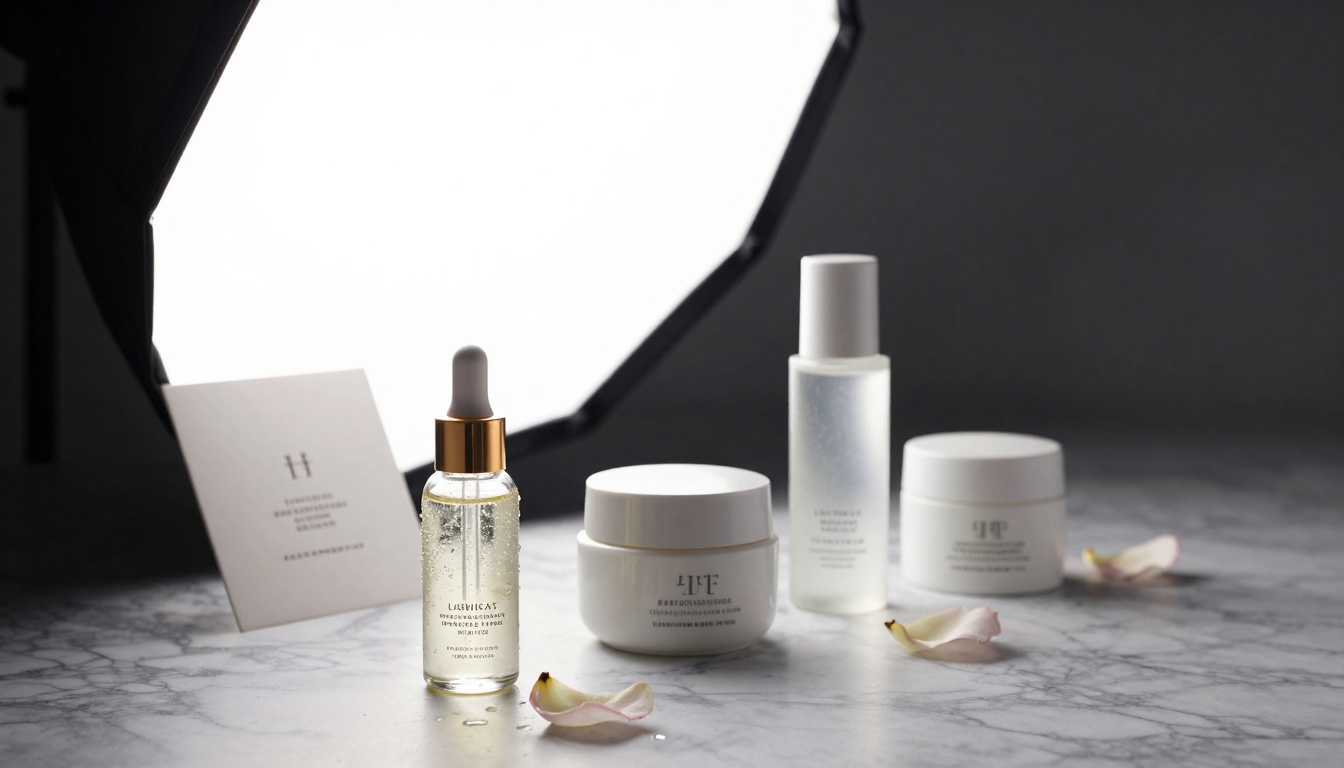
Luxury products require specific lighting to showcase materials and quality—GPT Image 1.5 handles glass, metal, and ceramic surfaces perfectly.
Comparison With Other AI Models
How does GPT Image 1.5 compare to other popular image generation models on PicassoIA?
| Model | Best For | Photographic Quality | Lighting Control | Commercial Use |
|---|
| GPT Image 1.5 | Professional photography | ⭐⭐⭐⭐⭐ | ⭐⭐⭐⭐⭐ | ⭐⭐⭐⭐⭐ |
| Flux Pro | Artistic images, styles | ⭐⭐⭐⭐ | ⭐⭐⭐⭐ | ⭐⭐⭐⭐ |
| SDXL | Creative concepts | ⭐⭐⭐ | ⭐⭐⭐ | ⭐⭐⭐ |
| Qwen Image | Fast generation | ⭐⭐⭐ | ⭐⭐⭐ | ⭐⭐⭐ |
| P-Image | General purpose | ⭐⭐⭐⭐ | ⭐⭐⭐ | ⭐⭐⭐⭐ |
GPT Image 1.5 stands out for photographic realism. While other models might create beautiful images, they often have that "AI look"—subtle tells like unnatural lighting, imperfect perspective, or inconsistent details. GPT Image 1.5 minimizes these tells, creating images that could plausibly be real photographs.
Creating Commercial-Grade Images
Here's how to create commercial-grade images with GPT Image 1.5:
1. Start with Photographic Language
Instead of: "A picture of a watch"
Use: "Professional product photography of a luxury wristwatch on black acrylic surface with studio lighting"
2. Specify Lighting Setup
Instead of: "Well-lit"
Use: "Large softbox at 45-degree camera-left, fill reflector camera-right, hair light from above"
3. Include Technical Details
Instead of: "Sharp image"
Use: "85mm lens at f/5.6, shallow depth of field, eyes in focus"
4. Describe Composition
Instead of: "Good composition"
Use: "Rule of thirds composition with subject at left intersection, negative space on right"
5. Specify Professional Context
Instead of: "A person"
Use: "Corporate headshot of business executive in navy suit, professional studio lighting"
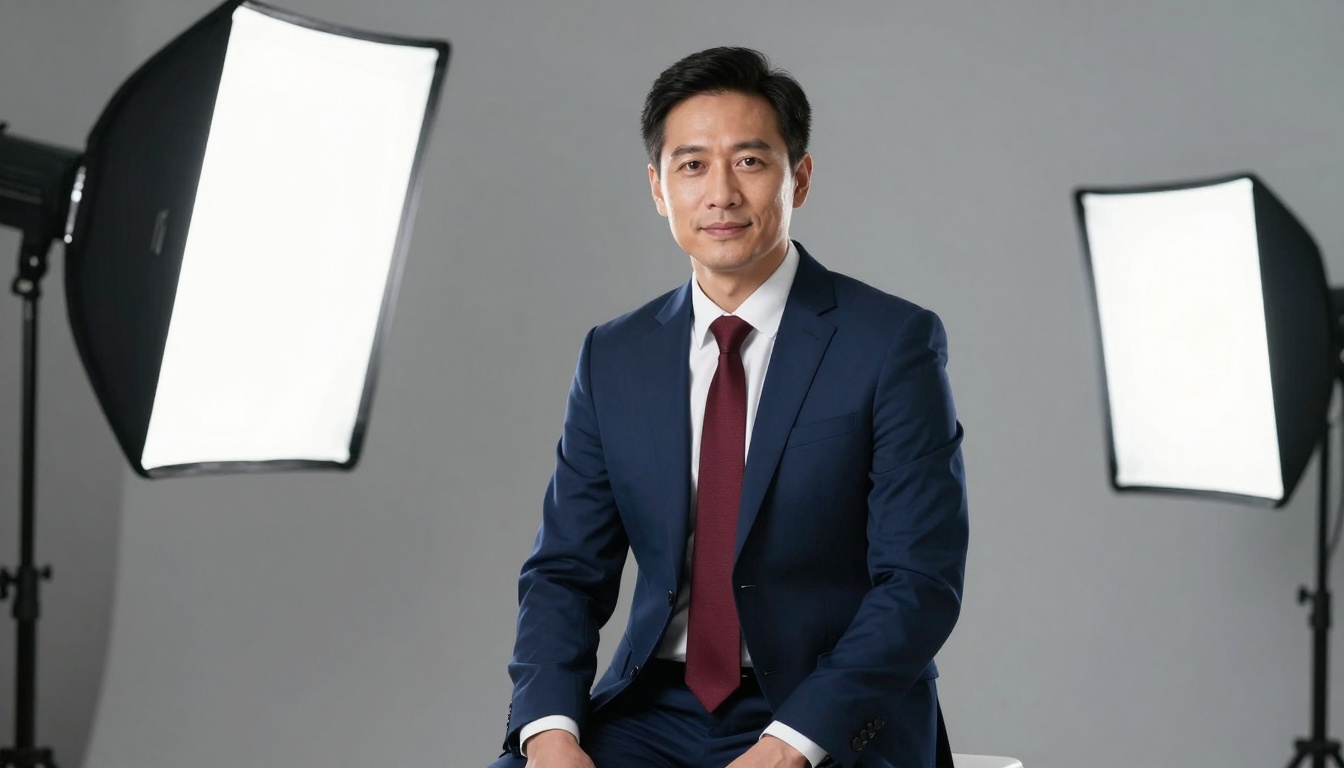
Corporate headshots require specific lighting and composition—GPT Image 1.5 creates images suitable for professional profiles.
Tips for Better Results
Use Photographic Terminology
The model responds better to technical photography terms than vague descriptions:
- Good: "Soft directional window light with subtle fill"
- Better: "Large softbox mimicking north-facing window light at camera-left, white fill card camera-right"
Be Specific About Equipment
Mentioning specific gear helps the model understand the photographic style:
- Good: "Professional camera"
- Better: "Medium format digital camera with 80mm lens at f/4"
Describe the Environment
Studio photography happens in controlled environments:
- Good: "Clean background"
- Better: "Seamless white paper background with infinity cove curve"
Include Lighting Ratios
Professional photographers think in lighting ratios:
- Good: "Nice lighting"
- Better: "3:1 lighting ratio with main light at f/8, fill at f/5.6"
Specify Color Treatment
Professional images have intentional color grading:
- Good: "Good colors"
- Better: "Natural skin tones, accurate white balance at 5500K, subtle contrast enhancement"
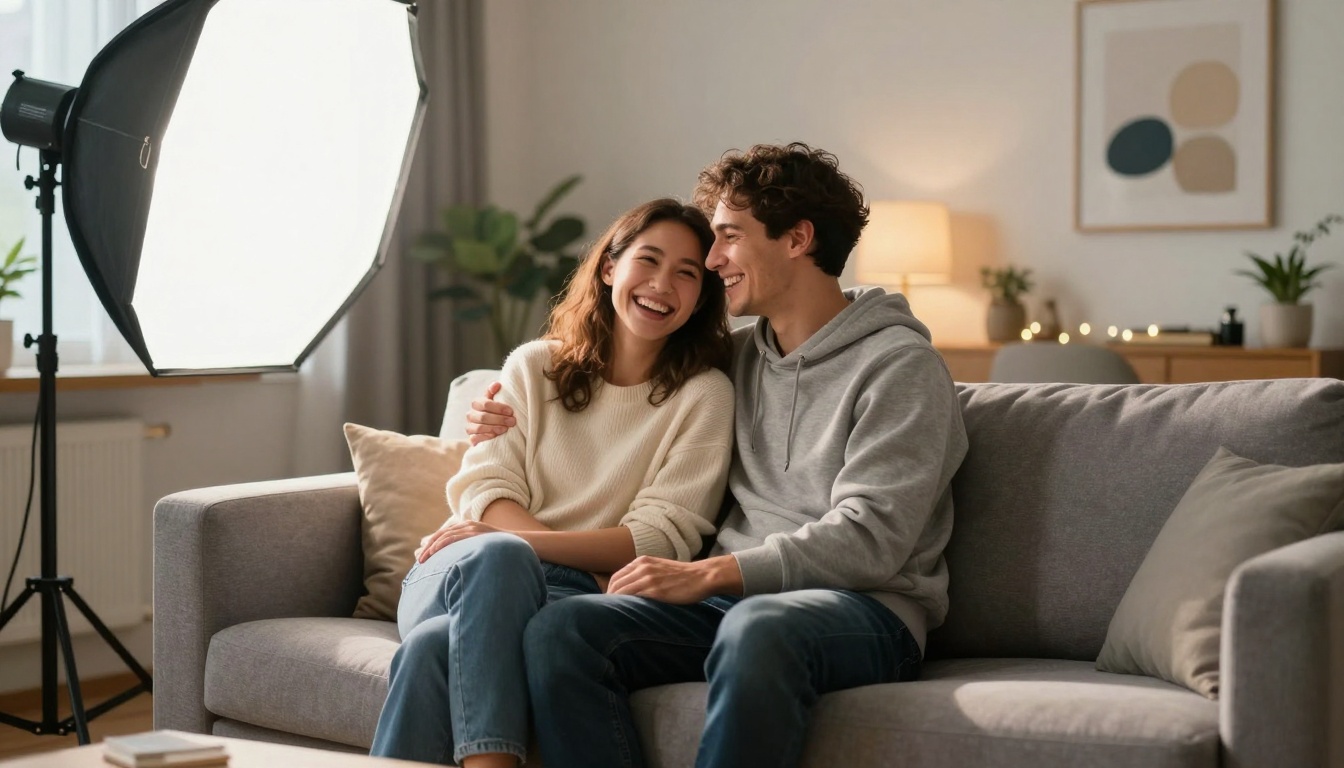
Lifestyle photography requires lighting that looks natural while being professionally controlled—GPT Image 1.5 balances this perfectly.
Real-World Applications
E-commerce Businesses
Small businesses can create professional product images without hiring photographers. A clothing brand can generate catalog shots with consistent lighting. A jewelry store can create sparkle-perfect images of their pieces. A furniture company can show their products in perfectly lit interior settings.
Marketing Agencies
Agencies can produce campaign visuals faster and at lower cost. Social media content, email marketing images, website banners, and print materials can all be generated with consistent professional quality.
Content Creators
Bloggers, YouTubers, and social media influencers can create professional visuals to accompany their content. Recipe bloggers get perfect food photography. Travel bloggers get professional-looking destination images. Tech reviewers get crisp product shots.
Professional Services
Lawyers, consultants, coaches, and other professionals can create corporate headshots for their websites and profiles. Authors can get professional author photos. Speakers can get conference-ready portraits.
Real Estate
Agents can generate professional interior photos for listings. Developers can showcase properties with perfect architectural photography. Hotels can create inviting room images.
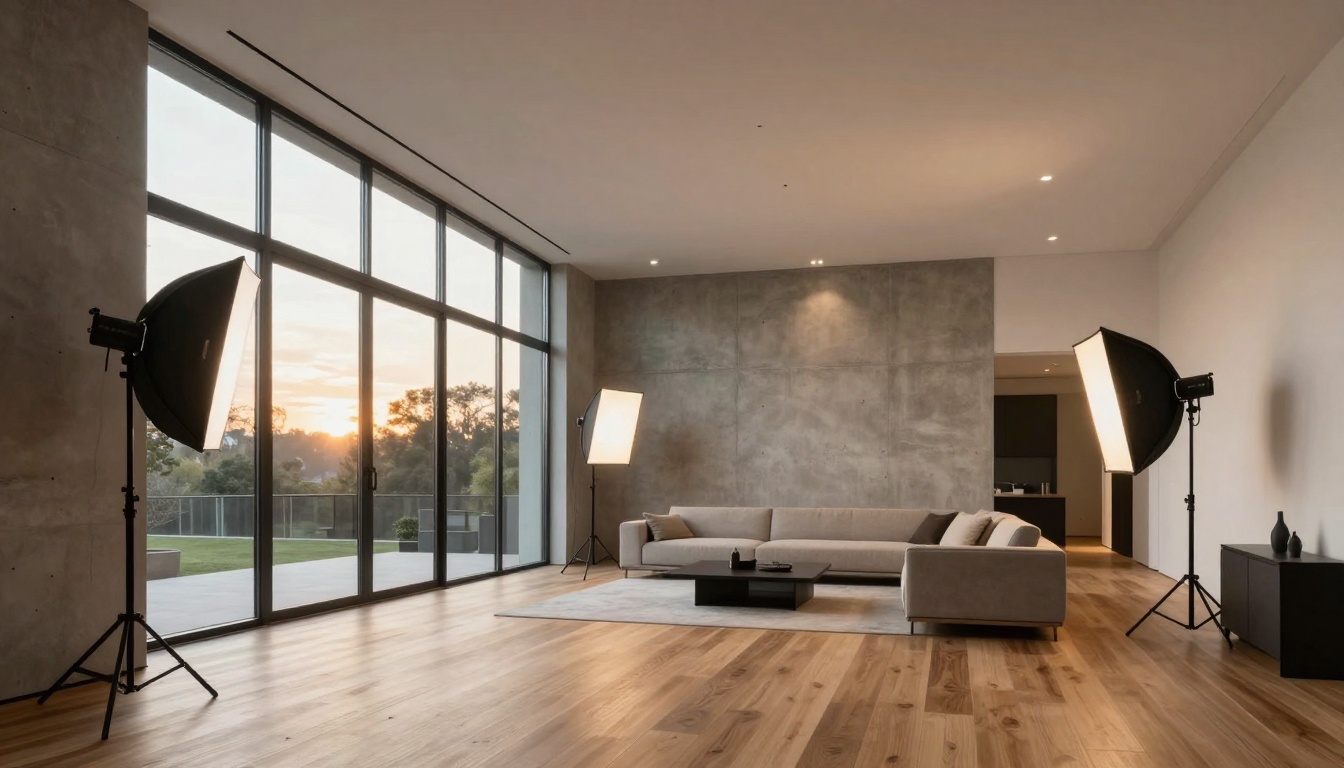
Architectural photography requires perfect exposure balance and composition—GPT Image 1.5 handles complex interior lighting scenarios.
How to Use GPT Image 1.5 on PicassoIA
Using GPT Image 1.5 on PicassoIA is straightforward. The platform provides direct access to this advanced model with a clean interface designed for professional use.
Step 1: Access the Model
Navigate to the GPT Image 1.5 page on PicassoIA. You'll see the model interface with input fields for your prompt and parameters.
Step 2: Craft Your Photographic Prompt
Use the photographic language tips from earlier. Be specific about lighting, composition, equipment, and context. The more photographic detail you include, the better the results.
Step 3: Set Parameters
Adjust parameters for your specific needs:
- Aspect Ratio: Choose 16:9 for most professional applications
- Style: Select "raw" for photographic realism
- Quality: Maximum quality for commercial use
Step 4: Generate and Refine
Generate your image, then refine based on results. If the lighting isn't quite right, adjust your lighting description. If composition needs work, specify different compositional rules.
Step 5: Download and Use
Once satisfied, download the high-resolution image for your commercial use. The images are ready for websites, social media, print materials, or any professional application.
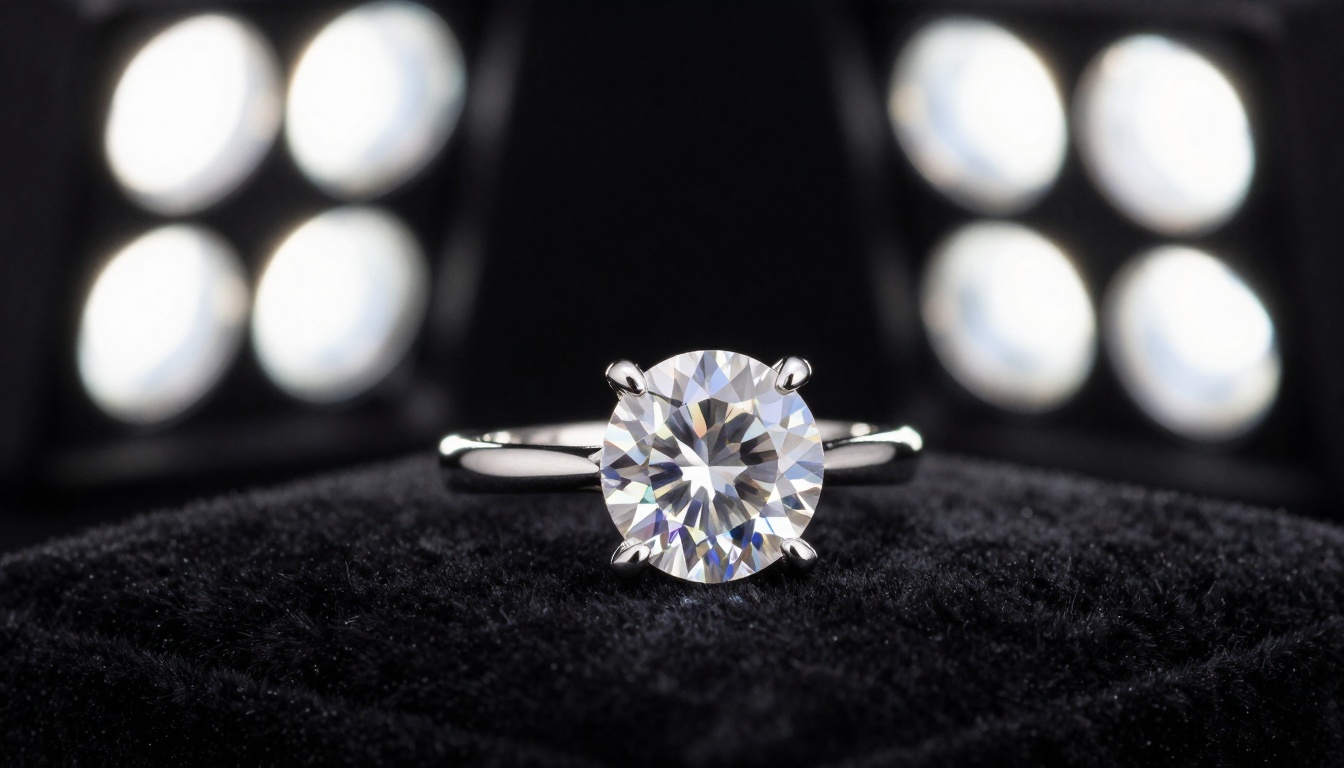
Jewelry photography requires specialized lighting techniques—GPT Image 1.5 creates perfect sparkle and detail in precious stones.
The Cost Advantage
Hiring a professional photographer for a product shoot can cost $500-$5,000 depending on complexity. A corporate headshot session might be $200-$800 per person. A fashion editorial shoot could run $2,000-$10,000. Architectural photography often starts at $1,000 per property.
GPT Image 1.5 on PicassoIA provides professional-quality images at a fraction of the cost. For businesses needing consistent visual content, this represents significant savings while maintaining professional standards.
Quality That Scales
The real power isn't just creating one professional image—it's creating dozens or hundreds with consistent quality. An e-commerce site with 200 products needs 200 professional product images. A marketing campaign might need 50 different visuals across platforms. A content creator might need new images every week.
With GPT Image 1.5, you can scale professional photography without scaling costs proportionally. The quality remains consistent because the model follows the same photographic principles every time.
Try It Yourself
The best way to understand GPT Image 1.5's capabilities is to try it. Start with a simple product or portrait prompt using photographic language. See how the model responds to specific lighting instructions. Experiment with different compositional rules. Notice how the results differ from other image generation models.
Whether you're a small business owner needing product images, a content creator wanting professional visuals, or a marketer looking for campaign assets, GPT Image 1.5 on PicassoIA provides studio-quality photography without the studio.
The images shown throughout this article were all generated with GPT Image 1.5 using the photographic prompting techniques described. Each one demonstrates specific professional photography applications—from product shots to portraits to architectural images. The consistent quality across different subjects and styles shows the model's versatility for commercial use.
Now it's your turn. Head to PicassoIA's GPT Image 1.5 page and create your own studio-quality images. Start with something simple, then gradually add more photographic detail to your prompts. See how specific you can get with lighting setups, composition rules, and technical details. The model's understanding of professional photography means it will respond to that specificity with increasingly professional results.


