The moment you type a description and watch it materialize as a perfect photograph feels like magic, but it's actually advanced AI at work. GPT Image 1.5 from OpenAI represents a significant leap in text-to-image generation, creating results that don't just resemble photographs—they could pass as actual 8K professional photography with all the natural imperfections, lighting physics, and material authenticity you'd expect from human-created images.
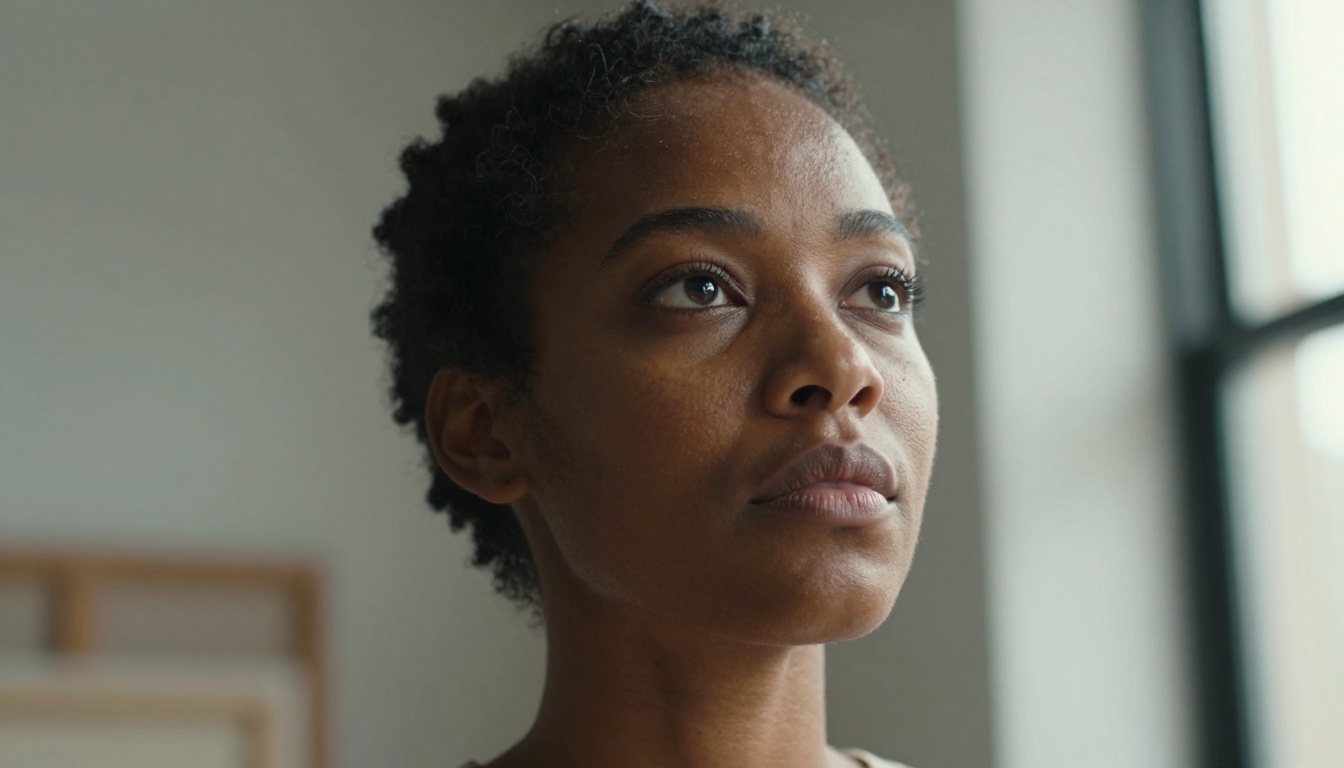
Portrait showing detailed skin texture, natural lighting, and authentic human expression generated by GPT Image 1.5
What GPT Image 1.5 Actually Does
Unlike earlier AI image generators that produced clearly artificial results with telltale signs like unnatural lighting, perfect symmetry, or impossible physics, GPT Image 1.5 understands the real world at a fundamental level. When you describe "a lemon slice on marble with morning light," it doesn't just create a lemon-shaped object on a gray surface. It generates:
- Accurate material properties: Waxy citrus skin with natural oil glands
- Realistic lighting physics: Soft window illumination with correct shadow behavior
- Natural imperfections: Slight variations in slice thickness, juice droplets with proper surface tension
- Authentic camera characteristics: Appropriate depth of field, lens characteristics, even film grain
💡 The realism difference: Previous models showed you what something looks like. GPT Image 1.5 shows you what something is, complete with all the physical properties and lighting interactions that make it feel tangibly real.
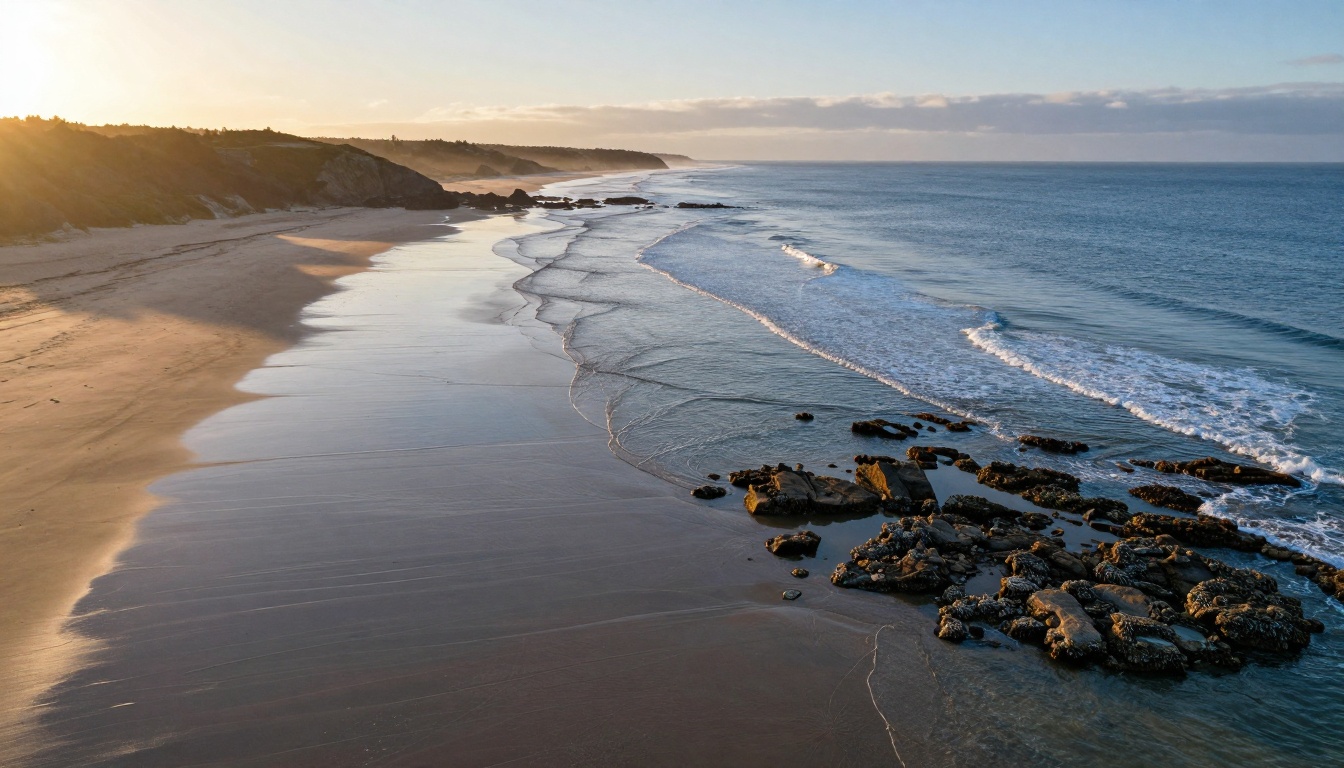
Drone perspective coastal scene with accurate wave patterns, atmospheric haze, and sunset lighting
Why This Matters for Creatives
For photographers, designers, and visual artists, the implications are enormous. Traditional AI art required extensive post-processing to make images look authentic. GPT Image 1.5 delivers production-ready visuals straight from the prompt.
Key Advantages Over Other Models
| Feature | GPT Image 1.5 | Other AI Models | Real Photography |
|---|
| Lighting Accuracy | Physically correct shadows/highlights | Often unnatural or inconsistent | Reference standard |
| Material Texture | Authentic surface properties | Simplified or generic | Varies by surface |
| Natural Imperfections | Includes realistic flaws | Often too perfect | Inherent to process |
| Production Ready | Minimal editing needed | Significant editing required | Camera-dependent |
| Style Consistency | Maintains photographic style | Often drifts artistic | Consistent by photographer |
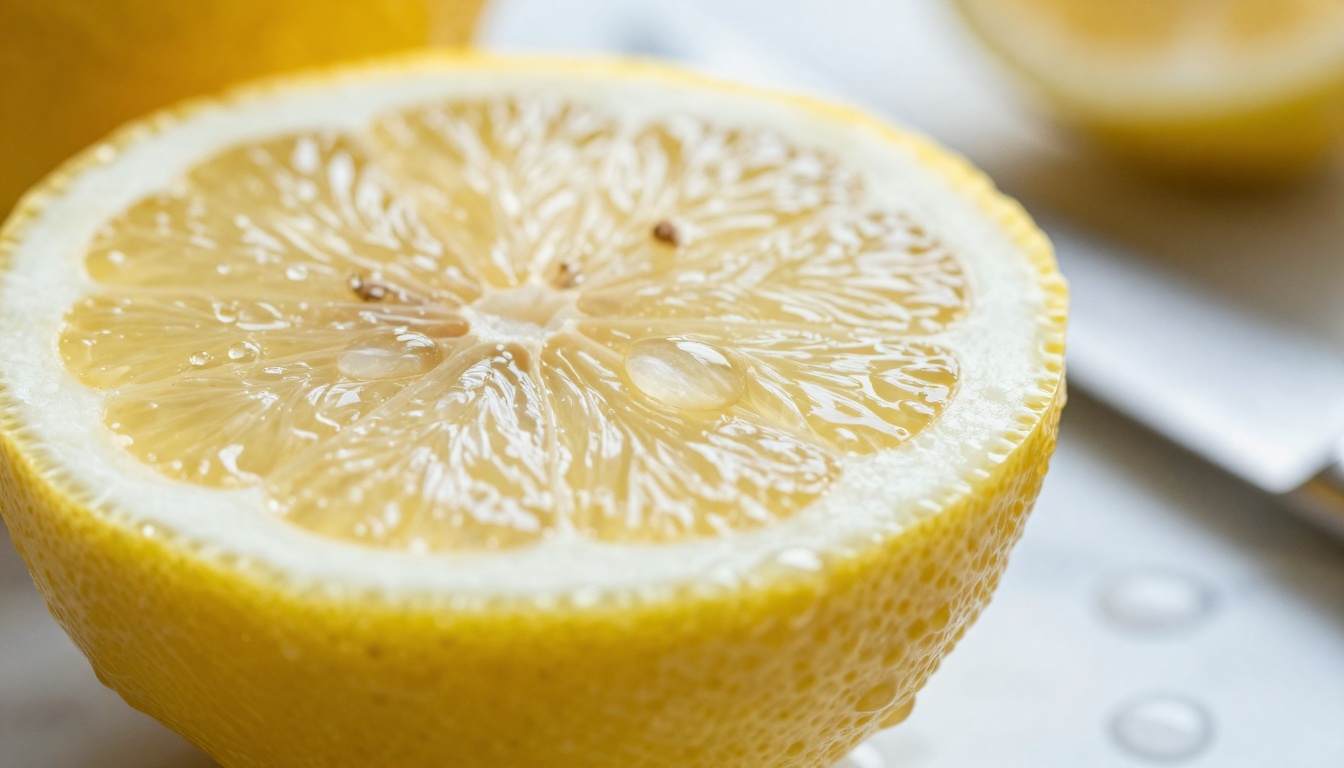
Macro photography showing cellular structure, juice droplets, and material transparency
Technical Capabilities in Practice
The model's understanding extends across multiple photography disciplines:
1. Portrait Photography
Human faces show authentic skin texture with pores, fine hairs, and natural imperfections. Eyes contain accurate moisture creating realistic catchlights. Facial expressions feel genuinely human rather than AI-posed.
2. Landscape & Nature
Environmental scenes demonstrate proper atmospheric perspective, accurate water physics, realistic cloud formations, and authentic terrain textures from individual sand grains to mountain rock faces.
3. Architectural & Interior
Spaces maintain correct perspective lines, material properties (velvet nap direction, concrete aggregate patterns, glass refraction), and multi-source lighting physics with accurate shadow behavior.
4. Action & Sports
Movement shows proper human kinetics, fabric dynamics, and motion characteristics. Muscle tension, sweat patterns, and athletic expressions appear authentically captured rather than artificially composed.
5. Macro & Scientific
Microscopic details reveal accurate material structures, proper scale representation, and scientific phenomena like crystal formations with precise geometric patterns.
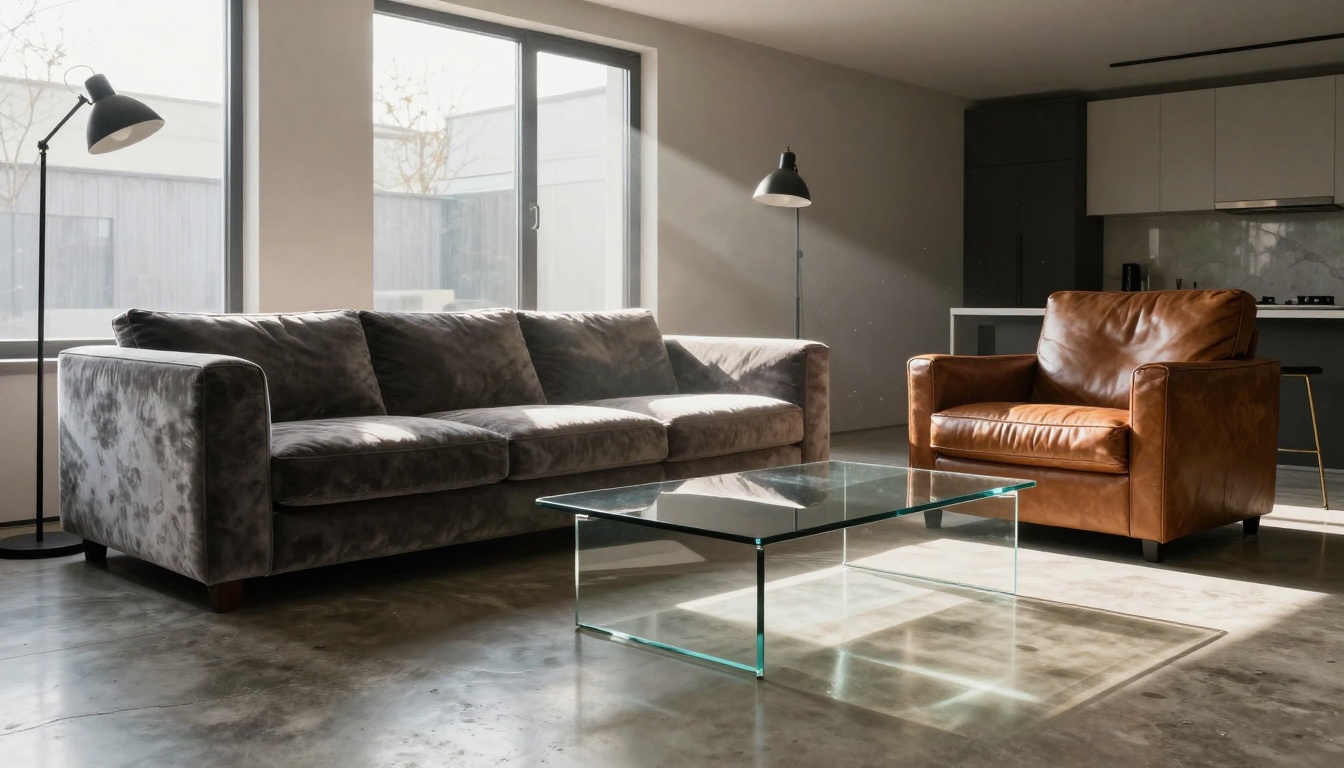
Living room scene showing accurate material textures, lighting physics, and spatial understanding
How to Write Effective Prompts
The difference between mediocre and exceptional results often comes down to prompt engineering. GPT Image 1.5 responds particularly well to photographic language rather than artistic descriptors.
Effective Prompt Structure
Instead of: "A beautiful sunset over mountains"
Use: "Aerial photograph at golden hour, 24mm lens, f/8 aperture, 1/125 second, Kodak Portra 400 film stock, alpine lake reflecting snow-capped peaks under twilight sky with cirrus clouds, volumetric light beams through atmosphere"
Key Elements to Include
-
Camera Specifications
- Lens focal length (24mm, 50mm, 85mm, 135mm)
- Aperture setting (f/1.8, f/4, f/8, f/16)
- Shutter speed when relevant (1/1000 for action, 30" for night)
-
Lighting Conditions
- Time of day (golden hour, blue hour, midday)
- Light direction (window light from left, backlit, rim lighting)
- Light quality (soft diffused, harsh direct, volumetric)
-
Material Properties
- Surface textures (porous, glossy, matte, translucent)
- Material behavior (reflective, refractive, subsurface scattering)
- Natural wear patterns (patina, weathering, aging)
-
Photographic Style
- Film stock emulation (Kodak Portra, Fujifilm Pro, Ilford HP5)
- Processing style (natural, contrasty, desaturated, warm)
- Grain characteristics (fine, medium, heavy film grain)
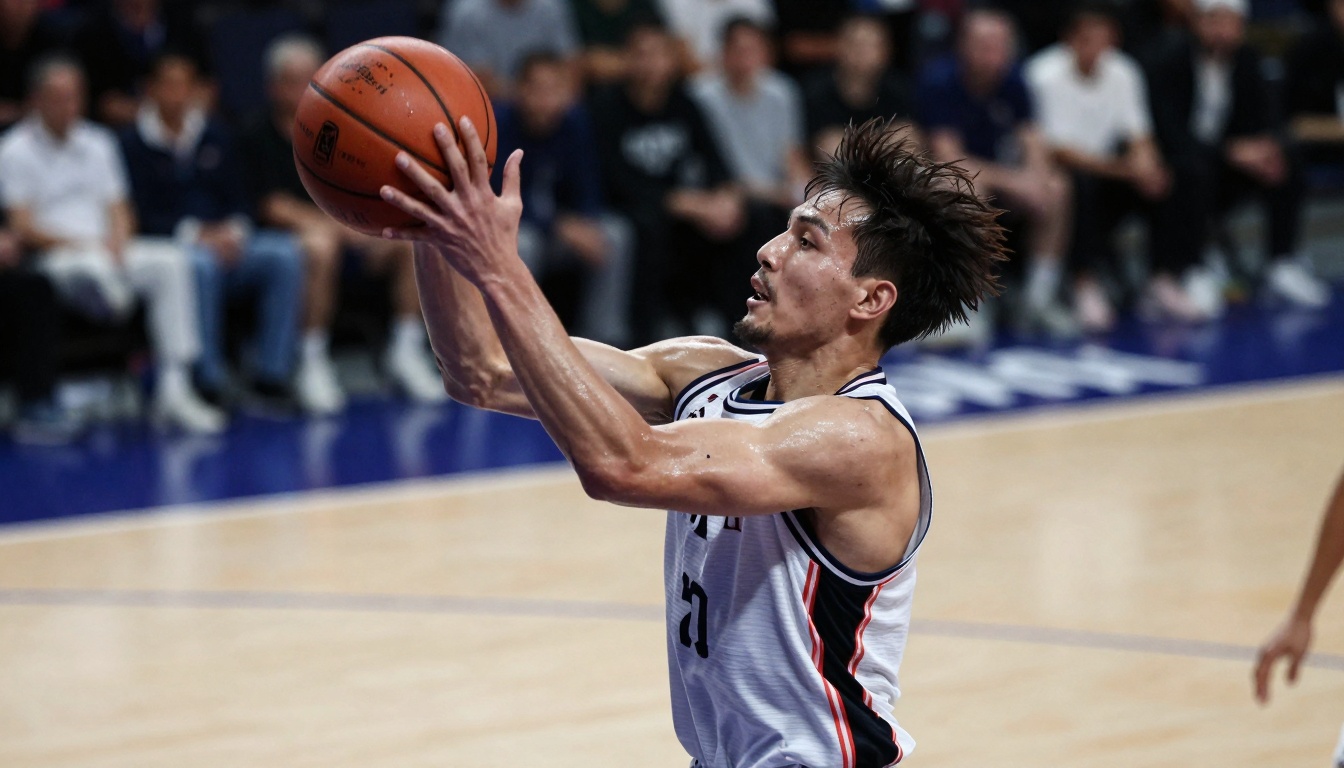
Action photography with accurate motion, anatomy, and sports environment rendering
Comparison with Other PicassoIA Models
While GPT Image 1.5 excels at photorealism, PicassoIA offers numerous alternatives for different needs:
GPT Image 1.5 specifically stands out for:
- Photographic authenticity that rivals human-shot images
- Material accuracy across diverse surfaces and substances
- Lighting physics that behave correctly in complex scenarios
- Natural imperfections that make images feel authentically captured
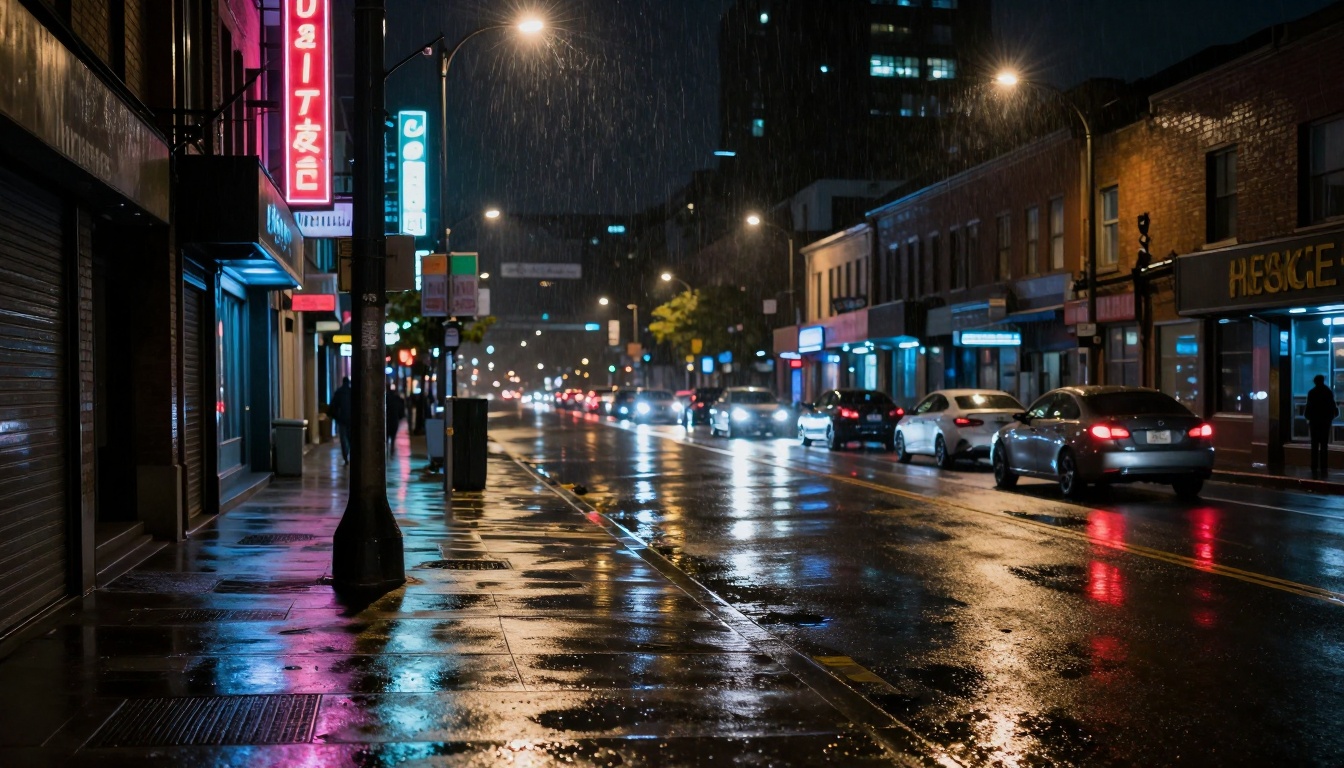
Complex nighttime lighting with accurate light pollution, reflections, and urban textures
Practical Applications Right Now
Marketing & Advertising
Create product photography without photoshoots. Generate lifestyle imagery that matches brand aesthetics. Produce campaign visuals with consistent photographic style across multiple assets.
Content Creation
Blog articles with custom header images. Social media posts with engaging visuals. YouTube thumbnails that look professionally shot. Newsletter graphics with authentic photographic quality.
Prototyping & Concepting
Visualize product designs before manufacturing. Create architectural visualizations with realistic materials. Generate fashion concepts with accurate fabric draping and lighting.
Education & Training
Create visual examples for textbooks and courses. Generate scientific illustrations with accurate detail. Produce training materials with consistent visual style.
Personal Projects
Family photo-style images for personal stories. Travel photography for dream destinations. Artistic projects with photographic authenticity.
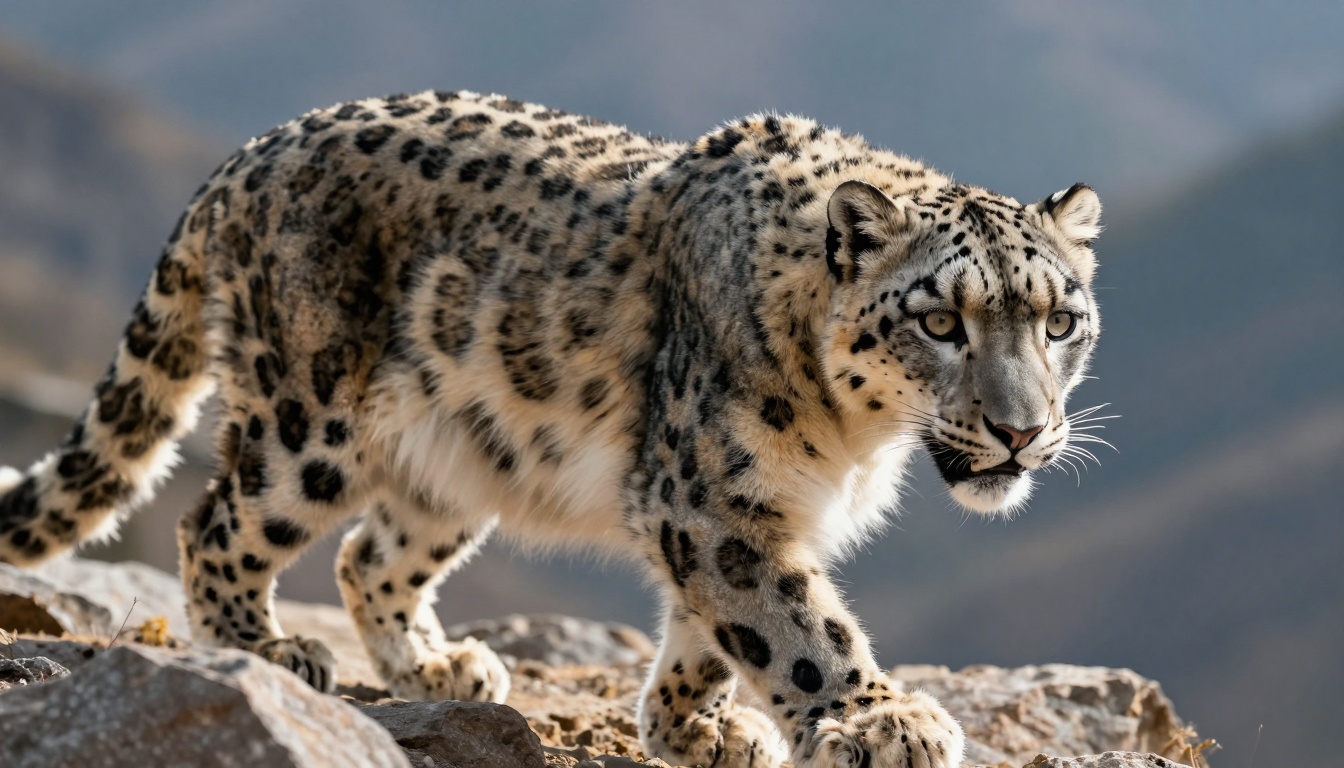
Wildlife photography showing detailed fur texture, accurate anatomy, and natural behavior
How to Use GPT Image 1.5 on PicassoIA
PicassoIA provides direct access to GPT Image 1.5 through their platform, making it accessible without requiring direct OpenAI API access.
Step-by-Step Access
-
Navigate to the model page: Visit GPT Image 1.5 on PicassoIA
-
Configure your prompt: Enter detailed photographic descriptions following the prompt guidelines above
-
Adjust parameters:
- Quality: Choose between low, medium, high, or auto
- Background: Select auto, transparent, or opaque
- Aspect Ratio: 1:1, 3:2, or 2:3 options
- Output Format: PNG, JPEG, or WEBP
-
Use reference images (optional): Upload images to guide style or composition
-
Generate and download: Process your request and save the resulting image
Parameter Recommendations
For maximum photorealism:
- Quality: Set to "high" for best detail
- Aspect Ratio: 3:2 matches traditional photographic proportions
- Background: "auto" typically works well for most scenes
- Output Format: WEBP for web use, PNG for editing
- Input Fidelity: "low" unless specifically matching reference images
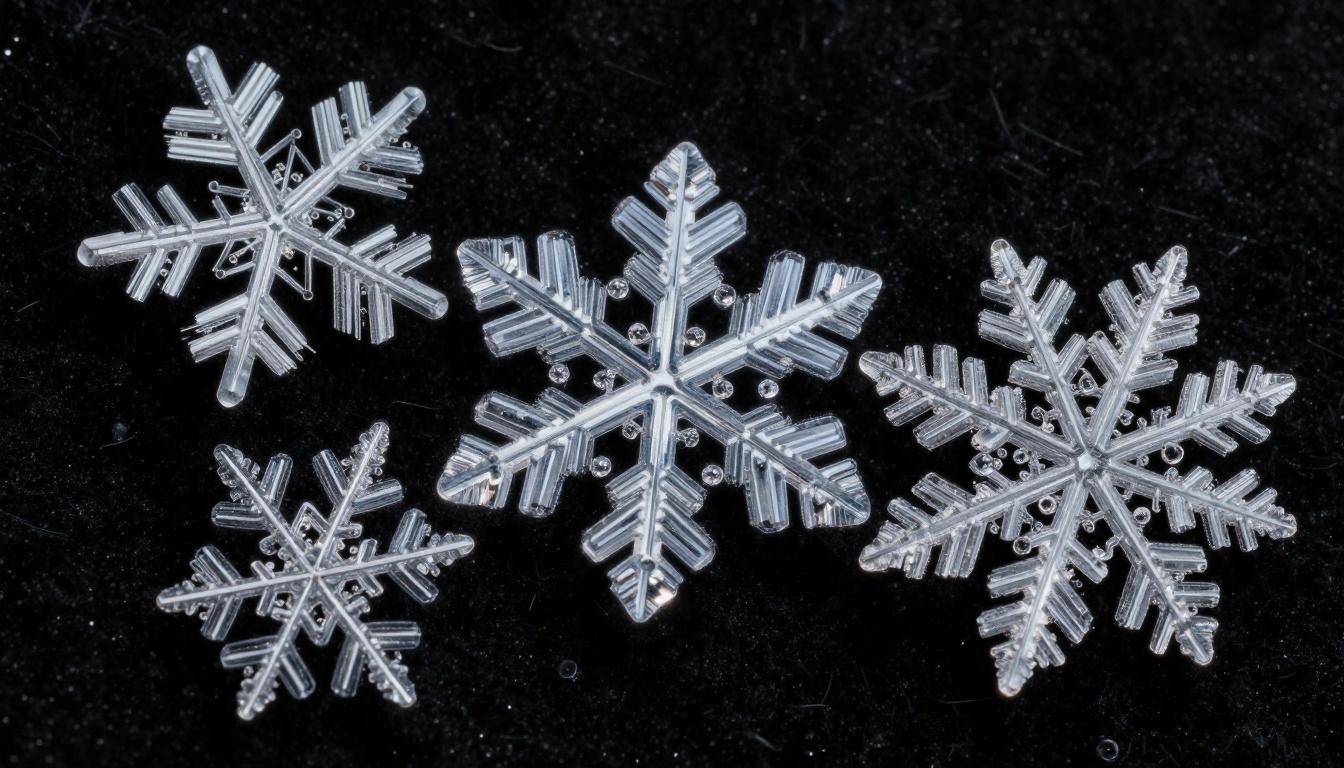
Microscopic crystal photography showing precise geometric patterns and accurate ice structure
Common Challenges and Solutions
Challenge: Images Look Too Perfect
Solution: Include natural imperfections in prompts—"slightly uneven lemon slices," "natural skin pores visible," "subtle lens flare from bright light source."
Challenge: Lighting Feels Artificial
Solution: Specify exact lighting conditions—"soft morning light from northeast window creating volumetric shafts through dust particles."
Challenge: Materials Don't Look Real
Solution: Describe material properties—"velvet with visible nap direction catching light," "polished concrete showing aggregate patterns," "brass with natural tarnishing patterns."
Challenge: Composition Feels AI-Generated
Solution: Use photographic composition terms—"rule of thirds placement," "leading lines from foreground to background," "shallow depth of field isolating subject."
Challenge: Consistency Across Multiple Images
Solution: Maintain consistent prompt elements—same camera specifications, lighting conditions, and processing style across all related images.

Still life showing accurate material aging, authentic textures, and natural lighting
The Future of AI Photography
GPT Image 1.5 represents just the beginning of AI's photographic capabilities. Looking forward, we can expect:
- Even greater material accuracy with subsurface scattering, refraction, and complex optical effects
- Dynamic scene understanding allowing changing conditions like weather transitions or time progression
- Interactive editing where you can adjust lighting, composition, and elements after generation
- Style learning from reference photographers to emulate specific photographic signatures
- Multi-shot sequences creating consistent series of images with narrative progression
Getting Started with Your Own Images
The best way to understand GPT Image 1.5's capabilities is to experiment directly. Start with simple prompts and gradually add photographic detail:
- Begin with basic scenes: "Portrait of woman with natural lighting"
- Add camera specs: "85mm f/1.8 portrait with soft window light"
- Include material details: "Skin showing natural pores and fine hairs"
- Specify lighting conditions: "Morning light from right creating rim illumination"
- Add processing style: "Kodak Portra 400 film stock with warm tones"
Each layer adds authenticity until the image transitions from "AI-generated" to "photographically authentic."
Final Thoughts on Realistic AI Art
What makes GPT Image 1.5 particularly compelling isn't just its technical capabilities, but how it democratizes professional-grade photography. Where previously you needed expensive equipment, technical skill, and ideal conditions, now thoughtful description can achieve similar results.
The model understands not just what things look like, but how they exist in the physical world—how light interacts with surfaces, how materials age and wear, how cameras capture reality with specific characteristics.
This represents a shift from AI as an artistic tool to AI as a photographic tool, capable of generating images that serve practical purposes in marketing, education, design, and communication with authenticity that was previously unattainable without human photographers.
Ready to create your own photorealistic images? Visit GPT Image 1.5 on PicassoIA and start transforming your text descriptions into authentic photographs today. Experiment with different photographic styles, challenge the model with complex lighting scenarios, and discover how detailed your visual imagination can become when paired with this advanced text-to-image technology.


