If you've spent more than five minutes searching for "GPT Image 1.5 no filter mode," you already know the frustration. Forum threads go in circles, Reddit posts contradict each other, and most tutorials either don't work or quietly ignore the fact that the whole premise might be flawed from the start. Let's cut through the noise.
What GPT Image 1.5 Actually Is
Here's the thing: GPT Image 1.5 doesn't officially exist as a released product. OpenAI's image generation history runs through DALL-E 2, DALL-E 3, and then the April 2025 release of "GPT-4o native image generation," which many users started calling "GPT Image" informally.
The naming has been confusing because OpenAI has used different branding across its products. You may have also seen references to "GPT Image 1," which was the informal label that spread when image generation capabilities landed inside ChatGPT's main interface in early 2025. The "1.5" in "GPT Image 1.5" most likely refers to an incremental behavior update users noticed in the model, or it's simply a version number that took on a life of its own through social media without any official backing from OpenAI.
💡 Quick Clarification: There is no product officially named "GPT Image 1.5." The term circulates online to describe updated versions of OpenAI's GPT-4o image generation capabilities.
The actual product lineup from OpenAI as of mid-2025 looks like this:
| Product | Status | Notes |
|---|
| DALL-E 3 | Active | Available via API and ChatGPT |
| GPT-4o Image Generation | Active | Integrated directly in ChatGPT |
| "GPT Image 1" | Informal term | Refers to GPT-4o image output at launch |
| "GPT Image 1.5" | Unofficial term | Refers to an updated behavior state |
This distinction matters because it shapes how you approach the "no filter mode" question.
The No Filter Mode Myth
The short answer is: no, there is no official "no filter mode" for GPT Image 1.5 or any version of OpenAI's image tools.
OpenAI applies content policies across all of its platforms. These policies restrict certain types of imagery in DALL-E 3, GPT-4o image generation, and the API. The filters operate through a process called Constitutional AI training and RLHF (Reinforcement Learning from Human Feedback), which means they're built into the model's behavior at a fundamental level and can't be toggled off through a prompt, API parameter, or settings menu.
What you'll find when you search for "GPT Image 1.5 no filter" is usually one of three things:
- Jailbreak attempts: Prompts that try to trick the model into bypassing its guidelines. These rarely work reliably, get patched quickly, and violate OpenAI's terms of service.
- Misinformation: Posts claiming there's a hidden developer mode or API parameter that removes filters. There isn't.
- Third-party wrappers: Apps that use the OpenAI API but don't actually remove the underlying model restrictions.
💡 Worth Noting: Even if a prompt appears to bypass filters temporarily, OpenAI actively monitors API usage and can suspend accounts for terms violations. The workarounds aren't worth the risk.
Why OpenAI's Restrictions Are Built In
OpenAI's content restrictions operate at three layers:
Layer 1: Training-time alignment
The model is trained with specific behavior goals. Certain types of outputs are suppressed at the model weights level, meaning no API flag can unlock them. This is intentional design, not an oversight.
Layer 2: Runtime safety checks
Before generating an image, the system runs your prompt through a content classifier. If the classifier flags the request, the generation stops before it begins. You can see this in the API response as a "content_policy_violation" error.
Layer 3: Post-generation review
Generated images pass through an automated safety review before delivery. Even if a prompt slips past the classifier, the output can still be blocked at this stage.
These three layers work together. Getting past one doesn't mean getting past all three. Users who think they've found a bypass typically only slip through layer two, and their content still gets flagged or their accounts reviewed.
The practical reality is that no reliable, consistent "no filter mode" exists because OpenAI hasn't built one. The company has made a deliberate choice to enforce content policies at the model level, not as a runtime toggle.
What OpenAI Actually Allows
The restrictions aren't as broad as some users think. OpenAI's policies do allow for:
- Artistic depictions of human figures in appropriate contexts
- Creative mature themes that don't cross into explicit territory
- Fantasy and surreal imagery with adult themes
- Fashion, beauty, and lifestyle imagery including swimwear contexts
What's consistently blocked regardless of how you phrase the prompt:
- Explicit sexual content
- Violence presented approvingly or in graphic detail
- Content involving minors in any inappropriate context
- Realistic images of real individuals without consent
If your creative goals fall within the allowed range but you're still hitting refusals, the issue is often prompt phrasing. Overly direct or clinical language triggers safety classifiers even when the intent is legitimate. More descriptive, scene-based language tends to work better.
💡 Prompt Tip: Instead of describing the output you want directly, describe the scene, mood, and artistic context. This communicates intent more clearly to the classifier.
The Real Alternatives Worth Knowing
Here's where the conversation gets more useful. If OpenAI's content policies don't fit your creative workflow, the answer isn't to try and break their model. It's to use tools built with more creative freedom in mind.
A growing number of AI image platforms offer substantially more permissive content policies than OpenAI. These tools run on open-source or independently trained models that aren't subject to the same commercial content restrictions.
Open-Source Models Change the Rules
The image generation landscape shifted dramatically when Black Forest Labs released the Flux family of models and ByteDance released Seedream. These are open-weight models, meaning their parameters are publicly available. Platforms can run them without routing requests through OpenAI's content pipeline.
This matters for three reasons:
- The model itself has no mandatory content policy enforced at the weights level
- Platforms can implement their own, more permissive guidelines
- Users get access to high-quality, commercially competitive outputs without the same restrictions
Seedream 5 Pro from ByteDance is one of the strongest open models available right now. Its output quality for photorealistic portraits and scenes competes directly with DALL-E 3 in blind tests, and on platforms that run it under different content policies, the creative range is substantially broader.
💡 Bottom Line: The quality gap between OpenAI's image tools and open-source alternatives has essentially closed in 2027. There's no longer a meaningful quality reason to stay locked into a more restricted platform.
If you're looking for what GPT Image 1.5 "no filter mode" allegedly offers, these platforms get you there legitimately, without any terms-of-service workarounds.
PicassoIA: 91 Models, One Platform
PicassoIA hosts over 91 text-to-image models in a single interface. It runs models like Seedream 5 Pro under its own content guidelines, which give creators significantly more latitude for artistic, glamour, and mature-themed content compared to what OpenAI permits.
The platform's advantages over GPT Image tools:
| Feature | GPT Image (OpenAI) | PicassoIA |
|---|
| Model variety | 1 (GPT-4o) | 91+ text-to-image models |
| Content policy | OpenAI ToS (restrictive) | Creator-focused guidelines |
| Image resolution | Good | Up to 8K with super-resolution |
| ControlNet support | No | Yes (pose/structure control) |
| Image editing | Limited | Inpainting, outpainting, object replacement |
| Face swap | No | Yes |
| Video generation | No | 87+ text-to-video models |
| AI music generation | No | Yes |
| Text-to-speech | No | Yes |
PicassoIA also offers tools that don't exist in OpenAI's lineup: outpainting to extend canvas edges, inpainting to fix or replace specific regions, AI image restoration for correcting blur and noise, and a full video generation stack with 87+ models.
Why Model Variety Matters
When you're locked into a single model like GPT-4o for images, you get that model's specific aesthetic and its specific limitations. Running 91+ models means you can pick the right tool for each type of content.
A portrait needs different model strengths than an architectural render. A fashion shot has different requirements than a product visualization. Having model variety isn't a luxury when you're doing serious creative work. It's how professionals get consistent, polished results across different use cases without fighting their tools.
How to Use Seedream 5 Pro on PicassoIA
Since Seedream 5 Pro is the model that most directly delivers what users are searching for when they type "GPT Image 1.5 no filter mode," here's how to get the best results from it.
Step 1: Access the Model
Navigate to Seedream 5 Pro on PicassoIA. The platform offers free generations to new accounts so you can test the model before committing to a subscription.
Step 2: Craft Your Prompt
Seedream 5 Pro responds best to descriptive, scene-based prompts. A few principles that improve results consistently:
- Be specific about lighting: "late afternoon golden hour backlight" outperforms "good lighting"
- Describe the camera: "85mm f/1.4 shallow depth of field" signals photorealism intent strongly
- Include texture details: skin, fabric, and surface materials all improve realism noticeably
- Set the mood first: "warm, intimate editorial" versus "cool, high-fashion editorial" produces meaningfully different outputs even with the same subject
Step 3: Adjust Settings
| Setting | Recommended for portraits | Recommended for scenes |
|---|
| Aspect ratio | 3:2 or 1:1 | 16:9 or 3:2 |
| Steps | 28-35 | 25-30 |
| CFG Scale | 6-7 | 5-7 |
| Sampling method | DPM++ 2M | Euler a |
Step 4: Refine With Editing Tools
If the initial output is close but not perfect, PicassoIA's inpainting tool lets you select specific regions and regenerate only that area. This is how professionals get polished results consistently, not by regenerating the whole image dozens of times.
For scale improvements, the platform's super-resolution upscaler can take a good 1024px output and bring it to gallery-quality resolution without visible artifacts.
What About the GPT Image API?
For developers asking specifically about GPT Image 1.5 no filter via the API, the situation is the same as the consumer product. The OpenAI Images API (images.generate) runs the same content policy enforcement as ChatGPT.
API parameters that some sources claim "disable filters" (like safety_filter: false or similar) either don't exist or have never functioned as described. OpenAI doesn't document such parameters because they simply don't have them.
For API-level flexibility, the relevant alternative is using Replicate's API, which provides access to open-source models including Flux variants and Seedream. PicassoIA uses Replicate infrastructure under the hood for many of its model integrations, which is part of why it can offer the same model variety through its UI that you'd access directly through Replicate's API.
💡 For Developers: If you need image generation with more permissive content policies via API, look at the Replicate API or explore PicassoIA's MCP server integrations for programmatic access to its model suite.
Comparing Output Quality
One reason people reach for GPT Image tools in the first place is output quality, particularly for photorealistic scenes. It's genuinely good. But the argument that open-source models can't match it is outdated as of 2025.
Seedream 5 Pro achieves resolution, skin texture, and scene coherence at a level that competes directly with GPT-4o image generation. In many tests, especially for portraits and fashion, it exceeds it because the model was trained with broader aesthetic data.
| Quality Metric | GPT-4o Image | Seedream 5 Pro |
|---|
| Photorealism | Excellent | Excellent |
| Portrait detail | Very Good | Excellent |
| Text in image | Excellent | Good |
| Scene coherence | Excellent | Very Good |
| Creative range | Limited by policy | Broad |
| Consistency | High | High |
| Resolution ceiling | 1024px native | Higher with upscaling |
The one area where GPT-4o image tools still lead is text rendering inside images. If your primary use case involves generating images with embedded readable text, like posters, logos, or infographics, GPT-4o has the edge. For portraits, fashion, lifestyle, character art, and most other creative categories, the quality difference is negligible to non-existent.
What You Can Create on PicassoIA That You Can't on ChatGPT
The difference between what OpenAI allows and what PicassoIA allows isn't just about explicit content. It's about creative latitude across a wide range of legitimate creative work:
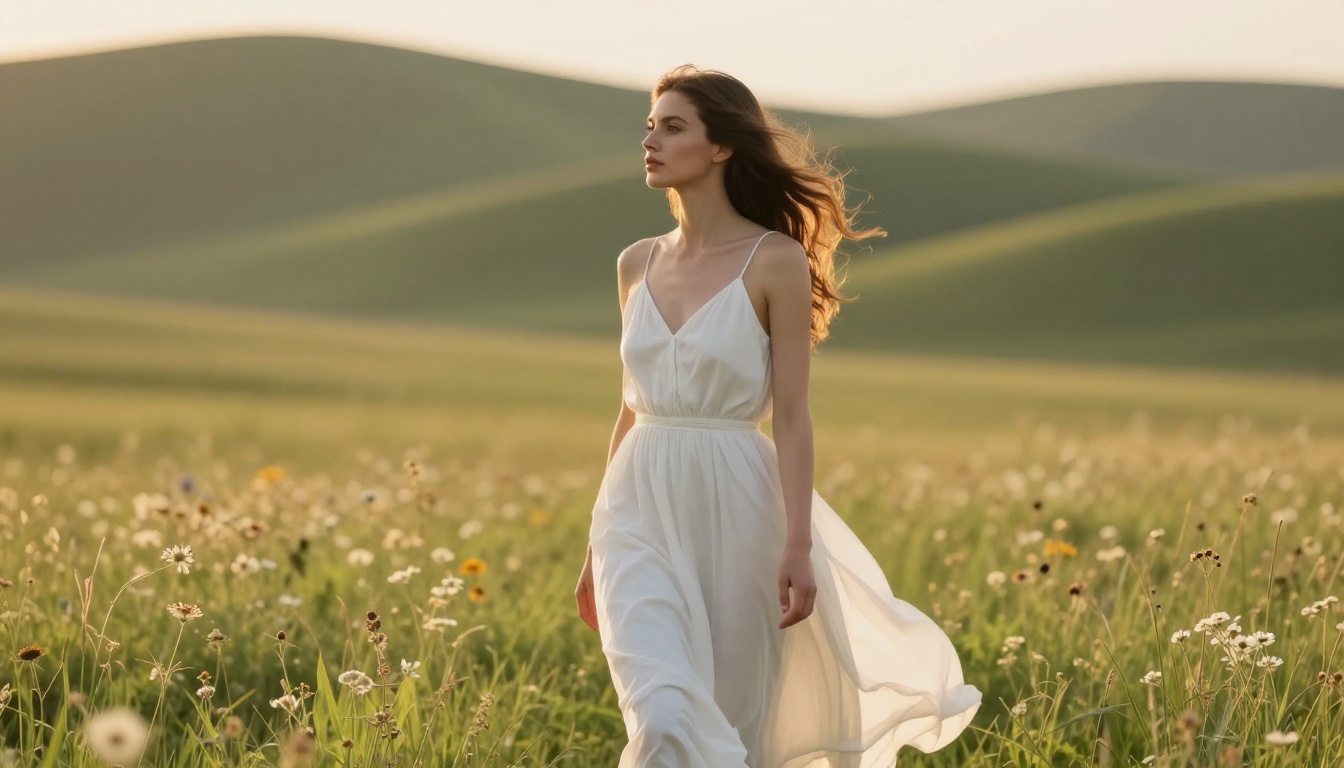
- Glamour and fashion photography with more expressive styling and posing
- Artistic figure studies and portraiture with a wider range of compositions
- Character design for games, comics, and film with fewer content restrictions
- Lifestyle and beauty content for commercial and editorial use
- Mature-themed artistic work that prioritizes aesthetics over shock value
The same subject matter that gets flagged by ChatGPT often generates cleanly on a platform running Seedream 5 Pro or comparable open models. This isn't about finding a loophole. It's about choosing a platform whose content philosophy aligns with professional creative work.
Start Creating Without the Walls
The search for "GPT Image 1.5 no filter mode" leads a lot of talented creators down a dead end. The mode doesn't exist, the jailbreaks don't work reliably, and OpenAI isn't going to add a toggle that bypasses its content policies.
What does exist is a full ecosystem of powerful AI image tools built for creators who need more than OpenAI's guidelines allow. PicassoIA brings 91+ text-to-image models, inpainting and outpainting tools, super-resolution, face swap, and 87+ video generation models into one platform, running models like Seedream 5 Pro that deliver output quality comparable to GPT-4o images without the same creative restrictions.
If you've been trying to make OpenAI's tools do what they're not designed to do, the smarter path is to use a platform built with your creative goals in mind. Try Seedream 5 Pro on PicassoIA and see what your prompts actually produce when the platform isn't working against you.
Browse the full model library at picassoia.com/en/all-models and find the right tool for every creative use case.


