GPT Image 1.5 landed in 2025 with claims that turned heads across every design forum and AI community online. Better realism. Stronger prompt fidelity. Fewer artifacts than the original GPT Image model. After spending several weeks running it through portrait sessions, architectural prompts, product shot scenarios, text-in-image tests, and complex multi-subject compositions, the picture is far clearer than OpenAI's marketing copy suggests. This review breaks down what GPT Image 1.5 genuinely does well, where it falls short in ways that matter for real workflows, and whether the cost is justified when alternatives now match or beat its quality without the restrictions.
What GPT Image 1.5 Actually Offers
GPT Image 1.5 is OpenAI's latest image generation model, built on the GPT-4o architecture and released as both an API endpoint and an integrated feature inside ChatGPT Plus and Pro subscriptions. Every generation either draws down API credits or counts against your monthly usage limit. There is no free tier for serious volume work.
Core Changes from the Original
The first GPT Image model introduced OpenAI's initial attempt at native text rendering inside images, something DALL-E 3 handled poorly across the board. GPT Image 1.5 builds on that base with a set of targeted improvements that are real but not revolutionary:
- Sharper text rendering for logos, signage, and short phrases
- Improved lighting coherence in scenes with more than one light source
- Better hand anatomy, the historical failure point for all diffusion-based models
- Faster output speed, averaging 15 to 20 seconds for standard 1024x1024 resolution
- More stable multi-subject compositions where objects and people no longer randomly merge
💡 Worth knowing: GPT Image 1.5 natively outputs at square (1:1), portrait (1024x1792), or landscape (1792x1024) only. For true 16:9 images, you need either manual cropping that loses subject matter, or outpainting that can introduce visible seams.
Who OpenAI Built This For
The model is clearly designed for product teams, marketing departments, and developers who need reproducible image generation through a stable API. The system prompt integration means GPT Image 1.5 can follow multi-turn instruction sets, making it useful for iterative workflows where you refine an image through conversation.
The trade-off is visible content filtering. The guardrails are noticeably stricter than open-source alternatives, which creates real friction for fashion photography, editorial work, and any content that sits in the stylistically bold but professionally legitimate category.
Portrait and Face Generation
Faces have always been the hardest benchmark for AI image generators. GPT Image 1.5 performs well above the previous generation here, but the ceiling is lower than current open-source alternatives running at full capability.
Where the Faces Look Real
On standard frontal and three-quarter portraits with clearly specified lighting, GPT Image 1.5 produces impressive results. Skin tones are believable, eyes hold specular highlights correctly, and hair strands show individual separation rather than the blurry mass effect that plagued earlier models.
The model handles diverse skin tones better than most API-first competitors. Prompts specifying darker complexions produce accurate melanin distribution without the muddy gray undertones that appear in several open-source models when not running specialized checkpoints. Freckles, moles, and light scarring are rendered consistently when described.
Lighting on faces is where GPT Image 1.5 shows its strongest improvement. Rembrandt lighting, split lighting, and window light with realistic falloff all translate from prompt to output with reasonable accuracy. The model understands that light wraps around faces rather than hitting them flat.
Where Faces Still Break Down
Group shots with more than three subjects start showing inconsistencies in facial proportions. Ear shapes look generic across different subjects. Teeth in open-mouth smiles have an uncanny uniformity that reads as artificial at close inspection.
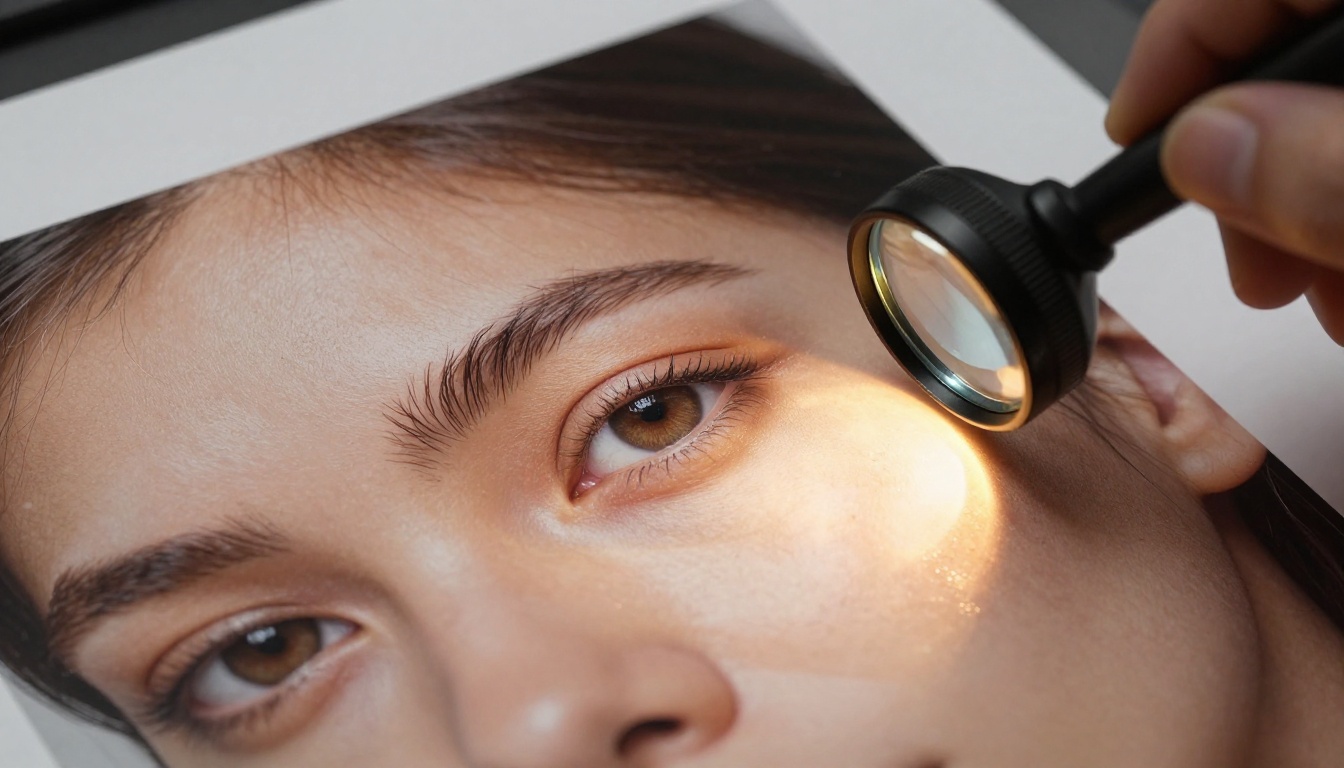
Profile shots are the biggest weakness. The side of the nose and ear placement frequently misalign at 90-degree angles, which becomes obvious when you zoom in to check output quality before publishing.
Age rendering is inconsistent. Prompting for "a person in their 60s" sometimes returns a face that reads as mid-40s with slightly tired skin rather than genuinely aged features with the texture complexity of older skin.
The Hand Problem (Partly Fixed)
Hand anatomy was the previous model's most visible failure. GPT Image 1.5 genuinely addresses the most egregious cases. Six-fingered hands are now rare. Finger proportions on relaxed, open hands look natural in most outputs.
Where it still breaks down: fingers gripping cylindrical objects (mugs, pens, railings), partially obscured hands, and hands at unusual foreshortened angles all still produce errors. The fix is real but targeted. Complex hand positions remain unreliable.
Architecture and Product Photography
This is the territory where GPT Image 1.5 earns its reputation and justifies serious consideration.
Scene Composition
Architectural prompts consistently produce output that can fool casual viewers. Modern interior spaces with mixed lighting sources, exterior building shots with accurate atmospheric perspective, and urban street scenes with correct vanishing point geometry are all handled with confidence.
The model correctly interprets spatial depth in the majority of cases, placing objects at coherent distances and scaling them proportionally to the scene. It maintains perspective consistency across foreground, midground, and background elements better than most competitors at this price point.
Material rendering in architectural contexts is particularly strong. Concrete texture, glass reflections, brushed metal surfaces, and wooden paneling all read as specific materials rather than generic approximations of them.
Product Photography
For isolated product shots against simple backgrounds, GPT Image 1.5 is genuinely useful. Reflective surfaces on electronics, the grain pattern of leather goods, the frosted appearance of glass packaging, matte versus glossy finish distinctions in plastics — these all render with convincing material properties.
Packaging design comes out especially well when prompted with accurate descriptions of the container shape, material, and surface treatment. A prompt for "matte black aluminum cylinder with brushed lid, soft studio lighting from upper left, white background, product photography" reliably produces a shot a product team could use as a concept mockup.
💡 Pro tip: Describe material properties rather than product names. "Frosted glass perfume bottle with gold spray pump" outperforms "Chanel No. 5 bottle" every time, because the model renders from its material understanding rather than guessing at proprietary shapes.
The 16:9 Resolution Problem
Almost every professional use case requires 16:9 imagery for YouTube thumbnails, website hero sections, social media headers, and digital advertising. GPT Image 1.5 doesn't natively output this ratio.
Your options are to crop and lose content from the sides, or use outpainting via the API to extend the image. Outpainting works but introduces a workflow step and can produce visible inconsistencies at the extension seam, especially with complex backgrounds that have strong lighting gradients.
Where GPT Image 1.5 Still Disappoints
The positive points are real. So are the frustrations.
Text Rendering: Better But Not Fixed
OpenAI positioned improved text rendering as a flagship improvement for GPT Image 1.5. For short phrases in large, clean sans-serif fonts, it works reliably. For anything more demanding:
- Words longer than 8 to 10 characters begin substituting letters inconsistently
- Curved text on product labels and circular logos remains unreliable
- Kerning and character spacing look inconsistent at smaller sizes within the image
- Non-Latin scripts produce much lower accuracy than English
- Multi-line text with mixed sizing often loses alignment
If your workflow requires accurate text inside images for signage, packaging, or editorial layouts, GPT Image 1.5 is improved but not yet a production solution for demanding use cases.
Prompt Drift on Complex Scenes
Give GPT Image 1.5 a scene with five or more specific elements and it will reliably drop or modify some of them. "A woman reading a red book at a wooden cafe table with a green potted plant beside her and a yellow umbrella visible through the window behind" tends to produce three or four correct elements out of five.
This isn't unique to GPT Image 1.5 — prompt drift is an industry-wide issue — but competitors have made more measurable progress recently. The problem is worse in portrait-dominant scenes where the model prioritizes getting the face right and deprioritizes background accuracy.
The Cost Reality
| Plan | Monthly Cost | Approximate Generations |
|---|
| ChatGPT Plus | $20/month | ~500 standard images |
| ChatGPT Pro | $200/month | Unlimited (with throttling) |
| API standard quality | ~$0.04 per image | Pay as you go |
| API high quality | ~$0.12 per image | Pay as you go |
For individual users doing occasional generation, the Plus plan is reasonable. For studios or content teams doing hundreds of iterations per project, the costs scale uncomfortably, and the throttling on the Pro plan is more aggressive in practice than the documentation suggests. API pricing varies by resolution and quality tier, making cost estimation harder than it should be for budget planning.
The Content Restrictions Problem
GPT Image 1.5 operates under OpenAI's content policy, which is noticeably more restrictive than open-source alternatives and many competing API products. For professional photographers, fashion editors, and creative directors whose work involves glamour, editorial swimwear, beauty campaigns, or artistically bold human subjects, the model's refusal behavior creates real production friction.
What makes this more frustrating than a simple policy disagreement is inconsistency. Prompts that generate without issue on one attempt occasionally return refusals on a second identical attempt. The model's interpretation of what falls outside policy is not deterministic, which makes it impossible to reliably predict whether a given creative direction will work across a project.
GPT Image 1.5 vs. The Competition
Here's how GPT Image 1.5 compares to the most relevant alternatives for professional use across the criteria that actually affect daily workflows:
| Criteria | GPT Image 1.5 | P-Image | Open-Source SDXL |
|---|
| Portrait Realism | Very Good | Excellent | Good |
| 16:9 Native Output | No | Yes | Yes |
| Text Rendering | Good | Good | Poor |
| Content Flexibility | Restricted | Flexible | Fully Open |
| Cost Per 100 Images | $4 to $12 | Included in plan | Hardware only |
| API Access | Yes | Yes | Self-hosted |
| Average Speed | 15 to 20 seconds | 8 to 15 seconds | Varies |
| Outpainting | Via API | Built-in | Via extension |
P-Image as the Direct Alternative
P-Image on PicassoIA deserves specific attention because it competes directly on the metrics that matter most for content studios and creative teams. It's optimized for photorealistic outputs with particular strength in portrait photography, editorial lifestyle work, and cinematic compositions.
Where GPT Image 1.5 restricts content and charges per generation, P-Image gives creative professionals more latitude with generation speed that matches or beats OpenAI's output time. Native 16:9 output eliminates the cropping workflow entirely.
💡 Practical difference: For a content team generating 200 images per month at high quality, GPT Image 1.5 via API costs roughly $24. The same volume on PicassoIA is covered by the platform subscription with no per-image billing.
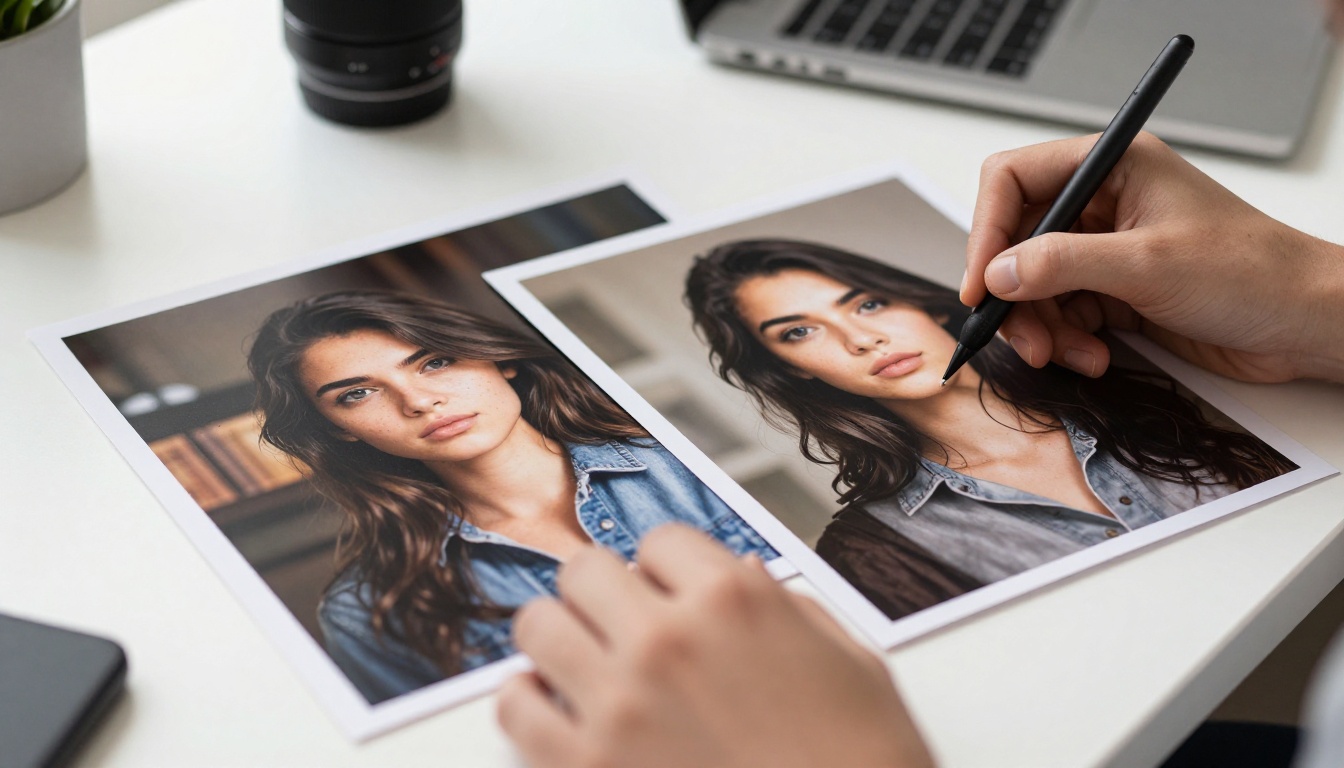
Upscaling and Sharpening Your Outputs
One area where the platform you use matters as much as the generation model is post-processing resolution. GPT Image 1.5 outputs at 1024px or 1792px maximum. For print work, large-format display, or detailed product photography where clients will zoom in, you need upscaling with detail reconstruction, not just interpolation.
Super-Resolution Tools That Actually Work
PicassoIA offers dedicated upscaling models optimized for different use cases:
Clarity Pro Upscaler adds generated detail during the upscaling process rather than just stretching pixels. On portrait images, this means skin texture that looks more organic than the base generation. On product photography, it sharpens material surface edges to the point where web-resolution outputs become print-ready.
Topaz Image Upscale by Topaz Labs supports up to 6x magnification with intelligent detail reconstruction. If you're preparing AI-generated images for advertising campaigns or large-format displays where a viewer will stand a meter away, this is the right tool. The detail preservation at extreme upscaling ratios is genuinely different from standard bicubic interpolation.
Real ESRGAN is the proven open-source upscaler that handles both photorealistic and stylized images without adding the over-sharpened halo effect that many AI upscalers produce at the edges of objects. It's fast and reliable for quick resolution boosts.
P Image Upscale pairs directly with P-Image generations because it's tuned for the model's output characteristics. Using a matched upscaler rather than a generic one preserves the tonal and textural qualities of the base image rather than introducing a different visual signature.
From Still Images to Video Content
Still image generation is only one part of a modern content pipeline. Once you have a strong hero image, whether that came from GPT Image 1.5 or P-Image, the logical next step for social media, product demos, and paid advertising is animation.
Seedance 2.5 from ByteDance creates up to 30-second videos with native synchronized audio, making it the right choice for product launch content and social campaigns that need motion without a separate audio pass. For cinematic motion starting from a still image, Wan 2.7 I2V delivers frame-accurate image-to-video with realistic physics on moving elements. LTX 2 Pro generates 4K video directly from text prompts, bridging the gap between static image campaigns and full motion content without requiring a source image.
💡 Workflow that works: Generate a hero product image with P-Image, push it through Clarity Pro Upscaler for print-ready resolution, then animate it with Seedance 2.5 for social and digital advertising. That's a full asset set from a single prompt session.
Getting Better Results Than GPT Image 1.5 Right Now
If you're currently using GPT Image 1.5 and hitting its limitations, here's how to shift to a workflow that removes most of those friction points without rebuilding your entire process from scratch.
Step 1: Run the Same Prompts Through P-Image
Visit P-Image on PicassoIA and run your prompts with the same descriptive depth you'd use for GPT Image 1.5. The prompting principles that work there work here. What changes is the output:
- Specify aspect ratio explicitly, including 16:9 which works natively
- Use camera lens references (85mm, 50mm, 35mm wide-angle) for realism control
- Include film stock references (Kodak Portra 400, Fuji Superia 400) for color character
- Describe lighting direction and quality rather than just intensity
Step 2: Upscale for Professional Delivery
Take your strongest generations to Topaz Image Upscale or Clarity Pro Upscaler depending on the end use. Web use and social media tolerate 2x upscaling without artifacts. Print work or large-format display benefits from 4x to 6x with active detail reconstruction.
Step 3: Remove Backgrounds for Product Work
For product shots going into e-commerce listings or composite layouts, PicassoIA's background removal tool handles AI-generated images cleanly. It correctly isolates subjects in both stylized and photorealistic images without the fringing artifacts that appear when generic tools encounter AI-generated soft edges.
Step 4: Animate for Motion Content
Still images at the top of your selection? Convert them to video using Wan 2.7 I2V for cinematic motion or Seedance 2.5 for content that needs native audio alongside the motion.
The Flat Truth on GPT Image 1.5
GPT Image 1.5 is a solid model from a company with significant research resources behind it. The portrait realism improvement over the original is real. The architectural and product photography output is genuinely impressive for an API-first tool. The hand anatomy fixes are meaningful even if incomplete.
But it isn't operating in a vacuum. The cost per generation adds up at production volume. The content restrictions create friction for professional creative work. The absence of native 16:9 output adds a workflow step that competing platforms have already eliminated.
If you're already deep inside the OpenAI ecosystem and need product or architectural imagery with reliable API behavior, GPT Image 1.5 earns its place in your toolset.
If you're building a content workflow from scratch, need 16:9 output without post-processing steps, want creative latitude for bold but professional work, or you're iterating at volume where per-image costs matter, PicassoIA's image generation tools offer a compelling alternative that matches or surpasses GPT Image 1.5 across most of the criteria that affect daily output quality.
Run your next prompt through P-Image on PicassoIA and put both results side by side. The platform covers over 91 text-to-image models, dedicated upscalers for print and web, background removal, and a full video generation suite from the same workspace. What used to require four separate subscriptions, credit top-ups, and browser tabs now runs from one place, with one login, at a cost structure that actually makes sense for professional volume.


