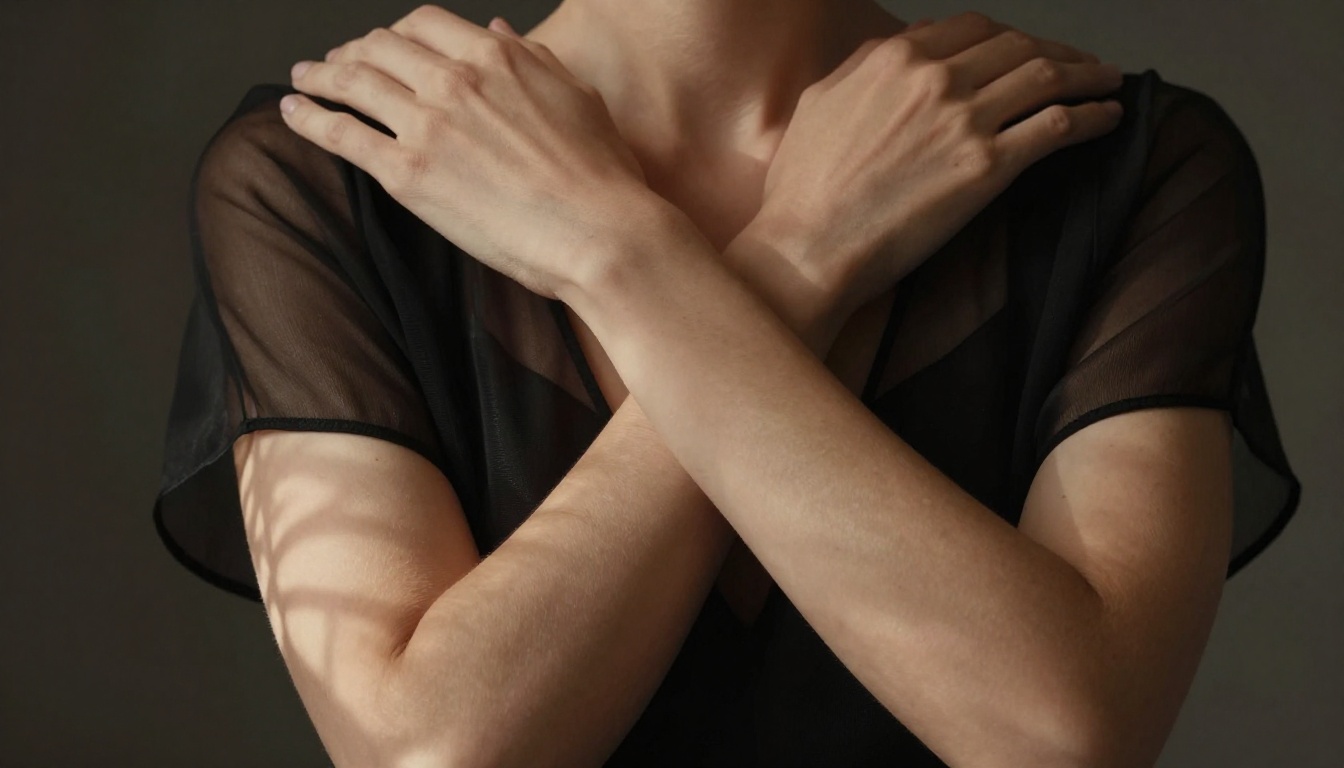
If you've tried using GPT Image 1.5 for adult photo edits, you already know the frustration. You write a careful prompt, upload a reference photo, and within seconds you're staring at a refusal message. Sometimes the tool just silently produces something completely different from what you asked. This article breaks down exactly what's happening under the hood, what GPT Image 1.5 actually permits, and which AI tools consistently deliver the realistic, suggestive, and beautiful adult photo edits you're looking for.
What GPT Image 1.5 Actually Does
GPT Image 1.5 is OpenAI's image generation and editing capability integrated into GPT-4o. It can generate images from scratch, edit existing photos via inpainting, outpaint to extend scenes, and follow complex compositional instructions. For most creative tasks, it's genuinely impressive. But adult content is where it hits a wall.
The model operates under OpenAI's usage policies, which prohibit generating explicit sexual content in default API usage and in consumer-facing products. What makes GPT Image 1.5 different from its predecessors is that its refusals are more context-aware. It isn't just blocking obvious keywords anymore. It reads visual content, interprets intent from the combined image-plus-prompt signal, and makes a judgment call.
The Two-Tier Filtering System
OpenAI's image pipeline applies filtering at two levels. First, there's a pre-generation classifier that analyzes your text prompt for prohibited content signals. Second, there's a post-generation classifier that reviews the output before delivering it. Even if your prompt is carefully worded to stay within bounds, the output classifier can catch a generated image that it deems too explicit and silently swap it with a sanitized version.
This two-tier approach explains why you'll sometimes get a result that technically matches your prompt words but strips out the suggestive elements you were going for. The model didn't fail to understand you. It understood perfectly, and the safety layer stepped in.
What Makes It Through
GPT Image 1.5 generally handles these types of adult-adjacent content without issue:
- Swimwear and activewear photography in outdoor or pool contexts
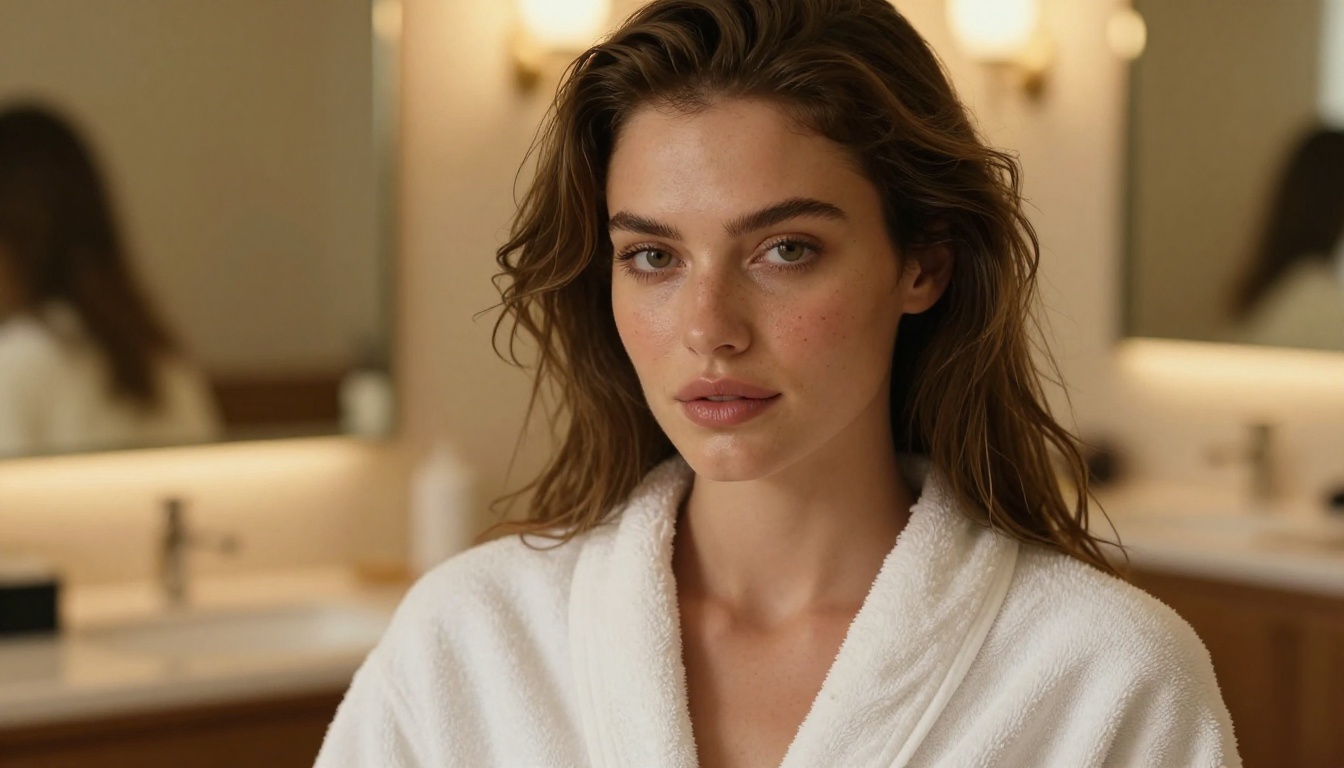
- Beauty and skincare shots showing shoulders, neck, and décolletage
- Fashion photography with form-fitting clothing
- Artistic black-and-white portrait work with dramatic lighting
- Dance and movement photography with sheer or flowing costumes
What it consistently refuses or redirects: bare torso photos, implied nudity even in obviously artistic contexts, lingerie that reads as explicitly sexual, and most inpainting requests that involve modifying the coverage of clothing in a way that increases skin exposure.
The Technical Limits You Hit Fast
When you use GPT Image 1.5 for photo editing rather than pure generation, the restrictions become even tighter. The model can see the uploaded image. This means the classifier has additional visual data to work with, and it applies that context to your prompt.
Body and Skin Detection
The vision component in GPT-4o has robust skin detection capability. When you upload a photo of a person and ask for edits involving clothing, the model identifies exposed skin regions and evaluates whether your prompt is requesting to expand those regions. Even phrasing like "remove jacket" or "show more of her back" can trigger a refusal if the visual context suggests the result would cross the content threshold.
This is especially frustrating for photographers who want legitimate retouching work done. You might be asking for a tasteful wardrobe adjustment that a human retoucher would handle in 30 seconds in Photoshop, and GPT Image 1.5 categorically refuses.
Context-Based Blocking
The model also picks up on implied context signals. A bedroom setting paired with a request to modify someone's outfit, even if neither element alone would trigger a refusal, can together push the request into blocked territory. The prompt isn't evaluated in isolation. It's evaluated in combination with the uploaded image, the described setting, and the inferred intent.
💡 Worth knowing: GPT Image 1.5 currently does not offer a way to unlock adult content even through the API. OpenAI's operator-level permissions system allows some content unlocking for specific verified platforms, but explicit adult content remains unavailable at any tier for most users.
Real Tests: Adult Photo Edit Scenarios
Here's how GPT Image 1.5 responds in practice across different types of adult photo editing requests:
| Request Type | GPT Image 1.5 Result |
|---|
| Bikini to swimsuit style change | Usually works if not increasing exposure |
| Lingerie photo retouch | Silently sanitizes or refuses |
| Remove tan lines from beach photo | Often passes if framed as skincare |
| Sheer overlay effect | Refuses or removes the sheer effect |
| Implied nudity for artistic work | Refuses consistently |
| Wardrobe reduction edits | Always blocked |
| Beauty close-up with décolletage | Usually works |
| Boudoir lighting adjustments | Usually works |
Swimwear and Lingerie Edits
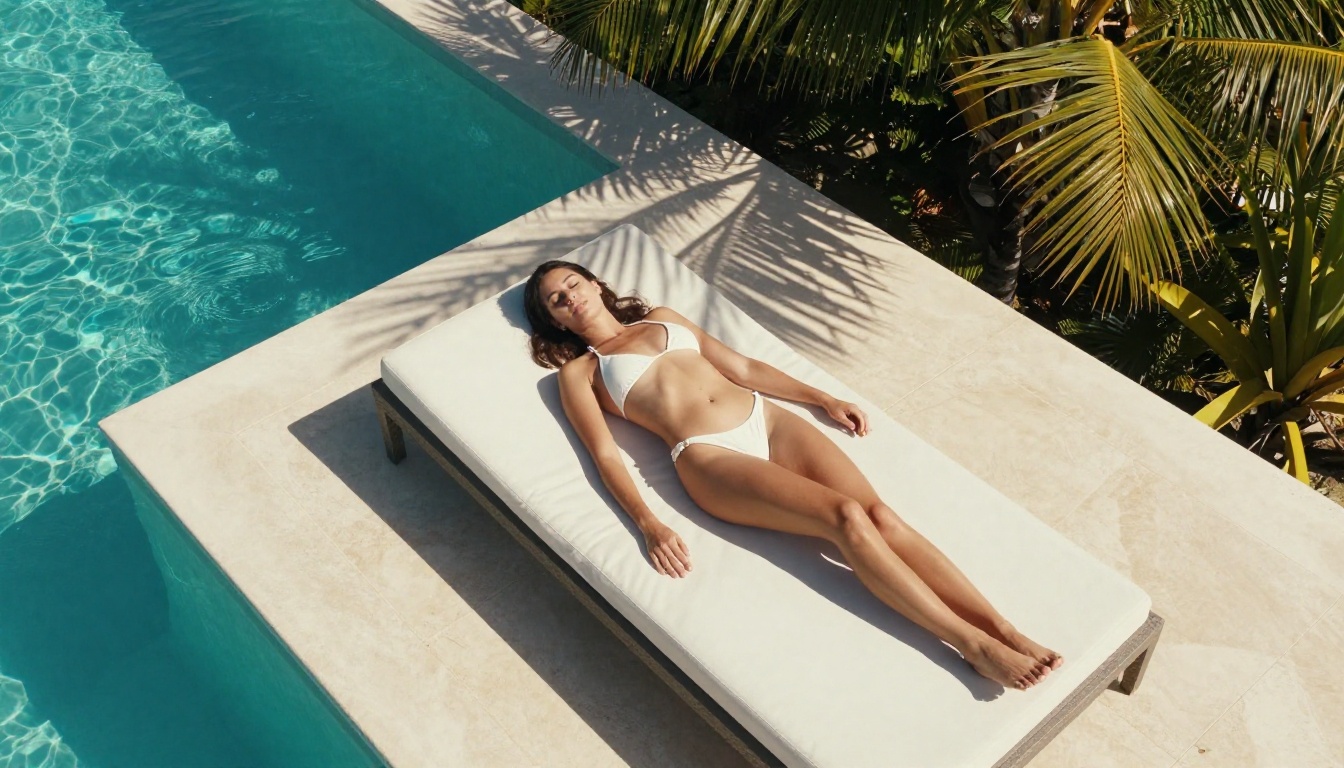
For swimwear photography, GPT Image 1.5 performs adequately on style changes that don't increase skin exposure. Switching from a one-piece to a different style of one-piece, adjusting color, or adding a cover-up layer all generally work. The moment you request less fabric coverage, you hit the wall.
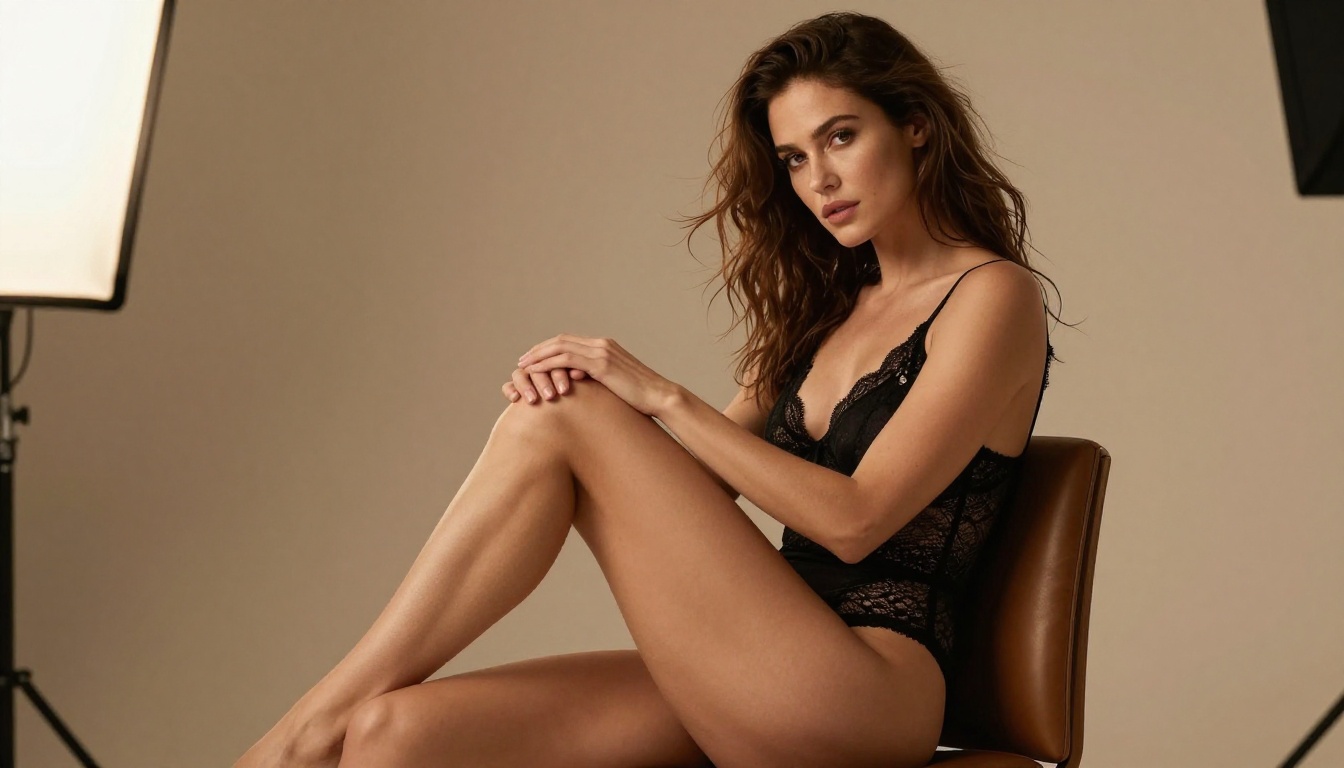
Lingerie is where most users run into outright refusals. Even high-fashion lingerie photography that would appear in a mainstream magazine gets flagged. The system doesn't distinguish well between artistic or editorial context and explicit content.
Artistic Nudity and Implied Scenes
GPT Image 1.5 consistently blocks requests for artistic nudity, even when the request is framed in clearly artistic terms, referencing classical painting styles, fine art photography traditions, or studio portraiture. The model has no mechanism to evaluate artistic intent versus explicit intent. If the visual output would contain certain content, it gets blocked regardless of the framing.
This is a meaningful creative limitation. Artists, photographers, and content creators who produce entirely legitimate adult-adjacent work find GPT Image 1.5 essentially unusable for a significant portion of their output.
Portrait Retouching with Skin Exposure
Portrait retouching requests that involve skin are hit-or-miss. Face retouching, skin smoothing, lighting adjustments, and hair edits all work well. Body retouching requests, anything that involves editing skin below the neck in a way the classifier interprets as exposure-related, tends to fail or produce a version that simply ignores the body modification entirely.
Why Seedream 4.5 is the Better Option
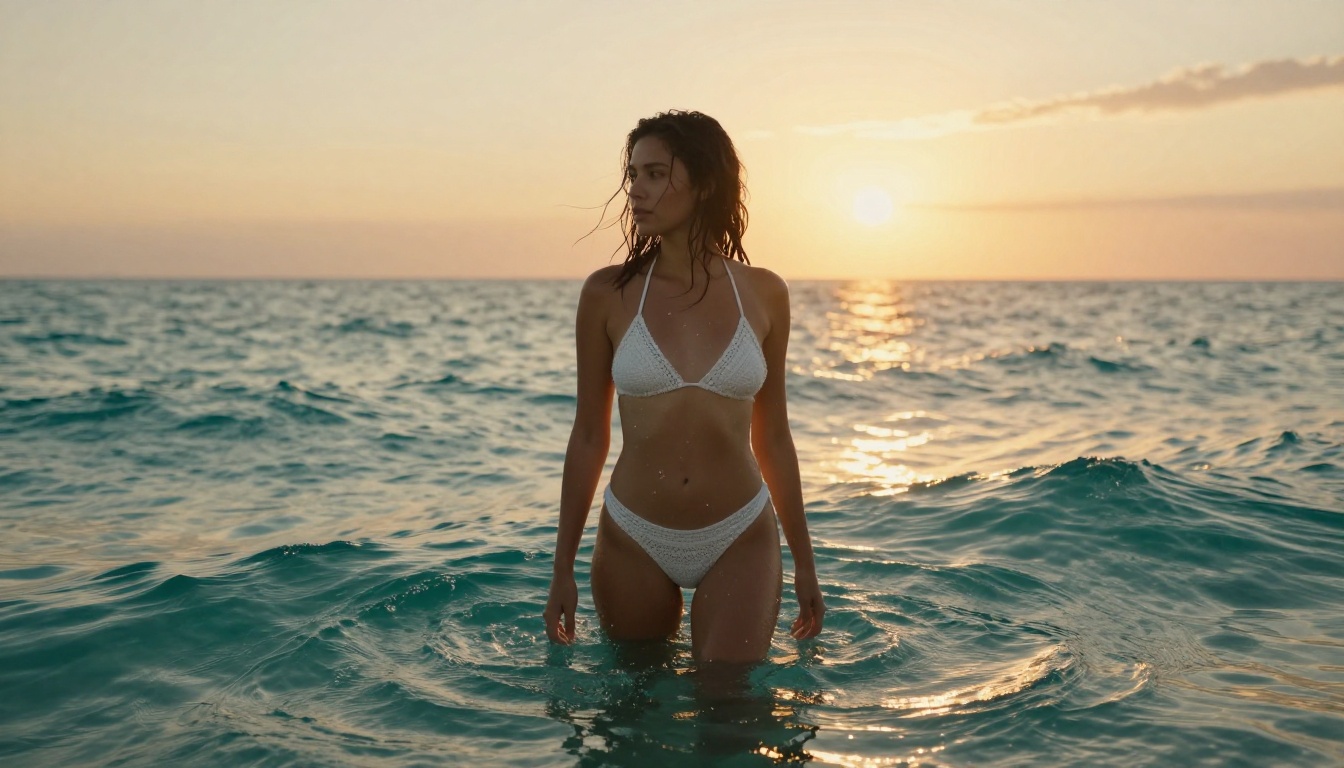
If GPT Image 1.5's restrictions are limiting your work, Seedream 4.5 is the strongest first alternative to reach for. Developed by ByteDance, Seedream 4.5 is optimized for photorealistic human image generation and handles adult-oriented prompts with far fewer content restrictions.
What sets Seedream 4.5 apart from alternatives isn't just what it permits. It's the quality. The model produces skin textures, lighting interactions, and anatomical proportions that look genuinely photographic. You're not trading off quality to escape restrictions.
Speed and Realism Combined
Seedream 4.5 generates results in seconds rather than the longer waits common with heavier diffusion pipelines. The images carry a natural warmth and detail density that suits editorial, glamour, and artistic photography styles. Fine skin texture, hair strand detail, fabric interaction with the body, these are all rendered at a level that other models frequently stumble on.
The model responds especially well to photography-style prompting. Rather than describing the image conceptually, describe it the way a photographer would brief a shoot: camera angle, lens choice, lighting direction, time of day, film stock. This approach yields consistently better results than abstract or vague descriptions.
No Content Gates to Fight
Seedream 4.5 on PicassoIA handles the full range of adult-adjacent content that GPT Image 1.5 refuses. Suggestive compositions, implied nudity, lingerie and swimwear photography, artistic body studies, all of these can be generated with proper prompting. You spend your time on the creative work, not on finding workarounds.
💡 Important: Do NOT use Seedream 5 Lite for NSFW adult content. That model includes its own content restrictions. Stick with Seedream 4.5 for adult work.
How to Use Seedream 4.5 on PicassoIA
PicassoIA makes it straightforward to access Seedream 4.5. Here's the workflow:
Step 1: Open the model
Go to picassoia.com/en/collection/text-to-image/bytedance-seedream-45 and click to open the model interface.
Step 2: Write a photography-style prompt
Structure your prompt like a photographer's brief. Start with the subject and pose, add the environment and lighting conditions, specify the camera angle and lens, then add texture and atmosphere details.
Example prompt:
A confident woman in her late 20s in a champagne satin slip dress, lying on white linen in a sun-filled bedroom, morning light from left window at 45 degrees, shot at bed level with 85mm f/1.4, shallow depth of field, Kodak Portra 400 grain, warm ivory skin tones --ar 16:9 --style raw
Step 3: Iterate rapidly
Seedream 4.5's generation speed means you can test multiple variations quickly. Adjust lighting descriptions, camera angles, and clothing details between runs until you hit exactly what you need.
Step 4: Upscale if needed
If you need a larger output for print or high-resolution display, run the result through PicassoIA's super-resolution tools, available at picassoia.com/en/all-models, to upscale without losing the photorealistic detail that makes Seedream 4.5's output stand out.
Top AI Models for Adult Photo Editing
Seedream 4.5 is your primary tool, but PicassoIA's catalog has additional models that handle different aspects of adult photo editing with precision.
PicassoIA Image Editor Pro
PicassoIA Image Editor Pro is purpose-built for image editing rather than generation from scratch. It accepts an input image and a text instruction, then makes targeted edits while preserving the rest of the photo. For adult photo editing workflows, this is the tool that replaces what you were trying to do with GPT Image 1.5's inpainting.
The key advantage is unlimited generations. You aren't constrained by credit limits the way you are with many premium tools. Iterate as many times as you need to get the clothing, lighting, or composition exactly right.
Flux Fill Pro for Inpainting
For precision inpainting where you need to modify specific areas of an adult photo without affecting the rest of the image, Flux Fill Pro delivers exceptional results. It handles the boundary between edited and unedited regions smoothly, avoiding the seam artifacts that plague lower-quality inpainting tools.
This is especially useful for clothing adjustments, wardrobe modifications, and adding or removing fabric elements from existing photos.
Qwen Image Edit Plus
Qwen Image Edit Plus responds well to natural language instructions for photo editing. You describe what you want changed in plain language, and the model interprets and applies the edit. For iterative workflows where you're refining a result through multiple editing passes, Qwen Image Edit Plus handles multi-step instructions coherently.
Model Comparison at a Glance
Prompting Tips That Actually Work
Getting great adult photo edits from AI isn't just about which model you use. How you write your prompts makes an enormous difference in output quality.
Describing What You Want Clearly
The most effective adult photo prompts follow a consistent structure:
- Subject: Who is in the image, approximate age, body type, expression
- Clothing or state: What they're wearing, fabric type, coverage
- Setting: Where the photo is taken, background elements
- Lighting: Direction, quality, color temperature
- Camera specifics: Lens focal length, aperture, shooting angle
- Film and atmosphere: Color grade, grain, overall mood
Avoid vague descriptors like "hot" or "sexy." These are low-information words that models interpret inconsistently. Instead, describe the specific visual qualities you want: the drape of fabric, the quality of the light on skin, the specific pose and expression. The more precisely you describe the photograph you want to see, the closer the output will be to your vision.
Using Reference Images
For editing workflows rather than generation from scratch, your reference image quality matters more than anything else in your prompt. Start with the highest-resolution, best-lit source photo you have. A well-lit, sharp reference image gives the editing model more information to work with and results in a more coherent final edit.
When using PicassoIA Image Editor Pro or Flux Fill Pro, mask your edit region precisely. A tight, accurate mask produces cleaner edits than a rough selection, especially in areas where the edited region meets complex textures like hair or fabric edges.
💡 Quick tip: For inpainting adult photo edits, use a mask that is slightly larger than the exact area you want changed. This gives the model a small buffer zone to blend the edit naturally into the surrounding image, producing cleaner seams.
What GPT Image 1.5 Gets Right
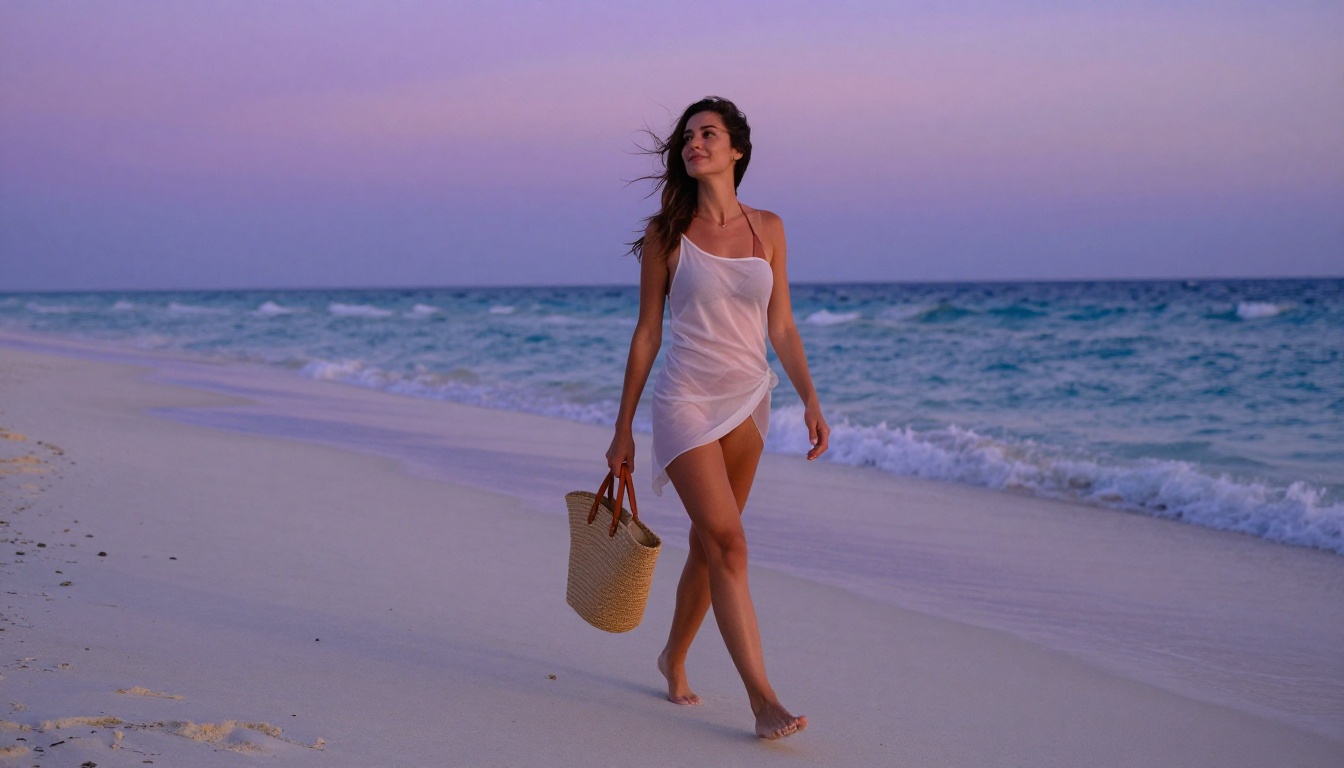
It's worth being specific about where GPT Image 1.5 genuinely excels, even within its content restrictions. For tasks that stay within its policy boundaries, the model produces remarkable results.
Photorealistic portraits with complex lighting, accurate text rendering within images, precise compositional control, and multi-element scene generation are all areas where GPT Image 1.5 is among the strongest tools available. If your adult photo editing needs are limited to the types of content it permits, swimwear in natural settings, beauty shots, and artistic portraits with tasteful skin exposure, it's genuinely capable.
The practical problem is that the definition of "permitted" is opaque, inconsistent, and subject to change without notice. What works today may fail tomorrow as OpenAI updates its classifiers. Building a creative workflow on a foundation that can silently shift underneath you introduces real production risk, especially if you're delivering work for clients who expect consistent results.
Start Creating Your Own Adult Photo Edits
The tools are available right now, and you don't need to spend your creative energy fighting content policies. Seedream 4.5 is where to start. Write a photography-style prompt, generate a few variations, and you'll immediately see the difference in output quality and creative freedom compared to what GPT Image 1.5 permits.
From there, the full range of PicassoIA's editing tools is available for every stage of your workflow. Use PicassoIA Image Editor Pro to edit existing photos with unlimited generations. Use Flux Fill Pro for precision inpainting on specific image regions. Use Qwen Image Edit Plus to iterate through natural language edits until the result matches your vision.
The complete catalog, over 90 image models across every category, is available at picassoia.com/en/all-models. Browse by category, compare by output style, and find exactly the right tool for your specific adult photo editing project.