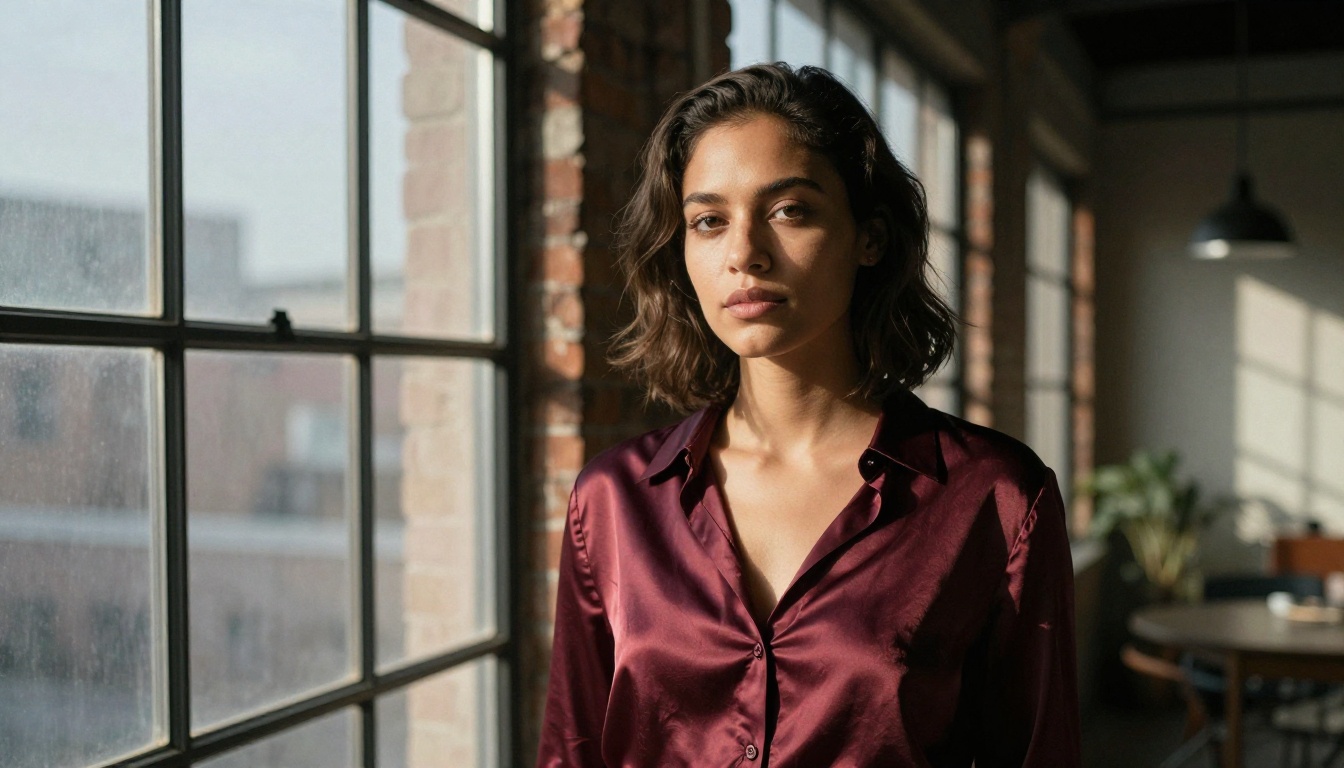
GPT Image 1.5: How to Make AI Photos That Look Real
GPT Image 1.5 is the closest thing to a real camera that AI has ever produced. This article breaks down the exact prompt structures, camera language, lighting vocabulary, and subject-specific approaches that separate images that look real from ones that clearly don't.
GPT Image 1.5 doesn't feel like most AI image models. It doesn't render. It photographs. The difference is subtle until you see it, and then you can't unsee it — the way skin catches light, the way a blurred background still feels like physical space, the way objects have weight. This article is about closing the gap between "clearly AI" and "could be a photo" using GPT Image 1.5 — and giving you the exact frameworks to do it.
What GPT Image 1.5 Actually Is
Not Just Another Text-to-Image Model
Most image generators are trained to produce beautiful outputs. GPT Image 1.5 is trained to produce accurate ones. It emerged from OpenAI's multimodal research pipeline, the same lineage that gave GPT-4o its capacity to reason about visual inputs. That background matters: the model was exposed to how real photography actually works — perspective distortion, lens behavior, depth falloff, atmospheric haze — not just what photographs look like.
The result is a model that handles photographic logic better than almost any other option available. Ask it for an 85mm portrait and it will subtly compress the background the way an 85mm actually does. Ask for morning light and it will calculate where shadows fall at that angle. This is not accidental behavior — it's a learned understanding of physical reality.
How It Differs from Previous Versions
Earlier OpenAI image models excelled at illustration, concept art, and visual storytelling. GPT Image 1.5 shifts the focus sharply toward photorealism and instruction-following. Where DALL-E 3 might interpret "a woman reading by a window" with painterly softness, GPT Image 1.5 renders it with documentary specificity — the grain of the wooden sill, the slight reflection in the glass, the way her hair falls in three dimensions.
It also handles negative space and composition more deliberately. The model seems to understand that what isn't in the frame matters as much as what is. This is a photographic intuition most other models lack.
Why AI Photos Still Look Fake
The 5 Dead Giveaways
Even with the best models, most AI images fail the reality test. Here's why:
Problem
What It Looks Like
Why It Happens
Over-smooth skin
Plastic-like texture, no pores
Models average out imperfections
Uniform bokeh
Background blur is perfectly even
No understanding of lens optics
Wrong shadow logic
Shadows from impossible angles
Inconsistent light source modeling
Eerie eye reflections
Symmetric or artificial catchlights
Interpolated from multiple sources
Too-perfect composition
Centered, static, Instagram-clean
Training bias toward "nice" images
What the Model Can't Fix Alone
GPT Image 1.5 fixes a lot of these automatically — particularly shadow logic and lens behavior. But skin texture, composition variety, and grain are areas where the prompt carries the weight. The model won't add imperfections unless you tell it to. It won't shoot from a low angle unless you specify one. It won't add film grain unless you name the film stock. You have to speak its language.
💡 The core insight: Real photos are imperfect. Your prompts need to request imperfection explicitly. If your prompt sounds like ad copy, the output will look like a stock photo.
Building a Photorealistic Prompt
The Core Prompt Formula
The single biggest upgrade you can make to your prompts is adding four layers of specificity: Subject, Environment, Light, and Camera. Most people nail the subject and ignore the other three.
[Subject with natural imperfection] + [Specific environment with texture details] + [Named light source, direction, and quality] + [Camera model, lens, f-stop, ISO] + [Film stock or color grade] + [--ar 16:9 --style raw]
Here's a before and after:
Weak: A woman sitting by a window
Strong: A woman in her late twenties with natural freckles and slightly windswept hair, seated beside a floor-to-ceiling window in a minimalist Tokyo apartment at 4PM on an overcast day, diffused grey light filling the scene from the left with no harsh shadows, shot on a Sony A7IV with an 85mm f/1.8 lens, Kodak Portra 400 color grade, visible film grain, --ar 16:9 --style raw
The second prompt gives the model no room to default to something generic.
Camera and Lens Language That Works
This is the most underused tool in prompt engineering for photorealism. Different lenses create fundamentally different images — and GPT Image 1.5 understands those differences.
Lens
Effect
Best For
24mm f/2.8
Wide, slight distortion at edges
Architecture, interiors, environment
50mm f/1.8
Natural perspective, flat compression
Street, documentary, casual portraits
85mm f/1.4
Compressed background, beautiful bokeh
Intimate portraits, close-ups
135mm f/2.0
Strong compression, shallow DOF
Detail-forward portraits, distant subjects
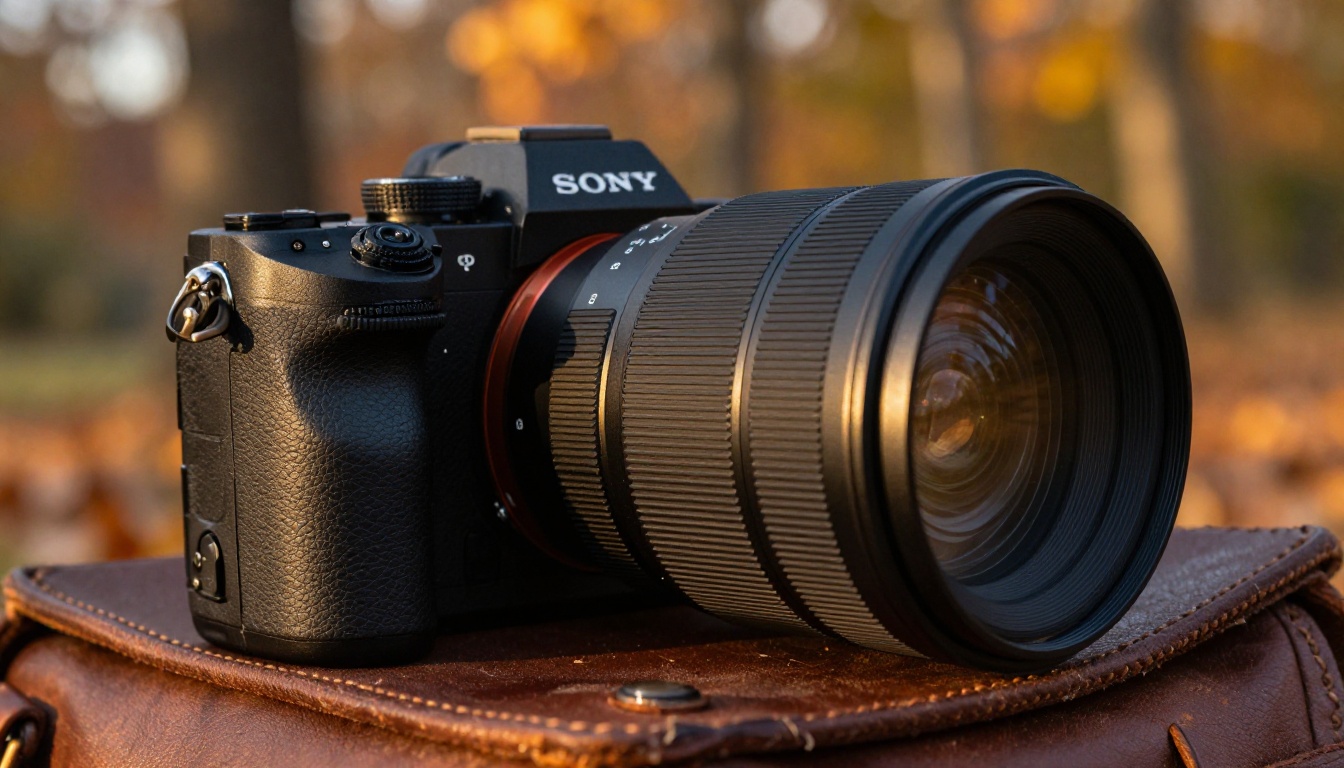
Always pair the lens with a real camera body: Sony A7IV, Nikon Z8, Canon R5, Leica M11. This anchors the model in professional photography conventions rather than generic "photo" aesthetics.
Lighting Vocabulary That Changes Everything
"Good lighting" is the most useless phrase in prompt engineering. Specific lighting language produces specific, real-feeling results.
Use this vocabulary:
Direction: from the upper-left, from directly behind, from a low angle at 30 degrees
Quality: hard direct sunlight, soft overcast diffusion, warm tungsten indoor glow, golden hour volumetric rays
Interaction with subject: creating a natural halo through hair, casting dimensional shadows across cheekbones, filling the scene with ambient bounce from a white wall
Color temperature: 5500K daylight, 2800K candlelight warmth, the blue-grey quality of winter morning
💡 Pro tip: Combine a primary light source with a secondary fill — just as a real photographer would. Example: "Primary light: hard afternoon sun from the right creating strong shadows. Fill: soft ambient bounce from a bright concrete floor."
Using GPT Image 1.5 on PicassoIA
GPT Image 1.5 is available directly on PicassoIA, where you can run it without needing API access, billing configurations, or a development environment. Here's how to get the best results from the model on the platform.
Environments: Wide lens + named location + specific weather/time of day + film grain
Products: Overhead macro shot + named marble/wood surface + soft studio light from above
💡 The model respects negative descriptions well. Adding "no artificial lighting, no digital post-processing look, no stock photo composition" pushes results toward editorial realism.
Subject by Subject
Portraits That Fool the Eye
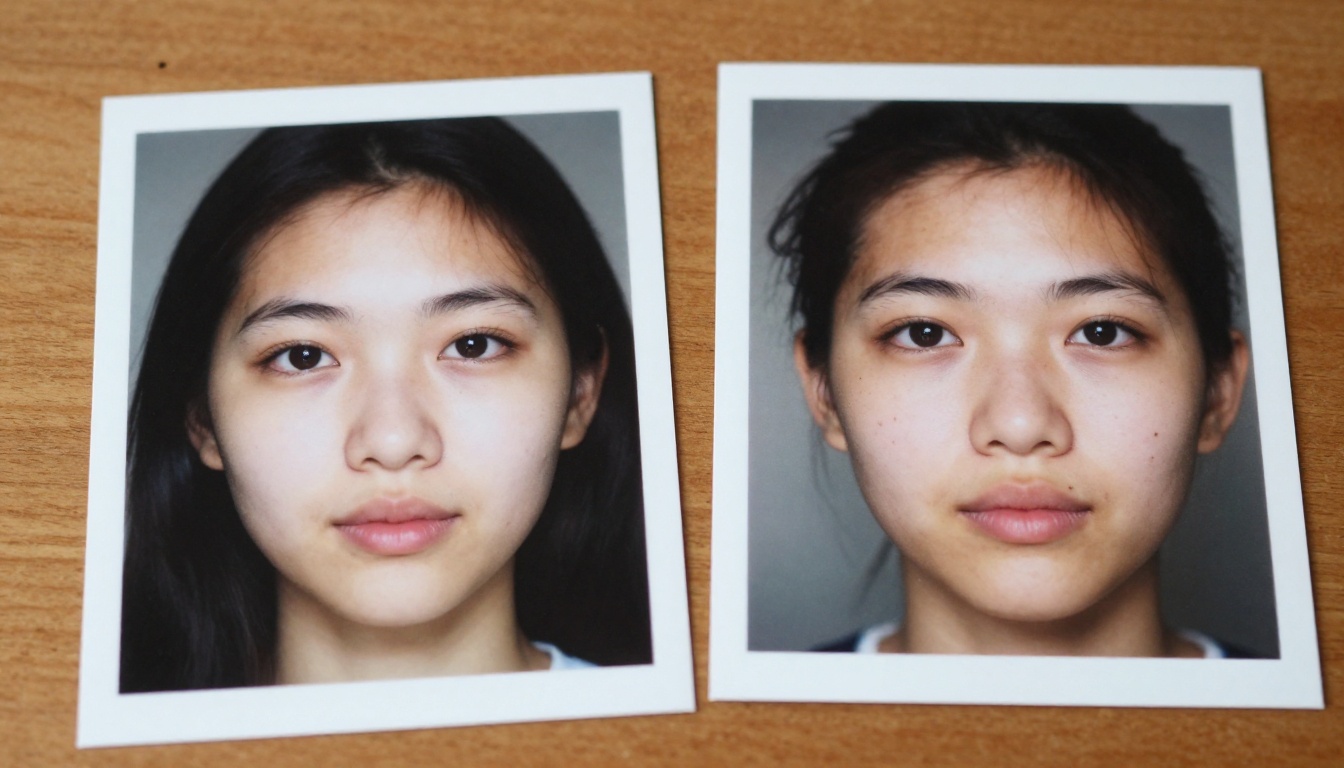
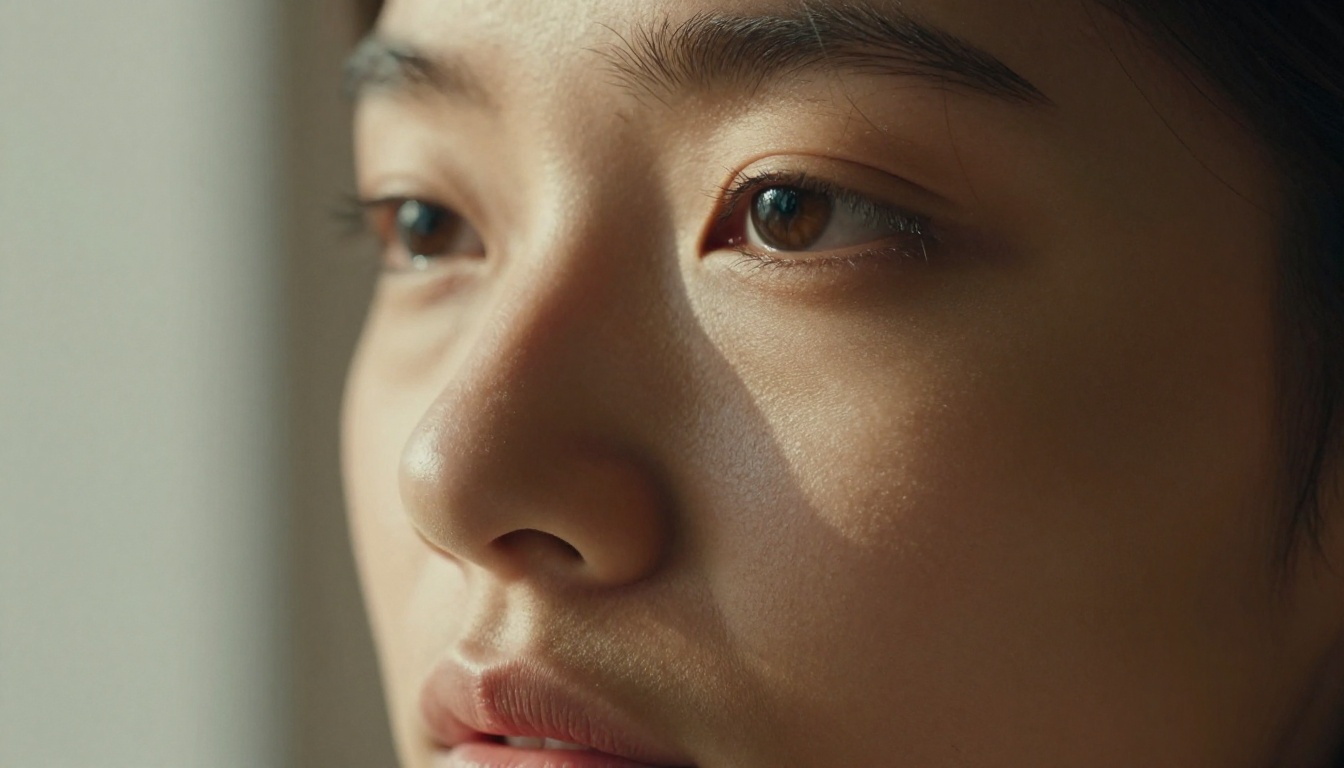
Portraits are the hardest category. Human eyes are calibrated by evolution to detect subtle wrongness in faces — this is the uncanny valley problem. To beat it with GPT Image 1.5, the approach is to add believable imperfection.
Real faces have:
Uneven skin tone — slightly warmer on the nose, cooler under the eyes
Asymmetry — one eye slightly higher, one nostril wider
Context-appropriate texture — dry skin in winter, a slight sheen in warm weather
Hair with behavior — a few strands across the forehead, a slight frizz at the crown
Include all of this in your prompts. The model handles it beautifully when instructed. Without it, you get a face that looks like it was retouched by someone who'd never seen a real person.
Landscapes and Architecture
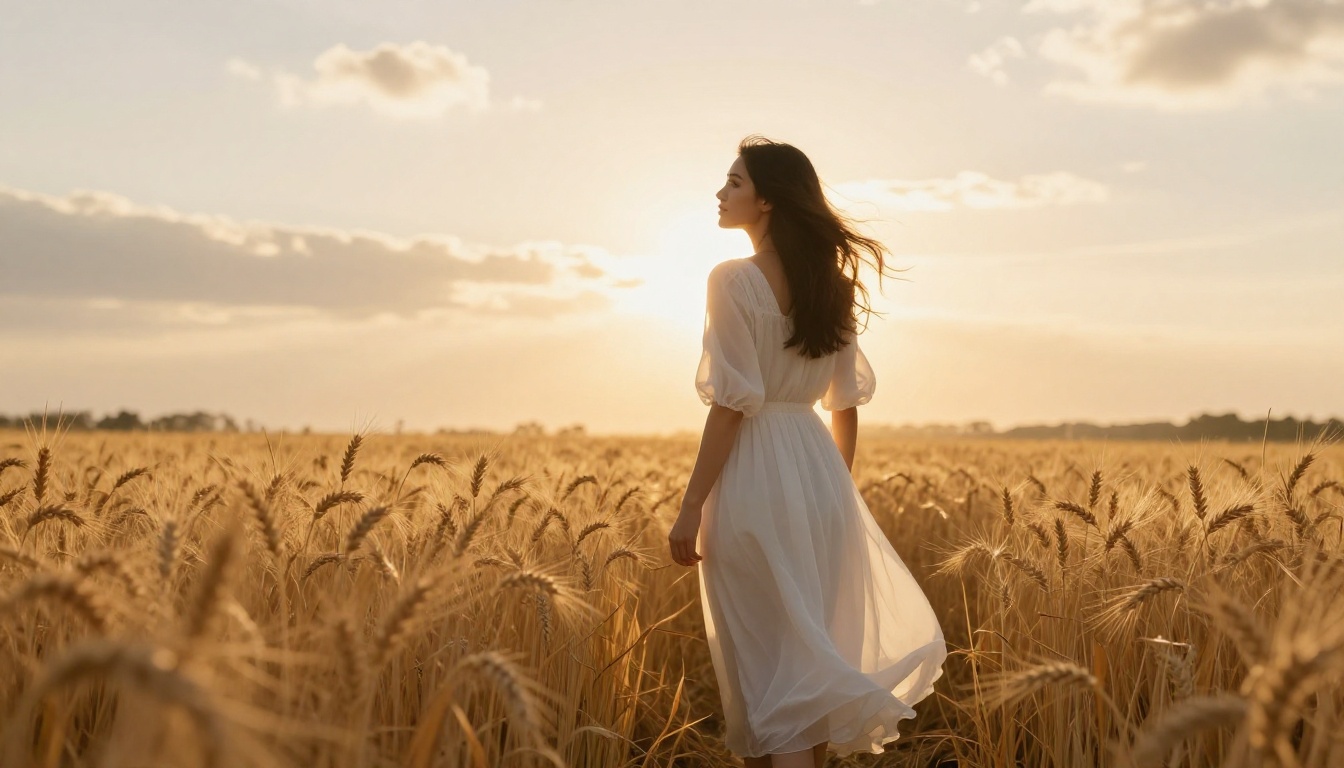
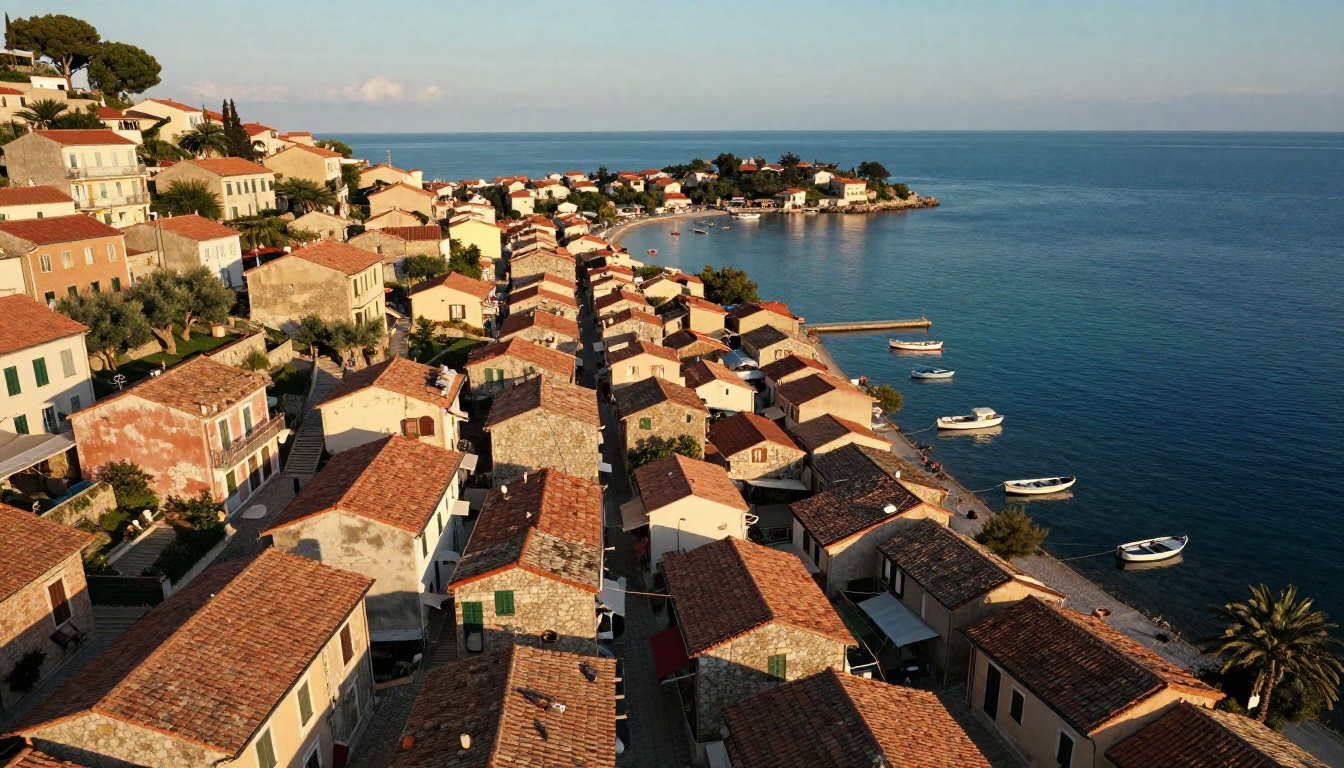
Landscapes are where GPT Image 1.5 has the most natural advantage. The model handles atmospheric perspective — the way distant hills fade into haze, the way morning fog sits low above water — with remarkable accuracy.
The rules here:
Always name a time of day and season — these constrain light behavior specifically
Add weather — overcast days create beautiful even light; rain creates reflective surfaces
Specify distance layers — near foreground, mid-ground subject, far background. This forces depth
Include texture at multiple scales — gravel on a path, rust on a railing, moss on stone
Products and Still Life
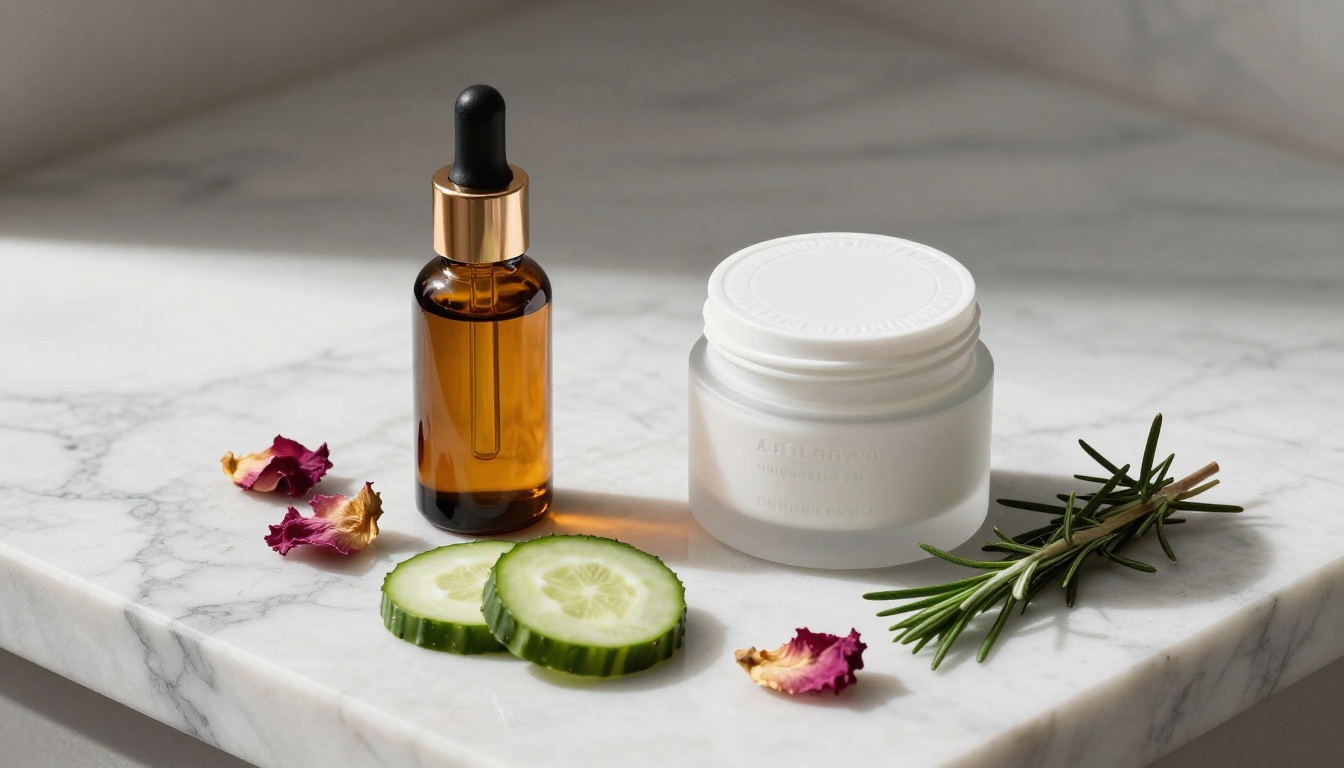
Product photography is deceptively demanding. The challenge: real product photos have controlled, intentional imperfection — a fingerprint on a bottle, a slight shadow suggesting weight, a surface that has been used.
For still life with GPT Image 1.5:
Use named surface materials (Carrara marble, walnut wood, grey linen) — not just "white background"
Specify shadow type: "soft elongated shadows from a single source above and slightly left"
Add organic elements to inorganic products — a sprig of herb, a scatter of petals — to break the clinical feel
Use macro lens language with 50mm or 100mm for extreme surface texture
Prompt Templates You Can Steal
The Portrait Formula
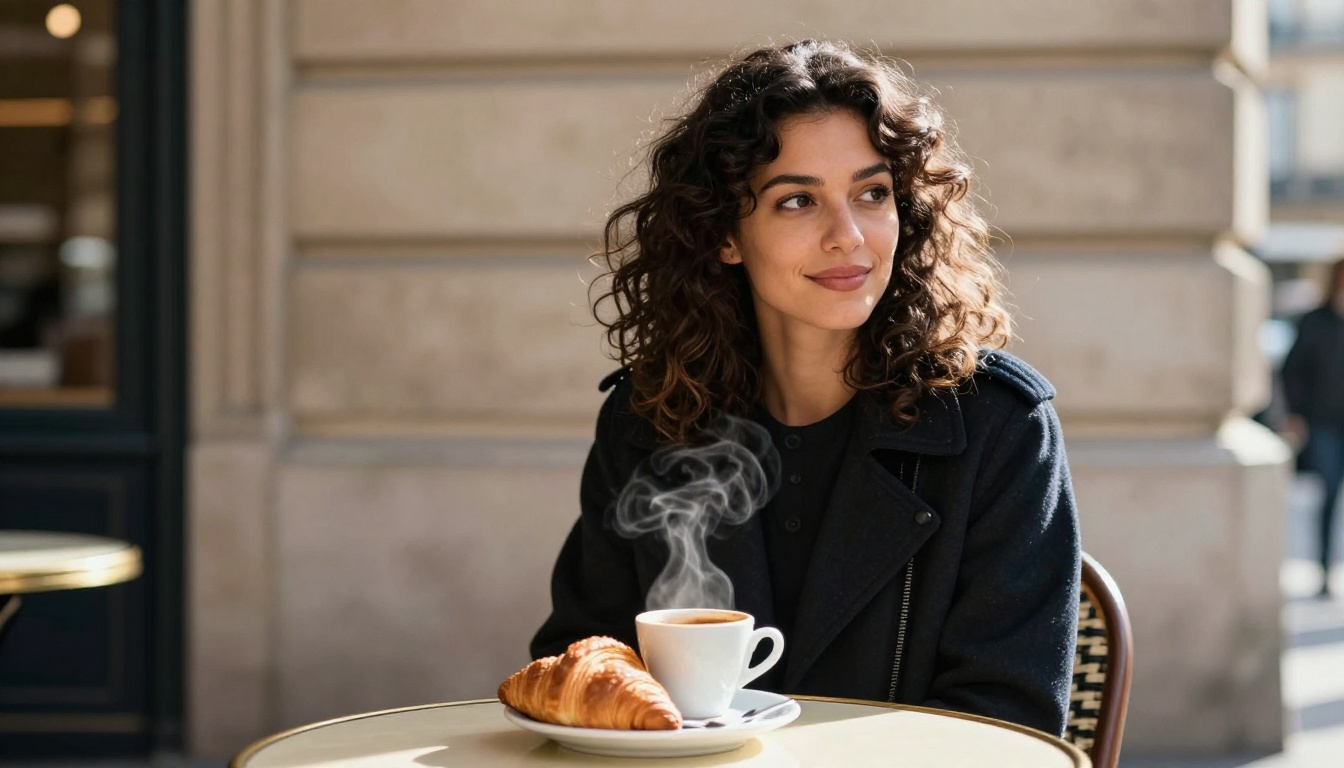
[Subject with specific age, skin tone, hair type, natural imperfections] in [named location with specific time and season], wearing [specific fabric with texture description]. [Primary light: direction, quality, source]. [Secondary fill: brief description]. Caught in a [candid/contemplative/natural] moment. Shot on [camera body] with [lens] at [f-stop], ISO [number]. [Film stock] color grade, organic film grain, photorealistic, 8K. --ar 16:9 --style raw
The Environment Formula
[Aerial/low-angle/eye-level] view of [named location with cultural specificity] at [time of day] in [season/weather]. [Distance layer 1: specific texture]. [Distance layer 2: main subject]. [Distance layer 3: background quality and atmosphere]. [Light behavior at this time of day]. Shot at [focal length] f/[stop], [film stock] color grading, natural grain. --ar 16:9 --style raw
4 Mistakes That Kill Realism
1. Using generic adjectives — "beautiful," "stunning," "amazing" tell the model nothing about photography. Replace with specific observational language.
2. Forgetting about the background — Even when it's out of focus, the background needs to be physically believable. "Blurred background" is not a location. "Blurred warehouse interior with warm pendant lights" is.
3. Skipping the film grain — Digital-clean AI renders look digital-clean. Real photos — even modern digital ones — have noise, micro-contrast, subtle color channel variation. Always specify a film stock or digital noise equivalent.
4. Centering everything — Real photographers use the rule of thirds instinctively. Add composition language: "subject positioned at the left third of the frame", "looking across the empty right half of the frame". This breaks the AI symmetry default.
Your Turn — See What It Does
The gap between an AI photo that looks rendered and one that looks shot on a Sony A1 comes down almost entirely to prompting precision. GPT Image 1.5 has the capability. The question is whether your prompts give it the information it needs.
PicassoIA gives you access to the model with no setup friction. Take the portrait formula above, swap in your subject, and run it. Compare the result to your previous prompts. The difference in texture, light behavior, and compositional realism will be immediately visible.
Beyond GPT Image 1.5, PicassoIA also offers photorealism-focused alternatives like Flux 1.1 Pro Ultra, Realistic Vision v5.1, and Qwen Image 2 — each with its own strengths for different subject categories. The platform lets you switch between them instantly and compare outputs side by side.
Photorealistic AI photography is no longer about having access to the right model. It's about knowing how to ask for what you want.