GPT Image 1.5 arrived with serious momentum. When OpenAI embedded its image editing capabilities directly into ChatGPT, millions of users immediately started testing its limits. What can it actually do with photos? How much NSFW content does it tolerate? And where does it simply refuse?
This article answers those questions directly, based on what the model permits versus where it cuts off. It also covers the AI platforms that fill the gap for creators who need more than ChatGPT's content policy permits.
What GPT Image 1.5 Actually Does
GPT Image 1.5, also referred to as the image generation and editing model powering ChatGPT's native image tools, is built on GPT-4o's multimodal architecture. It can process both text and images simultaneously, meaning it understands what is already in a photo before making changes.
The Editing Tools on Offer
The model's core strength is its instruction-following precision. You can describe a change in plain language and it executes with remarkable spatial accuracy:
- Inpainting: Remove objects, fill gaps, or replace specific regions
- Style transfer: Apply a new visual style while preserving original content
- Object addition: Insert new elements into an existing scene
- Background replacement: Swap out the entire background contextually
- Outfit changes: Alter clothing while keeping the subject consistent
- Text rendering: Add legible text to images with accurate placement
The precision comes from GPT-4o's deep understanding of context. It does not just blend pixels; it interprets the scene and makes changes that fit the visual logic of the image. For a content creator, this means the editing interface feels closer to directing a human retoucher than operating a technical tool.
Inpainting and Prompt-Based Changes
The inpainting capability is where GPT Image 1.5 gets interesting for content creators. You can upload a photo, describe a region, and ask the model to transform it. In practical use, it handles:
- Swapping a plain dress for a patterned one
- Replacing a grey cloudy sky with a dramatic sunset
- Adding sunglasses to a portrait while maintaining proportions
- Removing distracting background elements cleanly
- Changing hair color or style while keeping facial features intact
- Altering the time of day in outdoor scenes through sky and lighting changes
This works across people, objects, and environments. The natural language interface is more accessible than traditional tools like Photoshop's Select and Mask, particularly for creators without professional editing backgrounds. No selection masks, no layer management, no technical terminology required.
💡 Tip: Vague prompts produce vague results. The more specific your instruction, the more accurate the edit. Instead of "change her outfit," try "replace her black jacket with a fitted red silk dress with thin shoulder straps."
The NSFW Line It Will Cross
Despite OpenAI's reputation for strict content moderation, GPT Image 1.5 allows a meaningful range of suggestive and glamour content. This is not commonly discussed in detail, so it is worth being specific about what actually works.
Swimwear and Implied Content
GPT Image 1.5 will generate and edit images featuring:
- Bikinis and swimwear: Realistic, body-confident imagery of people in swimsuits, including minimal coverage styles and string bikinis
- Lingerie-adjacent edits: With tasteful framing, the model will alter clothing toward intimate but non-explicit styles
- Body-positive and fitness content: Muscular, toned physiques in athletic or minimal clothing
- Glamour photography aesthetics: High-fashion editorial styles with visible skin and confident poses
- Sheer fabrics and layering: Semi-transparent clothing edits when framing remains suggestive rather than explicit
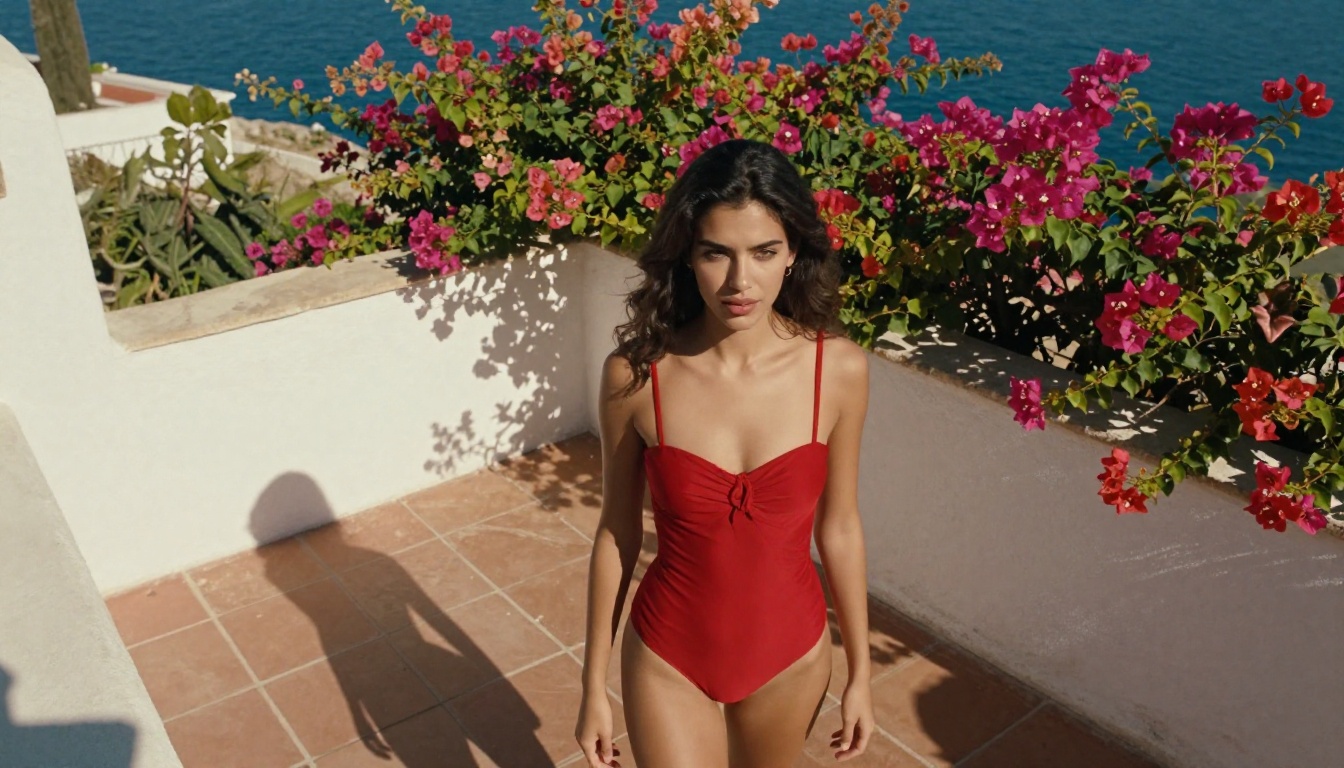
These edits are particularly popular for:
- Swimwear brand content creation and mockups
- Fitness and wellness photography editing
- Travel and lifestyle social media content
- Fashion editorial concepts and mood boards
- Body confidence and empowerment visual content
The model treats these requests as creative editing tasks rather than content violations, provided the framing remains non-explicit. This creates a surprisingly capable space for lifestyle and glamour work.
Lifestyle and Glamour Edits
Beyond swimwear, GPT Image 1.5 handles a range of attractive and aesthetically focused edits. It will:
- Increase attractiveness-related features through intelligent retouching
- Apply makeup and hair changes directly to photographs
- Adjust body proportions within what it considers artistic range
- Create glamour-style lighting effects that emphasize physical beauty
- Apply beauty filters and skin smoothing through natural language instruction
The practical result is a capable tool for beauty, fashion, and lifestyle content. For many creators working in these spaces, this range covers most of what they need.
Where GPT Image 1.5 Refuses
The limits are firm and consistent. Understanding exactly where GPT Image 1.5 stops helps you decide whether it is the right tool for your work.
The Hard Filter Triggers
GPT Image 1.5 will refuse any request involving:
- Explicit nudity: Any image with fully exposed genitalia, breasts, or buttocks without covering, regardless of framing or artistic intent
- Sexual acts: No depictions of sexual activity, implied or explicit
- Explicit adult content generation: Even with an uploaded base image, the model will not produce pornographic edits
- Removing clothing beyond a threshold: You can style a garment differently or swap it, but asking to "remove" clothing triggers an automatic refusal
- Deepfake-adjacent requests: The model avoids generating content that could constitute non-consensual intimate imagery
The refusal is not always preceded by a warning. In many cases the model simply responds with an alternative interpretation of your prompt, producing a safe-for-work result instead of what you requested. This can be confusing if you are not expecting it.
Why OpenAI Built These Walls
OpenAI's content policy for GPT Image 1.5 is a product decision as much as a technical one. The model runs across a consumer base that includes minors, enterprise accounts, and API partners. Building a universal content filter allows the platform to operate across all these contexts without case-by-case moderation overhead.
The technical implementation uses a classifier that runs alongside the generation pipeline. Every prompt and output is checked against a violation model before delivery. When a request crosses a threshold, it is intercepted rather than forwarded to the generation model itself.
This means no amount of prompt rephrasing or creative framing reliably bypasses the filter. The interceptor is trained on adversarial inputs specifically designed to circumvent it. Creators who try eventually hit the same wall regardless of approach.
Real Editing Scenarios Tested
The most practical way to frame GPT Image 1.5's NSFW capabilities is through specific scenarios. Here is what actually happens in each case:
Changing Outfits and Clothing Styles
| Request Type | GPT Image 1.5 Result |
|---|
| Swap jeans for a bikini | Works, tasteful framing |
| Add lingerie layer over clothing | Sometimes works, minimal coverage |
| Remove top entirely | Refused consistently |
| Change to form-fitting bodycon dress | Works reliably |
| Athletic wear and sportswear edit | Works |
| Implied nudity via sheer or transparent fabric | Usually refused |
| Beach coverup over existing clothing | Works |
| Underwear-only clothing replacement | Refused |
The clothing swap capability is genuinely useful for fashion brands and lifestyle content creators. It fails specifically at the point of exposure, which is where the classifier activates.
Body-Focused Photo Adjustments
GPT Image 1.5 handles body-focused requests in a range that sits between photo editing and generation:
- Slimming edits: The model will adjust body proportions with reasonable prompting
- Toning additions: Asking for "a more athletic build" applied to a subject generally works
- Posture changes: Adjusting a subject's pose through inpainting works for minor adjustments
- Skin tone edits: Changes to complexion, tan lines, or skin color apply cleanly
- Height and proportion adjustments: These can be applied through inpainting with good results
💡 Note: All body-altering edits still produce clothed results. The filter layer sits upstream of generation, not downstream, so the editing logic and the content filter operate independently of each other.
Artistic and Implied Nudity
This is the category where GPT Image 1.5 fails most creators who need adult content:
- Implied nudity (suggesting exposure without showing it directly): Inconsistent results, frequently refused
- Topless with artistic framing: Refused
- Fine art nude reference: Refused
- Historical artistic style nudes: Refused even when citing specific famous artworks
- Boudoir photography with coverage: Sometimes works, depends on the level of visibility
The model does not distinguish between artistic intent and explicit intent at this threshold. The filter is binary on nudity, which means a request that would be accepted in any art school or professional photography context is treated the same as a request for explicit pornography.
GPT Image 1.5 covers glamour and suggestive content effectively. Everything beyond that requires a platform built specifically to handle it. The gap is significant in both capability and practical workflow:
| Feature | GPT Image 1.5 | PicassoIA NSFW Models |
|---|
| Bikini and swimwear edits | Yes | Yes |
| Implied nudity | Inconsistent | Yes |
| Explicit adult content | No | Yes |
| Image-to-image editing | Yes | Yes |
| Generation speed | 10 to 20 seconds | Under 3 seconds |
| Usage limits | Per ChatGPT plan | Unlimited on Elite/Infinite |
| Content filter | Always active | Off by default |
| NSFW model variety | None | 90+ models |
| Cost per 1,000 images | Variable, adds up | Free on unlimited plans |
For creators who need to move beyond GPT Image 1.5's ceiling, choosing the right platform is the actual decision that matters.
Best NSFW AI Image Editors on PicassoIA
PicassoIA hosts over 90 image generation models, several of which are specifically built for unrestricted adult content. These are the ones that matter most for creators moving beyond GPT Image 1.5's limits.
Seedream 4.5: The Top Pick
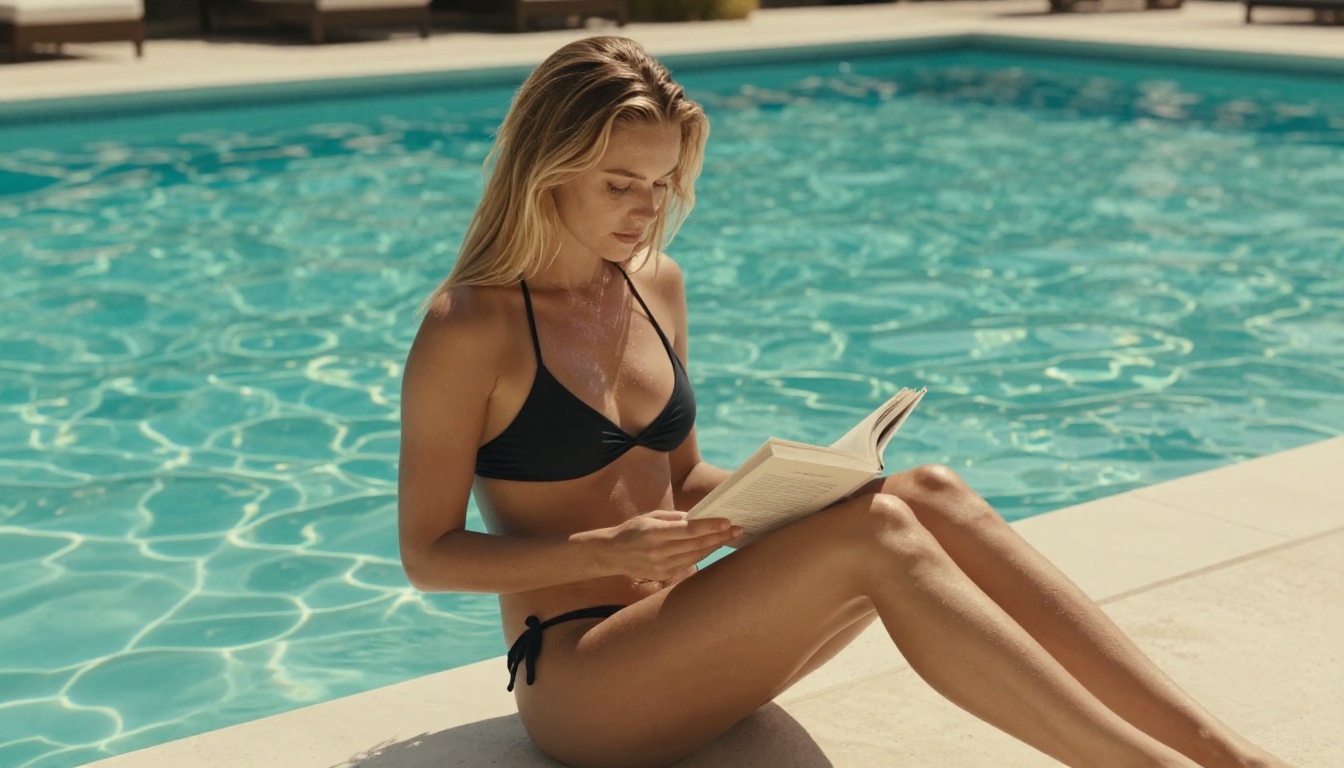
Seedream 4.5 is the standout model for NSFW generation on PicassoIA. Developed by ByteDance, it accepts explicit adult content without filtering, supports image editing (not just text-to-image generation), and produces results in under 3 seconds.
Key advantages that separate it from GPT Image 1.5:
- Accepts NSFW and explicit adult content prompts without interception
- Supports image-to-image editing for existing photos
- Generates in under 3 seconds at high visual quality
- Produces highly realistic results, not illustrated or stylized
- No content classifier active during generation
- Handles detailed, specific adult prompts accurately
For creators comparing directly to GPT Image 1.5, the key difference is that Seedream 4.5 does not intercept prompts before generation. What you describe is what gets produced, at a speed that makes iteration practical.
⚠️ Important: The newer Seedream 5 Lite does not support NSFW content. For adult generation, use Seedream 4.5 specifically.
PicassoIA Image Editor Pro: Unlimited
PicassoIA Image Editor Pro operates as an image-to-image editing model with a defining cost structure: unlimited generations are included in the Elite and Infinite subscription plans.
To put that in concrete terms: generating 1,000 NSFW image variations on a per-credit model could cost around $100. On PicassoIA Image Editor Pro, those same 1,000 images cost nothing beyond the subscription. This matters significantly for creators who iterate heavily across multiple projects or clients.
Additional strengths that make it worth considering:
- Results delivered in under 1 second per generation
- Accepts NSFW editing prompts on uploaded photographs
- Free trial of 3 generations, no credit card required
- Works as a traditional img2img pipeline, familiar to Stable Diffusion users
- Fast enough to use in real-time creative sessions
Qwen Image 2, Grok, and Beyond
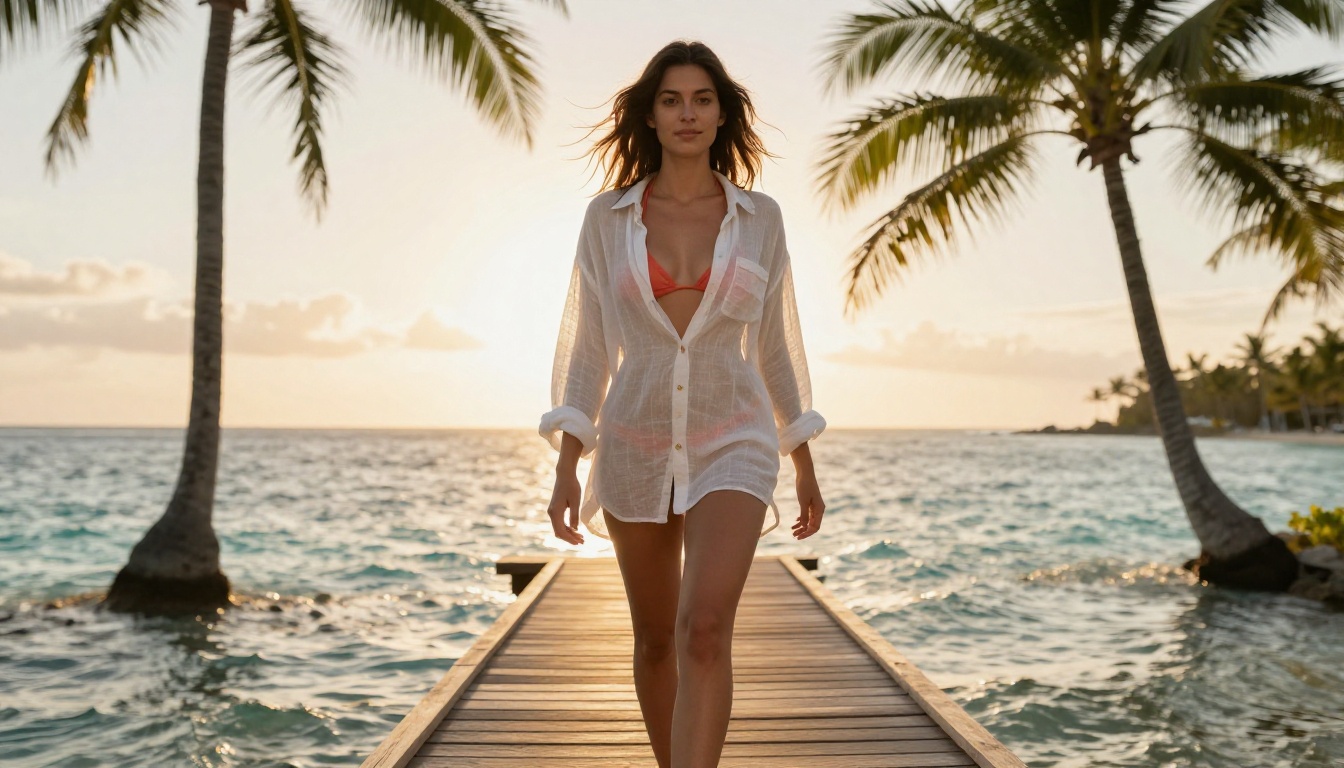
The other recommended models on PicassoIA's NSFW lineup each serve a distinct use case:
- Qwen Image 2: Open-source model that edits and generates from text. Produces very detailed realism in seconds without content restrictions. Strong for creators who want fine-grained control.
- Grok Imagine Image: Particularly strong at realistic outfit-to-swimwear conversions on uploaded images. The most direct replacement for GPT Image 1.5's swimwear edits, but without the ceiling.
- Recraft V4: Text-to-image only, but produces highly realistic results for adult content prompts without filtering.
- P-Image: The fastest option at under 1 second per generation. Works well for rapid iteration on NSFW text prompts when volume matters more than maximum detail.
How to Use Seedream 4.5 for NSFW Edits
Getting productive with Seedream 4.5 on PicassoIA takes under two minutes. Here is the complete process:
Step 1: Go directly to the model page
Visit picassoia.com/en/collection/text-to-image/bytedance-seedream-45. No account needed to view, but you will need a free account to generate.
Step 2: Choose your mode
Seedream 4.5 supports both text-to-image and image-to-image. For NSFW editing of an existing photo, select the image input mode and upload your source image. For generating from scratch, use the text input directly.
Step 3: Write a detailed, specific prompt
Specificity is the single biggest factor in output quality. Describe the subject, setting, lighting, clothing or lack thereof, and the mood you want. The model responds proportionally to prompt detail and specificity.
Step 4: Set your parameters
- Aspect ratio: 16:9 for landscape content, 9:16 for portrait and social media formats
- Resolution: 1024px minimum for sharp, usable results
- Seed: Set a specific number if you want reproducible outputs during iterative refinement
Step 5: Generate and refine
Results arrive in under 3 seconds. If the initial output is close but not quite right, adjust your prompt and regenerate. Because the model is fast, iteration is practical rather than costly in time or credits.
💡 Prompt structure tip: Lead with the most important visual element. Starting with the subject ("A woman in...") performs better than opening with lighting or setting descriptions. Subject first, then environment, then details.
GPT Image 1.5 is genuinely impressive within its permitted range. Its image understanding, natural language control, and editing precision represent a real step forward for consumer AI tools. For lifestyle content, fashion mockups, and general creative editing, it performs well and is increasingly capable.
But its ceiling is fixed and enforced by design. For creators whose work requires adult content, the GPT Image 1.5 filter is not an inconvenience: it is a total blocker. The model will not produce what they need, regardless of how prompts are written, how requests are framed, or how persistent the user is. The classifier does not have an override.
The practical result is that adult content creators operate on a different set of tools entirely. Platforms like PicassoIA, which host models with content filters disabled by default, serve a different part of the market than ChatGPT's integrated image tools. Both exist because they serve genuinely different audiences with different creative needs.

If you are doing swimwear, lifestyle, or glamour work that falls inside GPT Image 1.5's permitted range, it is a capable and accessible tool. If you need to go beyond that, the full model catalog at picassoia.com/en/all-models includes over 90 image generation options, including tools for upscaling your best outputs with models like Clarity Pro Upscaler and P-Image Upscale.
Seedream 4.5 is where to start for adult content generation: fast, realistic, and built to handle exactly what GPT Image 1.5 will not. Try the free trial on PicassoIA Image Editor Pro with no credit card required, and see the difference that an unrestricted model makes in practice.


