Two models. Two completely different philosophies. And one question that matters more than the name on the label: which one actually produces better images for what you need to do?
GPT Image 1.5, built by OpenAI, sits between the original GPT Image 1 and the newer GPT Image 2 in terms of capability and release timeline. Nano Banana 2, Google's lightweight but capable image generation model, takes a different approach entirely: prioritize speed and accessibility without sacrificing too much on output quality. The result is two models with genuinely different strengths, and the "right" one depends entirely on what you are building.
This article puts them head to head across the things that actually matter: photorealistic output, prompt interpretation, generation speed, pricing, and real-world use cases. No filler. Just what you need to make the right call.
What These Models Actually Are
GPT Image 1.5: OpenAI's Refined Generator
GPT Image 1.5 is OpenAI's iterative improvement over GPT Image 1, arriving with better prompt adherence, sharper object boundaries, and noticeably improved text rendering within images. It runs on a diffusion-transformer hybrid architecture that lets it balance creative interpretation with literal prompt accuracy.
Where GPT Image 1 sometimes struggled to place objects correctly or produced artifacts around complex backgrounds, GPT Image 1.5 handles those scenarios with more consistency. The model carries the hallmark "OpenAI polish" that many creators recognize: clean compositions, balanced lighting, and a tendency to produce images that look purposeful rather than random. It handles multi-element scenes well. Ask it for a coffee shop interior with a specific mood and it delivers structured, thoughtful results.
The main limitations are generation speed and cost per image, especially when you push to higher resolutions. At standard resolution it performs well, but demanding prompts with many spatial instructions slow it down more than lighter models.
One notable strength is its handling of context within prompts. GPT Image 1.5 interprets descriptive language more accurately than most comparable models. Adjectives like "diffused morning light" or "documentary-style candid moment" translate into visible choices in the output. That semantic precision is what separates it from faster but more literal generators.
Nano Banana 2: Google's Speed-First Contender
Nano Banana 2 Lite is part of Google's image generation ecosystem, built around a lightweight neural architecture optimized for fast inference. "Nano" in the name hints at its design priority: smaller parameter count, faster outputs, lower cost per generation.
What makes it interesting is that despite its efficiency focus, Nano Banana 2 produces images with surprisingly clean detail in certain categories. It excels at natural textures, open landscapes, and simple portrait shots. Where it starts to show its constraints is in dense, multi-layered scenes and precise text rendering.
Think of it as the model you reach for when volume matters and you need consistent quality at scale without burning through credits. It is not trying to compete with the most powerful generators on raw quality. It is competing on throughput and accessibility, and in that category it wins.
The model also benefits from Google's extensive training data across visual categories. For everyday subjects (people in real environments, common objects, natural scenes) it performs with confidence. The gaps appear when prompts venture into complex spatial relationships or highly specific stylistic requirements.
Image Quality: Side by Side
Portrait and Face Accuracy
This is where the gap is most visible. GPT Image 1.5 handles human subjects with noticeably better facial coherence. Skin texture, micro-expressions, eye clarity, and the way light falls on different skin tones all come out more accurately. It renders fine details like flyaway hair strands, natural eyelash variation, and subtle lip texture with a level of specificity that holds up under close inspection.
Nano Banana 2 produces acceptable portraits for many use cases, but under scrutiny, faces can look slightly softened, with less micro-texture detail and occasional minor anatomical inconsistencies in hands or ears. For social content or blog imagery where users view at normal screen resolution, this difference is minimal. For print-quality or close-cropped portraits, GPT Image 1.5 wins clearly.
💡 If portrait accuracy matters to your workflow, also check out Seedream 5 Pro on PicassoIA. It produces sharp 2K portrait and fashion images with exceptional skin detail and color accuracy.
Landscape and Environmental Detail
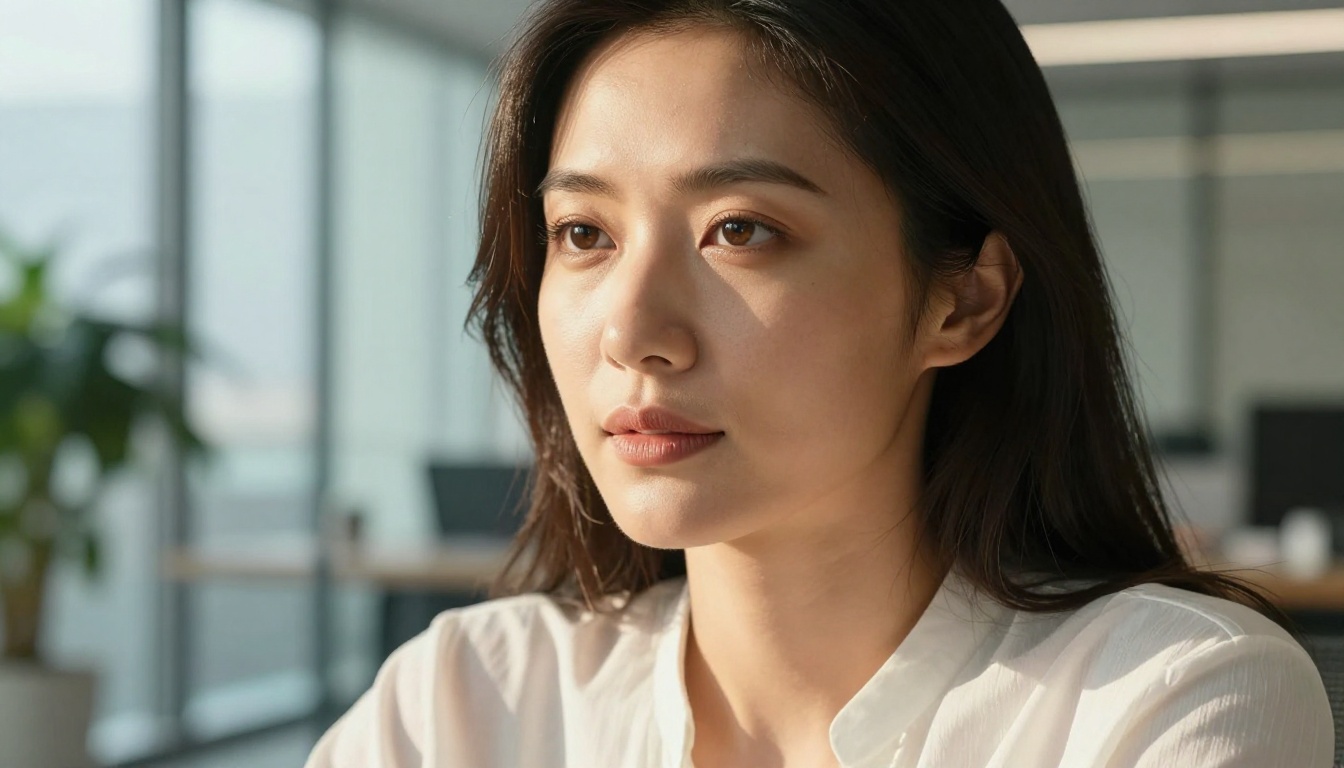
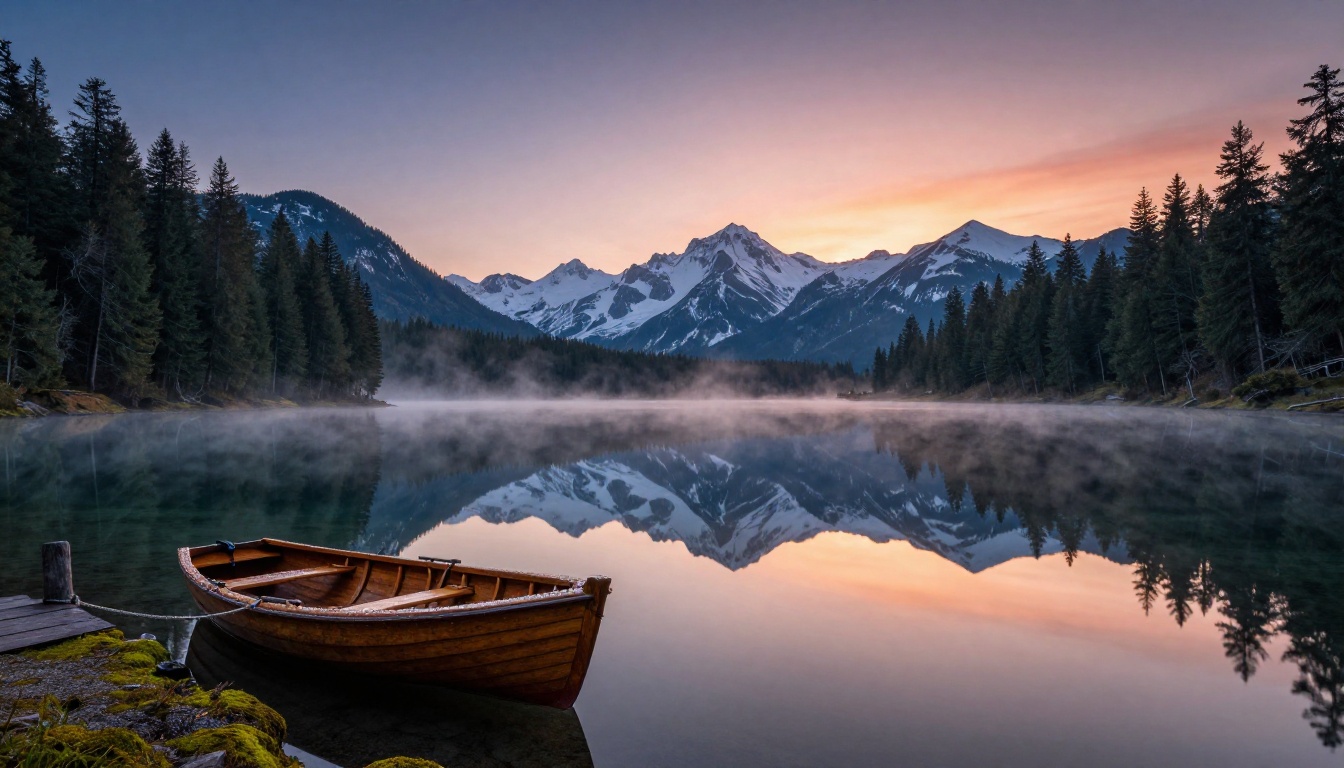
Surprisingly, Nano Banana 2 holds its own here. Open environments with natural elements, such as forests, coastlines, mountain ranges, and open skies, play to its strengths. The model renders atmospheric perspective reasonably well and handles large color gradients smoothly. Sunsets, misty mornings, and overcast natural light all come out with a convincing sense of atmosphere.
GPT Image 1.5 still edges ahead on structural elements within landscapes. If your scene has buildings, bridges, or architectural features alongside nature, GPT Image 1.5 handles the geometry more accurately. Nano Banana 2 sometimes introduces slight distortions in straight lines and man-made structures within otherwise natural compositions.
For pure nature photography prompts, the quality gap narrows significantly. Nano Banana 2 can produce landscape outputs that are genuinely impressive, and at a fraction of the cost. If landscapes are your primary output, the cost-quality equation shifts in Nano Banana 2's favor.
Product and Commercial Photography
GPT Image 1.5 is the clear winner for product imagery. Its understanding of material surfaces such as glass, metal, ceramic, and fabric, and how light interacts with them is substantially better. Product shots require accurate reflections, precise shadows, and clean background separation. GPT Image 1.5 delivers on all three consistently.
Nano Banana 2 can work for simple product shots on clean backgrounds, but the shadow accuracy and material rendering are less precise. Reflective surfaces in particular tend to look generic rather than physically accurate. E-commerce contexts that require studio-quality outputs will find GPT Image 1.5 more reliable.
Speed and Response Time
How Fast Each Model Generates
Nano Banana 2 is significantly faster. In typical inference conditions, it generates images in roughly 30 to 40 percent less time than GPT Image 1.5 at standard resolution. This makes it the better choice for high-volume workflows where you are generating dozens or hundreds of images in a batch run.
GPT Image 1.5 averages 8 to 15 seconds per generation at standard settings, while Nano Banana 2 typically completes in 5 to 9 seconds. These figures vary with server load and prompt complexity, but the pattern holds across conditions. When you scale that difference to a batch of 100 images, the time savings become significant.
| Model | Avg. Generation Time | Quality Tier | Best For |
|---|
| GPT Image 1.5 | 8-15 seconds | High | Portraits, products, complex scenes |
| Nano Banana 2 | 5-9 seconds | Medium-High | Landscapes, social content, volume |
| Seedream 4.5 | 6-12 seconds | Very High | Fashion, 4K detail |
| Krea 2 Large | 10-18 seconds | Very High | Photorealistic max quality |
What Slows Them Down
Both models slow down on complex scenes with many distinct elements. The more specific and layered your prompt, such as five characters doing different actions in a detailed environment, the more latency climbs on both models.
For GPT Image 1.5, high-resolution outputs and detailed text rendering within images add generation time. The model spends additional compute parsing precise spatial and stylistic instructions. For Nano Banana 2, dense crowd scenes and intricate architectural details push its limits both in speed and accuracy. Prompts that exceed its training sweet spot cause it to approximate rather than execute.
Prompt Accuracy: Who Listens Better
Handling Complex Scenes
GPT Image 1.5 follows complex, multi-clause prompts more faithfully. You can specify precise spatial relationships ("the red vase is to the left of the white lamp on a wooden shelf") and the model has a higher success rate at placing elements where you asked. It interprets modifiers like "slightly out of focus background" or "rim lighting from upper right" as specific technical instructions rather than loose suggestions.
Nano Banana 2 interprets the general mood and subject correctly but may misplace or simplify specific spatial instructions. It performs well with single-subject or dual-subject prompts. When your prompt exceeds three or four distinct instructions, accuracy drops and the model falls back on its strongest priors for the subject matter.
This difference has practical implications for workflow. If you rely on precise prompt control to get consistent brand-appropriate outputs, GPT Image 1.5 is the more reliable choice. If you write shorter, direct prompts and iterate by regenerating, Nano Banana 2's speed makes iteration faster.
💡 For maximum prompt accuracy with complex scenes, Ideogram v4 Quality on PicassoIA is worth testing. Its compositional accuracy and instruction-following are among the strongest available across all text-to-image models.
Text Rendering in Images
This is a known weak point for most image models, and both have limitations. GPT Image 1.5 handles short text within images better: single words, two or three word phrases, and simple labels tend to come out legible. Longer text strings still degrade into visual approximations of letterforms.
Nano Banana 2 struggles more with text rendering overall. Letters often merge or distort even in short strings. If your use case involves banners, book covers, packaging mockups, or any image where readable text must appear, GPT Image 1.5 is the meaningfully better option.
For specialized text-in-image work, Recraft v4.1 and Riverflow v2.5 Pro on PicassoIA are purpose-built for typographic accuracy and outperform both models compared here.
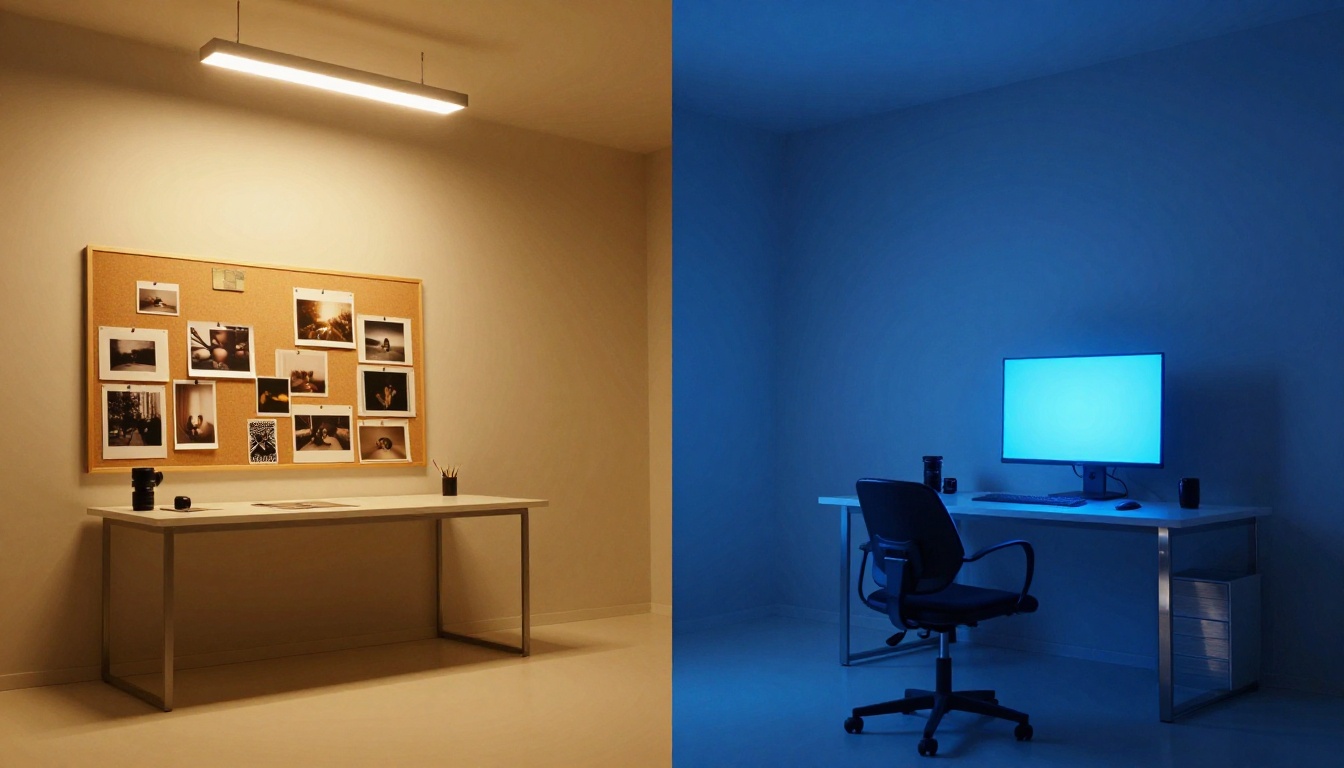
Pricing and Availability
Cost Per Image Breakdown
Nano Banana 2 is notably cheaper to run. The difference varies by platform, but typically you get 1.5 to 2 times more images per credit dollar with Nano Banana 2 compared to GPT Image 1.5.
For workflows where quality is paramount and generation volume is low, such as a handful of campaign images per week, GPT Image 1.5 is worth the higher cost. For content pipelines that need consistent output in high quantities, including social media content factories or e-commerce catalog generation at scale, Nano Banana 2 gives you better cost efficiency without dramatically sacrificing output quality at standard web display sizes.
| Factor | GPT Image 1.5 | Nano Banana 2 |
|---|
| Relative cost | Higher | Lower |
| Portrait quality | Excellent | Good |
| Landscape quality | Excellent | Very Good |
| Product photography | Excellent | Fair |
| Text in image | Good | Poor |
| Generation speed | Moderate | Fast |
| Complex scene accuracy | High | Moderate |
| Volume suitability | Low-Medium | High |
Where to Access Both Models
Both models are accessible through PicassoIA, which aggregates top-tier AI image generators into a single platform. This matters because you can switch between models mid-project without managing separate API keys, billing accounts, or interfaces.
Nano Banana 2 Lite is available on PicassoIA for fast, cost-effective generation. On the OpenAI side, GPT Image 2, the newer iteration in the GPT Image lineup, is also available for those who want OpenAI's latest image quality improvements at a similar price point to GPT Image 1.5.
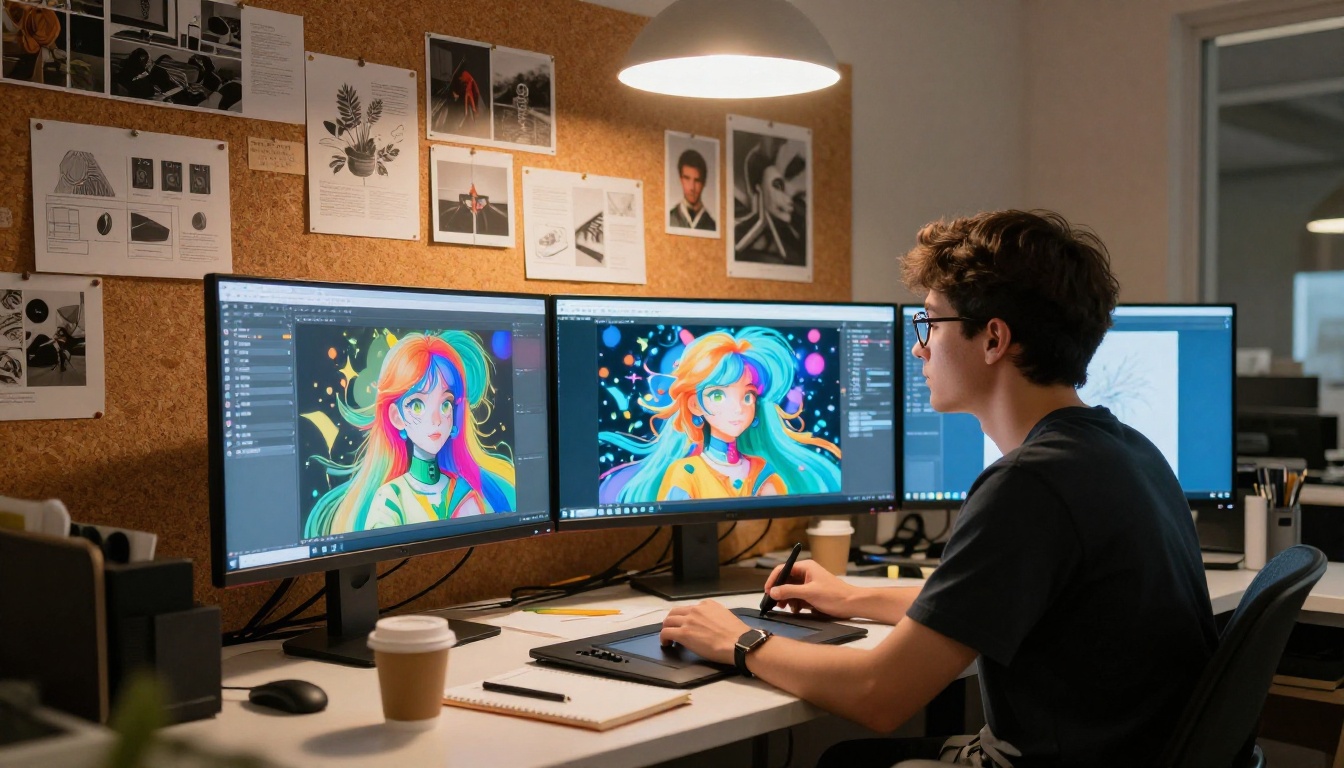
Real Use Cases: Who Should Use Which
For Content Creators
If you post regularly across social platforms and need volume without obsessing over every pixel, Nano Banana 2 is your faster, cheaper workhorse. Blog banners, social thumbnails, article headers, and newsletter illustrations are all use cases where Nano Banana 2 performs well enough and lets you move fast.
GPT Image 1.5 earns its place when the image is the hero. A campaign centerpiece, a product reveal, a professional headshot-style illustration, or anything that will be viewed at large scale: those situations justify the extra cost and render time. The difference in quality becomes visible when images are displayed above the fold or used as primary visual assets.
Many content creators adopt a tiered approach: Nano Banana 2 for supporting imagery, GPT Image 1.5 equivalents for hero assets. This maximizes both speed and quality where each matters most.
For Marketers and E-Commerce
E-commerce product imagery has near-zero tolerance for material rendering errors or background artifacts. GPT Image 1.5 is the safer bet for catalog images, packshots, and anything where a customer will zoom in. The accurate material rendering and shadow precision translate directly into perceived product credibility.
For ad creative tests where you are generating 20 to 30 variant images to A/B test headlines or color schemes, Nano Banana 2 cuts costs dramatically without significantly affecting CTR performance at standard ad display sizes. Most users viewing ads on mobile will not notice quality differences that are obvious in a side-by-side comparison at full resolution.
💡 For product photography at scale, also consider Wan 2.7 Image Pro on PicassoIA, which delivers 4K-quality commercial imagery with strong material surface rendering and clean background separation.
For Artists and Concept Work
Artists working on concept development and visual ideation benefit most from GPT Image 1.5's stronger compositional intelligence and better interpretation of nuanced descriptors. "Moody, overcast morning light in a post-industrial dockyard" yields a more precise result from GPT Image 1.5 because it reads and applies those atmospheric specifics.
Nano Banana 2 is well-suited for rapid sketching: testing a dozen different scene interpretations quickly before refining with a higher-fidelity model. Many professionals use a two-stage workflow where Nano Banana 2 handles ideation and GPT Image 1.5 or a comparable model handles final execution. This approach captures the speed advantage of Nano Banana 2 while not sacrificing final output quality.
For those working in style-consistent series, Flux Redux Dev on PicassoIA is excellent for generating image variations once you have a base image you like from either model.
How to Use These Models on PicassoIA
PicassoIA hosts both models alongside over 200 other text-to-image generators, giving you a unified interface where you can switch models mid-workflow without leaving the platform or re-entering payment details.
Here is how to run a generation on either model:
Step 1. Visit the Nano Banana 2 Lite page or the GPT Image 2 page depending on which model you want to test first.
Step 2. In the prompt field, describe your scene in detail. For GPT Image 1.5-style results, lean into specifics: lighting direction, subject position, background elements, mood adjectives, and camera angle. For Nano Banana 2, keep prompts tighter and more direct. One subject, one environment, one lighting condition. That structure plays to its strengths.
Step 3. Select aspect ratio. For web-optimized images, 16:9 is standard. For social posts, 1:1 or 9:16 depending on platform and post format.
Step 4. Generate, then review the output and adjust the prompt incrementally rather than rewriting entirely. Changing one or two elements at a time helps you isolate what the model responds to.
Step 5. For images that need targeted refinement, use PicassoIA Image Editor Pro, which offers unlimited generations and inpainting capabilities to fix specific areas, such as a hand or background detail, without regenerating the entire image.
Step 6. When you want to test an alternative model for comparison, navigate to Ideogram v4 Balanced or Seedream 4.5 and run the same prompt. The side-by-side comparison across models available on a single platform is one of PicassoIA's practical advantages.
Which One Actually Wins
The honest answer: neither wins universally. The right model depends on what you are making and at what volume.
GPT Image 1.5 wins when:
- Portrait accuracy and facial micro-detail matter
- Product photography needs studio-grade material rendering
- Text must appear legibly within the image
- Complex multi-element compositions require precise object placement
- The image will be viewed at large scale, in print, or under close inspection
- Prompt nuance (mood, lighting quality, atmospheric descriptors) needs to translate accurately
Nano Banana 2 wins when:
- You need high-volume output at lower cost per image
- Landscape, nature, and atmospheric scenes are the primary subject
- Speed is a priority (30 to 40 percent faster on average)
- Social content and web-sized deliverables are the end format
- You are using it as a rapid ideation layer before higher-fidelity final renders
- Budget constraints require maximizing image count per credit
What makes this practical is having both available without friction. PicassoIA puts over 200 text-to-image models, including Nano Banana 2 Lite and the GPT Image lineup, into one interface. You can run comparison generations, mix models for different pipeline stages, and access alternatives like Seedream 5 Pro, Ideogram v4 Balanced, and Grok Imagine Image Quality without switching platforms. That flexibility matters more in practice than any single model's advantage.
Start Generating Your Own Images
The fastest way to form your own opinion is to run both models on the same prompt and compare the output yourself. No benchmark table captures everything that matters for your specific use case, creative style, or content format.
PicassoIA gives you access to both models with no setup required. Whether you want the photorealistic precision of GPT Image 1.5-level quality or the speed and volume efficiency of Nano Banana 2, you can test both and see exactly what works for your project.
Visit picassoia.com/en/all-models to see every model available, including the latest additions to the catalog. Try PicassoIA Image for unlimited text-to-image generation, or push into Krea 2 Large for photorealistic output at the upper end of what AI image generation currently delivers. Pick your subject, write your prompt, and let the models show you what they can do.


