The moment GPT Image 2.0 dropped inside ChatGPT, something unexpected happened. Millions of users started typing prompts they had never dared before, and the model was actually generating them. Suggestive portraits. Glamour shots. Artistic compositions with barely-there clothing. Screenshots flooded social media overnight. The question shifted from "can AI do this?" to "how far will it actually go?"
The honest answer: further than any previous version of ChatGPT, but with a hard ceiling most users hit within ten minutes.
What GPT Image 2.0 Is Doing Differently
OpenAI's GPT Image 2.0, released in 2025, is the image generation model powering ChatGPT's native output. It replaced DALL-E 3 as the default and brought significantly improved photorealism, better text rendering, and a more permissive content policy around suggestive material.
For the first time in ChatGPT's history, users can generate images that would have been refused outright by earlier versions. Bikinis, implied nudity, artistic poses with minimal clothing, glamour photography styles: all of this is now within reach. The one-click reality users describe is real. Type a short prompt, press enter, get a photo-quality suggestive image.
The One-Click Viral Moment
What triggered the viral wave was not just the content itself but the ease. Previous AI image tools required signing up for third-party platforms, installing software, or navigating unfamiliar interfaces. GPT Image 2.0 lives inside a chat window most users already had open. The barrier dropped to near zero.
A casual conversation with ChatGPT could now end with a generated image of a woman in a sheer dress, a glamour portrait, or an artistic composition that would have been auto-rejected six months earlier. That shift caught millions of users off guard, and for many, it was a positive surprise.
Where the Content Wall Actually Sits
Here is what nobody in those viral threads mentions: the permissiveness has a precise ceiling, and it is not that high.
GPT Image 2.0 will generate:
- Bikinis and swimwear in any setting
- Lingerie-level coverage
- Implied nudity with obscured or side-angle views
- Suggestive poses and artistic glamour compositions
GPT Image 2.0 will not generate:
- Explicit sexual content of any kind
- Full nudity in a sexual context
- Adult-only material that would require age verification on any legitimate platform
The model also monitors conversation context. If earlier messages in a chat contain adult themes, the model becomes more restrictive on later image requests, even benign ones. Users who push beyond the limit hit a content refusal with no workaround available inside ChatGPT itself.
Why Users Are Looking for Alternatives
The gap between what GPT Image 2.0 produces and what dedicated adult AI platforms offer is substantial. This is not a criticism of OpenAI's choices. It is a fact about the product category. A consumer chat tool and a specialized adult AI generator serve different audiences with different needs.
The Gap Between Suggestive and Explicit
Users who arrived at GPT Image 2.0 expecting unrestricted output quickly realized the content policy is enforced at inference time, not just at prompt review. The model itself softens or refuses explicit requests, and no prompt engineering trick reliably bypasses this. The "jailbreaks" that circulate on forums work until they stop, and they stop working sooner with each model update.
For artistic glamour photography, editorial-style portraits, and suggestive but tasteful imagery, GPT Image 2.0 is genuinely competitive. For anything beyond that threshold, users need a different platform entirely.
One Click Has a Ceiling
There is also a practical volume limit. ChatGPT imposes rate limits on image generation even for paid subscribers. High-volume creators who want to generate dozens of images in a single session hit walls that interrupt workflow. The one-click experience becomes a waiting game after the first few outputs.
This is precisely where dedicated platforms with unlimited generation models and no content restrictions change the situation entirely.
Seedream 4: The Fastest Option Right Now
If there is one model that has captured attention from users frustrated with GPT Image 2.0's limits, it is Seedream 4. Developed by ByteDance, it produces images at resolutions up to 4K from a text prompt that takes seconds to process.
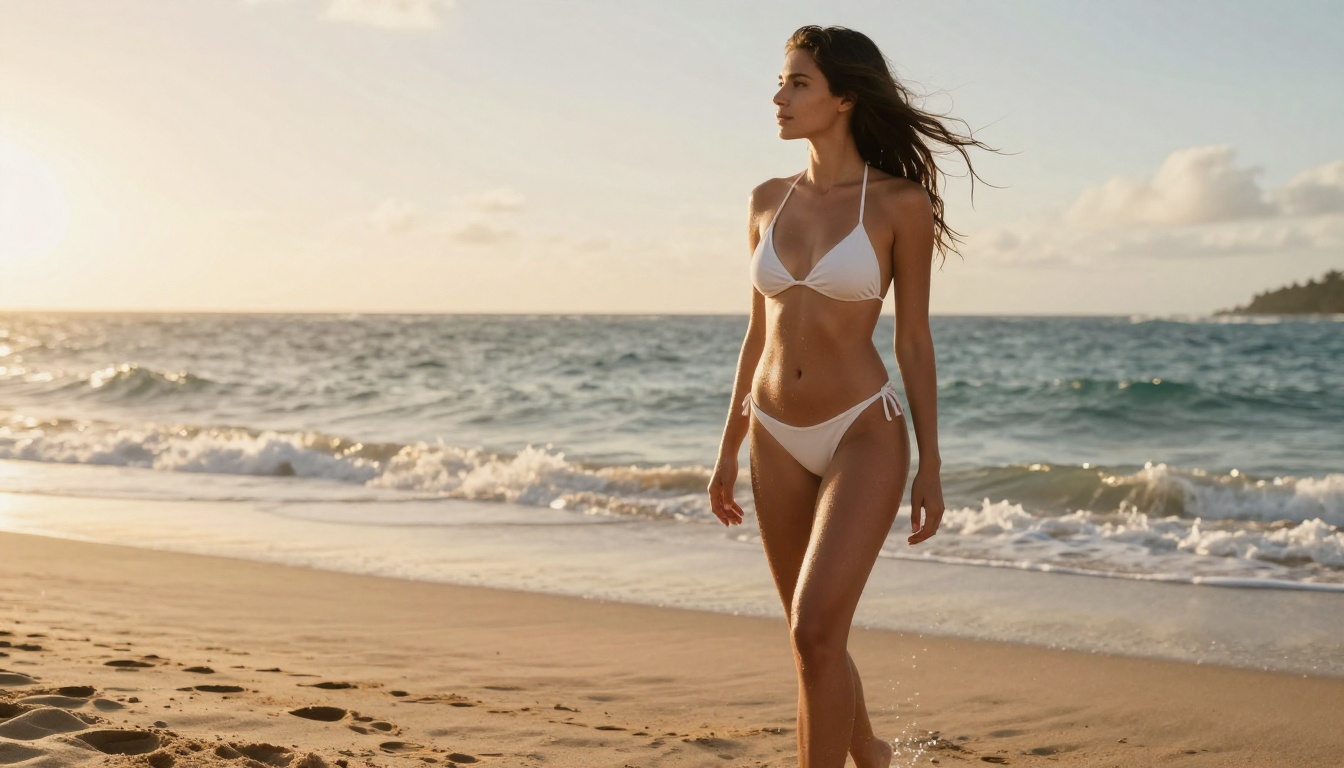
What makes Seedream 4 stand out for adult AI art is not just the quality. It is the combination of speed, resolution, and flexibility. A detailed prompt returns a 2K image by default. Push to 4K and you get print-ready output without any upscaling step. Feed it a reference image and it carries over your character, style, or composition into the generated output.
💡 Tip: Seedream 4 accepts reference images. If you have a character or visual style you want to maintain across multiple images, upload the reference and describe what you want changed. The model holds the visual identity while executing your prompt.
How to Use Seedream 4 on PicassoIA
- Open Seedream 4 on PicassoIA
- Write your prompt. Be specific about pose, lighting, clothing, setting, and mood
- Select your resolution: 2K for fast results, 4K for high-fidelity output
- Choose an aspect ratio: 16:9 for landscape, 9:16 for portrait, 1:1 for square
- Optionally upload a reference image to anchor the visual style across a series
- Click generate. Results arrive in seconds, not minutes
The platform runs Seedream 4 with no credit caps. You can run 50 variations in a single session without hitting a wall. Every output downloads clean, without watermarks, ready to publish or print.
Speed and Resolution Compared
| Model | Max Resolution | Generation Speed | Credit Limit |
|---|
| GPT Image 2.0 | ~1K | 10-30 seconds | Yes (capped) |
| Seedream 4 | 4K | 5-15 seconds | None |
| Flux Dev | 1MP | 15-30 seconds | None |
| Flux Schnell | 1MP | Under 5 seconds | None |
Flux Dev and Flux Schnell for Detailed Work
The Flux Dev model from Black Forest Labs runs on a 12-billion parameter architecture. That size shows in the output. Skin textures, fabric details, hair strands, natural lighting, complex compositions: Flux Dev renders all of it with a photorealism that matches or beats GPT Image 2.0 on technical merit.
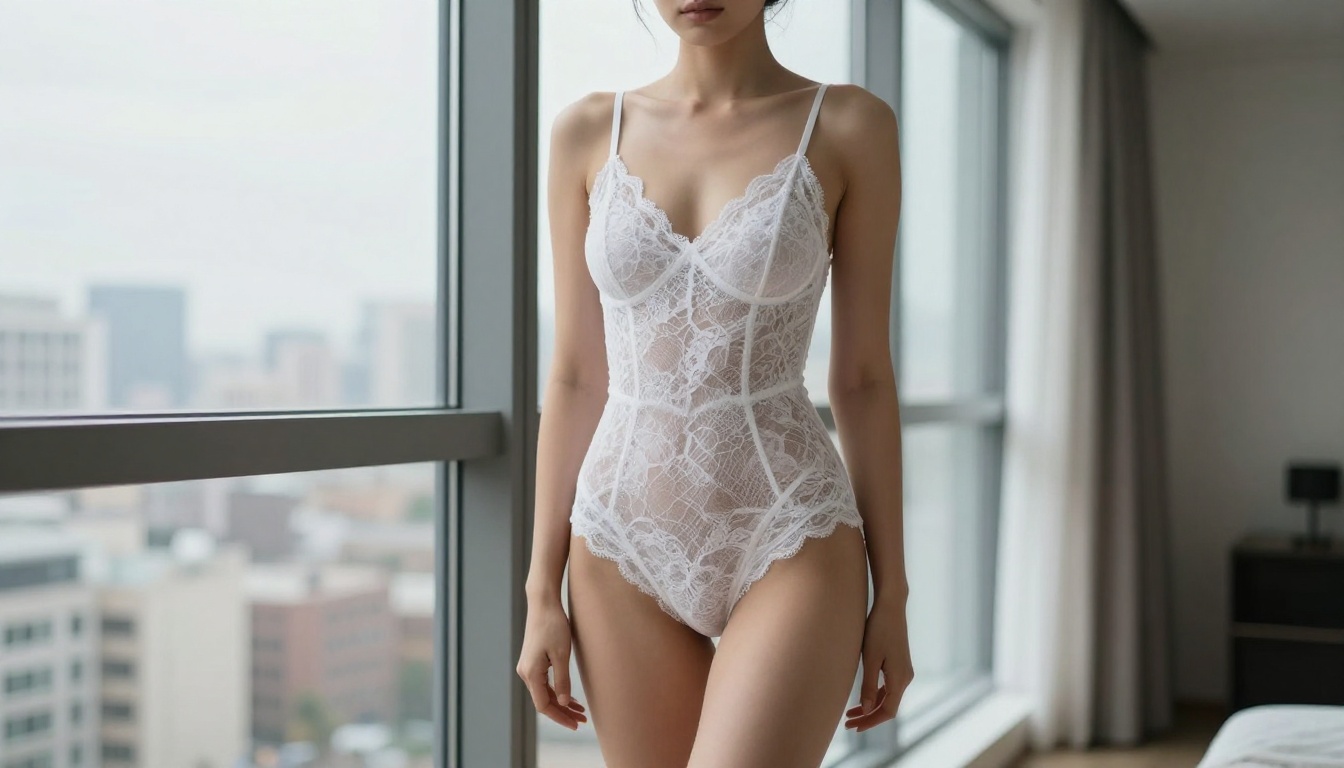
Flux Dev also supports img2img mode. Upload a photo and write a prompt describing how you want it changed. The model rewrites the image while preserving the source's structure and composition. This is useful for adapting existing photos into new scenes, changing outfits, or adjusting lighting without starting from scratch.
When to Pick Flux Dev
Flux Dev is the right choice when you need:
- Maximum detail in skin, fabric, and environment textures
- Complex compositions with multiple subjects or intricate backgrounds
- Img2img editing where you want to modify rather than replace an image
- Consistent results through seed control across a series of related images
- Multiple aspect ratios: 11 options from 1:1 to ultra-wide 21:9
The tradeoff is speed. Flux Dev takes 15 to 30 seconds per image. For rapid iteration or high-volume generation, that adds up quickly.
Quick Iterations with Flux Schnell
Flux Schnell solves the speed problem. The same Black Forest Labs architecture, optimized to run in four denoising steps instead of 28 to 50. Results arrive in under 5 seconds. The quality is slightly below Flux Dev on fine texture detail, but for concept testing, prompt refinement, and rapid variation generation, it is the faster tool by a significant margin.
A typical workflow: use Flux Schnell to test 10 prompt variations quickly, identify the one that works, then run that final prompt through Flux Dev for the highest-quality version. This cuts total generation time while preserving output quality on the images that matter.
💡 Tip: Both Flux models on PicassoIA come with no usage caps. Run as many iterations as your project needs without tracking credit budgets or hitting generation walls mid-session.
Getting to 4K: Upscale Adult AI Art
GPT Image 2.0 outputs at approximately 1K resolution. For most social media applications, that is adequate. For print, large displays, or detailed close-ups where texture matters, it falls short. The same limitation applies to many AI generators running at 1 megapixel base output.
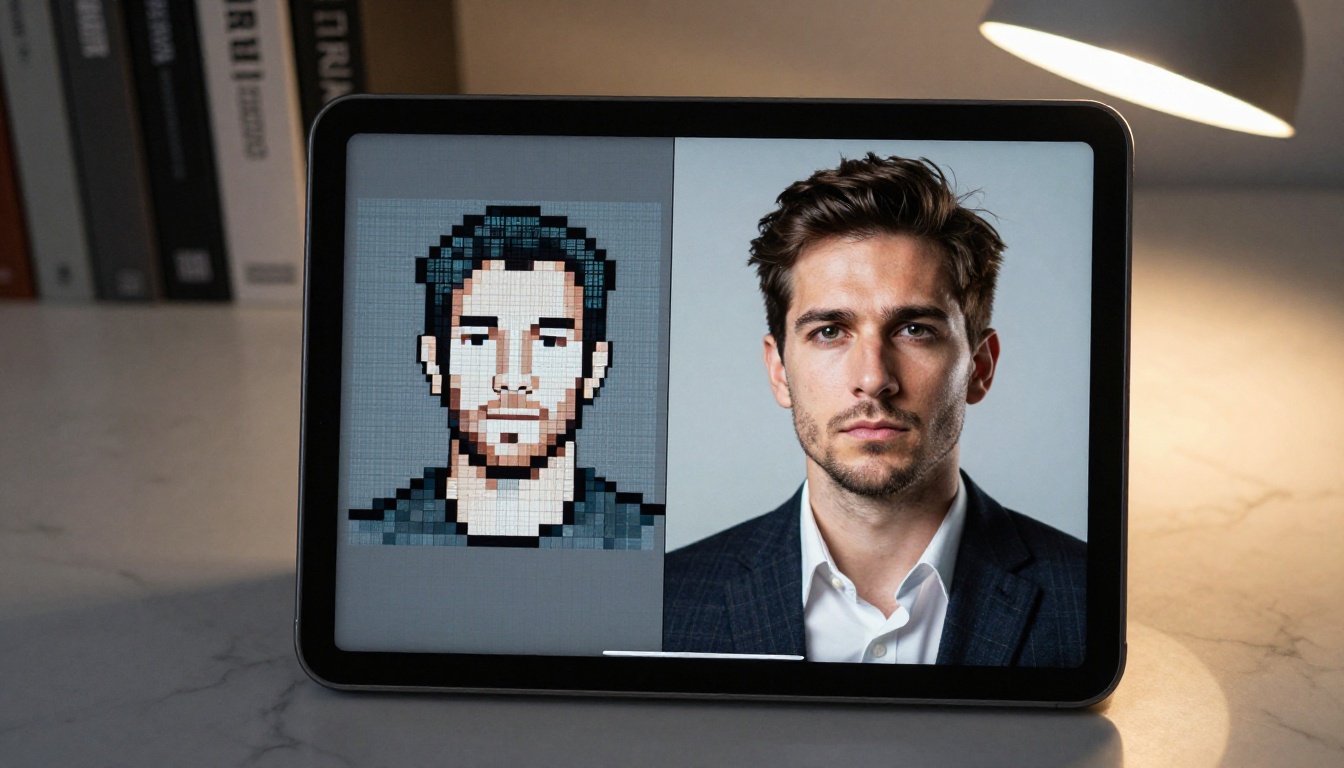
Upscaling solves this. Take a 1K AI-generated image and run it through a dedicated super-resolution model, and the output is 2x to 4x larger with detail that was not in the original file.
Clarity Pro Upscaler for Portraits
Clarity Pro Upscaler is the first choice for portrait and glamour photography upscaling. It is built specifically for photorealistic subjects, which means it handles skin texture, hair detail, and facial features with care. Unlike generic upscalers that add artificial sharpening artifacts, Clarity Pro adds plausible detail that matches the image's photographic style.
For adult AI art specifically, this matters. A blurry or softened output loses the photorealistic quality that makes the image compelling in the first place. Clarity Pro preserves and sharpens without the plastic-skin effect that cheaper upscalers often introduce.
Topaz vs. Real ESRGAN
Image Upscale by Topaz Labs goes up to 6x enlargement, the highest ceiling of any upscaler on the platform. It is the right choice when you need maximum size output for print or large-format display work.
Real ESRGAN handles the 4x case reliably and runs faster than Topaz. For most digital applications including websites, social media, and medium-format printing, Real ESRGAN at 4x is the practical everyday choice.
What Real Users Are Creating Right Now
The traffic patterns on AI image platforms tell a clear story. Portrait photography, glamour shots, and artistic editorial compositions dominate adult AI art requests. Users are not primarily after explicit content. They are generating the kind of imagery that fills fashion magazines, boudoir photography studios, and artistic portrait collections.
The Most Popular Art Styles
Based on what users generate with these tools most frequently:
- Boudoir photography style: Soft lighting, intimate settings, lingerie or minimal clothing, editorial quality
- Beach and outdoor glamour: Natural light, swimwear, natural environments with dramatic skies
- Fashion editorial: High-contrast studio lighting, couture-adjacent clothing, professional model poses
- Artistic portrait: Close-ups emphasizing natural beauty, texture, and authentic expression
Each of these categories works well with both Seedream 4 and Flux Dev. The practical difference comes down to priorities: Seedream 4 for resolution and speed, Flux Dev for textural complexity and editing flexibility.
Prompts That Actually Work
The one-click promise of GPT Image 2.0 is real but limited. The platforms that go further reward slightly more descriptive prompts. Here is what separates outputs that look generic from those that look professional:
Add lighting direction: "warm afternoon light from the left" produces dramatically better results than "good lighting."
Specify camera details: "85mm f/1.4 shallow depth of field" tells the model exactly which optical characteristics to simulate.
Describe fabric and texture: "sheer white silk with visible body contour" gives the model specific material properties to render accurately.
Include mood and atmosphere: "quiet, intimate, warm" shapes the composition and color palette without requiring specific technical settings.
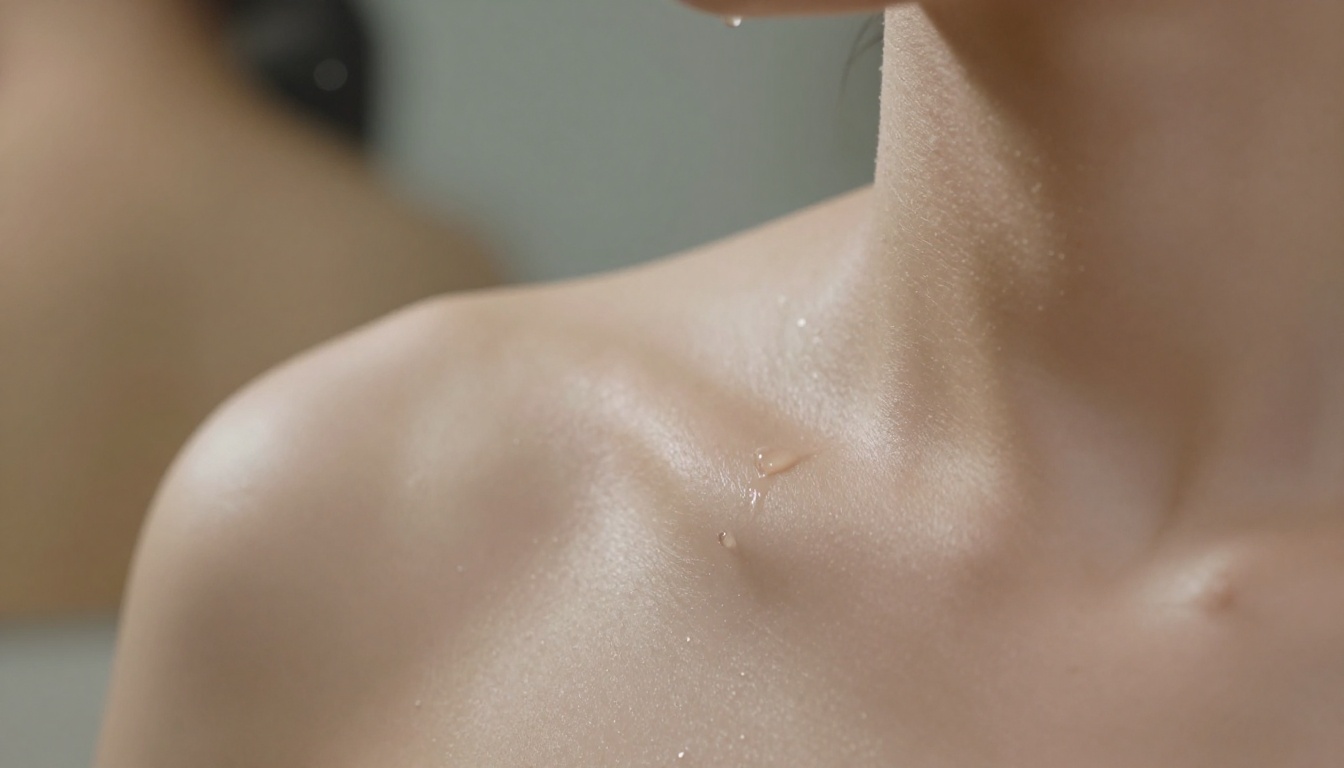
💡 Tip: For portrait work, include skin texture descriptors: "natural skin with visible pores, soft freckles, authentic texture" produces dramatically more photorealistic results than prompts that skip this detail entirely.
| Feature | GPT Image 2.0 | Seedream 4 | Flux Dev |
|---|
| Max resolution | ~1K | 4K | 1MP |
| Suggestive content | Yes (limited) | Yes | Yes |
| Usage limits | Yes, capped | None on PicassoIA | None on PicassoIA |
| Img2img mode | Yes | Yes | Yes |
| Reference image input | No | Yes | Yes |
| Speed per image | Medium | Fast | Slow to medium |
| Watermarks | None | None | None |
| Price ceiling | ChatGPT Plus | Included | Included |
The reality most users reach after trying both: GPT Image 2.0 is a convenient entry point inside an existing tool. For serious adult AI art creation with higher resolution, no content caps, and no credit limits, dedicated platforms running Seedream 4 or Flux Dev belong to a different category entirely.
Free vs. Paid Limits
GPT Image 2.0 is available to ChatGPT Plus subscribers with soft rate limits applied per session. Free tier users get restricted access. The model itself is not available as a standalone API for most users, which limits how it fits into a production workflow.
Seedream 4 and Flux Schnell on PicassoIA run with no per-session credit caps. That means 100 images in a sitting costs the same as 10. For users who iterate heavily or produce content at volume, this is a material difference in both workflow and budget.
Try It Right Now
GPT Image 2.0 proved that the audience for AI-generated adult art is enormous. It also showed exactly where a consumer product built by a company with broad public accountability has to stop. That ceiling is deliberate and not going away.
The platforms that operate differently, with dedicated adult content models and no usage caps, produce images that ChatGPT cannot. The quality gap at 4K between a Seedream 4 output and a GPT Image 2.0 output is not subtle. The resolution alone is four times higher before you account for the content freedom.
If you want to see what AI image generation looks like without a content wall and without a credit meter running in the background, PicassoIA has 91 text-to-image models available right now. Start with Seedream 4 for speed and 4K resolution, run your prompt variations through Flux Schnell to find what works, then upscale the best result with Clarity Pro Upscaler. The whole workflow takes under five minutes and produces print-ready output that no ChatGPT session can match.


