GPT Image 2 for Book Covers and Illustrations: What It Really Does
GPT Image 2 has emerged as one of the most capable AI image tools for authors and designers producing book jacket art and interior illustrations. This piece breaks down what the model actually produces across publishing genres, where it falls short on typography and character consistency, how to write prompts that get results, and which specialized models on PicassoIA deliver superior output for serious publishing projects.
The publishing world has never moved this fast. AI image tools are rewriting how authors, indie publishers, and designers approach book jacket art, and GPT Image 2 sits near the top of that conversation right now. Whether you are self-publishing a debut thriller or producing illustrations for a children's book series, the question everyone is asking is the same: can GPT Image 2 actually do this job well enough to use in production?
The short answer is yes, with meaningful caveats. This article breaks down exactly where GPT Image 2 performs well for book covers and illustrations, where it struggles, and how platforms like PicassoIA give you access to specialized models that fill those gaps.
What GPT Image 2 Actually Is
GPT Image 2 is OpenAI's second-generation native image model, built to work within the GPT-4o architecture rather than as a standalone generator. It is not DALL-E 4. It is not Midjourney. It is a multimodal model that processes text and visual instructions simultaneously, which gives it distinct advantages for detailed, specification-following tasks that matter enormously in publishing work.
The Architecture Behind It
Unlike diffusion-based models like Stable Diffusion or Flux, GPT Image 2 was trained with heavy emphasis on following complex, multi-clause instructions. Ask it to place a woman in a red coat standing to the left of a green door in afternoon rain, and it genuinely tries to honor all of those constraints simultaneously. This makes it unusually capable for specific compositional tasks where a designer has a clear visual concept they need rendered accurately.
The model processes image generation as a multi-step reasoning task rather than a single diffusion pass. This produces more coherent spatial relationships between elements, better adherence to described proportions, and fewer "ignored" prompt elements compared to older diffusion models.
💡 The tradeoff: Instruction-following accuracy comes at the cost of some of the spontaneous visual richness that diffusion models produce. GPT Image 2 tends to be more literal, which is excellent for specifications but can feel less inspired for pure expressive art.
Output Quality at a Glance
The model produces images at up to 1024x1024 by default, with rectangular outputs available across standard ratios. Color accuracy is strong, and it handles realistic skin tones, fabric textures, and environmental detail with impressive fidelity. For editorial photography styles and realistic illustration aesthetics, the output quality rivals any currently available consumer AI tool.
For self-publishing authors doing everything independently, this level of output quality is genuinely production-ready for ebook jackets and print-on-demand services that accept standard resolution files.
Book Jacket Performance by Genre
Not all genres present the same challenges for AI image generation. GPT Image 2 excels in some categories and struggles predictably in others. Here is what you can realistically expect from each major publishing genre.
Fantasy and Speculative Fiction
Fantasy is where GPT Image 2 genuinely shines for publishing work. The model handles:
Epic landscapes: Castles, mountain ranges, alien worlds, ancient ruins with architectural complexity
Character silhouettes: Warriors, mages, and rogues in dramatic poses against sweeping skies
Costume and armor detail: Chainmail texture, flowing ceremonial robes, period weaponry with fine surface detail
The challenge appears when you need hyper-specific character faces or complex multi-character compositions. Fantasy readers are exacting about their heroes, and getting a specific face to appear consistently across multiple images is not something GPT Image 2 handles reliably within a single workflow.
Thriller, Mystery, and Crime
This is another strong category for GPT Image 2. Dark urban atmospheres, foggy streets, shadowy figures, and noir lighting all play to the model's compositional strengths. The tendency toward slightly dramatic rendering actually works in thriller's favor since the genre rewards high-contrast visual storytelling.
What breaks down here is extreme photo-realism for faces at close range. If your thriller jacket needs a photorealistic close-up of a face staring back at the reader, expect to iterate many times before getting a result without uncanny valley artifacts. Atmospheric distance shots and environmental compositions are far more reliable.
Romance and Literary Fiction
Romance presents a mixed picture. Scenery, atmospheric settings, and object-based compositions (flowers, handwritten letters, period objects, symbolic scenes) render beautifully. Couple-centric romance compositions, which dominate the genre's visual language, are considerably harder to execute. The relative positioning and natural interaction between two people is notoriously difficult for any image model to render convincingly without artifacts.
Literary fiction, with its tendency toward abstract and symbolic imagery, is actually a sweet spot for GPT Image 2. A lone figure in a vast landscape, a single emotionally resonant object, architectural vistas with poetic framing: these all work extremely well and often produce results that feel genuinely artistic rather than algorithmically generated.
The Text Problem
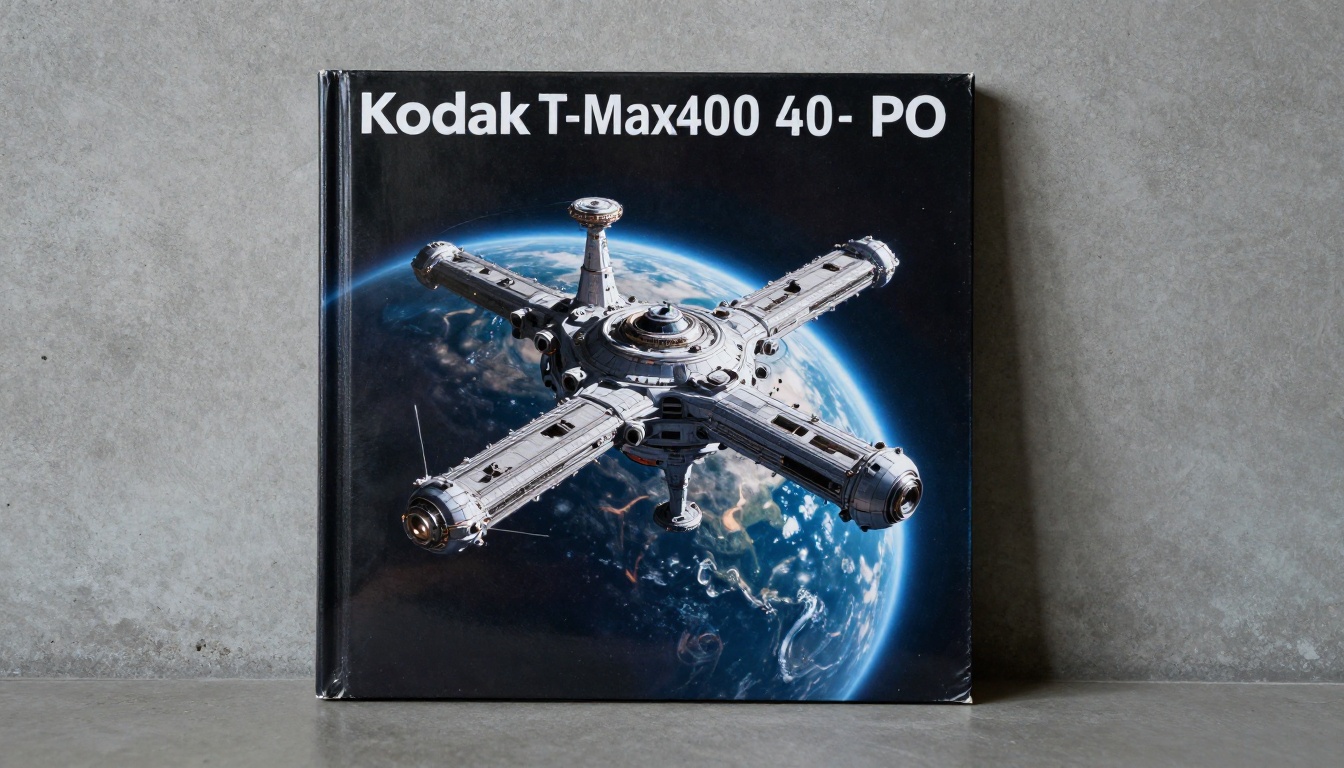
Every AI image generator struggles with text rendering to some degree. GPT Image 2 is significantly better than its predecessors, but the problem is not fully resolved for professional publishing standards.
Why Titles Fail
When you ask GPT Image 2 to place a book title on a jacket, you will routinely encounter:
Garbled characters: Letters that are almost correct but subtly wrong, sometimes blending into adjacent characters
Inconsistent sizing: Text that scales oddly across the composition or appears at different sizes within a single word
Font drift: The model cannot maintain a specific typeface with typographic precision across the full title
Overlap with illustration elements: Text that bleeds into or merges with background imagery rather than sitting cleanly above it
These failures are not random. They reflect a fundamental limitation: text in images is processed as visual pattern information rather than discrete symbolic characters. The model does not "know" what a letter is; it knows what letterforms tend to look like statistically.
Workarounds That Actually Work
Experienced designers have developed reliable approaches for this limitation:
Generate art only, add text in post: This is the cleanest approach for professional publishing work. Use AI for the visual illustration, then bring it into Canva, Adobe Express, or Photoshop for typography.
Use text-specialized models: Models trained specifically for text-in-image generation, like P Image Ideogram on PicassoIA, handle title text significantly better than general-purpose image generators.
Reserve negative space in the composition: Describe where text will appear in the prompt ("dark sky in the upper third for title placement") and the model will compositionally reserve that area.
💡 Practical tip: Adding "no visible text, no words, no letters" to any image generation prompt consistently produces cleaner illustration backgrounds for typography work added afterward.
Interior Illustrations
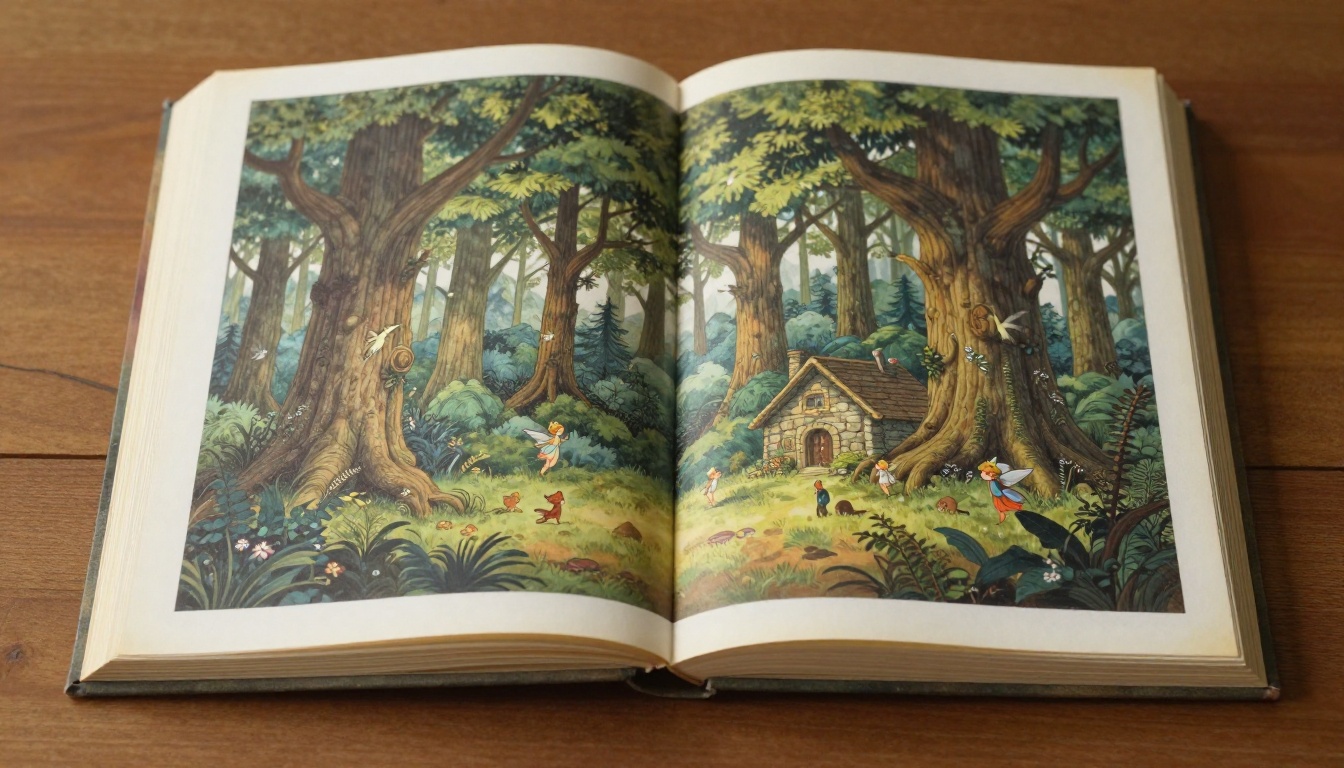
Book jackets represent half the equation for illustrated publishing. Books that contain interior illustration, including children's titles, middle grade, illustrated special editions, and narrative nonfiction, require page-level artwork that works as a cohesive visual series rather than as isolated striking images.
Character Consistency
This is the biggest production challenge when using AI models for illustrated books. GPT Image 2 cannot natively remember what a character looks like from one image to the next. Each generation starts fresh with no memory of prior outputs.
Practical approaches include:
Fixed character description blocks: Write a detailed character description and paste it as a prefix into every scene prompt involving that character
Reference image prompting: Many image editors, including Reve 2.1 on PicassoIA, allow feeding a character image as visual reference into subsequent generations
Separate generation and compositing: Generate the character on a neutral background, then composite against separately generated environments in post-production
None of these solutions is perfectly seamless. For books requiring strict character consistency throughout 30 or more illustrations, the workflow becomes labor-intensive and benefits from a dedicated compositing phase with a visual editor.
Style Coherence Across Pages
Beyond individual characters, the visual style itself must remain consistent across every illustration in the book. Achieving this requires rigorous prompt prefix discipline applied without exception throughout the entire project.
A reliable system:
Define your style once: "watercolor illustration style, warm ochre and forest green palette, loose expressive brushstrokes, white paper showing through, soft edge definition"
Use this exact string as the opening of every single image prompt throughout the project
Generate 4 to 5 variants per scene and select the most stylistically consistent one
Document the full prefix so every collaborator uses the identical string
Deviating from the exact wording, even slightly, produces visible style drift that readers and editors notice immediately.
Prompt Patterns That Get Results
Writing prompts for book publishing art requires a different approach than prompting for general AI imagery. The stakes are higher, the specifications are more precise, and iteration cycles cost real production time.
What Works in Book Art Prompts
The most effective prompt structure for publishing work follows a layered approach:
Element
Purpose
Example
Subject and action
Visual anchor
"A woman in Victorian mourning dress"
Setting
Contextual atmosphere
"standing in a snow-dusted cemetery at dusk"
Lighting
Emotional tone
"soft silver moonlight from directly above"
Style anchor
Genre signal
"painterly illustration, oil on canvas texture"
Negative space note
Typography room
"dark sky in upper third, no text"
Technical specs
Output quality
"8K detail, editorial photography quality"
5 Prompt Templates to Try
1. Fantasy Epic Jacket:
[protagonist description] standing at [dramatic location], [atmospheric lighting], epic scale, painterly fantasy illustration style, [season or weather], dark sky in upper third reserved for title text, no visible text or letters, 8K quality, highly detailed
2. Literary Portrait Jacket:
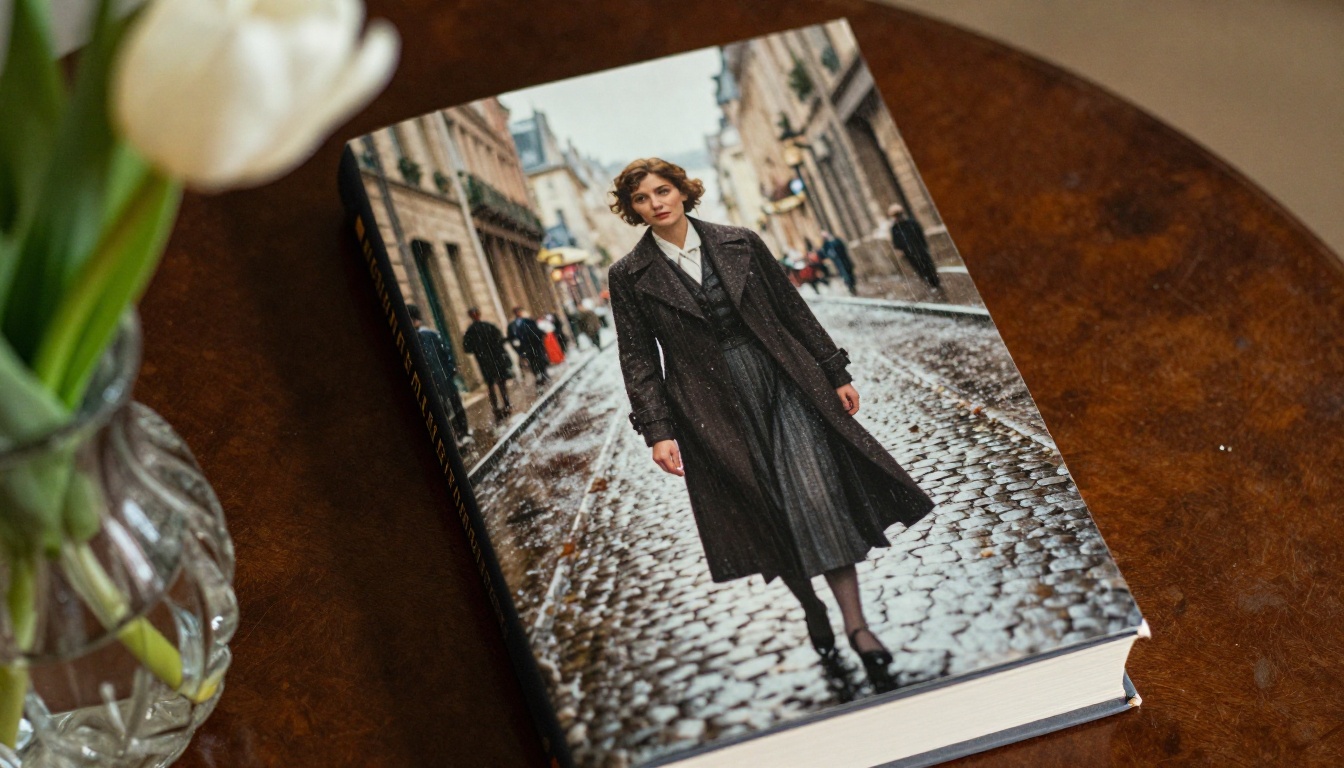
[subject description] in [specific historical period and location], [emotional expression quality], soft [light source] from [direction], desaturated film photography aesthetic, minimalist composition with strong negative space, no text
3. Thriller Atmosphere:
Aerial view of [noir urban setting] at night, [rain or fog condition], single [distant light source] casting long shadows across wet pavement, dark and moody atmosphere, photographic realism, heavily desaturated color palette, no visible people, no text
4. Children's Illustration Page:
[specific animal or character description] in [whimsical setting], [specific action], watercolor illustration style, warm pastel color palette, white paper texture showing through paint, loose expressive brushwork, child-friendly warmth, no text
5. Romance or Atmospheric Scene:
[emotional setting with symbolic objects] at [specific time of day], [specific warm or cool color palette], soft natural light from [direction], dreamy bokeh background, editorial photography quality, no visible people, no text
AI Models for Book Art on PicassoIA
GPT Image 2 is one strong option but not the only one. PicassoIA gives you access to over 90 text-to-image models, many of which outperform GPT Image 2 for specific publishing use cases. Running the same prompt across multiple models and comparing the outputs takes minutes and frequently reveals a clearly superior result for your specific project.
How to Use Seedream 5 Pro on PicassoIA
Seedream 5 Pro is among the highest-performing models available on the platform for high-resolution, photorealistic image generation. For book jacket work specifically, it consistently produces sharper character detail, better color saturation control, and more natural surface textures than GPT Image 2 at equivalent resolution settings.
Set the aspect ratio to 2:3 for standard portrait book jacket proportions
Paste your full structured prompt using the template structures above
Activate high detail rendering for maximum texture fidelity
Generate 4 to 5 variants and compare them side by side
Download the strongest result at maximum resolution for professional print use
💡 Seedream 5 Pro handles fabric, hair, and architectural surface detail particularly well. For any project requiring elaborate period costumes or richly detailed environmental backgrounds, this model is worth testing before moving to others.
Ideogram for Text-Heavy Designs
P Image Ideogram handles text within images better than virtually any other model available on PicassoIA. When you want to generate a jacket concept with the actual title already placed within the composition, this is the model to reach for first.
The model reliably renders:
Short book titles of 1 to 4 words with correct spelling
Author names in clean, readable font styles
Series numbering and subtitle lines without distortion
Simple taglines positioned within the composition
For longer or more complex typography requirements, the hybrid approach (generate art separately, add typography in post) remains the cleaner production path for print-quality work.
Reve 2.1 for Editing and Refinement
Reve 2.1 brings editing and refinement capabilities into the generation workflow. Once you have a strong base image, Reve 2.1 allows surgical iteration on specific elements without regenerating the entire composition from scratch.
This is particularly valuable when a generated image is almost perfect but has one element that needs adjustment. Changing the sky color, adjusting background blur intensity, or replacing a costume element becomes a focused edit rather than a full regeneration cycle that risks losing the compositional elements that worked.
GPT Image 2 vs. Other AI Image Models
Feature
GPT Image 2
Seedream 5 Pro
P Image Ideogram
Reve 2.1
Compositional instruction-following
★★★★★
★★★★☆
★★★★☆
★★★★☆
Text rendering accuracy
★★★☆☆
★★☆☆☆
★★★★★
★★★☆☆
Portrait and face realism
★★★★☆
★★★★★
★★★★☆
★★★★☆
Fantasy illustration quality
★★★★☆
★★★★★
★★★☆☆
★★★★☆
Style consistency across images
★★★☆☆
★★★★☆
★★★☆☆
★★★★★
Post-generation editing capability
★★☆☆☆
★★☆☆☆
★★☆☆☆
★★★★★
Resolution ceiling
★★★★☆
★★★★★
★★★★☆
★★★★☆
The picture that emerges: GPT Image 2 is the strongest option for following detailed compositional instructions. Specialized models on PicassoIA outperform it within focused areas including portrait realism, text rendering, fantasy illustration richness, and post-generation iteration workflows.
For most publishing workflows, the practical approach is: use GPT Image 2 for rapid ideation and early compositional sketching, then move to specialized models on PicassoIA for final production assets.
Start Creating Your Own Publishing Art
The fastest way to see what these models can do for your specific project is to start generating. PicassoIA's library of 90+ image models means you can run the same prompt across multiple tools, compare outputs side-by-side, and choose the result that fits your visual direction without being locked into a single tool's limitations.
For authors approaching AI art for the first time: start with the illustration, not the typography. Let AI produce the evocative visual scene, then bring it into design tools for title placement and font selection. This hybrid workflow produces professional results faster than trying to force AI to handle every element simultaneously.
For designers working at production scale: the prompt prefix system is the most reliable workaround for style consistency across large illustration sets. Build your style block for each project, stress-test it across 10 to 15 generations before committing to it, and document it so every collaborator uses the exact same string throughout the project lifecycle.
Seedream 5 Pro on PicassoIA is a strong first model to test for high-quality book jacket art. Paste one of the prompt templates from above, generate a few variants, and see what comes back. The platform's iteration speed means you can go from initial prompt to usable production asset in minutes rather than hours.
Whatever genre you are publishing in, the tools are ready. The creative vision is still yours to bring.