GPT Image 2.0 launched as the benchmark every AI image model gets compared to. The photorealism it produces from a text prompt is genuinely impressive: precise prompt adherence, accurate text rendering, complex scene composition. But if you came here because you want to create adult AI pictures, there is a hard wall you will hit very quickly, and it is not going anywhere.
What GPT Image 2.0 Actually Does
OpenAI's GPT Image 2.0 is the image generation engine powering the latest version of ChatGPT's image output. It represents a significant leap in visual quality over previous versions, handling complex prompts, multi-element scenes, and stylistic variety far better than anything that came before it in OpenAI's lineup.
The problem is where it operates. GPT Image 2.0 runs under OpenAI's usage policies, and those policies are unambiguous: sexually suggestive, explicit, or adult content is blocked at the system level. No prompt phrasing workaround changes this.
The Filters It Enforces
The moderation system in GPT Image 2.0 works on multiple simultaneous layers. The prompt is scanned before generation begins. The output is checked against a classifier after generation completes. If either check flags the content, the request is rejected without output. This applies to:
- Nudity (partial or full)
- Sexually suggestive poses or scenarios
- Lingerie, bikini, or revealing clothing in certain contexts
- Romantic or physically intimate scenes between people
- Adult-coded subject descriptions
The filters are aggressive by design. Requests that would be completely standard in a fashion shoot, glamour photography brief, or editorial context often get rejected because the classifier errs heavily on the side of caution. The system does not distinguish intent.
What Gets Through
GPT Image 2.0 performs excellently for:
- Fashion and editorial photography with fully clothed subjects
- Portrait photography with natural aesthetics
- Beach and summer scenes with conservative swimwear
- Artistic references that imply rather than show
If your work is standard commercial or editorial content, GPT Image 2.0 is one of the best tools on the market. If you want adult AI pictures, it is simply the wrong tool for the job.
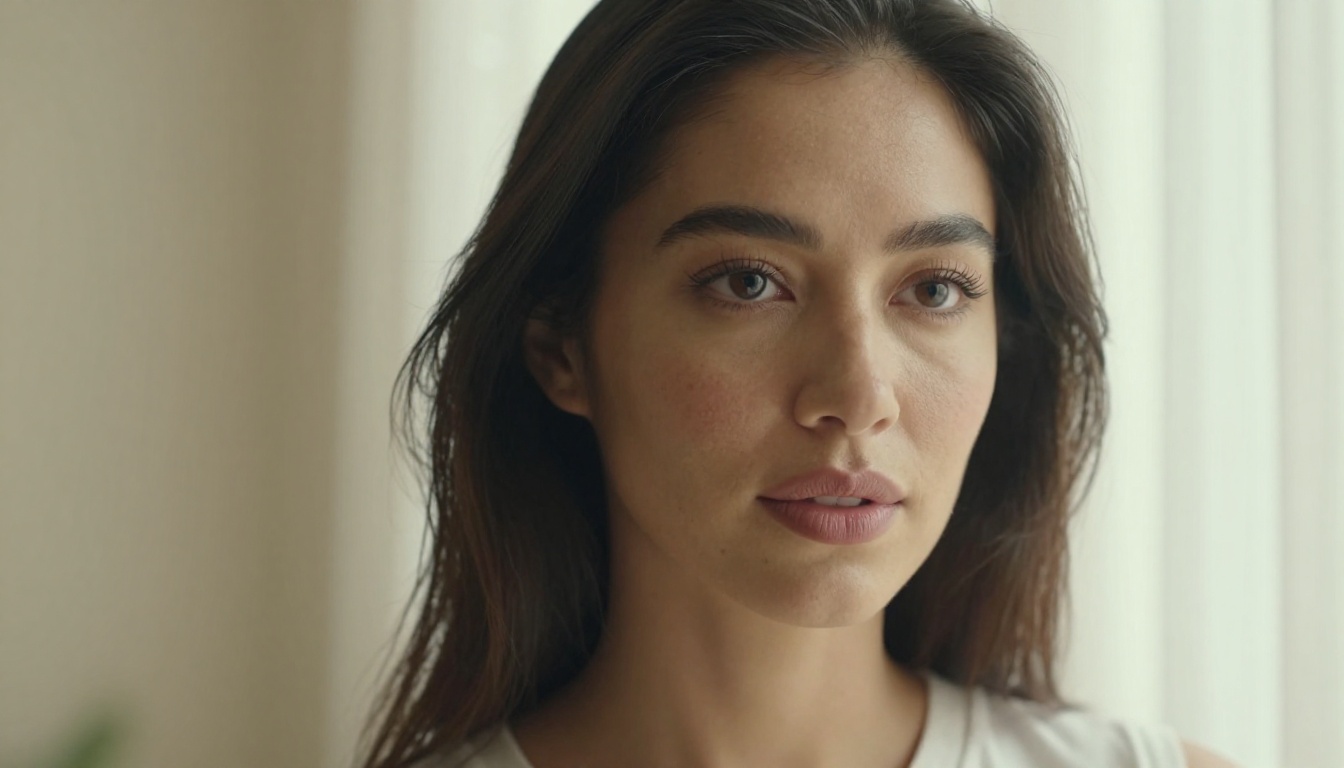
Why Creators Need Unrestricted AI Art
The demand for adult AI pictures is not a niche curiosity. It represents a substantial segment of the AI creative market, and the reasons behind it are professional:
Content creators and platforms: Many photographers, digital artists, and platform operators work in the adult creative space as a primary business. They need AI tools that respect their creative direction rather than blocking it.
Character consistency and personalization: Creators building recurring characters for storytelling, games, or digital platforms need to control every visual element, including clothing, styling, and pose, across dozens or hundreds of images.
Production speed and cost: A traditional photography shoot for adult content involves models, studios, makeup artists, scheduling, and significant logistics overhead. AI generation at GPT Image 2.0 quality would replace most of that cost, if only the model allowed the content.
Privacy considerations: AI generation removes the need to involve real people in sensitive creative contexts, which matters for both parties.
These are legitimate professional needs, not fringe requests. The restriction in GPT Image 2.0 is a policy decision by OpenAI, not a technical impossibility. The quality exists. The permission does not.
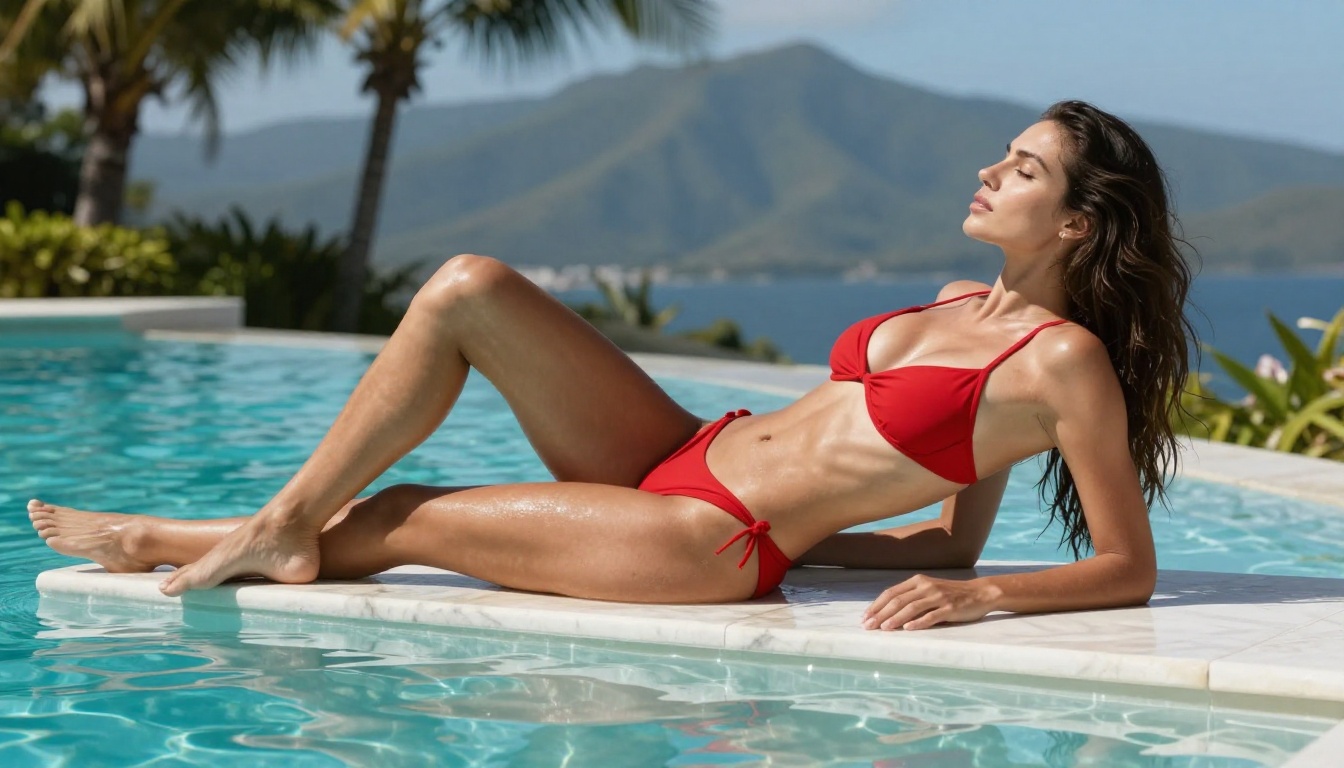
The Quality Gap That Actually Exists
Creators want GPT Image 2.0's photorealism combined with freedom to generate the adult AI pictures they actually need. That combination does not exist inside ChatGPT or OpenAI's API. It does exist on platforms that aggregate capable open and commercial models without layering restrictive content policies on top of them.
PicassoIA is one of those platforms. It provides access to models that match or closely approach GPT Image 2.0 quality in terms of photorealism, prompt accuracy, and skin texture, while accepting the full range of adult creative prompts. The table below shows how the comparison looks in practice:
| Feature | GPT Image 2.0 | PicassoIA Models |
|---|
| Photorealism | Excellent | Excellent (Seedream 4.5) |
| Adult Content | Blocked | Accepted |
| Generation Speed | 10-30 seconds | 1-3 seconds |
| Unlimited Generations | No (credits) | Yes (Elite/Infinite plans) |
| Image Editing Mode | Yes | Yes |
| Pricing Structure | Per-generation | Subscription |
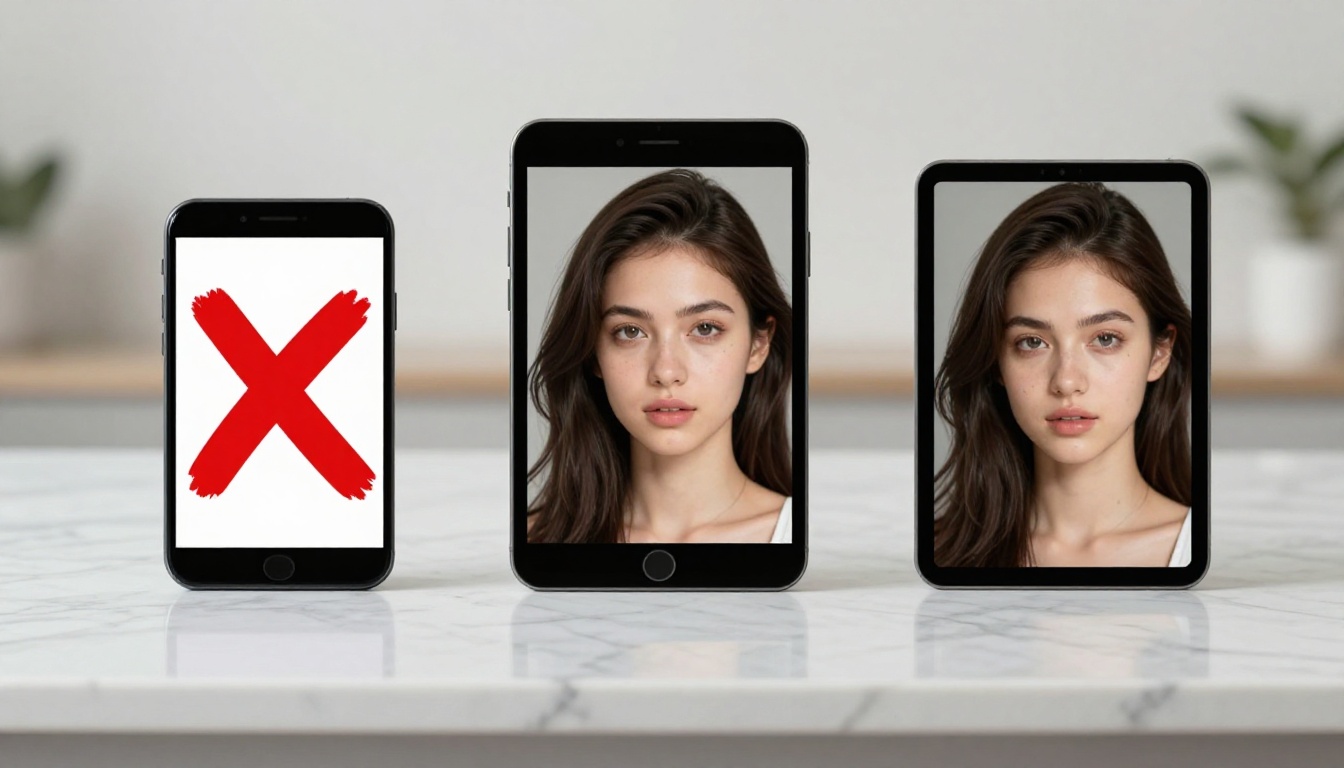
Best Models for Adult AI Pictures on PicassoIA
PicassoIA aggregates dozens of AI models on a single platform. Several of them are specifically capable and optimized for adult content generation. Here is the full recommended stack, ordered by overall performance and value.
Seedream 4.5 Is Where You Start
Seedream 4.5 is the top recommendation for adult AI pictures. ByteDance's model delivers photorealism that directly competes with GPT Image 2.0 in detail, skin texture, and lighting accuracy, and it accepts NSFW prompts without filters.
What makes it the top pick:
- Results in under 3 seconds
- Accepts adult and suggestive content
- Supports image editing mode (img2img)
- Exceptional skin texture, hair detail, and lighting response
The newer Seedream 5 Lite from the same company does not support NSFW content. Stick with Seedream 4.5 for adult creative work.
💡 Tip: When writing prompts for Seedream 4.5, describe lighting and camera angle explicitly. "Warm window light, 85mm portrait, shallow depth of field" produces dramatically more realistic results than a plain subject description alone.
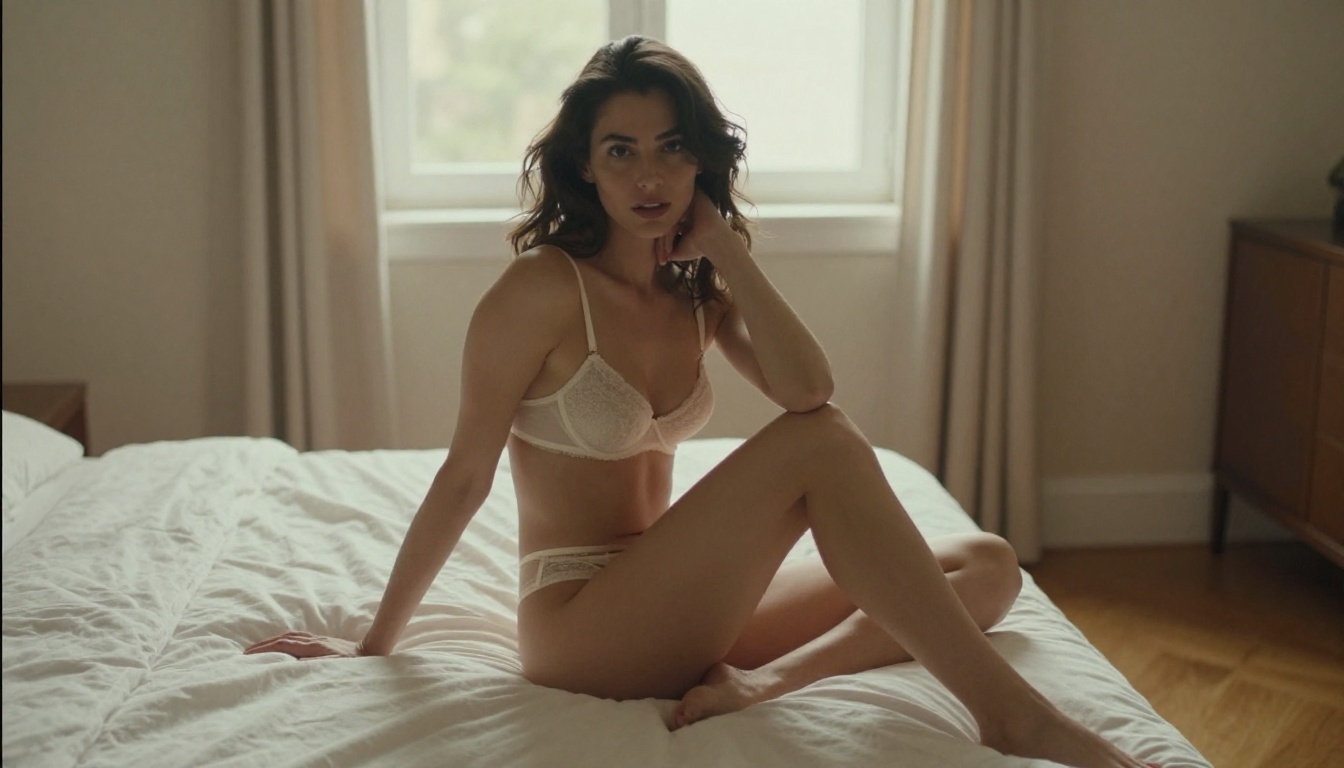
PicassoIA Image Editor Pro for Volume Work
If you need to generate large volumes of adult AI pictures, PicassoIA Image Editor Pro becomes your most cost-effective option by a wide margin.
It operates as an img2img model: you bring a source image and it transforms, edits, or reimagines it based on your prompt. The standout advantage is pricing. Unlimited generations are included in Elite and Infinite subscription plans. Generating 1,000 images costs exactly the same as generating 10.
Compare that to per-generation models where 1,000 images can approach $100 in credits. For creators who iterate heavily or run content production at scale, this is the model to use. It accepts NSFW content, delivers results in under 1 second, and includes a free trial of 3 generations with no credit card required.
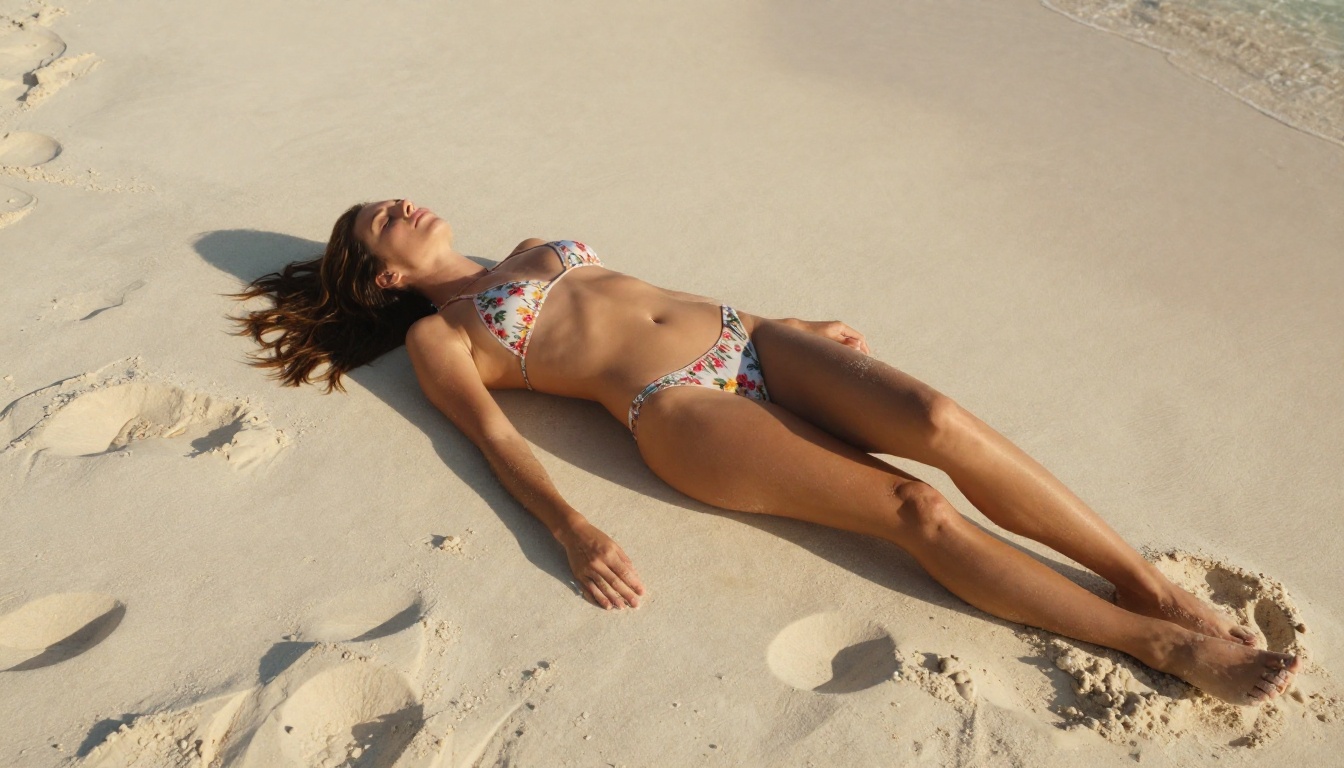
Qwen Image 2 for Open-Source Realism
Qwen Image 2 is built on an open-source foundation, which means no corporate content policy enforcement layer sitting on top of the model. It supports both text-to-image creation and image editing, delivering very detailed realism in outputs.
For creators who want full transparency about what model they are using and why it behaves as it does, Qwen Image 2 is a strong choice. It handles complex, detailed scene descriptions well and produces consistent results across multiple iterations.
Grok Imagine Image: The Outfit Transformation Tool
Grok Imagine Image excels at a specific task that is extremely useful for adult content creators: taking an existing image and realistically transforming the clothing or styling. Upload a portrait, describe the outfit you want, and the model applies the change with photorealistic accuracy.
This makes it particularly practical for creating content variations from a single source image without requiring entirely new generations for each version.
Recraft V4 for Pure Text-to-Image Quality
Recraft V4 is a text-to-image only model with no image editing mode, but its raw generation quality is excellent. If you have a clear, detailed prompt and want photorealistic adult AI pictures from scratch, Recraft V4 delivers clean, high-quality results consistently.
P-Image: The Fastest Option Available
P-Image (PrunaAI) generates results in under 1 second. That speed makes it the right tool for rapid iteration, prompt testing, and producing large volumes of draft images before committing to higher-fidelity final renders. It accepts NSFW content and maintains solid quality given how fast it operates.
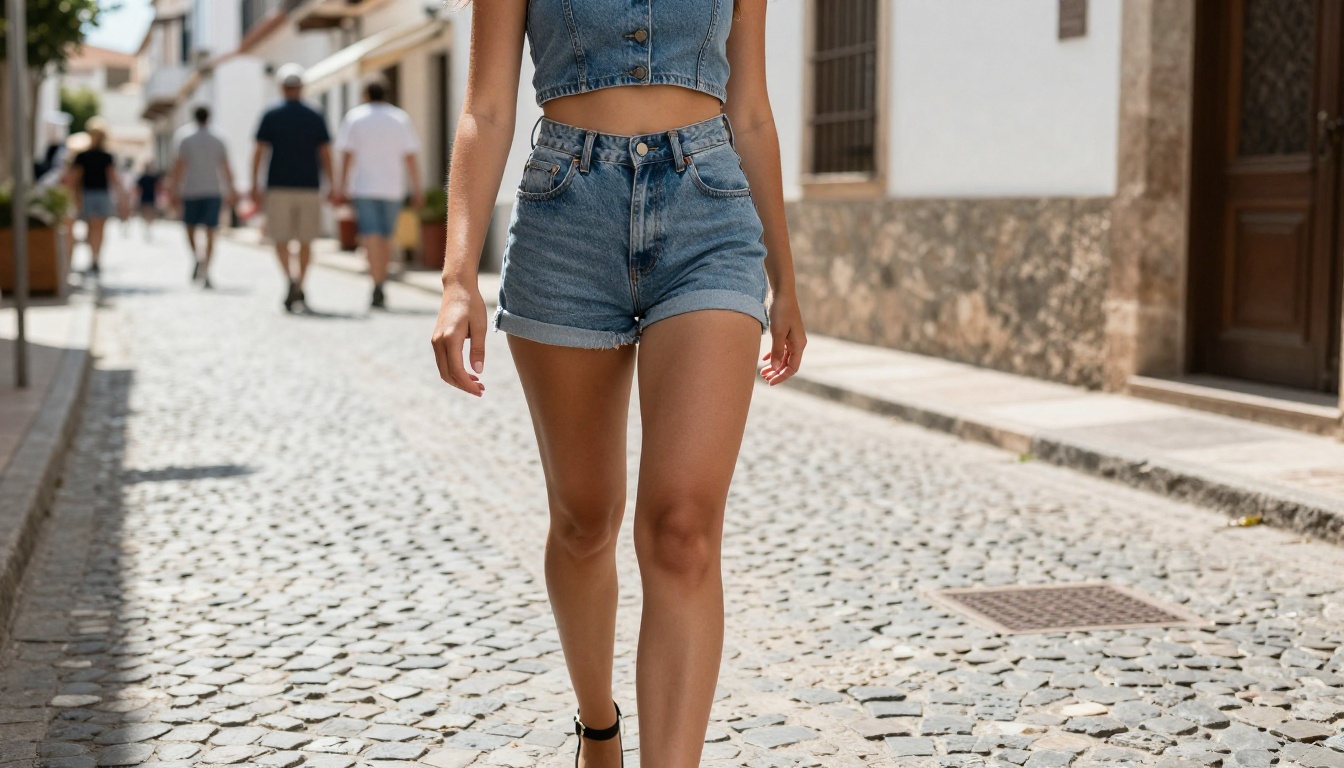
How to Use Seedream 4.5 on PicassoIA
Getting your first adult AI picture from Seedream 4.5 takes about 60 seconds from start to result.
Setting Up Your First Generation
- Go to Seedream 4.5 on PicassoIA
- Select Text to Image mode in the interface
- Set your aspect ratio: 16:9 for landscape or scene compositions, 2:3 for portrait work
- Write your prompt in the text field (see structure below)
- Click Generate, results appear in 1-3 seconds
Trial generations do not require a credit card. Full access and unlimited generations require a PicassoIA subscription.
Prompt Structure for Realistic Results
The quality gap between a vague prompt and a detailed one is enormous with Seedream 4.5. This structure works consistently:
Subject + Pose + Clothing: Who is in the image, what are they doing, what are they wearing. Be specific. "Wearing a white string bikini, seated on pool edge, one leg in the water" beats "woman in swimwear."
Environment: Where are they? What is behind them? What surfaces are they on? "On a marble pool ledge with a mountain range background and palm trees" creates a real place to exist in.
Camera and Lens: "85mm portrait, f/1.8, shallow depth of field" or "wide 35mm, street photography angle" shapes composition and depth.
Lighting: "Morning window light from the left" or "golden hour backlight, rim-lit hair" shifts mood and realism dramatically.
Film Stock: "Kodak Portra 400 color rendering" or "Fuji Provia film grain" pushes the aesthetic toward authentic photographic quality over synthetic AI texture.
💡 Example prompt: "Attractive woman in a white bikini sitting on the edge of an infinity pool at golden hour, legs in the water, skin showing natural texture and sun highlights, 70mm f/2.8 from slightly elevated angle, Kodak Portra 400 film emulation, photorealistic RAW photography"
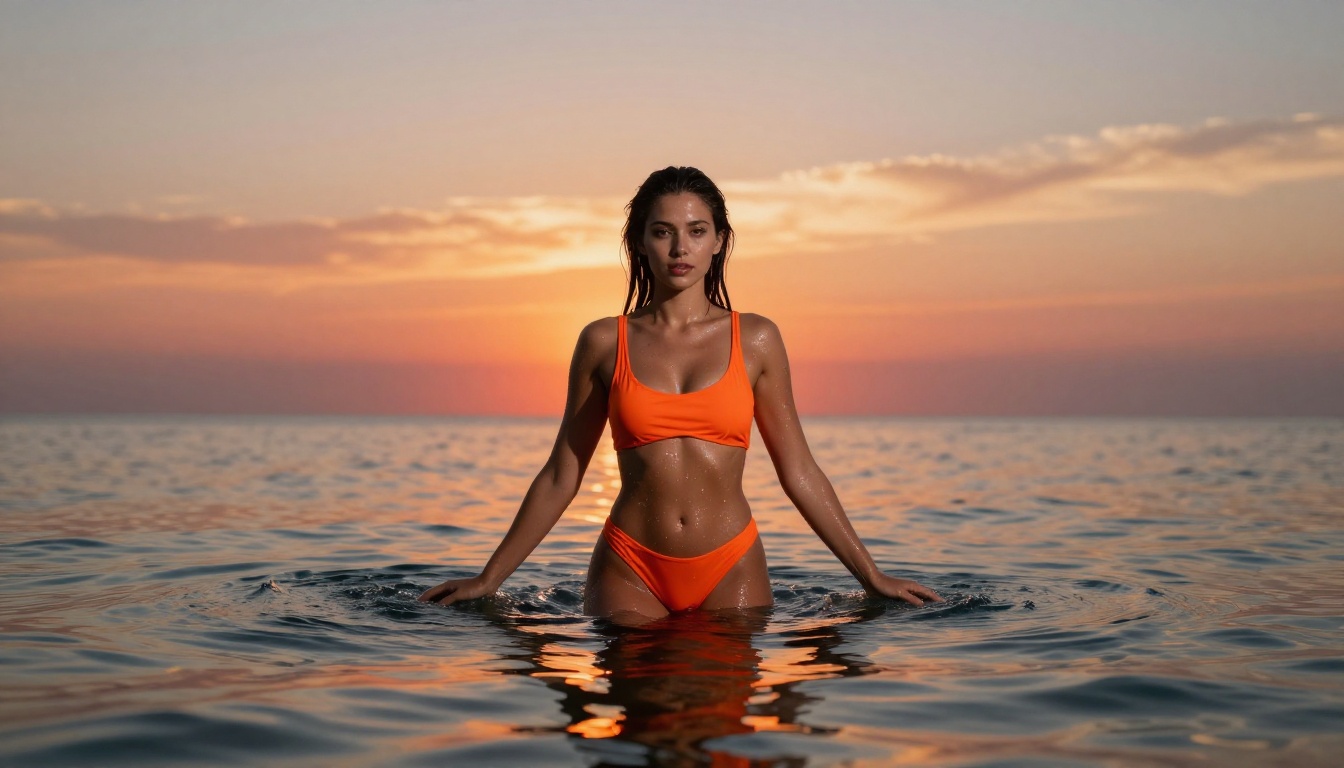
Prompt Differences: GPT Image 2.0 vs PicassoIA Models
One of the most common mistakes creators make when switching from GPT Image 2.0 to PicassoIA models is carrying over vague prompts that relied on GPT Image 2.0's strong contextual inference. Open and commercial models like Seedream 4.5 reward explicit detail in every element.
| Prompt Element | GPT Image 2.0 Style | PicassoIA Style |
|---|
| Subject | General description | Specific pose, expression, clothing details |
| Lighting | Often implied or omitted | State source, direction, and temperature |
| Camera | Rarely mentioned | Lens length, aperture, shooting angle |
| Style reference | "photorealistic" | Film stock name, photography genre |
| Quality markers | "HD, 4K" | "RAW photography, Kodak Portra 400" |
The more detail you provide, the closer the output matches your intent. This is a feature, not a limitation. It gives you precision control that inference-based prompting in GPT Image 2.0 does not.
Why Lighting Direction Changes Everything
Amateur prompts describe the subject. Professional prompts describe the light. Where is it coming from? What color temperature is it? How hard or soft is the source? How does it interact with skin texture?
"Volumetric morning light from the left at 45 degrees, wrapping around the shoulder and creating a natural rim-light on the cheekbone" is not over-engineering. It is the difference between a generic output and a cinematic one.
3 Common Mistakes with Adult AI Prompts
1. Being too vague about clothing or subject: Write exactly what you want. "Wearing a sheer white cover-up over a black bikini" is specific and actionable. "Wearing something revealing" is not.
2. Skipping the environment entirely: A floating subject against an empty background signals to the model that no environment context was provided. Give your subject a real place to exist in. Describe the surface, the background depth, and the atmospheric conditions.
3. Not prompting for skin texture: Photorealistic skin is the hardest element for AI models to get right by default. Prompt for it explicitly: "natural skin texture, visible pores, subtle tan lines, realistic skin reflectivity, healthy sheen on shoulders" gives the model clear direction on what level of detail you expect.
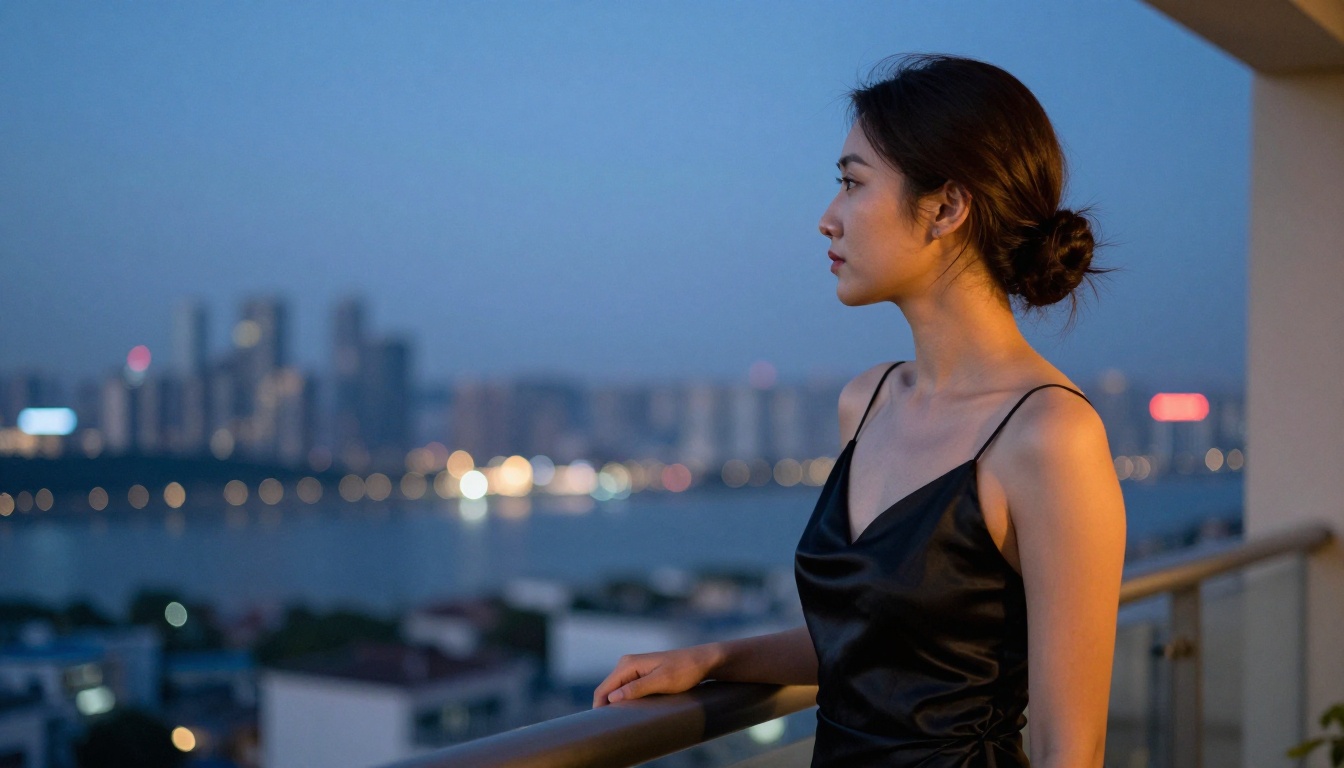
The Full NSFW Model Lineup on PicassoIA
For creators who want to work across the full range of adult content formats, including video, here is the complete capable lineup available on PicassoIA:
- Seedream 4.5 — Best overall adult image model, under 3 seconds, editing included
- PicassoIA Image Editor Pro — Unlimited generations on Elite/Infinite plans, under 1 second, free trial
- Qwen Image 2 — Open-source, text-to-image and editing, no content policy layer
- Grok Imagine Image — Realistic outfit transformation on existing images
- Recraft V4 — High-quality text-to-image, no editing mode
- P-Image — Under 1 second, NSFW supported, ideal for fast iteration
- Wan 2.2 Image — Highly realistic text-to-image, no content filters
- PicassoIA Video — Unlimited video generation from text, up to 720p at 5 seconds
- P-Video — Text, image, or audio to video up to 1080p, safety filter off by default
- Grok Imagine Video — Clips up to 15 seconds, no watermarks
- LTX 2.3 Pro — Up to 4K at 50fps with retake and extend editing
Browse the complete catalog at picassoia.com/en/all-models.
Start Generating Right Now
GPT Image 2.0 sets an impressive quality standard. But that standard means nothing to a creator who cannot use the model for the content they actually want to produce. The filters are not temporary. OpenAI has made clear that adult content is out of scope for GPT Image 2.0 and any model it releases.
PicassoIA gives you models at the same quality level, sometimes exceeding GPT Image 2.0 in specific output characteristics like speed, skin texture rendering, and creative control, with none of the restrictions. Seedream 4.5 in 3 seconds. P-Image in under 1 second. Unlimited volume from PicassoIA Image Editor Pro at no per-image cost.
Write your first prompt. Generate your first image. See what photorealistic adult AI pictures look like when the platform is built to let you create without limits.
👉 Start generating at picassoia.com/en/all-models


