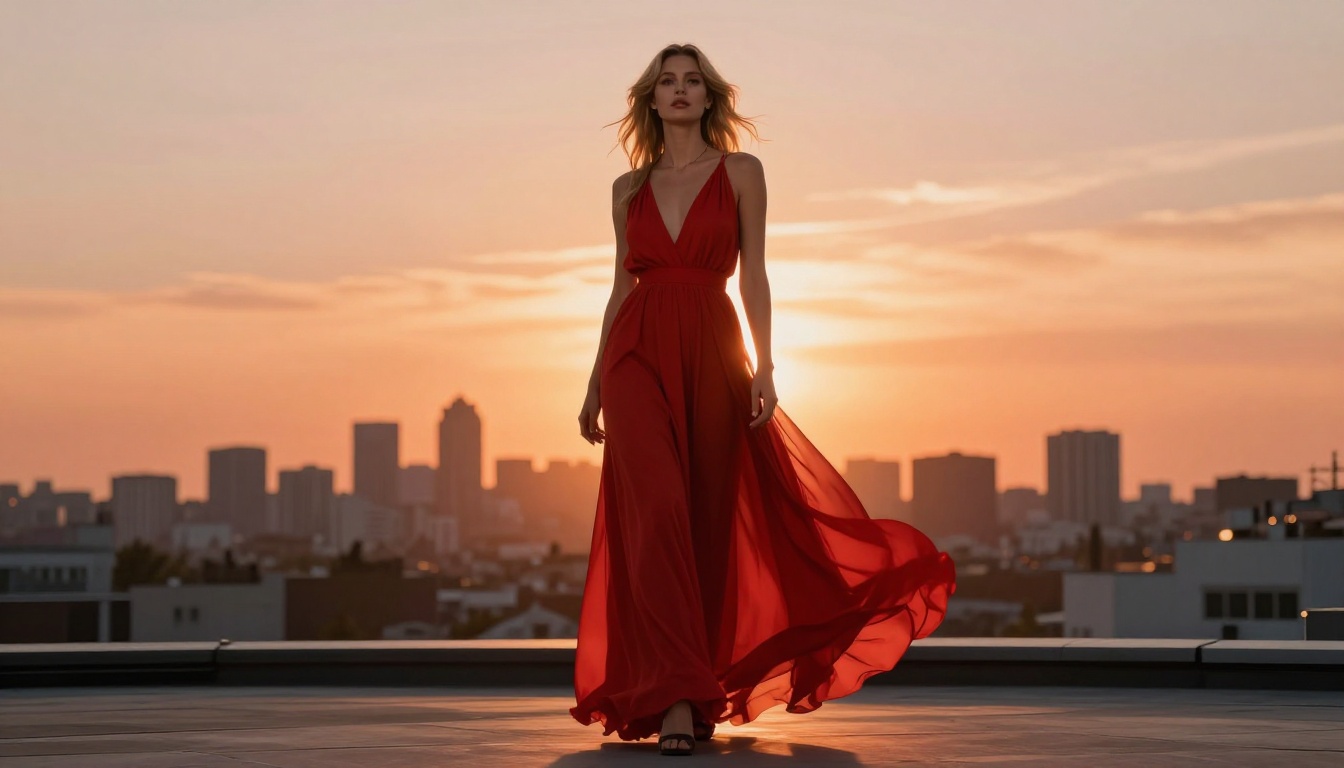
GPT Image 2 arrived with a lot of hype. As the visual engine behind GPT-4o, it renders text inside images, follows complex prompts, and produces remarkably detailed scenes. But the moment you push it toward anything suggestive or adult in nature, you hit a wall. A very firm one. So where does that leave artists, photographers, and creators who want to work with adult or glamour content through AI? That is exactly what this article covers: what GPT Image 2 actually permits, the reality of "free" NSFW AI options floating around the web, and the models that genuinely deliver uncensored, high-quality adult art, including some that are truly unlimited.
What GPT Image 2 Actually Allows
GPT Image 2, integrated into ChatGPT Plus and the OpenAI API, is a powerful tool for many things. Photorealistic scenes, complex compositions, coherent text in images, and detailed product mockups are all areas where it excels. Adult art is not one of them.
The Hard Limits
OpenAI's content policy prohibits generation of sexually explicit images regardless of subscription tier. This applies broadly:
- Nudity (implied or explicit)
- Suggestive poses that the model classifies as sexual in nature
- Bikini or lingerie content in many contexts, even when artistically framed
- Any content the system's safety classifiers flag as adult-oriented
The system does not offer a toggle, an API override, or a paid unlock. The restrictions are baked into the model itself through RLHF training and content classifiers. Even prompts phrased as "artistic nude figure study" or "fashion editorial photography" frequently trigger refusals when the resulting image would show significant skin.
Where the Limits Show Up
In practice, GPT Image 2 will generate fashion editorial shots with conservative styling, portraits with natural expressions, and swimwear in clearly non-sexualized contexts sometimes. It consistently refuses or sanitizes bikini shots in intimate settings, implied nudity even from behind, romantic poses between couples, and any prompt that includes adult vocabulary.
💡 Reality check: Many users report that even prompts describing completely legal, non-pornographic, and artistically valid content get blocked. GPT Image 2 errs very heavily on the side of restriction.
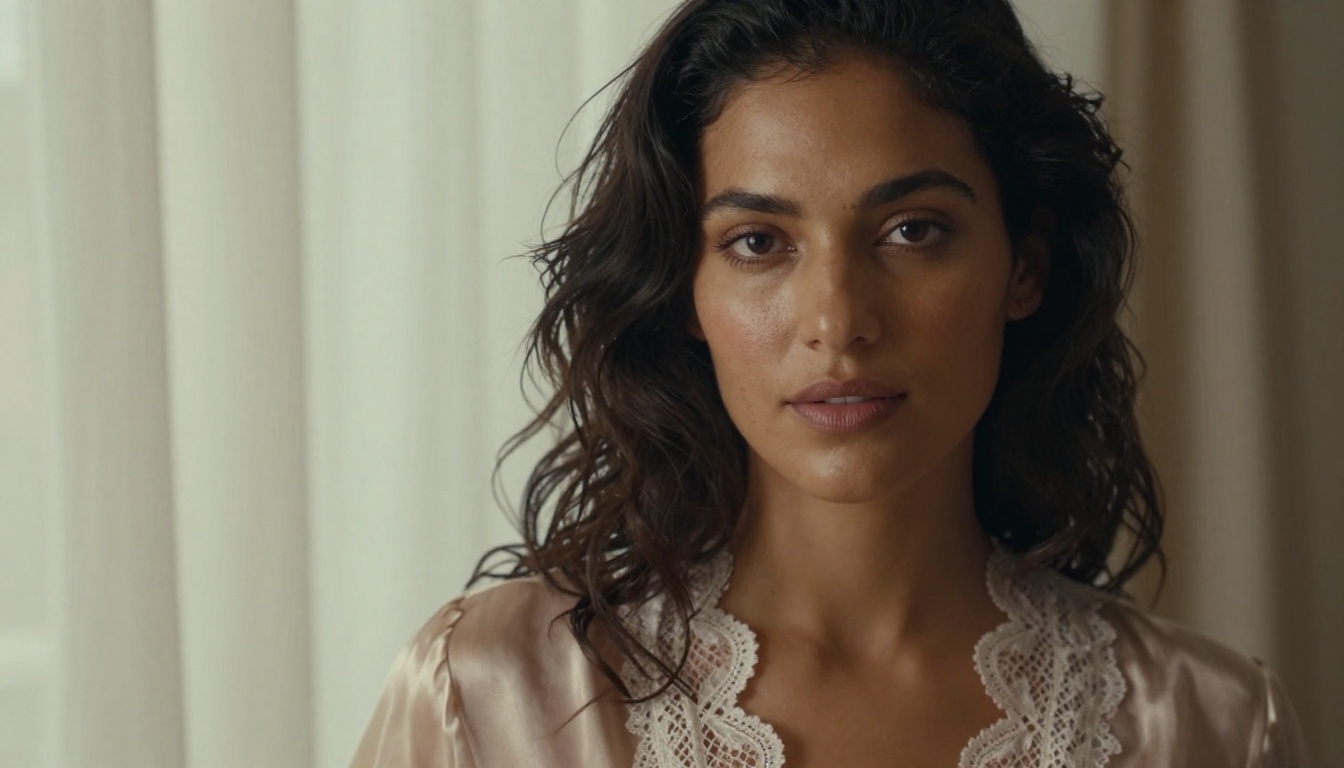
The core issue is architectural. The restrictions are not a configuration layer you can work around. They are the model itself.
Free Options: The Real Picture
When people search for "GPT Image 2 for adult art free options," they are usually looking for one of two things: a free version of GPT Image 2 that bypasses censorship, or free alternative tools that allow adult content. Both deserve honest answers.
No Free, Uncensored GPT Image 2 Exists
No jailbreak, no workaround, no third-party wrapper gives you an unrestricted version of GPT Image 2 that generates adult content. OpenAI's restrictions operate at the model level, not at the API or prompt layer. Sites advertising "uncensored GPT Image 2" are almost universally one of three things:
- Misleading: They use completely different models marketed under a deceptive name
- Scams: They collect payment or personal data before delivering nothing functional
- Malware vectors: The download "unlock" is a vehicle for something you do not want on your system
This is worth stating plainly because the search traffic around this topic is significant and predatory services have multiplied to capture it.
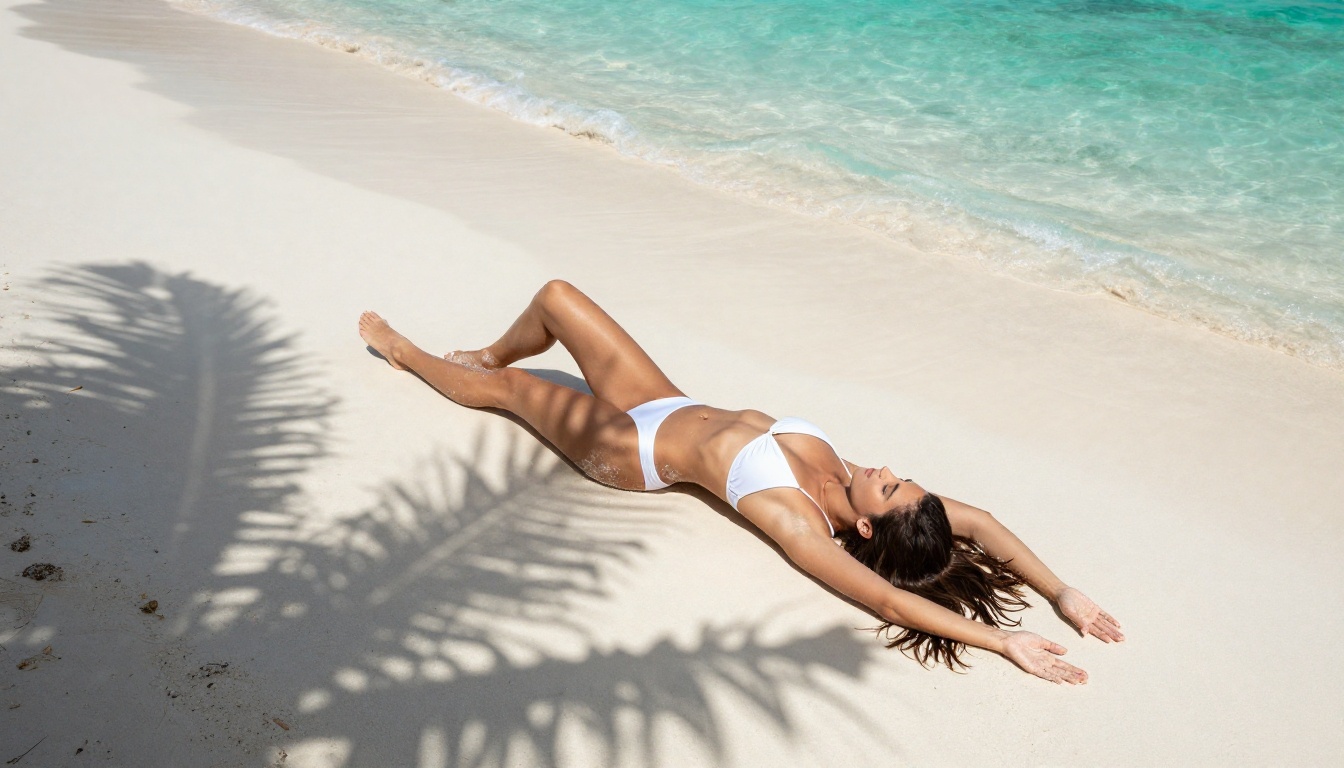
What Free NSFW AI Tools Actually Exist
Legitimate free options do exist, but each carries real trade-offs:
| Tool | Free Tier | NSFW Allowed | Limitation |
|---|
| Stable Diffusion (local) | Yes, full | Yes | Requires GPU hardware, technical setup |
| Civitai (hosted) | Limited credits | Partial | Queue times, inconsistent quality |
| Tensor.Art | Yes | Partial | Watermarks, daily credit cap |
| NightCafe | Yes | No | Conservative content filters |
| PicassoIA | 3-generation trial | Yes, fully | Paid tiers for high volume |
💡 Honest take: Truly free, unlimited, high-quality NSFW AI generation does not exist in 2027. What you get for free is either low resolution, rate-limited, or requires local hardware that most creators do not have.
3 Common Pitfalls with Free NSFW Tools
1. The Hidden Watermark Trap
Many free tiers apply large, intrusive watermarks specifically to NSFW images, even when regular images remain clean. You only discover this after spending time crafting your prompt and waiting through a queue.
2. Generation Queues
Free tiers on popular services can mean 10 to 40-minute waits per image. That makes iteration, which is essential for achieving a specific artistic result, essentially impossible. A session that should take 20 minutes stretches into an entire afternoon.
3. Inconsistent Quality
Free-tier models on aggregator platforms are often older, lower-fidelity versions of popular base models. The flagship NSFW models with real photorealistic quality are almost always behind a paywall on these services.
Best NSFW AI Models Without Restrictions
When it comes to adult art without compromises, no platform matches what PicassoIA offers. The catalog includes models specifically built for unrestricted, realistic content creation, without the content filters that constrain mainstream tools.
1. Seedream 4.5: The Best All-Around Pick
Seedream 4.5 is the strongest starting point for adult and glamour AI art. Developed by ByteDance, it accepts NSFW prompts and generates highly realistic results in under 3 seconds. It also functions as an image editing tool, so you can refine a generated result without starting over from scratch.
What separates it from most NSFW models:
- Speed: Sub-3-second generation is genuinely faster than any comparable unrestricted model at this quality level
- Realism: Skin textures, lighting, and compositional quality rival professional photography
- Editing support: Modify specific areas of a generated image without regenerating the whole scene
- NSFW acceptance: No content filtering on suggestive or adult-oriented prompts
⚠️ Important: The newer Seedream 5 Lite does not support adult content. Stick with Seedream 4.5 for unrestricted generation.
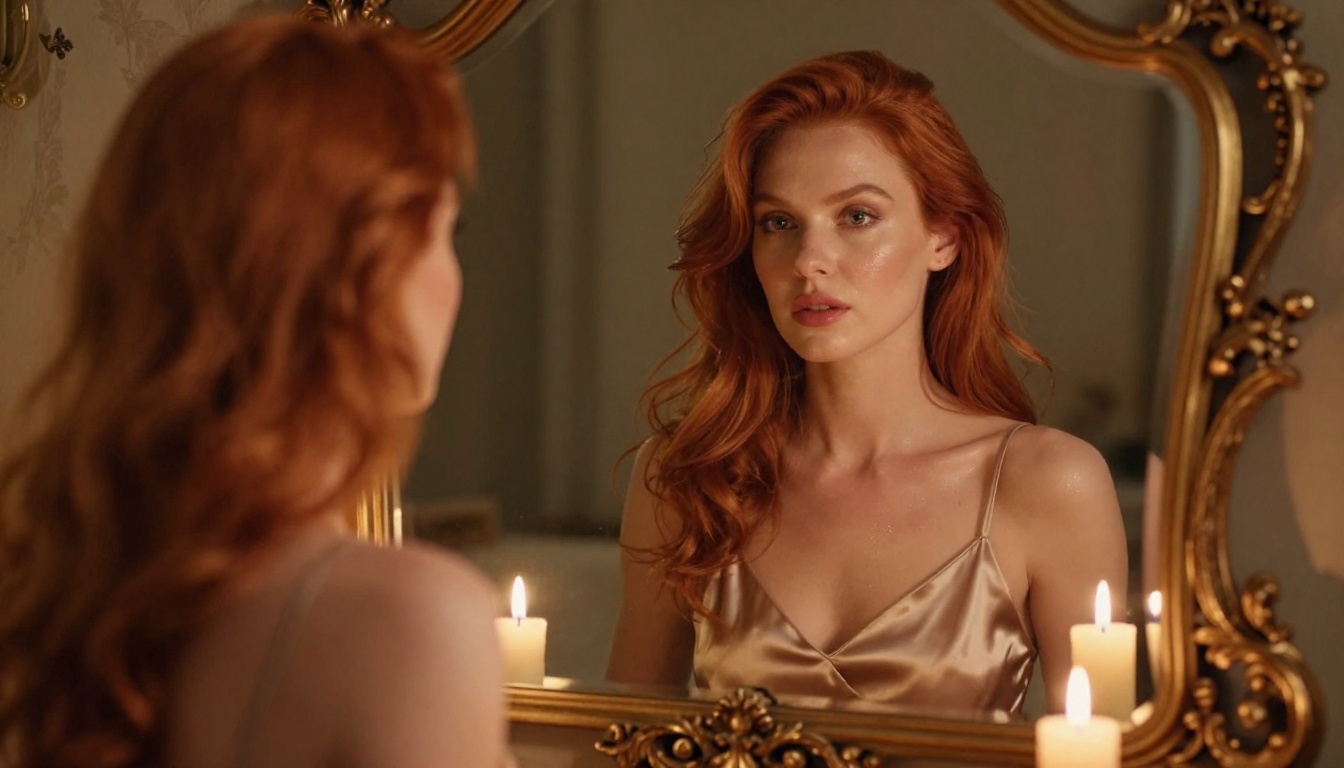
2. PicassoIA Image Editor Pro: Unlimited Generations
PicassoIA Image Editor Pro takes a fundamentally different approach. It is an image-to-image model that accepts NSFW content and produces results in under 1 second. But the most important feature is this: with an Elite or Infinite plan, generations are unlimited.
To put that in perspective: generating 1,000 images with models like Nano Banana 2 costs around $100. With PicassoIA Image Editor Pro on an Infinite plan, that same volume costs nothing extra. For creators who iterate heavily, run batch workflows, or want to experiment without watching a credit counter, this is a fundamentally different value proposition.
There is also a 3-generation free trial with no credit card required, so you can test output quality with your own prompts before committing.
3. Qwen Image 2: Open Source Power
Qwen Image 2 is an open-source model with strong NSFW capabilities. It accepts both text-to-image and image editing workflows. The open-source foundation means it has not been restricted by corporate content policies in the same way proprietary models have, and the results show: detailed, highly realistic outputs from descriptive prompts.
4. Grok Imagine Image: Realistic Conversions
Grok Imagine Image specializes in converting existing images into suggestive or adult formats in a photorealistic way. It is particularly effective for swimwear and bikini conversions from reference photos. If you have a source image you want to reimagine, this model produces consistently realistic output.
5. Recraft V4: Strong Text-to-Image Realism
Recraft V4 delivers text-to-image generation with notably realistic output quality. It accepts adult content and produces clean, well-detailed results. The limitation is that it works purely from text prompts without image editing support, so all output starts fresh from your written description.
6. P-Image: Sub-Second Speed
P-Image from PrunaAI is the fastest NSFW option available. It generates images in under 1 second from a text prompt, supports adult content, and does not apply content filters. When speed is the priority and you need volume quickly, this is the model to reach for.
More Models Worth Trying
Beyond the top six, the catalog includes additional options for different creative needs:
- prunaai-wan-2.2-image: Generates highly realistic images from text without content filtering
- PicassoIA Video: Unlimited video generation from text prompts at up to 720p, 5 seconds per clip
- P-Video: Text, image, or audio to video up to 1080p with the safety filter off by default
- Grok Imagine Video: Clips up to 15 seconds from text or image, no watermarks
- LTX 2.3 Pro: Up to 4K at 50fps with retake and extend editing for professional-grade work
Unlike mainstream platforms, PicassoIA gives creators full creative freedom without restrictive filters.
👉 See the full catalog of unrestricted AI models at picassoia.com/en/all-models.
Using Seedream 4.5 on PicassoIA
Since Seedream 4.5 is the top recommendation for adult and glamour art, here is how to get the best results from it.
Step 1: Access the Model
Go to Seedream 4.5 on PicassoIA and log in or start the free trial. No credit card required for the initial 3 generations.
Step 2: Write a Detailed Prompt
The quality of output from Seedream 4.5 scales directly with prompt specificity. Generic prompts produce generic results.
Weak prompt: "beautiful woman on a beach"
Strong prompt: "Close-up portrait of a woman with dark wavy hair in a white bikini, standing waist-deep in turquoise water at golden hour, water droplets on shoulders catching the last sunlight, volumetric side-light from the left, 85mm f/1.8 lens, natural skin pores visible, Kodak Portra 400, 8K RAW photography"
The difference in output quality between these two prompts is dramatic.
Step 3: Style Parameters That Work
When generating adult or glamour content with Seedream 4.5, include these modifiers:
photorealistic or RAW photographynatural lighting with direction specified ("from the left", "golden hour backlight", "overhead diffused")85mm f/1.8 or similar lens specification for portrait shotsKodak Portra 400 for film-like skin tones that read as genuinely human8K for maximum detail in final outputs- Specific texture mentions: "natural skin pores", "faint freckles", "water droplets"
Avoid: neon, cyberpunk, digital art, illustration, cartoon, "smooth skin", "perfect skin", or "airbrushed" (these flatten texture and break photorealism).
Step 4: Refine with Image Editing
One of Seedream 4.5's strongest features is image editing. Instead of regenerating from scratch when a result is almost right, use the edit function to target specific areas: adjust clothing in one region, modify background lighting independently, or refine facial expression without touching the rest of the scene.
This iteration workflow dramatically reduces the number of full generations you need, saving both time and credits on the path to a final result.
Step 5: Save and Export
Generated images are immediately available for download at full resolution. For unlimited volume without watching credit balances, the Elite or Infinite plan combined with PicassoIA Image Editor Pro removes all generation caps entirely.
The pattern with free adult AI tools is fairly consistent. A service launches promising unrestricted generation, attracts a large user base, and then either monetizes through a sudden paywall, degrades quality to push upgrades, or shuts down entirely due to legal or hosting pressure.
The Infrastructure Problem
Running high-quality AI inference at scale is genuinely expensive. Free tiers are funded by:
- VC money that eventually runs out or demands monetization on a timeline users do not control
- Upsells designed to hook you with low quality then charge for the results you actually wanted
- Data collection where your prompts and generated images become training data sold to third parties
PicassoIA's model is different: it charges directly for access to high-quality, unrestricted models at a subscription level that makes economic sense for both sides, rather than offering degraded free tiers as a pure acquisition funnel.
The Quality Gap
The technical difference between a properly configured premium model and a free-tier alternative is real and measurable:
| Metric | Free Tools (typical) | PicassoIA Premium |
|---|
| Generation speed | 5 to 40 minutes | Under 3 seconds |
| Resolution | 512px to 768px | Up to 8K |
| NSFW support | Inconsistent or filtered | Fully unrestricted |
| Iteration support | Limited or none | Yes, with img2img editing |
| Watermarks | Common on NSFW outputs | None |
| Reliability | Variable | Consistent |
Getting Photorealistic Skin Textures Right
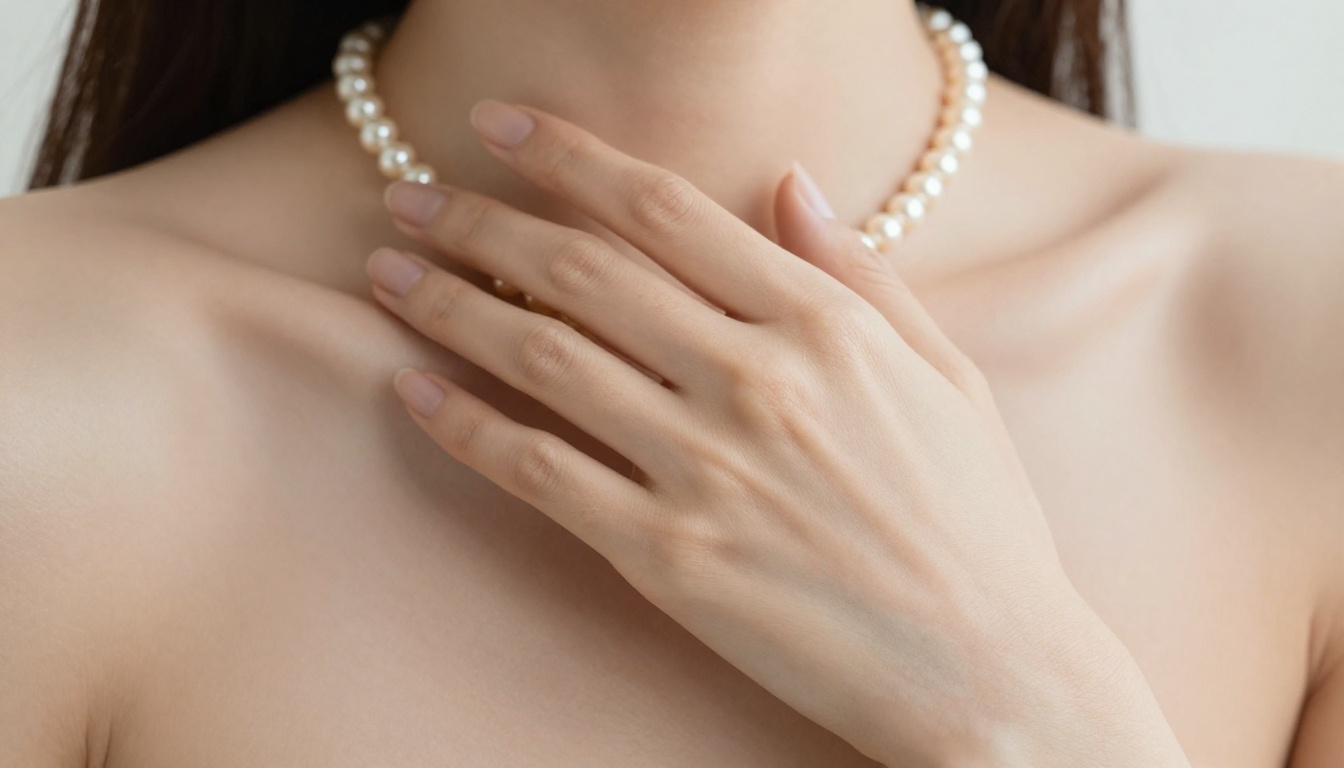
One area where even capable NSFW models can struggle is skin rendering. Unrealistic skin breaks the illusion of a photorealistic AI image faster than anything else.
Prompting for Skin Detail
Include in every portrait prompt:
- Specific pore texture mentions: "natural skin pores visible at the surface"
- Lighting direction that creates dimensionality: "volumetric side-light from the left creating soft shadow gradients across the cheekbones"
- Realistic imperfections: "faint freckles across the nose bridge", "natural skin variation"
- Film stock reference: Kodak Portra 400 is the gold standard for natural skin tones in AI photography prompts
Avoid these terms that create artificial-looking results:
- "Smooth skin" creates a plastic, artificial surface with no believable depth
- "Perfect skin" destroys texture entirely and reads as generated immediately
- "Airbrushed" or "flawless" produce the same sterile, unconvincing result
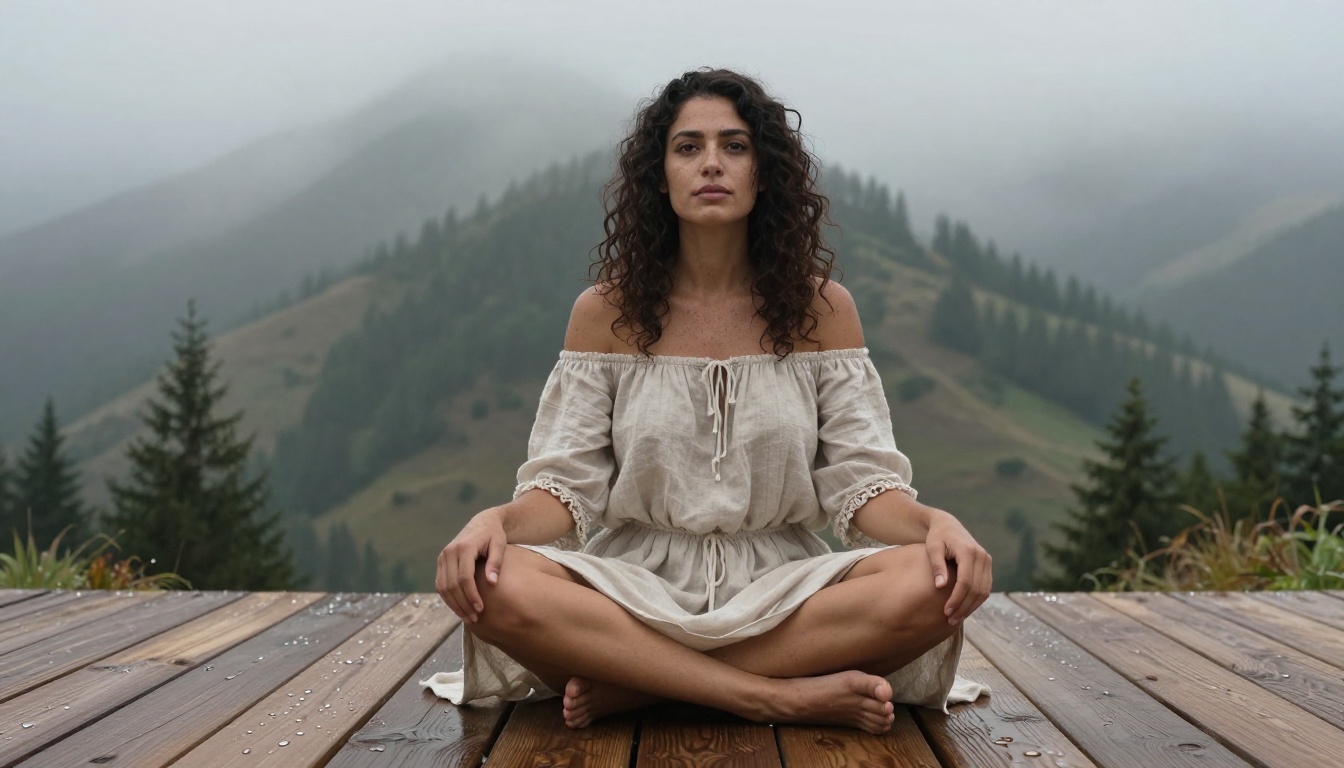
Camera Lens Choices for Portraits
The lens specification in a prompt has a direct effect on how the model renders skin and subject depth:
- 85mm f/1.4 to f/2.0: The portrait lens. Compresses features slightly and creates beautiful subject-background separation. Best for close-up glamour shots where skin detail is the focal point.
- 50mm f/1.8: Standard focal length, more naturalistic perspective. Works well for environmental portraits where context matters as much as the subject.
- 35mm f/2.8: Slight wide-angle that creates a sense of physical presence and places the subject in their environment. Strong for full-body compositions.
Lighting Descriptions That Actually Work
The lighting specification is often the single biggest variable in whether a generated image looks photographic or artificial:
- "Volumetric golden hour light from the left, long soft shadows" works far better than just "golden hour"
- "Soft north-facing window light, diffused and even" produces more realistic studio-style portraits than "studio lighting"
- "Rim light from behind creating a halo effect on the hair" adds cinematic depth to any pose or composition
- Describing the source (window, sun, candle, lamp) gives the model more information than describing the quality alone
GPT Image 2 is a genuinely impressive image model for many workflows. Adult art is simply not one of them, and no amount of prompt crafting, workaround attempts, or third-party wrapper services will change that. The restrictions are at the model level.
The practical path is choosing tools built for this purpose. Seedream 4.5 delivers the best combination of output quality, generation speed, and NSFW acceptance available right now. PicassoIA Image Editor Pro removes the cost ceiling entirely for high-volume creators. Qwen Image 2, Grok Imagine Image, Recraft V4, and P-Image round out a strong set of options for different workflows and styles.
The free trial on PicassoIA requires no credit card and gives you 3 generations to verify output quality before spending anything. That is the honest way to evaluate an unrestricted AI image tool: run your own prompts, see the actual results.
If you want photorealistic adult art without content filters, watermarks, or 40-minute queues, start at picassoia.com/en/all-models and see what these models produce on your first session.