GPT Image 2 didn't arrive quietly. When OpenAI dropped it into ChatGPT in April 2025, the reaction from social media managers, brand designers, and solo creators was immediate: the model actually reads prompts. Actually reads them. And for social media graphics, where a missed detail means a completely wrong output, that matters more than raw visual flair.
This article is about what GPT Image 2 does for social media graphic production, where it works best, and how to use AI image platforms to take that output further.
What GPT Image 2 Does Differently
Most AI image models treat text as decoration. GPT Image 2 treats it as a primary constraint. The model, built on a native multimodal architecture rather than a CLIP+diffusion stack, processes your whole instruction as a semantic unit before rendering. That means the spatial relationships in your prompt ("button in the lower right corner, headline at the top, product centered") tend to survive into the output instead of being shuffled into whatever composition the training distribution preferred.
Text Inside Images, Finally Fixed
The single biggest pain point for social media graphics in previous AI models was text rendering. "Happy Hour" came out as "Hapoy Haur." Brand names turned into Unicode noise. Even when the text was legible, the font inconsistency made it unusable without post-editing.
GPT Image 2 is not perfect here, but it is substantially better. Short, specific text strings, especially in common sans-serif or display styles, reproduce accurately in the majority of cases. For social media use this means:
- Story headlines with 3-5 words often come out clean
- Price callouts and CTA buttons with simple text like "Shop Now" work reliably
- Event dates and product names require careful prompting but succeed at a much higher rate than earlier models
Keep text short and specify the font style explicitly. "Bold white uppercase sans-serif headline" is more reliable than "stylish text."
How Instruction-Following Changes Output
Here is what changes when a model actually follows instructions: iteration speed collapses. When you ask for a left-aligned product on a warm cream background with a subtle gradient and the model delivers something close to that on the first try, you spend one or two rounds on refinement instead of six. For teams producing social content at volume, that is a meaningful difference in throughput.

The other thing instruction-following enables is structured composition. Social media formats are rigid. Instagram carousels have a fixed frame. Stories have a safe zone above and below. Facebook ads have headline placement conventions. A model that respects compositional instructions can slot a product into a 9:16 frame correctly without you fighting it through three rounds of prompting.
Not every social channel benefits equally from AI image generation. Some formats play to the model's strengths. Others expose its limits.
Instagram Feed Posts and Story Graphics

Instagram rewards visual quality first. Feed posts need a coherent grid aesthetic. Stories need readable text and a clear focal point. GPT Image 2 handles both well when prompted with:
- A specific color palette (e.g., "warm terracotta and cream tones")
- A defined composition ("product centered, solid blurred background")
- A tone descriptor ("editorial, luxury, minimal")
For product photography aesthetics, describe lighting direction and surface texture. "Morning side light from the left, marble surface, diffused shadows" produces commercial-quality results without a studio.
💡 Tip: For Instagram Stories (9:16), specify the safe zone in your prompt: "All text and primary visual elements within the center 70% of the frame height." This avoids your headline getting cropped by UI elements.
Facebook Ads and Page Banners
Facebook ad creative is high-stakes because bad visuals kill click-through directly. GPT Image 2 performs well for:
- Single-image ads with a clear product hero and simple CTA
- Page banner graphics for business pages, which need a panoramic composition at roughly 820x312px
- Event banners with date, title, and central visual
The model handles warm, attention-grabbing palettes well. Specify brightness intentionally: "bright, high-contrast, warm ambient light" rather than leaving it generic.
LinkedIn Banners and Headers

LinkedIn graphic expectations are different. The audience responds to professional credibility signals: clean typography, muted professional palettes (navy, charcoal, warm gray, white), and a clear subject hierarchy.
For LinkedIn banners, prompt for:
- Wide format composition with subject or main element left-aligned
- Corporate color palettes explicitly named
- Minimal text (1 headline, optional tagline)
- A real-environment background (office, city, team setting) rather than abstract gradients
Avoid asking the model for heavy text overlay on LinkedIn banners. Render the background image, then add the text separately in Figma or Canva where you control typography precisely.
Prompts That Produce Real Output
The gap between a mediocre output and a usable output is almost always in the prompt. Here is a repeatable structure that works across platforms and subject types.

The 3-Part Prompt Formula
Part 1: Subject + Action
Describe what the main element is and what it is doing. Be specific. "A woman holding a coffee cup" is weaker than "A woman in her late 20s holding a white ceramic cup with both hands, looking slightly off-camera to the left."
Part 2: Environment + Lighting
Lighting is what makes or breaks realism. Specify the source, direction, and quality. "Natural window light from the left, soft diffused shadows, no harsh contrast" is 10x more useful than "good lighting."
Part 3: Format + Style Constraints
Close with the technical specs: aspect ratio, visual style, what to avoid. "16:9 aspect ratio, photorealistic, no text, no CGI, no illustrated elements."
A full prompt using this structure:
"A skincare product bottle sitting on a marble surface with a small cream linen napkin folded to its left. Morning window light from the left side, creating soft angled shadows across the marble. Close-up shot, 85mm, shallow depth of field, product in crisp focus. 16:9, photorealistic, no text, no people."
5 Mistakes That Kill Your Results
| Mistake | Fix |
|---|
| Generic style descriptors ("beautiful", "modern") | Name the aesthetic: "editorial beauty photography, Kinfolk style" |
| No lighting direction specified | Add: "soft side-light from the left" or "overhead flat studio light" |
| Too many elements in one frame | One hero element per frame. Supporting elements as secondary only |
| Forgetting the ratio | Always specify 16:9, 9:16, or 1:1 depending on the platform |
| Vague text requests | Say: "Bold white uppercase sans-serif: three words only" |
When 1024px Is Not Enough
GPT Image 2 outputs at 1024x1024 by default. For most social media, that is borderline. Instagram can use it. Facebook feed posts are fine. But for paid ad campaigns running at multiple sizes, printed event banners, or LinkedIn profile banners that display at 1584x396 on desktop, you need more resolution.

Upscaling for Paid Ads and Print
The right move is to generate the composition from GPT Image 2, then run the result through a dedicated AI upscaler. AI upscalers don't just resize: they synthesize new detail at higher resolution, making the output sharper and more print-ready than a simple bicubic scale-up.
Picking the Right Upscaler
PicassoIA offers several upscaling models suited to different use cases:
- Clarity Pro Upscaler by Philz1337x: best all-around photorealistic upscaling with strong texture recovery. Ideal for product and people photography.
- Image Upscale by Topaz Labs: the strongest model for up to 6x enlargement. Best for banner-sized outputs where maximum detail is required.
- P-Image Upscale by Prunaai: fast 1-second upscaling for volume workflows where speed matters more than maximum quality.
- Recraft Crisp Upscale: sharpens and clarifies graphic-heavy images, strong for text-overlay compositions.
- Real ESRGAN by Nightmareai: the free 4x option that handles a wide variety of image types reliably.
- Google Upscaler: enlarges photos 4x without detail loss, solid performance on complex scenes.
💡 Tip: For portrait and face-heavy graphics, Crystal Upscaler by Philz1337x is specifically tuned for facial texture and pore-level detail recovery.
Cutting Out Backgrounds at Scale
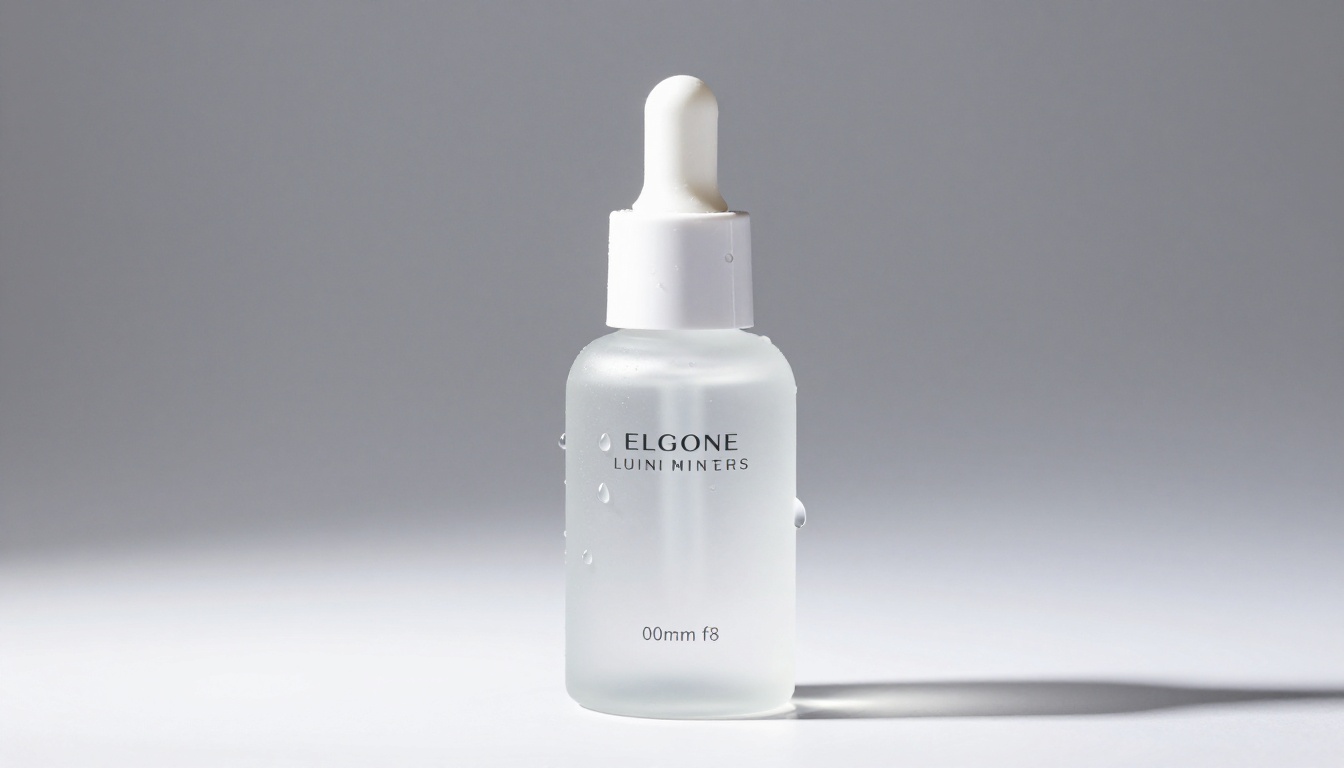
A large portion of social media graphic production is product isolation: take a product shot, remove the background, place the product on a new scene or a clean brand color. With GPT Image 2, you can prompt directly for a transparent or solid-color background, but the edge quality varies. For clean, precise cutouts at production quality, a dedicated background removal tool is faster and more consistent.
Product Graphics Without the Studio
The workflow is straightforward:
- Generate the product image at the right composition with GPT Image 2 or another image model
- Run it through Remove Background by Bria on PicassoIA
- Place the isolated product on your brand color, gradient, or lifestyle scene
The Bria background removal model handles fine hair, transparent glass, and complex edge cases that earlier tools struggled with. For social media product graphics, this three-step process produces commercial-quality results in under two minutes per image.
How PicassoIA Handles the Full Workflow
PicassoIA isn't a single-model tool. It gives you access to over 90 text-to-image models alongside removal, upscaling, and editing tools, so you can build a complete production pipeline without switching platforms.
Seedream 5 Pro for High-Volume Posts
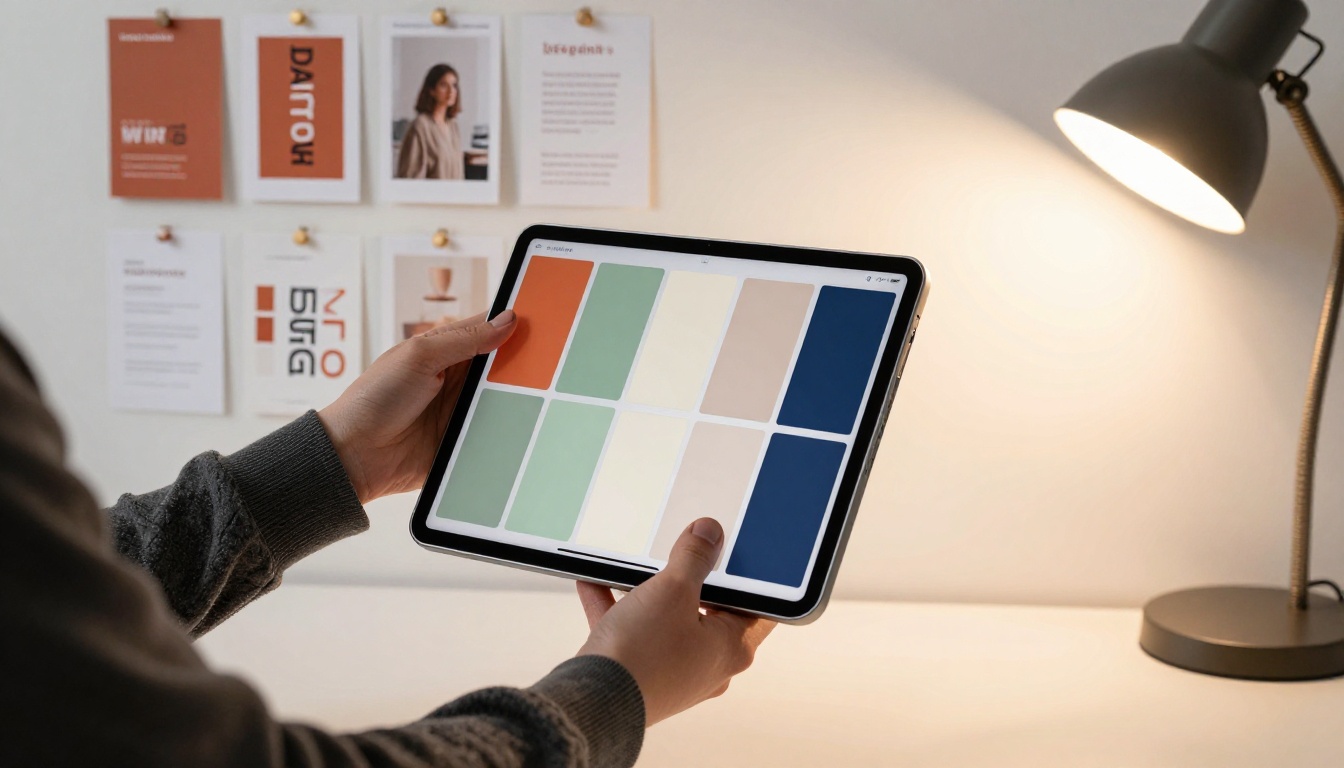
Seedream 5 Pro by ByteDance outputs at 2K resolution and is built for speed at scale. If you are producing 20-30 graphics per week for multiple platforms, Seedream 5 Pro keeps iteration time low while delivering sharp, high-resolution output that doesn't need immediate upscaling for web use. The model follows compositional instructions accurately and handles both photographic and graphic-design aesthetics.
Ideogram v4 for Text-Heavy Graphics
Two models from Ideogram AI solve the text rendering problem more robustly than most alternatives:
- Ideogram v4 Quality: prioritizes accuracy and legibility. Best for any graphic where readable text inside the image is non-negotiable, such as promotional announcements, event posters, or typographic social posts.
- Ideogram v4 Balanced: faster with slightly more creative flexibility. Good for iterating on layout and composition before committing to a high-quality render.
For social media brands that need quote graphics, announcement posts, or any visual where text is part of the design, Ideogram v4 is the right choice.
💡 Tip: P-Image Ideogram combines photorealistic visual quality with reliable text placement in a single generation. Worth testing when your graphic needs both a strong image and legible text at the same time.
Recraft for Brand Assets and Vector Work
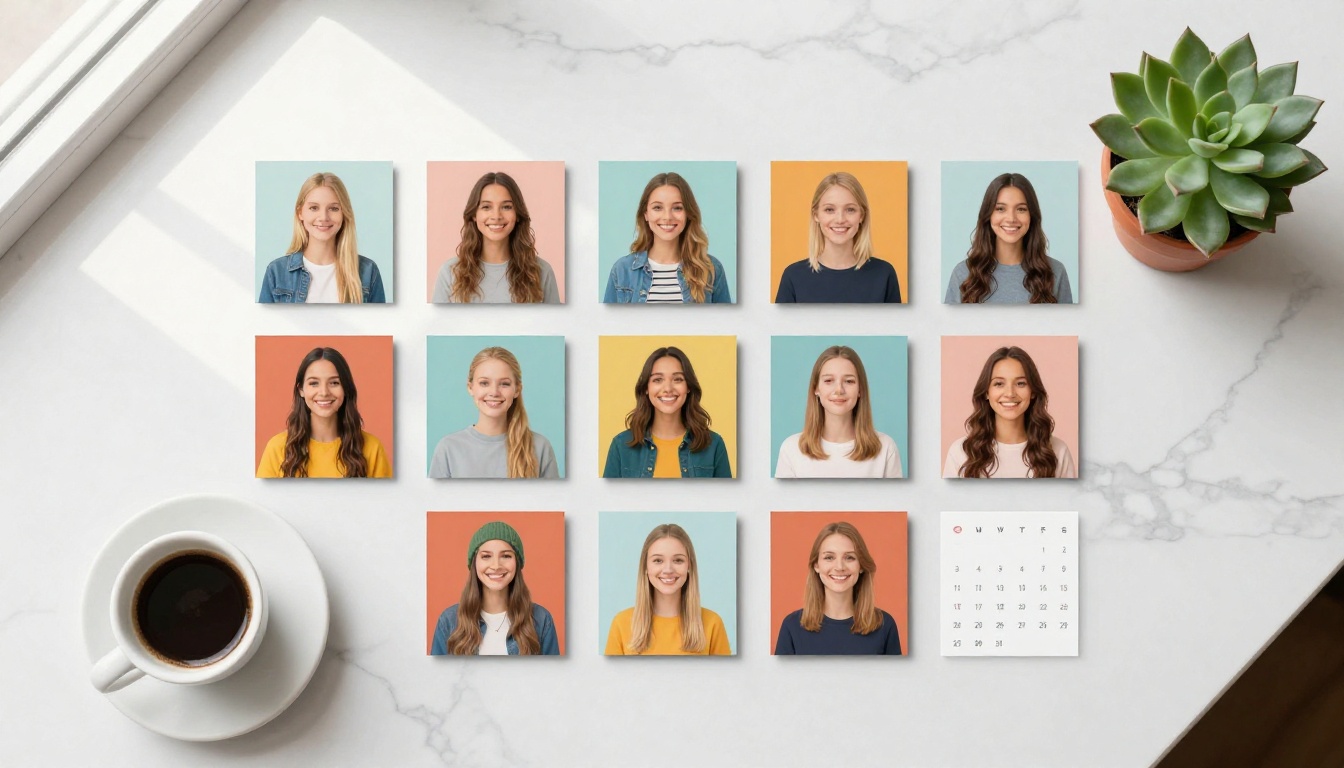
Recraft V4.1 Pro SVG outputs in vector SVG format, which is a different capability from raster image generation but equally important for social media brand work. For platform-consistent icon sets, brand pattern tiles, social media template frames, and decorative elements, SVG output scales infinitely. The same asset works on a story, a Twitter header, a Facebook banner, and a printed brochure without quality loss.
When to use each format:
- Raster (JPG/PNG): lifestyle photography, product shots, person-centered graphics, any scene with complex detail
- Vector (SVG): logos, icons, patterns, typographic frames, UI elements, brand shapes that repeat across formats
Combining both in a single workflow gives you a flexible asset library that covers every format each platform demands.
Start Creating Now
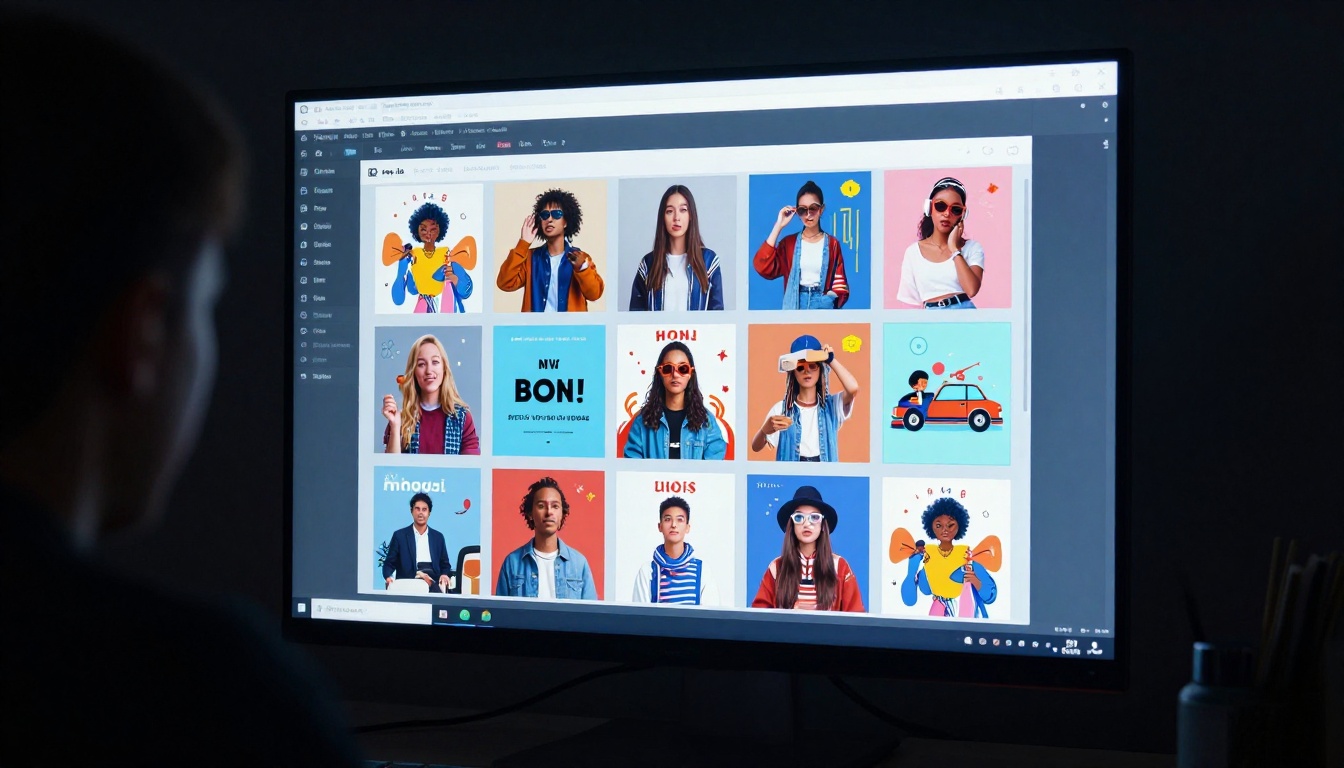
The fastest way to see what is possible is to run the same prompt through three or four different models and compare outputs side by side. GPT Image 2 is excellent at instruction-following and text rendering. Seedream 5 Pro wins on raw resolution and speed. Ideogram v4 Quality is the right call when text in the image is non-negotiable. Recraft V4.1 Pro SVG handles brand assets that need to scale.
All of them are available on PicassoIA. You can switch between models instantly, run the same prompt on multiple models in sequence, and combine generation with background removal and upscaling in one session. No design software required. No agency timeline.
Pair that with the background removal and upscaling tools already described and you have everything needed for a full social media production workflow in one place. The images in this article were generated in a single session. Pick a prompt, pick a platform, and start generating.


