GPT Image 2 NSFW Photorealistic Art Generation has moved from fringe interest to serious creative territory. OpenAI's latest image model produces outputs that, in the right conditions, are genuinely hard to distinguish from photography. For creators working in adult content, glamour art, or boudoir-style imagery, this raises an obvious question: does GPT Image 2 actually support NSFW photorealistic generation, or is it blocked like every major AI before it?
The answer is layered. What the model can do technically is impressive. What it lets you do by default is a different conversation entirely.
What GPT Image 2 Actually Is
GPT Image 2 is OpenAI's most capable image generation model as of 2025. Unlike its predecessors, it is not a wrapper around DALL-E. It is a native multimodal image generator built directly into the GPT-4o architecture, which means the same model that processes language also processes and generates pixels. The practical result is dramatically better instruction-following, more coherent image composition, and a level of photorealism that older generation-gap models cannot match.
The Architecture Behind the Realism
The central reason GPT Image 2 produces such photorealistic results is the tight coupling between its language understanding and image synthesis layers. When you write a detailed prompt describing a person's skin texture, the direction of light, and the depth of field, the model interprets those instructions with the same precision it would apply to a legal document or a piece of code. It does not approximate. It resolves.
That means prompts like "pores visible on cheekbones, golden hour side-lighting from the left, 85mm f/1.4 bokeh" produce results that actually match those specifications. Competing open-source models often interpret such prompts loosely, substituting similar but inexact details.
Native Generation vs. Wrapper Architecture
DALL-E 3, by comparison, was a separate model that GPT-4 queried. The result was a communication gap: GPT-4 would translate your prompt into a DALL-E-friendly version, losing nuance in the process. GPT Image 2 eliminates that gap. Your words go directly into the generation pipeline, which is why the outputs feel more intentional and compositionally tighter.

NSFW in GPT Image 2: The Reality
This is where things get complicated, and where most reviews either oversimplify or avoid the topic entirely.
What the API Actually Permits
OpenAI has built a tiered access system for GPT Image 2. At the API level, verified platform operators can unlock "non-default" behaviors, which includes the ability to generate explicit and semi-explicit content. This access is not available to individual users by default. It requires organizational verification, compliance with usage policies, and explicit enablement through API parameters.
In short: if you are building a platform and you are an approved API customer, GPT Image 2 can generate content significantly beyond what you see in ChatGPT. This is the version of the model that is technically capable of producing highly photorealistic adult imagery.
Where the Guardrails Kick In
For everyone else, including regular ChatGPT Plus users, the content filters are tight. Anything that reads as explicitly sexual is rejected. Suggestive content in a gray zone, such as glamour photography, boudoir-style prompts, or artistic nudity references, may generate or may not depending on how the model interprets the framing.
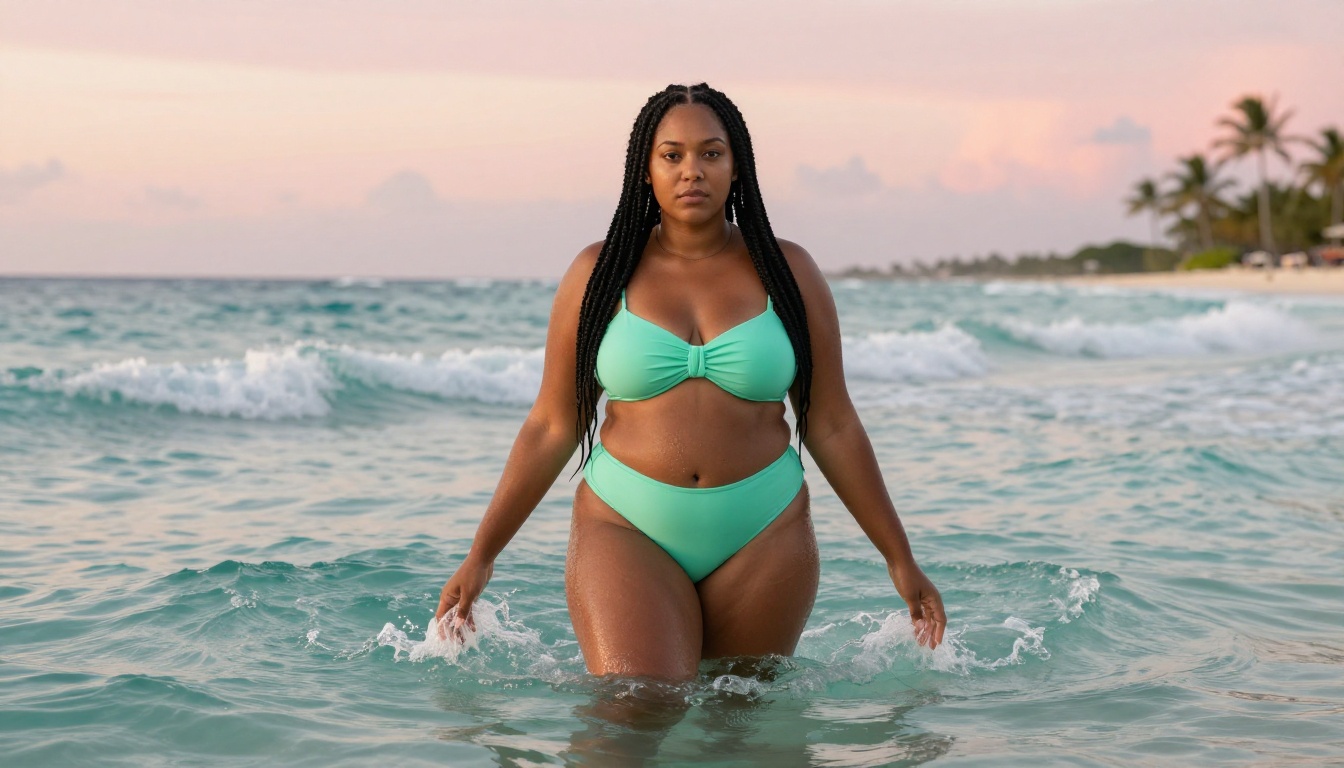
The inconsistency is genuinely frustrating for creators. A prompt about a woman in a swimsuit on a beach might generate perfectly. Add descriptors about wet fabric or the curve of her waist, and the same prompt might trigger a refusal on the next attempt.
ChatGPT vs. API: Two Different Experiences
💡 What most people miss: The GPT Image 2 you see in ChatGPT is heavily filtered. The GPT Image 2 accessible through the API with unlocked safety settings is a different product. The underlying model is the same. The permissions around it are not.
This distinction matters because most discussions about GPT Image 2 NSFW capabilities conflate the two. If you are testing in ChatGPT and hitting walls, you are not seeing the model's actual capabilities. You are seeing a filtered deployment.

Photorealism at Scale
Even with the filters in place, GPT Image 2 demonstrates capabilities that set a new bar for what AI image generation looks like.
Skin, Texture, and Lighting Fidelity
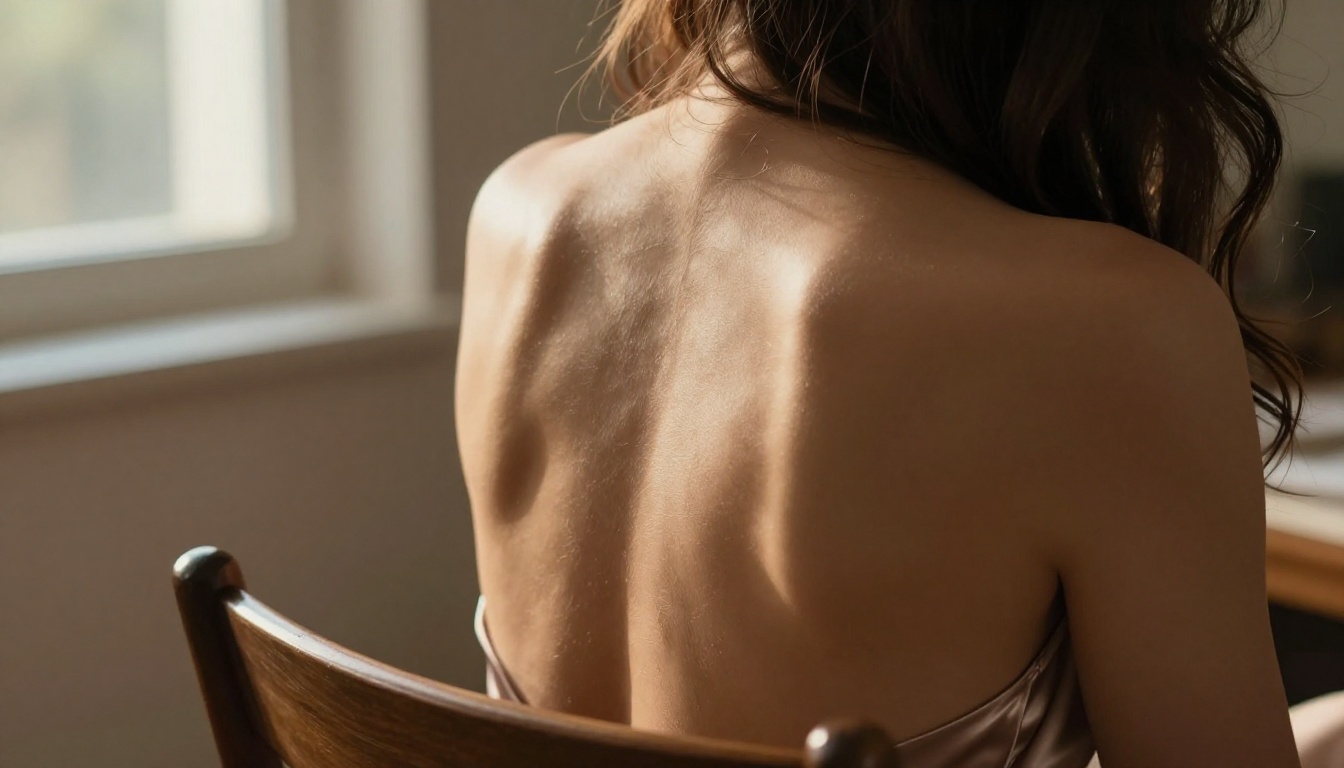
The model handles micro-detail better than any previous OpenAI image model. Generated skin shows pore texture, subsurface scattering, and subtle variation in tone across different body parts. Lighting reads coherently: a single light source casts shadows and creates highlight falloff that follows actual physics. Hair strands separate and catch light in ways that feel optical rather than computed.
For glamour and boudoir-style work within non-explicit parameters, these capabilities translate directly into images that look like professional photography rather than AI output.
Where GPT Image 2 Genuinely Excels
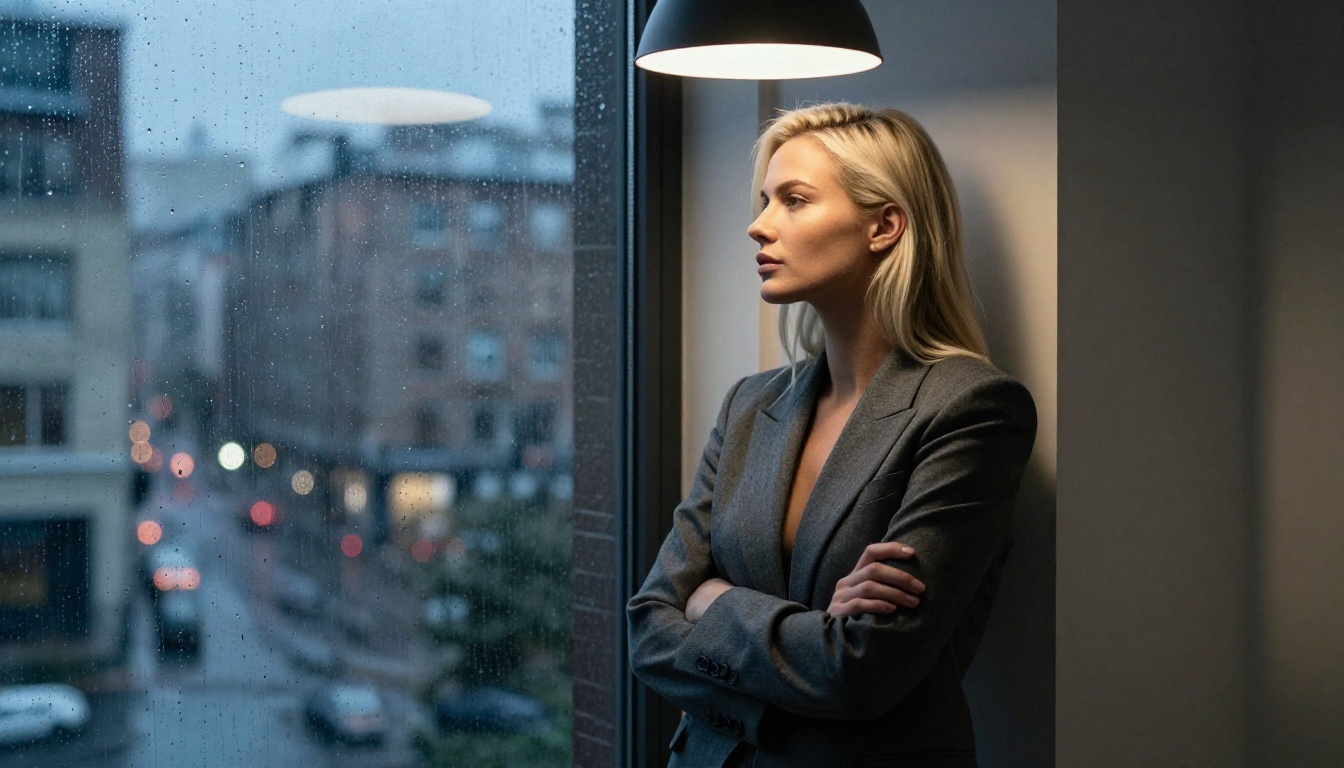
Portraits and close-ups are where GPT Image 2 is strongest. The model resolves faces with a level of anatomical accuracy that earlier models frequently failed at, including correct eye symmetry, natural tooth spacing, and ear detail. At 16:9 aspect ratios with high-detail portrait prompts, the output quality regularly exceeds what most open-source alternatives produce.
Environmental realism is also notable. Fabric textures, water reflections, architectural surfaces, and depth-of-field simulation all read as photographically plausible in a way that older AI image outputs rarely achieved.

Why Serious Creators Hit Walls
For creators whose work requires consistent access to adult-adjacent or explicitly NSFW photorealistic content, GPT Image 2 through standard consumer channels is not a viable primary tool. Here is why.
Content Filters That Kill Creative Flow
The filter is not just a binary block. It is probabilistic, which means the same prompt might generate successfully three times and then refuse on the fourth attempt. For creators doing iterative work, batching variations, or building a consistent visual library, this unpredictability breaks workflow.
There is no reliable way to prompt around the filters within ChatGPT. Reframing, using indirect language, or citing artistic intent does not consistently work. The model's safety system evaluates semantic meaning, not surface-level phrasing.
The Cost Problem No One Talks About
GPT Image 2 is billed per image through the API. At production scale, generating hundreds of images for a content library is expensive. The combination of per-image costs plus the uncertainty of filter rejections means you may pay for prompts that never produce output.
For anyone generating at volume, whether that is 50 images for a project or 500 for an ongoing creative practice, this is a real budget concern.

The Approval Barrier
Gaining API access with unlocked safety settings requires going through OpenAI's operator approval process. This is not instant, not guaranteed, and not something individual creators typically qualify for. The route from "I want to use GPT Image 2 for NSFW photorealistic work" to actually having stable access to do that is long and uncertain.
This is why platforms that already have access to uncensored, high-quality models matter for working creators.
Best NSFW Models on PicassoIA
PicassoIA offers several models that deliver the photorealistic quality of GPT Image 2's unlocked tier without the access barriers, per-image billing uncertainty, or unpredictable filter behavior. Based on PicassoIA's NSFW model reference, here are the top picks in order.
Seedream 4.5: The Top Pick
Seedream 4.5 from ByteDance is the primary recommendation for NSFW photorealistic work. It accepts adult content, supports image editing, and generates ultra-realistic results in under 3 seconds. The rendering quality on skin texture, lighting coherence, and anatomical accuracy is at a level that competes directly with what GPT Image 2 produces under unlocked conditions.
One important note: the newer Seedream 5 Lite does not support NSFW content. Stick with Seedream 4.5 for adult work.
PicassoIA Image Editor Pro: Unlimited Runs
PicassoIA Image Editor Pro operates as an image-to-image model, which means it takes a reference image and transforms it based on your prompt. Its standout value for working creators is the unlimited generation model: Elite and Infinite plan subscribers can generate as many images as they want at no additional cost per image.
To put that in concrete terms: generating 1,000 images through models like Nano Banana 2 would cost around $100. Through PicassoIA Image Editor Pro on an Elite or Infinite plan, the same 1,000 images cost nothing beyond the subscription. For anyone building a content library at scale, this economics difference is significant.
Results come back in under one second. It accepts NSFW content. There is a free 3-image trial with no credit card required.

More Models Worth Your Attention
Beyond the top two, PicassoIA offers several other strong NSFW photorealistic options:
| Model | Type | Speed | NSFW | Best For |
|---|
| Qwen Image 2 | Text-to-Image + Edit | Seconds | Yes | Detailed realism, open source |
| Grok Imagine Image | Image-to-Image | Fast | Yes | Bikini-style image transformation |
| Recraft V4 | Text-to-Image | Standard | Yes | High-realism portrait generation |
| P-Image | Text-to-Image | Under 1s | Yes | Fast NSFW text-to-image |
Qwen Image 2 is an open-source model that handles both creation and editing with very detailed realism. It is a strong choice when you need iterative refinement on a specific subject.
Grok Imagine Image is particularly effective for image transformation work, converting reference photos into bikini-style imagery with high photorealistic accuracy.
Recraft V4 works as a text-to-image model only (no editing), but delivers very realistic portrait and figure results.
P-Image is the speed option: NSFW text-to-image in under 1 second per generation.
How to Start Creating Today
The gap between GPT Image 2's reputation for photorealism and what most creators can actually access with it is wide. PicassoIA closes that gap. Here is the practical path.
Step 1: Pick Your Model
For text-to-image NSFW photorealistic work, start with Seedream 4.5. If you have reference images and want to transform or edit them, PicassoIA Image Editor Pro is the better path, especially if volume matters to you.
Step 2: Craft Your Prompt
Photorealism requires specific prompts. Vague descriptions produce vague results. The same principles that apply to GPT Image 2 apply here:
- Specify lighting direction: "volumetric morning light from the upper left"
- Describe lens and camera: "shot on Canon EOS R5 with 85mm f/1.4"
- Add texture detail: "natural skin pores visible, slight film grain, Kodak Portra 400 tones"
- Set the atmosphere: "humid Mediterranean afternoon haze, shallow depth of field"
The more precise your language, the more intentional the output.
Step 3: Iterate Without Limits
One of the genuine advantages of PicassoIA over GPT Image 2 in consumer form is the ability to iterate without hitting filter walls. If an output is 80% of what you want, you can refine it, regenerate, and adjust without unpredictable refusals interrupting your session.
💡 On PicassoIA Image Editor Pro: Use the unlimited generation tier to produce 10-20 variations on a single prompt, then select the best. This is how professionals get high-quality outputs consistently rather than relying on lucky single generations.
GPT Image 2 vs. PicassoIA Models at a Glance
| Factor | GPT Image 2 (ChatGPT) | GPT Image 2 (API Unlocked) | PicassoIA Seedream 4.5 | PicassoIA Editor Pro |
|---|
| NSFW Access | Blocked (consumer) | Available (approved operators) | Open | Open |
| Speed | 15-30s | 15-30s | Under 3s | Under 1s |
| Cost Model | Per-image | Per-image | Subscription | Unlimited (Elite/Infinite) |
| Filter Consistency | Unpredictable | Consistent (unlocked) | Consistent | Consistent |
| Photorealism Quality | Excellent | Excellent | Excellent | Very Good |
| Availability | Immediate | Requires approval | Immediate | Immediate |
This comparison points to one thing: for photorealistic output quality, GPT Image 2 and Seedream 4.5 are in the same tier. The difference is in access, cost, and filter behavior.
The Realism Gap Is Closing Fast
A year ago, open-source and accessible models sat noticeably below GPT-class models in terms of photorealistic output. That gap has largely closed. Models like Seedream 4.5, Recraft V4, and Qwen Image 2 on PicassoIA now produce results that, in controlled prompt conditions, are visually comparable to what GPT Image 2 produces.
For NSFW photorealistic work specifically, where GPT Image 2's consumer tier is effectively inaccessible, the practical comparison is between PicassoIA's models and GPT Image 2's approved API tier. And for most creators, PicassoIA's model lineup delivers equivalent quality with dramatically simpler access.
What Separates a Good Prompt from a Great One
The difference between mediocre AI-generated photorealistic imagery and genuinely impressive work is almost always in the prompt quality, not the model. Here are the elements that consistently produce better outputs across any photorealistic model.
Light as a character: Amateur prompts describe subjects. Professional prompts describe light first. How it enters the scene, what it hits, how it reflects, where shadows fall. This single shift in prompt strategy often produces a 2x improvement in perceived realism.
Camera as anchor: Specifying a real camera and lens (85mm f/1.4, Hasselblad, Canon EOS R5) gives the model a reference point for depth-of-field behavior, lens character, and color rendering. These are not just decorative words. They activate learned associations in the model.
Film stock as atmosphere: Kodak Portra 400, Fuji Velvia 50, Ilford HP5 are not just filters. Each carries associations with color temperature, contrast curves, shadow detail, and grain structure. Using them in prompts tells the model more about the intended aesthetic than most style descriptors.
Specificity over generality: "Beautiful woman" produces nothing useful. "Woman in her early thirties with high cheekbones, light olive skin, natural dark brows, wearing a loose cream linen blouse" gives the model something to work with.
Create Your Own Photorealistic Work
GPT Image 2 set a new benchmark for what AI image generation looks like. But for NSFW photorealistic work, the access model, cost structure, and filter unpredictability make it impractical for most creators working at any serious volume.
PicassoIA offers the same tier of photorealistic output through models like Seedream 4.5 and PicassoIA Image Editor Pro without the approval process, the per-image cost pressure, or the unpredictable filter behavior. The quality is there. The access is immediate.
If you have been hitting walls with GPT Image 2 for NSFW photorealistic art, the practical move is to test the models that actually work for this use case without bureaucratic barriers.
Browse the full lineup of NSFW-capable, photorealistic image models at picassoia.com/en/all-models and start generating without limits.


