GPT Image 2 launched with genuine excitement. OpenAI embedded native image generation directly into GPT-4o, producing outputs so photorealistic they prompted serious conversation about what AI-generated imagery would mean for photography, advertising, and content creation. But between the demo reels and the reality of daily use, a critical question surfaced: what does it actually produce when the filters come off? And more importantly, what happens when those filters make it impossible to do your job?
This article breaks down exactly what GPT Image 2 can produce, where its content walls appear, how to use it on PicassoIA, and which uncensored alternatives give you real creative freedom when the model falls short.
What GPT Image 2 Actually Is
How It Differs from DALL-E 3
GPT Image 2 is not a standalone image generator. It runs natively inside GPT-4o, which means image creation processes through the same model handling text, reasoning, and conversation. That architecture matters because GPT-4o understands nuanced requests in ways that isolated prompt-to-image tools cannot match.
Unlike DALL-E 3, which operated through a separate API and often rewrote user prompts before generation, GPT Image 2 takes your natural language directly. The model applies the same reasoning capabilities it uses for text to interpret visual instructions with more precision and context awareness.
| Feature | DALL-E 3 | GPT Image 2 |
|---|
| Integration | Separate API | Native in GPT-4o |
| Prompt handling | Rewritten by model | Direct interpretation |
| Text in images | Poor | Significantly improved |
| Context memory | None | Full session context |
| Multi-turn editing | No | Yes |
| Filter strictness | Strict | Strict |
| Speed | Moderate | 3-8 seconds |
The improvement in text rendering alone changed what GPT Image 2 could be used for commercially. DALL-E 3 produced garbled characters and invented words. GPT Image 2 handles short phrases, labels, signs, and product packaging with enough accuracy for real professional use.
The Multi-Turn Editing Advantage
One capability that sets GPT Image 2 apart from most alternatives is multi-turn editing. You generate an image, then describe changes in subsequent messages. Swap the background. Adjust the lighting. Move an element to the left side. Remove something from the frame. Each instruction builds on the previous result without regenerating from scratch.
This iterative workflow mirrors how photographers actually direct shoots. Instead of writing one perfect prompt and hoping for the right output, you refine in steps, making targeted adjustments until the image matches the vision. For content that stays within the model's content policy, this is a genuinely productive way to work.

Where GPT Image 2 Falls Short
The Content Filters You Will Hit
GPT Image 2 is heavily filtered, and the restrictions are broader than most users anticipate. OpenAI applies content moderation at the prompt analysis stage, the generation stage, and the output review stage. All three layers run for every request.
Requests that reliably return refusals:
- Any nudity, even implied or artistic in nature
- Swimwear, lingerie, or suggestive fashion photography
- Realistic depictions of violence or injury
- Some political figures and sensitive public contexts
- Images that could be associated with real people in private situations
- Certain medical and anatomical imagery
Important: The filters apply regardless of stated creative purpose. A fine art photography prompt and a commercial fashion prompt receive identical treatment if they enter the restricted categories.
What Gets Blocked and Why
OpenAI runs GPT Image 2 through a centralized safety layer with uniform rules for all users. There is no creator mode, no adult content toggle, and no verification system that unlocks additional capabilities for professional or platform use.
This creates genuine friction for fashion photographers prompting swimwear or lingerie, body positivity creators working with diverse representations, adult content platforms needing unrestricted generation, medical illustrators producing anatomical references, and fine art photographers working with the human form. The model cannot distinguish between legitimate creative intent and misuse, so uniform restrictions are the safest approach from OpenAI's perspective.

What GPT Image 2 Does Well
Photorealistic Portraits
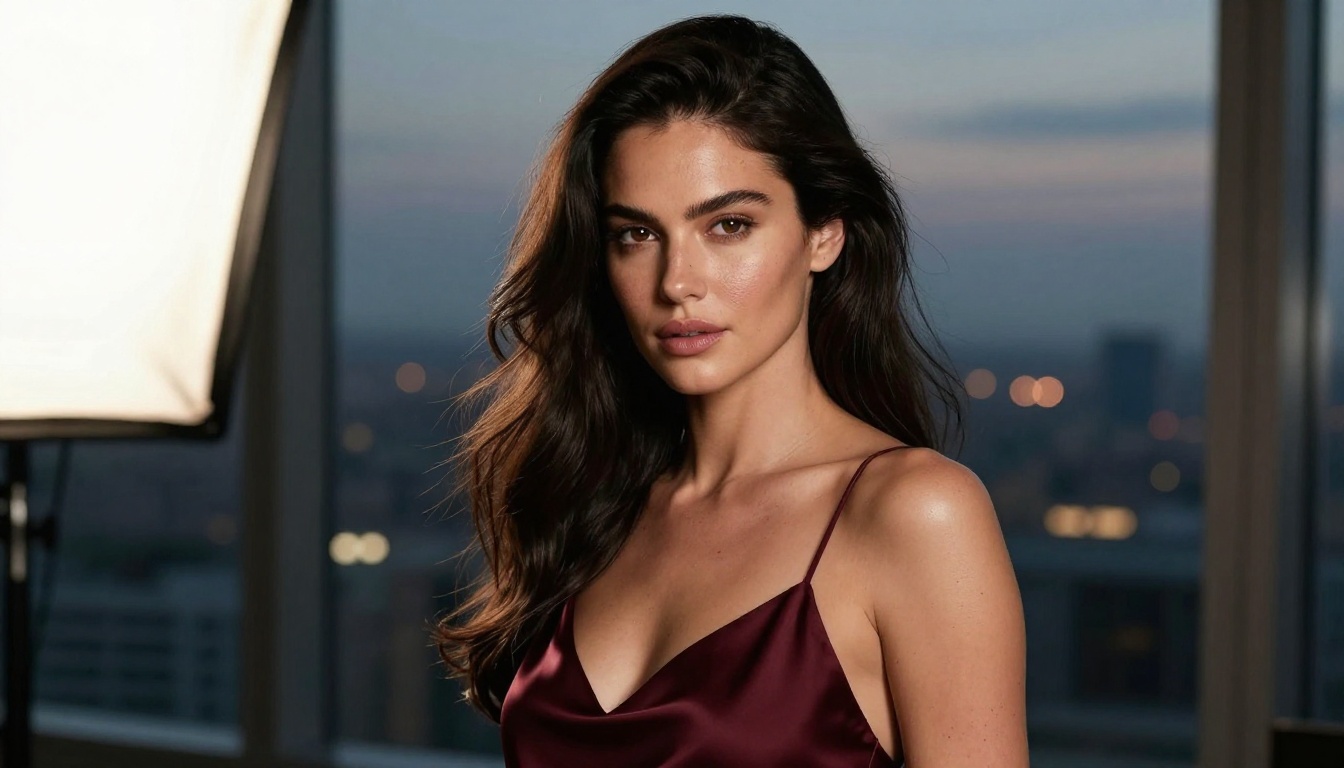
When content stays within the policy, GPT Image 2 produces portraits that rival professional photography. Skin texture, lighting falloff, hair strand detail, catchlights in eyes: the model renders these with a level of realism that DALL-E 3 could not approach.
The combination of the diffusion backbone and GPT-4o's contextual interpretation lets you specify exact light source direction, focal length of the theoretical camera, color temperature of the ambient environment, and the emotional expression of the subject. The model synthesizes these inputs into a cohesive output rather than averaging them into a generic middle ground.
Text Rendering in Images
GPT Image 2's text rendering represents a meaningful step forward for AI image generation. Previous models treated letters as visual patterns, which caused distortions and invented characters. GPT Image 2 generates text as structured language it understands, producing accurate renderings for short phrases in most scenarios.
Practical applications that benefit directly from this capability:
- Product labels and packaging mockups
- Business card and logo concept visualizations
- Social media graphics with short taglines
- Store signage and directional concepts
- Book and album cover mockups
Tip: Keep text to five words or fewer per element for the most reliable results. Short labels and headlines render accurately in most generations. Complex sentences and paragraph blocks still produce errors.
Complex Scene Composition
Multi-element scenes where objects must relate spatially are where GPT Image 2's reasoning advantage becomes most visible. A table set for dinner with specific items in specific positions, a street scene with architectural details and people interacting naturally, an interior design concept with furniture placed per a described layout: the model interprets spatial relationships with notable accuracy because GPT-4o's reasoning applies to visual tasks as directly as it does to text.

Using GPT Image 2 on PicassoIA
PicassoIA gives you direct access to GPT Image 2 without requiring an OpenAI API key or developer environment. The model runs through PicassoIA's interface, which lets you use it alongside dozens of other models, compare outputs side by side, and move between tools mid-project without switching platforms.
Step-by-Step on PicassoIA
- Open GPT Image 2 on PicassoIA
- Write your prompt in plain language, as you would describe the image to a person
- Select your preferred aspect ratio (16:9 for widescreen, 1:1 for social media)
- Click generate and wait 3-8 seconds for the output
- To refine the result, type your adjustments into the next prompt field
- Download the final image or send it to another PicassoIA tool for further editing
Best Prompt Patterns for GPT Image 2
The model responds well to descriptive, structured prompts that specify these elements clearly:
- Subject: who or what appears in the image
- Action or pose: what the subject is doing
- Environment: the setting and surrounding context
- Lighting: source direction, quality, and color temperature
- Atmosphere: the emotional tone and mood
- Technical style: camera angle, lens type, color grade
Example: "A woman in her early 30s with short dark hair sits at a marble cafe table in Paris, reading a folded newspaper, warm overcast morning light diffuses evenly across her face, low-angle shot with a 35mm f/2 lens, muted tones, subtle film grain."
Specificity drives better outputs. Vague prompts return generic results. Precise, layered descriptions return controlled outputs that can be refined through additional turns.

Best Uncensored Alternatives on PicassoIA
For creators who hit GPT Image 2's content limits, PicassoIA offers models that accept adult, suggestive, and unrestricted content. The following models are ranked by performance, flexibility, and overall value for creative workflows that mainstream AI blocks.
Seedream 4.5 Leads the Pack
Seedream 4.5 is the strongest recommendation for uncensored, photorealistic generation. It accepts adult content, generates results in under 3 seconds, and supports image editing for iterative refinement. The combination of speed, quality, and content flexibility makes it the default choice for creators who need what GPT Image 2 refuses.
Critical: The successor model, Seedream 5 Lite, does NOT support NSFW content. For unrestricted generation, always use Seedream 4.5 specifically.
PicassoIA Image Editor Pro
PicassoIA Image Editor Pro is built for high-volume creators. Elite and Infinite subscribers get unlimited generations with no per-image cost. Need 1,000 images in a single session? They are included at no additional charge. On per-generation models like Nano Banana 2, that same volume would cost roughly $100. Image Editor Pro delivers results in under one second, accepts NSFW content, and offers a 3-generation free trial with no credit card required.

Full Model Comparison
| Model | Speed | NSFW | Type | Best For |
|---|
| Seedream 4.5 ⭐ | Under 3s | Yes | Text + Edit | Realistic NSFW, speed |
| Image Editor Pro | Under 1s | Yes | Image-to-Image | Unlimited volume creators |
| Qwen Image 2 | Fast | Yes | Text + Edit | Open-source flexibility |
| Grok Imagine Image | Fast | Yes | Image-to-Image | Outfit and bikini edits |
| Recraft V4 | Fast | Yes | Text-to-Image | High realism, text-to-image |
| P-Image | Under 1s | Yes | Text-to-Image | Speed-first workflows |
| prunaai-wan-2.2-image | Fast | Yes | Text-to-Image | Realistic images, no filters |
| GPT Image 2 | 3-8s | No | Text + Edit | Safe content, text in images |
| DALL-E 3 | Moderate | No | Text-to-Image | Artistic and stylized content |
PicassoIA also offers NSFW-capable video generation for projects that require motion content:
- PicassoIA Video: Unlimited video generation from text prompts, up to 720p and 5 seconds per clip
- P-Video: Text, image, or audio to video at up to 1080p, with safety filter off by default and draft mode for instant previews
- Grok Imagine Video: Clips up to 15 seconds, no watermarks, image-to-video auto-matches source proportions
- LTX 2.3 Pro: Up to 4K at 50fps with retake and extend editing for precise, client-ready work
What "Uncensored" Really Means in AI
Filters vs. Creative Freedom
"Uncensored" in AI image generation refers to models that operate without the content safety filters that block entire categories of output. It does not mean models that will generate anything without limits. Even open models have practical limits based on their training data, and responsible platforms apply baseline standards that exclude illegal content.
The practical difference is that an uncensored model on PicassoIA will generate what GPT Image 2 refuses:
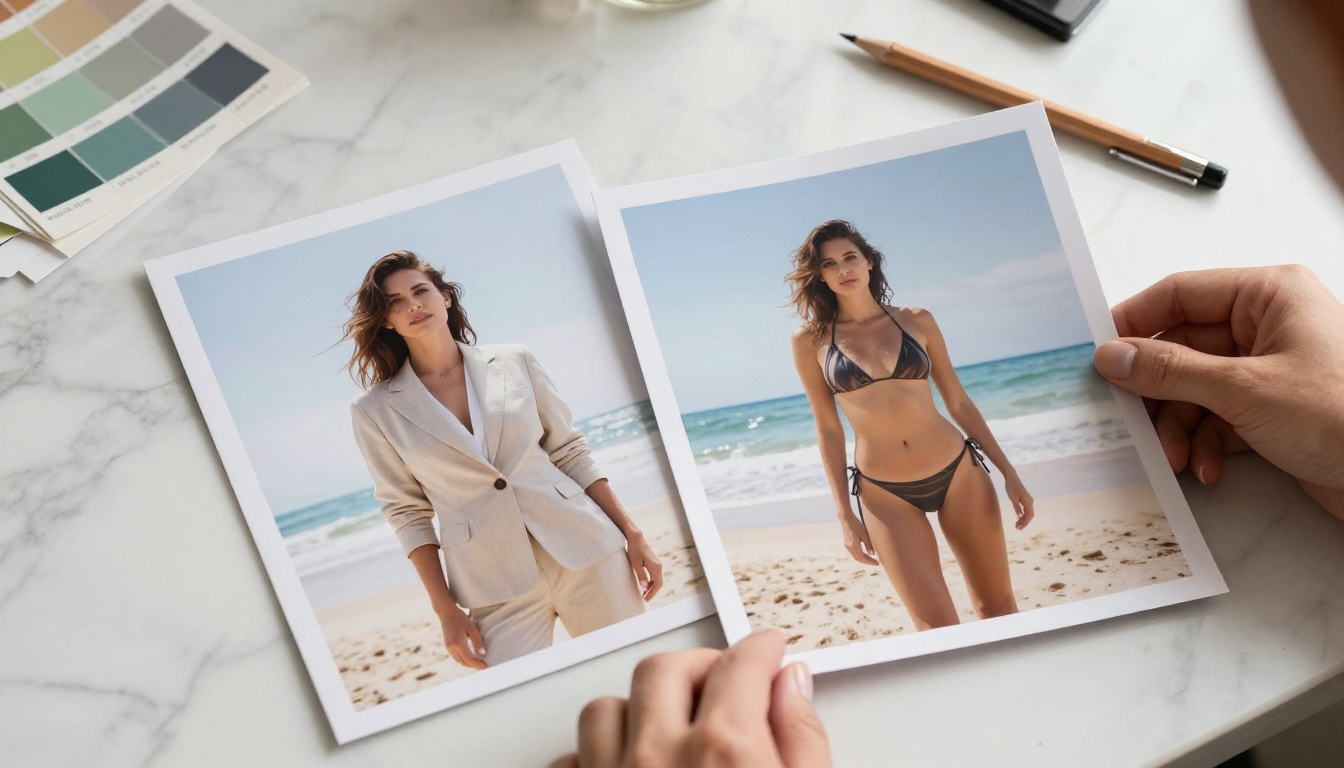
- Swimwear and bikini imagery without triggering safety refusals
- Suggestive fashion, lingerie, and implied nudity in an artistic context
- Mature creative content that mainstream platforms block by default
- Realistic human form imagery for artistic and commercial purposes
What no model on PicassoIA will generate: content involving minors, illegal acts, or material that violates the platform's terms of service. The boundaries are clear and maintained regardless of the model's overall permissiveness.
Where PicassoIA Draws the Line
PicassoIA gives creators access to models that accept adult themes and mature content. The platform targets digital artists, photographers, content creators, and adult platforms that need imagery mainstream AI tools refuse to produce.
The models available through PicassoIA accept content that GPT Image 2 blocks: swimwear and lingerie, suggestive poses, implied nudity, mature artistic themes. The platform maintains firm limits around illegal content and all models operate within those constraints.
The distinction between "uncensored" and "anything goes" matters when deciding which tools belong in your workflow. PicassoIA removes OpenAI's restrictive content policies while maintaining its own standards for responsible use.
Speed, Volume, and True Cost
When you generate dozens or hundreds of images for a project, generation speed and per-image pricing become serious operational factors. A 10-second wait per image across 500 outputs adds over an hour of idle time. Standard per-generation pricing across most AI tools runs between $0.04 and $0.10 per image. At 1,000 images, that is $40 to $100 per production run.
The fastest models on PicassoIA clock under one second: P-Image and PicassoIA Image Editor Pro consistently deliver sub-second outputs. Seedream 4.5 averages under 3 seconds. GPT Image 2 runs between 3 and 8 seconds depending on prompt complexity and server load.
PicassoIA Image Editor Pro eliminates per-image cost entirely for Elite and Infinite subscribers. One thousand images costs the same as one image: nothing beyond the subscription. For content studios, social media teams, and adult platforms running continuous generation pipelines, this economics shift is significant.
When GPT Image 2 Makes Sense
Use GPT Image 2 when your project needs:
- Accurate text rendering inside images for product or brand mockups
- Multi-turn editing sessions where iterative refinement saves time
- Strong spatial reasoning across complex, multi-element scenes
- Content that stays comfortably within standard safety guidelines
- The reasoning depth of GPT-4o applied directly to visual output
It excels at marketing assets, packaging mockups, editorial illustration concepts, architectural visualization, and social media graphics where creative direction falls within standard content guidelines and accurate text matters.
When You Need Something Else
Switch to one of PicassoIA's uncensored models when:
- Your content involves swimwear, lingerie, or mature artistic themes
- Volume requirements make per-generation pricing unsustainable
- Generation speed is the critical bottleneck in your workflow
- You are building a pipeline for an adult content platform
- GPT Image 2 returns a refusal or an overly sanitized result
The choice is not about which model is universally better. It is about matching the right tool to the content you are producing and the constraints of your workflow.
Combining models within a single project is straightforward on PicassoIA. Generate a safe base composition with GPT Image 2 for its strong scene-building and contextual interpretation, then pass the output to Seedream 4.5 for edits the first model would refuse. Run fast volume generation with P-Image and use Ideogram v4 Quality for premium hero images. The platform puts all of these tools in one place so you are not managing multiple accounts and separate API keys.
Try It Yourself
GPT Image 2 is worth using for the content it handles well. Its text rendering, scene composition, and multi-turn editing make it a capable tool for standard creative projects. The content limits are real and broad, but within those limits, the quality is genuinely impressive.
For everything else, PicassoIA has the tools. Seedream 4.5 handles uncensored photorealistic content at speed, delivering results in under 3 seconds with image editing built in. PicassoIA Image Editor Pro removes per-image cost entirely for high-volume creators. And over 90 image generation models across every style and content category sit in a single interface, ready to use without any API setup.
Start with a free generation, compare outputs across models, and find the combination that fits what you are making. The full catalog of image generation models, video tools, and uncensored options is waiting at picassoia.com/en/all-models.


