The world of AI art generation has opened incredible doors for creators, but many platforms impose strict content restrictions that limit artistic expression. GPT Images 1.5 stands out as a powerful alternative, offering robust capabilities for generating NSFW art without the censorship barriers that plague other tools.
This model brings professional-grade image generation to creators who need freedom in their artistic vision. From fantasy illustrations to provocative character designs, GPT Images 1.5 handles complex prompts with impressive accuracy while maintaining high visual quality.
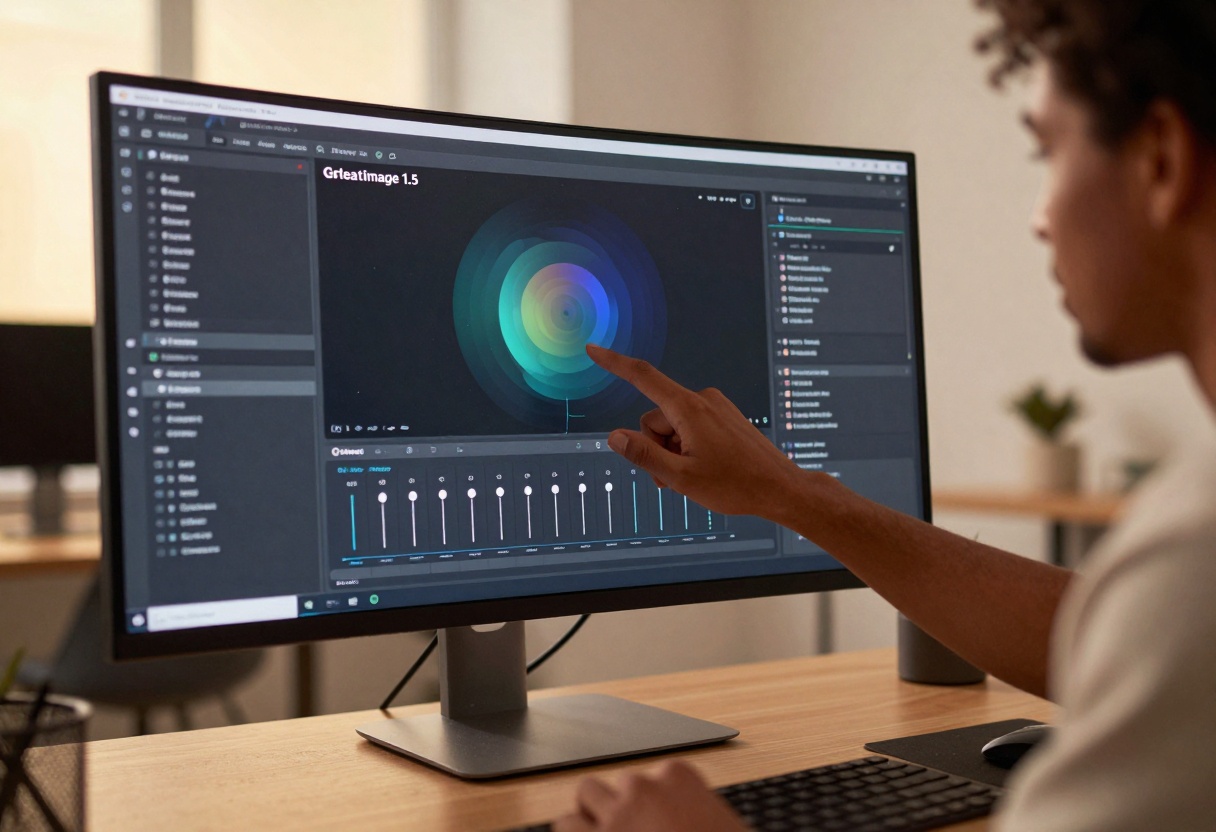
What Makes GPT Images 1.5 Ideal for NSFW Content
The model was designed with flexibility in mind. Unlike platforms that automatically flag or reject adult content, GPT Images 1.5 allows creators to work freely within their chosen artistic style. This makes it particularly valuable for:
- Character designers working on mature-rated projects
- Digital artists exploring provocative themes
- Content creators who need uncensored creative tools
- Fantasy illustrators developing adult-oriented concepts
The technology behind GPT Images 1.5 focuses on understanding complex prompts and delivering results that match your creative intent. You're not fighting against arbitrary restrictions or worrying about sudden content rejections.
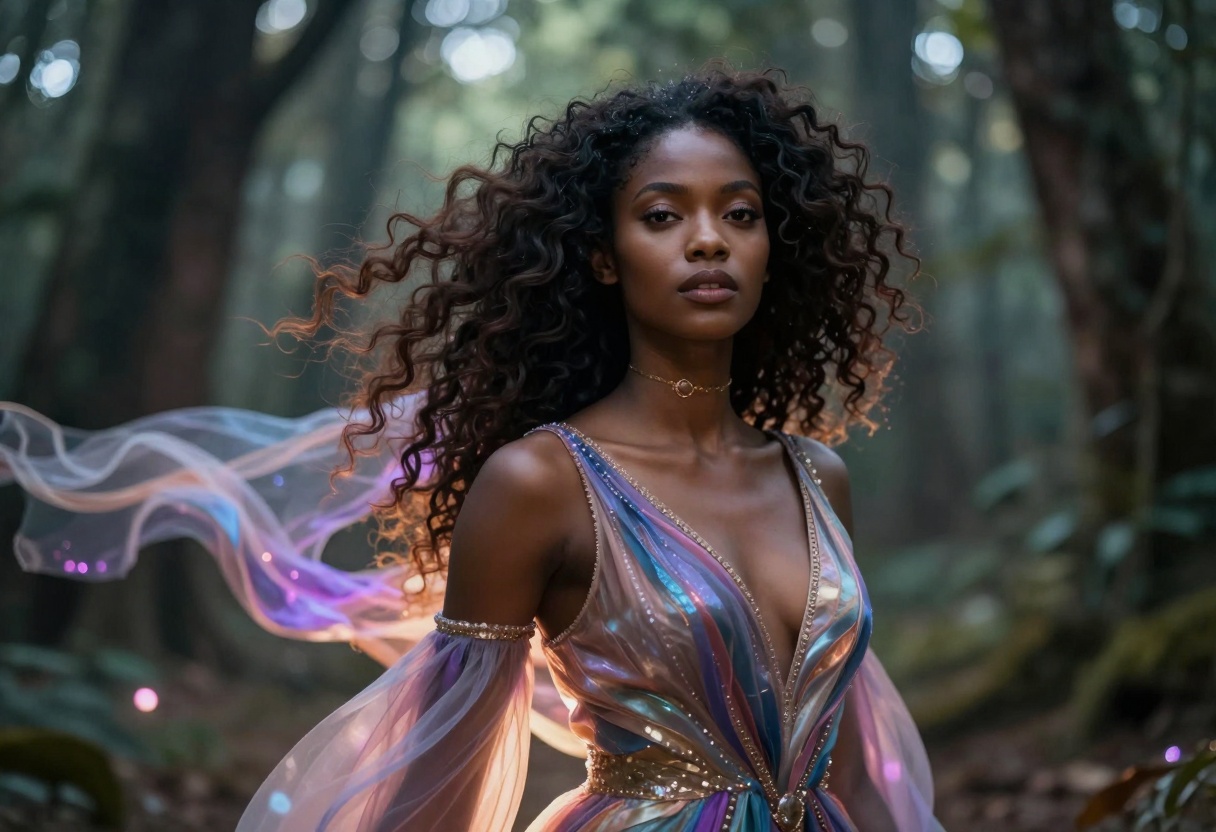
Key Features That Matter for Adult Content
When creating NSFW art, certain technical capabilities become essential. GPT Images 1.5 delivers on multiple fronts:
Quality Control: The model supports multiple quality settings from low to high, letting you balance speed against detail. For final artwork, high quality produces sharp, professional results. For quick iterations, low quality keeps your workflow moving.
Aspect Ratio Flexibility: Choose between 1:1 for social media posts, 3:2 for landscape compositions, or 2:3 for portrait-oriented character art. This versatility means you can match your output to your specific needs without manual cropping.
Background Options: Select transparent backgrounds when you need to composite characters into scenes, or keep opaque backgrounds for standalone artwork. This control proves invaluable when building complex compositions.
Format Selection: Export as PNG for maximum quality and transparency support, JPEG for smaller file sizes, or WebP for modern web optimization. Each format serves different purposes in your creative pipeline.
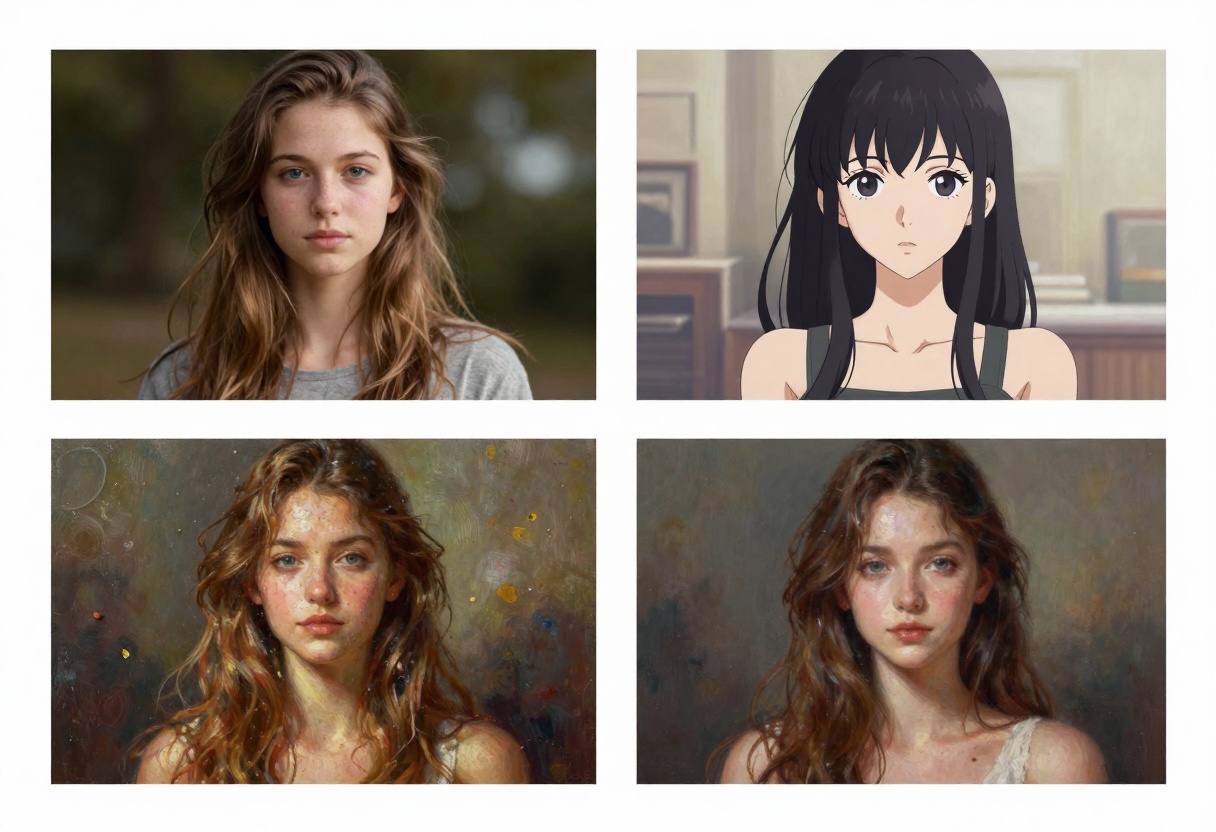
Crafting Effective Prompts for Adult Art
The quality of your results depends heavily on how you structure your prompts. GPT Images 1.5 responds well to detailed, specific descriptions rather than vague requests.
Be Descriptive About Style: Instead of just saying "fantasy character," specify the artistic approach. Phrases like "oil painting style," "anime aesthetic," or "photorealistic rendering" guide the model toward your desired look.
Include Atmospheric Details: Lighting dramatically affects mood. Mentioning "dramatic sunset lighting," "soft studio lighting," or "moody blue tones" helps establish the right atmosphere for your scene.
Specify Composition: Tell the model how you want the subject framed. Terms like "close-up portrait," "full body shot," or "three-quarter view" ensure proper composition.
Layer Multiple Elements: Don't limit yourself to basic descriptions. Combine character details, environmental elements, lighting conditions, and style preferences in a single prompt for richer results.
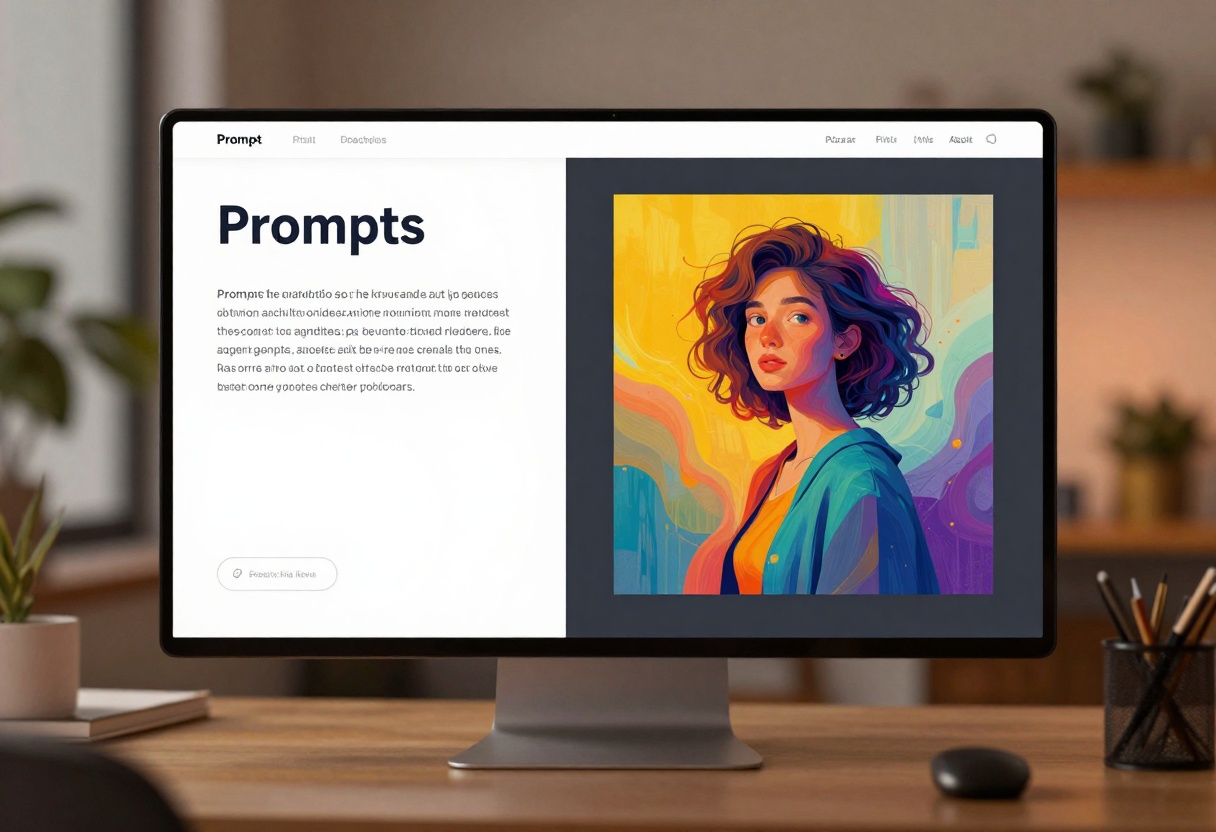
The model interprets complex prompts effectively, so you can pack substantial information into your text descriptions. This becomes particularly important when working with mature themes where specific details matter.
Working With Different Aspect Ratios
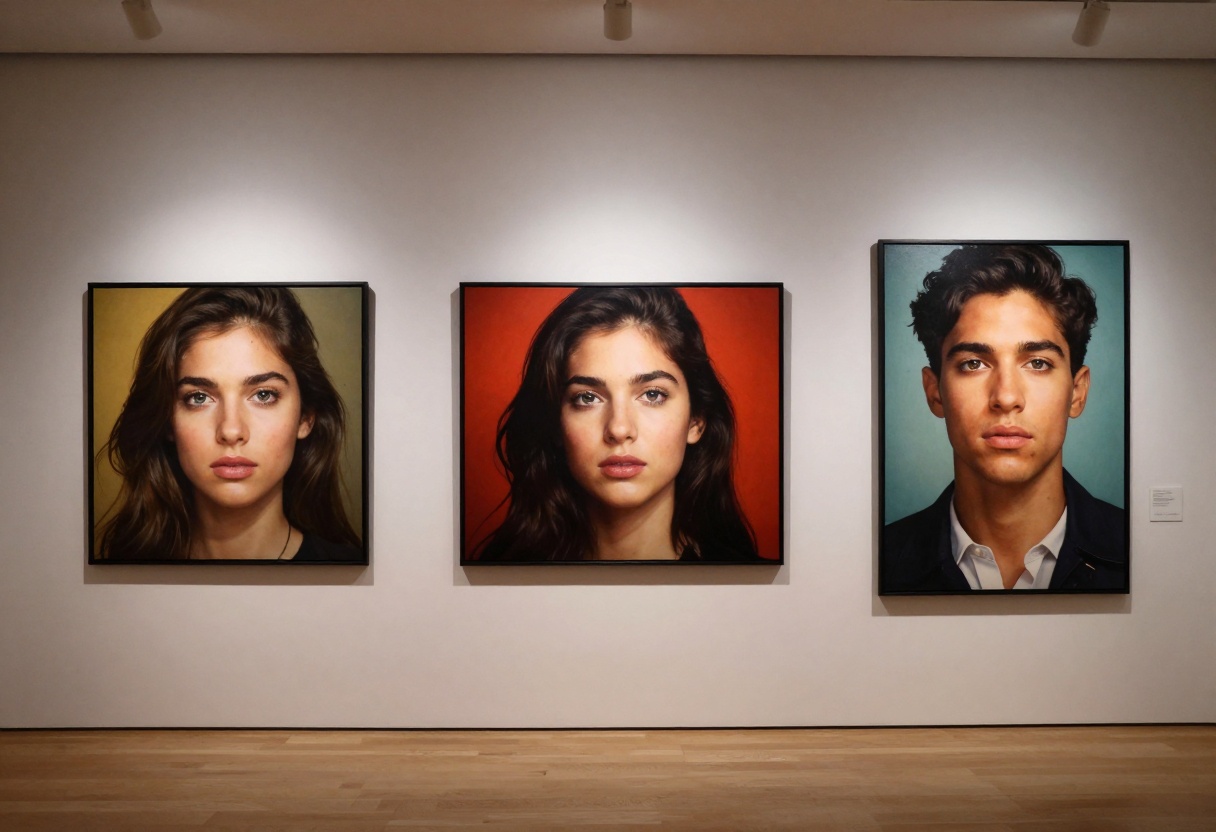
Format selection impacts how your artwork displays and how viewers perceive it. GPT Images 1.5 offers three primary aspect ratios, each suited to different applications.
Square Format (1:1): Perfect for Instagram posts, profile pictures, and avatars. This format works well for centered, character-focused compositions where the subject dominates the frame.
Horizontal Format (3:2): Ideal for landscape scenes, environmental art, and wider compositions. This ratio gives you room to build complex scenes with multiple elements.
Vertical Format (2:3): Best for character portraits, standing poses, and mobile-friendly content. The tall format emphasizes vertical elements and works well for character-focused artwork.
Quality Settings Explained
Understanding quality settings helps you make smart decisions about generation time versus output detail. GPT Images 1.5 offers four quality levels:
Low Quality: Generates images quickly but with less fine detail. Use this for rapid brainstorming, testing prompts, or creating reference material where speed matters more than perfection.
Medium Quality: Balances detail and speed reasonably well. Good for most everyday work where you need decent results without waiting too long.
High Quality: Produces the sharpest, most detailed images. Choose this for final artwork, portfolio pieces, or any content that demands professional presentation.
Auto Quality: Lets the model decide based on your prompt complexity. This intelligent option adjusts quality dynamically, saving time on simpler requests while applying more processing to complex scenes.
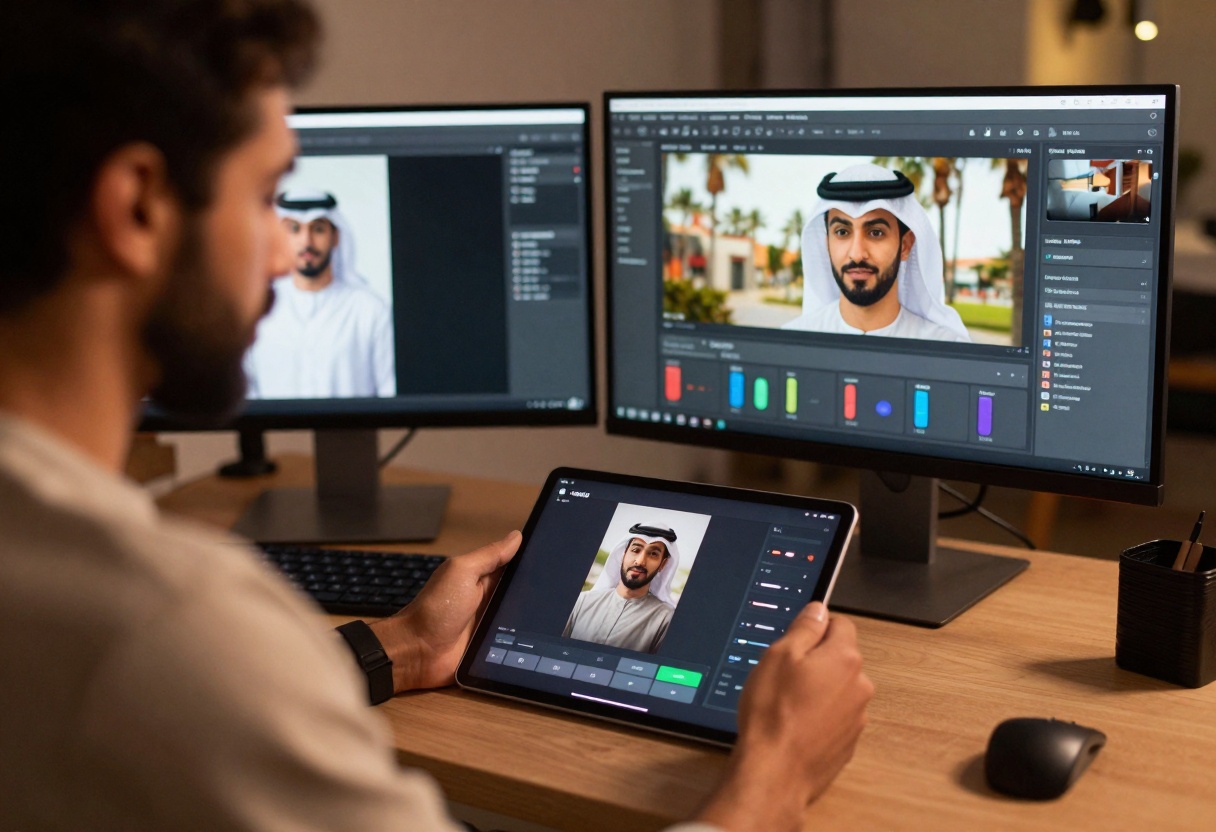
One of GPT Images 1.5's most powerful features is input image support. You can provide reference images to guide the artistic style of your generation. This proves invaluable when you want consistent aesthetics across multiple pieces.
Upload an image that captures the style you want, then describe your subject in the prompt. The model analyzes the reference image and applies similar artistic characteristics to your new creation. This technique works well for maintaining brand consistency or developing a signature look.
The input fidelity setting controls how closely the model follows your reference. Low fidelity gives you more creative freedom while loosely following the reference style. High fidelity sticks closer to the reference, which works better when you need precise style matching.
Background Control for Composition Flexibility
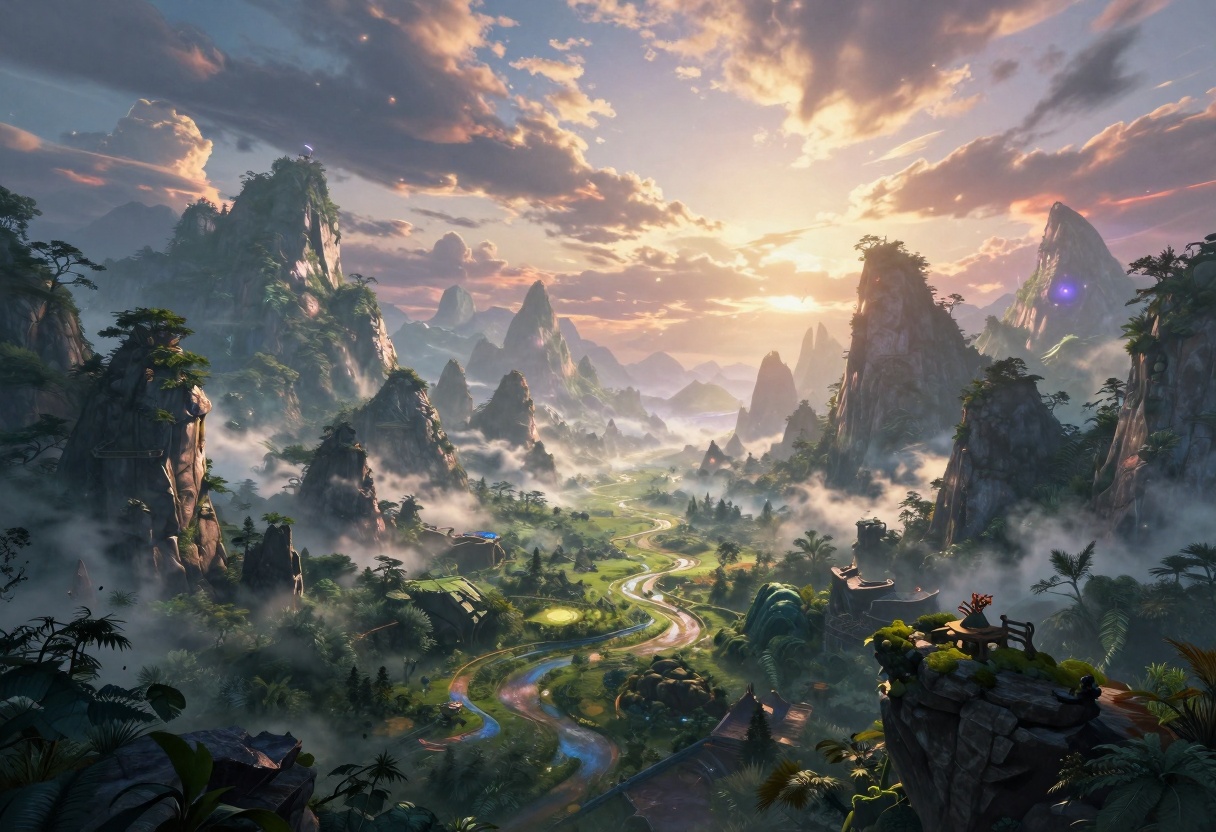
Background settings matter more than many creators realize. GPT Images 1.5 gives you three options:
Auto Background: The model decides whether to include a background based on your prompt. This works well for most general requests where you're not sure what works best.
Transparent Background: Creates PNG files with no background, leaving only your subject. Essential for compositing characters into other scenes or building layered artwork.
Opaque Background: Forces a solid background, ensuring your subject exists within a complete environment. Use this for standalone artwork that doesn't need transparency.
These options become particularly useful when creating character art that you might want to reuse in different contexts. Generate once with a transparent background, then composite into multiple scenes without regenerating.
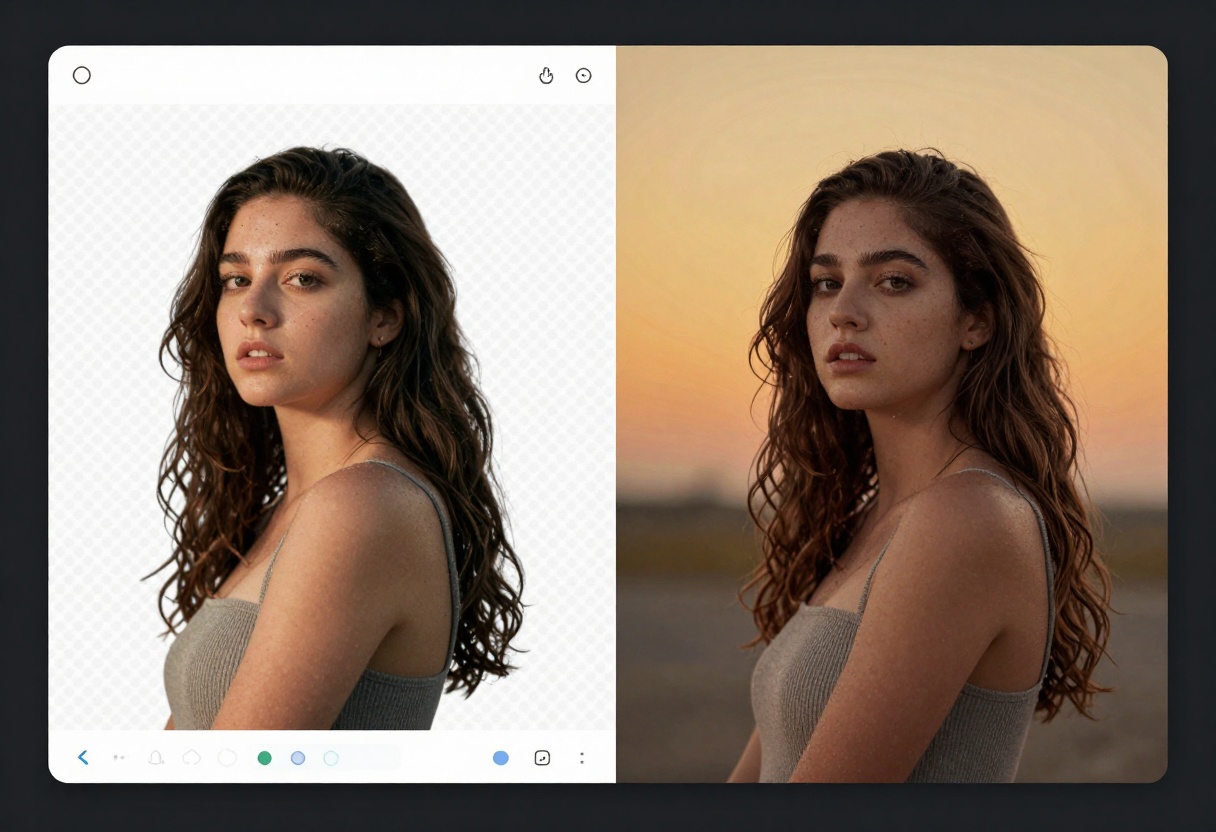
Your choice of output format affects file size, quality, and compatibility with different tools. GPT Images 1.5 supports three formats:
PNG: Lossless compression maintains perfect quality. PNG supports transparency, making it ideal when you need transparent backgrounds. File sizes tend to be larger, but quality remains pristine.
JPEG: Lossy compression creates smaller files. While you lose some quality compared to PNG, the difference is often negligible for web use. JPEG doesn't support transparency, so backgrounds will always be opaque.
WebP: A modern format offering excellent compression with good quality. Smaller files than PNG, better quality than JPEG at similar sizes. Not all software supports WebP yet, but it's excellent for web publishing.
For most NSFW art intended for online sharing, WebP provides the best balance. For archival purposes or further editing, PNG preserves maximum quality.
PicassoIA provides an intuitive interface for accessing GPT Images 1.5 without complex setup. The platform handles all technical details, letting you focus on creativity rather than configuration.
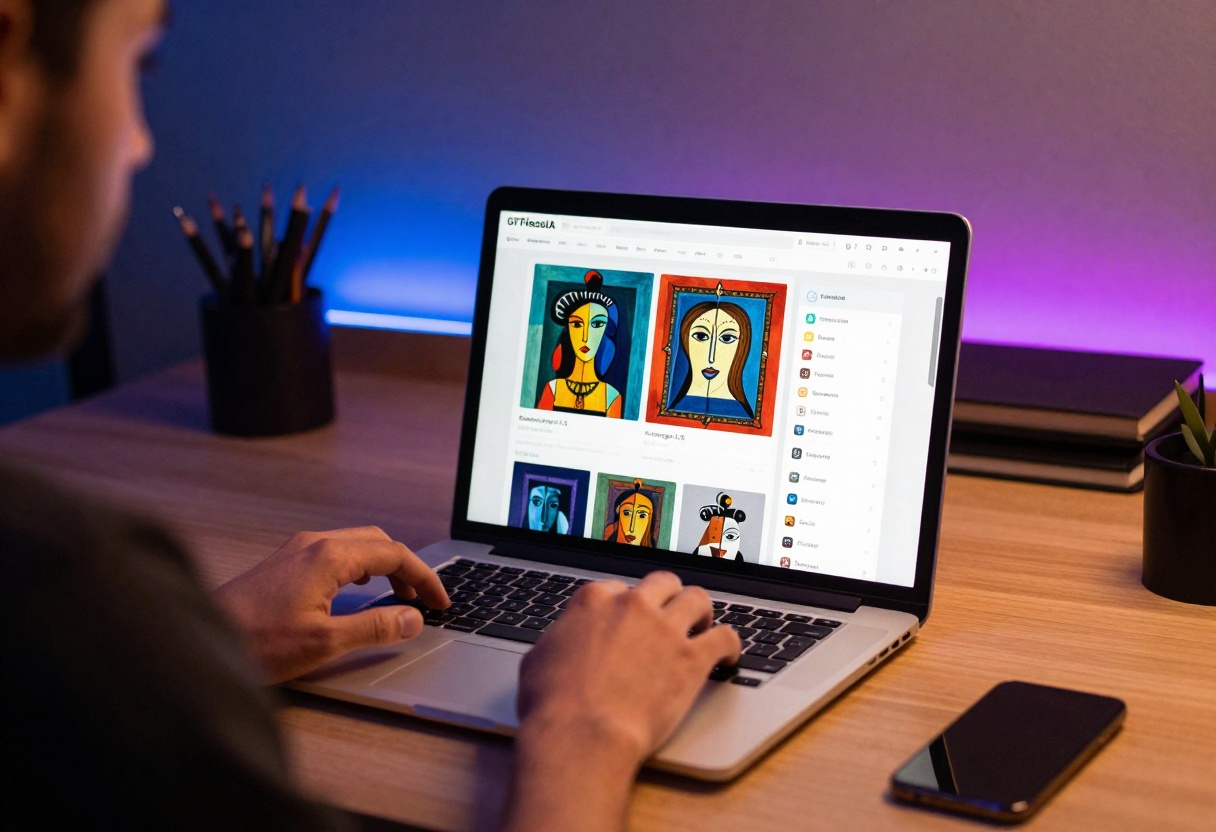
The streamlined workflow means you can start generating immediately after signing up. No API keys to manage, no code to write, no complicated installation processes. Just open your browser and start creating.
PicassoIA also offers additional models that complement GPT Images 1.5 for NSFW content creation:
p-image-edit: Fast image editing in under a second. Perfect for making quick adjustments to generated artwork or transforming existing images with new prompts.
wan-2.2-image: Creates cinematic, highly realistic images quickly. Excellent for generating photorealistic character portraits or dramatic scene compositions.
These models work together as a comprehensive toolkit for NSFW content creation, each serving different needs in your creative workflow.
Common Challenges and Solutions
Even with a powerful model like GPT Images 1.5, you'll occasionally face challenges. Here's how to handle them:
Prompt Too Vague: If results don't match expectations, add more descriptive details. Specify style, lighting, composition, and mood explicitly rather than assuming the model will infer your intentions.
Inconsistent Results: When generating multiple images in a series, use reference images to maintain style consistency. Provide the same reference across generations to keep aesthetic coherence.
Quality Issues: If images look blurry or lack detail, switch to high quality mode. Also ensure your prompt includes phrases like "high detail," "sharp focus," or "professional quality" to encourage finer rendering.
Background Problems: If backgrounds distract from your subject, try the transparent background option. You can always add a custom background later using image editing software.
Tutorial: Creating NSFW Art with GPT Images 1.5 on PicassoIA
Let's walk through the complete process of generating NSFW art using GPT Images 1.5 on the PicassoIA platform.
Step 1: Access the Model
Navigate to the GPT Image 1.5 page on PicassoIA. You'll find the interface ready for immediate use.
Step 2: Write Your Prompt
Start with the required prompt field. This is where you describe what you want to create. Be specific and detailed:
"Fantasy character portrait with dramatic pose, mystical forest background, ethereal lighting with magical elements, anime art style, vibrant colors, high detail, professional digital art quality"
Step 3: Configure Basic Settings
Adjust the optional parameters based on your needs:
Aspect Ratio: Select your preferred format. For character portraits, 2:3 works well. For wider scenes, choose 3:2. For social media, stick with 1:1.
Quality: Choose "high" for final artwork. Use "low" for quick tests when experimenting with prompt variations.
Background: Select "auto" for most cases. Choose "transparent" if you plan to composite the result into another scene.
Step 4: Set Output Options
Configure the technical output settings:
Output Format: WebP offers the best compression for web use. PNG provides maximum quality for archival or further editing.
Output Compression: Set between 80-90 for a good balance of quality and file size. Lower values create smaller files but reduce quality.
Step 5: Optional Advanced Settings
GPT Images 1.5 includes several advanced options:
Input Images: Upload reference images if you want to guide the artistic style. The model will analyze these and apply similar aesthetics to your generation.
Input Fidelity: Set to "low" for loose style interpretation, or "high" for closer matching to your reference images.
Number of Images: Generate multiple variations in one go (1-10 images). Useful when you want options to choose from.
Moderation: Set to "low" for more permissive content generation when working with mature themes.
Step 6: Generate and Download
Click the generate button and wait for processing. Generation time varies based on quality settings and image complexity. Once complete, download your result.
The downloaded image includes all your configured settings baked in, ready for immediate use in your projects.
Best Practices for NSFW Content
Creating mature content responsibly requires some consideration:
Know Your Platform: Different platforms have different content policies. What's acceptable on one site might violate rules on another. Generate for your specific platform's guidelines.
Focus on Artistry: Technical skill and artistic merit elevate content beyond simple provocation. Pay attention to composition, lighting, and style just as you would with any professional artwork.
Iterate and Refine: Your first generation rarely nails exactly what you envision. Generate multiple variations, refine your prompts, and iterate toward your ideal result.
Respect Copyright: While AI-generated content doesn't infringe existing copyrights, be mindful about including recognizable characters or trademarked elements in your prompts.
Why Open-Source Models Matter
The ability to work with models like GPT Images 1.5 without content restrictions matters for artistic freedom. Mainstream platforms often apply blanket censorship that blocks legitimate artistic expression along with genuinely problematic content.
Creative Freedom: Artists need the freedom to explore mature themes without arbitrary limitations. GPT Images 1.5 respects that creative liberty.
Professional Use: Many legitimate professional projects require mature content generation. Game developers, comic artists, and digital illustrators need tools that understand nuance.
No Sudden Policy Changes: Proprietary platforms can change their content policies overnight, leaving creators scrambling. Open models provide stability and predictability.
PicassoIA's commitment to hosting models like GPT Images 1.5 reflects an understanding that creative professionals need reliable, unrestricted tools for their work.
Getting Started Today
GPT Images 1.5 through PicassoIA offers an accessible entry point into NSFW art generation. The combination of powerful AI capabilities and user-friendly interface removes technical barriers that might otherwise prevent creators from exploring this technology.
Whether you're producing character designs for adult-oriented games, creating illustrations for mature publications, or simply exploring creative possibilities, this model delivers professional results without unnecessary restrictions.
The future of AI art generation lies in tools that respect creative freedom while providing the technical sophistication needed for professional work. GPT Images 1.5 represents exactly that balance, proven through real-world use by creators across various industries.
Ready to start creating? Head to PicassoIA and experience the power of unrestricted AI art generation.


