Two of the most discussed text-to-image models right now sit in very different corners of the AI landscape. GPT Image 1.5 comes from OpenAI, woven directly into the ecosystem that powers ChatGPT and the broader API suite. Flux 1.1 Pro comes from Black Forest Labs, the team behind the diffusion architecture that reshaped expectations for both open and commercial image models. Both produce strikingly photorealistic output. Both have serious followings among designers, marketers, and developers. But they solve different problems, thrive in different scenarios, and price themselves in very different ways. This is the honest breakdown that cuts through the marketing and tells you exactly when to use each one.
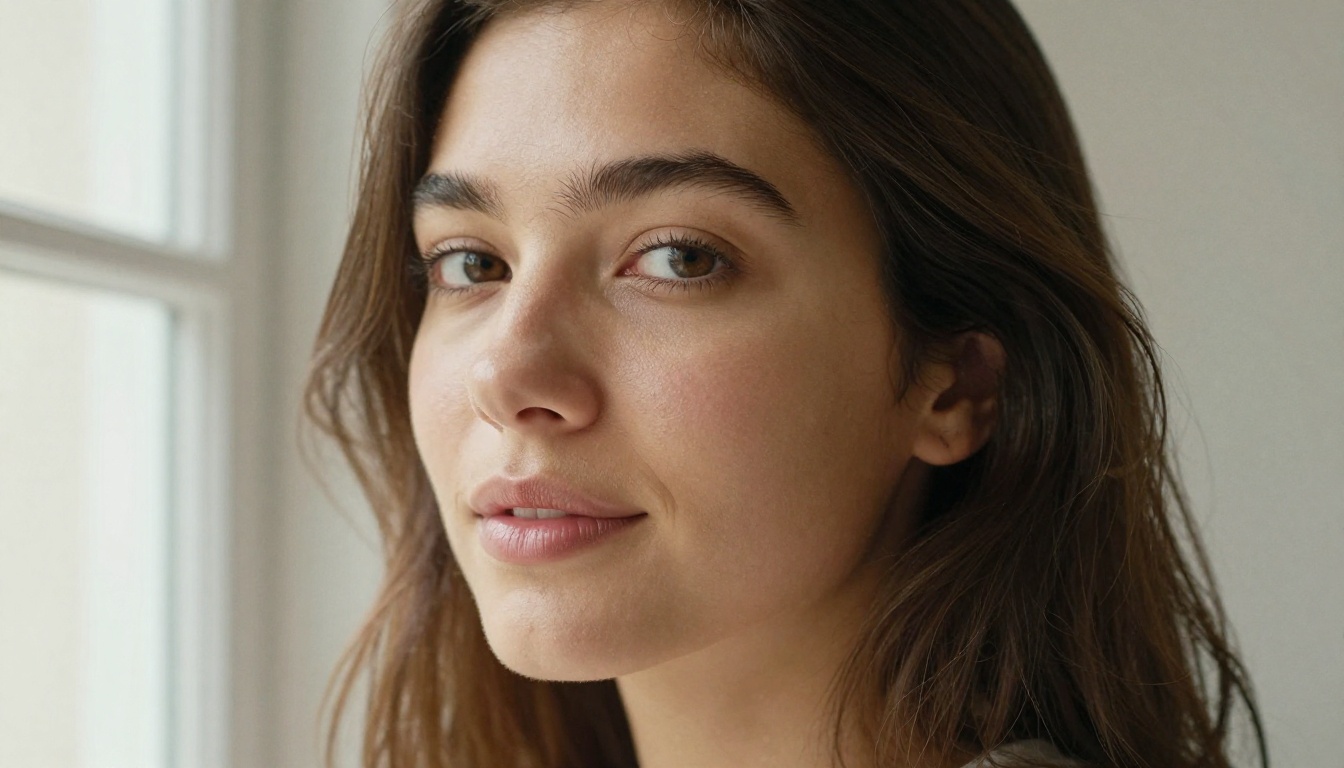
GPT Images 1.5 at Its Core
OpenAI's GPT Image 1.5 isn't just another diffusion model slapped onto an API. It's built on a different architecture, one that draws from the same multimodal foundation powering GPT-4o. What that means in practice is a model that reasons about your prompt rather than just pattern-matching against it.
Prompt Accuracy Is the Real Story
The single most impressive thing about GPT Image 1.5 is how faithfully it follows complex, multi-part instructions. Ask it for "a red ceramic mug on a wooden table with the word COFFEE in bold white serif text, warm morning light from the left," and it actually delivers all of those elements in one shot.
This is not the norm for diffusion models. Most text-to-image systems struggle badly with:
- Counting objects (three apples, not two or four)
- Spatial relationships (object A is to the left of object B)
- Embedded text rendering (logos, labels, captions in images)
- Combining multiple style constraints in a single image
GPT Image 1.5 handles all four noticeably better than the Flux family in controlled testing. Text rendering in particular has historically been a weakness across nearly every image model. GPT Image 1.5 doesn't get it right 100% of the time, but it lands correct text far more often than Flux 1.1 Pro.
Speed and Availability
GPT Image 1.5 generates images in roughly 15 to 30 seconds via the API, which is respectable but not blazing. The bigger advantage is that it lives inside the ChatGPT interface, meaning non-technical users can access it without touching an API or installing anything. For teams already paying for ChatGPT Plus or Enterprise, the model is right there.
💡 Worth noting: GPT Image 1.5 has a more conservative safety filter than Flux. Fashion, glamour, and certain artistic subjects may require rephrasing your prompt to get through. Flux is generally more permissive for creative content.
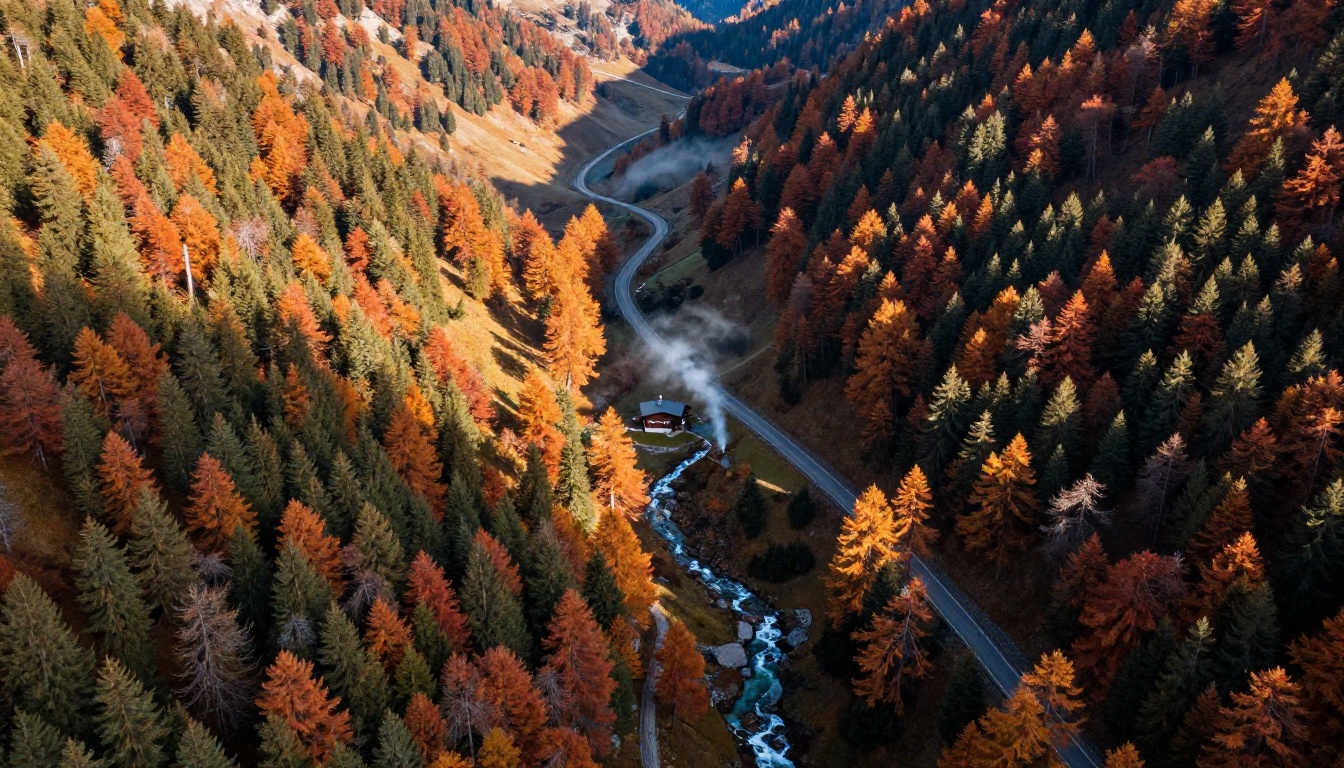
Flux 1.1 Pro at Its Core
Flux 1.1 Pro is Black Forest Labs' commercial flagship, positioned above Flux Dev and Flux Schnell in the product lineup. It uses a rectified flow transformer architecture that produces images with exceptional sharpness, natural color grading, and a level of photorealism that consistently fools viewers on first glance.
Raw Image Quality
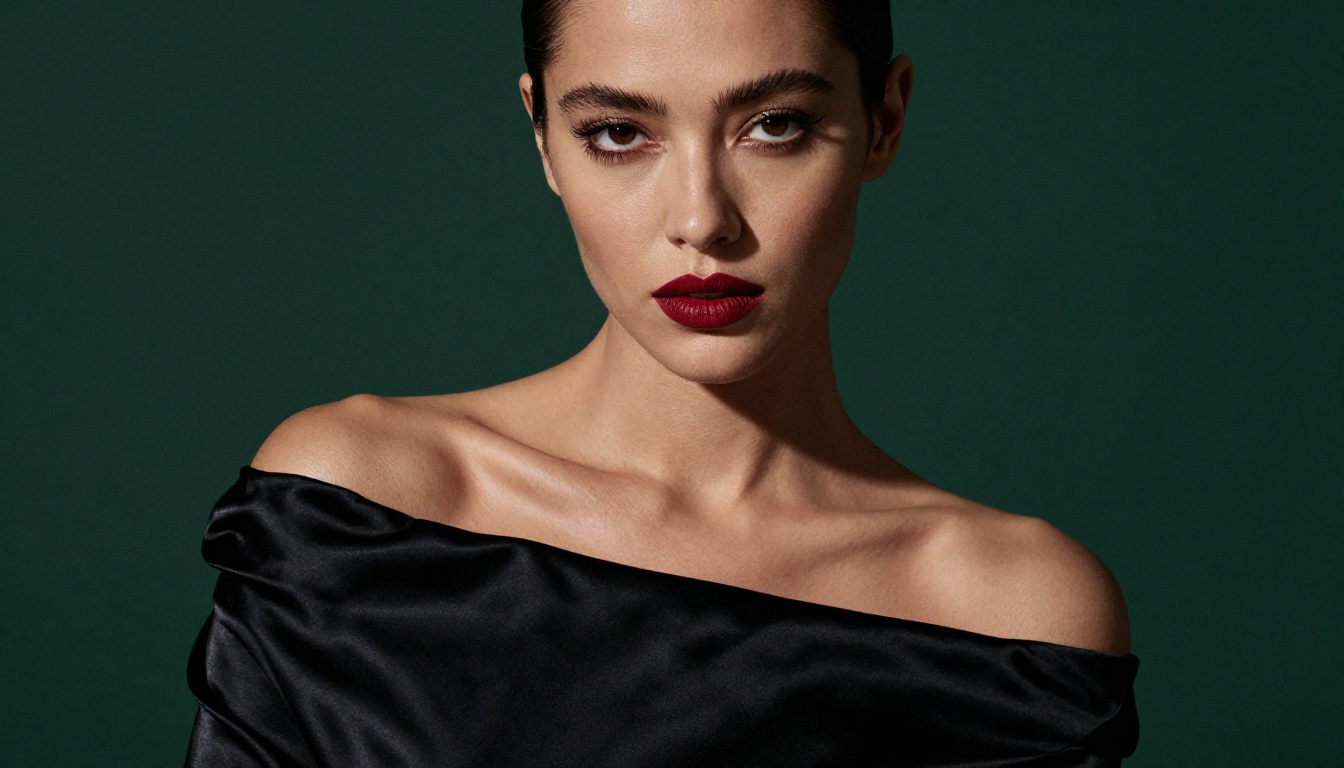
If you put both models side by side with the same photorealistic portrait prompt, Flux 1.1 Pro tends to win on pure visual quality. Skin tones are richer. Background bokeh is more naturalistic. The overall image has a quality that feels closer to a high-end camera output than a generated one.
Where Flux 1.1 Pro shines most:
- Portraits and people: Skin texture, hair strand detail, and eye catchlights are rendered with impressive depth
- Landscapes and nature: Color gradients across sky, foliage, and water come out organic and subtle
- Architecture: Building materials, stone textures, and structural perspective hold up at any crop
- Fashion and editorial: Fabric drape, material sheen, and garment texture feel genuinely tactile
For any use case where visual fidelity is the primary metric and prompt precision matters less, Flux wins this round decisively.
Creative Latitude
Flux 1.1 Pro is generally more liberal with creative interpretations of a prompt. It tends to add compositional choices and aesthetic touches that feel intentional, even when the prompt was sparse. This is excellent for creative brainstorming but can be frustrating when you need exact, deterministic results. Designers who want to iterate on mood and atmosphere often prefer Flux, while developers building product workflows often prefer the precision of GPT Image 1.5.
💡 Pro tip: For even higher resolution output from the Flux family, check out Flux 1.1 Pro Ultra, which supports native 4MP output for print-quality work.
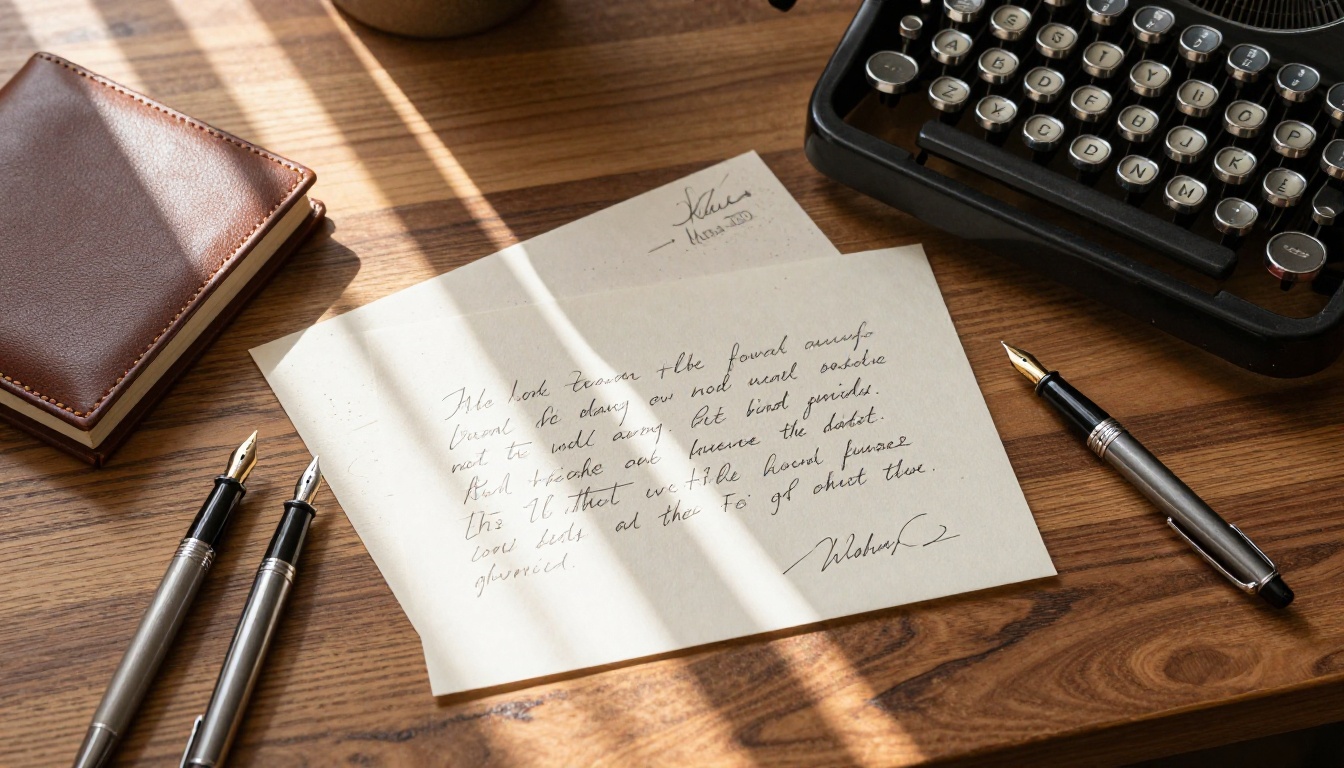
Portrait Photography: Head to Head
Portraits are the most popular use case for AI image generation, and the gap between these two models is real but nuanced.
GPT Image 1.5 produces portraits that follow the prompt with precision. If you specify "30-year-old woman, warm side light, sage green background, soft smile," you get exactly that setup. However, the image can sometimes feel slightly constructed, with a subtle quality that trained eyes associate with AI output.
Flux 1.1 Pro produces portraits with a more organic feel. Skin has genuine micro-variation. Eyes carry a depth that's difficult to describe but easy to notice. The tradeoff is that compositional specifics are harder to lock down precisely.
For product shots and brand imagery: GPT Image 1.5 wins because you can specify exact placements and attributes.
For editorial photography and visual storytelling: Flux 1.1 Pro wins because the output looks more authentically photographic.
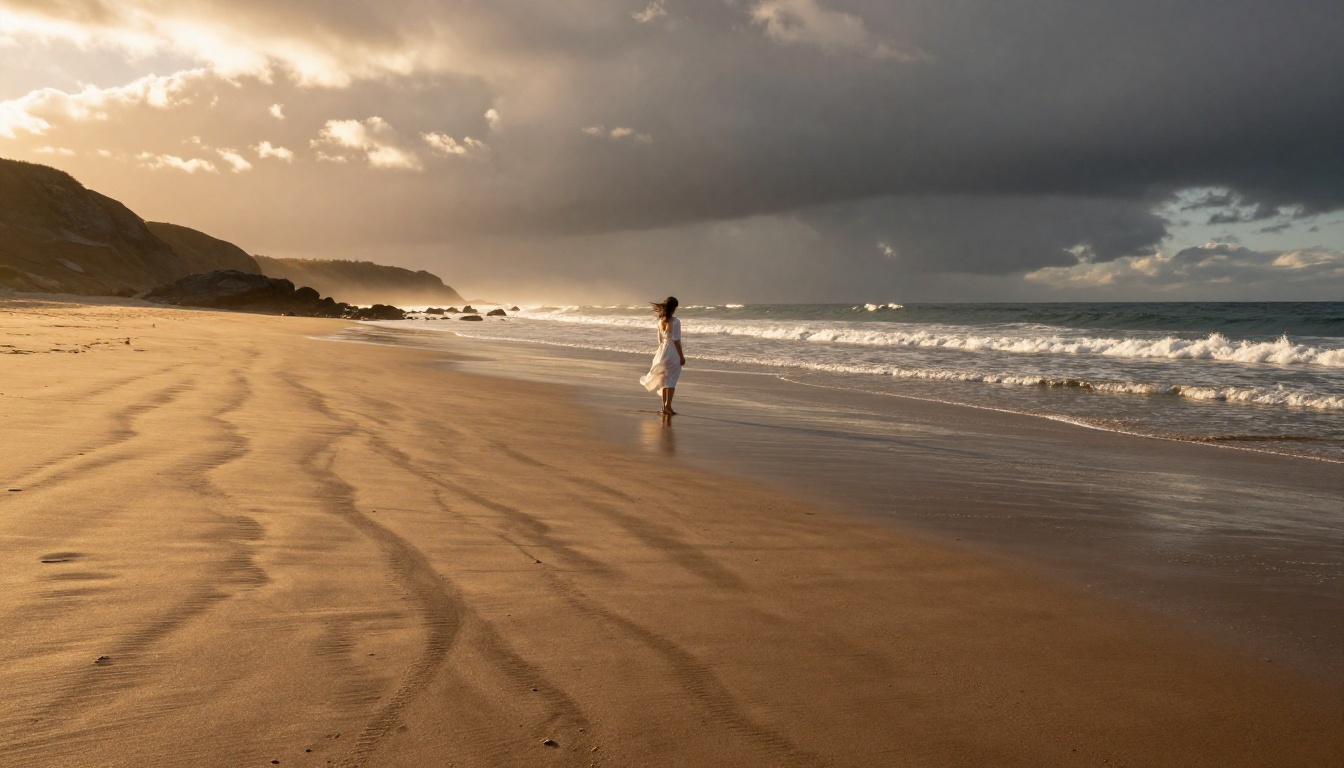
Landscapes and Architecture
Both models perform well on landscapes, but the character of their output differs significantly.
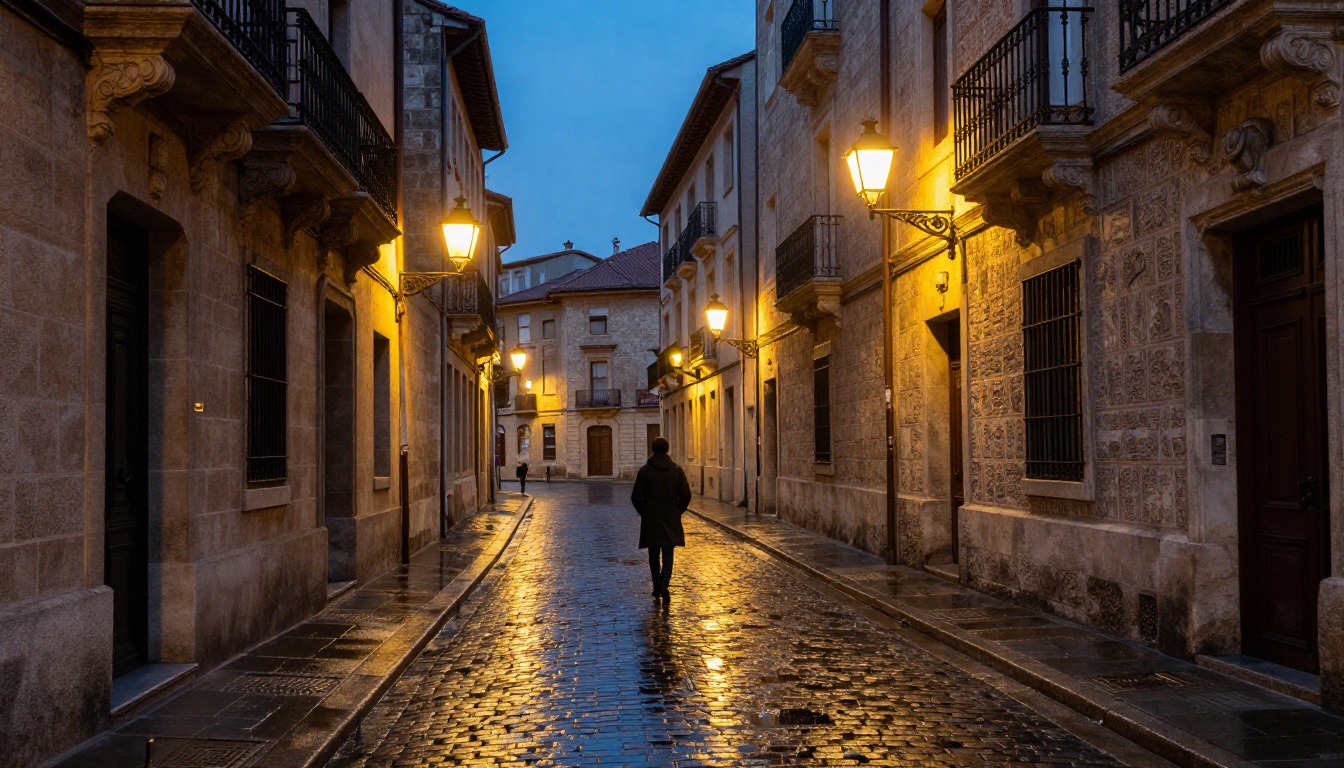
Flux 1.1 Pro handles the feeling of a scene better. Give it a mountain valley at dusk and it returns something cinematic, with atmospheric depth, color temperature transitions in the sky, and vegetation that looks genuinely organic. Architectural shots from Flux carry realistic material textures: wet cobblestone, aged limestone, rusted iron ornament.
GPT Image 1.5 excels when the architecture shot needs specific identifiable elements. A logo on a building facade, specific signage in a street scene, or an exact color scheme on a structure: these are things Flux frequently gets wrong or simply ignores. GPT Image 1.5 will attempt them and usually succeed.
For pure landscape photography, Flux is the stronger pick. For scenes where architectural accuracy or embedded information matters, GPT Image 1.5 is more reliable.
Text, Logos, and Typography
This is where the comparison gets decisive. GPT Image 1.5 is in a different tier entirely when it comes to rendering readable text within images.
Flux 1.1 Pro struggles with text. Short words sometimes come through legibly, but longer phrases, brand names, and labels often produce mangled letter forms. This is a known limitation of diffusion-based architectures, and while progress has been made across the board, Flux hasn't closed the gap with GPT Image 1.5 on this specific task.
| Task | GPT Image 1.5 | Flux 1.1 Pro |
|---|
| Short text (1-2 words) | Excellent | Fair |
| Brand name in scene | Very Good | Poor |
| Poster with multi-line text | Good | Poor |
| Handwritten-style text | Good | Fair |
| Numbers and dates | Very Good | Fair |
If your workflow involves creating social media graphics, mock-ups with placeholder copy, or any image where legible text is required, GPT Image 1.5 is the only serious option between these two.
Speed, Cost, and API Access
Real-world decisions often come down to budget and integration complexity. Here's where each model stands.
| Factor | GPT Image 1.5 | Flux 1.1 Pro |
|---|
| Average generation time | 15-30 seconds | 10-20 seconds |
| API availability | Yes (OpenAI API) | Yes (Replicate, BFL API) |
| Per-image cost | Higher | Moderate |
| Rate limits | Yes (per tier) | Yes (per API plan) |
| ChatGPT UI access | Yes | No (API or platform only) |
| Fine-tuning support | No | Yes (via LoRA adapters) |
| Max resolution | 1024x1024 (standard) | Up to 4MP (Ultra tier) |
Flux 1.1 Pro has a clear edge in raw cost per image at comparable quality tiers. For high-volume production workflows, that difference adds up quickly. GPT Image 1.5 is worth the premium for use cases that specifically need its prompt-handling strengths.
Where GPT Images 1.5 Wins
Use GPT Image 1.5 when:
- You need text rendered correctly in the image (labels, signs, packaging mock-ups)
- Your prompt has multiple specific constraints that all need to appear together (object count, spatial position, color, style)
- You're building a product or e-commerce workflow where visual accuracy is non-negotiable
- You want native ChatGPT integration for fast iteration without API setup
- You need predictable, consistent outputs from the same prompt across multiple runs
- Inpainting and editing are part of your workflow, since GPT Image 1.5 has strong multi-turn edit capabilities
💡 The model is particularly strong for UI mock-ups, app screenshots, and social media templates where copy and layout precision matters as much as visual quality.
Where Flux 1.1 Pro Wins
Use Flux 1.1 Pro when:
- You need maximum photorealism in portraits and landscapes
- Your project is editorial or artistic and visual texture matters more than prompt precision
- You need high resolution output beyond 1024px (switch to Flux 1.1 Pro Ultra for 4MP+)
- LoRA fine-tuning is part of your workflow for brand-specific characters or consistent styles
- You're running high-volume production where per-image cost matters at scale
- You want more creative latitude in how the model interprets and composes your prompts
How to Use Both on PicassoIA
Both GPT Image 1.5 and Flux 1.1 Pro are available directly on the PicassoIA platform, so you can test both models without managing separate API accounts, rate limits, or billing setups.
Using GPT Image 1.5 on PicassoIA
- Go to the GPT Image 1.5 model page
- Type your prompt in the input field. Be specific: include subject, setting, lighting direction, color palette, and any text elements you need rendered
- Select your output resolution (1024x1024 is the standard default)
- For multi-constraint prompts, structure them clearly: lead with the main subject, then background, then lighting, then any text elements last
- Use the regenerate button to cycle through variations since GPT Image 1.5 has natural variation even with fixed prompts
- Download your image directly or store it via PicassoIA's built-in asset management
Tips for better results:
- Place text requirements at the end of your prompt, enclosed in quotes:
a cafe menu board with "DAILY SPECIALS" in bold
- Use specific lighting references ("Rembrandt lighting," "golden hour backlight") for more controlled portrait results
- Add camera references for photorealism: "photorealistic, shot on Canon EOS R5, 85mm f/1.8"
Using Flux 1.1 Pro on PicassoIA
- Navigate to the Flux 1.1 Pro model page
- Write your prompt with emphasis on atmosphere and visual mood rather than exhaustive specifications
- Select your aspect ratio based on output use case: 16:9 for editorial, 1:1 for social, portrait formats for headshots
- For the highest output resolution, switch to Flux 1.1 Pro Ultra
- The guidance scale parameter controls how closely the model follows your prompt versus generating freely. Lower values give Flux 1.1 Pro more creative freedom, higher values rein it in
- For batch production or LoRA workflows, Flux Dev is a more flexible training-friendly alternative within the same family
Tips for better results:
- Describe the feeling of the image, not just the content: "morning light filtering through pine needles, soft mist, quiet solitude" will outperform a flat object list
- Use camera and lens references for photorealistic output: "Leica M11, 50mm Summilux, f/1.4"
- Reference film stocks for color grading: Kodak Portra 400 for warmth, Fuji Velvia 50 for saturated landscapes
The Real Difference
These two models aren't actually competing for the exact same users. GPT Image 1.5 is the right pick when precision, text rendering, and multi-constraint prompts are critical. Flux 1.1 Pro is the right pick when you want the most photorealistic output possible and visual quality is what your audience will judge.
For most professional workflows, the honest answer is: use both. Run prompts through GPT Image 1.5 when you need something exact, and through Flux 1.1 Pro when you want something beautiful. PicassoIA puts both on the same platform without juggling separate accounts or APIs. Both models are live right now, pick a prompt you've been sitting on and generate. The difference becomes obvious the moment you see your first result.