The AI community has been watching xAI's progress with a mix of genuine excitement and cautious skepticism. Grok impressed people early, stumbled in the middle, and now, with Grok 4.20, it arrives at a moment that feels decisive. This isn't an update where you squint at a changelog to find what's new. The changes here are loud, visible, and in several cases, things that competing models have had for a while but that Grok kept promising without delivering. Real-time search that pulls live data. Image generation without leaving the chat window. A voice mode that holds a conversation without dropping the thread. And underneath all of it, a reasoning engine that genuinely closes the gap with the best models available today.

What Is Grok 4.20?
Grok is the large language model developed by xAI, the AI company founded by Elon Musk. The model debuted in late 2023 with a personality-forward approach, positioning itself as an AI with a sense of humor and a willingness to engage with questions other models avoided. The early versions had real strengths in conversational tone and reasoning but lagged behind on practical features that professionals and power users actually rely on.
The Version That Changes Things
Grok 4.20 is the latest public release following the Grok 4 base model, which was already a significant step forward. The ".20" designation marks a mid-cycle update with targeted improvements across real-time access, multimodal output, and instruction-following accuracy. Where previous releases often delivered one strong capability alongside weak areas, 4.20 feels more cohesive. The rough edges are still there, but for the first time, the core product feels ready for daily use.

xAI's Path to Here
xAI's development pace has been aggressive by any measure. From Grok 1 to Grok 4.20 in under three years, the team iterated at a speed that rivals much larger labs. That pace came with tradeoffs: some releases felt rushed, certain features were announced before they worked reliably, and the model occasionally prioritized personality over accuracy. Grok 4.20 signals a maturation point where reliability is no longer secondary.
💡 Worth noting: Grok 4.20 is available through xAI's API, the X platform (formerly Twitter), and now through third-party AI platforms including PicassoIA's Grok 4 model integration.
The Features We Waited For
Real-Time Search, For Real This Time
Previous Grok versions had a version of web access, but it was inconsistent. Results were sometimes stale, citations pointed to pages that had moved or changed, and the model would occasionally confuse its training data with live web results. Grok 4.20 fixes this at the architecture level.
The new search integration pulls from live web data with timestamps visible in the response. When you ask about something that happened in the last few hours, you get a response grounded in current information, with the source clearly cited. This matters enormously for journalists, researchers, market analysts, and anyone who uses AI for work that depends on timeliness.

The model now distinguishes clearly between what it knows from training and what it retrieved in real time. That distinction, small as it sounds, is one of the most important reliability improvements in this release. You no longer have to wonder if the answer is fresh or two years old.
Image Generation Built Right In
This is the feature that most people have been waiting for. Grok 4.20 includes native image generation through xAI's Aurora model, which means you can go from a text conversation directly into image creation without switching tools or windows. The results are competitive with mid-tier dedicated image models.
For those who want to push image quality further, PicassoIA's Grok Imagine Image model provides direct access to xAI's image generation capabilities. Pair that with models like Flux 2 Pro or GPT Image 1.5 for comparison, and you have a full testing ground for which model fits which creative brief.
💡 Tip: For highest photorealism, Flux 2 Pro and Imagen 4 still lead on technical quality. Grok's built-in image generation shines most for speed and conversational iteration.
Voice Mode That Works
Voice interfaces in AI assistants have a pattern: they demo beautifully, fall apart in practice. Latency issues, mid-sentence dropouts, monotone delivery, or a failure to retain conversational context are all common failure modes. Grok 4.20's voice mode addresses each of these directly.
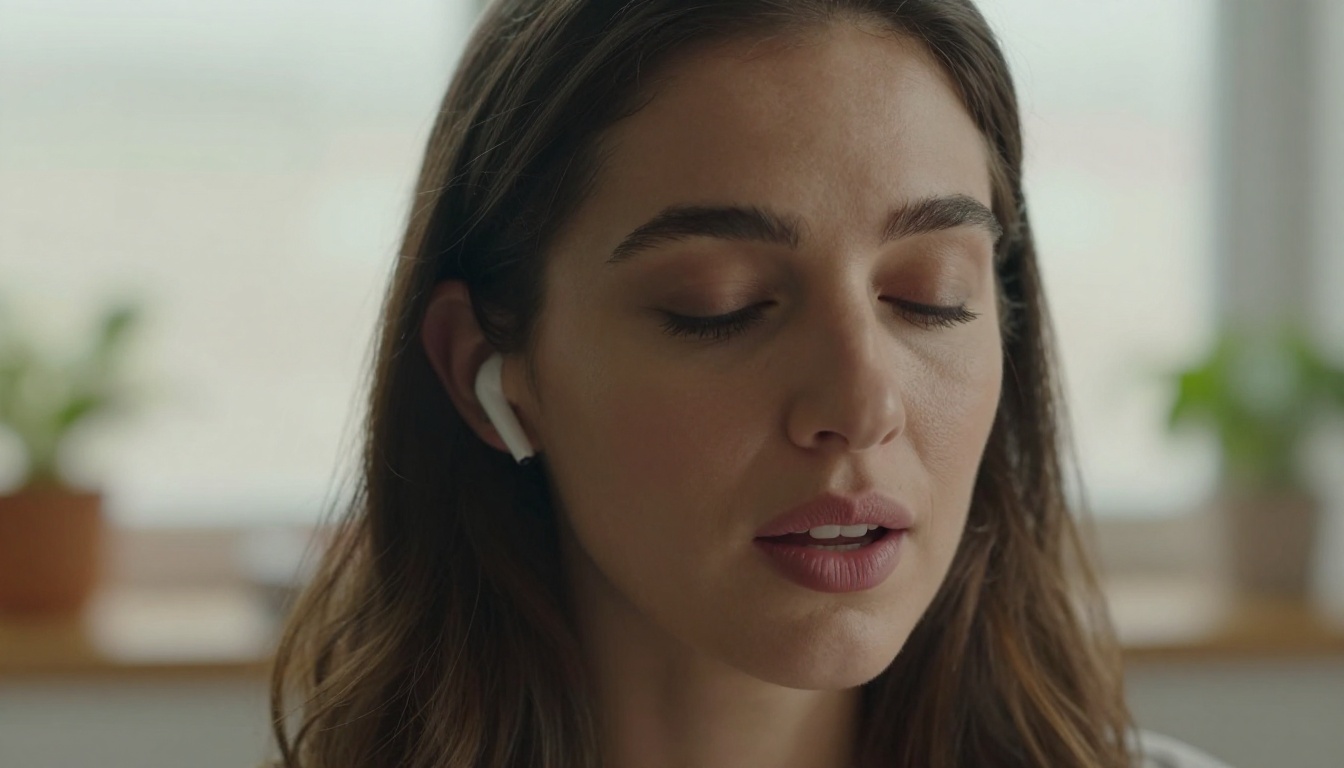
Response latency is now measured in milliseconds rather than seconds. The model maintains conversational thread across multiple voice turns, so you can ask a follow-up without repeating context. The voice delivery is notably more natural, with appropriate pacing, emphasis, and sentence breaks. For people who use AI hands-free during commutes, workouts, or while cooking, this is the release that makes Grok worth switching to.
Grok 4.20 vs The Competition
Where It Beats GPT and Gemini
No model is best at everything, but Grok 4.20 has carved out specific areas where it either matches or surpasses the leading alternatives. The real-time search quality now rivals Gemini's live data access. The conversational register, Grok's long-standing strength, remains distinctly more natural than the often-formal tone of GPT-4.1 and Claude 4 Sonnet.

Grok 4.20 also shows strong performance on long-context tasks, holding coherence across 128K token windows more reliably than earlier versions. For document analysis, code review across large codebases, or extended research sessions, this matters more than single-turn benchmark scores.
Benchmark Numbers That Matter
| Capability | Grok 4.20 | GPT-5 | Gemini 3 Pro | Claude 4 Sonnet |
|---|
| MMLU (Knowledge) | 91.4 | 93.1 | 92.7 | 91.8 |
| HumanEval (Code) | 88.2 | 90.5 | 87.9 | 89.3 |
| Real-Time Search | Strong | Strong | Strong | Limited |
| Built-in Images | Yes | Yes | Yes | No |
| Voice Mode | Yes | Yes | Yes | No |
| Context Window | 128K | 128K | 1M | 200K |
💡 Note: Benchmarks are indicative and vary across test conditions. Real-world performance depends heavily on prompt quality and use case specifics.
What It Still Doesn't Beat
Grok 4.20 is not the best model at everything. On raw coding benchmarks, GPT-5 and Claude 4 Sonnet still have a consistent edge. On image generation quality, Google's Imagen 4 and Black Forest Labs' Flux 2 Max produce sharper, more detailed results for professional creative work. And for ultra-long documents, Gemini's 1 million token context window is still unmatched. Knowing where a model wins and where it doesn't is how you actually get the most out of it.
How to Use Grok 4 on PicassoIA
PicassoIA gives you direct API access to Grok 4 without needing an X Premium subscription. Here's how to get started and get results immediately.

Step 1: Open the Model
Navigate to the Grok 4 model page on PicassoIA. The interface gives you a clean chat input with configurable parameters including temperature, max tokens, and system prompt override. You don't need to configure anything to start, but power users will want to set a system prompt that defines the response style for their specific workflow.
Step 2: Write Prompts That Get Results
Grok 4.20 responds especially well to direct, specific prompts. Unlike some models that benefit from elaborate role-play framing, Grok works best when you state your goal clearly and let the model handle style.
Prompts that work well:
- "Summarize the three most important developments in [topic] from the last 48 hours."
- "Write a 500-word analysis of [subject] from a skeptical perspective."
- "Review this code and list every bug, prioritized by severity: [paste code]"
- "Give me 10 headline ideas for an article about [topic], avoid generic phrasing."
Step 3: Parameter Tips for Better Output
| Parameter | Recommended | When to Change |
|---|
| Temperature | 0.7 | Lower for factual tasks, higher for creative |
| Max Tokens | 2048 | Increase for long-form writing |
| System Prompt | Optional | Set for consistent tone across sessions |
| Top P | 0.9 | Leave at default for most tasks |
💡 For research tasks: Keep temperature at 0.3 to 0.5 and enable system-prompt instructions to always cite sources. This significantly reduces hallucination frequency on factual queries.
What Real Users Are Saying
The Verdict From Early Adopters
The response from people who have used Grok 4.20 in production workflows has been notably more positive than previous releases. The pattern emerging from early adopter feedback centers on reliability. Not that it's suddenly the most impressive model on any single metric, but that it now does what it says it will do, consistently.

Developers report that the code generation output requires fewer corrections than Grok 3.x. Content creators using the model for research and first drafts describe the voice as more usable and less in need of rewriting. The real-time search feature has earned specific praise from users in finance, news, and analytics who need current information.
What's Still Missing
Honest assessment matters here. File upload and document analysis remain clunkier than in Claude or GPT-4.1. The image editing capabilities (inpainting, outpainting, object replacement) that are standard on platforms like PicassoIA are not yet natively available through Grok's interface. And while voice mode is vastly improved, it still can't match the emotional naturalness of the most advanced speech synthesis systems available via PicassoIA's Text to Speech models.
Creating Images With Grok AI
Grok Imagine: xAI's Image Model
Alongside the language model improvements, xAI's Grok Imagine Image model has received a significant quality update in this release cycle. The model now handles portrait lighting, architectural detail, and product photography with noticeably improved accuracy. Prompt adherence has also improved, meaning the generated image more consistently reflects what you actually described.

For users exploring the xAI image ecosystem, the model is most effective with:
- Photorealistic portraits with natural lighting
- Product shots on clean backgrounds
- Architectural and interior scenes
- Conceptual illustrations where strict realism isn't required
Comparing to Flux and Imagen
Grok Imagine Image competes in the same tier as Flux 2 Dev and Imagen 4 Fast. For highest-fidelity output, Flux 2 Max and Imagen 4 Ultra still produce more detailed results. But Grok Imagine's advantage is its conversational integration: you can describe a scene in natural language across several exchanges and iterate quickly without re-prompting from scratch.
💡 Creative workflow tip: Use Grok 4 to brainstorm and refine your image concept through conversation, then feed the polished prompt into Flux 2 Pro or Imagen 4 for maximum image quality.
What This Means for AI in 2027
The Race Just Got Tighter
The AI model landscape in early 2026 is genuinely competitive in a way it wasn't eighteen months ago. GPT-5, Gemini 3 Pro, Claude 4 Sonnet, DeepSeek V3.1, and now Grok 4.20 are all credible tools for serious work. The old hierarchy, where one model was obviously dominant and others were clearly inferior, no longer applies.

This matters because it shifts the question from "which model should I use" to "which model fits this specific task." Grok 4.20 is a legitimate answer for real-time research, conversational interaction, and integrated image creation. Knowing when to reach for it, instead of using one model for everything by default, is the actual skill worth building in 2027.
Where Grok Goes From Here
xAI has signaled ongoing development on agentic capabilities, the ability for Grok to take multi-step actions autonomously rather than simply responding to prompts. Grok 4.20 shows early signs of this in its improved tool use and structured output, but the full agentic mode is still in development. When it arrives, Grok's deep integration with the X platform and its real-time data access will be significant advantages for building AI agents that operate on live information.
The roadmap also points toward video understanding and code execution in a sandboxed environment, both of which would substantially close the capability gap with the most capable systems on the market.
Your Turn to Try It
Grok 4.20 is worth your time. The real-time search alone justifies testing it for any workflow that involves current events or fast-moving information. The image generation is good enough for iteration and ideation. The voice mode is finally ready for daily use. And the reasoning quality, while not the absolute best in every category, is competitive enough that you won't be leaving quality on the table.

If you want to put it to work right now, head to Grok 4 on PicassoIA and start with whatever task is on your desk today. For image creation, the Grok Imagine Image model is available alongside dozens of alternatives including Flux 2 Pro, Imagen 4 Ultra, and GPT Image 1.5, so you can compare outputs side by side and find the right tool for every visual project.
The best AI setup isn't loyalty to one model. It's knowing which tool to reach for, when. Grok 4.20 just earned a regular spot in that toolkit.


