Grok 4.20 NSFW Features That Surprised Everyone in AI
When xAI dropped Grok 4.20, the AI creative community was not ready. This release brought expanded NSFW capabilities, relaxed content policies, and a new standard for what frontier AI models will generate. Here is what changed, what it means for creators, and which tools you can use right now to get the same results.
The AI world was not ready for what xAI dropped with Grok 4.20. While most major AI companies spend their press releases celebrating safety guardrails and content filters, xAI took the opposite path, and the creative community has not stopped talking about it since.
This is not about shock value. It is about what this release signals for AI image generation as a whole, and what it means for anyone who creates content using AI tools today.
What Grok 4.20 Actually Did
xAI's Grok has always positioned itself as the "rebellious" AI. From day one, the model carried a sarcastic, irreverent personality that stood in contrast to the polished professionalism of OpenAI's GPT or Anthropic's Claude. But Grok 4.20 pushed that identity into concrete product decisions that nobody fully anticipated.
The Shift in Content Policy
Previous versions of Grok had adult content toggles available to X Premium subscribers, but they were conservative, inconsistently applied, and often overridden by safety layers. Grok 4.20 changed the architecture underneath.
The update brought:
Expanded adult content permissions for verified X Premium users
Reduced hallucination filtering on sensitive creative requests
Image generation with fewer automatic blocks on suggestive prompts
Cleaner recognition of artistic context in NSFW requests
The key word here is context. Grok 4.20 reportedly got much better at distinguishing between artistic requests and genuinely harmful ones, which had been a persistent complaint about previous versions.
What "Adult Mode" Means in Practice
Adult mode in Grok 4.20 is not a simple on/off switch. It is a permission level that unlocks when three conditions are met: X Premium subscription, age verification, and explicit opt-in within settings.
Once active, users reported that the model would:
Generate bikini and lingerie imagery without constant refusals
Write romantic and erotic fiction with more explicit detail
Describe and roleplay suggestive scenarios that GPT-4 or Claude would firmly decline
Produce image prompts specifically calibrated for adult AI image generators
💡 Note: Grok's adult mode still has hard limits. Child safety content, real person pornography, and content designed to harass specific individuals remain blocked regardless of settings.
The NSFW Capabilities Nobody Expected
The features above were semi-anticipated. What nobody saw coming were the depth of the changes in how Grok 4.20 handles creative prompts and the quality of what it produces.
Unfiltered Image Generation
xAI integrated Grok 4.20 with its Grok Imagine system, which is also available as a standalone model. The combination created something that legitimately surprised creators who had been working around limitations in tools like DALL-E 3 or Midjourney for years.
Specific surprises reported across AI creative communities:
Feature
Pre-4.20 Behavior
Grok 4.20 Behavior
Swimwear / lingerie
Frequently blocked
Consistently generated
Artistic implied nudity
Almost always refused
Accepted with context
Romantic fiction
Heavily sanitized
Full scenes without interruption
Erotic writing
Hard blocked
Permitted under adult mode
Suggestive image prompts
Auto-flagged
Processed naturally
The image quality from the integrated Grok Imagine model also improved significantly. Earlier outputs had the telltale softness and anatomical inconsistencies that plague many NSFW-capable open-source models. Grok 4.20's outputs are sharper, more photorealistic, and better at human anatomy.
How the Community Reacted
The reaction split hard along two lines.
Creators and artists largely celebrated. Adult content creators, romance novelists, game developers working on mature titles, and visual artists who had been frustrated by inconsistent censorship across AI tools suddenly had a major model from a credible company that treated them as adults.
AI safety researchers raised immediate concerns. The primary worry was not about artistic use cases but about ease of access. With a basic X Premium subscription and an age checkbox, users could reach capabilities that other frontier AI labs had deliberately withheld.
That discourse got loud, and the loudness itself became a story, which is part of why Grok 4.20 spread so quickly through AI-adjacent communities.
Where the Line Is Drawn
Even with expanded permissions, Grok 4.20 operates within defined absolute limits:
No sexual content involving minors, real or fictional
No content designed to facilitate real-world harassment
No deepfakes of real public figures in sexual contexts
No content that constitutes CSAM under any jurisdiction
These limits are hard-coded, not configurable, and reportedly more robustly enforced than the previous version's filters. xAI's position is that clearly articulating what is permitted rather than refusing everything in a grey area produces a more trustworthy system.
How Grok 4.20 Compares to Other AI Tools
Grok 4.20 did not emerge in a vacuum. Placing it next to its peers shows why it made such an impact.
vs. ChatGPT and Claude
ChatGPT (GPT-4o and variants) maintains conservative content policies across the board. OpenAI has a documented history of over-refusals on creative content, including scenarios that are clearly fictional and non-harmful. DALL-E 3's image generation blocks swimwear in many contexts and is hypersensitive to keywords regardless of intent.
Claude (Anthropic) similarly leans toward refusal in ambiguous situations. Its constitution-based training means it frequently declines content that a human editor would approve without a second thought.
By contrast, Grok 4.20 interprets context rather than scanning for keywords. A prompt describing a romance novel chapter involving adult characters in an intimate scene is processed as a creative writing request, not a violation.
vs. Dedicated NSFW Platforms
There are already dedicated NSFW AI platforms, but they typically rely on open-source models like Stable Diffusion 3.5 Large or SDXL fine-tuned for adult content. These produce impressive results but often lack:
Strong language understanding for complex creative writing
Photorealistic image quality at scale
Consistent character coherence across outputs
A reliable, maintained commercial infrastructure
Grok 4.20 is notable because it is a frontier model, maintained by a well-funded company, with commercial-grade infrastructure. That combination was not available in this space before.
Models That Deliver Grok-Level Results
If you want Grok-style capabilities for image generation specifically, several high-quality models are available today on platforms like PicassoIA. Here is what the landscape looks like.
Best Image Models for the Job
For photorealistic human subjects with strong creative flexibility, these models consistently deliver:
Flux 1.1 Pro Ultra by Black Forest Labs is currently the gold standard for photorealistic text-to-image generation. Its anatomy rendering, skin texture, and lighting accuracy are difficult to beat. It handles suggestive content with far more nuance than older DALL-E or Midjourney pipelines.
Flux 2 Pro is the newer release that improves on prompt adherence, making it better at translating specific creative descriptions into accurate outputs. For detailed artistic or glamour photography styles, this is a top pick.
Realistic Vision v5.1 was trained specifically for photorealistic human subjects and handles a wide range of creative prompts well. It has a following among portrait photographers and adult content creators alike for its consistent anatomical accuracy.
RealVisXL v3.0 Turbo combines speed with high realism. For rapid iteration on portrait-heavy creative projects, it delivers results faster than most with comparable quality.
Grok Imagine Image itself is available as a standalone model for image generation, separate from the chat interface. This lets you use xAI's own image pipeline directly, without needing an X Premium subscription.
Quality vs. Openness Trade-offs
No model is perfect across all dimensions. Here is how the top contenders compare:
💡 Tip: For the best photorealistic outputs on human subjects, pair Flux 2 Pro with detailed prompts that include camera, lens, and lighting specifications. The model responds to photography terminology remarkably well.
How to Use Grok Imagine on PicassoIA
The Grok Imagine Image model is available directly through PicassoIA. Here is how to get the most from it.
Step-by-Step Usage
Step 1: Access the model
Navigate to the Grok Imagine Image page on PicassoIA. No X Premium subscription is required, since PicassoIA handles API access directly on your behalf.
Step 2: Write a detailed, photography-style prompt
Grok Imagine responds strongly to prompts that use real camera and lighting language. Specify subject, setting, lighting direction, camera model, and lens:
A woman in her late twenties wearing a silk slip dress, seated by a
floor-to-ceiling window at sunset. Soft backlit silhouette, Canon 85mm
f/1.4, Kodak Portra 400 grain, photorealistic RAW 8K.
Step 3: Set your aspect ratio
For blog and social media, 16:9 works best. For portrait-oriented content, 9:16. The model handles both cleanly with consistent composition.
Step 4: Iterate with seed locking
Once you get a result you like, note the seed number and use it to create variations of the same composition with different prompt tweaks. This is how professional AI photographers maintain visual consistency across a shoot.
Step 5: Upscale for final output
Combine Grok Imagine Image outputs with the super-resolution models available on PicassoIA to push resolution further for print or large-format use.
Tips for Better Results
Be specific about clothing: Instead of "wearing a dress," write "wearing a backless silk emerald midi dress with a cowl neck"
Specify lighting direction: "volumetric morning light from the left" produces dramatically different results than "studio lighting overhead"
Include camera lens: "85mm f/1.4 shallow depth of field" versus "24mm f/8 deep focus" completely changes the feel of the image
Describe the texture intent: "Kodak Portra 400 grain, natural skin micro-texture at 8K" signals the model toward photorealism over stylization
Use negative framing sparingly: Describe what you want rather than what you don't want. Grok Imagine follows positive instruction better than negative
The Real Impact on AI Art
Grok 4.20 is a data point in a much larger trend. The question of what AI image tools should generate has been argued since Stable Diffusion went open-source in 2022. What Grok 4.20 does is bring that argument into the frontier model tier, where it has real commercial weight.
What Creators Are Actually Doing with It
The practical applications that emerged quickly after release:
Romance novel cover art: Authors using Grok 4.20 to generate cover images that previously required expensive stock licensing or custom photography shoots
Fashion mood boards: Designers creating photorealistic lookbooks with models in specific garments and settings, without hiring a photographer or stylist
Adult content creation: Creators on subscription platforms generating supplementary visual content for their audiences at a fraction of traditional production costs
Character design for games and comics: Artists iterating on mature character concepts without constant refusal interruptions breaking their workflow
Personal photography projects: Hobbyists generating fine art imagery with precise aesthetic control over lighting, tone, and composition
The scale at which these use cases emerged after launch suggested enormous pent-up demand for exactly this capability from a credible, well-maintained platform.
The Artistic vs. Explicit Debate
The most interesting creative tension that Grok 4.20 surfaced is not really about explicit content at all. It is about the implied content that most AI systems treat as explicit when it is not.
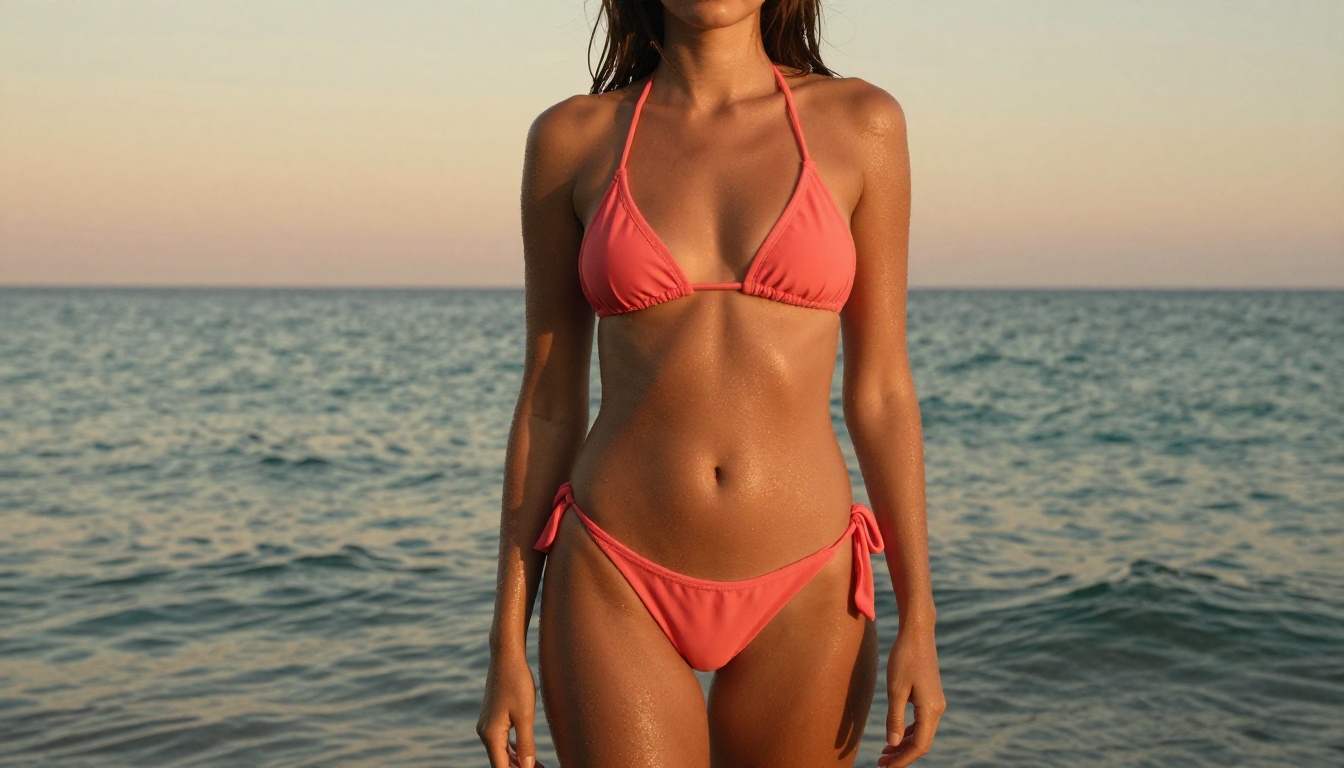
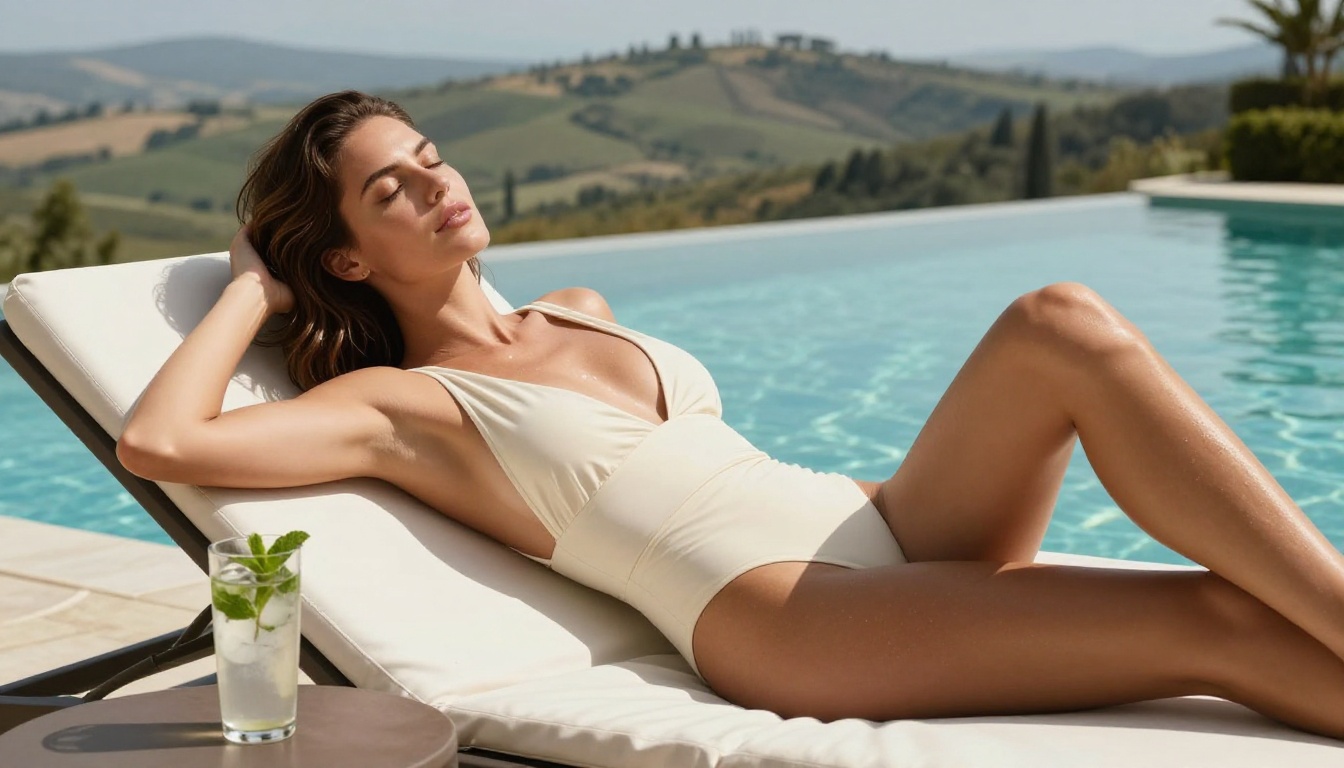
A photograph of a woman in a bikini at a beach is not explicit. It appears in every fashion magazine and mainstream social media feed. But prior to tools like Grok 4.20, most frontier AI image models would refuse to generate it reliably, citing policy violations that had nothing to do with the actual content.
That gap between what is culturally normalized and what AI tools would permit created enormous frustration among working creatives. Grok 4.20 closed a significant portion of that gap without crossing into genuinely explicit territory.
💡 The creative principle: The goal is not to be as explicit as possible. It is to have full creative control over your own artistic vision without an algorithm deciding your request is a problem when it plainly is not. Grok 4.20 moved that dial in a meaningful direction.
The Broader Shift in AI Image Generation
What Grok 4.20 signals is that the industry is entering a new phase. The first phase was capability, getting AI to generate images at all. The second phase was quality, making those images photorealistic. The third phase is creative freedom, and that is where the industry is right now.
Multiple frontier models are quietly expanding their content policies. The competitive pressure from open-source models, which carry no content restrictions at the architecture level, forces commercial players to reconsider what restrictions actually serve their users versus which ones simply reduce internal risk metrics on paper.
The models that will win long-term are those that:
Produce the best image quality at scale
Interpret creative context accurately rather than scanning for flagged keywords
Treat users as adults with legitimate creative and professional use cases
Maintain hard limits only on content that causes genuine, specific harm
Grok 4.20 is not perfect on all four counts. But it moved the needle on points two and three more aggressively than anyone expected, and the creative community responded immediately.
Not every project needs maximum creative openness. Some need maximum quality. Some need maximum speed. Having access to models from xAI, Black Forest Labs, Google, OpenAI, and Stability AI in a single interface lets you match the right tool to the right creative problem without rebuilding your stack every time a new model drops.
Create Your Own Images Right Now
Grok 4.20 sparked a conversation. The real creative opportunity is in acting on it.
If you have been waiting for AI image tools to catch up with your creative vision, that moment is already here. PicassoIA gives you immediate access to the best text-to-image models available today, including Grok Imagine Image, Flux 2 Pro, Flux 1.1 Pro Ultra, and Realistic Vision v5.1, all in a single platform without juggling API keys or running local hardware.
Start with a prompt that describes exactly what you want to see. Use real photography language. Be specific about your lighting, lens, subject, and mood. Then iterate until the output matches your vision.
The tools have never been better. The creative freedom has never been greater. The only remaining question is what you will build with them.