The AI landscape has evolved rapidly, with Grok 4 from xAI and GPT-5.2 from OpenAI representing two of the most powerful language models available today. Both promise exceptional reasoning capabilities, nuanced understanding, and practical applications across numerous domains. But when it comes to selecting the right model for your needs, the differences matter.
Whether you're building conversational AI, generating content, or tackling complex analytical tasks, choosing between these two models requires understanding their strengths, limitations, and unique features. Let's examine what sets them apart.
What Is Grok 4?
Grok 4 is xAI's flagship language model, specifically designed for users who need reliable, in-depth reasoning and logical text generation. The model excels at analyzing complex scenarios and providing structured, coherent responses that go beyond surface-level understanding.
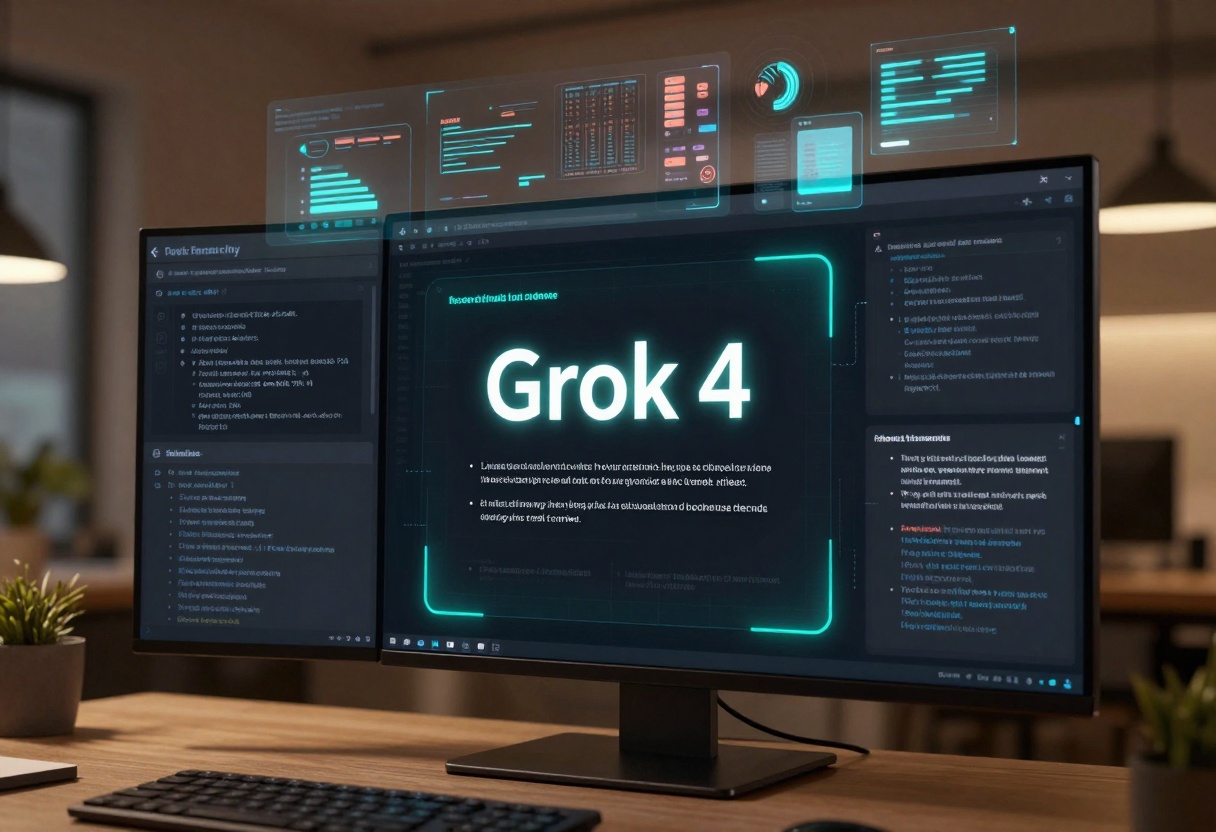
What makes Grok 4 stand out is its focus on advanced logical reasoning. The model is built to handle intricate problem-solving tasks, making it particularly valuable for research, technical writing, and strategic planning. It offers customizable output controls that let you adjust creativity levels, coherence, and response length to match your specific requirements.
The model's architecture prioritizes depth over breadth, meaning it takes time to analyze queries thoroughly before generating responses. This approach results in answers that are well-reasoned and internally consistent, even when dealing with ambiguous or multi-layered questions.
What Is GPT-5.2?
GPT-5.2 represents OpenAI's latest advancement in multimodal AI technology. Unlike its predecessor, this model seamlessly handles both text and image inputs, making it a versatile tool for projects that require understanding across different media types.
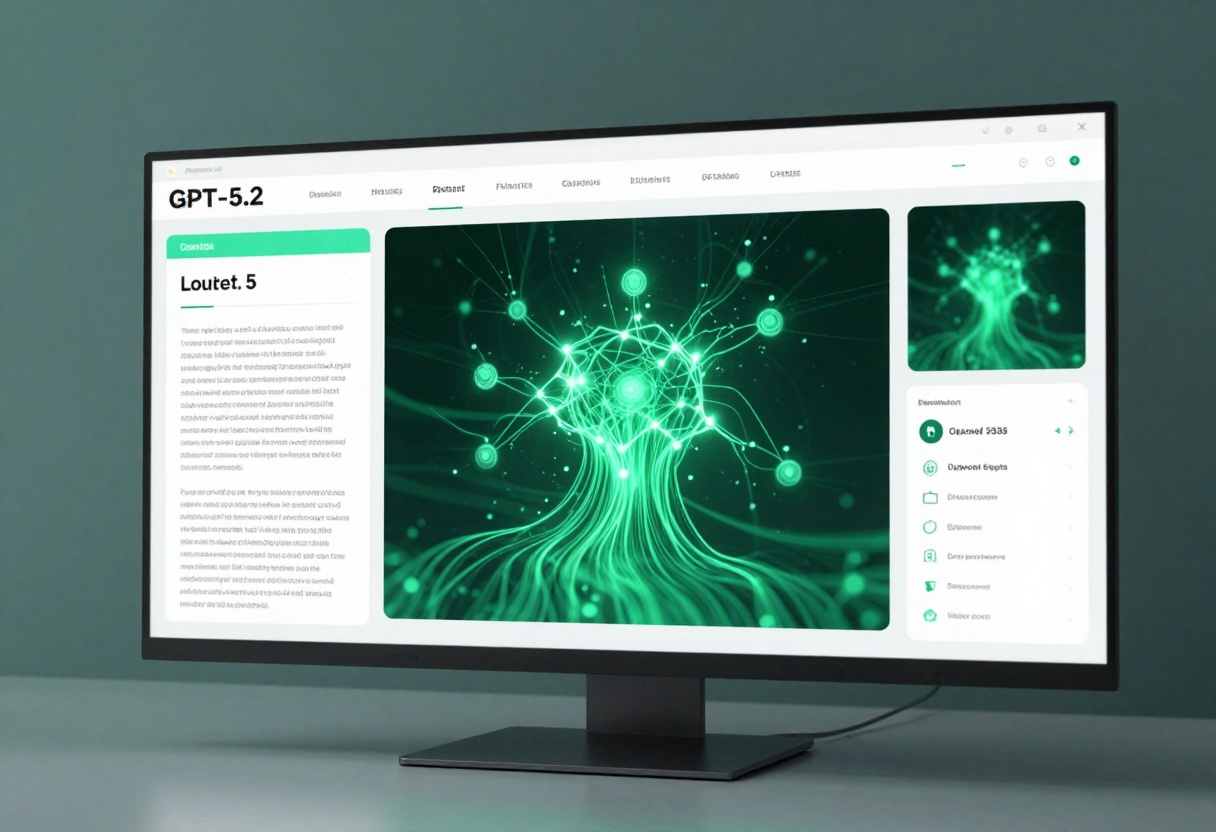
One of GPT-5.2's defining characteristics is its adjustable verbosity and reasoning effort. You can configure the model to provide concise, to-the-point answers or expansive, detailed explanations depending on your use case. This flexibility extends to its reasoning capabilities, where you can scale the computational effort from minimal to extensive.
The model supports system prompts that allow you to customize its behavior and personality, making it particularly effective for chatbot applications and customer support systems. Its multimodal understanding means you can feed it images alongside text prompts, enabling applications like visual content analysis, accessibility tools, and creative projects that blend text and imagery.
When comparing raw performance, both models deliver impressive results, but their strengths differ significantly.
Reasoning Capabilities
Grok 4 demonstrates exceptional performance in tasks requiring deep logical analysis. When presented with complex mathematical problems, philosophical questions, or multi-step reasoning challenges, Grok 4 tends to produce more thorough and methodical responses. Its frequency and presence penalty controls help minimize repetition while maintaining coherent arguments across lengthy outputs.
GPT-5.2 takes a different approach with its scalable reasoning effort parameter. At lower settings, it provides quick, efficient responses suitable for straightforward queries. When you increase the reasoning effort to "high" or "xhigh," the model dedicates significantly more computational resources to analyzing the problem, often producing insights comparable to Grok 4's default output.
Multimodal Features
This is where GPT-5.2 has a clear advantage. Its native image processing capabilities allow you to submit visual content for analysis, description, or integration into text-based tasks. If you're building applications that need to understand charts, photographs, diagrams, or any visual information, GPT-5.2's multimodal architecture provides functionality that Grok 4 simply doesn't offer.
Grok 4, on the other hand, focuses exclusively on text generation and understanding. While this might seem like a limitation, it means the model's architecture is fully optimized for language tasks without the overhead of processing visual data. For pure text applications, this specialization can result in faster response times and more refined linguistic outputs.
Speed and Efficiency
Response speed varies based on configuration and complexity, but there are some general patterns worth noting.
Grok 4 typically maintains consistent response times because its processing approach doesn't vary dramatically based on user settings. The model processes queries with its full reasoning capabilities regardless of the task's complexity, which can mean slightly longer wait times for simple questions but reliable performance for difficult ones.
GPT-5.2's adjustable parameters give you more control over the speed-quality tradeoff. Setting verbosity to "low" and reasoning effort to "none" or "low" produces rapid responses suitable for real-time applications. Increasing these parameters naturally extends processing time but delivers more comprehensive results. This flexibility is particularly valuable when you need to balance performance requirements across different types of queries.
Use Cases and Applications
Both models excel in different scenarios, and understanding where each shines helps you match the right tool to your project.

Where Grok 4 Excels
Research and academic writing: Grok 4's deep reasoning capabilities make it particularly effective for literature reviews, hypothesis development, and analytical essays. The model maintains consistency across long-form content and provides well-structured arguments.
Technical documentation: When you need precise, logical explanations of complex systems or processes, Grok 4 delivers clear, methodical documentation that readers can follow easily.
Strategic planning: Business strategy development, scenario analysis, and decision-making frameworks benefit from Grok 4's ability to consider multiple factors and provide balanced perspectives.
Professional correspondence: The model's coherence and adjustable formality make it excellent for drafting business emails, proposals, and reports that require professional tone and clarity.
Where GPT-5.2 Excels
Content creation with visual elements: If your workflow involves analyzing images, creating captions, or describing visual content, GPT-5.2's multimodal capabilities are indispensable.
Conversational AI: The model's system prompt functionality and adjustable verbosity make it ideal for chatbots and virtual assistants that need to maintain personality while adapting response length to user preferences.
Accessibility applications: GPT-5.2 can analyze images and provide detailed descriptions for visually impaired users, making it valuable for accessibility tools and services.
Customer support automation: The ability to process both text queries and visual inputs (like screenshots of error messages) makes GPT-5.2 particularly effective for technical support applications.
Creative projects: When you're blending text and imagery in creative work, GPT-5.2's ability to understand and reference visual elements provides capabilities that text-only models can't match.
Context and Memory Management
Both models handle extended conversations differently, which impacts their suitability for various applications.

Grok 4 maintains strong coherence across conversations through its default context management. The model tracks previous exchanges effectively and references earlier points when relevant, making it suitable for extended discussions or multi-turn problem-solving sessions.
GPT-5.2 offers more explicit control through its messages parameter, allowing you to structure conversations with specific role assignments (user, assistant, system). This structured approach is particularly useful when building applications that need to maintain conversation history or implement complex dialog flows.
Parameter Configuration
Understanding how to configure each model helps you extract optimal performance.
Grok 4 Parameters
The model's key adjustable parameters include:
- Temperature (default: 0.1): Controls randomness in outputs. Lower values produce more deterministic, focused responses while higher values increase creativity and variation.
- Max tokens (default: 2048): Sets the maximum length of generated responses.
- Top P (default: 1): Implements nucleus sampling, affecting diversity in word choice.
- Frequency penalty (default: 0): Reduces repetition of phrases and concepts.
- Presence penalty (default: 0): Encourages the model to introduce new topics and ideas.
For most analytical tasks, keeping temperature low (0.1-0.3) produces reliable results. Increase temperature (0.7-0.9) when you want more creative or varied outputs.
GPT-5.2 Parameters
GPT-5.2 offers different configuration options:
- Verbosity: Choose between "low," "medium," or "high" to control response length and detail level.
- Reasoning effort: Scale from "none" to "xhigh" based on task complexity and the depth of analysis required.
- System prompt: Define the assistant's behavior, personality, and response style.
- Max completion tokens: Set output length limits, especially important when using higher reasoning effort levels.
The model's flexibility means you can optimize settings per query. Use low verbosity and reasoning effort for quick FAQ-style responses, then increase both for complex analytical tasks.
Practical Recommendations
Choosing between these models depends on your specific requirements and constraints.

Choose Grok 4 if you need:
- Consistent, deep reasoning without configuration overhead
- Text-only applications with no visual component requirements
- Structured, logical outputs for technical or academic purposes
- Reliable performance across different types of analytical tasks
- Professional writing that maintains formality and coherence
Choose GPT-5.2 if you need:
- Multimodal capabilities combining text and image understanding
- Flexible response length and reasoning depth adjustment
- Custom system prompts for specialized assistant behavior
- Applications involving visual content analysis or description
- Variable performance optimization based on query complexity
For many organizations, the ideal approach involves using both models strategically. Deploy Grok 4 for analytical tasks, research support, and technical documentation while leveraging GPT-5.2 for customer-facing applications, content creation involving images, and scenarios requiring response flexibility.
Accessing Both Models on PicassoIA
Both Grok 4 and GPT-5.2 are available through the PicassoIA platform, giving you streamlined access to these powerful language models without needing separate accounts or integrations.
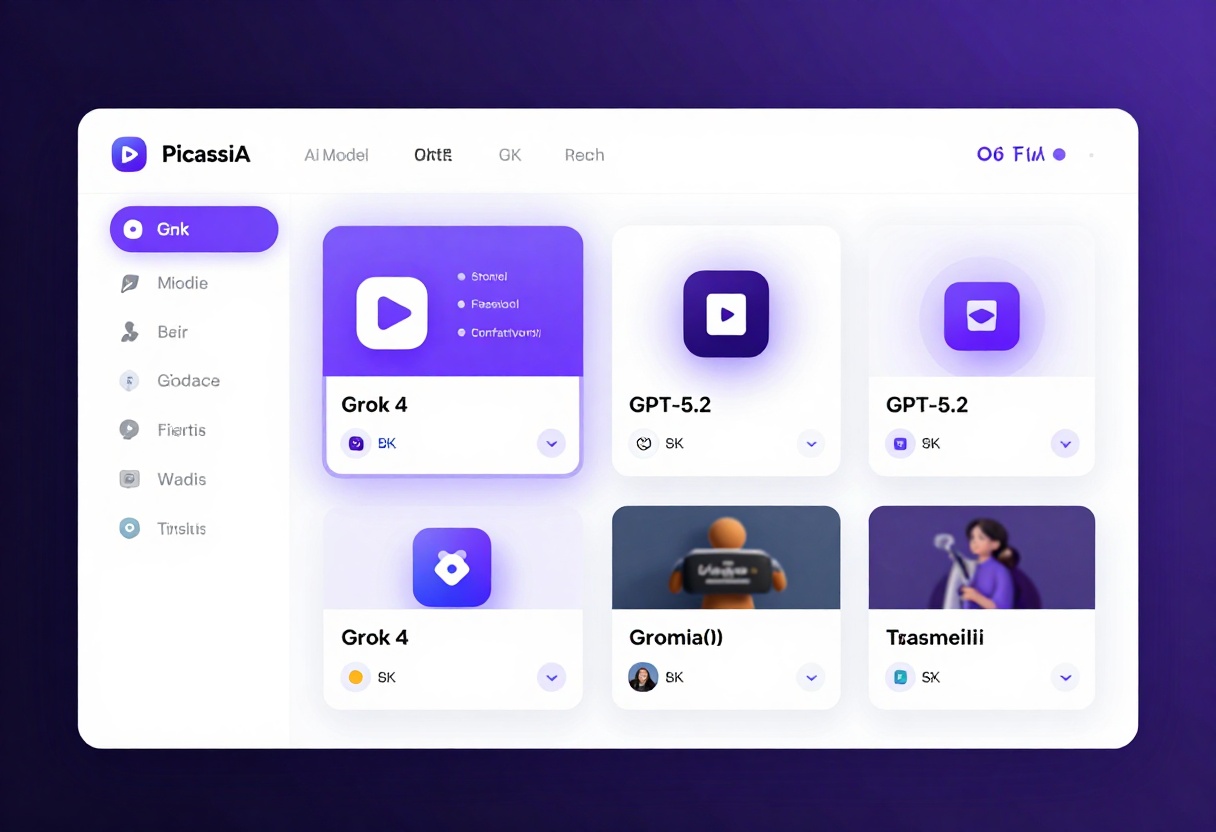
PicassoIA provides a unified interface for testing, comparing, and deploying different AI models. You can experiment with both Grok 4 and GPT-5.2 side-by-side, adjusting parameters and evaluating results before committing to a particular model for your production environment.
How to Use Grok 4 on PicassoIA
Getting started with Grok 4 is straightforward. Here's how to access and configure the model for your specific needs.
Step 1: Navigate to the Grok 4 Model Page
Visit the Grok 4 model page on PicassoIA. The interface provides clear access to all configuration options and parameter controls.
Step 2: Enter Your Prompt
In the main input field, enter your text prompt. Be specific about what you need. For analytical tasks, clearly state your question or problem. For creative tasks, provide context about tone, style, and intended audience.
Step 3: Configure Optional Parameters
Adjust the following settings based on your requirements:
- Temperature: Start with 0.1 for factual responses or 0.7 for creative content
- Max tokens: Set between 512-2048 depending on desired response length
- Top P: Keep at 1.0 unless you want to restrict vocabulary diversity
- Frequency penalty: Increase slightly (0.2-0.5) for longer responses to reduce repetition
- Presence penalty: Adjust if you want the model to explore diverse topics
Step 4: Generate Your Output
Click the generate button and wait for processing. Grok 4 typically provides responses within seconds, though complex queries may take slightly longer.
Step 5: Review and Iterate
Examine the generated output. If the response doesn't quite meet your needs, adjust the parameters and try again. Often, small changes to temperature or prompt phrasing produce significantly different results.
How to Use GPT-5.2 on PicassoIA
GPT-5.2 offers additional configuration options due to its multimodal capabilities and flexible output controls.
Step 1: Access the GPT-5.2 Model Page
Navigate to the GPT-5.2 model page on PicassoIA. You'll see options for both text and image inputs.
Step 2: Provide Your Input
You can provide input in several ways:
- Simple prompt: Enter text directly in the prompt field
- Structured messages: Use the messages array for conversational formats
- Image input: Upload images if your task requires visual analysis
Step 3: Set Verbosity and Reasoning Effort
These two parameters significantly impact output quality and speed:
- Verbosity: Select "low" for concise answers, "medium" for balanced responses, or "high" for detailed explanations
- Reasoning effort: Choose based on complexity—"low" for straightforward questions, "high" or "xhigh" for complex analytical tasks
Step 4: Configure Advanced Settings
If needed, adjust additional parameters:
- System prompt: Define the assistant's personality and behavior
- Max completion tokens: Set limits on output length, especially crucial when using high reasoning effort
- Image input: Add visual content if your task requires multimodal processing
Step 5: Generate and Evaluate
Submit your request and review the results. GPT-5.2's flexible configuration means you can fine-tune settings iteratively to achieve exactly the output quality you need.
Final Thoughts
Both Grok 4 and GPT-5.2 represent significant achievements in AI language model development, each with distinct advantages. Your choice should be driven by your specific use case, required features, and workflow preferences rather than attempting to identify an absolute "winner."
For pure text applications requiring consistent, logical reasoning, Grok 4 provides reliable performance without extensive configuration. For projects involving visual content or requiring flexible response styles, GPT-5.2's multimodal capabilities and adjustable parameters offer greater versatility.
The good news is that with platforms like PicassoIA, you don't need to make an exclusive choice. You can leverage both models strategically, selecting the optimal tool for each specific task. This pragmatic approach ensures you're always working with the most appropriate AI capabilities for your current needs.
Try both models on PicassoIA and discover which one aligns better with your workflow and objectives.


