Grok Imagine just flipped a switch on adult content, and the AI image generation world immediately wanted to know exactly what that means. xAI's image tool, built into the X platform, has been refining its content policy through 2024 and 2025, but the details matter more than the headlines. If you're an adult creator, artist, or someone looking for fewer restrictions on what you can generate, you need to understand where Grok's lines actually are, why those lines will still stop you cold in certain situations, and where platforms like PicassoIA quietly give you far more room to work with.
What Grok Imagine's Policy Actually Says
Grok's approach to adult content operates on a two-tier system: a "Safe" default and an optional explicit layer for verified users. On the surface, this sounds like a generous setup. In practice, the fine print rewrites the headline significantly.
The Two Modes Explained
Grok Imagine runs in a default Safe Mode that blocks anything sexually explicit, including implied nudity, suggestive poses that could be read as adult-oriented, and content involving real or realistic-looking people in adult scenarios.
The second tier, informally called Explicit Mode, allows adult-rated generations. But this mode is not something you simply toggle in settings. It activates conditionally, based on account status, subscription tier, and geographic region.
Who Gets Explicit Access
Explicit Mode on Grok requires an X Premium+ subscription combined with a verified account age. Beyond that, xAI restricts explicit-mode availability to a subset of countries where it has confirmed local regulatory compliance. The feature has rolled out in phases and remains unavailable in numerous regions as of 2025.
💡 Note: Even with Premium+, explicit content generation only works on certain X platform clients and is unavailable through all third-party API integrations, meaning your access may vary depending on how you're accessing Grok.
What Still Gets Blocked
Even with full explicit-mode access, Grok Imagine maintains hard blocks on:
- Minors in any sexualized context (zero tolerance, immediately flagged)
- Identifiable real people in explicit scenarios
- Certain extreme content categories, regardless of access level
- Non-consent scenarios framed approvingly
These restrictions are technically enforced at the model level, not just in the interface, and cannot be bypassed through prompt engineering.
Why the Policy Leaves Users Frustrated
Understanding the policy on paper is one thing. Living with it as a creator is another. The friction points are real and significant.
The Geographic Wall
Grok's explicit-mode geographic restrictions are not publicly documented with any granular country list. You may discover you're in a blocked region only after subscribing to X Premium+ and attempting to generate. There is no transparent map, no official country list, and no support pathway to petition for regional access.
For adult content creators across most of Europe, Latin America, and Southeast Asia, this means paying for a premium subscription only to encounter an invisible wall.
The Subscription Barrier
X Premium+ is priced substantially higher than X's base Premium plan. For users whose primary interest is AI image generation, not the other features bundled into an X subscription, this creates a cost structure that makes little economic sense. Dedicated AI image platforms offer comparable or superior generation quality at lower price points, without the overhead of a social media subscription.
No True Unlimited Access
Even where explicit mode functions, Grok Imagine enforces daily generation limits tied to your subscription tier. Heavy users, professional creators, and anyone running volume-based workflows will hit these caps. There's no mechanism to purchase additional generation credits the way you would on a dedicated AI image platform.
How does Grok's adult content policy actually compare to the competition?
| Platform | Adult Content | Geographic Restrictions | Daily Limit | Subscription Required |
|---|
| Grok Imagine | Explicit Mode (limited regions) | Yes, many regions blocked | Yes | X Premium+ |
| Midjourney | Soft NSFW only, no explicit | No | Yes (lower plans) | Yes |
| DALL-E 3 via ChatGPT | No adult content | No | Yes | ChatGPT Plus |
| Adobe Firefly | No adult content | No | Yes | Creative Cloud |
| Seedream 4.5 on PicassoIA | Full adult content | No restrictions | Unlimited on Pro | Free tier available |
| PicassoIA Image Editor Pro | Full adult content | No restrictions | Unlimited | Pro plan |
💡 Most major platforms with adult-content provisions stack multiple restrictions on top of each other: geographic gates, subscription tiers, and daily caps. PicassoIA removes all three layers simultaneously.
What PicassoIA Actually Offers
PicassoIA's approach to adult content is fundamentally different from Grok's because it's built on platform-level controls rather than national infrastructure rollout schedules or corporate social media policies.
Seedream 4.5 Leads the Pack
Seedream 4.5 is PicassoIA's recommended starting point for anyone creating adult or NSFW content. Built on ByteDance's Seedream architecture and optimized for high-fidelity photorealistic human figures, it handles:
- Natural skin rendering at 4K detail without the plastic sheen common in lesser models
- Complex poses and anatomy without distortion artifacts
- Clothing, lingerie, and form-fitting garments with accurate fabric physics
- Directional lighting scenarios from soft studio setups to dramatic rim lighting
Seedream 4.5 generates images in 6-12 seconds on average. Output quality for human figure photography is consistently strong across prompt styles and particularly reliable on close-up portraits and mid-range compositional shots.

PicassoIA Image Editor Pro for Unlimited Volume
PicassoIA Image Editor Pro offers unlimited generations for subscribers. For professional creators, social media content producers, or anyone working at volume, this removes the mental accounting that daily caps force you into.
Beyond raw generation, Image Editor Pro includes:
- Inpainting: Replace or refine specific areas of a generated image without redoing the whole composition
- Outpainting: Extend the canvas in any direction, adding environmental context or changing aspect ratios
- Object replacement: Swap specific elements (clothing, accessories, backgrounds) while preserving everything else
- AI Image Restoration: Fix noise, blur, compression artifacts, or damage on uploaded reference images
Why No Daily Cap Changes Everything
When you're working on a project requiring 50-100 image variations, testing lighting, poses, clothing, and backgrounds, hitting a daily cap means stopping work or paying more. PicassoIA's unlimited model collapses that constraint entirely.
Compare this to Grok Imagine, where you'd need to manage generation quotas, wait for cap resets, and still operate within geographic and tier restrictions. For serious creative work, that friction is not theoretical. It actively shapes what you can produce and when.
How to Use Seedream 4.5 on PicassoIA
If you're coming from Grok Imagine and want to see what unrestricted adult content generation looks like in practice, here's how to start with Seedream 4.5 on PicassoIA.
Step-by-Step Setup
- Open Seedream 4.5 on PicassoIA
- Log in or create a free account: basic generations are available immediately with no credit card required
- Select your aspect ratio: 16:9 for environmental shots, 9:16 for portrait compositions, 1:1 for editorial square formats
- Write your prompt: lead with subject and pose, then environment, then lighting, then camera and lens
- Run 4 variations: compare compositions before committing to a seed
- Upscale your best result: use PicassoIA's Super Resolution tool to upscale to 4x before downloading

Parameter Tips for Better Results
- Lock the seed once you find a good composition. Seed locking lets you vary small prompt elements without losing your base structure.
- Specify a camera lens: 50mm f/1.4, 85mm f/1.8, 105mm macro. This cues the model toward specific depth-of-field and perspective characteristics that separate professional photography from generic AI output.
- Describe lighting direction explicitly: "soft morning light from the upper left," "rim light from behind on the right," "diffused window light." Seedream 4.5 responds precisely to directional lighting cues.
- Add film stock references: Kodak Portra 400, Fujifilm Pro 400H, Kodak Ektar 100. These shift color temperature and grain character dramatically.
Sample Prompts That Work
Close-up portrait:
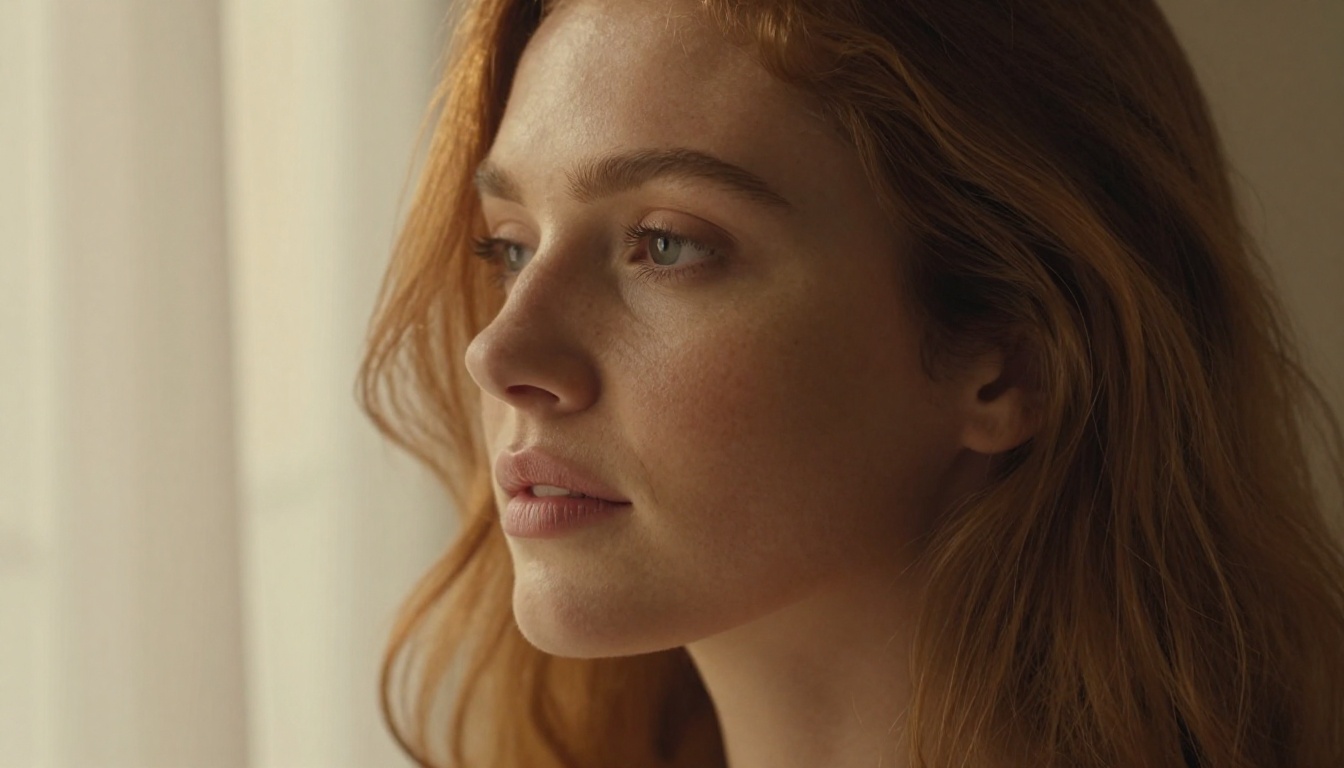
Woman with wavy dark hair, bare shoulders, soft window light from left, natural freckled skin, 85mm f/1.4, shallow depth of field, Kodak Portra 400, photorealistic, 8K
Glamour editorial:
Woman in black lingerie reclining on white linen, volumetric late-afternoon light from right window, warm shadow fill, 50mm f/1.8, fine fabric texture, realistic skin, film grain
Beach editorial:
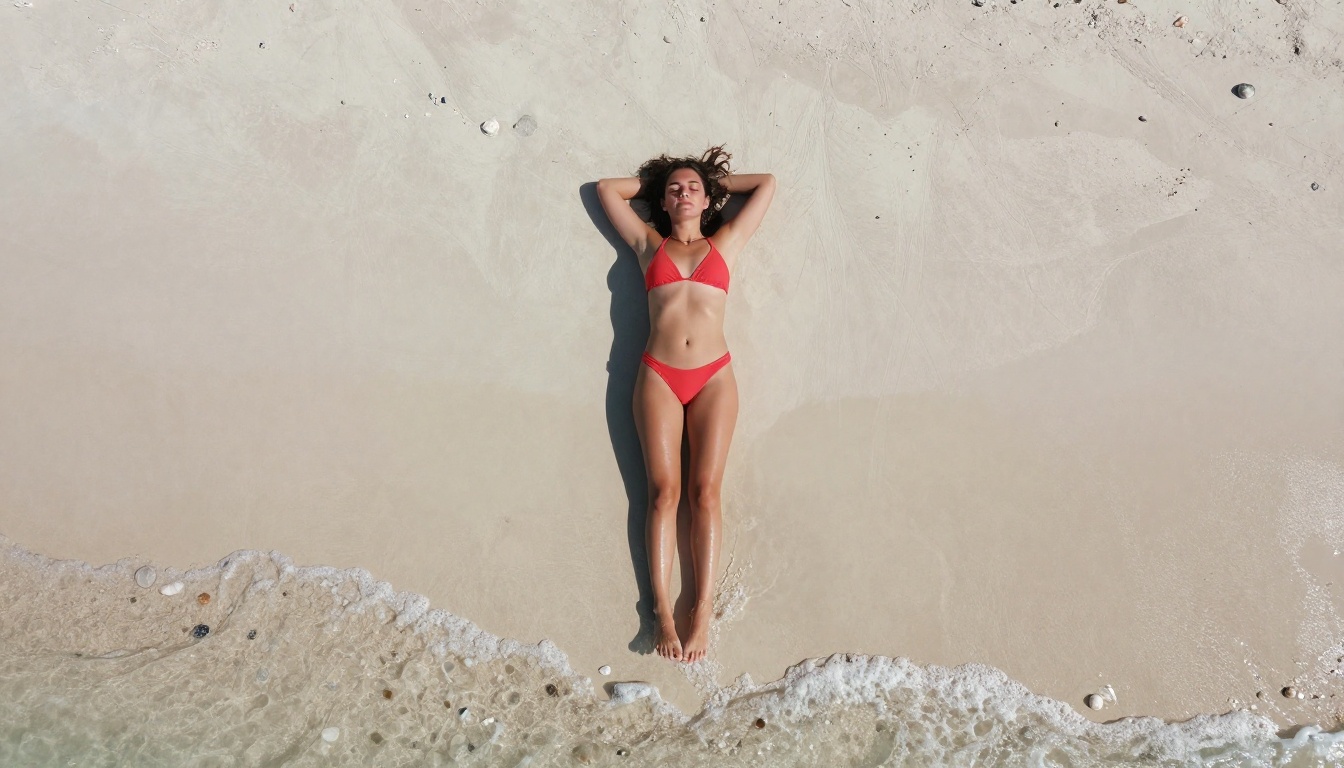
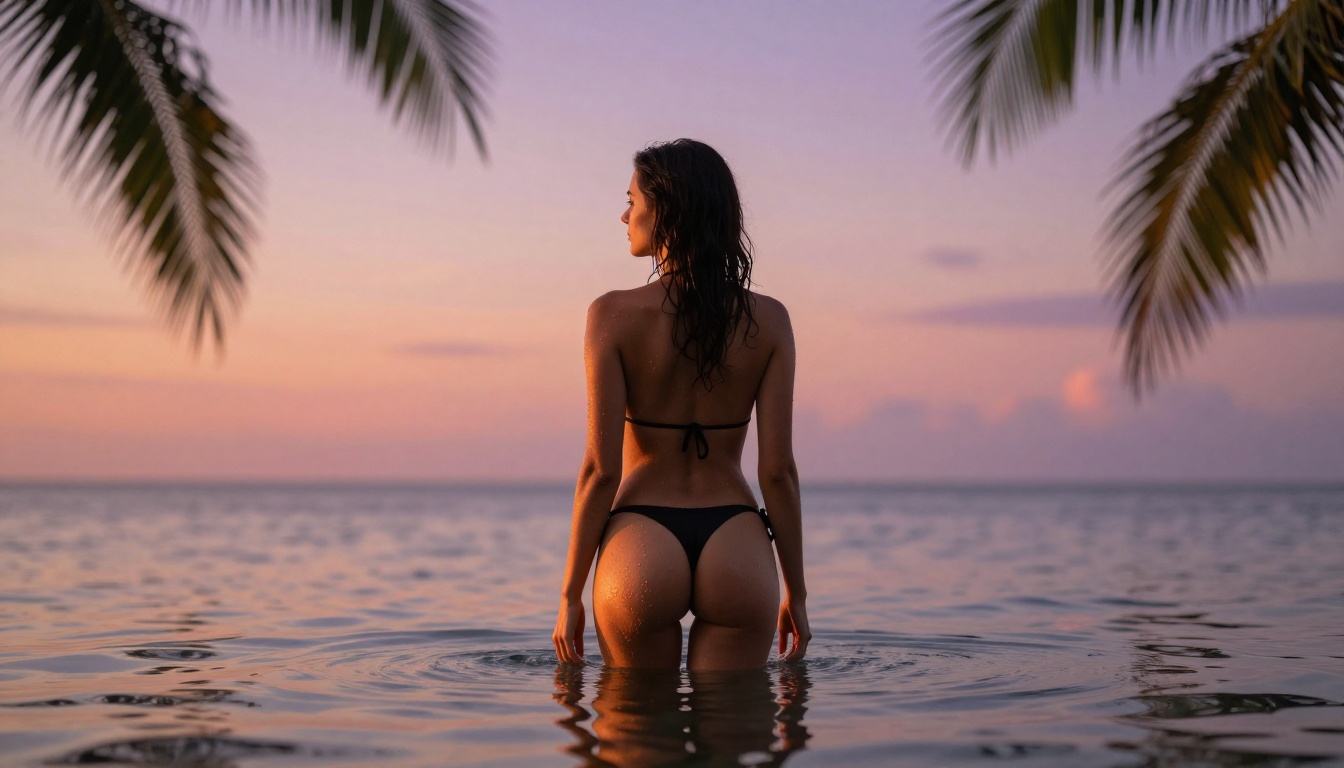
Woman in bikini on tropical beach, back to camera, looking at turquoise water, midday sun from above-right, 35mm wide lens, Kodak Portra grain, 8K, photorealistic
Top Models for Artistic Adult Content on PicassoIA
PicassoIA hosts multiple models suited to adult and suggestive content across different styles and use cases. Here's how they rank:
| Model | Best For | Link |
|---|
| Seedream 4.5 | Photorealistic figures, fast generation | Open |
| Seedream 5 Pro | High-detail 2K/4K, complex scenes | Open |
| PicassoIA Image Editor Pro | Unlimited volume plus full editing suite | Open |
| Realistic Vision v5.1 | Photorealistic portraits and skin detail | Open |
| Flux Dev | Creative high-quality photorealism | Open |
| Flux Pro | Professional-grade output, fine detail | Open |
| SDXL | Flexible styles, wide model compatibility | Open |
| Stable Diffusion 3.5 Large | High fidelity, detailed environments | Open |
💡 One note: Seedream 5 Lite blocks adult content and is built for general audiences. Use Seedream 4.5 or Seedream 5 Pro specifically for NSFW work.
Prompting for Aesthetic, Suggestive Results
Removing content restrictions is only half the equation. The other half is knowing how to use that access to produce work that actually looks professional. Most users fail here because they focus on what to include rather than how to describe it photographically.
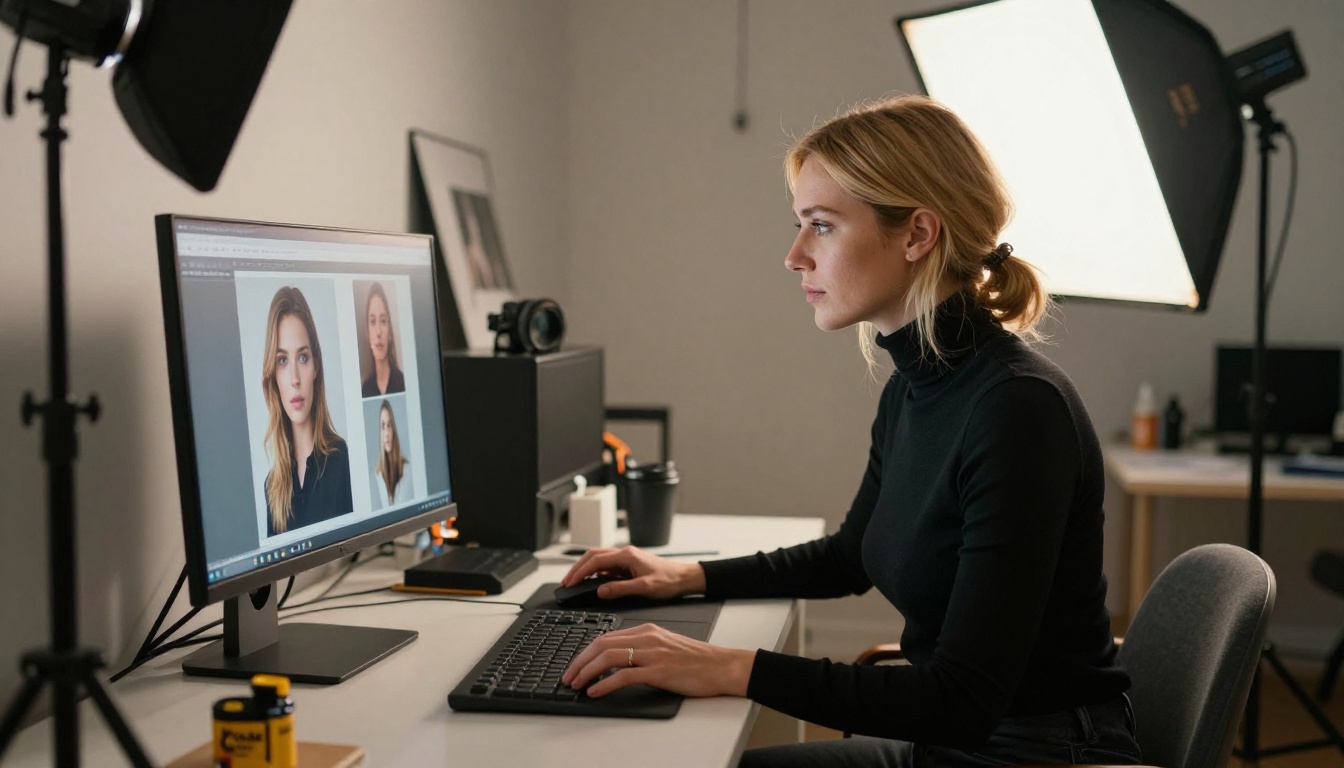
Think Like a Photographer
A professional photographer doesn't say "woman in lingerie." They describe:
- The subject's specific pose and expression (seated, reclining, standing, three-quarters turned)
- The light source, its direction, and quality (hard vs. soft, warm vs. cool, diffused vs. directional)
- The lens creating the mood (35mm wide, 85mm portrait, 105mm telephoto compression)
- Surface textures in the shot (silk weave, fine skin pores, linen, brushed concrete)
- The color palette and film reference (Portra warmth, Ektar saturation)
This approach works with Seedream 4.5, with Flux Dev, with Realistic Vision v5.1. The photography-thinking framing transfers across models because it speaks in visual language that these systems were trained on.
Words That Work vs. Words That Block
Prompts producing quality artistic results:
- "Elegant woman in silk camisole, soft morning light from upper left, 85mm portrait, photorealistic, Kodak Portra 400"
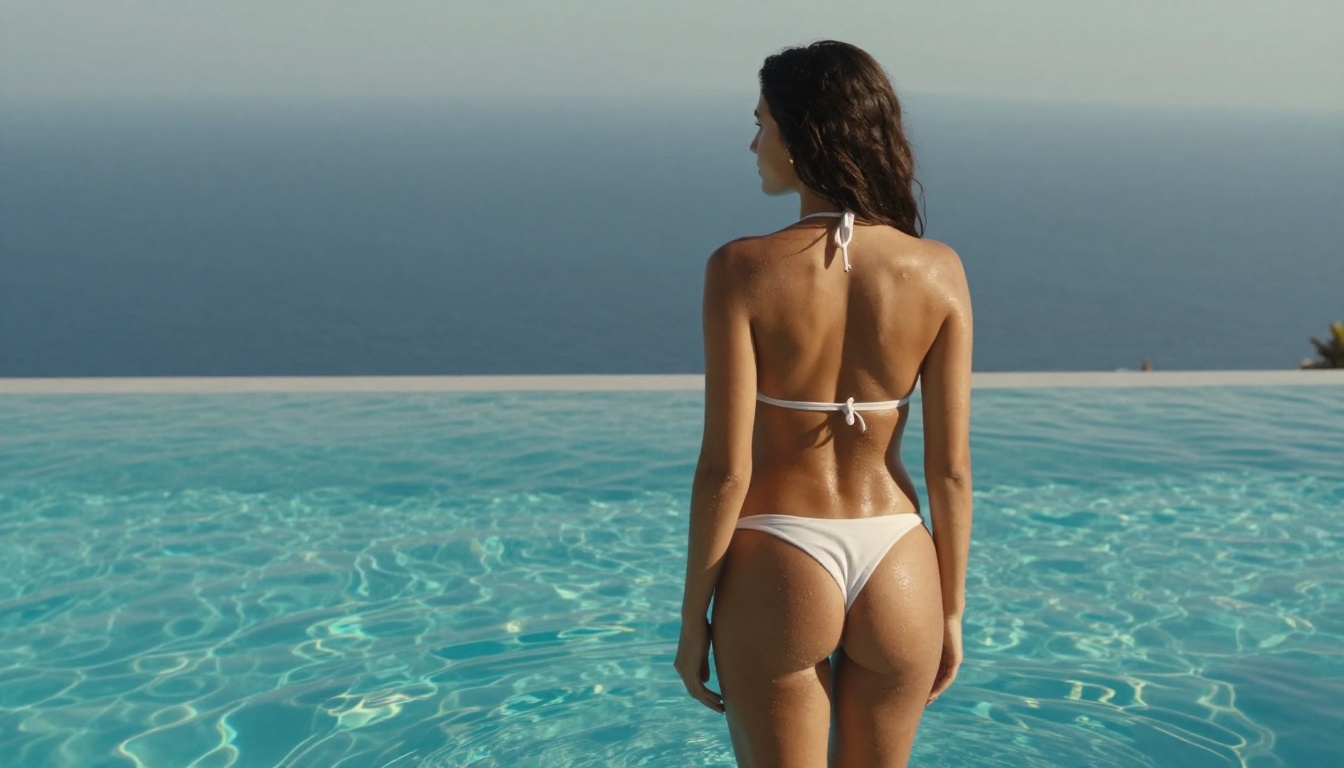
- "Glamour editorial, woman in minimal bikini by pool, natural overhead sunlight, fine film grain, 8K"
- "Artistic boudoir photo, implied nudity, soft window light from right, 50mm f/1.4, shallow depth of field"
Prompts producing mediocre output regardless of access level:
- Generic body-part descriptions with no compositional context
- Requests that describe content without any photographic language
- Prompts without lighting or camera specification
The quality gap between a photographic prompt and a generic one is dramatic. Seedream 4.5, Flux Pro, and Realistic Vision v5.1 all reward specificity with noticeably better output.
Your Turn to Create
Grok Imagine's adult content policy is real progress from where AI image generation stood two years ago. But the geographic gates, the subscription tiers, the daily caps, and the ongoing regional rollout make it a poor fit for anyone serious about creating adult or suggestive content at volume.
PicassoIA removes all three layers of friction at once. Seedream 4.5 is available now, works without regional restrictions, and produces photorealistic results that compete directly with Grok Imagine's best-case explicit mode output. PicassoIA Image Editor Pro adds unlimited generation volume and a full editing suite on top of that.
Browse the complete catalog at picassoia.com/en/all-models. Over 90 text-to-image models, categorized and filterable, with no mandatory subscription to start. Pick a model, write a photographic prompt, and see what you can actually make when the platform gets out of your way.