Elon Musk built an AI company. That company built an image generator. And that image generator is free. Grok Imagine Image, powered by xAI's proprietary Aurora model, is now one of the most talked-about free AI art tools on the internet, not because it's the most powerful option available, but because it's the most accessible. If you have an X account, you already have access to a text-to-image generator that produces work most people would have paid good money for just two years ago.
This is what Grok Imagine Image actually is, how it works, where it beats the paid competition, where it falls short, and how to access even more from the Aurora model on platforms that give you real creative control.

What Is Grok Imagine Image?
Grok Imagine is the native image generation feature inside xAI's Grok chatbot, available on the X platform and at grok.com. It was rolled out as part of Grok's broader expansion beyond text-only chat, turning the AI assistant into a multimodal creative tool. The core idea is simple: describe an image in plain English, and Grok generates it for you without any extra steps, plugins, or payments.
For casual users, this was a revelation. No navigating to a separate app. No purchasing credits. No learning a new prompt syntax. Just chat, and create.

The Aurora Model Inside
The engine running Grok Imagine is Aurora, xAI's proprietary image generation model. Unlike most of the major image generators you hear about, Stable Diffusion, SDXL, Flux, Aurora is not built on publicly released architecture. It's an entirely in-house system, which gives xAI complete control over how it behaves, what it generates, and how it improves over time.
What Aurora was specifically built for:
- Photorealistic human faces: Earlier AI image models became infamous for producing distorted, uncanny faces. Aurora was designed with face coherence as a priority, and it shows in the outputs.
- Natural lighting simulation: The model has a notably strong grasp of how light behaves in real-world scenes, which is one of the clearest signals of genuine photorealism.
- Prompt coherence: When you write a detailed, specific prompt, Aurora tends to respect it rather than hallucinating away from your description.
- Diverse representation: Aurora performs more consistently across different skin tones, ages, and body types than many competing models.
The trade-off for all this proprietary control is that Aurora cannot be fine-tuned, extended with LoRA adapters, or integrated into external pipelines. What xAI gives you is fixed. You can't modify it or point it at your own training data.
Where to Find It on X
Grok Imagine is available through several entry points:
- X mobile app (iOS and Android): Open Grok from the sidebar or bottom navigation
- X on desktop (x.com): Same sidebar Grok interface
- grok.com: A dedicated web interface with a cleaner layout for creative work
- X Premium subscribers: Significantly higher daily generation limits and priority access
- Free X users: Access with daily caps that reset every 24 hours
Your X account is your login. No separate registration required.
How Well Does It Actually Work?
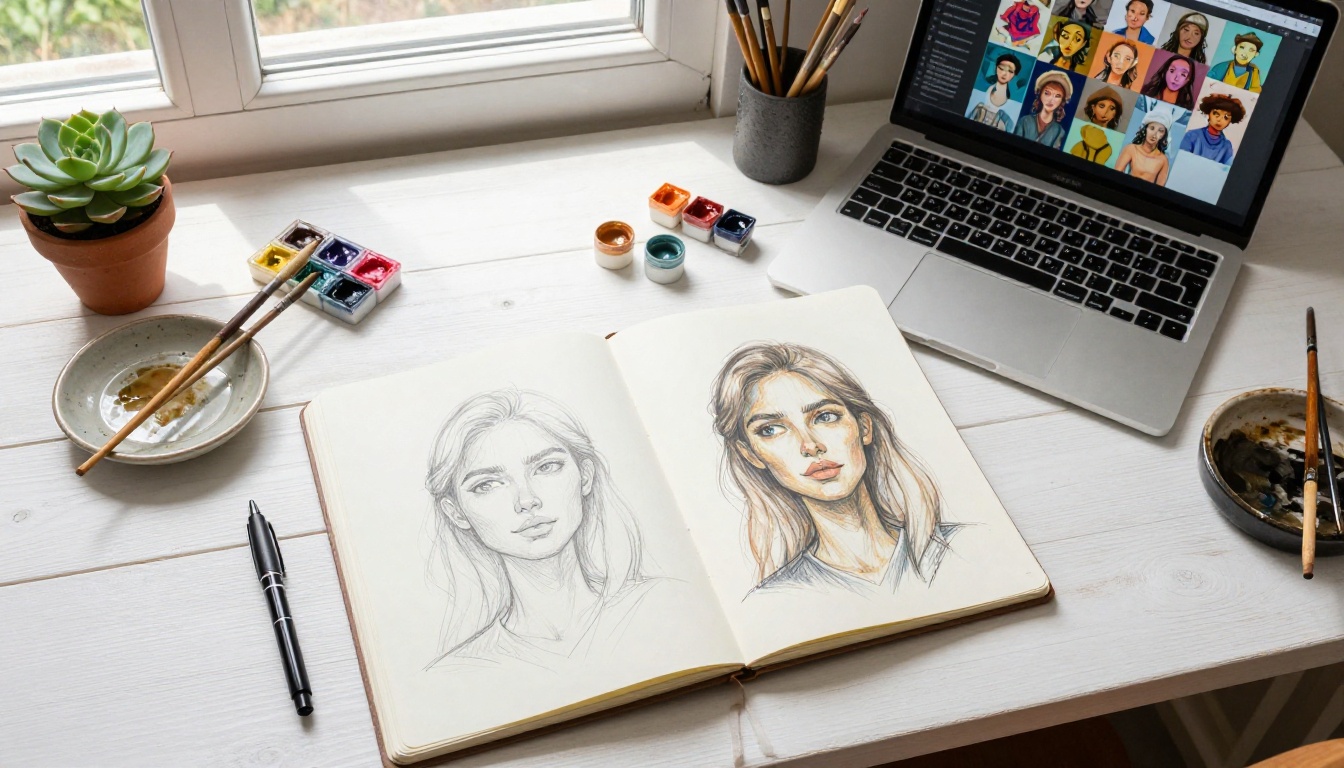
The practical quality of Grok Imagine is notably higher than people expect from a free tool. It won't replace a professional AI image workflow, but it consistently produces output that is sharp, coherent, and visually appealing for everyday use.
Photorealistic Portraits
This is where Aurora genuinely stands out. Request a portrait of a person in a specific setting, with specific lighting, wearing specific clothing, and Aurora delivers a result that holds up to scrutiny. Eyes are correctly placed and proportioned. Skin renders with natural texture rather than plastic smoothness. Hair has physical weight and movement.
For comparison, early DALL-E versions and original Stable Diffusion models required heavy negative prompting and post-processing just to achieve passable facial anatomy. Aurora gets there without that extra work.
Atmospheric and Artistic Scenes
Landscapes, cityscapes, weather scenes, and abstract environments are strong suit areas for Grok Imagine. A request for a fog-covered harbor at dawn, a busy Tokyo intersection in the rain, or a minimalist desert highway will typically return something worth using. The atmospheric quality is especially strong: sky gradients, light diffusion through clouds, reflections on wet surfaces.
Where Grok begins to show its limits is in scenes requiring precise architectural accuracy, multi-figure compositions with complex spatial relationships, and any prompt requiring legible text rendered within the image. These are known weak spots across most image models, and Aurora doesn't solve them.
Grok vs the Competition

Positioning Grok Imagine against the tools people actually pay for reveals where it wins, where it loses, and what the real trade-offs are.
Grok vs DALL-E 3
| Feature | Grok Imagine | DALL-E 3 |
|---|
| Cost | Free (daily limits apply) | Requires ChatGPT Plus ($20/mo) |
| Model | Aurora (xAI proprietary) | DALL-E 3 (OpenAI) |
| Photorealism | Strong | Strong |
| Prompt adherence | Good | Excellent |
| Safety filters | Moderate | Very strict |
| Image editing | Not available | Yes (via ChatGPT) |
| API access | Not available | Yes (OpenAI API) |
| Platform | X (Twitter) | ChatGPT / API |
DALL-E 3 wins on prompt precision and integration with ChatGPT's editing tools. Grok wins on price and accessibility. For a user who just wants to visualize ideas quickly, Grok is the smarter daily choice. For teams building AI image workflows into products, DALL-E 3's API and editing tools justify the cost.
Grok vs Midjourney
Midjourney remains the benchmark for aesthetic, stylized AI image generation. Its v6 and later models produce images with an unmistakable cinematic quality that has become iconic across AI art communities.
Grok Imagine takes a fundamentally different direction. It prioritizes photorealism and practical usability over artistic style. If you want something that looks like a professional photograph, Grok often wins. If you want something with that painterly, almost otherworldly beauty Midjourney is known for, Grok doesn't quite get there.
Midjourney also costs a minimum of $10/month with no free tier. Grok's zero-cost entry point is a meaningful advantage for anyone just getting started.
The Real Cost of "Free"
Nothing is truly free. With Grok Imagine, the trade-offs are:
- Daily generation limits: Free accounts hit caps that feel restrictive mid-project
- No API access: You can't automate, integrate, or scale Grok Imagine into any external workflow
- Platform dependency: All access runs through X or grok.com, tied to your X account
- No customization controls: No aspect ratio fine-tuning, no seed control, no negative prompts
- Opaque model behavior: No visibility into why a generation succeeded or failed
💡 Grok Imagine is excellent for spontaneous, low-stakes image creation. The moment your needs become systematic or professional, you'll hit its ceiling fast.
What Grok Imagine Does Well
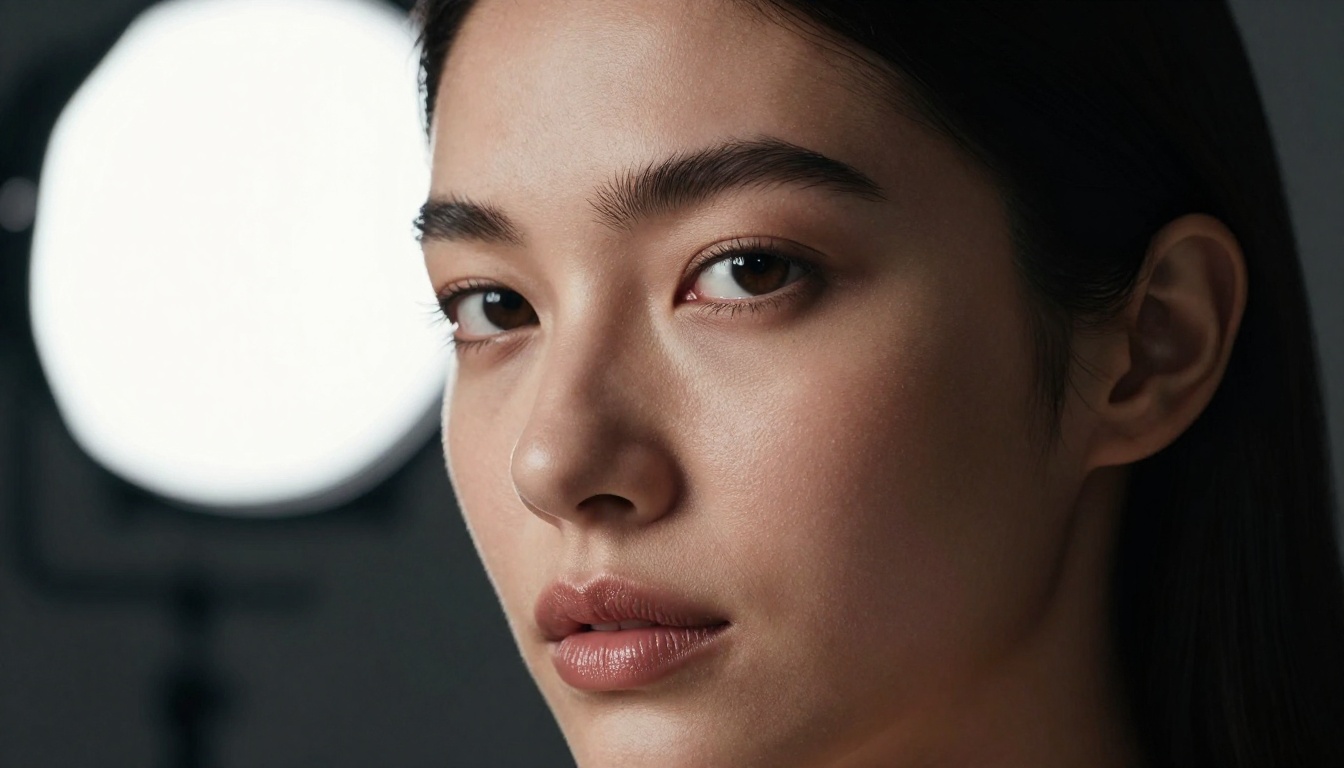
It's worth being specific about Grok Imagine's genuine strengths, because they're real.
Speed: Images generate in under 15 seconds for most prompts. That's fast enough to stay in a creative flow without breaking your thinking.
Conversational prompting: Because Grok is a large language model at its core, it handles natural language prompts better than most dedicated image tools. You don't need to learn a syntax. "A portrait of an elderly fisherman at sunrise, weathered face, calm expression, ocean behind him" works exactly as written.
Consistent quality floor: Grok Imagine rarely generates something truly terrible. The quality variance is low, which means you're unlikely to waste time on catastrophically bad generations. Most outputs are at least usable.
Face and skin rendering: Aurora's treatment of human subjects is strong enough to use for social content, blog illustrations, and presentation visuals without obvious AI artifacts.
Zero onboarding: There's no learning curve if you're already on X. Open Grok, type, generate. That's the entire process.
Where Grok Imagine Falls Short
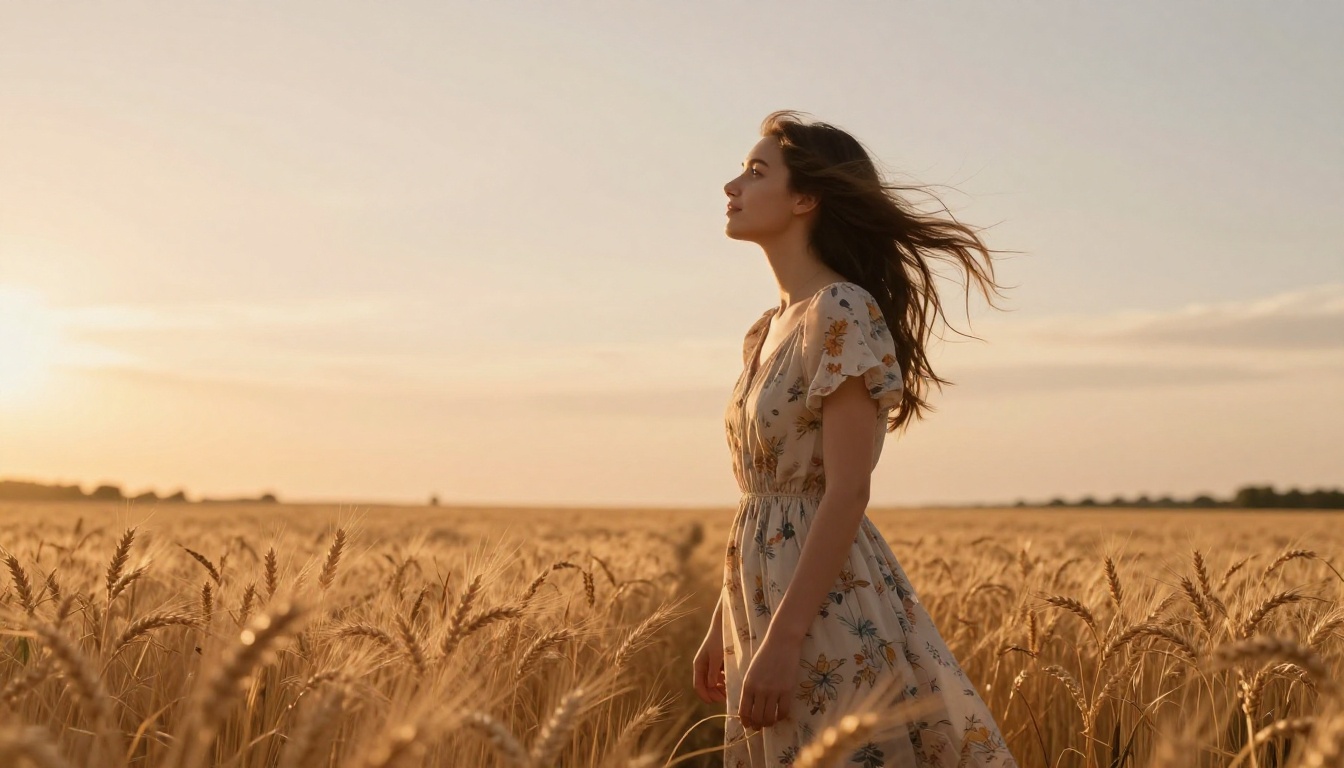
No Fine-Tuning or LoRA
This is the biggest limitation for serious creators. Fine-tuning lets you train a model on specific subjects, styles, or characters so it reproduces them consistently across generations. A fashion brand might fine-tune on their product line. A content creator might train on their own face for consistent AI avatar generation.
Grok Imagine supports none of this. Every generation starts from scratch, from a general-purpose model with no memory of previous outputs or custom training data.
Models like Flux Dev LoRA and p-image LoRA on PicassoIA support these customization workflows, giving creators control that Grok simply doesn't offer.
Limited Prompt Control
Professional image generation relies on controls beyond the text prompt: negative prompts (what to exclude), seed values (for reproducibility), CFG scale (how strictly the model follows the prompt), and step count (quality vs. speed). Grok surfaces none of these.
If you generate an image that's 80% perfect but has one wrong element, there's no targeted way to fix it without regenerating from scratch. Your next generation might fix one thing while breaking another.
No Image Editing
Grok Imagine is purely generative. There's no inpainting to fix specific areas, no outpainting to extend the canvas, no style transfer, and no background removal. The image you get is final. For anyone building a production content workflow, this is a critical gap.
How to Use Grok Imagine on PicassoIA
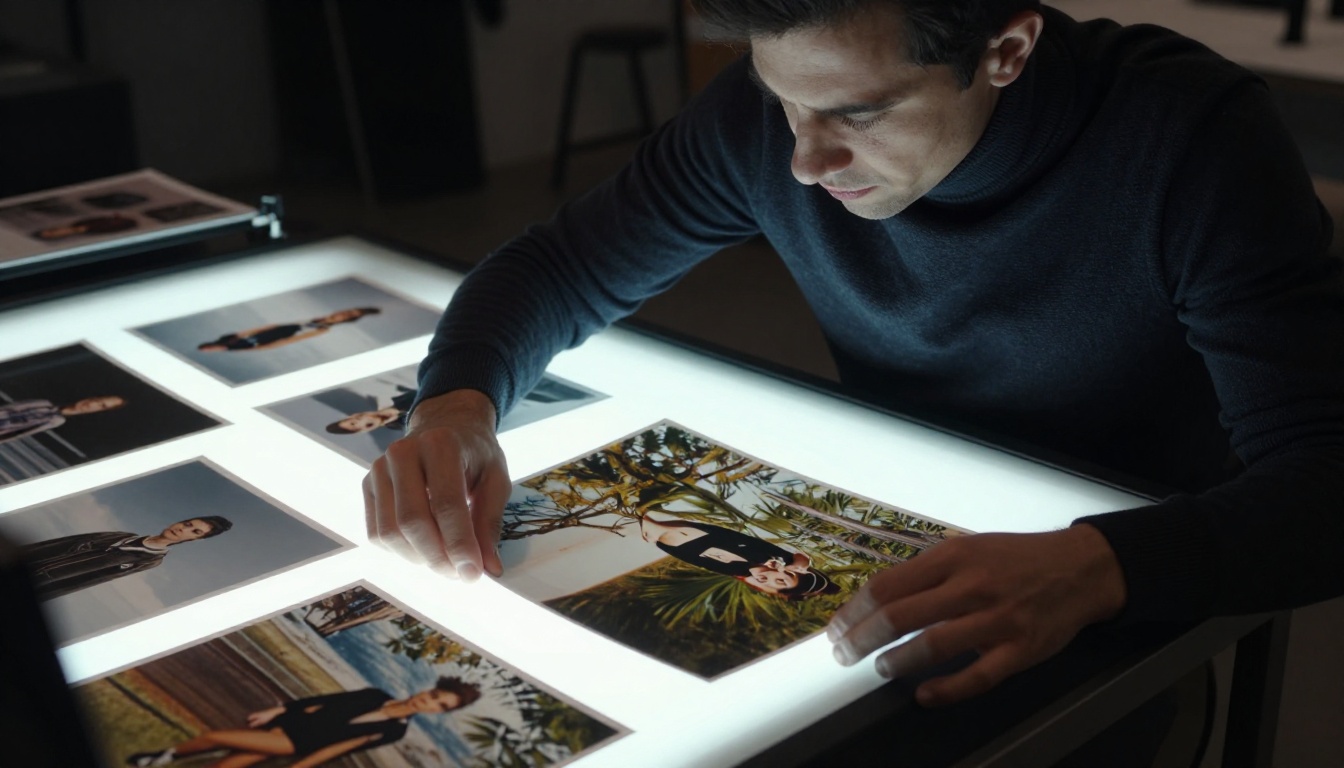
PicassoIA offers direct access to the Grok Imagine Image model within a full-featured AI creation platform. This means you get the same Aurora-powered generation but with additional tools, model comparisons, and workflow features that the X interface doesn't offer.
Step-by-Step on PicassoIA
- Navigate to Grok Imagine Image on PicassoIA
- Write a detailed prompt using natural, descriptive language. Aurora responds well to specificity. Swap vague terms for precise details: "a woman" becomes "a 30-year-old woman with copper red hair, freckles, wearing a denim jacket on a rainy afternoon"
- Include lighting context: This is the single biggest quality lever. "Soft morning light from the left," "blue-hour ambient glow," or "hard single-source spotlight" all dramatically shift the result
- Add camera and lens information: "Shot on 85mm f/1.4" primes the model for shallow depth of field and photographic framing
- Generate and compare: PicassoIA lets you run multiple models on the same prompt, so you can directly compare Grok Imagine's output against Flux 2 Pro or Imagen 4 in one session
- Refine with other tools: Once you have a solid base image, use PicassoIA's super-resolution or background removal tools to polish it for professional use
Tips for Better Results
💡 The quality gap between a basic prompt and a detailed one is enormous with Aurora. Spend 60 seconds refining your prompt before hitting generate.
- Reference real locations: "A rooftop bar in Montmartre at sunset" beats "a bar with a nice view"
- Describe atmosphere, not just subjects: "tense, overcast, industrial atmosphere" shifts the entire mood
- Use photography terminology: "shallow depth of field," "long exposure motion blur," "split toning with warm shadows" all translate into visual changes
- Avoid contradictions: "dramatic dark moody lighting and bright cheerful colors" confuse the model
- Iterate with small changes: Modify one descriptor at a time to learn what each element contributes
More AI Models Worth Trying
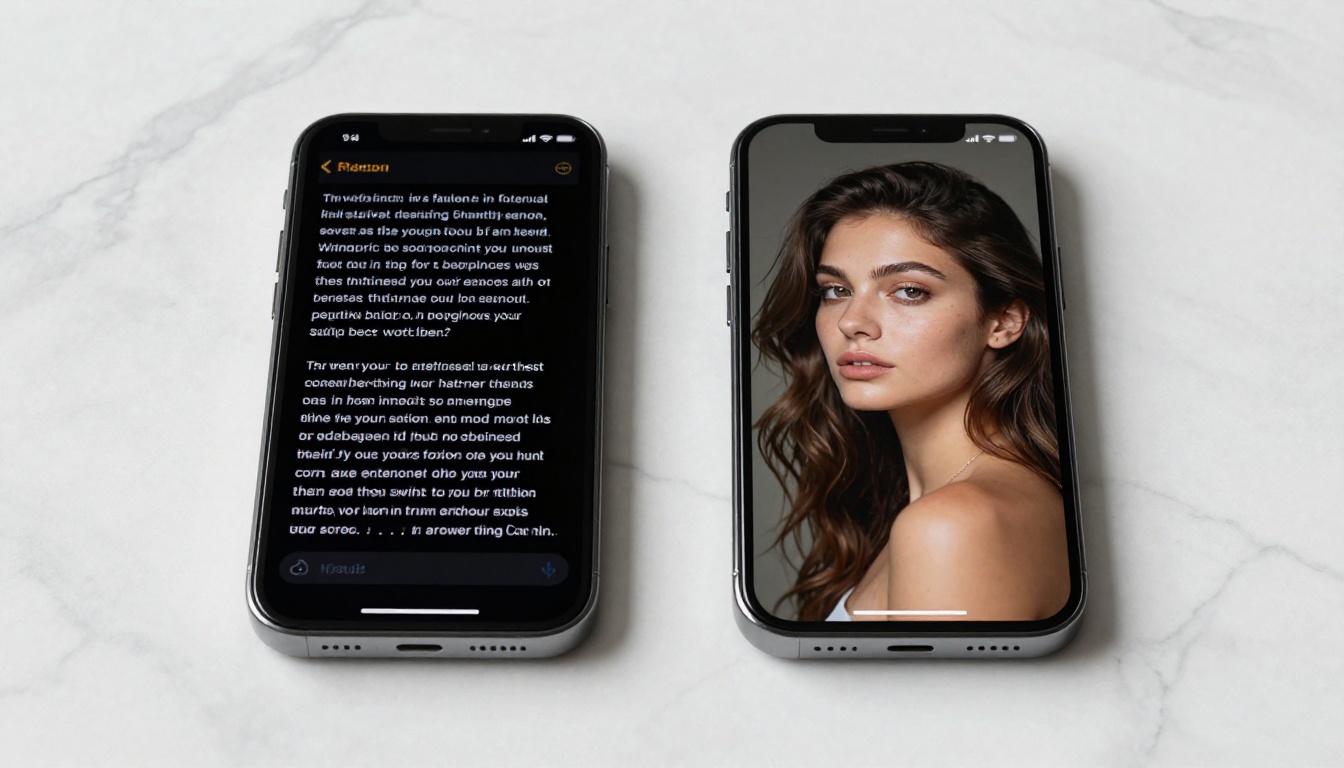
Grok Imagine opened a door. Here's what's through it on PicassoIA.
A practical workflow that experienced creators use: draft compositions fast with Flux Schnell, finalize high-quality outputs with Flux 1.1 Pro Ultra, handle any text-in-image needs with Ideogram v3 Quality, and use Grok Imagine Image specifically when Aurora's photorealistic portrait style is exactly what the brief calls for. Each model has its own strengths, and having them all in one place changes how you work.
Beyond text-to-image, PicassoIA also offers tools for every other stage of a creative workflow: video generation from text or images, background removal, super-resolution upscaling to 4x, AI video enhancement, lipsync generation, and audio creation. The platform is built for creators who want more than a single-model experience.
Start Creating Your AI Art Now

Grok Imagine Image proves that xAI is serious about being a creative AI platform, not just a chatbot company. Aurora produces genuinely impressive photorealistic images for free, and the integration into X removes every friction point that kept casual users away from AI art tools.
The limitations are real, but they're the right ones for a free product. No fine-tuning, no prompt engineering controls, no API access. These are features that power users need, but that casual creators won't miss on day one.
When you're ready to go further, PicassoIA brings the Grok Imagine Image model into a platform alongside Flux 1.1 Pro Ultra, GPT Image 1.5, Imagen 4, and over 87 more models, plus video generation, super-resolution, background removal, and every other tool a serious AI creator actually uses.
Start with a prompt. See what Aurora builds from your words. Then decide how far you want to take it.


