The question surfaces constantly in AI creator communities: does Grok Imagine Image actually work for NSFW content, and is it worth your time? After putting xAI's image model through its paces across dozens of generations, here is a detailed breakdown covering quality, limitations, speed, and how it compares against the best uncensored alternatives available in 2027.
What Is Grok Imagine Image?
Grok Imagine Image is the image generation model developed by xAI, the AI company behind the Grok chatbot. Unlike most mainstream text-to-image tools that apply strict safety filters, Grok Imagine Image takes a more permissive approach, accepting prompts that other platforms would outright reject.
xAI built Grok with a stated commitment to reducing over-censorship in AI. That philosophy carries into the image model, where content restrictions are noticeably lighter than you find on tools like DALL-E or standard commercial Stable Diffusion deployments. The result is a model that processes prompts describing suggestive or adult-adjacent scenarios without the wall-of-rejection many creators run into elsewhere.
The model is accessible through several platforms, including PicassoIA, where it operates as Grok Imagine Image via xAI's API integration.
Its Signature Feature
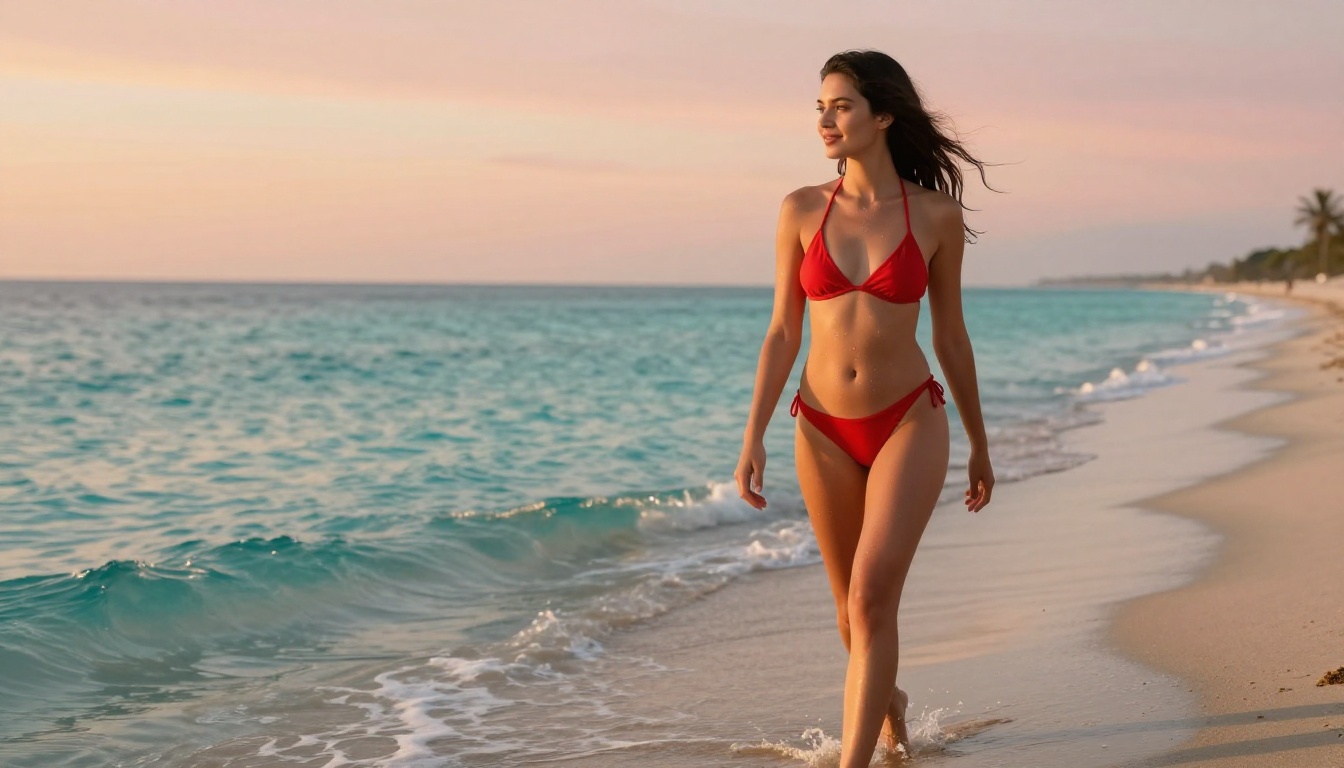
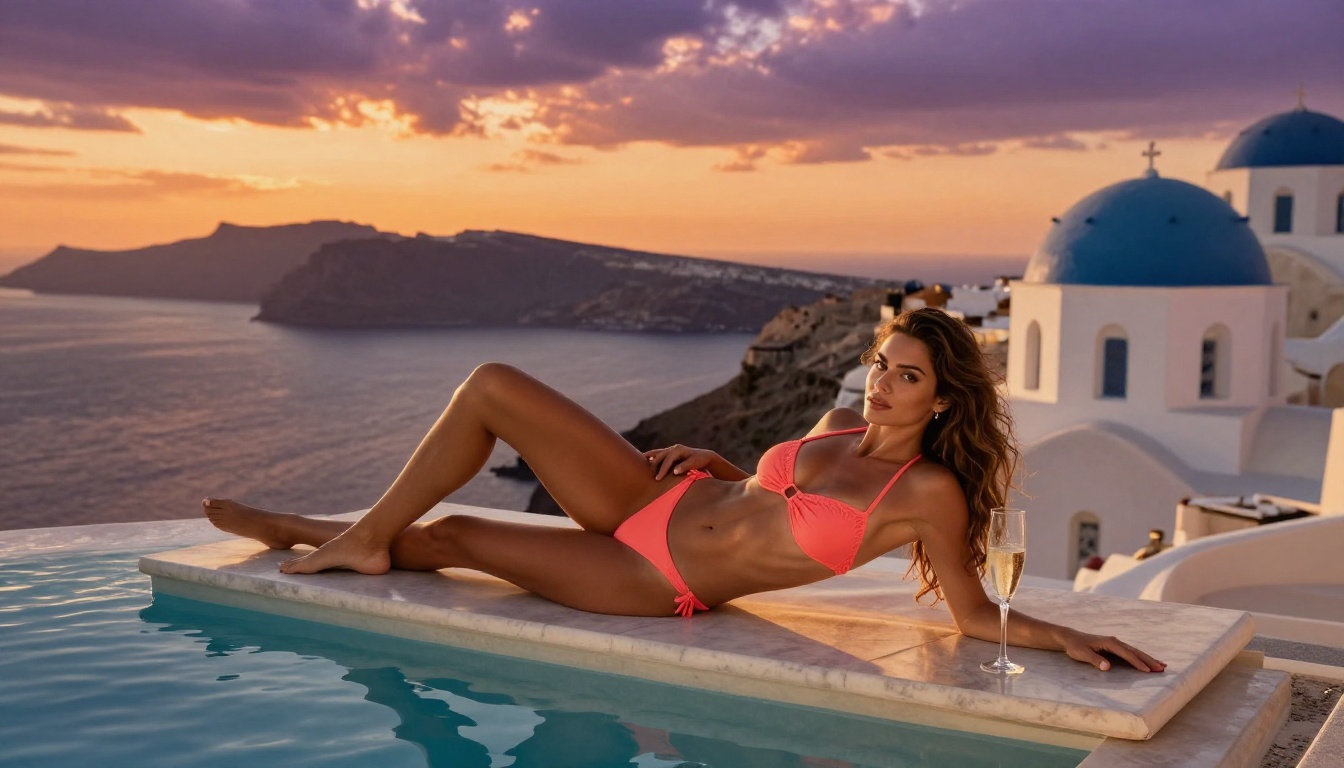
Among Grok Imagine Image's most discussed capabilities is its ability to convert images of people into bikini-format outputs in a realistic way. Feed it a reference image and describe the desired outcome, and the model reinterprets the subject in swimwear while working to preserve likeness and body proportions. For creators who need this specific type of transformation without heavy post-processing work, it fills a niche that many other models struggle to match.
This image-to-image transformation strength is what separates Grok Imagine from a lot of general-purpose NSFW tools. Most models are text-to-image focused. Grok Imagine's core value is in the conversion workflow.
NSFW Capabilities: What It Actually Does
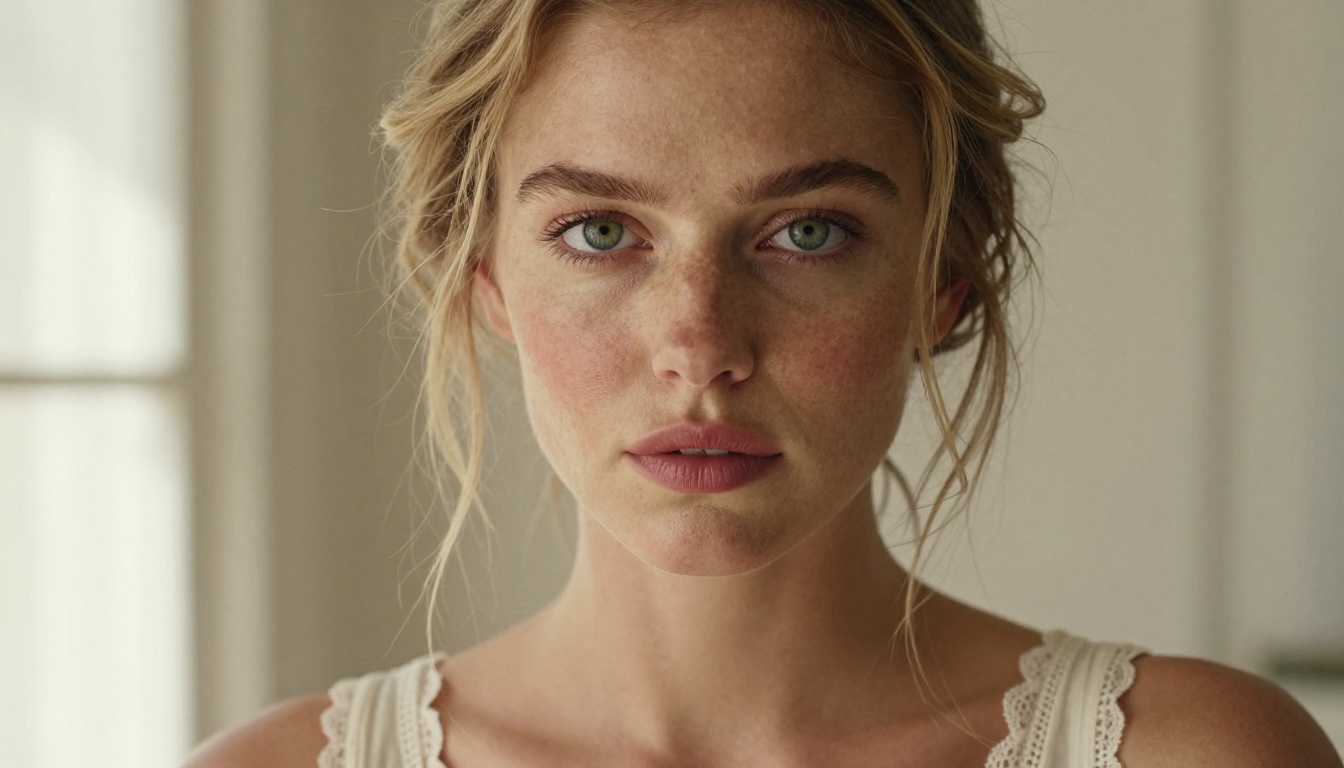
Grok Imagine Image occupies an interesting middle ground in the NSFW AI space. It is permissive enough to accept prompts that most mainstream tools would flag, but it is not a fully unrestricted adult content model. Understanding exactly where its limits sit saves you the frustration of repeatedly testing the edges.
What It Allows
- Bikini and swimwear scenarios: This is its strongest area. Fabric rendering looks natural and body proportions hold up across most test cases.
- Suggestive posing and lifestyle content: The model handles glamour and fashion-adjacent content without refusal in most cases.
- Boudoir-adjacent outputs: Light lingerie and intimate clothing scenarios process reliably.
- Image-to-image transformations: Its standout capability. Starting from a reference image produces more consistent and realistic results than text-only prompts.
Where It Hits Limits
- Explicit nudity: Grok Imagine Image does not generate fully explicit content. Prompts that push past the suggestive threshold are softened or partially declined.
- Consistency across generations: Output quality varies more than you see with dedicated NSFW models. One generation might nail the details; the next can have proportion or texture issues with the same prompt.
- Prompt sensitivity: Small wording changes produce dramatically different outputs. This adds friction for creators who want reliable, repeatable results without extensive prompt tuning.
💡 Tip: For Grok Imagine Image's best results, always use image-to-image mode with a clean, well-lit reference photo. Text-only prompts require significantly more iteration to reach a usable result.
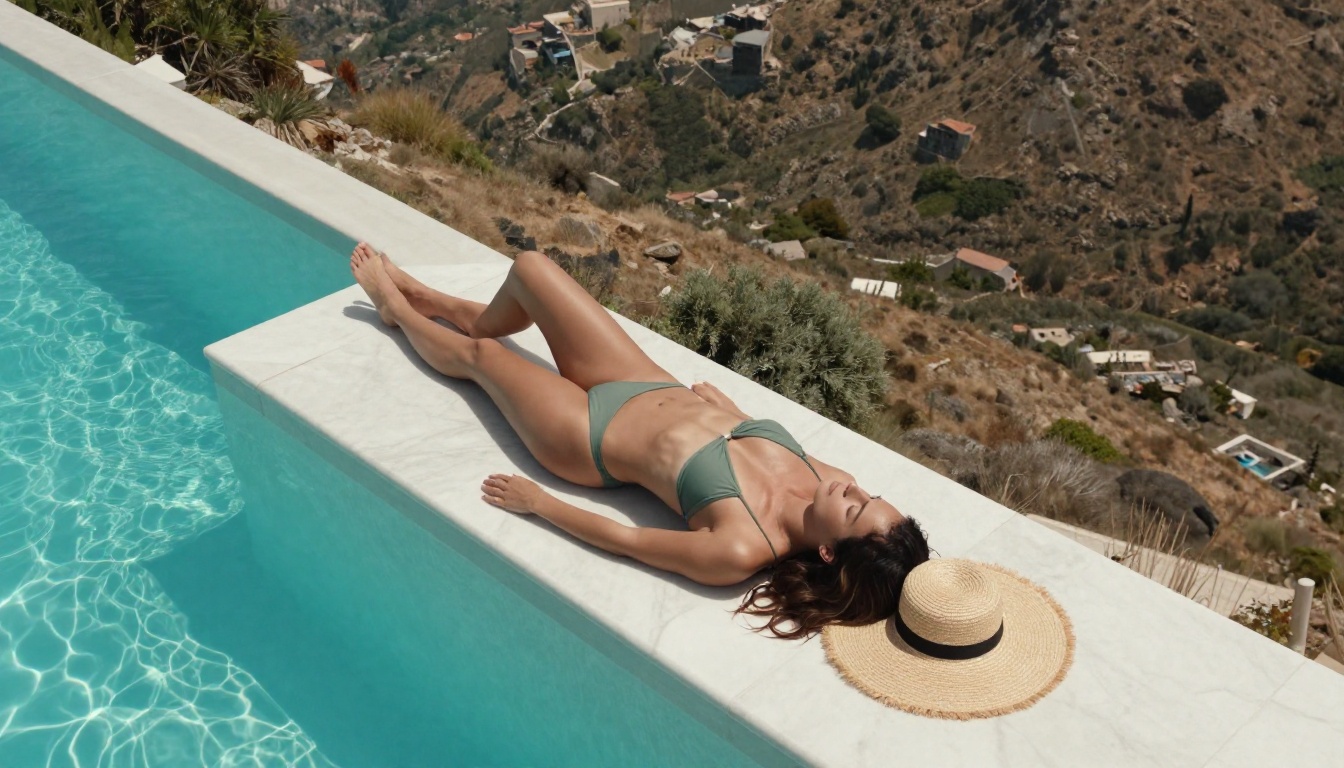
Image Quality: The Real Results
This is what matters most in any honest review. The quality that shows up in actual generations, not the marketing.
What Grok Imagine Does Well
Skin realism is one of Grok Imagine's stronger points. At its best, the model produces skin texture with convincing fine detail, capturing subtle tonal variation that reads as genuinely photographic at first glance. Lighting integration is particularly solid in image-to-image mode, where the output respects the light source present in the original input image rather than applying its own arbitrary lighting.
Facial structure is generally coherent. The model avoids the uncanny-valley distortions that plague lower-tier models, and expressions tend to look natural rather than wooden or over-smoothed.
Background coherence is better than expected. Given a clear environment context in the prompt, the model generates backgrounds that feel integrated with the subject rather than pasted on afterward.
Color science is pleasant. Skin tones avoid the oversaturated or plasticky look that can undermine realism in competitor outputs.
The Weaknesses Worth Knowing
Hands and extremities remain a recurring problem. Complex hand positions, jewelry details, and feet show the same artifacts that challenge image models broadly. Grok Imagine is no exception, and if hand detail matters for your output, expect to regenerate several times or use inpainting to correct.
Fabric physics can look off in dynamic or flowing poses. Clothing that should drape or flow sometimes appears rigid or incorrectly lit relative to the scene's light source. This is noticeable in swimwear content where fabric movement and wet-look rendering matters.
Sharpness ceiling is acceptable but not exceptional. The raw output can look slightly soft compared to models specifically tuned for photorealistic sharpness. If you need ultra-crisp output, a super-resolution pass after generation is often necessary.
Generation speed is moderate at 5 to 15 seconds per image depending on server load. This is usable but noticeably slower than alternatives like P-Image, which returns results in under one second.
Speed, Access, and Cost Reality
Where to Access It
Grok Imagine Image is available directly through xAI's products and on third-party platforms that integrate its API. On PicassoIA, it sits alongside dozens of other models in the same interface, meaning you can test it and immediately compare outputs against alternatives without switching between different platforms or accounts.
Cost Per Generation
Using Grok Imagine Image through an API-connected platform means paying per generation. This becomes a real consideration when you need to run multiple iterations to achieve the result you want, which happens frequently given the model's output variability. Costs accumulate in ways that do not apply to platforms offering unlimited generation plans.
💡 Comparison point: PicassoIA Image Editor Pro offers unlimited generations included in Elite and Infinite subscriptions. Generating 1,000 images that would cost roughly $100 on pay-per-image models costs nothing extra on that plan.
How Grok Imagine Compares to the Top Alternatives
Grok Imagine Image earns its place as a legitimate option in the NSFW image generation space. But placing it alongside the best alternatives available makes the differences clear.
The conclusion here is clear: Grok Imagine Image is a capable niche tool, particularly for image transformation workflows. For general NSFW creative production, faster and more consistent models are available on the same platform.
Best NSFW Models on PicassoIA Right Now
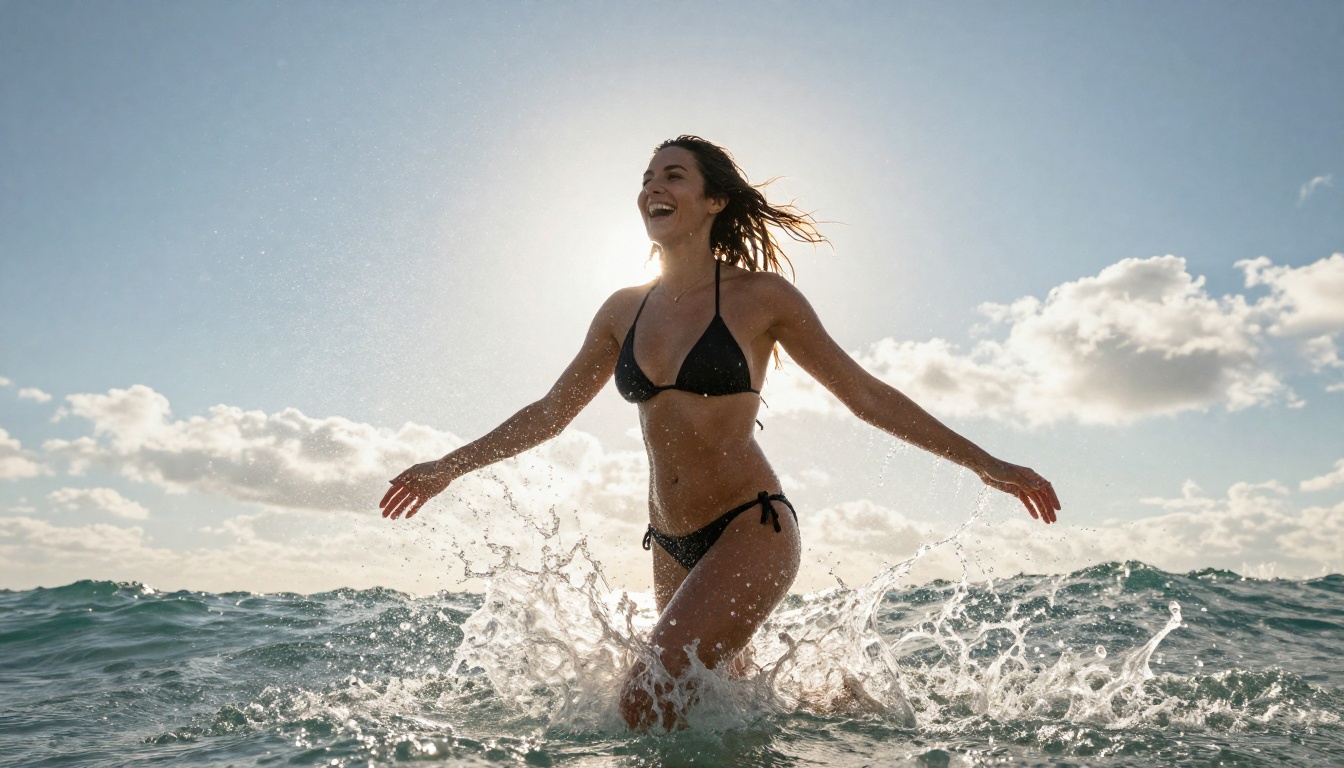
For creators serious about NSFW image generation, here is the ranked list of what performs at the highest level on PicassoIA in 2027.
1. Seedream 4.5: The Best Overall
Seedream 4.5 is the top recommendation for NSFW content across all creative workflows. It accepts adult content, supports image editing, and generates highly realistic output in under 3 seconds. The level of detail in skin texture, lighting response, and compositional coherence sits at the top of what is currently possible from any text-to-image model.
Important: The newer Seedream 5 Lite does not support NSFW content. Stay with version 4.5 for unrestricted creative work.
2. PicassoIA Image Editor Pro: Unlimited for Power Users
PicassoIA Image Editor Pro takes the second spot for its cost structure. This img2img model is bundled with unlimited generations in Elite and Infinite plans. That means 500, 1,000, or 5,000 images costs the same as one. NSFW content is accepted, results arrive in under a second, and a 3-generation free trial is available without requiring a credit card.
For anyone producing NSFW images at scale, nothing in this space offers comparable value.
3. Qwen Image 2: Open Source Flexibility
Qwen Image 2 is an open-source model handling both text-to-image creation and image editing with impressive realism. Its open-source nature means fewer commercial content restrictions are baked in, and the output quality is genuinely detailed for the speed it operates at.
4. Grok Imagine Image: Niche Transformation Strength
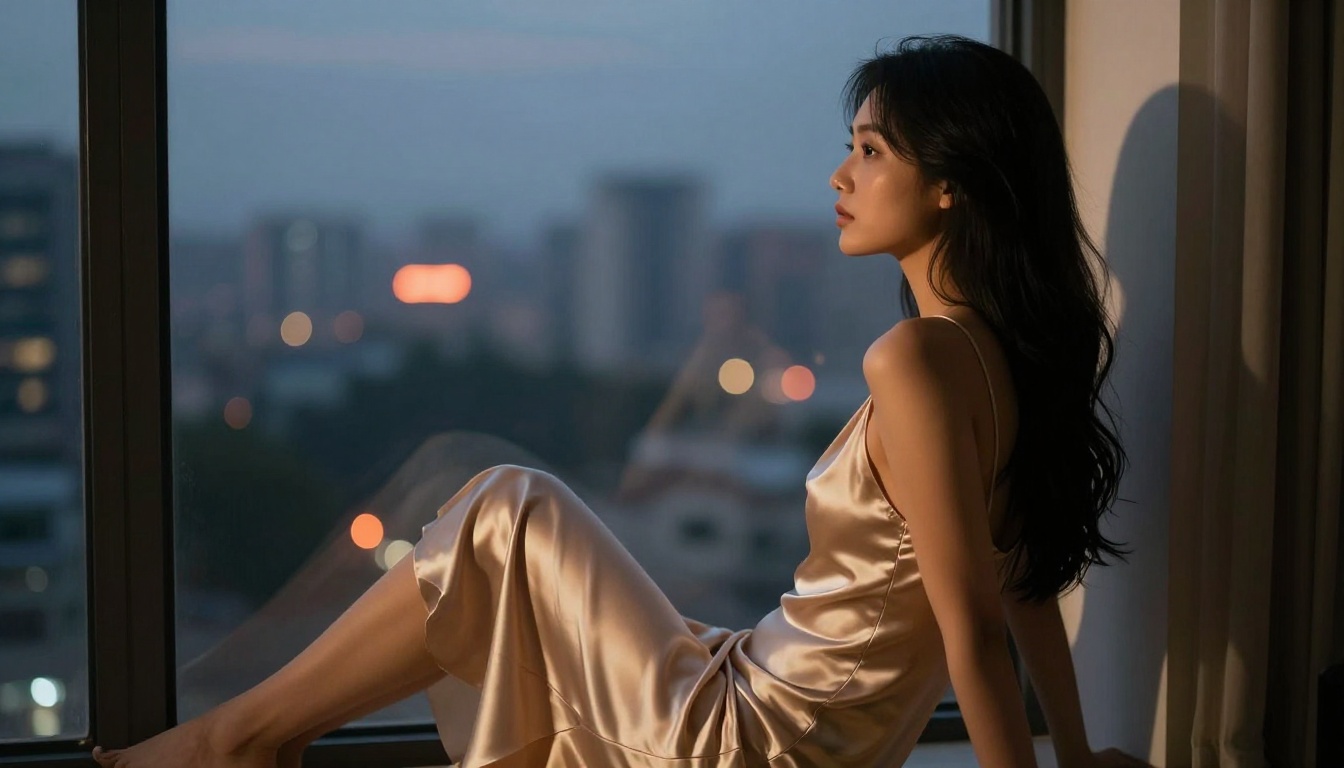
Grok Imagine Image earns its slot at number four for the specific strength it brings to image-to-image transformation, particularly bikini conversion from any input image. For creators with that specific workflow, it is a reliable and realistic tool. For broader NSFW creative production, the models ranked above it will serve you better in most scenarios.
5. Recraft V4: Photorealistic from Text
Recraft V4 focuses exclusively on text-to-image generation and delivers very realistic results. It does not support image editing or transformation workflows, but for prompt-driven photorealistic output from scratch, it produces high-quality images with strong consistency.
6. P-Image: Speed Above All
P-Image generates NSFW images in under 1 second. When iteration speed is the priority and you need to cycle through variations rapidly, this is the model to use. The quality-per-second ratio is unmatched in this category.

How to Use Grok Imagine Image on PicassoIA
PicassoIA hosts Grok Imagine Image directly in its model collection. Here is how to get the best results from it.
Step 1: Open the Model
Go to picassoia.com/en/collection/text-to-image/xai-grok-imagine-image. No account is required to start with the free trial.
Step 2: Upload Your Reference Image
Grok Imagine Image performs at its best in image-to-image mode. Upload a reference photo using the input panel. A clean, well-lit image with a clear subject produces the most consistent and realistic output. Avoid blurry, heavily compressed, or poorly lit source images as these introduce artifacts into the generation.
Step 3: Write a Precise Prompt
Vague prompts produce variable results. The more specific your prompt, the more control you have over the output. Define the clothing type, the setting, the light source, and the overall mood in concrete terms.
Example prompt structure: "[Subject] wearing [specific clothing type] in [specific setting], [lighting description], photorealistic, natural skin texture, 8K photography"
Step 4: Generate and Iterate
Run the first generation and evaluate it critically. If the result misses on proportions, fabric realism, or lighting integration, adjust the prompt to address those specific elements. Two to three targeted iterations typically produce a result worth keeping rather than trying to fix issues with vague revisions.
Step 5: Combine with Other Models
Grok Imagine Image does not need to be your final step. Its transformation output can be fed into other models for refinement. Running the result through PicassoIA Image Editor Pro for detail touch-up work, or through a super-resolution model for sharpness, often gets you to a final image that is significantly better than either model could produce alone.
💡 Pro workflow: Use Grok Imagine Image to handle the heavy transformation from reference photo to desired output, then use PicassoIA Image Editor Pro for fine detail corrections at no extra cost on unlimited plans.
Start Creating Your Own Images
Grok Imagine Image is a solid tool with a well-defined niche: realistic image-to-image transformation for bikini and swimwear scenarios. It sits comfortably in the tier of useful NSFW models and is worth testing if that specific workflow matches your creative needs. The honest verdict is that it is not the top of the field in overall quality or speed, but it does one specific thing particularly well.
If you want the best overall quality for NSFW generation, start with Seedream 4.5. It accepts adult content, generates in under 3 seconds, and supports image editing without switching tools. If unlimited scale is the priority, PicassoIA Image Editor Pro is the only model in this space that lets you generate thousands of images at no additional cost per generation. For the fastest possible iteration speed, P-Image delivers results in under one second.
All of these models, including Grok Imagine Image itself, are available on PicassoIA right now. You do not need to juggle multiple platforms, manage separate subscriptions, or deal with restrictive content filters that block your creative work.
Browse the full catalog and start generating without restrictions at picassoia.com/en/all-models.


