If you've spent time trying to create realistic, suggestive images with mainstream AI tools, you already know the frustration. A prompt gets flagged. A bikini shot comes back clothed. An artistic composition returns a watermarked preview or nothing at all. Grok Imagine, the image model from xAI, has been making waves precisely because it sidesteps much of that friction. The question most creators are asking is simple: where do you actually access it, and does it deliver on the "no filter, no watermark" promise?
What Grok Imagine Actually Is
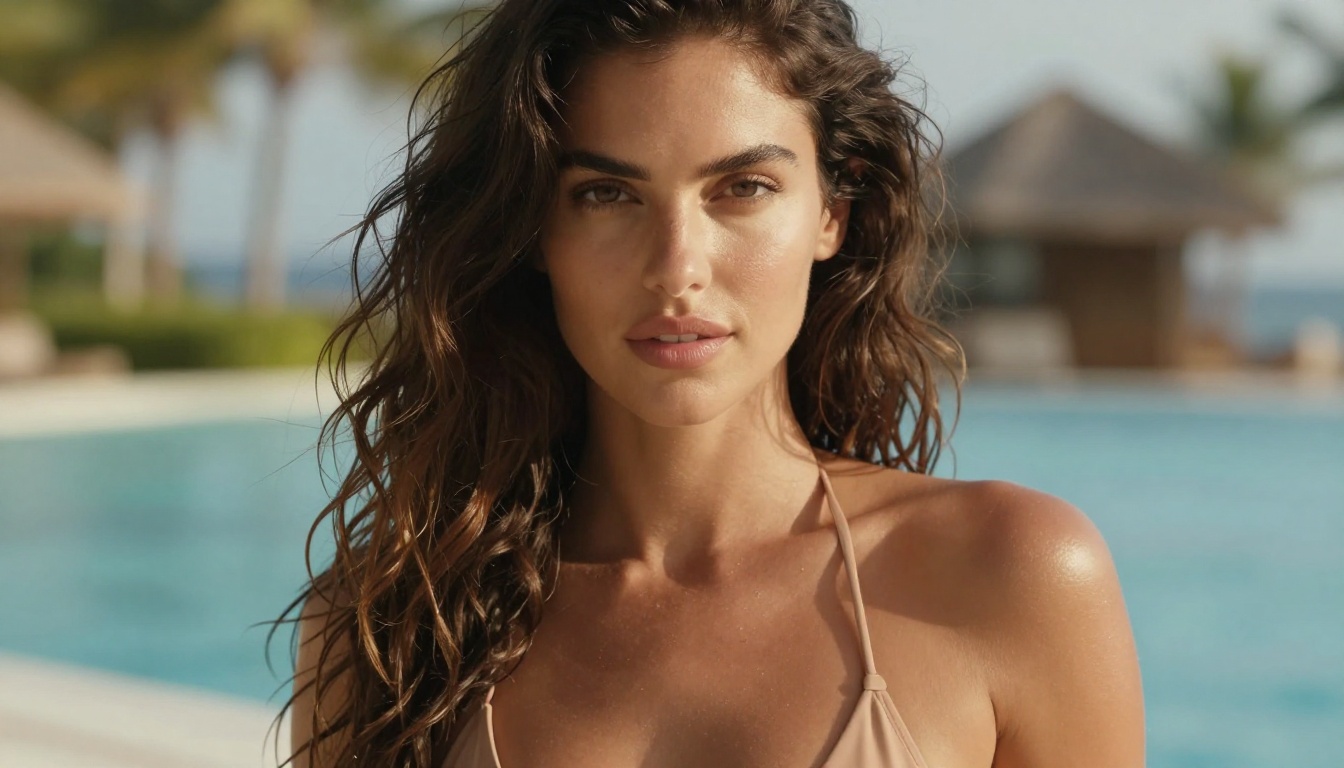
Grok Imagine is xAI's dedicated image generation model, part of the same ecosystem as the Grok AI assistant built by Elon Musk's company. Unlike OpenAI's DALL-E, which operates under strict content policies enforced at the API layer, or Stability AI models that vary widely depending on hosting environment, Grok Imagine was built from the start with fewer hard content restrictions.
The Model Architecture
The original Grok image model ran on a proprietary architecture xAI called Aurora, focused on photorealism. The model family has continued to evolve, with newer iterations delivering stronger detail fidelity, more accurate anatomy, and better prompt adherence. The focus throughout has been consistent: produce high-quality, photorealistic outputs that respond faithfully to what the user actually types.
This is a meaningful distinction. Many AI image models are trained against a heavy safety classifier, which means they implicitly learn to avoid certain visual qualities even when prompts are entirely reasonable. Grok Imagine was not optimized against the same restrictions, and that shows directly in the results.
Two Filtering Layers — and Why Grok Skips Them
Most AI image platforms apply two layers of filtering:
- Prompt filtering: The system reads your text before sending it to the model and blocks or rewrites terms it considers problematic.
- Output filtering: The generated image is analyzed post-creation and suppressed if it triggers a content classifier.
Grok Imagine Image, especially when accessed through platforms like PicassoIA, operates without the heavy first layer. Your prompts reach the model intact. The results speak for themselves.
Why "No Filter" Is Not Just Marketing
Content filtering in AI image generation has become a running battle between platform policies and user intent. The problem is not that safety systems exist. It is that they are applied so aggressively that they block entirely legitimate creative work.
What Most Platforms Block
Here is what gets flagged or suppressed on the majority of mainstream AI image generators:
- Bikinis and swimwear in certain natural poses
- Implied nudity: bare shoulder, back, collarbone shots
- Descriptive prompts with body-positive language
- Artistic photography styles that suggest intimacy
- References to "suggestive" scenarios even in clearly artistic contexts
- Simple beach or pool photography prompts with natural human subjects
The result is that creators doing glamour photography, fashion work, artistic nude studies, or simply generating realistic human images for personal use constantly run into walls. A simple prompt for a beach portrait can fail repeatedly, with the platform offering no explanation for the refusal.
What Grok Allows
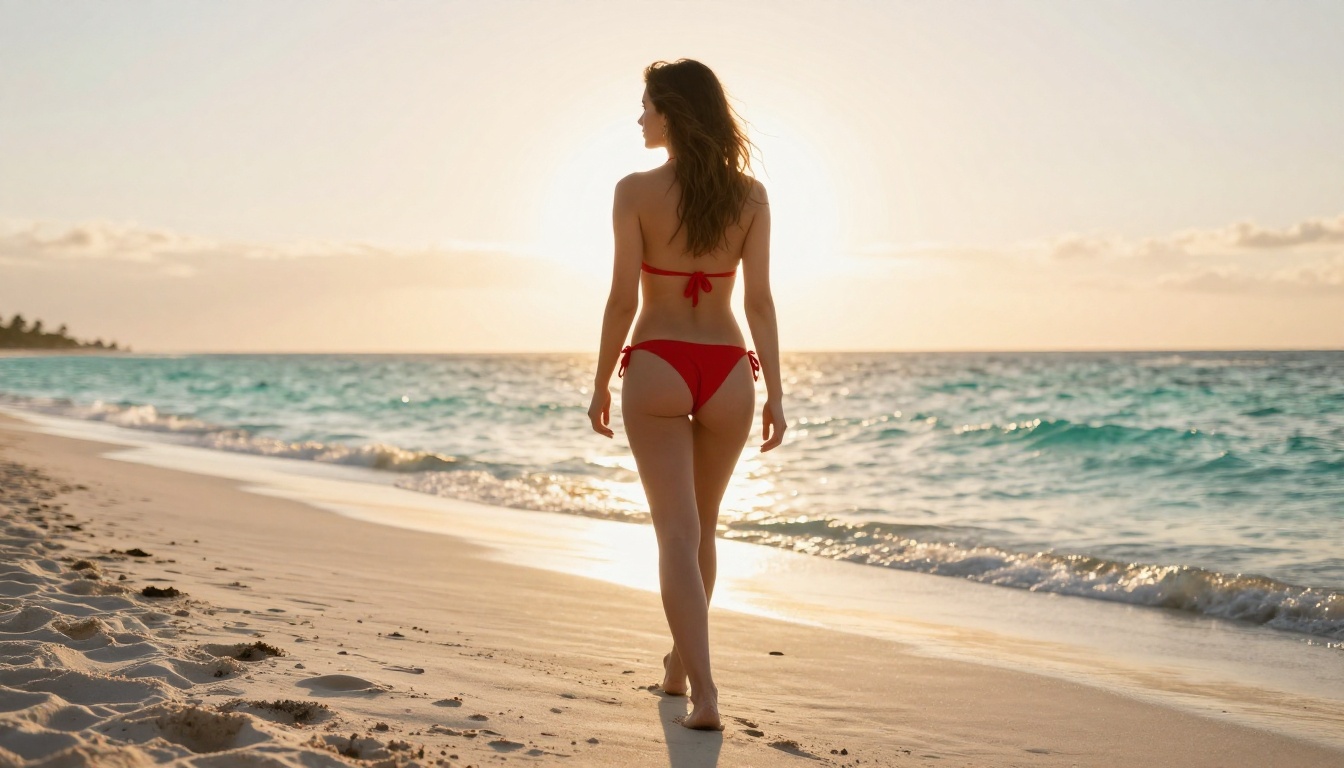
Grok Imagine Image on PicassoIA processes prompts with significantly less interference. Bikini shots, glamour poses, beach photography, and artistic implied nudity all generate without the constant rejection loop that plagues other platforms. The model was trained on a broader dataset with a different philosophy around creator autonomy.
💡 Note: "No filter" means significantly reduced content interference, not unlimited explicit content. Grok Imagine Image on PicassoIA focuses on non-explicit, artistic NSFW: fashion photography, bikini glamour, beach shots, and implied nudity with artistic intent.
No Watermark: Why It Matters
Watermarks on AI-generated images are one of the most frustrating features of free-tier AI platforms. Most services use them as a paywall mechanism, adding a visible logo or grid overlay to every output unless you pay a subscription. Even on paid tiers, some platforms still watermark outputs from specific models.
The Real Cost of Watermarks
If you are generating images for:
- A blog or content website
- Social media posts
- Fashion or glamour mood boards
- Client presentations
- Personal creative portfolios
...a watermark is not just ugly. It brands the image with a platform logo, limits how you can use the output, and forces post-processing work to remove it, which often degrades image quality in the process.
Clean Outputs Every Time
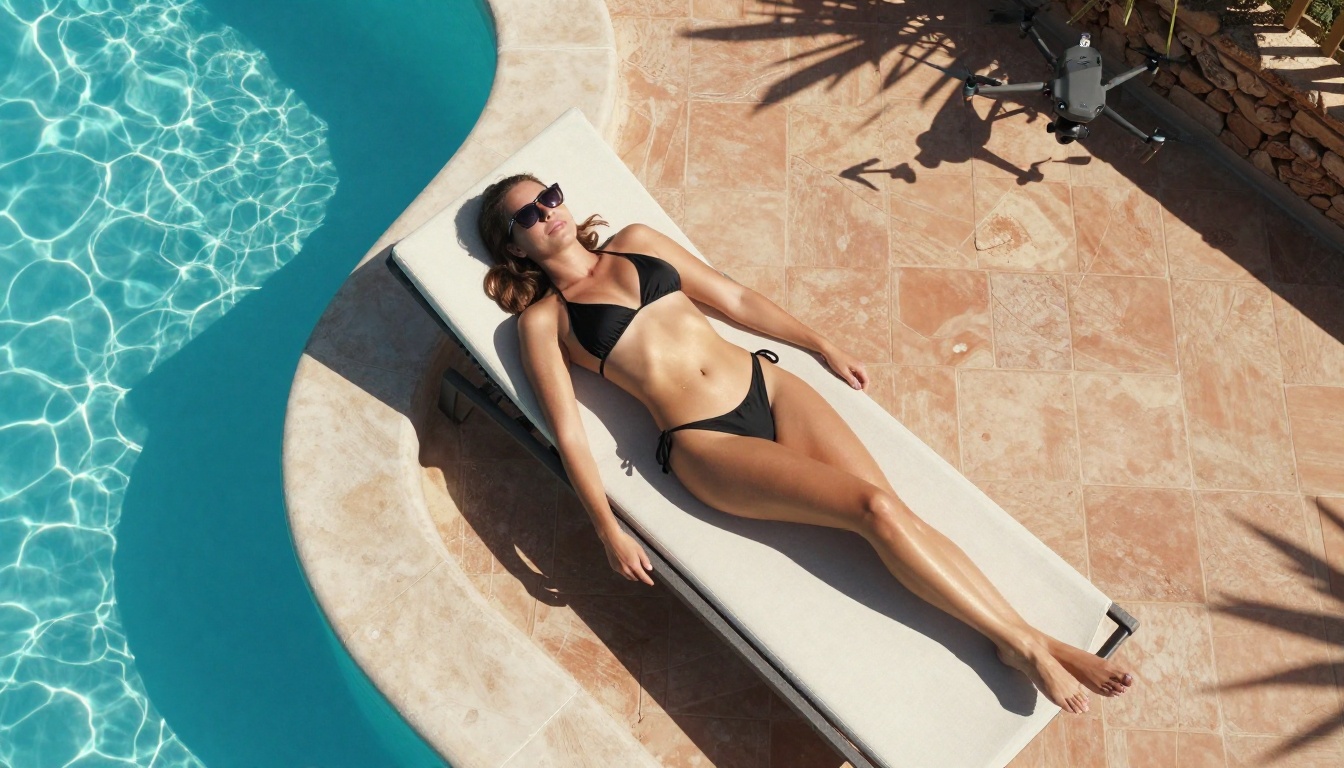
When you generate with Grok Imagine Image through PicassoIA, your outputs arrive clean. No watermarks, no grid overlays, no platform branding stamped across the image. What you generate is what you use, immediately and without further editing required. That alone is a significant practical advantage over most free alternatives.
How to Use Grok Imagine on PicassoIA
PicassoIA gives you direct access to Grok Imagine Image through its model collection. Here is exactly how to get results fast.
Step 1: Access the Model
Navigate to the Grok Imagine Image page on PicassoIA. The interface presents a prompt box, optional parameter settings, and a generate button. There is no complex setup or API key configuration required. You type, you generate.
Step 2: Write a Detailed Prompt
This is where most users underperform. Grok Imagine responds dramatically better to specific, descriptive prompts than to vague ones. The model was designed for photorealism, which means it responds well to photography-style language: camera specs, lighting direction, film stock references.
Weak prompt: "woman in bikini at beach"
Strong prompt: "A beautiful brunette woman in a white string bikini standing at the edge of a sunlit Mediterranean beach, turquoise waves behind her, warm golden hour lighting from camera-left, natural skin texture, Canon EOS R5, 85mm f/1.4 lens, Kodak Portra 400 film grain, photorealistic, --style raw"
The quality gap between these two prompts is dramatic. Invest 30 seconds in a detailed prompt and the output will be substantially more realistic and closer to your creative vision.
Step 3: Iterate Fast
Do not expect perfection on the first generation. Generate 3 to 5 variations of a prompt, identify what is working (composition, lighting, expression), and refine. Grok Imagine's speed means iterations are fast and cheap. Use each output to calibrate the next prompt.
Prompt Elements That Work
| Element | What to Write |
|---|
| Subject | Hair color, skin tone, expression, wardrobe detail (color, style, coverage) |
| Environment | Beach, poolside, cliff edge, yacht deck, luxury interior |
| Lighting | "Golden hour from camera-left", "overcast soft diffused light", "warm window light morning" |
| Camera | "Canon EOS R5", "Sony A7R IV", "Leica SL2", "85mm f/1.4 lens" |
| Film Stock | "Kodak Portra 400", "Kodak Gold 200", "Fujifilm Provia" |
| Style Tags | "--style raw", "photorealistic", "no CGI, no illustration, no digital art" |
💡 Always close your prompt with photorealistic, no CGI, no illustration, --style raw. This steers the model firmly away from AI-art aesthetics and toward photography realism.
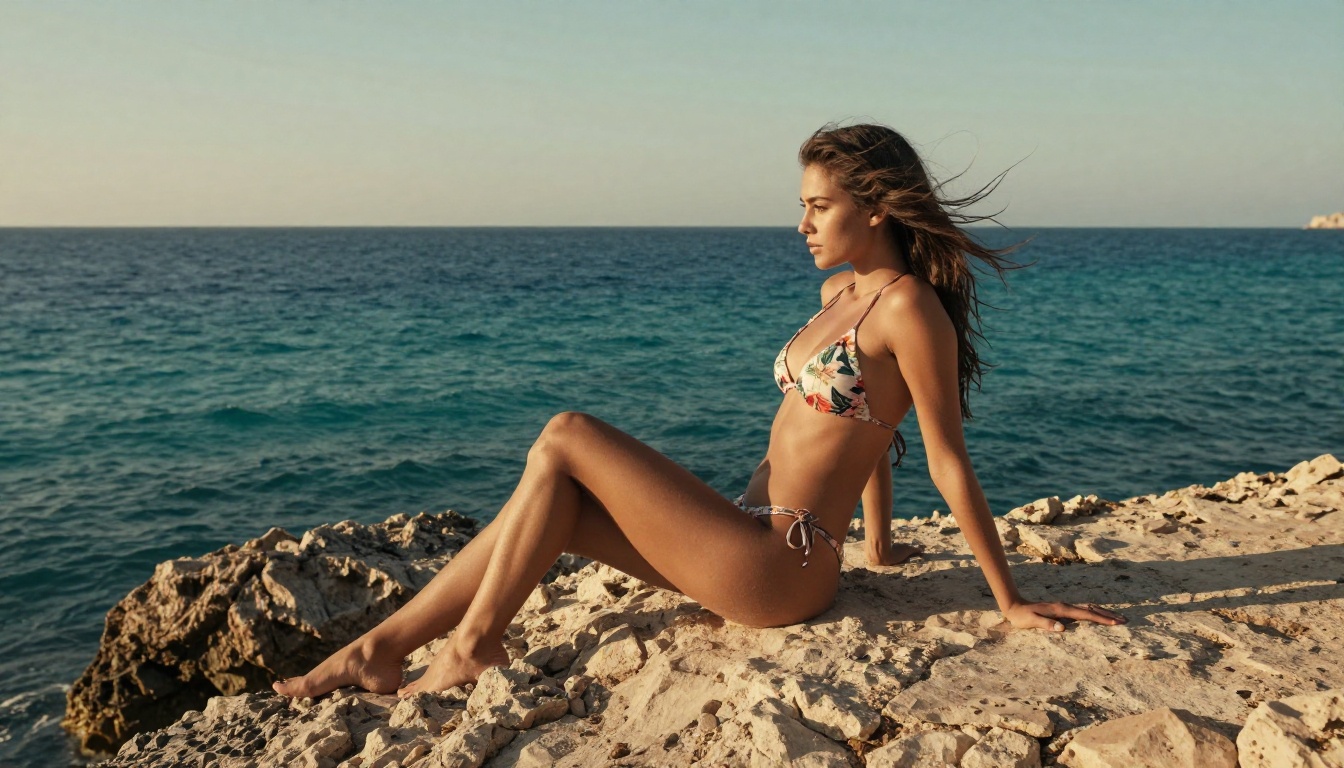
Best NSFW Models on PicassoIA
Grok Imagine Image is one of the strongest NSFW-capable models on the platform, but it is not the only one. PicassoIA offers a full ranked lineup of unrestricted, high-quality models for creators who need real results without compromise.
Seedream 4.5: The Top Pick
Seedream 4.5 sits at the top of PicassoIA's NSFW model rankings. Developed by ByteDance, it accepts adult content without restriction, supports image editing directly in the generation interface, and delivers results in under 3 seconds. The photorealism is excellent: strong skin texture rendering, natural lighting response, accurate anatomy.
One critical detail: the newer Seedream 5 Lite does not support NSFW content. Do not use it for adult content generation. Version 4.5 is the one that delivers.
PicassoIA Image Editor Pro: For Creators Who Generate at Scale
PicassoIA Image Editor Pro is the model for creators who generate at volume. Its defining advantage: unlimited generations for Elite and Infinite plan subscribers. Generating 1,000 images on per-credit models like Nano Banana 2 costs around $100. On PicassoIA Image Editor Pro, those same 1,000 images cost nothing extra within your subscription.
It is an image-to-image model, performing best with a reference image as input. It accepts NSFW content, returns results in under 1 second, and offers a 3-generation free trial with no credit card required. You can start testing before committing.
The Full NSFW Lineup
PicassoIA offers several models designed for unrestricted realistic content creation:
- Seedream 4.5 ⭐ — Top NSFW model. Accepts adult content, supports image editing, ultra-realistic results in under 3 seconds. (Seedream 5 Lite does not support NSFW.)
- PicassoIA Image Editor Pro — Unlimited generations on Elite/Infinite plans. Under 1 second per image. 3-generation free trial, no card needed.
- Qwen Image 2 — Open-source model that creates or edits any image in seconds with very detailed realism.
- Grok Imagine Image — Realistic bikini and glamour image editing. No watermarks, minimal filter interference.
- Recraft V4 — Very realistic text-to-image outputs.
- P-Image — NSFW text-to-image generation in under 1 second.
- prunaai-wan-2.2-image — Highly realistic imagery from text without content filters.
👉 Browse the full lineup at picassoia.com/en/all-models.
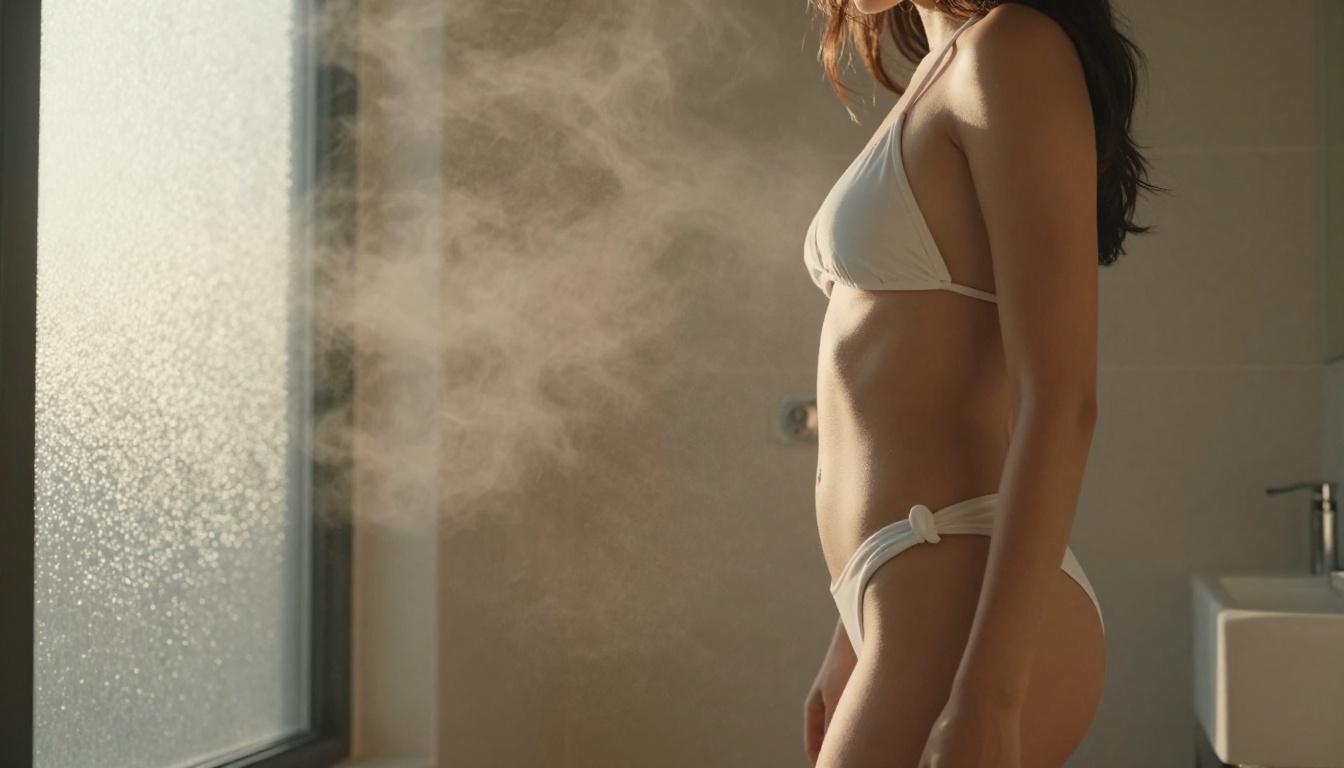
Grok vs. The Competition
How does Grok Imagine Image compare to other NSFW-capable AI image generators available right now?
Platform Comparison
| Platform | NSFW Support | Watermark | Speed | Unlimited |
|---|
| Grok Imagine (PicassoIA) | Yes | No | Fast | With plan |
| Seedream 4.5 (PicassoIA) | Yes | No | Under 3s | With plan |
| PicassoIA Image Editor Pro | Yes | No | Under 1s | Yes (Elite/Infinite) |
| P-Image (PicassoIA) | Yes | No | Under 1s | With plan |
| DALL-E 3 (OpenAI) | Limited | No | Moderate | No |
| Midjourney | Limited | No | Moderate | Subscription only |
| Playground AI | Partial | Yes (free tier) | Fast | No |
PicassoIA's advantage is consistency: all models operate under the same clean-output policy. No watermarks at any tier with an active subscription.
Speed and Quality in Practice
For pure generation speed on NSFW text-to-image, P-Image at under 1 second is unmatched. For the best balance of speed and photorealistic quality across a broad range of prompts, Seedream 4.5 is the go-to choice.
Grok Imagine Image fills a specific and valuable niche: strong performance on image-to-image editing (converting reference photos into bikini or glamour formats) and solid response to detailed portrait prompts with accurate anatomical rendering.
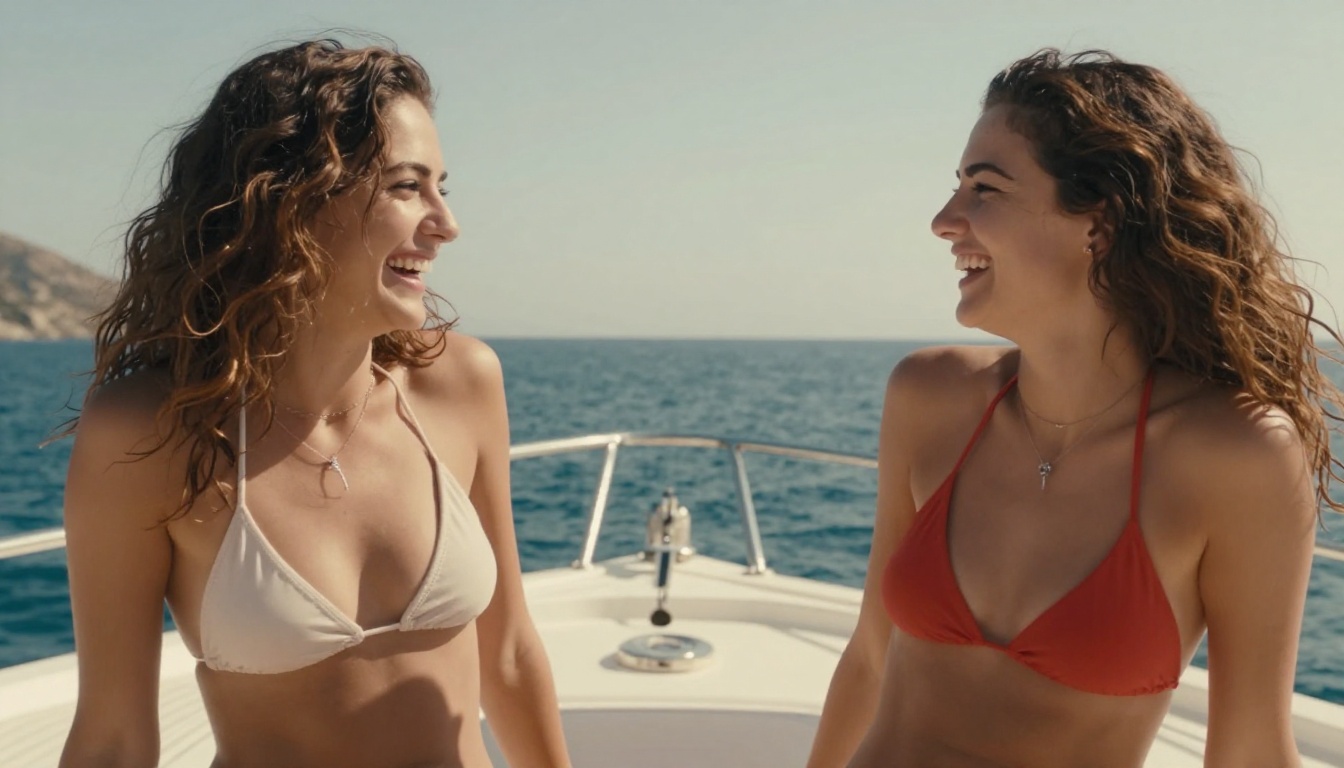
Real Results: What You Can Generate
The best way to understand what Grok Imagine Image actually produces is to look at the types of content it handles well.
Bikini and Glamour Photography
This is where Grok Imagine shines. The model handles swimwear photography with strong realism: accurate fabric rendering, natural skin tones, correct body proportions, and good response to lighting direction in prompts. Whether you are doing beach shots, poolside glamour, or editorial-style fashion work, the model follows detailed prompts closely.
Prompt structure that works consistently:
- Specify the garment in detail (color, style, coverage level)
- Describe the environment (beach, pool, cliff edge, yacht deck)
- Include a lighting descriptor (golden hour, overcast soft light, indoor morning window light)
- Add a camera and film reference (85mm lens, Kodak Portra 400 grain)
The difference between a vague prompt and a structured one is not subtle. Structured prompts produce images that look like they were taken by a professional photographer on a real shoot.
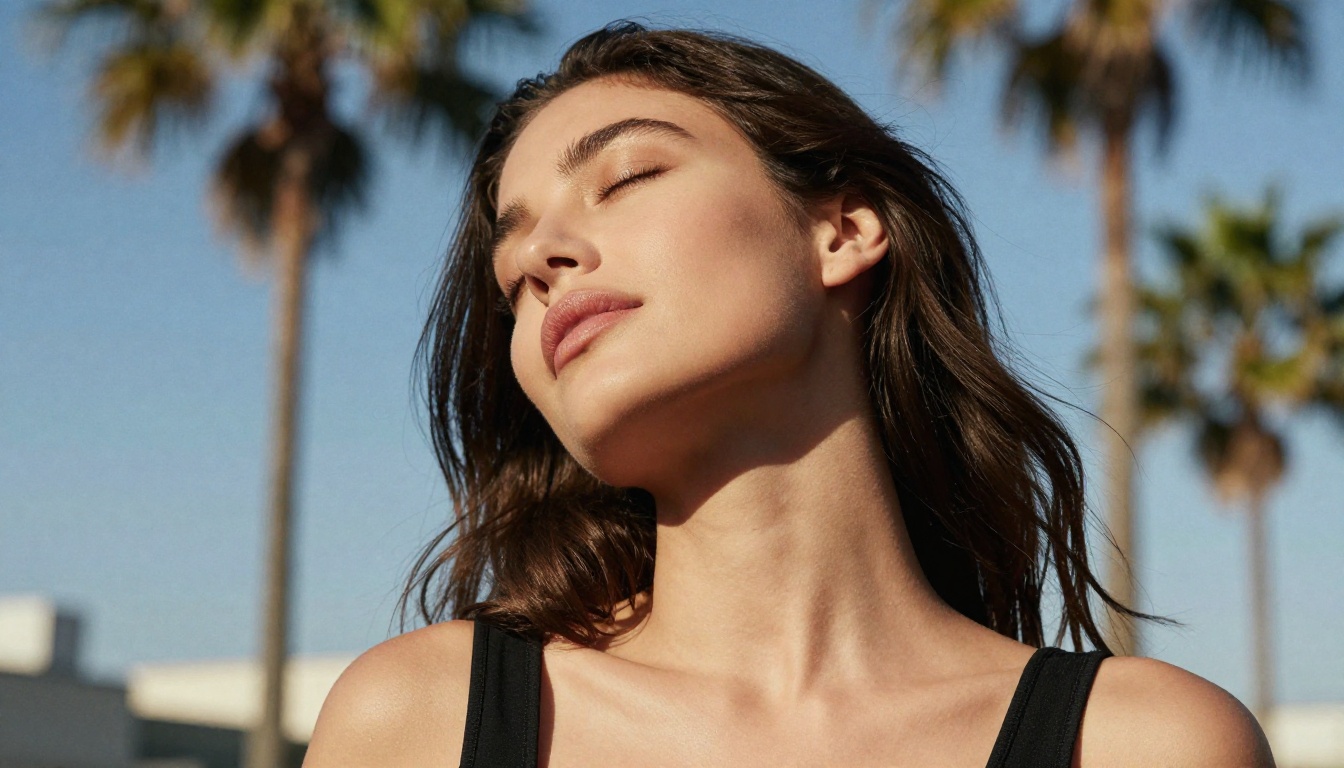
Artistic Implied Nudity
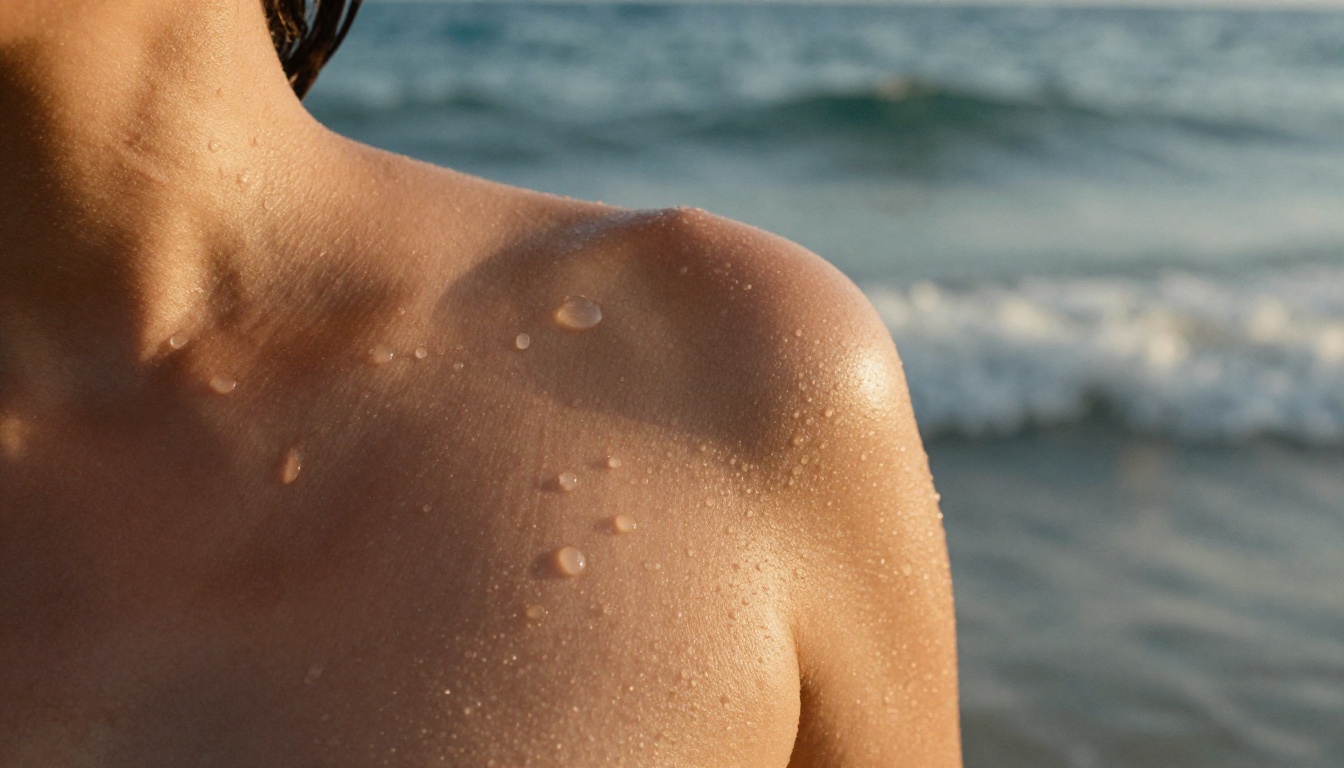
For artistic compositions that imply rather than show, Grok Imagine handles the subtlety well. Bare back shots, shoulder close-ups, implied nudity through angle and shadow rather than explicit content: these all render without the model refusing the prompt.
The approach: frame prompts as a photographer briefing a model, not as explicit requests.
"Side profile, bare shoulder, warm backlighting creating rim light on skin, shallow depth of field, elegant and minimal, Leica SL2, photorealistic"
This framing produces strong results across all PicassoIA NSFW-capable models, not just Grok Imagine.
Creative Photo Edits
One of Grok Imagine's most-used capabilities is image-to-image editing. Supply a reference photo and a prompt describing the desired change, and the model adapts the image accordingly. The most common use case: converting reference photos into bikini or glamour versions while maintaining the subject's appearance, lighting, and background.
💡 For edit prompts, describe both what to keep ("same face, same pose, same lighting") and what to change ("wearing a red string bikini, beach background"). This dual framing gives the model clear direction on intent.
The results are consistently more realistic than most other models when the reference image has strong natural lighting. Grok Imagine preserves skin tone and texture through the edit in a way that feels genuinely photographic rather than composited.
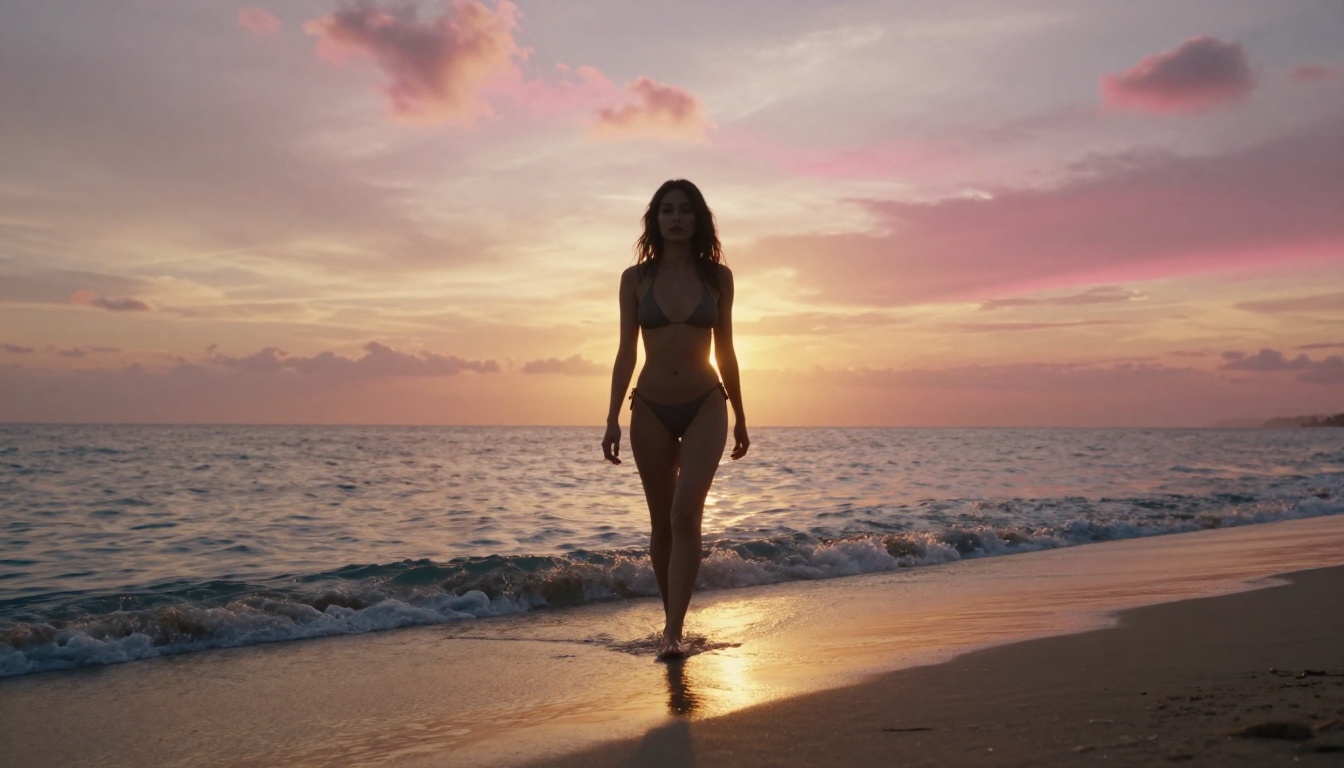
Your Creative Vision, Without the Barriers
The promise of AI image generation is simple: describe what you want and get a high-quality image back. The reality has been complicated by layers of filtering, watermarking, and arbitrary content restrictions that make that promise frustratingly hard to actually cash in on.
Grok Imagine Image on PicassoIA is one of the cleaner paths to genuine creative freedom in AI photography. No watermarks. Significantly less filter interference. Strong photorealism on detailed prompts. And it sits inside a platform that offers a full roster of NSFW-capable models so you can match the right tool to every creative brief.
Pair Grok Imagine with Seedream 4.5 for the highest-quality NSFW outputs, or with PicassoIA Image Editor Pro when you need unlimited-volume generation on your subscription. Whether you are creating fashion content, glamour photography, artistic portraits, or personal creative projects, the models are ready and the prompts are yours.
Start generating at picassoia.com/en/all-models and see what becomes possible when the tool actually responds to your creative vision instead of fighting it.


