Grok Imagine made big promises when xAI rolled out its image generation feature inside the X platform. The pitch was bold: a smarter, less censored AI image generator trained by the team behind the Grok chatbot. NSFW portrait generation was one of the most talked-about use cases. But does Grok Imagine actually deliver on that promise, or is it just another filtered tool wearing a creative face?
We put it through a realistic battery of portrait prompts, including glamour shots, boudoir setups, implied artistic nudity, and close-up beauty photography, to see what it would and would not generate. This is a straight-talking breakdown of what we found, plus a look at the platforms that genuinely handle adult portrait content at high quality.
What Grok Imagine Actually Produces
The NSFW Claims vs. Reality
Grok Imagine is positioned by xAI as less restrictive than competitors like DALL-E. That reputation comes from Grok's chatbot side, where it discusses certain topics other models refuse. The image generation feature is a different story.
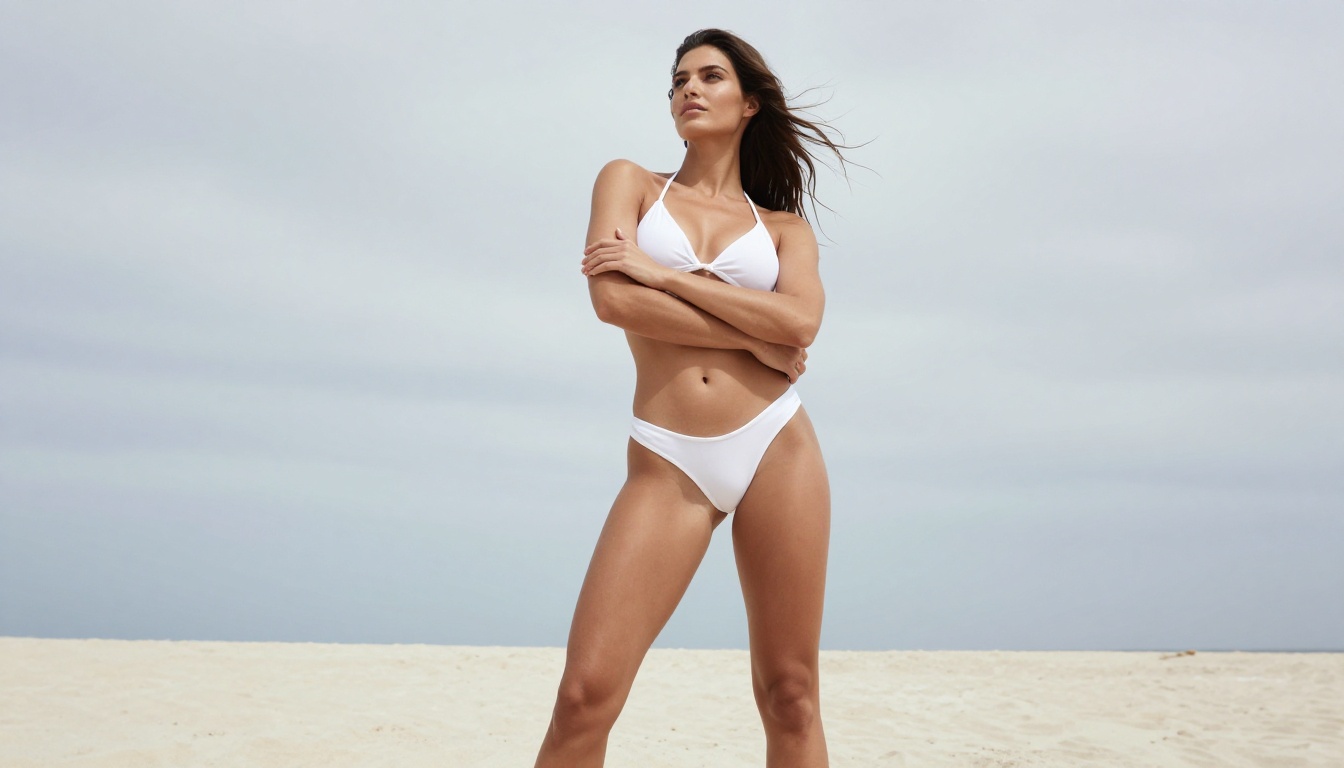
In testing, Grok Imagine handles glamour photography prompts reasonably well. Requests for women in bikinis, editorial fashion shots, and beach portraits come back without errors most of the time. The outputs have decent composition but lean toward a stylized, clearly AI-generated look rather than anything approaching photorealism. Skin tones feel flat. Lighting lacks the dimensional quality you would get from a real photographer or from a dedicated model like Realistic Vision v5.1.
Push toward anything more explicit, and Grok Imagine declines. Prompts for implied nudity, artistic back shots, or lingerie in a boudoir context frequently return either a refusal message or a watered-down result that strips out the adult elements entirely. The model is not "uncensored" in the way some users assume from the Grok brand. It is filtered, and those filters are aggressive around portrait content.
What Passes and What Gets Blocked
Here is what we observed across 40+ portrait prompts in testing:
| Prompt Type | Grok Imagine Result |
|---|
| Beach bikini portrait | Usually generates |
| Editorial fashion (clothed) | Generates reliably |
| Implied artistic nudity | Mostly blocked |
| Boudoir / lingerie setting | Often blocked or degraded |
| Realistic close-up skin texture | Generates but low quality |
| Explicit content | Always blocked |
The filters are inconsistent. The same prompt with slightly different phrasing can either pass or fail on consecutive attempts. This unpredictability is a significant problem for anyone trying to run consistent glamour or portrait workflows. You cannot build a reliable creative process around a content filter that behaves randomly.
Portrait Quality When It Does Generate
Skin Texture and Lighting Realism
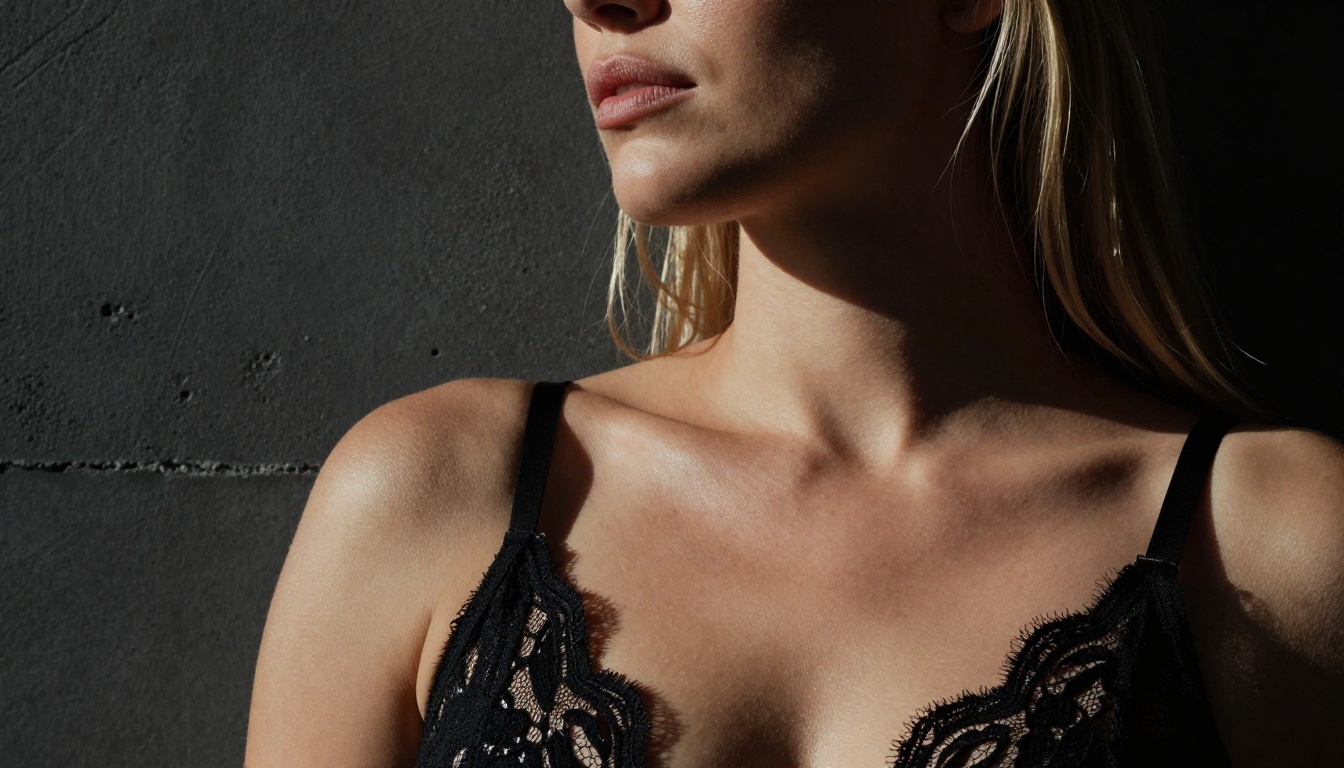
Even when Grok Imagine produces a portrait, the quality falls short of dedicated image generators. Skin texture in particular is where the gap becomes obvious. Grok outputs tend toward smooth, plastic-looking skin that reads as AI-generated to anyone with experience in photography. There is minimal grain, no realistic pore structure, and lighting that feels procedurally applied rather than physically accurate.
Compare that to what Flux Dev produces when you describe a specific lighting setup. With Flux Dev, specifying "volumetric morning light from the left, 85mm f/1.4, Kodak Portra 400 grain" translates directly into the image. The result reads like a photograph. Grok Imagine treats the same descriptors loosely, producing something that gestures at the mood but does not technically implement it.
Portrait photography is all about the relationship between light and surface. The way a light source wraps around a jawline, how fill light prevents shadow clipping, the specular highlight behavior on lips versus matte skin. Grok Imagine flattens all of this into a generic AI-portrait look. The goal with serious portrait work is to produce something that looks like it was made by a photographer.
💡 Tip: When generating portraits in any AI tool, always specify the camera lens, f-stop, and film stock. Models trained on photography data respond to these details and produce more realistic skin and lighting.
Composition Strengths and Weaknesses
Grok Imagine is not without merit. Composition-wise, it understands standard portrait framing: rule of thirds, eye-level shots, basic depth-of-field concepts. For simple clothed fashion portraits or social media-style headshots, it produces acceptable results quickly.
The platform is also fast. Generations return within a few seconds in most cases, which is useful for rapid ideation. But speed without quality and flexibility has limited value when platforms like Seedream 4.5 match that speed while dramatically outperforming on realism and removing the content restrictions that make NSFW portrait work on Grok so frustrating.
Why It Beats Grok on Every NSFW Metric
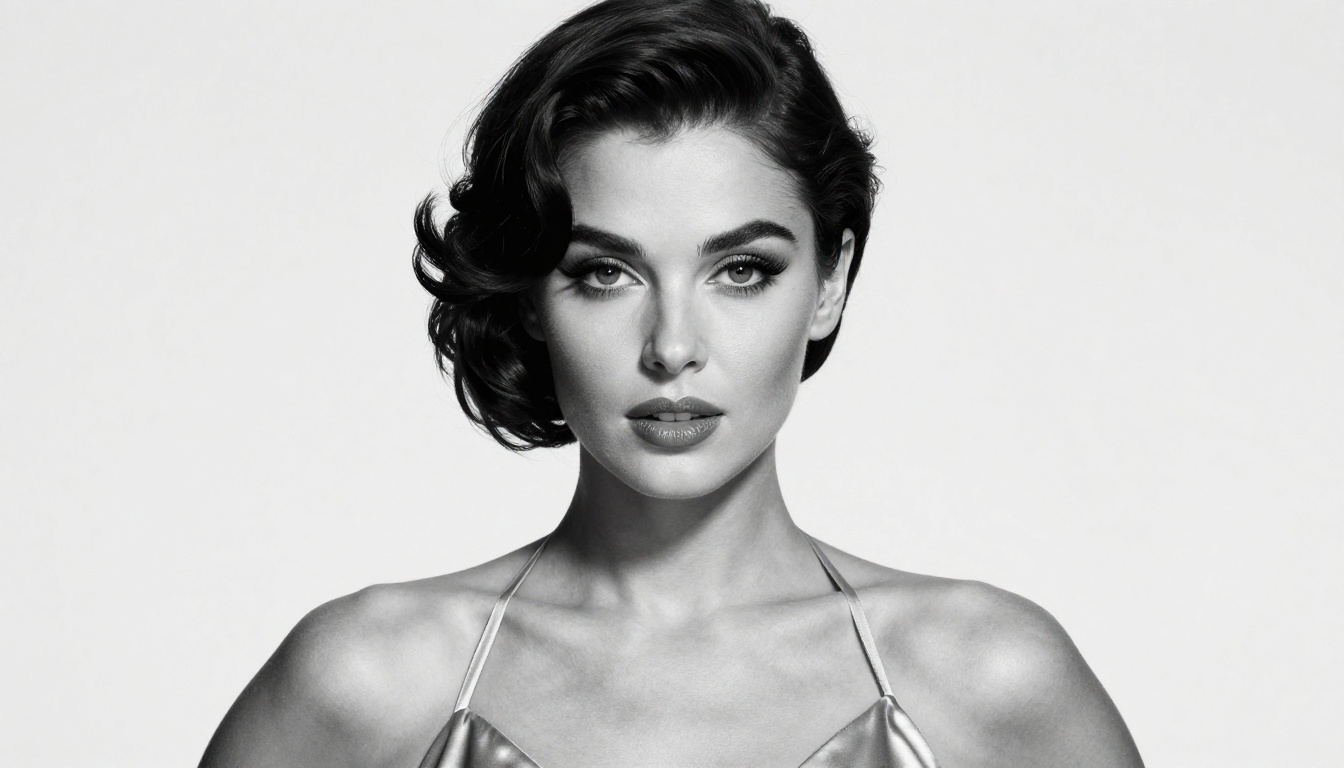
Seedream 4.5 is the model that genuinely delivers on the NSFW portrait promise Grok Imagine only implies. Built by ByteDance and available on PicassoIA, Seedream 4.5 generates 4K-quality portrait images with physically accurate lighting, true-to-life skin texture, and no aggressive content filtering for adult artistic content.
Where Grok blocks a boudoir prompt and returns a generic clothed portrait, Seedream 4.5 interprets the actual creative intent. Lingerie, implied nudity, and glamour content come through with the quality and specificity the prompt describes. The model responds to technical photography language, so the lighting setup you describe is the lighting setup you get.
Top Seedream 4.5 advantages for NSFW portraits:
- 4K native resolution output
- Physically-based lighting interpretation
- Realistic skin micro-texture at portrait distances
- No arbitrary blocking of adult glamour content
- Fast generation under 10 seconds on PicassoIA
- Consistent results across repeated runs
The PicassoIA Image Editor Pro Advantage
Beyond single-model generations, PicassoIA offers Image Editor Pro for users who want unlimited generations without per-credit limits. This matters for NSFW portrait workflows specifically because good results require iteration. You run a prompt, adjust the lighting description, tweak the pose, refine the framing. If every generation costs a credit or a queue slot, that iteration loop becomes expensive or slow.
With Image Editor Pro, you can run as many variations as needed to dial in the exact look you want. Combined with Seedream 4.5, this creates a genuinely professional portrait generation pipeline that no chatbot-adjacent feature like Grok Imagine can match.
Top Portrait Models on PicassoIA
Seedream 4.5 for NSFW Glamour
Already covered above, but worth reiterating: Seedream 4.5 is the starting point for any adult portrait work on PicassoIA. It handles glamour, boudoir, editorial, and artistic nudity content with 4K fidelity and technically-responsive prompting.
💡 Note: Do not use Seedream 5 Lite for NSFW content. That model carries stricter content filtering and will block adult portrait prompts. Seedream 4.5 is the correct tool for this use case.
Realistic Vision v5.1 for Raw Photo Realism
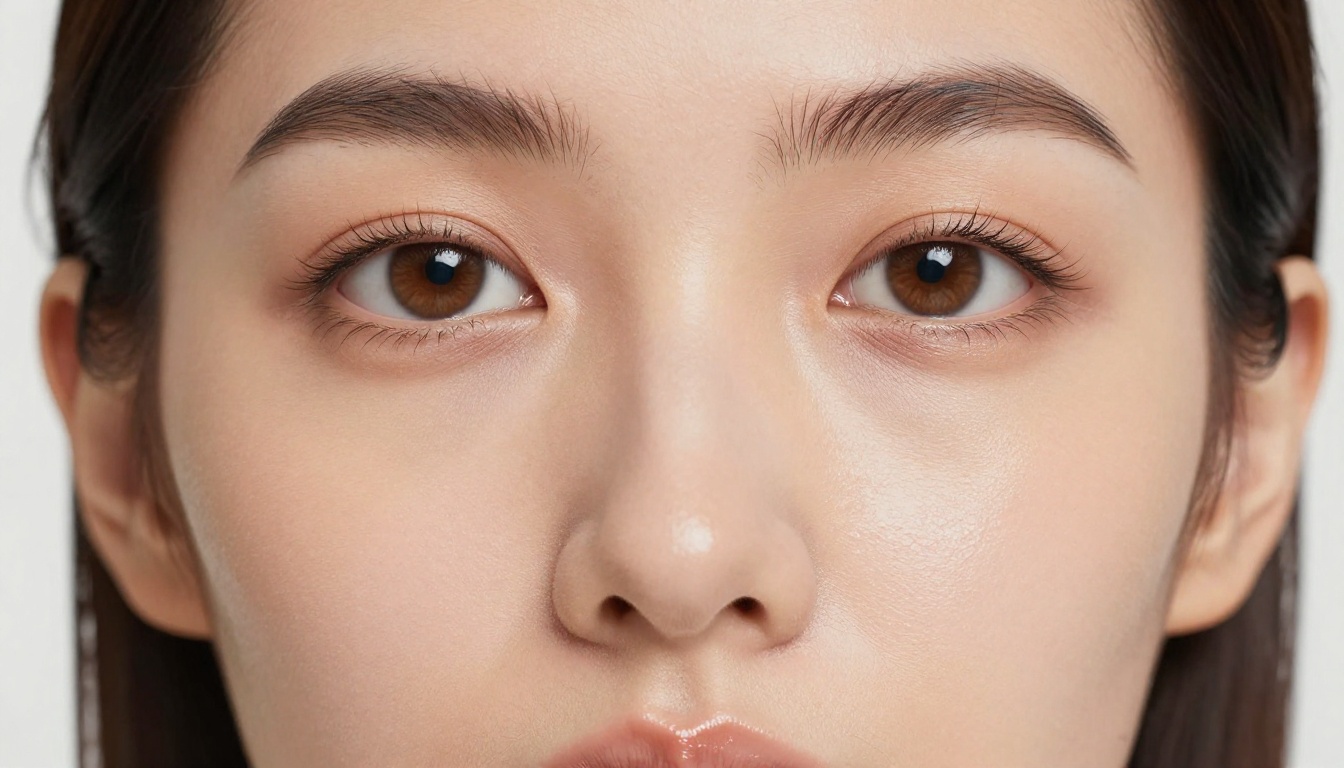
Realistic Vision v5.1 is a community favorite for a reason. It was trained heavily on real photography data and produces portraits that pass for camera images at a glance. For close-up beauty photography, the skin rendering is exceptional. Pores, follicles, and surface moisture all render with the kind of detail that Grok Imagine cannot approach.
Use this model when you need close-up portraits where skin realism is the primary requirement. Pair it with detailed lighting prompts: a butterfly setup for beauty shots, a Rembrandt pattern for drama, or flat overcast diffusion for fashion editorial.
Flux Dev for Cinematic Portrait Work
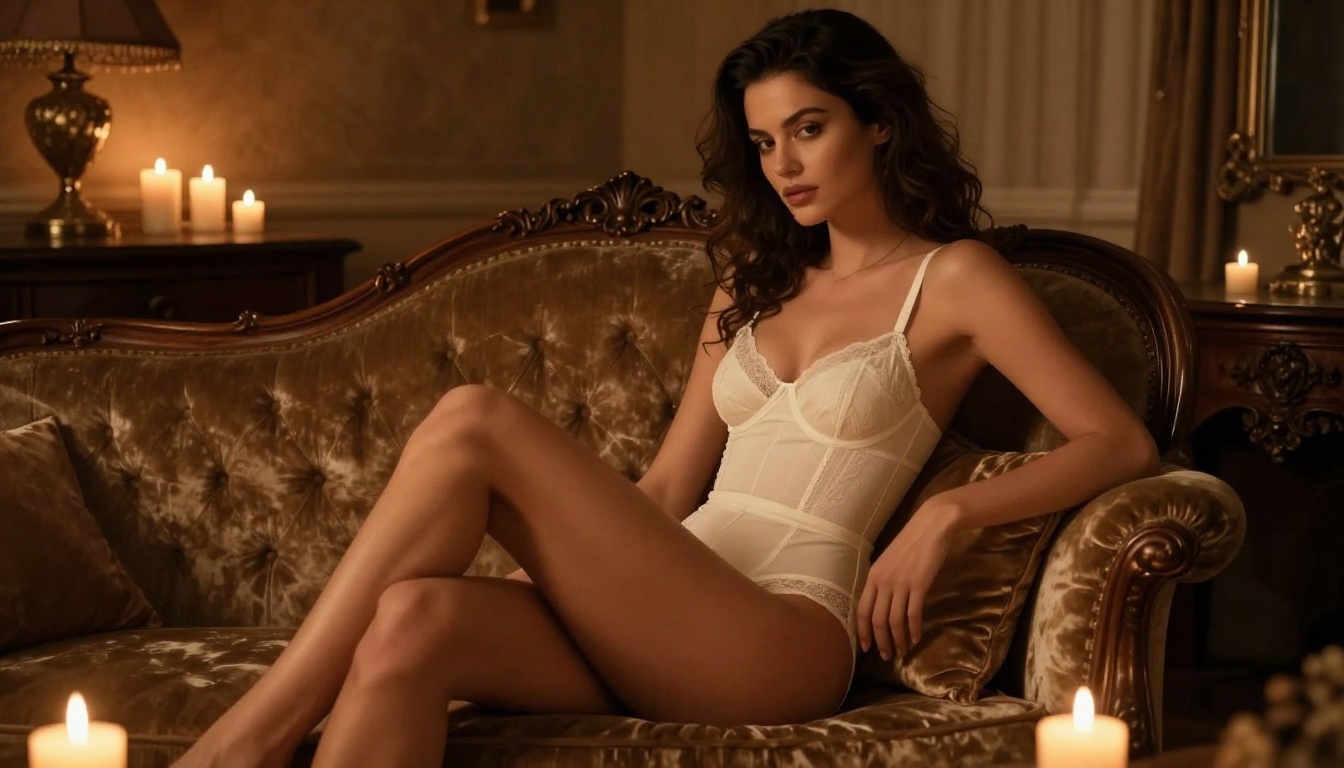
Flux Dev sits in a sweet spot between photorealism and cinematic quality. It interprets complex environmental descriptions exceptionally well, making it the top choice for portraits where the setting matters as much as the subject. Beach scenes, urban environments, natural light interiors: Flux Dev places subjects convincingly in context.
For NSFW portrait content that needs a specific environmental mood, a warm boudoir interior with candlelight and rich fabric textures for example, Flux Dev delivers results that feel authored rather than generated.
Flux 1.1 Pro Ultra for Maximum Resolution
When output resolution matters, Flux 1.1 Pro Ultra generates at 4MP native resolution with exceptional detail retention across the full image. For portrait images intended for print, large displays, or any context where digital zoom-in quality matters, this is the model to reach for.
Portrait Series for Consistent Character Work
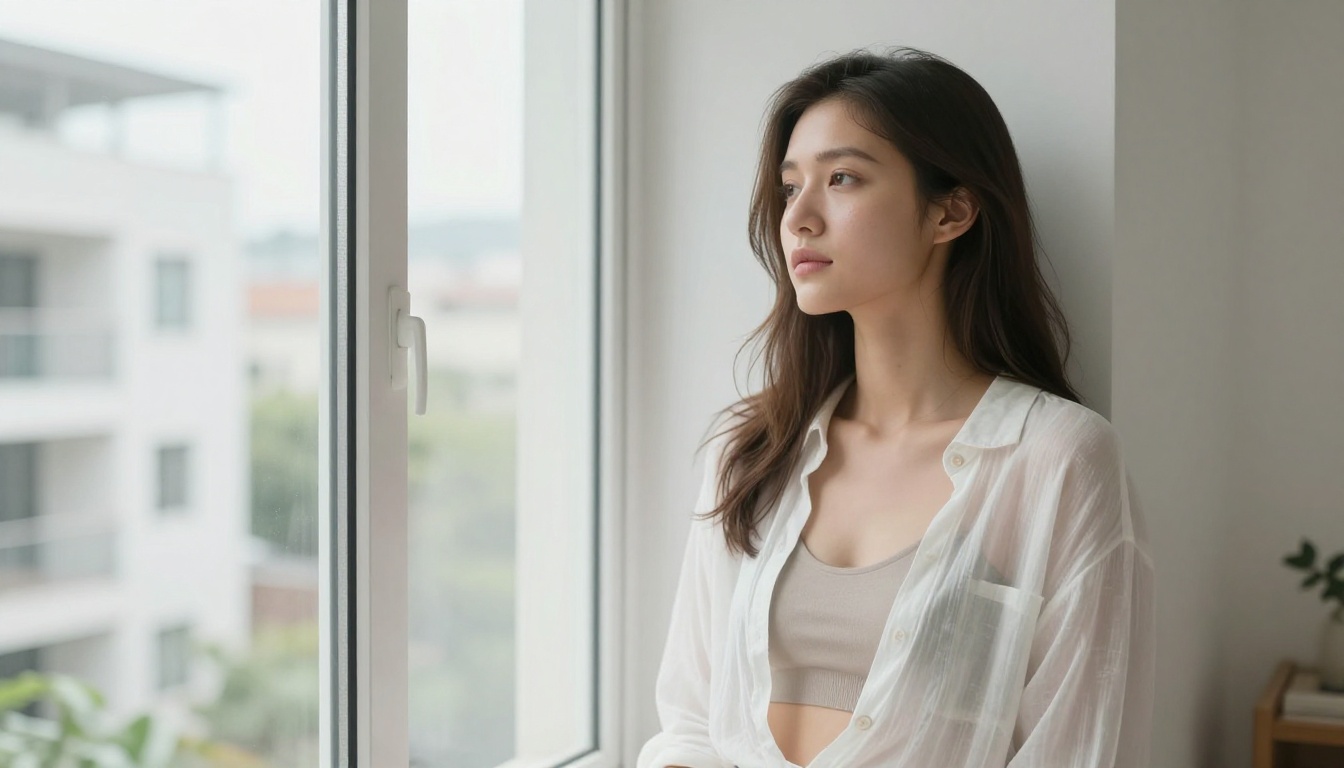
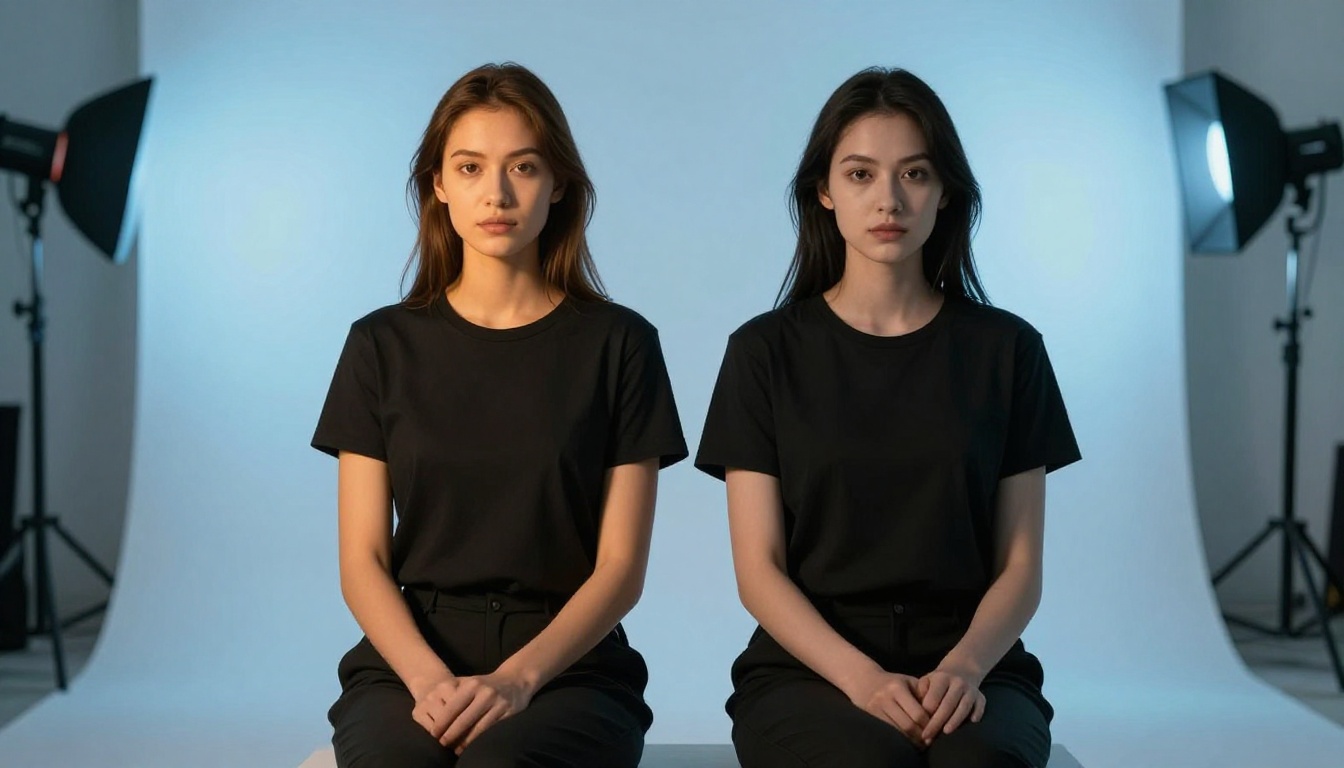
Portrait Series lets you take a single reference photo and generate multiple styled portrait variations while maintaining the same face and identity. For creators building consistent character content across multiple images, this workflow is far more efficient than starting from scratch with each generation.
How to Generate NSFW Portraits on PicassoIA
Step-by-Step With Seedream 4.5
Generating a high-quality NSFW portrait on PicassoIA is straightforward once you understand how to write technically-specific prompts:
- Go to Seedream 4.5 on PicassoIA
- Set your aspect ratio: 16:9 for widescreen, 2:3 for vertical portrait orientation
- Write your prompt using this structure:
- Subject + clothing + pose description
- Environment + background detail
- Lighting setup (direction, fill, rim)
- Camera specs (lens, f-stop, film stock)
- Quality modifiers (RAW 8K, Kodak Portra 800, photorealistic)
- Run the generation and evaluate the result
- Iterate on lighting and pose descriptors until the image matches your vision
The difference between a generic AI portrait and a magazine-quality result usually comes down to step 3. Lighting description precision is the single biggest variable in output quality.
Prompt Structure That Actually Works
Lighting setups that produce professional results:
- "Rembrandt lighting from the upper left, soft fill on shadow side"
- "Overcast daylight, even illumination, soft diffused shadows, no harsh hotspots"
- "Tungsten light from below-right, cool fill, deep shadow areas"
- "Golden hour backlight with ambient sky fill, warm rim glow on subject silhouette"
Camera specs to include:
- "85mm f/1.4" for background compression and shallow depth of field
- "35mm f/2.8" for environmental portraits with context visible
- "100mm macro" for close-up beauty shots with full-face sharpness
Quality anchors:
- "RAW 8K photography"
- "Kodak Portra 400 film grain"
- "Photorealistic, no CGI, no illustration"
- "Natural skin texture, realistic pore structure"
Grok Imagine vs. PicassoIA: The Honest Numbers
No Limits, No Waiting, No Platform Lock-In
The honest summary of Grok Imagine for NSFW portrait work: it is a convenience feature built into a social media platform, not a purpose-built image generation tool. The content filters are arbitrary and inconsistent. The output quality falls short of dedicated portrait models. There is no mechanism to iterate with unlimited generations or access a range of specialized models for different portrait styles and moods.
PicassoIA takes the opposite approach. Instead of one filtered model, you get access to 90+ text-to-image models across every generation style, with adult content handled by models specifically designed for it. The platform does not bury quality behind social media restrictions or surprise you with inconsistent filter behavior mid-workflow.
| Feature | Grok Imagine | PicassoIA |
|---|
| NSFW portrait support | Partial, inconsistent | Yes, via Seedream 4.5 |
| Output resolution | Standard | Up to 4K native |
| Model variety | Single model | 90+ models |
| Unlimited generations | No | Yes, Image Editor Pro |
| Technical prompt support | Basic | Full |
| Consistent results | Inconsistent | Reliable |
| Boudoir / artistic nudity | Usually blocked | Supported |
| Iteration workflow | Limited | Unrestricted |
💡 Bottom line: Grok Imagine is passable for quick, low-stakes portrait generation. For serious glamour or adult portrait work, it is the wrong tool. The filters, the output quality, and the lack of iteration support all point toward specialized platforms.
Create Your Own NSFW Portraits
If this breakdown has you curious about what these models can actually produce for your specific use case, the best move is to try it yourself. PicassoIA gives you access to Seedream 4.5, Flux Dev, Realistic Vision v5.1, Portrait Series, and the full library of portrait-capable models at picassoia.com/en/all-models.
The difference between what Grok Imagine produces and what a well-prompted Seedream 4.5 generation looks like is substantial. That gap is easier to see than to describe.
Start with a specific portrait scenario in mind: the lighting setup, the environment, the mood. Write a technically precise prompt using the structure outlined above. Run it on Seedream 4.5 and see what a genuinely capable NSFW portrait generator produces when it is not fighting its own content filters.
The results will change how you think about what AI portrait generation can actually do.