Grok Imagine has been drawing attention from portrait photographers, content creators, and AI image enthusiasts for one consistent reason: the skin and lighting in its outputs look real. Not "real for AI" real. Just real. The pores are there. The shadows fall correctly. The specular glints on the nose tip behave like specular glints actually do on a nose. For a field where waxy skin and flat lighting have been embarrassing industry norms, that is worth paying attention to.
This article breaks down what Grok Imagine actually does well with skin and lighting, where it still has room to improve, and how you can reach comparable or better results using the right models on PicassoIA right now.
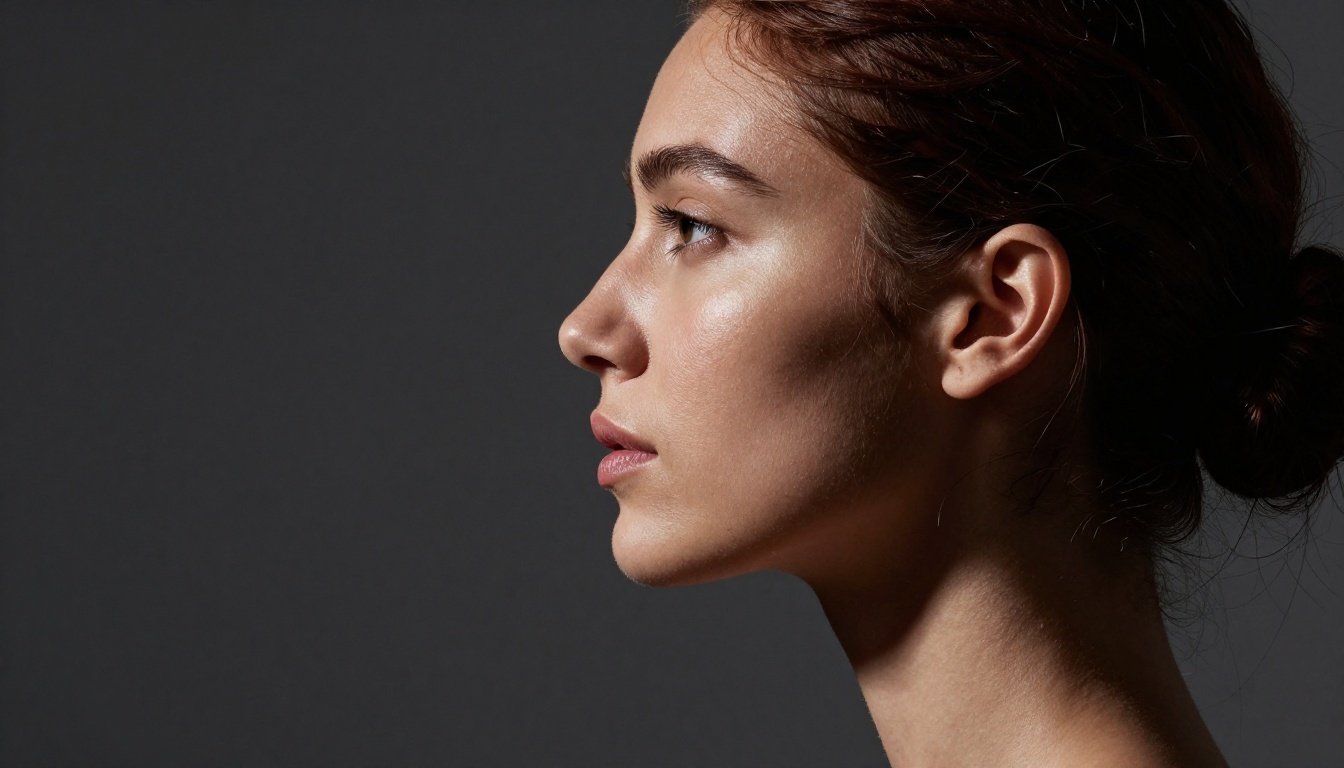
The Skin Realism Problem in AI Imagery
What Makes Skin So Hard to Fake
Human skin is not a solid object. It is a semi-translucent biological system built from multiple layers with different optical properties. Light enters the outer epidermis, scatters through the dermis beneath, bounces off internal structures, and exits through the skin surface at a slightly different point from where it entered. That process, called subsurface scattering, is what gives skin its warmth, its amber glow when backlit, and the faint reddish hue visible through the thin skin of an earlobe or a fingertip pressed against a strong light source.
Most AI image models treat skin as a surface. They render it the way a 3D artist might render a painted wall: apply a color, drop a specular highlight on top, and call it complete. The result is the "AI face" look that has become instantly recognizable to anyone who has spent time in these tools. The skin appears to be made from matte porcelain, buffed plastic, or airbrush-smoothed makeup. It catches light uniformly across the entire face rather than responding to the varied thickness, vascularity, and surface texture of actual human tissue.
Getting subsurface scattering right in AI generation requires learning that:
- Thin skin areas (eyelids, lips, earlobes) transmit light and glow amber or pink under direct illumination
- Thicker skin areas (forehead, jaw, cheeks) scatter light more diffusely with a wider, softer spread
- Vascular zones (nostrils, under-eye hollows, knuckles) show warmth from the capillary networks directly beneath the surface
- Sebaceous zones (nose bridge, central forehead, chin) add a wet specular component that sits on top of the underlying matte skin response
That is four separate material behaviors layered across a single face. Predicting all of them correctly from a text prompt while simultaneously rendering accurate geometry, directional lighting, and expression is genuinely one of the harder problems in generative image modeling.
Where Most AI Generators Fall Apart
The failure modes in AI portrait generation are predictable once you know what to look for:
| Failure Mode | What It Looks Like |
|---|
| Over-smoothing | Every pore is erased, face looks airbrushed to a plastic finish |
| Flat lighting | Light appears to come from everywhere and nowhere simultaneously |
| Wrong specular | Highlights look like paint gloss rather than moist organic skin |
| Uniform color | No capillary redness, no tonal variation across distinct face zones |
| Missing scatter | Earlobes and lips do not glow, eyes look like painted buttons |
| Symmetry bias | Features are too perfectly balanced, lacking natural asymmetry |
The good news is that these failures are becoming less common as the best models improve. The bad news is that the gap between "good" and "genuinely convincing" is still wide enough that specific outputs from specific models stand out.
Grok Imagine Gets the Skin Right
Pore Detail Nobody Asked For (But Needed)
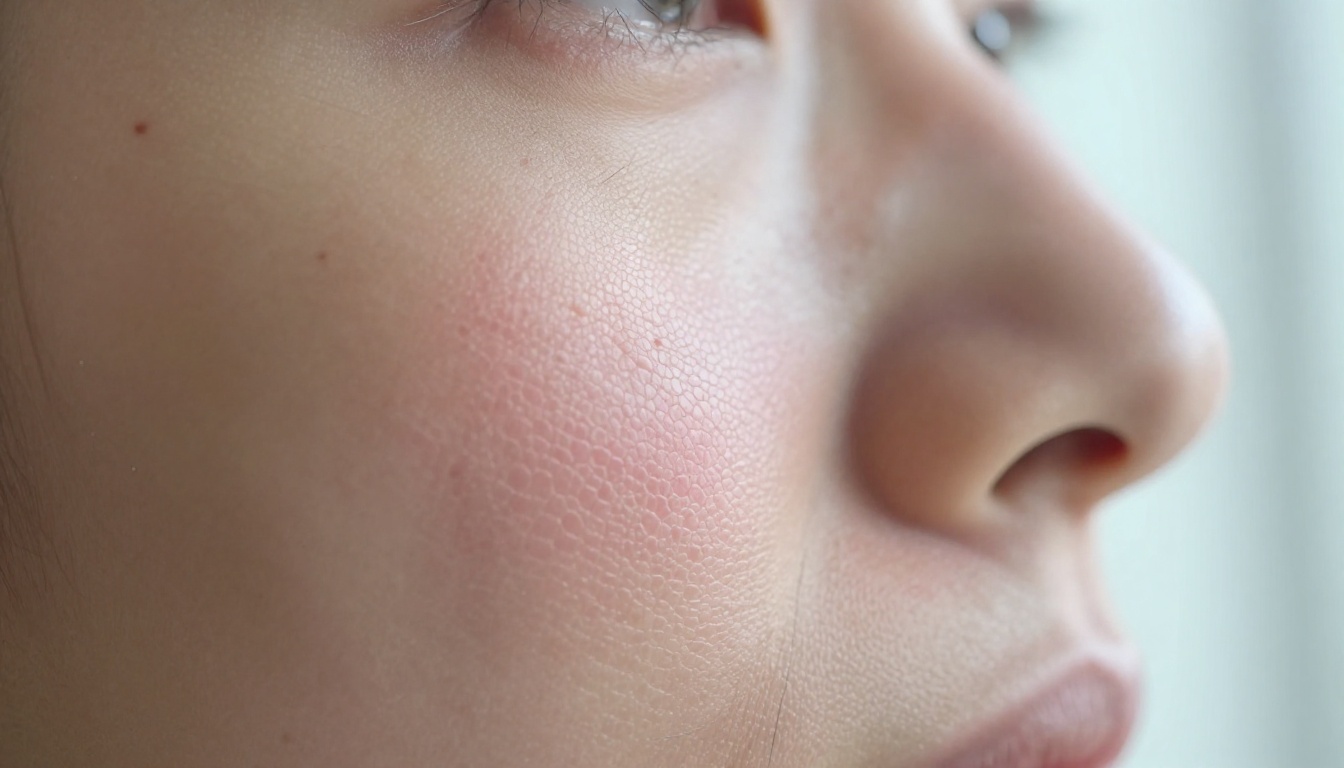
One of the first things you notice in Grok Imagine portraits is that the skin has pores. Not exaggerated pores applied as a stylistic choice, not a generic texture filter, but differentiated pore density across distinct face zones. The nose has larger, more visible pores. The cheekbones carry finer, tighter texture. The forehead sits somewhere in between. The area directly around the eyes, where skin is thinner and more delicate, shows a softer surface with barely visible pore structure.
This sounds trivial until you compare it side by side with generators that smooth skin by default. The pore rendering in Grok Imagine outputs reads as organic, not applied. The texture has directionality. Skin around the eye corners responds differently from the central cheek. The nasolabial fold area shows compressed texture from the underlying muscle structure. It behaves the way real skin behaves because it seems to model skin topology rather than apply a generic surface material to the face geometry.
Skin Tones Across Ethnicities
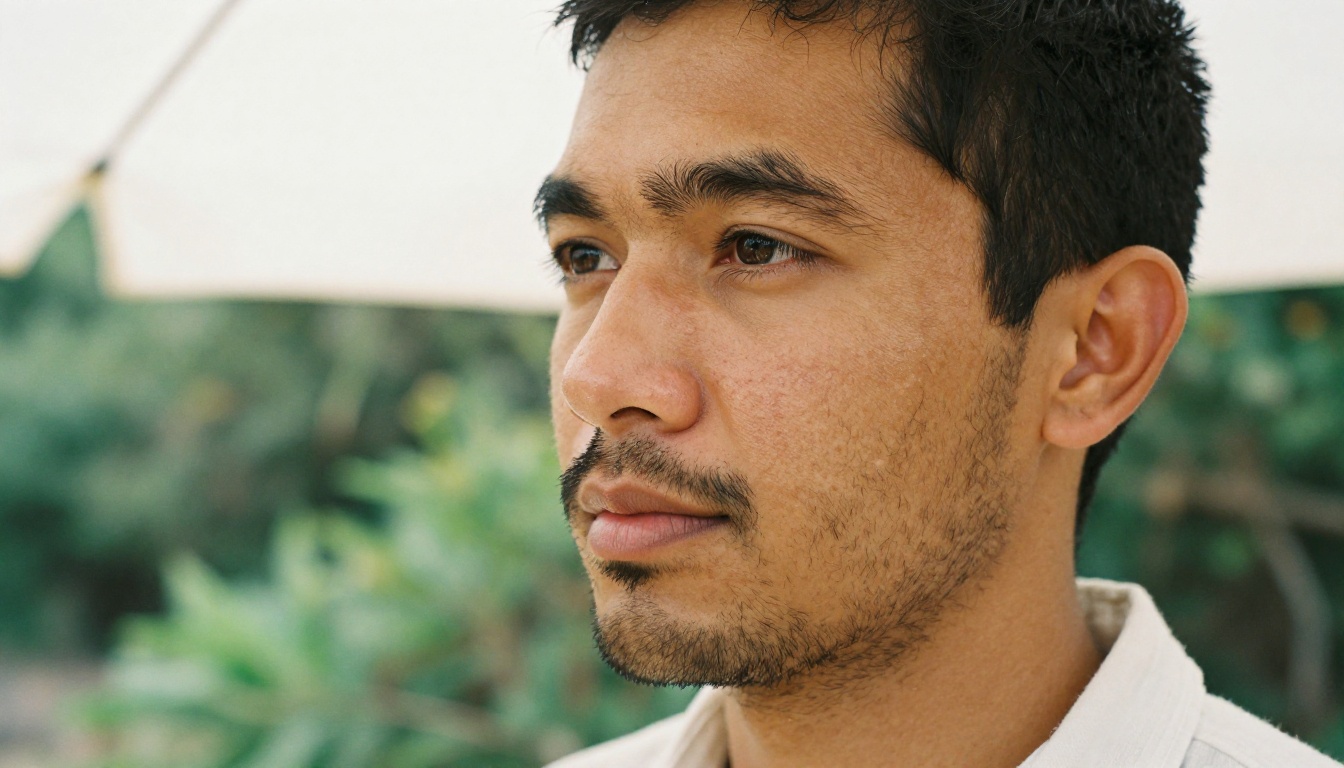
Grok Imagine handles skin tone diversity with better calibration than many competing generators. The warmth and specific undertone of different skin tones come through correctly: the cool-pink base of pale northern European skin, the warm olive of Mediterranean complexions, the layered brown depth of South Asian and darker skin tones, the yellow-gold base note in many East Asian complexions.
More importantly, the lighting interacts with those different tones correctly. On darker skin, highlights are brighter, more concentrated, and sit more on the surface because the higher melanin content absorbs more of the diffuse scatter. On pale skin, the specular spread is wider and softer, and the subsurface scatter is more visible. This is exactly how light behaves on different melanin concentrations in the physical world, and rendering it incorrectly is one of the most common tells for AI-generated imagery. Grok Imagine largely handles it with fidelity.
💡 Prompt tip: When prompting for portraits across different skin tones, describe the specific undertone (warm amber, cool rose, neutral ivory) and the surface moisture (matte, dewy, naturally oily T-zone) to get the most accurate and differentiated skin response.
It Does Not Over-Smooth
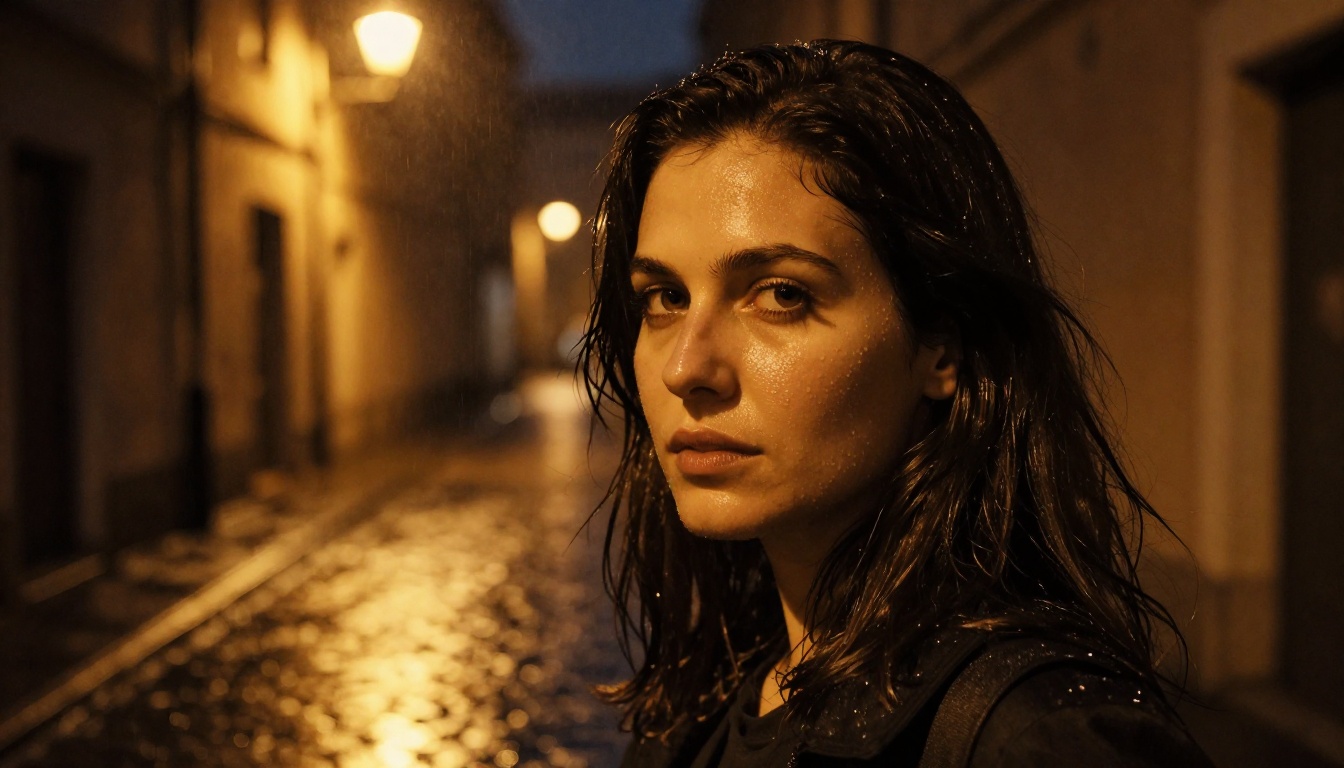
Perhaps the single most meaningful compliment you can give an AI portrait generator is that it does not erase the subject's face in the process of rendering it. Grok Imagine consistently preserves natural imperfections: the slight shadow of beard stubble visible just beneath shaved skin, faint acne scarring on cheeks, the natural asymmetry of real facial features, the roughness of slightly dry skin at the corners of the lips, fine expression lines around the eyes that indicate a living face rather than a rendered one.
These micro-imperfections are what make a portrait feel photographed rather than fabricated. Their presence, even subtle, signals authenticity. Their absence, even when everything else is technically correct, is what gives away the AI origin of an image to trained eyes.
How Grok Handles Lighting Physics
Directional Light and Shadow
Grok Imagine has a strong internal model of directional lighting, and it shows. When you prompt for a single key light from the upper left, the shadows fall on the right side of the nose, under the lower lip, and along the right jawline in exactly the proportions a studio photographer would expect. It does not average the lighting or place shadows symmetrically for aesthetic tidiness. The directionality sticks.
This accuracy is visible across different lighting setups:
- Rembrandt lighting patterns: The triangular cheek highlight appears on the correct side, with the correct shape and appropriately soft falloff into shadow
- Window light setups: The gradual shadow gradient across the far side of the face follows inverse square law falloff, with the deep shadow side still retaining detail in the ambient fill
- Overhead sun: Harsh top-down midday light creates the deep eye socket shadows, bleached forehead highlights, and underlit chin characteristic of direct overhead sun photography
Specular Highlights on Real Surfaces
Specular highlights are where many AI generators embarrass themselves most visibly. The typical failure is a round, paint-like blob of white placed approximately where a highlight should be, with uniform shape regardless of the surface curvature beneath it.
Grok Imagine renders specular behavior that follows the actual surface geometry of the face:
- The nose tip gets a small, precisely shaped specular reflecting the light source geometry
- The Cupid's bow of the upper lip reflects differently from the flatter central lip area due to the changing surface angle
- Wet eyes show distinct corneal reflections that are physically separate from the softer scleral sheen
- The forehead specular follows the brow ridge, not a perfect sphere
💡 Prompt tip: Adding "moist natural skin" or "skin sheen from ambient humidity" to Grok prompts triggers a more accurate specular skin response. "Glossy skin" tends to produce an artificial paint-like surface instead.
Subsurface Scattering Done Naturally
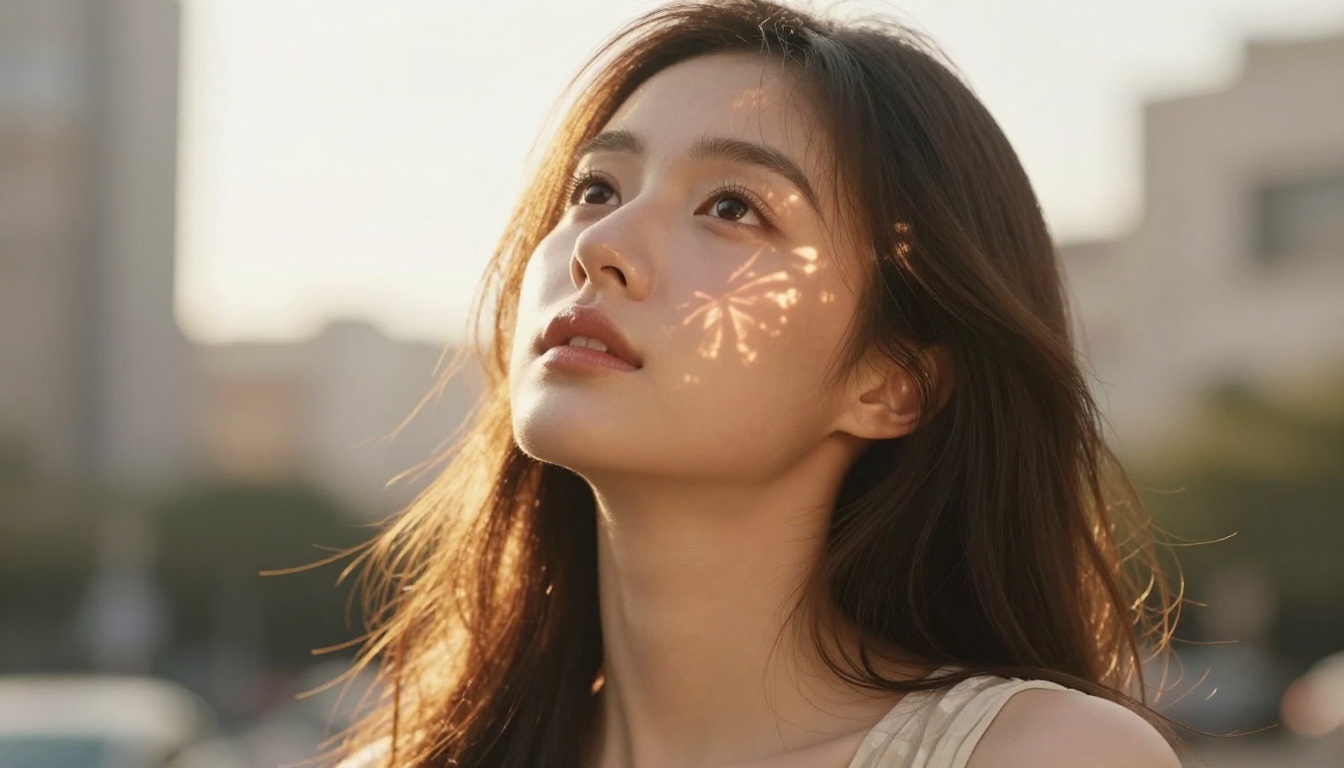
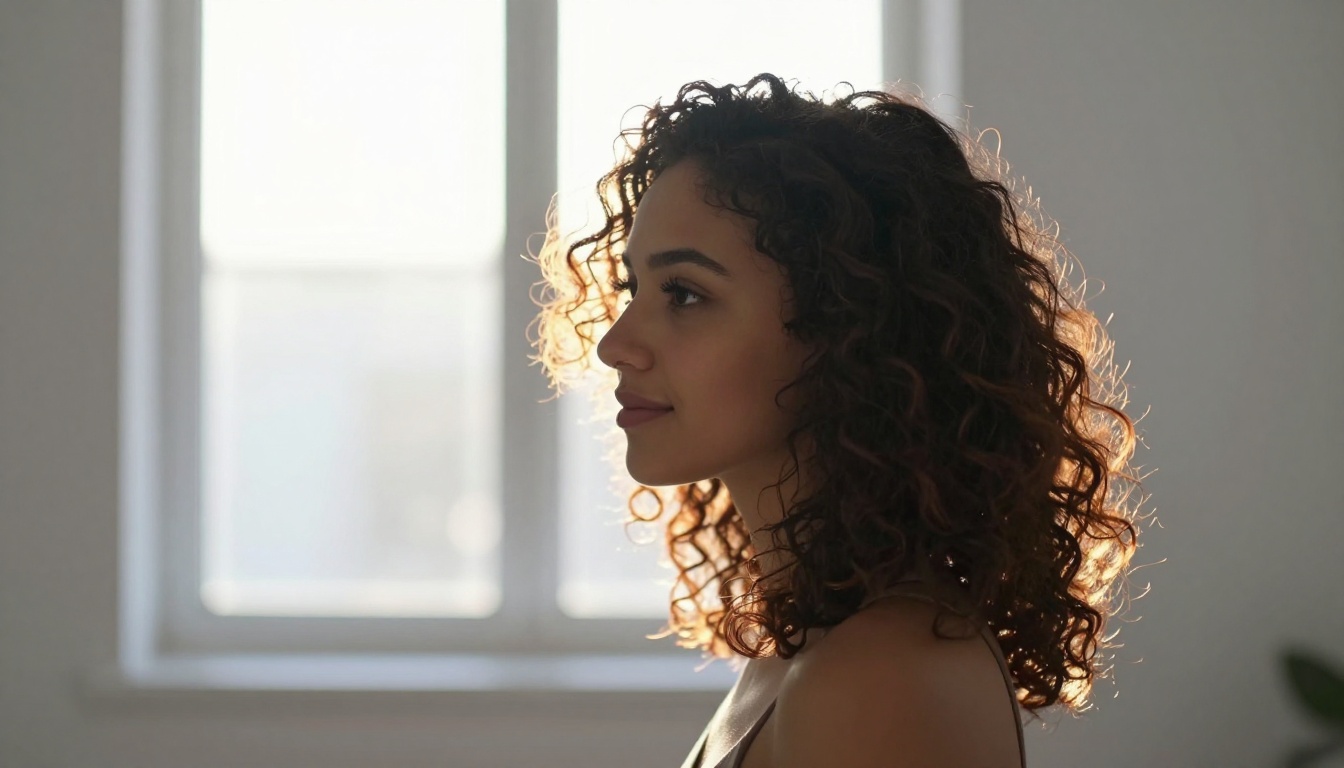
When Grok Imagine renders portraits with backlight or strong side-lighting, thin skin areas respond with the amber-pink glow that real tissue produces under transmitted light. The earlobes light up from behind. The rim of the nostril shows the capillary redness beneath when a strong sidelight rakes across it. The upper lip, thinner than the lower, shows its internal warmth when backlit.
This behavior is not guaranteed in every generation. Generic prompts will not reliably trigger it. But with specific lighting language that invokes backlight, transmitted light, or raking sidelight, Grok Imagine produces the scatter response with enough consistency to be useful. That is a meaningful capability that most generators simply do not offer.
Grok Imagine vs. Other AI Generators
Placing Grok in context with the broader landscape of AI portrait tools:
| Feature | Grok Imagine | Midjourney v6 | DALL-E 3 | Open-Source SD |
|---|
| Skin pore texture | Excellent | Good | Fair | Varies by model |
| Subsurface scattering | Good | Fair | Poor | Fair |
| Directional lighting | Excellent | Excellent | Good | Fair |
| Specular accuracy | Good | Good | Fair | Fair |
| Skin tone diversity | Good | Good | Good | Good |
| Consistency across runs | Fair | Good | Good | Varies |
| Prompt accessibility | Good | Fair | Excellent | Variable |
| Free access | Limited | No | Limited | Yes |
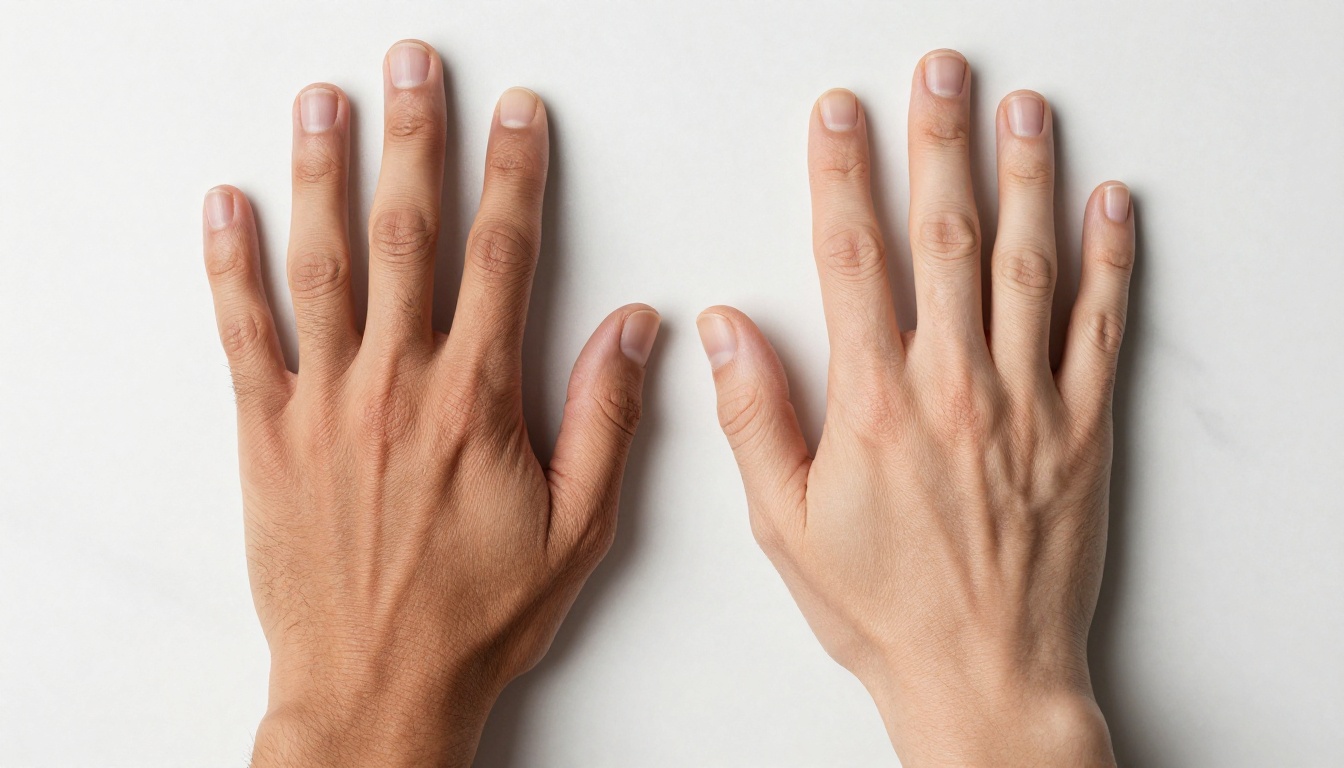
The table reflects general community observations. Grok's strengths in skin rendering and lighting physics are real and well-documented. The consistency score, however, is where portrait photographers hit real friction in production workflows.
Where Grok Still Falls Short
Consistency Across Generations
The most significant limitation of Grok Imagine for professional portrait work is run-to-run consistency. The same prompt can produce a stunning, publication-quality portrait on one generation and a noticeably flatter, less detailed output on the next. The skin rendering quality fluctuates based on factors that users cannot control through standard prompting parameters.
For anyone building a consistent visual identity or needing multiple portrait variations at the same quality standard, this is a real production problem. You may burn through ten or fifteen generations to collect five that match the quality ceiling the tool is capable of reaching. The ceiling is genuinely high. The floor is inconsistently low.
The Prompt Sensitivity Problem
Grok Imagine's photorealistic portrait performance depends heavily on precise prompt language. The difference between a prompt that produces natural skin texture and one that produces the waxy AI face can be as small as three or four specific words. "RAW photography," "natural light," "pore detail visible," and "no retouching" trigger the correct behavior reliably. Generic portrait descriptions may not.
This creates a meaningful entry barrier. Users who are not already fluent in photography vocabulary and AI prompting conventions will not see the outputs that made Grok Imagine's reputation. They will see competent but unremarkable results that do not validate the hype. Learning the specific vocabulary takes time and experimentation.
Getting Similar Results on PicassoIA
You do not need Grok Imagine to produce photorealistic skin and precise lighting in AI portraits. PicassoIA hosts several models that match or exceed Grok's portrait capability, with clearer controls, faster iteration, and no generation limits.
How to Use P Image for Portraits
P Image generates portrait images in under one second with no usage caps. It responds strongly to detailed lighting and camera descriptions, and produces authentic skin texture detail when given the right prompt language:
- Name the lighting setup explicitly: Rembrandt, butterfly, split, loop, broad, short, or window light
- Specify camera and lens details: 85mm f/1.8, 100mm macro, 50mm f/1.4
- Include film stock references for color and grain: Kodak Portra 400, Fujifilm Pro 400H, Ilford HP5
- Add specific skin descriptors: "natural pore texture," "authentic skin," "no retouching," "RAW photography"
The sub-second generation speed means iterating through fifteen prompt variations takes less time than a single Grok generation. That makes P Image practical for the kind of prompt refinement that quality portrait work requires.
💡 Try this on P Image: "Close-up portrait, Rembrandt lighting from upper left, 85mm f/1.8, natural skin texture with visible pores, warm golden hour color, Kodak Portra 400 film grain, no retouching, RAW 8K photography --ar 16:9"
Flux Dev for Cinematic Lighting
Flux Dev is a 12-billion parameter model with exceptional directional lighting accuracy. Its lighting physics rival Grok Imagine's best outputs. For cinematic portrait lighting on PicassoIA:
- Disable fast mode (
go_fast: false) when you need maximum skin fidelity
- Set 50 denoising steps for the highest-quality portrait output
- Use img2img mode to carry a subject into different lighting conditions without regenerating from scratch
- Combine with the seed parameter to iterate on small changes while keeping the composition locked
Flux Dev's shadow behavior and specular highlight accuracy are among the strongest in the category. Directional light setups that would require careful prompt engineering in Grok Imagine respond reliably to clear scene descriptions in Flux Dev.

Seedream 4 for High-Resolution Skin Detail
Seedream 4 outputs portraits at up to 4K resolution, where skin micro-detail becomes most visible and most impactful. At 4K, the difference between acceptable and genuinely impressive skin texture rendering is immediately obvious in a way it simply is not at 1080p. For portrait work where detail matters:
- Generate at 4K from the start rather than upscaling a smaller output after the fact
- Use the reference image input to maintain subject consistency across multiple lighting variations
- Run sequential generation to produce a series of related portrait variations in a single session
The 4K native output makes Seedream 4 particularly effective for large-format print work or any use case where images will be viewed at full resolution.
Upscaling Portraits with Clarity Pro Upscaler
When any model produces a portrait you want to push further in skin detail, Clarity Pro Upscaler enlarges it up to 16x while adding photorealistic pore detail, hair strand definition, and surface texture coherence. The creativity slider controls the balance between faithful reproduction and synthesized detail:
- Creativity 0: Faithful upscale, preserves the original generation without addition
- Creativity 2-4: Adds realistic texture depth, pores become more defined, individual hairs gain clarity
- Creativity 5+: Higher risk of synthesizing detail not present in the original
For portrait skin work, a creativity setting of 2-3 consistently improves the output from P Image, Flux Dev, or Seedream 4 without introducing artifacts. It is the most reliable single step for closing the gap between a good AI portrait and one that reads as photographic.
Recraft v3 for Specific Photographic Styles
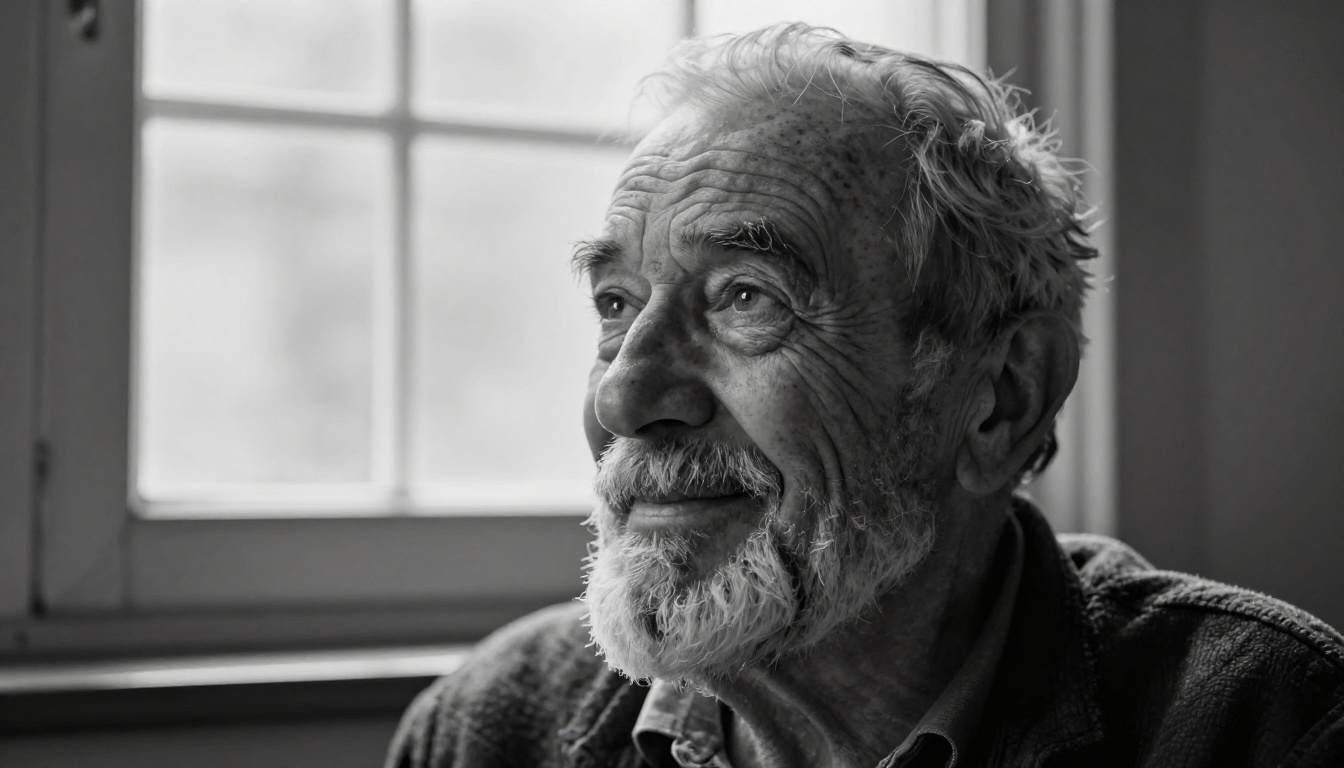
Recraft v3 offers 18 distinct visual styles including realistic_image/natural_light, realistic_image/studio_portrait, and realistic_image/hard_flash. When your portrait needs a specific photographic aesthetic rather than generic realism, Recraft's explicit style parameter gets you there faster than prompt engineering alone. The studio_portrait style produces consistent, directionality-correct lighting behavior that avoids the inconsistency issues Grok Imagine can show on difficult generations.
Start Creating Your Own AI Portraits
Grok Imagine's realistic skin and lighting raised the standard for what the field should produce. The pore detail, the directional light accuracy, the specular behavior on wet skin surfaces: these are real achievements that pushed the conversation about what AI portrait generation can do.
But Grok is not the only path to photorealistic portrait work, and for many use cases it is not the most practical path either. P Image gives you sub-second iteration with no generation limits. Flux Dev delivers cinematic lighting physics on a 12-billion parameter model. Seedream 4 outputs native 4K skin detail that no upscaler has to reconstruct after the fact. And Clarity Pro Upscaler pulls extra skin texture and hair definition out of any base output with a single slider.
The portrait you want is a prompt away. Go to picassoia.com/en/all-models, pick the model that matches your goal, and start generating.


