The AI content generation space shifted significantly when xAI introduced Spicy Mode inside Grok Imagine, giving users access to a free NSFW AI image generator that bypasses many restrictions found in tools like DALL-E or Midjourney. For anyone searching for Grok Imagine Spicy Mode as a free NSFW AI video tool, this is where things get genuinely interesting: what it actually offers, where it draws lines, and whether the free access is worth the attention it has received.
What Grok Imagine Spicy Mode Actually Is
Grok Imagine is the image generation feature built directly into Grok, xAI's flagship AI assistant available on X (formerly Twitter). Unlike standalone image tools, it runs inside the X platform, meaning you access it through a chat interface rather than a separate app or website.
Spicy Mode is an opt-in toggle within Grok Imagine. When activated, it removes the platform's conservative content filters and allows generation of suggestive, mature, and adult-oriented images that would normally be blocked. This is one of very few mainstream AI tools to offer any kind of NSFW generation at no additional cost, which is a significant reason it has attracted so much attention from creators and casual users alike.

The Aurora Model Behind It
Grok Imagine runs on Aurora, xAI's proprietary image generation model. Aurora was trained specifically to produce photorealistic outputs and handles human subjects particularly well compared to early generalist models.
Aurora model characteristics:
- Photorealistic human rendering: Skin texture, hair detail, and lighting are notably strong
- Fast generation: Outputs typically appear within 10 to 15 seconds
- Instruction following: The model responds accurately to detailed, descriptive prompts
- Style range: From editorial photography to cinematic stills and fashion imagery
How It Differs from Standard Mode
Standard Grok Imagine applies content filters that block nudity, sexually suggestive content, and many mature themes. The difference in practice is substantial:
| Feature | Standard Mode | Spicy Mode |
|---|
| Suggestive content | Blocked | Allowed |
| Artistic nudity | Blocked | Allowed |
| Explicit content | Blocked | Partially blocked |
| Realistic human rendering | Yes | Yes |
| Generation speed | Same | Same |
| Cost | Free (X Premium) | Free (X Premium) |
The line Spicy Mode draws is between suggestive and artistic versus explicitly pornographic. Content involving minors, non-consensual scenarios, or extreme material remains blocked regardless of the mode setting.
How to Turn On Spicy Mode
Activating Spicy Mode is straightforward but requires a few specific steps. It is only available to X Premium subscribers, which currently costs around $8 per month on mobile.
Step 1: Access Grok on X
Open the X app or web interface. Grok appears in the left sidebar navigation. Click it to open the chat interface with the standard Grok assistant and input options.
Step 2: Find the Spicy Setting
Look for the Imagine button within the Grok interface. When you click it, image generation mode activates. Within this mode, there is a settings option where Spicy Mode appears as an explicit opt-in that requires age verification acknowledgment before enabling.
Step 3: Prompting for Best Results
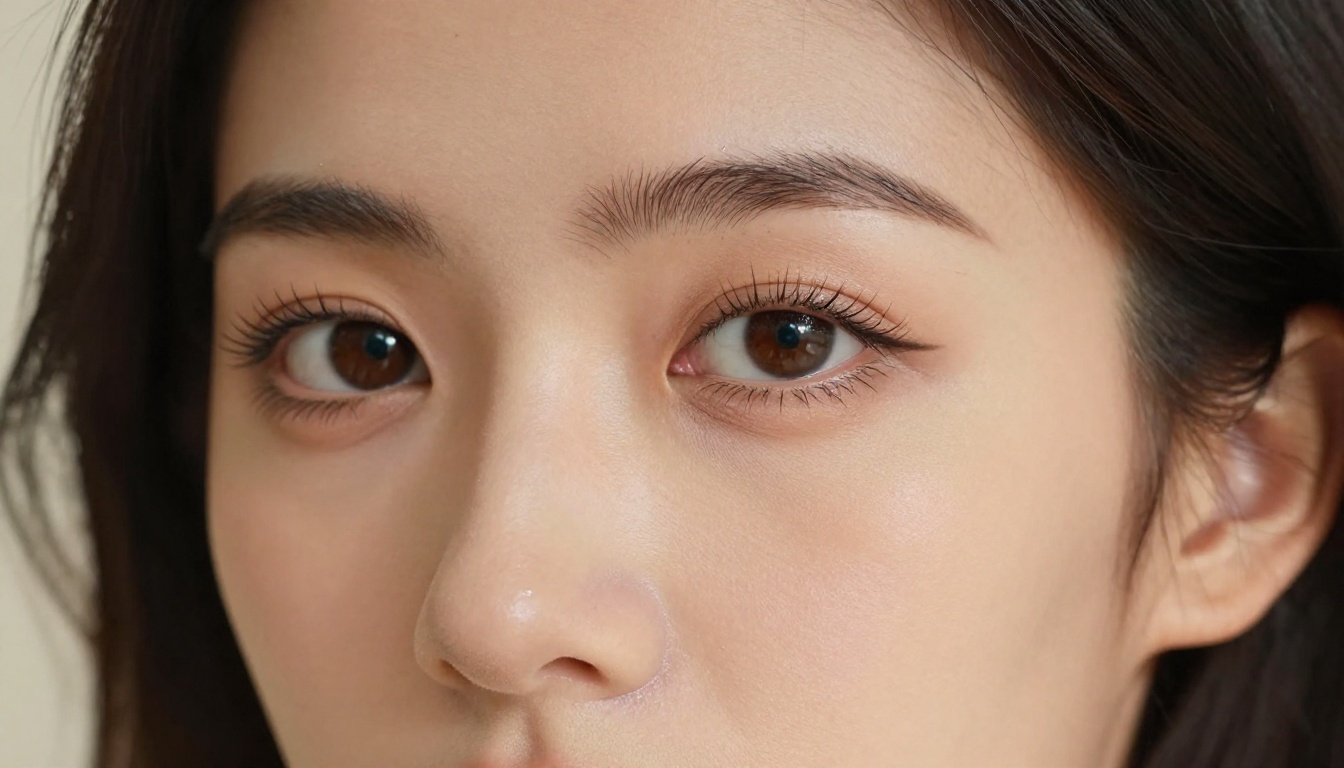
The Aurora model responds best to descriptive, scene-based prompts. Vague requests produce generic results. Detailed prompts with lighting, composition, and mood information consistently outperform short ones.
💡 Prompt structure that works: Subject + environment + lighting conditions + camera or lens style + mood descriptor. Example: "A confident woman in a sheer silk blouse in a sunlit Parisian apartment, late afternoon golden light through tall windows, shot on 85mm film, Kodak Portra 400 grain."
What You Can (and Can't) Generate
Understanding the actual content boundaries saves frustration. Spicy Mode opens significant creative territory but it is not fully uncensored.
Allowed Content Types
- Lingerie and swimwear imagery with realistic human subjects
- Suggestive poses and compositions with artistic framing
- Implied nudity where the subject is depicted but explicit details are not rendered
- Fashion and glamour content with mature themes
- Romantic couple scenarios (non-explicit)
- Artistic nude photography in tasteful, editorial style

Hard Limits in Place
Aurora enforces absolute restrictions in Spicy Mode. These are not toggleable:
- No explicit pornographic depictions
- No minors in any suggestive context
- No depictions of real, identifiable people in NSFW scenarios
- No violent or non-consensual scenarios
- No content violating X's terms of service
Violations result in generation refusals and potential account flagging. The system tracks misuse patterns and applies restrictions accordingly.
Image Quality vs. Competitors
Quality is where Grok Imagine Spicy Mode truly matters. A free NSFW tool is only valuable if it produces output worth using.
Grok vs. Other Free NSFW Tools
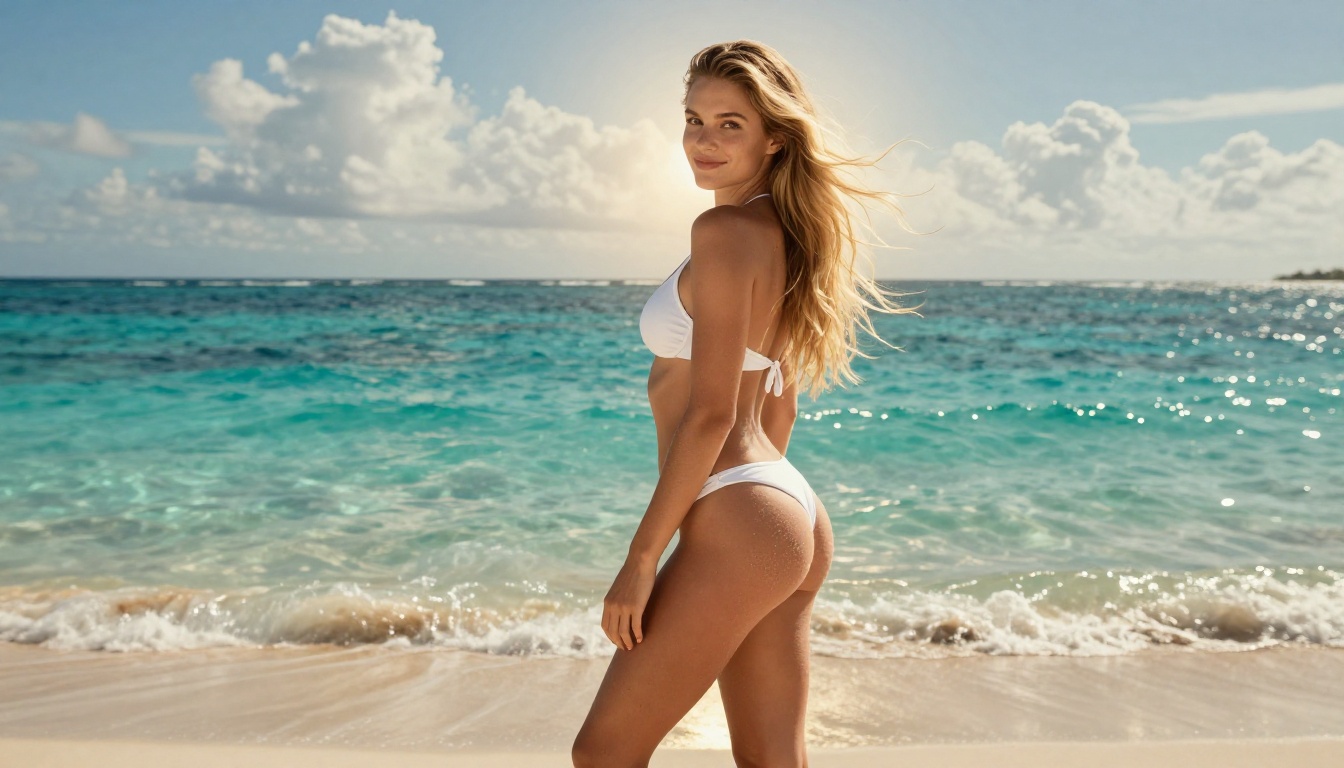
The Aurora model's photorealism puts it well above older free alternatives. Compared to NSFW-adjacent tools available before 2024:
| Tool | Cost | Quality | NSFW Level | Restrictions |
|---|
| Grok Imagine (Spicy) | Free (X Premium) | High | Moderate | Age verification |
| Civitai (local models) | Free (PC required) | Variable | Full | None (local only) |
| NightCafe (adult tier) | Paid credits | Medium | Moderate | Account required |
| Realistic Vision v5.1 via PicassoIA | Free access | Very High | Moderate | Platform TOS |
💡 Worth knowing: Free access on X requires X Premium. If you want NSFW image generation without a subscription, platforms like PicassoIA offer models with similar or superior output quality at no upfront cost.
Where Grok Falls Short
Aurora has notable weaknesses that become apparent after extended use:
Hands and extremities: A persistent issue across AI image models, Aurora still struggles with hand anatomy in complex poses. Fingers occasionally merge or distort in detailed scenes.
Consistency across generations: Unlike fine-tuned models such as Flux 2 Pro or Stable Diffusion 3.5 Large, Aurora does not support LoRA fine-tuning or custom style embeddings, which limits professional creative applications.
No API access for Spicy content: The NSFW functionality is locked to the X interface. You cannot integrate Aurora Spicy Mode into your own applications or automated workflows.
Video generation is limited: Despite Grok Imagine being searched as an AI video tool, the video generation capabilities in Grok are early-stage and not available for NSFW content in Spicy Mode. Image generation is the mature, reliable feature.

How to Use Grok Imagine on PicassoIA
PicassoIA offers direct access to Grok Imagine Image, the xAI model powering Grok's image generation capabilities. This gives you Aurora-quality output through a dedicated interface with significantly more flexibility than the X platform.
Setting Up Your First Generation
- Go to the Grok Imagine Image model page on PicassoIA
- Type your prompt in the input field, being specific about subject, environment, and lighting
- Select your desired output resolution and aspect ratio (16:9 recommended for cinematic results)
- Click Generate. The Aurora model processes your request and returns results within seconds
- Download or save the image directly from the results view
Prompt Tips for Spicy Results
The same model that powers Grok Imagine on X responds to the same detailed prompt logic on PicassoIA. Approaches that consistently produce strong results:
Photography framing prompts:
"Shot on Canon EOS R5, 85mm f/1.4 prime, shallow depth of field, Kodak Portra 400 film grain, natural skin texture"
Lighting descriptions:
"Volumetric golden hour sunlight from upper left, warm amber rim-light creating a backlit halo effect, soft creamy bokeh background"
Subject specificity:
"Young woman with auburn hair, visible collarbone and natural skin pores, confident expression, spaghetti strap silk top"
Prompts that specify camera equipment, film stock, and lighting direction consistently produce more photorealistic results than generic one-line descriptions.

Combining with Other Models
One advantage of using PicassoIA over X directly is access to additional models that extend what you can create. After generating a base image with Grok Imagine Image, you can:
- Run it through Super Resolution to upscale 2x or 4x for print-quality output
- Use Inpainting to fix specific areas (hands, backgrounds) with surgical precision
- Apply Face Swap to replace a face with a specific reference photo
- Send the still into Video Generation models to animate it into a short cinematic clip
This multi-model workflow is what separates serious creative use from casual one-off generation.
Alternatives That Go Further
For users who find Aurora's limitations restrictive, several other models on PicassoIA offer comparable or superior image quality with different trade-offs.
Flux 2 Pro for Photorealism
Flux 2 Pro from Black Forest Labs consistently produces some of the most photorealistic outputs available in any AI image generator. It excels at:
- Human subject rendering with accurate anatomy and skin texture
- Complex multi-source lighting scenarios with dramatic shadow play
- Fabric and texture detail at high resolution (silk, lace, leather)
- Prompt adherence on long, detailed scene descriptions
For fashion, glamour, and editorial-style imagery, Flux 2 Pro frequently outperforms Aurora in raw image fidelity. The sibling model Flux 2 Dev offers similar quality with a lighter credit footprint.
SDXL and Realistic Vision

Two models with proven reliability for photorealistic human generation:
SDXL remains a workhorse for high-resolution outputs with strong stylistic flexibility. The base model handles realistic photography well, and ControlNet integration through SDXL Multi ControlNet LoRA adds precise pose and composition control for art-directed shoots.
Realistic Vision v5.1 is purpose-built for photorealistic human subjects. It produces skin texture, hair, and natural light handling that competes directly with real photography at first glance.
Neither requires X Premium. Both are accessible directly on PicassoIA. Also worth noting: GPT Image 1.5 from OpenAI delivers excellent instruction-following for detailed scene descriptions, and Flux 1.1 Pro Ultra takes photorealism further still with ultra-high-resolution capability ideal for large-format output.
Who Actually Benefits from This
Content Creators
Independent content creators working on adult-adjacent platforms (fashion, fitness, artistic photography) benefit most from free NSFW image generation. Aurora and comparable models let small creators produce polished imagery without expensive photography shoots or studio bookings.
Realistic output quality means generated images can pass as professional photography in many contexts, which is a significant production value advantage for solo operators and small teams.
Artists and Photographers

For artists using AI as a reference tool or concept visualization medium, Spicy Mode and its equivalents fill a gap that standard models cannot. Costume design, figure study, composition planning, and mood board creation all benefit from the ability to generate adult-adjacent imagery without content intervention.
The workflow for professional use typically looks like this:
- Generate concept references with Grok Imagine Image
- Refine specific scenes using Flux Kontext Pro for precise text-based editing
- Upscale finals through Super Resolution for delivery-ready, print-quality assets
The combination produces results that a single tool alone cannot match.
Start Creating on PicassoIA

Grok Imagine Spicy Mode is a genuine step forward for free AI image generation with mature content. The Aurora model delivers photorealistic quality that was simply not available for free even two years ago. But the X Premium requirement, the closed platform, and the inability to integrate into external workflows all create friction for anyone doing serious creative work.
PicassoIA removes that friction. The Grok Imagine Image model sits alongside 90+ other text-to-image options, from Flux 2 Pro to Imagen 4 to Seedream 4. You can pick the model that fits the creative need, build multi-step workflows using editing, upscaling, and animation tools, and produce results that go well beyond what any single platform delivers on its own.
The best AI-generated imagery today does not come from one tool. It comes from knowing which model does what, and having access to all of them in one place. That is exactly what PicassoIA offers. Try the Grok Imagine Image model now and see what Aurora can do without the subscription wall.


