If you have been working through AI image generators and keep hitting the same sanitized wall, you already know the frustration. Midjourney locks you out, DALL-E refuses anything remotely suggestive, and even the open-source tools start adding safety filters with every update. That is exactly why Grok Imagine's spicy mode has been one of the most discussed features in AI creative circles over the past year. Powered by xAI's Aurora model, Grok's spicy toggle promises something most mainstream platforms refuse to offer: a permission layer that removes the guardrails. But how well does it actually work? What does it really produce? And more importantly, is there a smarter way to turn any photo into NSFW AI video without fighting platform restrictions at every single step? This article answers all of it with no filler.
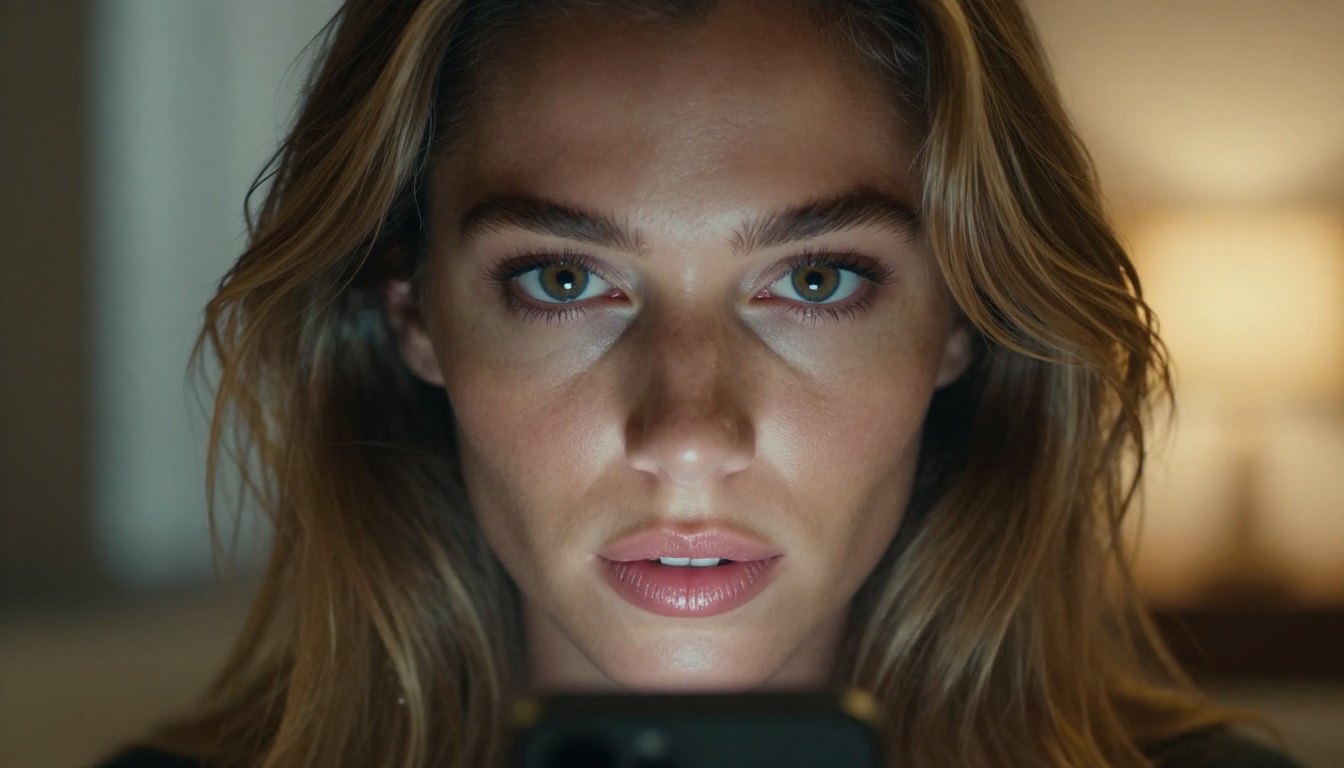
What Is Grok Imagine Spicy Mode?
Grok is xAI's flagship chatbot, built by Elon Musk's AI company as a direct competitor to ChatGPT. Unlike OpenAI, xAI positioned Grok from the start as a less restricted alternative, with Grok's self-described willingness to address topics that more cautious models sidestep. The image generation feature, called Grok Imagine, runs on Aurora, xAI's proprietary image model. In early 2025, xAI introduced what they label "spicy mode" for top-tier subscribers, effectively toggling the platform's content policy from restrictive to permissive for image generation.
The concept is straightforward. Most AI systems pass prompts through a content classifier before generating anything. That classifier acts as a filter, rejecting prompts that contain certain words or concepts. Spicy mode removes that filter for Aurora. In practice, this means the model will produce suggestive, partially clothed, and soft NSFW imagery that the standard mode would refuse entirely. For creators who have spent years working around arbitrary AI refusals, the appeal is obvious.
The Aurora Model Behind It
Aurora is xAI's closed-source image generation model, trained on a proprietary dataset and optimized for photorealism. Unlike open-source models such as Flux Dev or Stable Diffusion 3.5 Large, Aurora's architecture is entirely proprietary. xAI has not published model weights, training methodology, or the specific fine-tuning differences between standard and spicy mode. Based on user outputs, the model performs particularly well with realistic human faces and skin texture, placing its output quality closer to premium closed-source generators than to the older SDXL-based generation tier.
One noteworthy aspect of Aurora is its handling of lighting and composition when given photography-language prompts. Models trained with this kind of data tend to respond better to descriptors like "85mm portrait lens" or "volumetric morning light" than to vague aesthetic descriptors, and Aurora follows that pattern reliably.
What Spicy Mode Really Does
The honest answer: spicy mode does not mean Aurora will generate absolutely anything. xAI has confirmed that certain hard limits remain in place regardless of the mode setting. The shift is in the threshold, not the removal of all restrictions. Standard content classifiers on platforms like DALL-E block prompts that include words like "lingerie," "bare skin," or "bikini" in certain photo contexts. Aurora in spicy mode processes those as legitimate photographic or creative descriptors.
The practical result is a tool that sits somewhere between a glamour photography simulator and a soft NSFW generator. For creators working in adult lifestyle content, personal AI art, or photo-realistic character work, it opens creative possibilities that previously required either running a local model or paying for a specialized adult AI platform.
💡 Note: Spicy mode is currently tied to X Premium Plus ($16/month in the US). Access, pricing, and regional availability from xAI can change without notice.
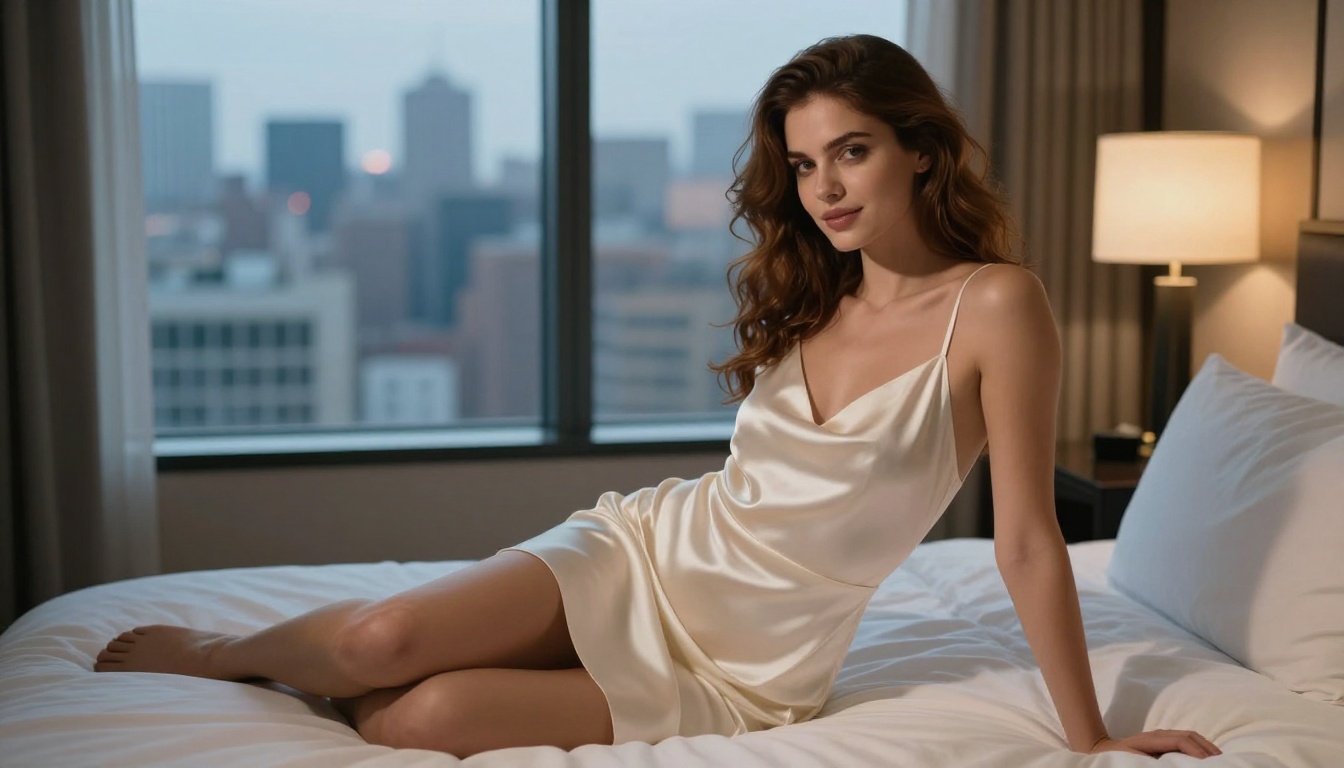
Grok vs. Top AI Image Generators
The NSFW AI image space has grown significantly, but the platform landscape is fragmented. Some tools are openly permissive, others quietly tolerate mature content, and most mainstream products maintain strict default filters. Knowing where each tool actually stands determines whether your workflow stays smooth or constantly stalls.
The NSFW Wall Everyone Hits
Every major AI image platform has faced pressure from app stores, payment processors, and advertisers to maintain strict content policies. This is not typically about the AI companies having personal objections to mature content. It is about business infrastructure. Apple's App Store guidelines, Stripe's acceptable use policy, and Google's advertising policies all create external pressure that forces platforms to maintain restrictive defaults, even when the underlying model could produce more.
The result is a tiered ecosystem. You have completely closed platforms like DALL-E and Imagen that refuse most suggestive content outright. You have semi-permissive platforms like Grok's spicy mode that allow soft NSFW within defined limits. And you have fully open platforms where creators can run any model with no restrictions whatsoever. Grok sits in the middle, which makes it genuinely useful for some creative workflows but still limiting for others who need broader permissiveness or higher output volume.
How They Stack Up
| Platform | NSFW Support | Access | Output Quality |
|---|
| Grok Imagine (spicy) | Soft NSFW | X Premium Plus | High (Aurora) |
| Flux 1.1 Pro Ultra | Platform-dependent | Per-image credits | Ultra High |
| GPT Image 1.5 | Heavily restricted | ChatGPT Plus | High |
| Imagen 4 | No NSFW | API access | High |
| SDXL | Depends on host | Free/open | Medium |
| RealVisXL v3.0 Turbo | Permissive | Platform credits | Very High |
The pattern is clear: photorealistic quality and NSFW permissiveness rarely come packaged together in one mainstream, polished product. That gap is precisely what makes the photo-to-NSFW-video workflow so difficult for solo creators working with limited resources.
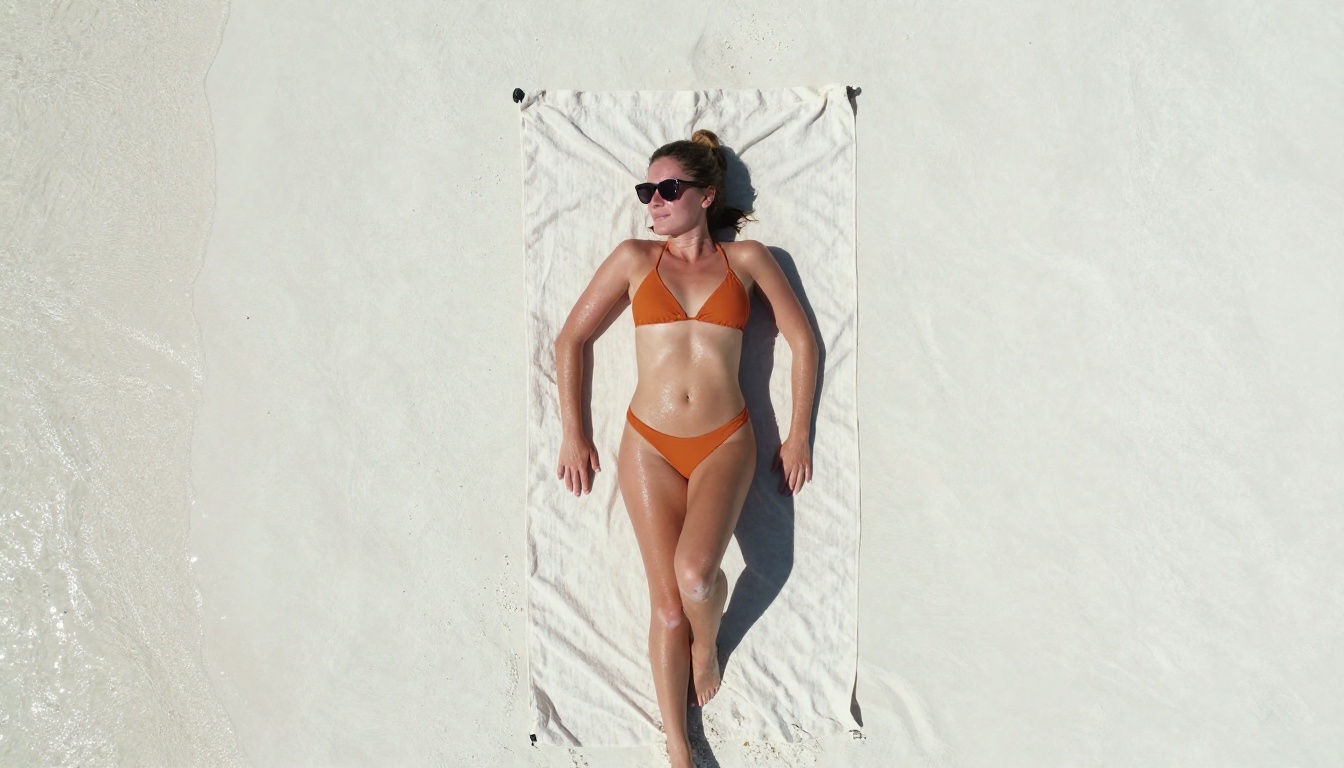
How to Use Grok Imagine Step by Step
Using Grok Imagine in spicy mode requires a specific setup that is not always intuitive to new users. The following steps reflect the platform state as of April 2026.
Step 1: Get Access
You need an active X Premium Plus subscription at the top tier ($16/month in the US). Standard X Premium does not include spicy mode access. After subscribing, navigate to grok.com or open Grok through the X (formerly Twitter) mobile app. Image generation happens directly within the Grok chat interface. You do not need a separate app or tool.
Step 2: Write the Right Prompt
Prompt structure matters significantly with Aurora, possibly more than with models like Flux 2 Pro. Aurora responds best to photography-language prompts. Think like a photographer giving a brief, not like someone describing a fantasy scene.
What works well:
- "Professional glamour shoot of a woman in a black bikini at the edge of an infinity pool at sunset, 85mm portrait lens, Kodak Portra 400, shallow depth of field"
- "Editorial lingerie photography in a minimal white studio, dramatic side lighting, medium format camera, film grain"
What produces weaker results:
- Vague terms without compositional context ("hot woman in lingerie")
- Over-stacked adjective lists without scene structure
💡 Tip: Use photography vocabulary. Words like "depth of field," "film grain," "backlit," and "medium format" consistently improve output quality in Aurora far more than generic style descriptors.
Step 3: Enable Spicy Mode
Inside the Grok interface, look for a toggle labeled "Allow spicy content" or a similar label depending on your regional version. This must be activated before you submit your prompt. It does not apply retroactively. Once active in a session, it stays on until you disable it or open a new conversation. xAI maintains moderation logs on spicy mode usage, so the system is monitored even when the content filter is toggled off.
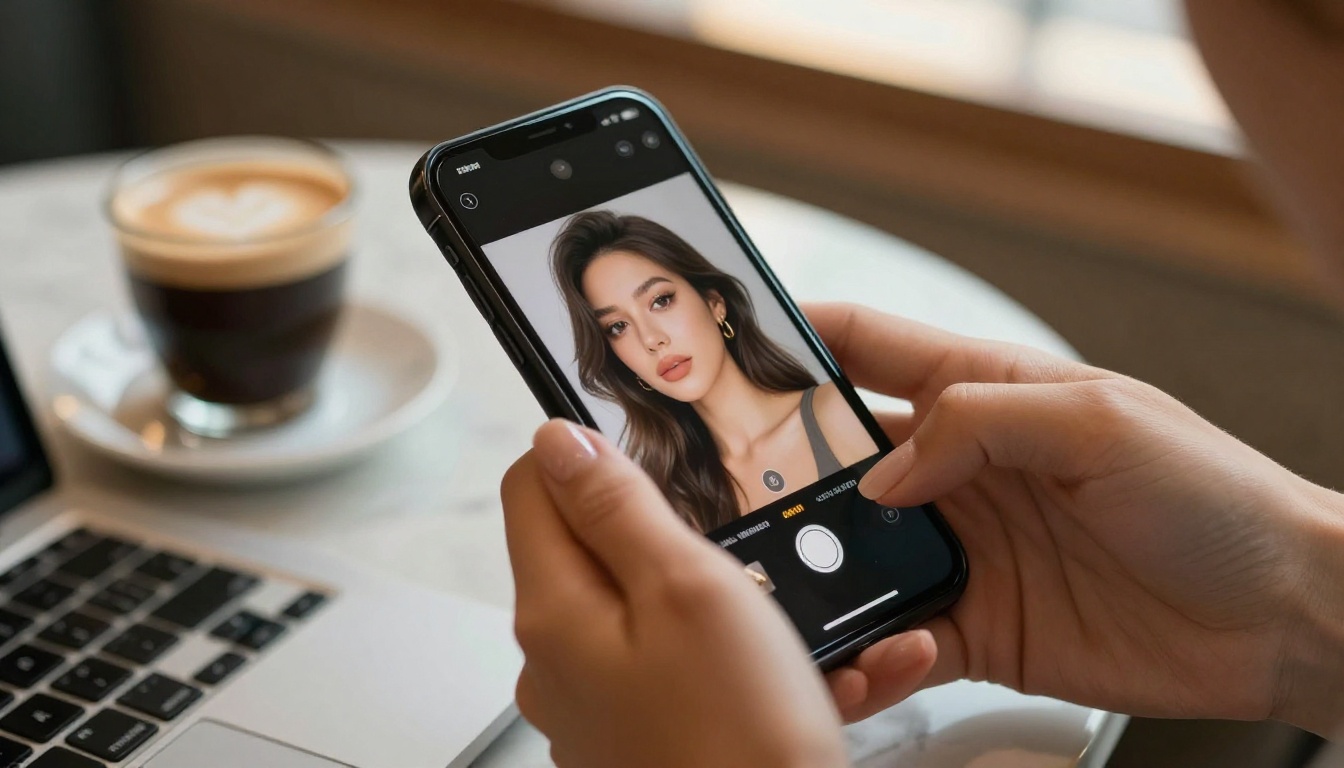
Turning Photos into AI Video: The Real Demand
The search phrase "Grok Imagine Spicy turn any photo into NSFW AI video" points to a workflow that goes well beyond curiosity about a single platform feature. It reveals the specific pipeline that creators want: take an existing photo, or a freshly generated AI image, feed it into a video AI system, and get a short, realistic clip back.
Why Photo-to-Video AI Took Off
The demand for AI photo-to-video conversion grew in direct proportion to the quality improvements in image-to-video models. When tools like Wan, Kling, and Runway demonstrated that a single static image could be animated with convincing motion, the creative and commercial possibilities became immediately apparent. For adult content creators specifically, the ability to take one high-quality photo and produce a short video clip without organizing a video shoot entirely rewrites the economics of content production.
The quality gap in AI video generation has narrowed at a pace that caught most observers off guard. A prompt like "camera slowly panning left, subject's hair moves gently in the breeze, soft bokeh background" can now produce results that pass for authentic video at typical social media resolution. The challenge is that content filters on video platforms are considerably stricter than on image generators. Video content is subject to higher regulatory scrutiny at the platform level, which means many video AI tools apply even more aggressive content moderation than their image counterparts.
What the Best Tools Do Differently
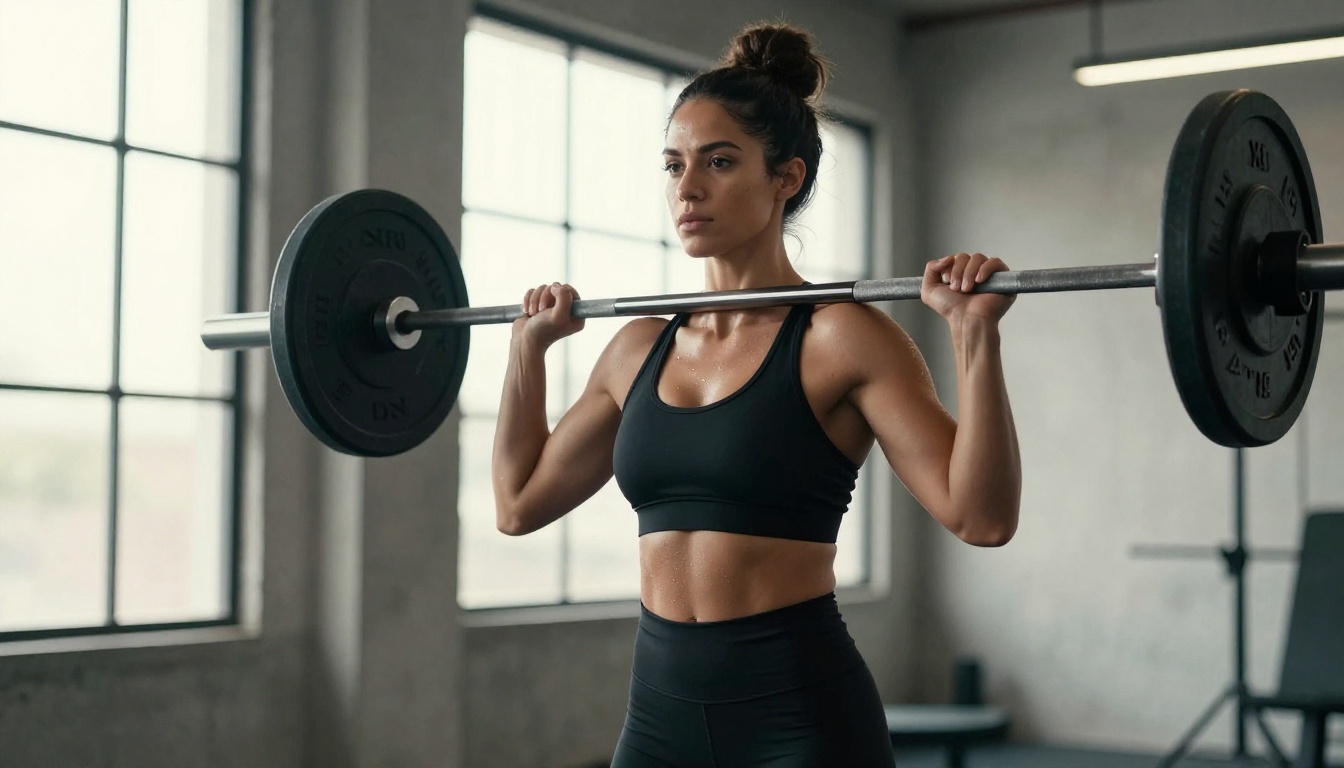
The image-to-video models that produce the most convincing results share specific characteristics. They were trained on motion datasets that include diverse movement types rather than a narrow visual style. They handle facial consistency across frames, which is technically considerably harder than maintaining consistency in a single generated image. And critically, they allow reference photo conditioning, meaning they take your input image as an anchor rather than working entirely from a text prompt.
For the photorealistic input image that video models need, generators like Flux 1.1 Pro and Grok Imagine Image are the most reliable starting points. A blurry, low-detail, or stylistically inconsistent reference image limits what any video model can produce downstream, regardless of how capable that video model is. The principle is simple: quality in, quality out. Investing in the right image generation model at step one pays dividends at every step after.
💡 Note: PicassoIA offers over 87 text-to-video models alongside its 91 image generation models, all accessible from a single platform. This makes it one of the most complete environments available for the photo-to-video creative workflow.
91 Models, No Gatekeeping

The core frustration with Grok Imagine spicy mode is structural. It exists inside a walled garden tied to a social media subscription. One policy update, one regional restriction rollout, or one subscription price increase puts your entire creative workflow at risk. For serious creators, that is not a foundation worth building on.
PicassoIA takes a different approach. Rather than a single proprietary model with a permission toggle, the platform aggregates 91 text-to-image models with a consistent interface, a shared credits system, and no single point of policy failure. If one model changes its hosting terms, 90 others are still available.
Grok Imagine on PicassoIA
Grok Imagine Image is available directly on PicassoIA, which means you can access the Aurora-based model without an X Premium subscription. This alone is a meaningful cost difference for high-volume creators. Instead of paying a flat monthly fee for access to a single model inside a platform you may not otherwise use, you pay per-image credits for exactly what you generate.
The workflow advantage extends beyond cost. On PicassoIA, generating an Aurora-based image and then immediately passing it to a super-resolution model, an inpainting tool, or an image-to-video pipeline requires no file transfers between platforms, no re-uploading, no format conversions. The entire chain runs in one place.
Using Grok Imagine Image on PicassoIA:
- Open Grok Imagine Image in the PicassoIA collection
- Write your prompt using photography-language descriptors for best results
- Select your aspect ratio: 16:9 for landscape/video-ready, 9:16 for vertical content, 1:1 for social square
- Generate and evaluate the result
- For video output: pass the generated image directly to an image-to-video model within the same platform
The Image Models Worth Knowing
For photorealistic work in the NSFW-adjacent space, these models consistently produce the highest fidelity outputs available on the platform:
- Flux 1.1 Pro Ultra: Best photorealism currently available, handles complex skin lighting and fabric texture with exceptional accuracy
- Flux 2 Pro: Faster generation with strong prompt flexibility, reliable for high-volume creative workflows
- RealVisXL v3.0 Turbo: Purpose-built for realistic human photography, particularly strong for portrait and figure work at close and medium distances
- Stable Diffusion 3.5 Large: A strong baseline for LoRA fine-tuning and style-consistent batch generation workflows
- GPT Image 1.5: Superior instruction-following and compositional accuracy when your prompt contains multiple scene elements that need precise spatial arrangement
5 Rules for Better NSFW AI Results
Getting consistently high-quality outputs from any AI image generator requires more than enabling a permission toggle. These five rules apply whether you are working in Grok Imagine, Flux, or any other photorealistic model.
-
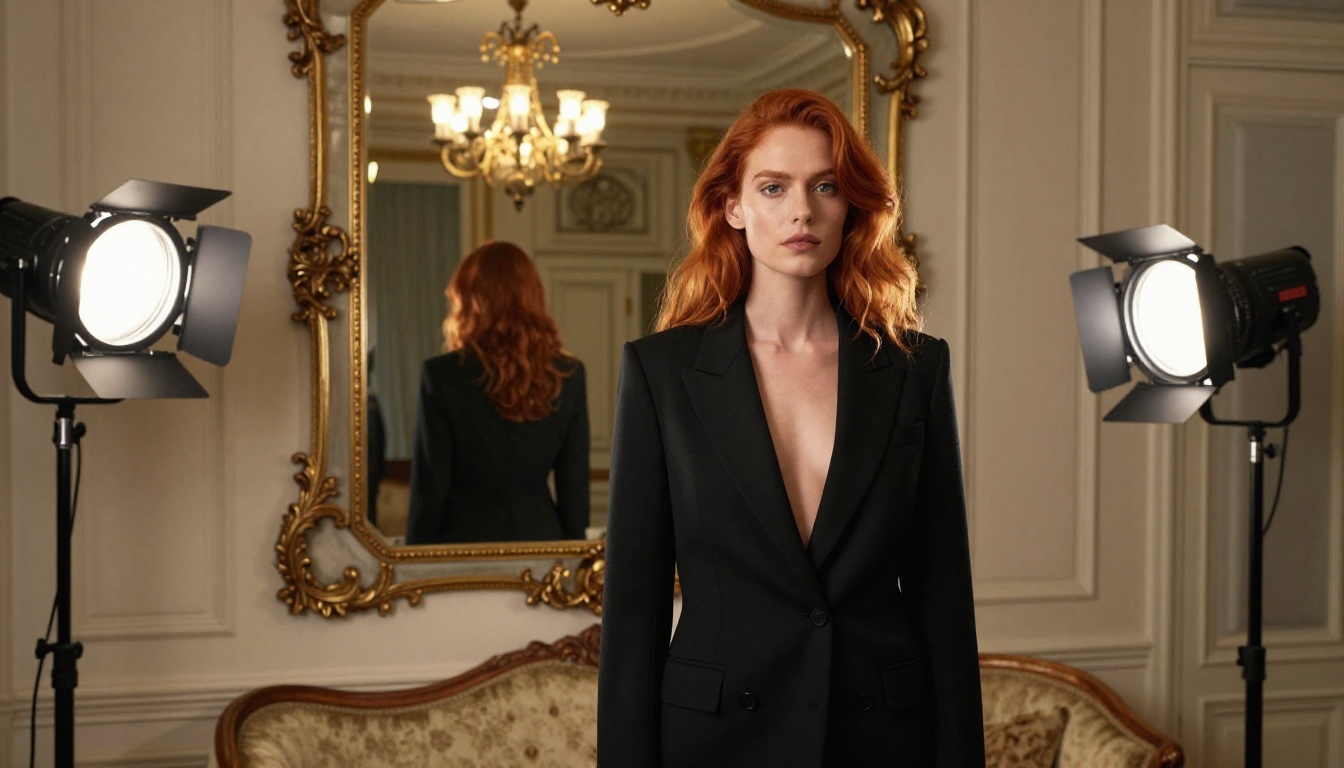
Write like a photographer giving a brief. Describe the scene as if you are directing a shoot. Include lighting direction, lens choice, distance from subject, and film stock. This alone improves output quality more than any other single change.
-
Describe anatomy with precision. Vague intent produces vague results. If you want a specific pose, describe it the way a director would: "left hand resting on hip, right arm extended slightly forward, weight shifted to back foot, torso angled three-quarters toward camera."
-
Control the environment. The more specific your background description, the less the model fills it with generic filler. "Rooftop terrace, blurred city lights bokeh, humid evening air, neon bar sign edge-lit right side" produces a far richer result than "outside at night."
-
Choose aspect ratio before generating, not after. If your final destination is a vertical video platform, generate in 9:16 from the start. Cropping a 16:9 image to vertical always sacrifices composition. If you want widescreen cinematic output, generate 16:9 from the first prompt.
-
Fix the lighting before everything else. Lighting is the single largest quality determinant in photorealistic AI images. Nail the lighting description in your first prompt before spending credits refining other details. A poorly lit image of a perfectly described subject always looks worse than a simply described subject in a brilliantly lit scene.
💡 Tip: The most consistent beginner mistake is over-describing the subject while leaving the environment generic. The background and lighting carry as much visual weight as the subject itself in photorealistic generation.
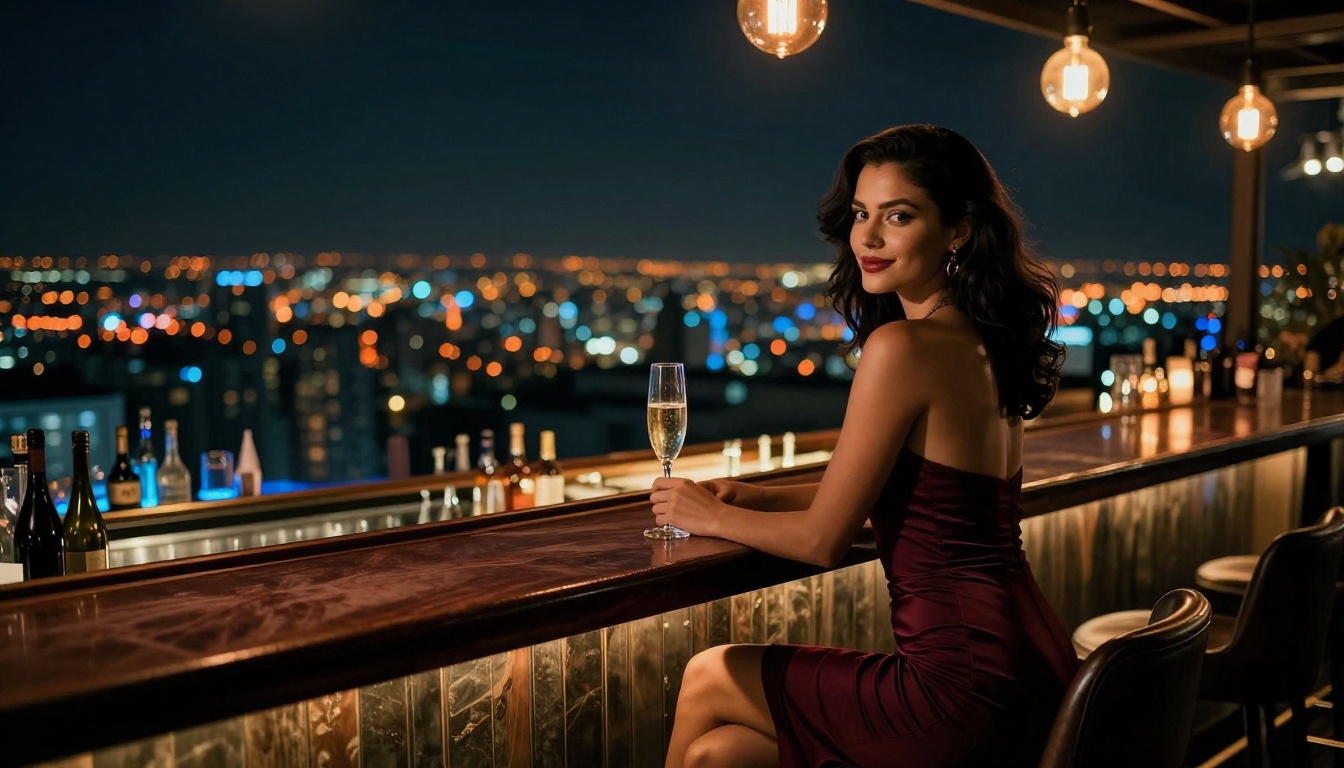
The entire Grok Imagine spicy conversation points to one underlying desire: a tool that gets out of the way and lets you create without friction, policy surprises, or subscription walls. Whether you are a solo content creator, an adult platform producer, or simply someone who wants to produce high-quality photorealistic AI images without fighting filters, the answer is not waiting for one platform's policy to shift in your favor.
The models exist right now. Grok Imagine Image, Flux 1.1 Pro Ultra, and RealVisXL v3.0 Turbo are all accessible on a single platform, without monthly subscription requirements, geographic restrictions, or toggled permission modes. You choose the model, write the prompt, and generate.
For creators who want to take a static image further and animate it into AI video, that pipeline is also already available. Start with the right image model. Build the scene with the care that photorealistic output requires. Then feed it to one of 87 video models and let the animation layer do what it does best.
PicassoIA is built specifically for this complete workflow. One platform, from first prompt to final video, with no gatekeeping between steps.


