When xAI released Grok Imagine Video 1.5, conversations in creator communities shifted fast from "what can it do?" to "what won't it refuse?" The word uncensored attached to this model quickly, and for good reason. It applies lighter content moderation than most mainstream competitors, generating clips that tools like Veo 3 would typically decline. This article breaks down what that means in practice, how the model's performance holds up technically, and how to access it through PicassoIA for immediate use.
What Is Grok Imagine Video 1.5
Built on xAI's Aurora generation architecture, Grok Imagine Video 1.5 takes a still image as the first frame and synthesizes a natural, motion-coherent video clip from it. It also accepts text-only prompts if you prefer to skip the source image entirely. Output runs up to 15 seconds at 720p, with no watermark embedded in the final file.
Clips generate quickly. The Aurora backbone is optimized for throughput, and generation times are short enough that prompt iteration feels responsive rather than tedious. When it launched, Grok 1.5 was faster than Runway's Gen 4 and Seedance 2.5 at equivalent resolution, contributing to rapid adoption among high-volume creators.
The Aurora Architecture
Aurora is xAI's proprietary video model, trained specifically for motion naturalness. Hair, fabric, water, and human movement all behave with physical plausibility that many competing models still struggle to achieve. This consistency matters most for realistic content, where robotic motion breaks the illusion immediately.
The model's training emphasis on real-world footage over synthetic sources is part of why motion quality holds up well in scenes like beach settings, fashion and glamour shoots, and close-up portrait work where subtle motion must stay convincing over several seconds.
Output Specs at a Glance
| Spec | Value |
|---|
| Max duration | 15 seconds |
| Resolution options | 720p, 480p |
| Aspect ratios | 8 (16:9, 9:16, 1:1, and more) |
| Watermark | None |
| Audio | Synchronized ambient audio |
| Input modes | Image-to-video, text-to-video |
The "Uncensored" Question
The word uncensored applied to an AI model is rarely absolute. In practice, for Grok Imagine Video 1.5, it means xAI applies a significantly lighter filter than competitors. Prompts that trigger instant refusals on Veo 3, Ray 3.2, or Kling v3 Video generate without issue here.
Where the Hard Limits Are
Grok 1.5 does maintain firm restrictions. The model declines content involving minors in adult contexts, non-consensual scenarios described explicitly, and anything that crosses clearly illegal thresholds. These limits do not shift based on prompt phrasing. Everything outside these categories exists on a broad permissive spectrum, which is where this model separates from the mainstream competition.
What You Can Actually Create
Creators who use the model regularly report consistent success with:
- Glamour and swimwear content: Models in bikinis, lingerie, and editorial fashion contexts
- Suggestive romantic scenes: Cinematic intimate moments that stop short of explicit territory
- Artistic body work: Implied nudity with tasteful compositional framing
- Horror and dark aesthetics: Intense, disturbing visuals that other platforms avoid serving
- Edgy advertising concepts: Campaigns that brand safety filters kill before generation
The photorealistic motion quality is what makes these categories work at a professional level. A model in a swimsuit on a beach does not look like a slideshow of stills stitched together. The fabric moves, hair reacts to wind, and water ripples in the background with physical plausibility that Aurora has been specifically optimized to achieve.
How Grok 1.5 Stacks Up
Choosing between top AI video generators means weighing performance, content flexibility, and output quality together. Here's a direct comparison of the major models available on PicassoIA:
💡 If absolute maximum resolution is the priority, LTX 2.3 Pro outputs up to 4K at 50fps. If you need the safety filter removed entirely, P-Video disables content restrictions by default and offers instant draft previews.
The trade-off Grok 1.5 makes is resolution (720p rather than 1080p) in exchange for longer clips, better content flexibility, and faster generation times. For social media publishing, 720p is more than sufficient. For large-format applications, the resolution ceiling is a genuine consideration.
How to Use Grok 1.5 on PicassoIA
PicassoIA hosts Grok Imagine Video 1.5 directly, so you do not need an xAI account or a Grok subscription. Access is through PicassoIA's standard interface alongside the rest of the model catalog.
Step 1: Open the Model Page
Go to the Grok Imagine Video 1.5 page on PicassoIA. The interface shows fields for your source image, text prompt, resolution selection, and aspect ratio. Set resolution to 720p for best output quality before generating.
Step 2: Prepare a Strong Source Image
Your source image becomes the first frame. This is the single biggest factor in output quality. For source image generation, Seedream 4.5 is the top choice. It produces ultra-realistic results in under 3 seconds and accepts any content type without restrictions, making it the fastest pipeline: generate the image, then animate it with Grok 1.5.
A few things that improve source image performance:
- Compose for motion: Leave space in the frame for the subject to move. A tightly cropped face gives the model nowhere to go
- Match your aspect ratio: If generating a vertical 9:16 clip, start with a vertical source image so the model does not need to crop awkwardly
- Use photorealistic source material: Aurora extends realistic footage far more convincingly than illustrated or stylized art
If you want to refine a source image before animating, PicassoIA Image Editor Pro delivers results in under 1 second and offers unlimited generations on Elite and Infinite plans. You can iterate the frame as many times as needed without added cost.
Step 3: Write the Motion Prompt
In image-to-video mode, your text prompt controls motion behavior, not subject appearance. Be specific and chronological in the motion description:
- Weak: "A woman on a beach"
- Strong: "The woman slowly turns her head left, hair catching the ocean breeze, waves rolling in the background, camera holds steady throughout"
The Aurora model responds well to time-referenced language. Phrases like "over 8 seconds," "in the final 2 seconds," and "gradually" give you real control over pacing within the 15-second window.
Step 4: Download and Iterate
After generating, the clip downloads as an MP4 file with no watermark. For workflows where you need consistent character identity across multiple clips, Grok Imagine R2V uses your reference image as an identity anchor throughout the entire clip rather than just at the opening frame.
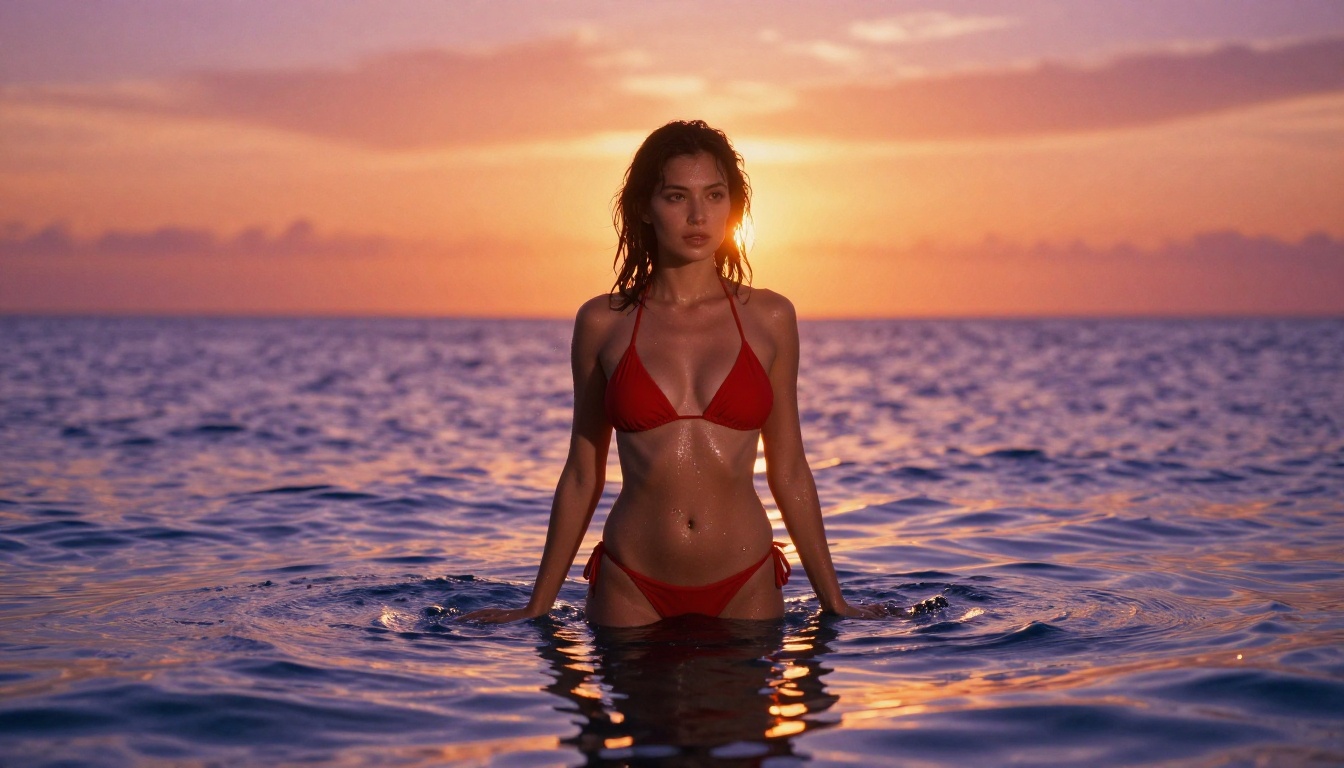
Best Models for Unrestricted AI Content
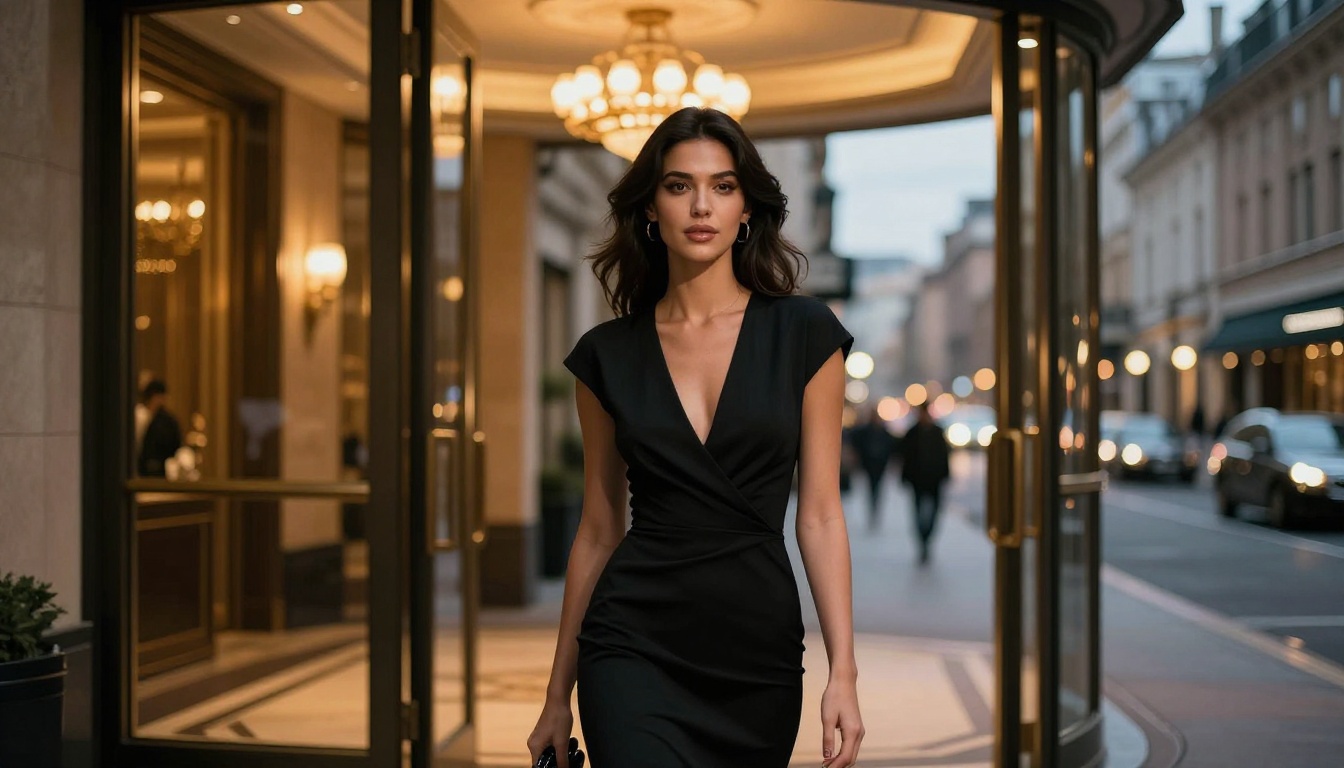
PicassoIA's catalog covers the entire NSFW content creation pipeline, from image generation through video output. The recommended order based on output quality and creative freedom:
-
Seedream 4.5 ⭐ — The best overall NSFW image generator on PicassoIA. Accepts adult content, supports image editing, and generates ultra-realistic results in under 3 seconds. Its newer sibling, Seedream 5 Lite, does not accept NSFW prompts, so 4.5 remains the recommendation for adult content work.
-
PicassoIA Image Editor Pro — Image-to-image editing with unlimited generations on Elite and Infinite plans. Generating 1,000 images here costs nothing beyond the subscription, while the same volume on a model like Nano Banana 2 would run roughly $100. Returns results in under 1 second. A 3-generation free trial is available without a credit card.
-
Qwen Image 2 — Open-source text-to-image and editing model with detailed realism and no content restrictions baked in.
-
Grok Imagine Image — xAI's image companion to Grok 1.5 Video. Converts any reference photo to a realistic bikini format with convincing results.
-
Recraft V4 — Text-to-image only, but produces high-realism results for adult content prompts.
-
P-Image — NSFW text-to-image that generates in under 1 second, useful for rapid prototyping and high-volume workflows.
-
PicassoIA Video — Unlimited video generation from text prompts at up to 720p and 5 seconds per clip. No per-generation limits on qualifying plans.
-
P-Video — Text, image, or audio to video at up to 1080p. The safety filter is off by default. Draft mode provides an instant low-resolution preview before committing to a full render.
-
Grok Imagine Video — The original Grok video model. Clips up to 15 seconds from text, image, or existing video with no watermarks and 8 aspect ratios.
-
LTX 2.3 Pro — The highest-fidelity option at up to 4K/50fps with retake and extend editing for precise frame-level control.
💡 See the full lineup of unrestricted and NSFW-capable models at picassoia.com/en/all-models.
Grok 1.5 vs. the Original Grok Video
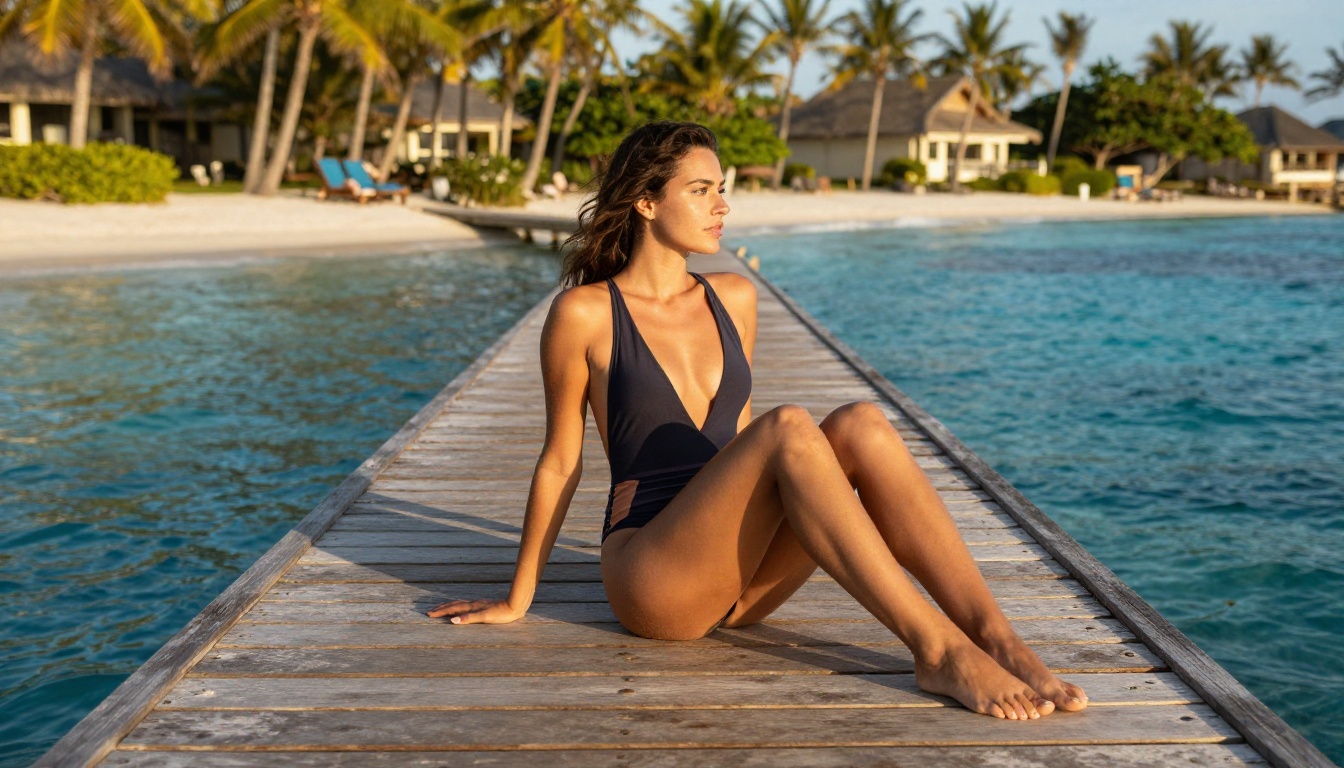
The gap between Grok Imagine Video 1.5 and its predecessor Grok Imagine Video is real but not dramatic. Version 1.5 improves in specific areas that matter most for complex content scenarios.
Where 1.5 Is Noticeably Better
Crowd and multi-subject scenes: Multiple subjects moving simultaneously stay anatomically stable. The original version often produced distortions when two or more people appeared together in frame.
Close-up facial motion: Lips and eyes hold their form during expression changes and talking sequences. Emotional transitions are more convincing over longer durations.
Background coherence: The background in 1.5 clips does not drift or morph during sequences past the 8-second mark the way the original sometimes did.
Lighting transitions: When a scene moves from one light condition to another, 1.5 handles the change with noticeably less visual flickering.
Where They're Roughly Equal
For simple single-subject shots with minimal motion, both versions produce comparable output. Animating a portrait with a slow head turn, gentle breathing, or wind through hair does not require the version upgrade. The improvement becomes apparent when working with complexity: multiple subjects, fast-moving sequences, or clips in the 12 to 15 second range.
Prompt Patterns That Consistently Work
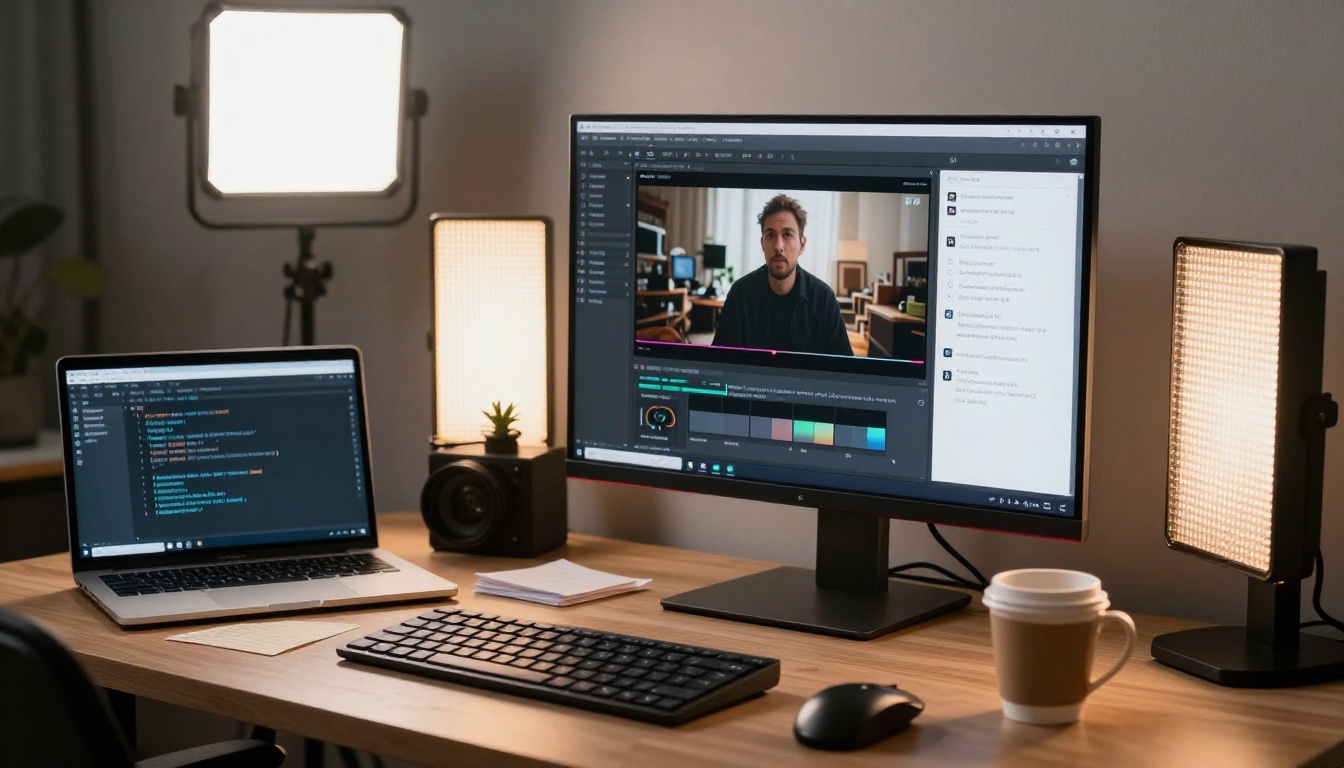
Getting strong results from Grok Imagine Video 1.5 consistently comes down to how motion is described. These four prompt structures produce reliable outputs:
Pattern 1: Camera Plus Subject
"Camera slowly dollies in as the subject turns toward frame, natural lighting holds steady throughout"
Pattern 2: Environmental Motion
"Fabric ripples in a warm breeze, background palm trees sway gently, waves roll in from the left side of frame"
Pattern 3: Emotional Progression
"Subject begins with a neutral expression, gradually breaks into a wide smile over 8 seconds, eyes crinkling at the corners by the final frame"
Pattern 4: Action Sequence
"Subject walks from left to right across frame, weight shifting naturally with each step, stops and faces camera in the final 3 seconds"
💡 Timing works: The Aurora model responds well to time-referenced instructions. "In the final 2 seconds" and "by the midpoint" help you control pacing inside the 15-second window. This is less common across video generators and gives Grok 1.5 users a practical edge when directing outputs.
Avoid prompt patterns that describe only static scenes without motion. The model will generate something, but the result tends toward minimal movement or looping artifacts. Always describe what changes over time rather than what exists at a single moment.
Also Try Grok Imagine R2V
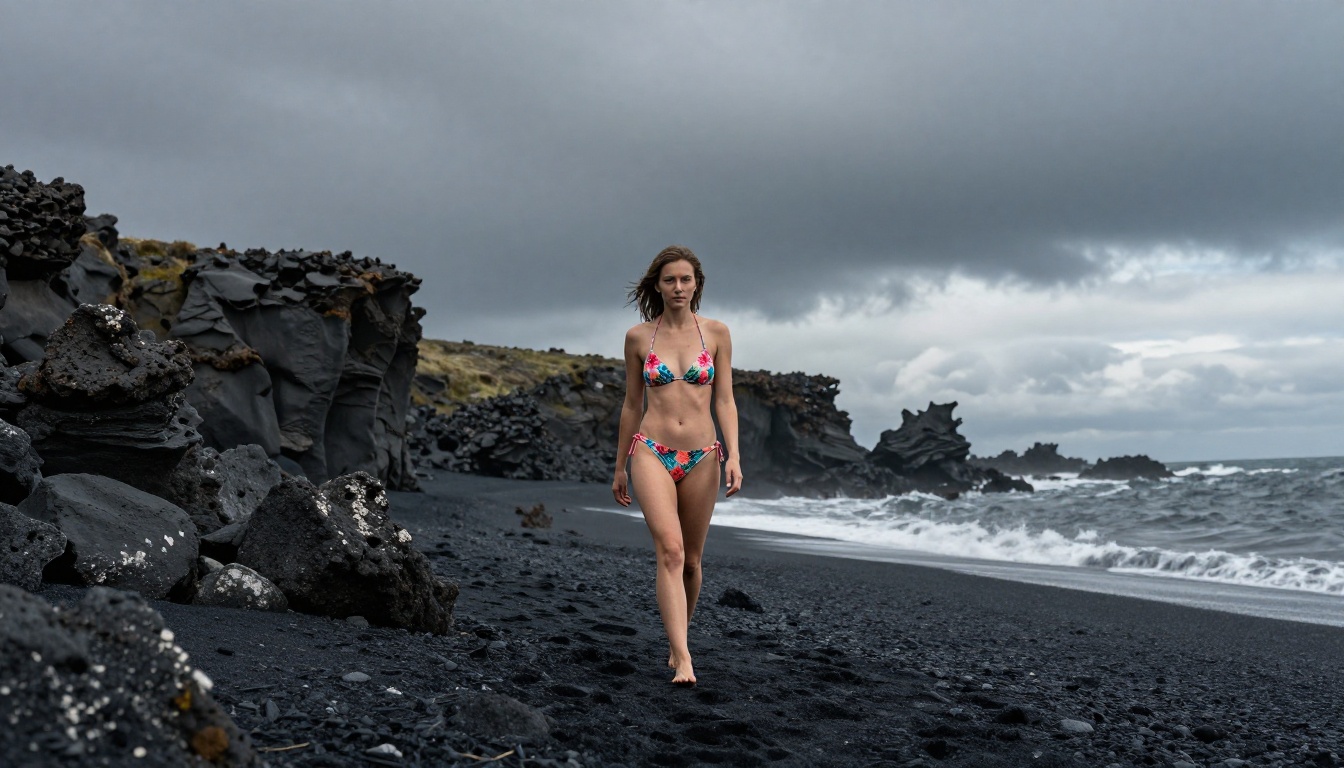
For workflows requiring consistent character identity across multiple clips, Grok Imagine R2V is worth adding to the pipeline. R2V (reference-to-video) uses the provided reference image as an identity and style anchor throughout the entire clip, rather than just using it as the opening frame.
The practical difference: in standard image-to-video mode, stylistic drift can occur over longer sequences. Faces shift slightly, clothing colors change, skin tones deviate. In R2V mode, these characteristics stay anchored to the reference photo. For maintaining a consistent character across a multi-clip project, this distinction matters significantly.
Pairing Grok Imagine Image with R2V creates a fully xAI-native pipeline: generate the source image with the image model, then animate it while preserving identity through R2V. Both are available on PicassoIA without needing any xAI account access.
Start Creating Without the Restrictions
Grok Imagine Video 1.5 is one of the most practically useful tools for creators who have been held back by overly conservative AI platforms. The workflow on PicassoIA keeps it simple: generate source images with Seedream 4.5 for photorealistic starting frames in under 3 seconds, refine them through PicassoIA Image Editor Pro with unlimited iterations if needed, then animate with Grok 1.5. All from one platform, without switching accounts or tools.
For video work with the safety filter removed entirely, P-Video pairs well with Grok 1.5 depending on whether you prioritize content flexibility or maximum resolution. For the highest possible fidelity, LTX 2.3 Pro at 4K/50fps is the ceiling currently available.
Every model in this article is accessible at picassoia.com/en/all-models. Start with a free trial on PicassoIA Image Editor Pro: 3 generations, no credit card needed. See what becomes possible when content restrictions stop getting in the way.


