Short-form video is no longer optional for social media. The question is no longer whether to make clips. It is how fast you can make them without sacrificing quality. Grok Imagine Video 1.5, built by xAI, is designed to answer that exact question. It takes a still image and converts it into a motion clip with synchronized audio in seconds, and it is now available directly on PicassoIA.
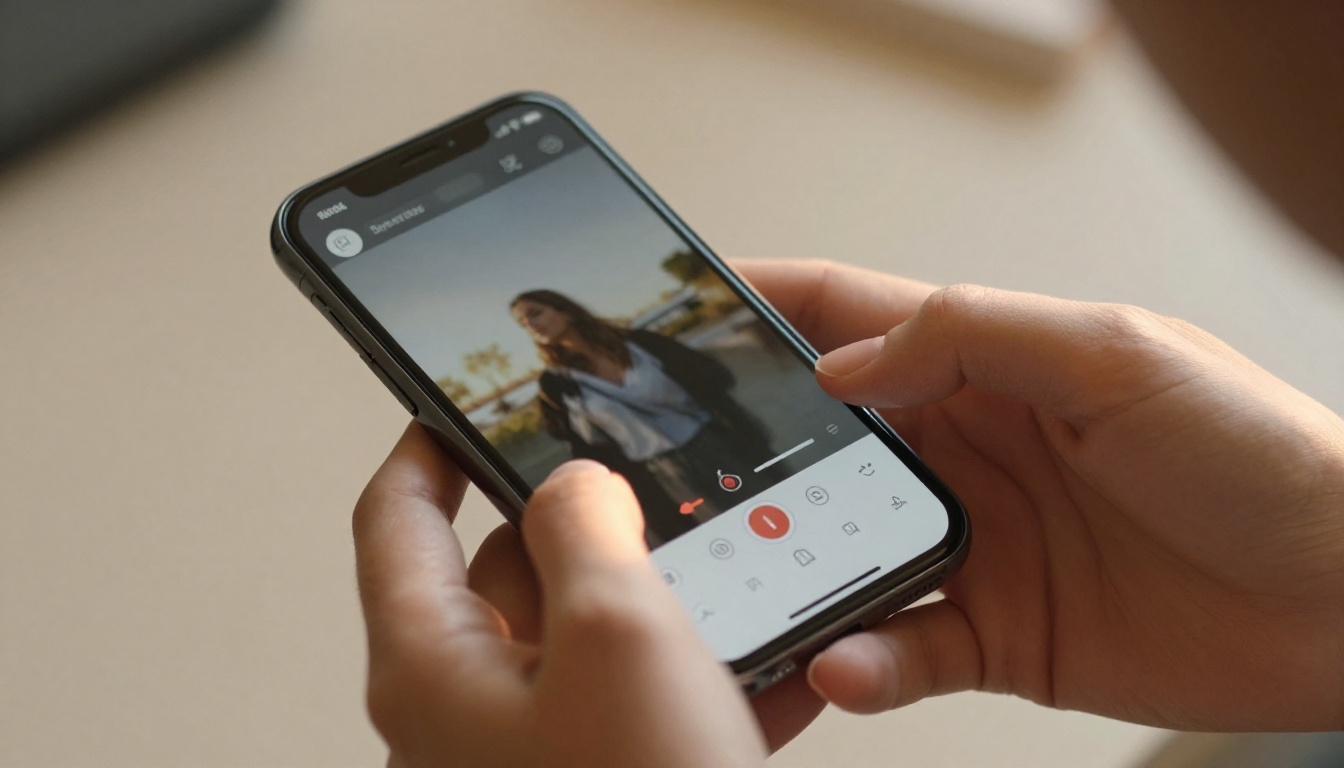
What Grok Imagine Video 1.5 Actually Is
Grok Imagine Video 1.5 is xAI's second-generation video model, an image-to-video system optimized for clip length, motion quality, and native audio output. Unlike text-only video generators that build scenes from scratch, this model takes a source image as its starting frame and animates what happens next based on a motion prompt.
The "1.5" version represents a meaningful step over the original Grok Imagine Video. Frame coherence improved significantly. Motion artifacts that plagued the original on fast-moving subjects are largely gone. Audio synchronization is tighter. And the model handles portrait-format content better, which matters enormously for TikTok and Instagram Reels.
The xAI Philosophy on Speed
xAI built Grok Imagine Video 1.5 around a specific premise: most social video is consumed in the first two seconds. If the clip does not grab attention in that window, it does not matter how technically impressive the rest of it is. That philosophy is baked into how the model generates motion. It front-loads the most dynamic visual event, whether that is a camera push, a subject turning, or light changing across a scene.
This does not mean every clip starts with a jarring cut or aggressive zoom. What it means is that the motion begins with intention rather than easing into action slowly. On a scrollable feed, that distinction is everything.
How the Image-to-Video Pipeline Works
The pipeline is straightforward. You provide a reference image. You write a motion prompt that describes what happens over the clip duration. The model analyzes the image's structural content, including depth information, object segmentation, and texture maps, then applies motion vectors to animate it realistically.
What separates Grok Imagine Video 1.5 from simpler animation tools is that it does not just add camera movement to a static photo. It generates plausible physical motion for elements within the scene. Hair moves. Fabric shifts. Lighting reacts to implied movement. The result looks like footage, not a slideshow with a zoom effect applied.
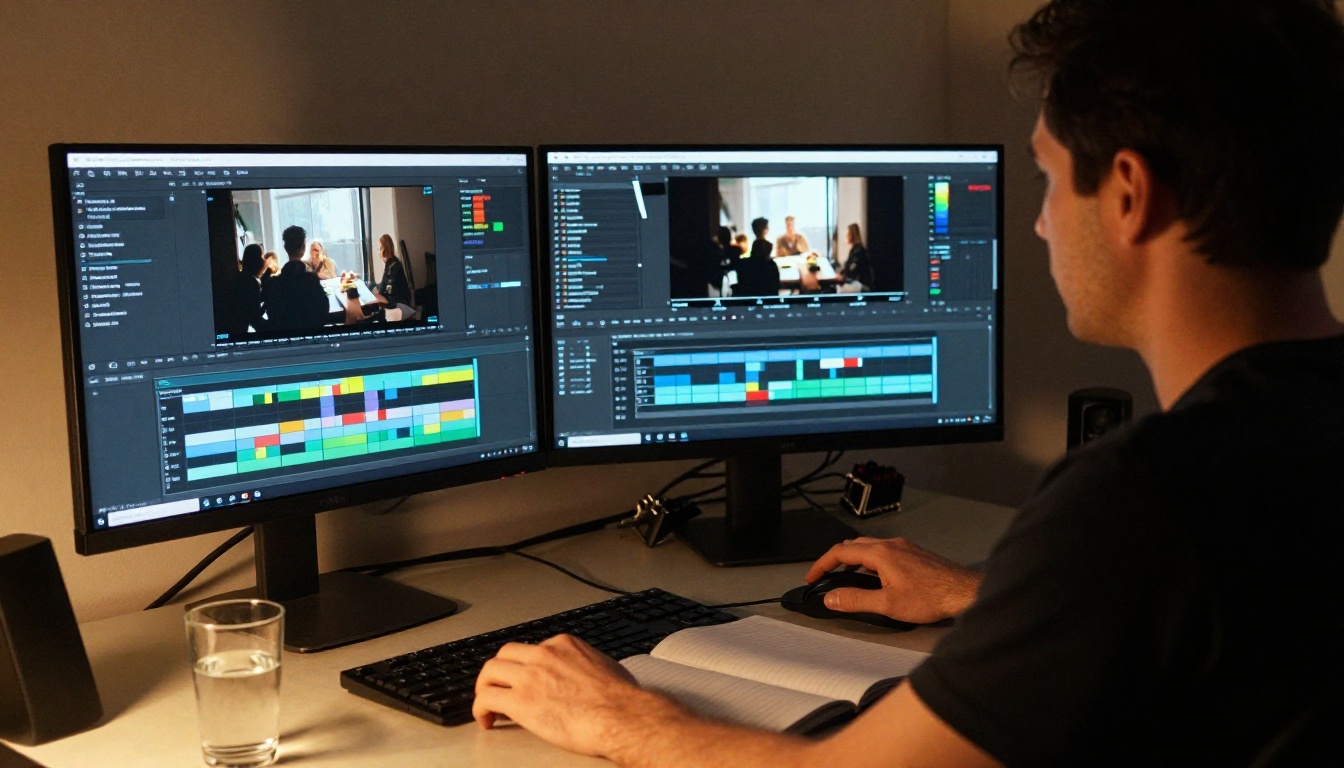
Before getting into workflow specifics, it is worth anchoring the conversation in the actual data shaping short-form content strategy in 2027.
The Attention Economy Reality
The average social media user makes a scroll decision in under 400 milliseconds. That is the entire window a piece of video content has to signal that it is worth stopping for. Clips under 15 seconds consistently outperform longer formats on TikTok and Instagram in reach-per-view metrics. Clips under 8 seconds have the highest completion rates.
This is not just a platform algorithm artifact. It reflects real user behavior. People do not sit through slow-burn content on mobile feeds the way they might on YouTube or streaming platforms. They want the payoff immediately.
💡 The sweet spot for social clips generated with Grok Imagine Video 1.5 is 5 to 8 seconds. That is exactly the duration the model excels at, and it aligns with maximum completion rate territory on most platforms.
Format Specs That Actually Matter
Different platforms have different format requirements, and not all AI video tools handle them equally well:
| Platform | Optimal Duration | Best Ratio | Audio Required |
|---|
| TikTok | 5-15s | 9:16 | Yes |
| Instagram Reels | 7-15s | 9:16 | Yes |
| Instagram Feed | 3-8s | 1:1 or 4:5 | Optional |
| YouTube Shorts | 15-60s | 9:16 | Yes |
| X (Twitter) | 5-30s | 16:9 or 1:1 | Optional |
| LinkedIn | 10-30s | 16:9 or 1:1 | Optional |
Grok Imagine Video 1.5 inherits its output ratio from the source image, which gives you direct control over format. Feed a 9:16 portrait image for Reels. Feed a 1:1 square image for Instagram Feed. Feed 16:9 for X or LinkedIn. The model does not crop or reframe. What you put in dictates what you get out.
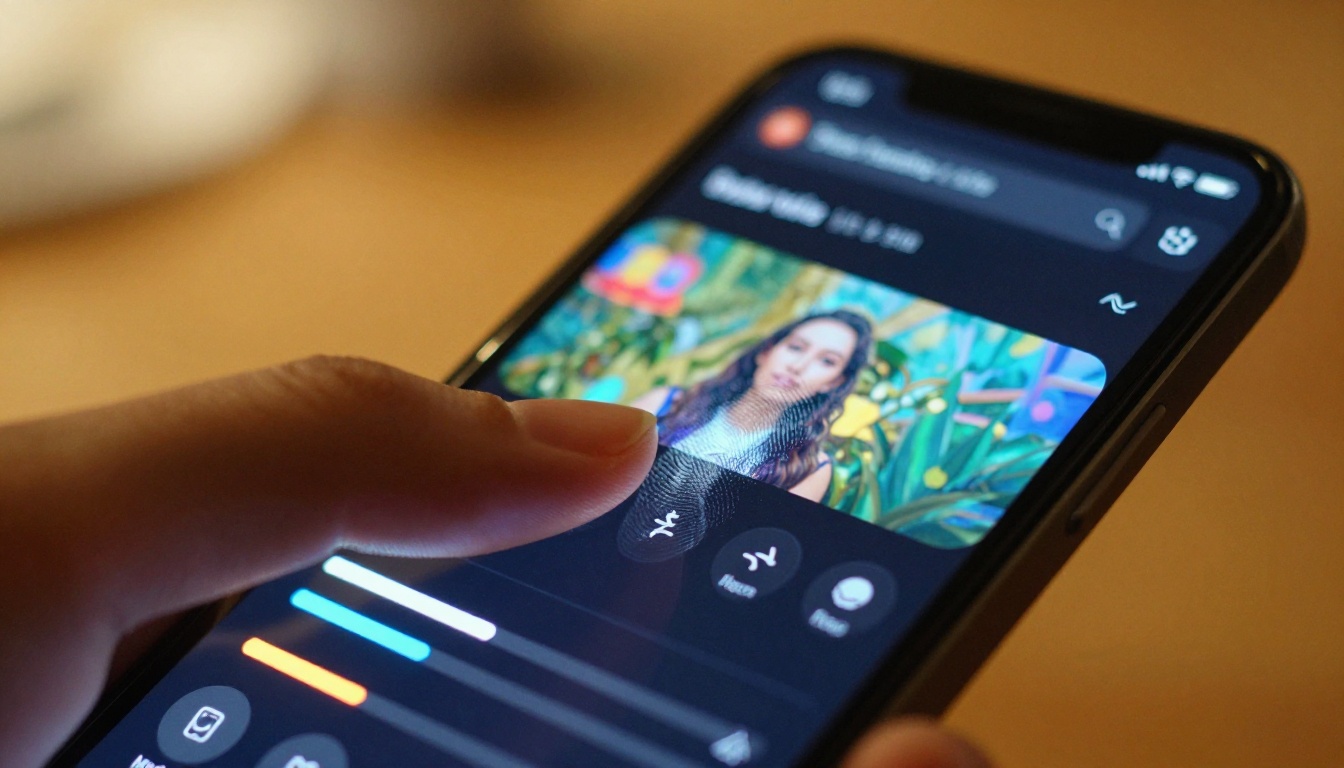
How to Use Grok Imagine Video 1.5 on PicassoIA
PicassoIA makes Grok Imagine Video 1.5 available without any local installation or API configuration. You access the model through a browser, upload or generate your source image, and get your clip back in about 30 to 45 seconds depending on server load.
Step 1: Get Your Source Image Right
The quality of your output clip is bounded by the quality of your source image. Grok Imagine Video 1.5 performs best with:
- Clear subject separation from background. The model uses depth estimation to decide what animates how. A blurred or cluttered background confuses the motion assignment.
- Directional lighting with clear shadows. Flat, even lighting produces flat, unconvincing motion. Directional lighting gives the model accurate spatial information to work with.
- Minimal text in frame. Text in images does not animate gracefully. Add text overlays in your editing app after the clip is generated.
- Single dominant subject. Multi-subject images can work, but the model will prioritize one as the main motion target. Know which one you want animated before you generate.
If you do not already have a source image, you can generate one directly on PicassoIA using any of the 91 text-to-image models available. The platform's image generation capabilities give you full control over your starting frame before the video step, covering everything from photorealistic portraits to product photography.
Step 2: Write a Motion Prompt That Works
The motion prompt is where most people leave results on the table. A weak prompt like "animate this" will produce mediocre results. A specific, chronological motion prompt will produce clips that look intentional and produced.
Structure that works: [Subject] [starting position/state] → [specific motion/action over time] + [camera movement] + [lighting/atmosphere note]
Examples by content type:
- Portrait / creator content: "Woman looking slightly left, slowly turns head toward camera with a calm smile, soft dolly-in, warm morning light brightening from left."
- Product showcase: "Coffee cup on marble surface, steam wisps rising slowly, gentle rack focus from background to cup, warm amber side light."
- Nature / ambient: "Tall grass field at sunrise, slow breeze moving stalks in waves from left to right, camera remains static, golden hour light intensifies gradually."
- Fashion / lifestyle: "Woman standing in doorway, coat edges move lightly in breeze, hair catches movement, slow push-in on her face, dappled afternoon backlight."
💡 Avoid verbs like "appear", "emerge", or "transform." These tend to confuse the model into generating morphing effects rather than physical motion. Describe physical actions instead: "turns", "moves", "rises", "walks."
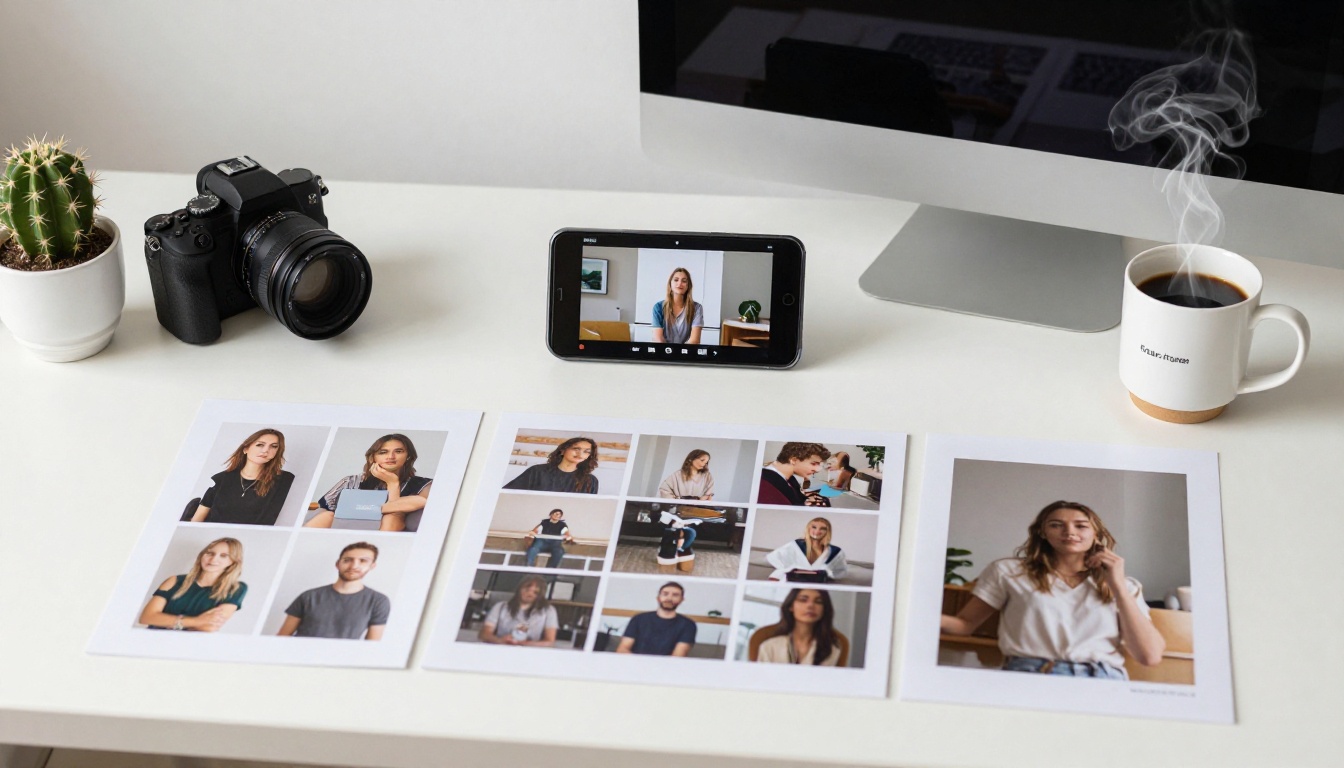
Step 3: Export and Format for Each Platform
Once your clip is generated, the hosted MP4 URL is yours immediately. You can download it, share it directly, or bring it into a mobile editing app for captions, music, or ratio adjustment. The native audio included with the clip is a real advantage: you do not start from silence, which means less post-production work before posting.
For high-volume social content workflows, the faster you can move from source image to published clip, the more content you ship. Grok Imagine Video 1.5's 30 to 45 second generation window lets you produce 5 to 10 clips in a single session without waiting around.
Real Clip Types It Handles Well
Not all content categories are equal when it comes to image-to-video generation. Grok Imagine Video 1.5 has specific strengths worth knowing before you plan your content.
Product Showcase Clips
This is where Grok Imagine Video 1.5 excels. Still product photography is one of the most expensive types of content to produce traditionally. You need a set, lighting, a cinematographer, and post-production. With a single product photo and a motion prompt, you get an animated product showcase that looks shot on set.
The model handles reflective surfaces, including glass, metal, and liquid, particularly well. It understands that liquids move differently from solids, that light on glass refracts realistically, and that product shadows should follow the motion. This makes it especially useful for food, beverage, cosmetic, and tech product content.
Portrait and Character Animation
Portrait animation is the classic image-to-video use case, and Grok Imagine Video 1.5 handles it better than most competitors. The model respects facial structure during animation, meaning eyes, mouth, and proportions stay consistent even as the head turns or the subject reacts.
Hair animation is particularly good. Individual strand movement, the way hair catches light differently during motion, and the natural settling behavior after movement all render convincingly. For creator content, this means a single professional headshot can become multiple distinct clips with different motion prompts.
Nature and Ambient Scenes
Atmospheric content performs well on social media because it is mood-setting rather than narrative. A slow fog moving across a forest, waves arriving on a shore, or grass bending in wind. These clips get shared, saved, and used as video backdrops.
Grok Imagine Video 1.5 handles ambient scenes very well because the motion is physically coherent across a large image area. The model does not pick one object and animate it in isolation. It distributes motion across the scene in a way that respects how physics actually works.

Grok 1.5 vs. Other Video Models
PicassoIA hosts over 117 video generation models. Knowing where Grok Imagine Video 1.5 sits in that landscape helps you choose the right tool for each job.
Speed Comparison
For social media workflows where you might generate 5 to 10 clips in a session, the 30 to 45 second generation time of Grok Imagine Video 1.5 represents a meaningful throughput advantage.
Quality for Social Formats
Where Grok Imagine Video 1.5 is not the top-tier choice is in output resolution for premium broadcast contexts. Kling v3 and Veo 3 produce higher-resolution, more cinematically detailed clips. Ray 3.2 has HDR output that is visually richer for broadcast-quality work.
But for social media, those differences are largely compressed away by platform encoding. TikTok and Instagram re-encode everything you upload. The visual advantage of a higher-resolution source clip shrinks significantly after platform compression. Grok Imagine Video 1.5's output quality sits comfortably above the threshold where platform compression becomes the limiting factor, which means you are not paying the generation time premium of higher-end models for benefits that disappear on a mobile screen.
💡 For paid social ads or professional campaigns, consider Seedance 2.5 or Wan 2.7 I2V for maximum output quality. For organic social content at volume, Grok Imagine Video 1.5 is the speed-quality sweet spot.
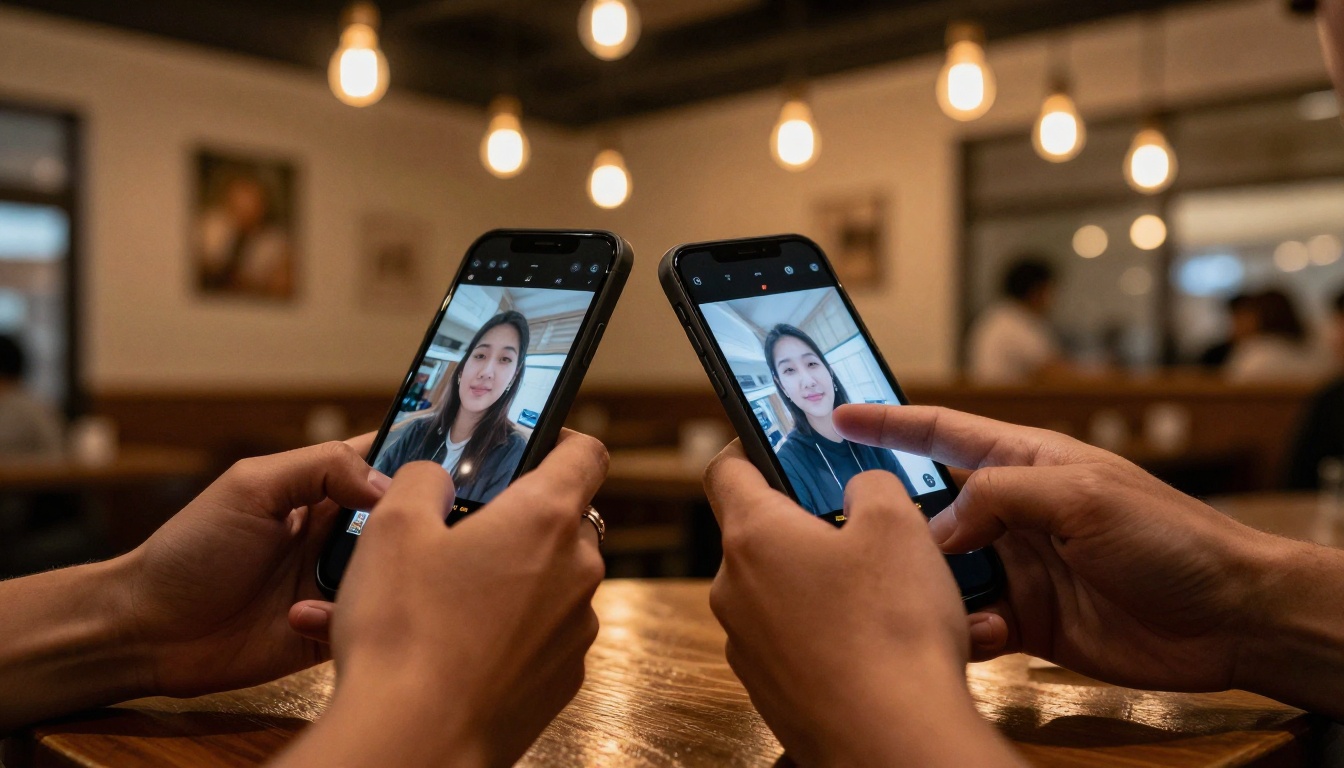
5 Prompts That Work Right Now
These are production-ready prompts across five content categories. Copy, adapt, and use them directly in Grok Imagine Video 1.5.
1. Morning routine lifestyle:
"Woman at kitchen counter, hands wrapping around a mug, steam rising slowly, soft morning light from window brightening across her face, slow gentle push-in, warm golden hour atmosphere."
2. Tech product reveal:
"Smartphone flat on glass surface, screen lights on showing a notification, subtle reflection on glass shifts with screen glow, overhead light dims slightly, slow rack focus from surface to screen."
3. Outdoor portrait:
"Man standing at urban rooftop edge, jacket fabric moves lightly in breeze, city background softly out of focus, slow pan left to right across skyline, soft overcast diffused daylight."
4. Food close-up:
"Stack of pancakes on white ceramic plate, honey pours slowly from above hitting the top pancake, steam rises gently, warm side light from the right, static camera, shallow depth of field."
5. Abstract ambient:
"Ocean shoreline at sunset, low wave approaches and recedes over wet sand leaving reflection of orange sky, camera static at low angle, golden warm light, gentle wind effect on foam edges."

Common Mistakes to Avoid
Getting good results from any image-to-video model involves knowing what breaks the generation as much as knowing what helps it.
Using images with too much visual complexity. A busy street scene with 20 people, multiple vehicles, and complex architectural details overwhelms the motion assignment system. The model tries to animate everything and nothing moves convincingly. Simpler source images with clear subject hierarchy produce dramatically better results.
Writing cinematic prompts for social clips. Prompts like "epic cinematic sweep with dramatic music and motion blur rain effect" are written for a theatrical viewing context, not a 5-second scroll-stopper. Social prompts should be concise physical action descriptions, not film directions.
Ignoring aspect ratio at the source image stage. If your final destination is Instagram Reels and your source image is 16:9 landscape, your clip will be letterboxed or platform-cropped. Plan the ratio at the image generation step, not after the clip is produced.
Not using native audio. Grok Imagine Video 1.5 generates synchronized audio with every clip. Many creators mute it and add stock music instead, which is fine for branded content. But for organic posts, native AI audio often performs better than stock tracks because it is not competing with the music on other creators' posts.
Generating too many clips before reviewing. The temptation is to batch-generate 20 clips at once. But quality varies based on prompt specificity. Generate 3 to 5, review them, refine your prompts based on what works, then scale up. You will produce more usable content in less time.
Also From the xAI Video Suite
If you find Grok Imagine Video 1.5 fits your workflow, two other xAI models on PicassoIA are worth knowing about.
Grok Imagine R2V is the reference-to-video variant. Instead of animating one image, it takes a reference subject image and applies its style or identity to a new video motion context. This is useful when you want a specific character or product to appear in a different scene without re-shooting.
The original Grok Imagine Video is still available for simpler, lower-stakes content where generation speed matters even more than the quality improvements in 1.5. For high-volume, lower-polish content, the original remains one of the fastest models on the platform.
Together, these three xAI models cover a practical content production pipeline: generate a polished clip with 1.5, create volume variations with the original, and use R2V when you need subject consistency across different scenes.
Start Producing Social Clips Today
PicassoIA has Grok Imagine Video 1.5 ready to use right now, alongside over 117 video models and 91 image generation tools in a single browser-based workspace. You do not need API keys, separate file hosting, or multiple subscriptions to run a full content production workflow.
The process from idea to published clip takes under two minutes with practice. Generate or upload your source image using any of PicassoIA's text-to-image tools. Write your motion prompt using the structures in this article. Get your clip. Post.
For more demanding projects, Grok Imagine R2V and Seedance 2.5 are right there in the same platform, as are Kling v3 and Veo 3 when you want maximum production value. The full catalog is at picassoia.com/en/all-models.
Social video consistency is about removing the friction points between having an idea and publishing it. Grok Imagine Video 1.5 removes the biggest one.


