Grok Imagine Video Adult Content: First Look at What It Can (and Can't) Do
Grok Imagine now offers adult content generation for Premium+ subscribers, but how far does it actually go? This first look breaks down exactly what passes the filter, what gets blocked, and which AI platforms are already doing this better with no restrictions and no credit caps.
Grok's new image and video generation tools from xAI have set off intense debate in the adult content space. When xAI announced that Grok Imagine would support adult content for certain subscribers, the reaction was immediate: millions of people wanted to know exactly what that means, how far the filter actually goes, and whether the results live up to the hype. This article gives you a direct, honest first look at what Grok Imagine can generate, what it still blocks, and most importantly, where you can get genuinely superior results right now without any of the restrictions.
The race to serve adult AI content is real, and the players are positioning fast. Whether you are a content creator, an adult platform operator, or simply curious about what xAI is building, the details matter. The difference between "adult content supported" and "truly uncensored generation" turns out to be substantial, and that gap has real consequences for anyone trying to build a workflow around it.
What Grok Imagine Actually Offers
Grok Imagine is xAI's text-to-image and, more recently, text-to-video system integrated into the Grok AI assistant. For a long time it operated with the same content restrictions as most mainstream platforms: no nudity, no suggestive content, strict filters across the board. Then in early 2025, xAI began rolling out adult content permissions for X Premium+ subscribers, positioning Grok as one of the few mainstream AI platforms to officially allow suggestive and semi-explicit image generation.
The feature is not available by default. Users must opt in through account settings, verify their age, and agree to specific platform terms. The rollout has been uneven, with some users reporting access months before others in the same region.
The broader xAI roadmap signals that video generation is coming to the adult content tier, but as of mid-2025, the video side remains significantly more restricted than the image side. That gap is the core story behind the "Grok Imagine Video Adult Content" search that has been trending heavily across forums, Reddit, and X itself.
The Image Generator Side
Grok's image generation runs on xAI's proprietary Aurora model. It produces high-resolution outputs with solid prompt-following capabilities. For standard content, Aurora competes well with other major commercial generators. For adult content, the results are more inconsistent and depend heavily on exactly how prompts are phrased.
Image quality is genuinely impressive in many cases. Skin texture, lighting coherence, and compositional accuracy are real strengths of Aurora. Where it falls short is consistency across multiple regenerations and reliable adherence to NSFW prompts. The same prompt can succeed on one attempt and fail on the next because the classifier-based filtering is probabilistic, not deterministic. That unpredictability is the central complaint from power users.
The Video Side
This is where the most attention has landed. xAI has been expanding Grok into video generation, and the question of adult content in video format has been intensely watched by the creator community. As of mid-2025, Grok's video capabilities for adult themes remain heavily restricted compared to its image offering.
Video generation for adult content on Grok is effectively still gated for most users. The system will produce mildly suggestive video content for eligible accounts, but anything approaching explicit motion content is refused or significantly degraded before output. Users expecting a fully open video generation experience have been consistently disappointed.
The phrase "Grok Imagine Video Adult Content" is, at this stage, more of a directional promise than a current reality. The infrastructure is building, the intent seems genuine, and the capability is incrementally improving, but the current state is far from what most people searching that phrase are actually after.
How Adult Content Works on Grok Right Now
Knowing what Grok's content system actually allows versus what it refuses is essential for setting realistic expectations before investing time on the platform.
What Passes the Filter
For approved Premium+ users, Grok Imagine handles the following categories reliably:
Glamour and lingerie photography styles comparable to mainstream fashion editorial
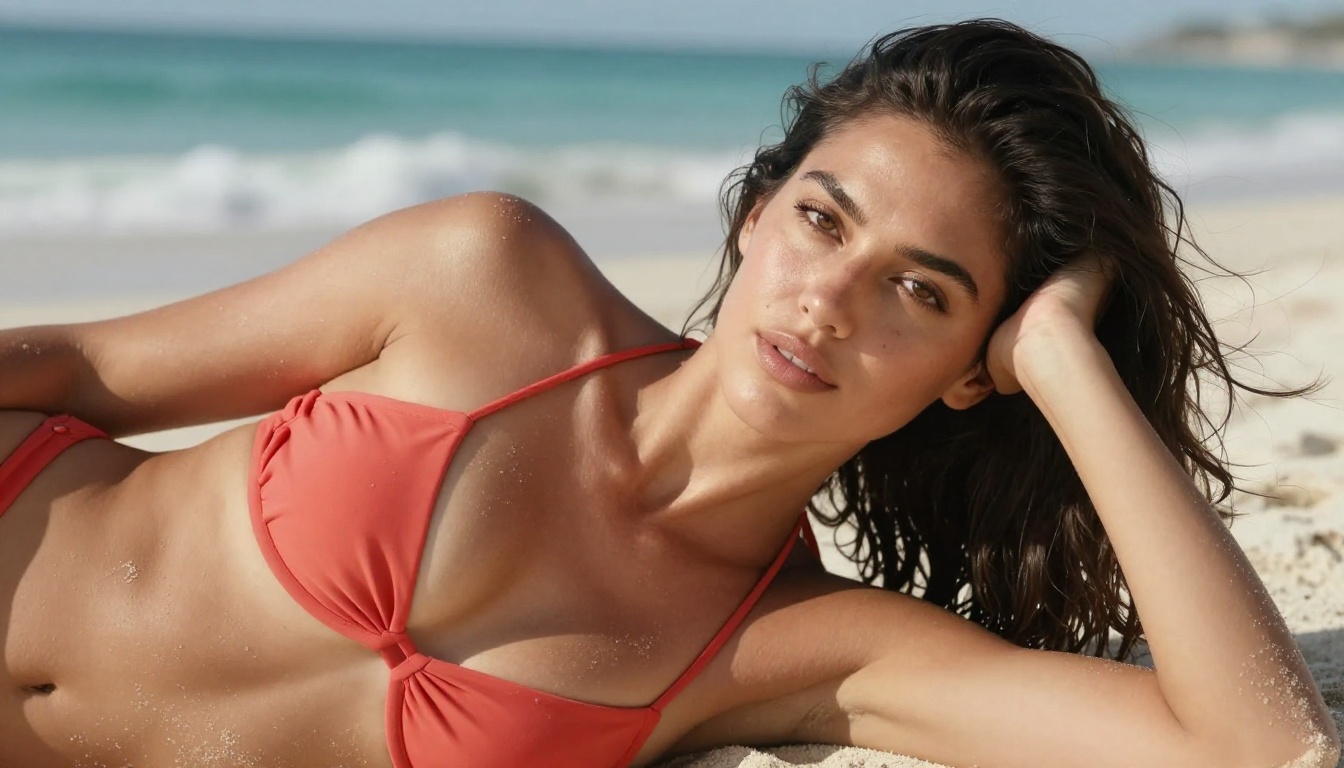
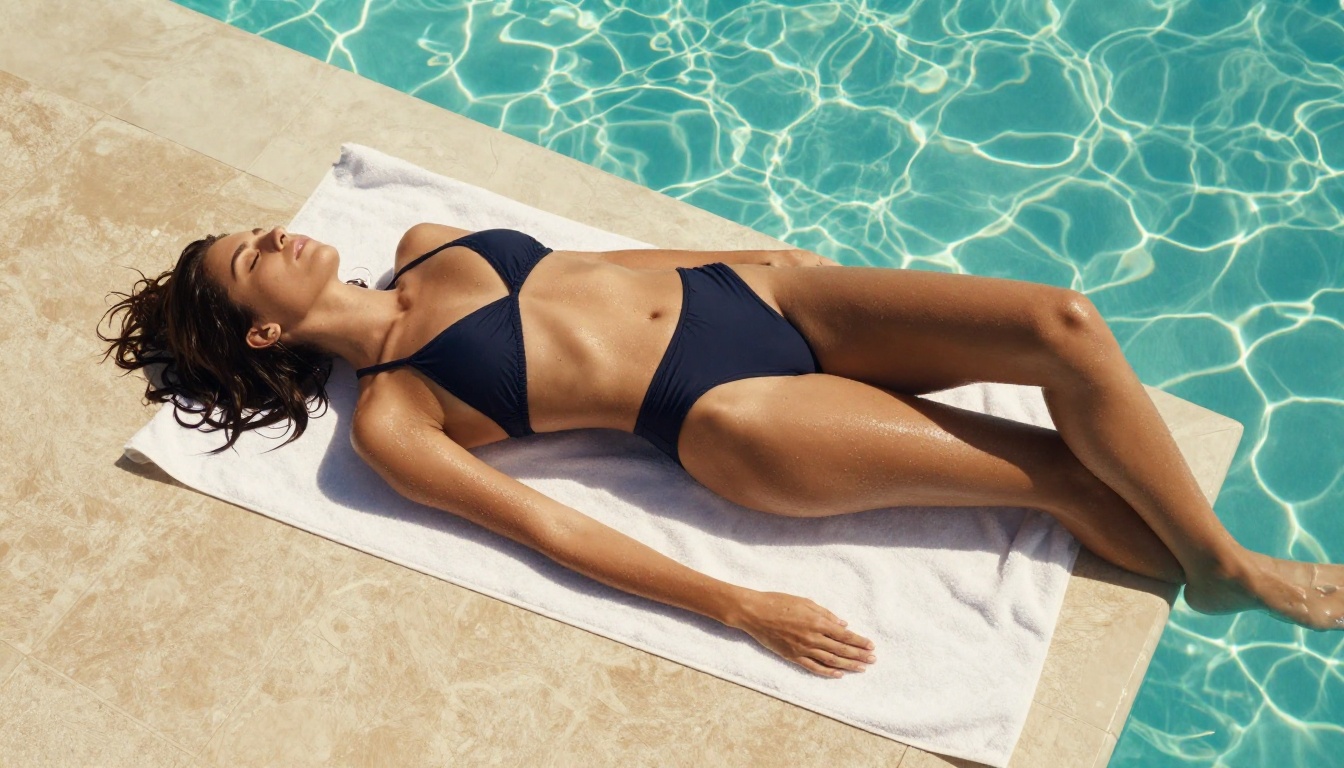
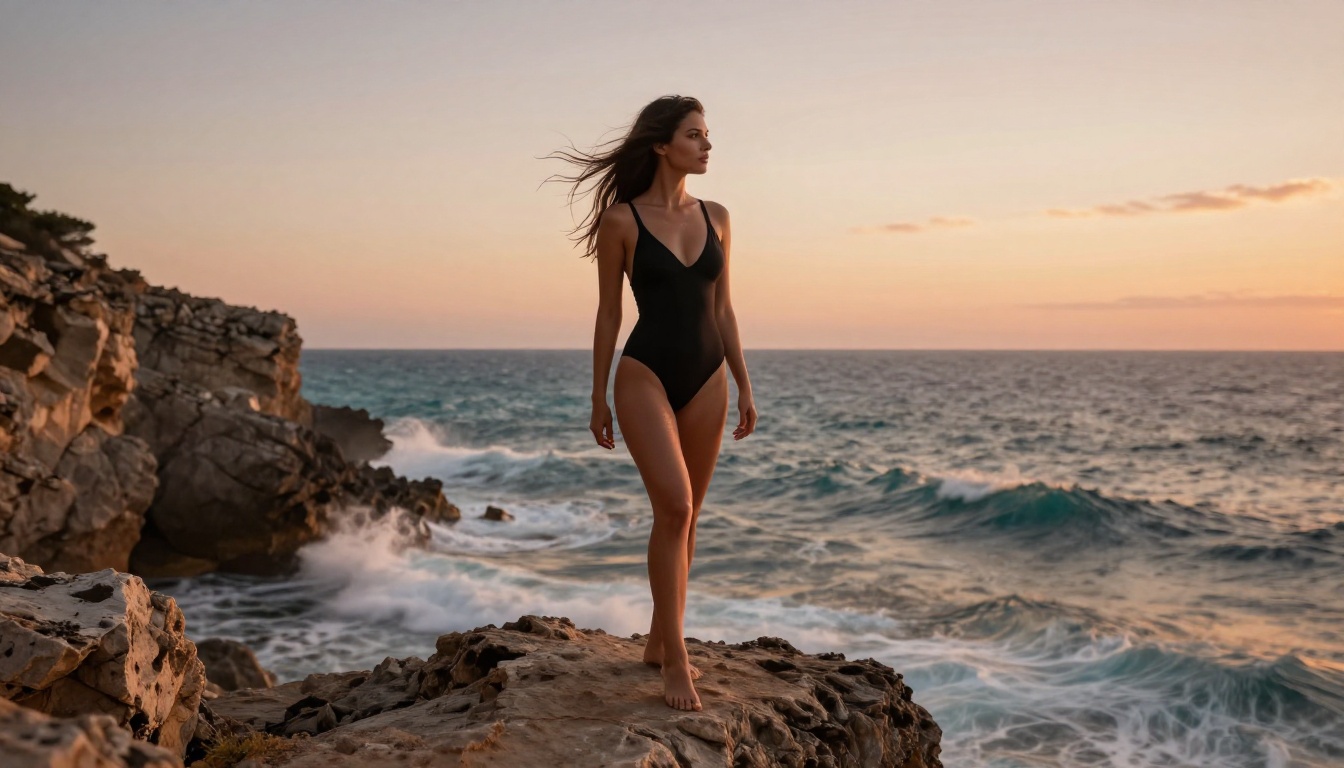
Swimwear and beachwear content with realistic skin rendering and natural body proportions
Implied nudity where nudity is clearly suggested but not directly shown
Artistic figure study prompts framed in art-historical or classical language
Suggestive poses and styling that stop short of explicit body part depiction
For these use cases, Aurora produces photorealistic results with strong anatomy and appealing lighting. If your creative needs stay within this zone, Grok Imagine is a genuinely usable tool, and the output quality holds up well against other commercial options in the same tier.
What Gets Blocked
Even for Premium+ subscribers with adult content explicitly enabled, the following consistently fails to generate:
Any direct depiction of genitalia or penetration
Prompts using direct sexual terminology, regardless of artistic framing
Content involving specific scenarios that pattern-match to the safety classifier's training data
Fantasy adult scenarios flagged by automated content categorization
The blocking pattern is not consistent across sessions, which creates significant frustration for users building repeatable workflows. The classifier updates over time, causing prompts that previously worked to fail without explanation. This unpredictability makes Grok Imagine unsuitable for production use cases that require reliable, consistent output.
Important: Grok's adult content feature operates as a "suggestive content" tier, not a true uncensored generation system. That distinction clarifies a lot of confusion and saves considerable time when scoping a project.
Grok vs. Other AI Generators for Adult Content
Here is a direct comparison of how the major platforms currently handle adult and suggestive content generation.
The pattern is consistent: closed commercial platforms sit on a spectrum from "fully blocked" to "limited adult content for paying subscribers." Open models accessible through PicassoIA break from this entirely, offering creative freedom at scale without subscription tiers, per-generation credits, or probabilistic filtering that changes without notice.
The Best Alternatives for Uncensored AI Content
If Grok Imagine's limitations do not meet what you need, these are the models worth using right now. All are available on PicassoIA with no credit caps and no generation limits.
Seedream 4: The Top Pick
Seedream 4 by ByteDance is the strongest recommendation for photorealistic adult or glamour content at high resolution. It generates images at up to 4K resolution from text prompts, accepts reference images for consistent character styling across a series, and handles human anatomy with noticeably higher accuracy than most competing models.
What makes it stand out:
Up to 4K output, print-ready without additional upscaling
Strong anatomy accuracy and natural skin texture rendering
Single-sentence editing for quick output refinement without regenerating from scratch
Sequential generation of up to 15 related images in one session
Clean, watermark-free file downloads ready for any platform
Prompt tip: Describe your lighting with precision. "Soft box at 45 degrees from the left, warm color temperature, subtle rim light on the right shoulder" produces far better skin rendering than generic lighting descriptors. Specificity is what separates good outputs from great ones on this model.
Flux Dev: Photorealistic Power
Flux Dev by Black Forest Labs runs a 12-billion parameter model that excels with photorealistic human subjects. It supports text-to-image and image-to-image editing, 11 aspect ratios, and seed-based reproducibility for iterating on a specific look across multiple generations.
Flux Dev responds exceptionally well to detailed, specific prompts. The more precisely you describe the environment, fabric texture, lighting source, and camera optics, the more accurately the output reflects your intent. For adult and glamour content specifically, its anatomy accuracy and lighting coherence are among the best available through any accessible platform.
When Flux Dev is the right call:
Portrait and fashion-adjacent adult content at full 1-megapixel resolution
Image-to-image refinement starting from a reference photo
Iterating on character appearance using locked seeds across multiple prompts
Flux Schnell: Fast Iteration
Flux Schnell is the speed-optimized counterpart to Flux Dev, producing results in under 5 seconds using as few as four denoising steps. For prompt testing, concept drafting, or rapidly exploring 20 visual directions before committing to a final output, Schnell is the right tool.
Output quality is slightly below Flux Dev in fine detail, but for most content types the difference is minor. The speed advantage is real and meaningful for any workflow where iteration pace matters more than maximum fidelity.
Workflow tip: Use Schnell to test prompt framing and composition. Once you find a direction that works, switch to Flux Dev or Seedream 4 for the final high-quality render. This two-step approach cuts generation time significantly while preserving output quality.
Stable Diffusion: The Open Standard
Stable Diffusion is the open-source model that originally democratized AI image generation. On PicassoIA you get unlimited generations with zero credit tracking, full negative prompt control, six schedulers, and granular guidance scale tuning.
It may not match Seedream 4 or Flux Dev in raw photorealism, but it provides a highly flexible base with the deepest available community documentation and prompt libraries. For users who want maximum control over generation behavior, Stable Diffusion remains a powerful and reliable option.
How to Use Seedream 4 on PicassoIA
Seedream 4 is the recommended starting point for most adult and glamour content on PicassoIA. Here is a step-by-step workflow.
Step 1: Open Seedream 4
Navigate to Seedream 4 on PicassoIA. No account creation or credit purchase is required to begin.
Step 2: Set Resolution
Choose 2K for most standard use cases. Select 4K when you need maximum detail for large-format display or print. The "custom" size option lets you define exact pixel dimensions for specific canvas requirements.
Step 3: Set Aspect Ratio
Portrait content: 3:4 or 2:3
Widescreen editorial: 16:9
Square social posts: 1:1
Vertical mobile content: 9:16
Step 4: Write a Structured Prompt
Use this structure for consistently strong results:
[Subject + physical description] + [Clothing and styling] + [Environment] + [Lighting source and direction] + [Camera lens and distance] + [Mood]
Example: "Confident woman in her late twenties, wearing a deep crimson satin slip dress, standing on a private yacht deck at golden hour, warm directional light from the right creating long shadows, shot at medium distance with 85mm f/1.4, editorial fashion photography, natural skin texture"
Step 5: Use Reference Images
Seedream 4 accepts up to 10 reference photos as input, letting you anchor character appearance, clothing style, or environmental composition across multiple generations. This is the most effective method for maintaining a consistent visual series without duplicating prompts.
Step 6: Refine with Single-Sentence Edits
When the first output is almost right, type a single corrective sentence. "Shift the subject to the left third of the frame" or "Change the dress to deep burgundy" applies the adjustment without regenerating from scratch. This saves significant time on iterative workflows.
Step 7: Generate a Series
Set max_images up to 15 for sequential generation. The model produces related variations automatically, ideal for story sequences, product lifestyle content, or character variation sets.
Where AI Adult Content Is Actually Heading
The significance of Grok Imagine's adult content feature is not really the feature itself. It is the signal it sends. When a mainstream AI product formally acknowledges adult content as a legitimate use case, it validates what open-source communities have known for years: this is real demand that deserves proper tooling, not workarounds.
Grok's limited rollout illustrates exactly what happens when a closed platform tries to serve that demand while simultaneously managing brand reputation, advertiser relationships, and regulatory pressure. The output will always be more restricted than what users want, because those competing pressures are permanent and structural.
Open models accessed through platforms like PicassoIA operate under a fundamentally different set of constraints. Creative control sits with the user, not a content policy team. Generation limits are set by hardware capacity, not risk calculations. That difference is structural, and it matters enormously for anyone building a real workflow around this type of content.
A practical breakdown of your options today:
Grok Imagine: Real but limited. Reliable for glamour and implied content. Not suitable for anything more explicit due to probabilistic, inconsistent filtering.
Seedream 4: 4K photorealistic output, no restrictions, unlimited generations, series-ready with reference image support.
Flux Dev: 12B parameter model, img2img editing, very high anatomy accuracy for portrait work.
Flux Schnell: Same quality tier as Flux Dev, results delivered in under 5 seconds each.
Stable Diffusion: Maximum parameter control, unlimited, the deepest community documentation available.
Try It on PicassoIA Right Now
The tools are live, generations are unlimited, and the quality ceiling for photorealistic adult and glamour AI content has never been higher. Whether you start with Seedream 4 for 4K portrait work, Flux Dev for its image-to-image editing power, Flux Schnell for rapid iteration, or browse the full library of over 91 models at picassoia.com/en/all-models, you have more creative control in one place than anywhere else available right now.
Pick a model. Write your first prompt. See what you can make.