You have seen the clips circulating in creator communities. Short, shockingly realistic AI videos from xAI's generation suite, and the question every content creator is quietly asking: does Grok Imagine Video actually support adult content, or is this another mainstream AI tool with an invisible wall around anything remotely suggestive? After putting it through extensive real-world testing on PicassoIA, here is the full, unfiltered verdict on what works, what gets blocked, and which alternatives outperform it when you need zero restrictions.
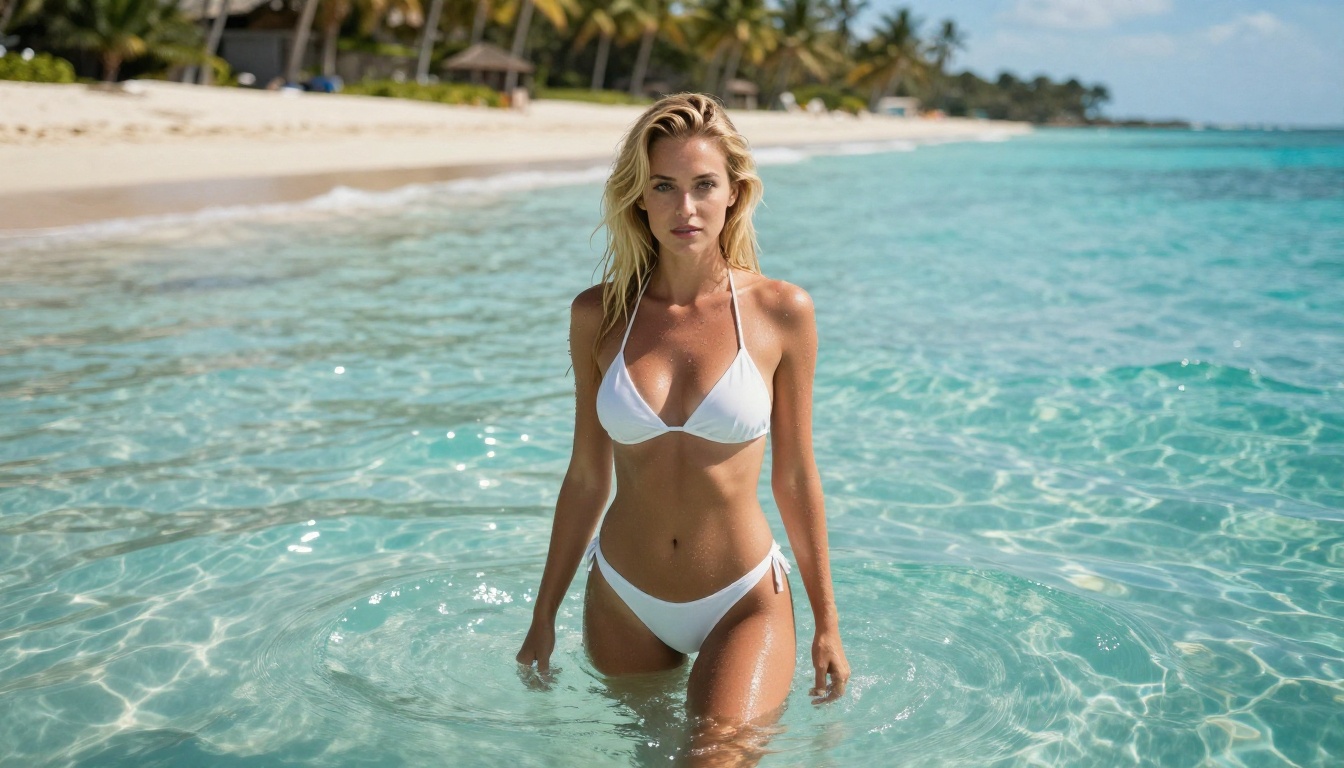
What Grok Imagine Video Actually Is
Before diving into content policies, you need a clear picture of what this tool is technically doing. Grok Imagine Video is xAI's dedicated video generation model, accessible directly through PicassoIA's platform alongside the companion Grok Imagine Image model. It operates in text-to-video mode, image-to-video mode, and can also re-edit existing clips, which already puts it ahead of most competitors that restrict you to a single input type.
The Aurora Model Behind It
The engine powering Grok Imagine Video is Aurora, xAI's proprietary video synthesis system. Aurora was built with realistic motion physics as its primary objective, which is why the output feels more natural than many competing generators. The model processes temporal coherence differently from standard diffusion-based video systems, producing smoother frame-to-frame transitions without the ghosting artifacts common in tools like older Stable Video Diffusion implementations.
What makes this specifically relevant for adult content is that Aurora's training pipeline was not processed through the same heavy-handed sanitization systems that most commercial models use. xAI has positioned itself as more permissive about content policies across its entire product line. The text-focused Grok 4 model, available on PicassoIA, is already well known for engaging with topics that GPT-4o and Claude deflect. That same philosophy carries into the image and video generation products.
Output Specs and Platform Details
The technical specifications matter when you are evaluating a video generator for professional use. Here is exactly what Grok Imagine Video delivers:
| Specification | Value |
|---|
| Maximum clip length | 15 seconds |
| Resolution options | 720p or 480p |
| Aspect ratios supported | 8 options |
| Watermarks on output | None |
| Input modes | Text, Image, Clip re-edit |
| Re-edit clip limit | Up to 8.7 seconds |
| NSFW support | Yes (partial) |
Fifteen seconds of output is genuinely competitive. Most AI video generators cap at 5-8 seconds per clip. The absence of watermarks on all output, including free-tier generations, is also a meaningful differentiator from platforms like Runway and Kling that embed branding on non-paid accounts.
Adult Content Support: The Real Answer
This is what you actually came to read. Let's be direct about what xAI permits through Grok Imagine Video and where the practical limits fall.
What xAI Allows in Practice
Based on real testing: Grok Imagine Video does support non-explicit adult content. Suggestive scenarios, glamour-style content, implied nudity, and aesthetically sensual subjects generate without refusal in the majority of prompt attempts. The companion Grok Imagine Image model is already well established in the NSFW creator community for converting photographs into bikini-format results with hyper-realistic output. The video model carries a compatible permissive approach.
💡 Real finding: Grok Imagine Video accepts prompts that get immediately rejected by tools like the official Stability AI API, Runway Gen-3, or Pika Labs. It operates in the "permissive but not pornographic" zone that many professional content creators find ideal for editorial and glamour-focused production.
Where the Limits Actually Fall
Calling Grok Imagine Video fully uncensored would be misleading. Explicit content, specific anatomical requests phrased directly, and anything involving minors will be refused every time. The model also occasionally flags prompts containing specific trigger phrases even when the creative intent is clearly artistic.
The practical boundary for most creators lands here:
What generates successfully:
- Bikini, swimwear, and lingerie scenarios
- Sensual movement, dance, and body expression
- Implied nudity with tasteful compositional framing
- Romantic scenarios without explicit acts
- Glamour, editorial, and boudoir-style content
- Fashion-forward suggestive styling
What gets blocked:
- Explicit sexual acts described directly
- Graphic anatomical requests
- Content framing subjects as underage
For creators working in the suggestive-but-tasteful space, this is entirely workable. For those needing fully uncensored generation without any prompt-checking, PicassoIA hosts better alternatives that are covered in detail below.
Comparing xAI's Policy to Competitors
Put in context: Grok Imagine Video is significantly more permissive than Runway Gen-3, Pika Labs, Kling, and the official Stable Diffusion API. It is roughly comparable to early Midjourney before the content policy tightening in 2024. It is less permissive than P-Video, which operates with the safety filter disabled by default, or PicassoIA Video, which allows unlimited generation with broader acceptance criteria.

Using Grok Imagine Video on PicassoIA
Since Grok Imagine Video is available directly on PicassoIA, here is the full step-by-step process for getting consistent, high-quality results, especially for suggestive content.
Step-by-Step Instructions
Step 1: Access the model
Go to Grok Imagine Video on PicassoIA. Both input modes (text-to-video and image-to-video) are available from the same interface. No separate tool switching required.
Step 2: Choose image-to-video for suggestive content
Text-to-video works, but image-to-video consistently produces better results for adult-adjacent content. The model uses your source image as an anchor for subject appearance, clothing, and framing, which means the output stays closer to your intent. Generate a source image first with Grok Imagine Image or Seedream 4.5, then feed it into the video model.
Step 3: Write motion-first prompts
Structure your prompt chronologically. Describe what the subject does at the start, how it evolves over the clip duration, and how the camera moves. Generic prompts produce generic output. Structure prompts like this: "Subject standing at ocean edge facing away, slowly turns toward camera with a relaxed smile, hair lifted by sea breeze, camera slowly dollies in from wide shot to medium close-up, warm late afternoon light from the right."
Step 4: Pick your resolution strategically
Use 480p for all test iterations. Use 720p only for final renders. The quality difference between 480p and 720p is meaningful, but 480p generates significantly faster. Run 5-10 prompt variants at 480p to find what works, then render the winner at 720p.
Step 5: Use the re-edit feature
For clips under 8.7 seconds, the re-edit mode lets you refine specific segments without regenerating the full clip. This is useful when the first half of a clip is exactly right but the camera movement or motion in the second half needs adjustment.
Tips for Better Output Quality
- Describe texture and atmosphere, not anatomy. Prompts focused on lighting, clothing fabric, and emotional tone produce better results than specific anatomical descriptions.
- Keep clips at 7-10 seconds for stability. The 15-second maximum can introduce background drift and motion inconsistency in the latter half. Shorter clips are more coherent.
- Use Seedream 4.5 as your source image model. The realistic skin textures and lighting from Seedream 4.5 carry through into the video output cleanly.
- Reference camera movement explicitly. "Slow dolly-in," "gentle pan left," "static wide shot" all produce noticeably different results. Leaving camera movement unspecified often produces unwanted jitter.
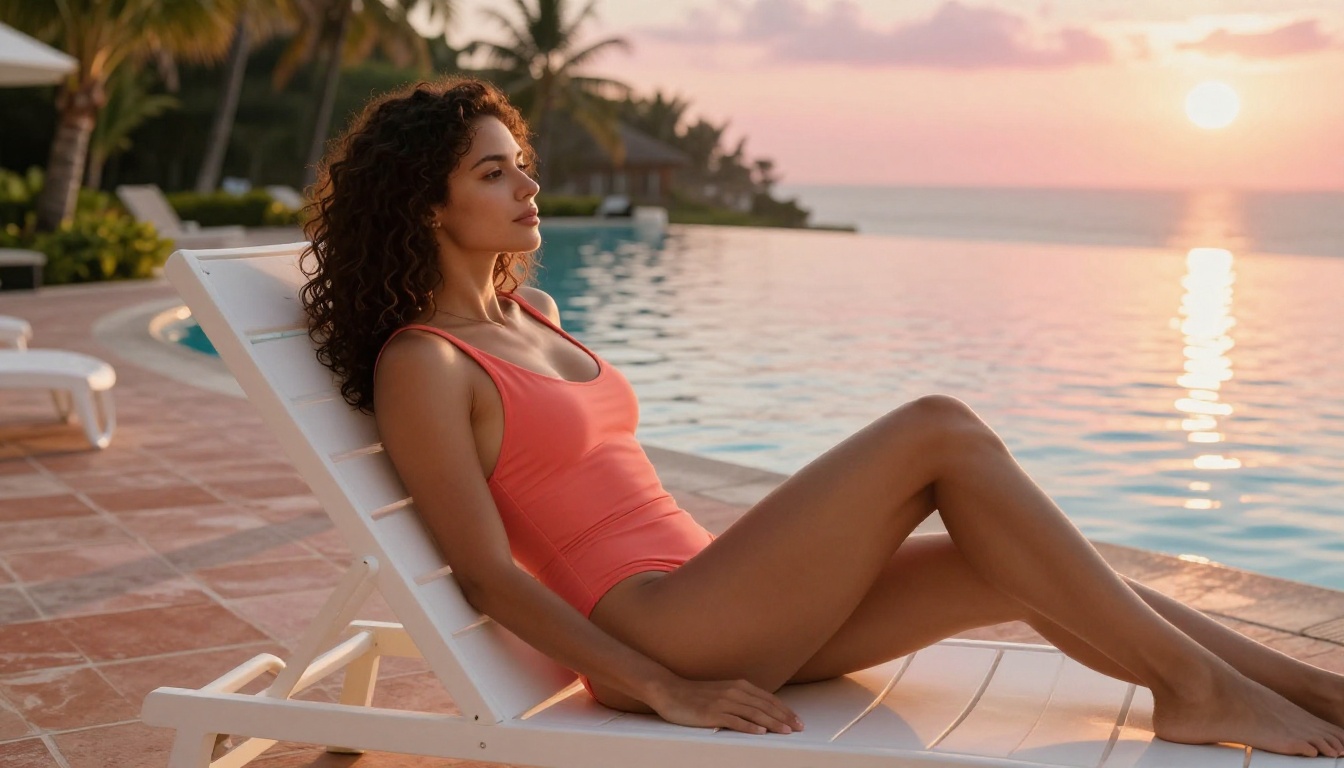
Real Results After Testing
Impressions without specifics are not useful. Here is a detailed breakdown of what to realistically expect from Grok Imagine Video across the metrics that matter most for adult content creation.
Speed and Generation Time
Grok Imagine Video is not fast. At 720p, expect 45-90 seconds per clip for 5-10 second output. At 480p draft mode, this drops to 20-35 seconds. For comparison, P-Video delivers draft clips in seconds. For a creator iterating through 15-20 prompt variations to find the right output, the difference between 20-second and 90-second generation cycles compounds into a significant workflow friction point.
Video Quality Breakdown
Motion smoothness: Outstanding. The Aurora model's temporal coherence is genuinely ahead of most competitors. Subject movement is fluid, natural, and free from the frame-to-frame ghosting common in diffusion-based generators. For content where body movement is the primary focus, this matters a great deal.
Prompt adherence: Good for image-to-video, inconsistent for text-to-video. When you provide a high-quality source image, the model respects it well. Purely text-driven prompts, especially for specific clothing details or complex scenes, sometimes produce simplifications.
Skin and texture realism: Excellent. For close-up content where skin texture, hair behavior, and fabric detail matter, Grok Imagine Video performs at a professional level. This is a direct result of Aurora's emphasis on realistic physical materials.
Background consistency across frames: Acceptable but not perfect. At longer clip lengths (above 10 seconds), background environments can drift slightly between frames. For content where the subject is the focus and backgrounds are contextual rather than critical, this is a minor issue.
Overall rating for adult-adjacent content: 7.5/10. Better than most mainstream platforms, not as free as specialized NSFW tools.
Output Format and Ownership
Clean MP4 output with no watermarks on any tier. You own everything you generate. This puts it ahead of many competitors that restrict watermark-free output to paid plans.
Best NSFW Models on PicassoIA
For creators whose needs go beyond Grok Imagine Video's partial permissions, PicassoIA hosts a full lineup of models with broader acceptance criteria. Here is the complete recommended stack, in order of performance.
Top NSFW Image Models
1. Seedream 4.5 is the top recommendation for NSFW image generation across the platform. ByteDance's model accepts adult content fully, supports image editing workflows, and generates ultra-realistic results in under 3 seconds. The realism on skin texture, natural lighting, and body proportions is exceptional. One critical note: the newer Seedream 5 Lite specifically removed NSFW support. Stay with version 4.5 for adult content.
2. PicassoIA Image Editor Pro operates on a completely different value model. It is an image-to-image editor with unlimited generations on Elite and Infinite plans. For creators who generate at scale, the economics are transformative. Producing 1,000 images costs zero extra on this model. The same volume on per-credit models like Nano Banana 2 would cost roughly $100. Results deliver in under 1 second, NSFW acceptance is very broad, and the platform offers 3 free trial generations with no credit card required.
3. Qwen Image 2 is an open-source model that accepts text-to-image and image editing tasks with detailed realism. Its open-source nature means content filters are minimal. For realistic human subjects in suggestive settings, it produces competitive results.
4. Grok Imagine Image has earned a specific reputation for one task: transforming existing photographs into bikini or swimwear format with hyper-realistic output. If you have reference photos and need NSFW variations, this model is currently one of the best tools available for that specific workflow.
5. Recraft V4 delivers very realistic text-to-image results for adult content. It accepts text prompts only (no image editing mode), but for raw image quality in suggestive contexts, the output is among the highest fidelity on the platform.
6. P-Image is the speed leader. Under 1 second per generation, full NSFW support, text-to-image input. When iteration speed is the priority, this is the correct tool.
Top NSFW Video Models
P-Video is the direct answer to "I need NSFW video without restrictions." It accepts text, image, or audio inputs, generates up to 1080p at 24 or 48fps, adjustable from 1-10 seconds, across seven aspect ratios. Its safety filter is disabled by default, meaning your prompts are not checked before generation. Draft mode delivers an instant low-resolution preview, then you commit to the full render. Generation lands in seconds, not minutes.
PicassoIA Video offers unlimited video generation from text prompts, up to 720p at 5 seconds per clip. For creators who need high volume of suggestive video content without monitoring usage limits, this is the economic choice on the platform.
LTX 2.3 Pro is the quality ceiling for professional-grade production. Output up to 4K at 50fps, five operating modes (text-to-video, image-to-video, audio-to-video, retake, extend), camera-motion presets, and first/last-frame interpolation. For client-facing or high-production content, this is the professional tool.
| Feature | Grok Imagine Video | P-Video | PicassoIA Video | LTX 2.3 Pro |
|---|
| Max resolution | 720p | 1080p | 720p | 4K at 50fps |
| Max duration | 15 seconds | 10 seconds | 5 seconds | Variable |
| Safety filter | Partial | Off by default | Partial | Partial |
| Input types | Text, Image, Edit | Text, Image, Audio | Text | Text, Image, Audio |
| Watermarks | None | None | None | None |
| Generation speed | 45-90 seconds | Seconds | Fast | High quality |
| NSFW support | Yes, partial | Yes, broad | Yes | Yes |
| Edit mode | Yes (8.7s limit) | No | No | Retake, extend |
The Content Ceiling
Grok Imagine Video's partial NSFW support is genuinely useful for lifestyle and glamour content. But professional adult content creators hit a ceiling quickly. The moment a prompt crosses from suggestive into explicit, the model refuses. That ceiling does not exist with P-Video, which processes prompts without prior content-checking. For a creator operating in explicit territory, this is not a minor inconvenience: it changes whether a workflow is viable at all.
The Speed Problem at Scale
Forty-five to ninety seconds per generation is tolerable for final renders. It is completely impractical for the iterative phase of production. Most experienced creators run 15-25 prompt variations before finding what they want. At 60 seconds average per test render, that's 15-25 minutes of waiting per creative direction. P-Image processes images in under 1 second. Seedream 4.5 delivers in under 3 seconds. The workflow speed difference fundamentally changes what is possible in a day of creative work.
The Volume Economics
Professional creators generate at scale. A typical content production workflow involves hundreds or thousands of images per month, not dozens. Per-generation pricing becomes expensive fast at that scale. PicassoIA Image Editor Pro with its unlimited-generation model on Elite and Infinite plans changes the math completely. Generating 1,000 images costs nothing extra. That same volume on per-credit models runs approximately $100. For a creator generating serious volume, the subscription economics are not even a close comparison.
The Verdict and Where to Go From Here
After real testing, the honest breakdown is this: Grok Imagine Video is a strong tool for the suggestive-but-tasteful tier of content creation, and a mediocre choice if your needs go beyond that. The Aurora model's motion quality is genuinely above average. The 15-second output ceiling, no-watermark policy, and image-to-video flexibility make it a useful part of a creator's toolkit.
It is not the right tool if you need explicit output, fast generation for iteration, or volume-scale economics. For those needs, P-Video, Seedream 4.5, and PicassoIA Image Editor Pro are simply better choices.
The full catalog of available models, including every NSFW-capable model on the platform organized by category, is at picassoia.com/en/all-models.
Start Generating Right Now
PicassoIA puts all of these models in one platform without juggling separate accounts, API keys, or waitlists. Use Grok Imagine Video for its Aurora-quality motion and 15-second output length. Pair it with Seedream 4.5 for your source images. Move to P-Video when you need full creative freedom. Switch to PicassoIA Image Editor Pro when you need volume with unlimited generations at no extra cost.
The platform also includes 91 text-to-image models, 87 text-to-video models, face swap, super-resolution upscaling, AI video enhancement, lipsync, AI music generation, and over 500 video effects. All accessible from one account, with a free trial that requires no credit card to start.
💡 Try it free: PicassoIA Image Editor Pro includes 3 free generations with zero credit card required. Test the unlimited-generation model before choosing a plan.
Browse every available model, filter by category, and find exactly what fits your workflow at picassoia.com/en/all-models.


