If you've been searching for a way to use Grok Imagine Video for free 18+ content, you're not alone. Millions of people are looking for AI tools that actually work for mature, suggestive, or adult-oriented creative projects without hitting a wall every five minutes. The truth is, Grok Imagine Video does exist on PicassoIA, it is free to try, and it does produce impressive video output. But there are very specific limits you need to know before you spend hours prompting into the void.
This breakdown covers everything: what Grok Imagine Video actually does, where it draws the line on 18+ material, how to use it on PicassoIA, and which models give you far more creative freedom for adult AI content projects.
What Grok Imagine Video Actually Does
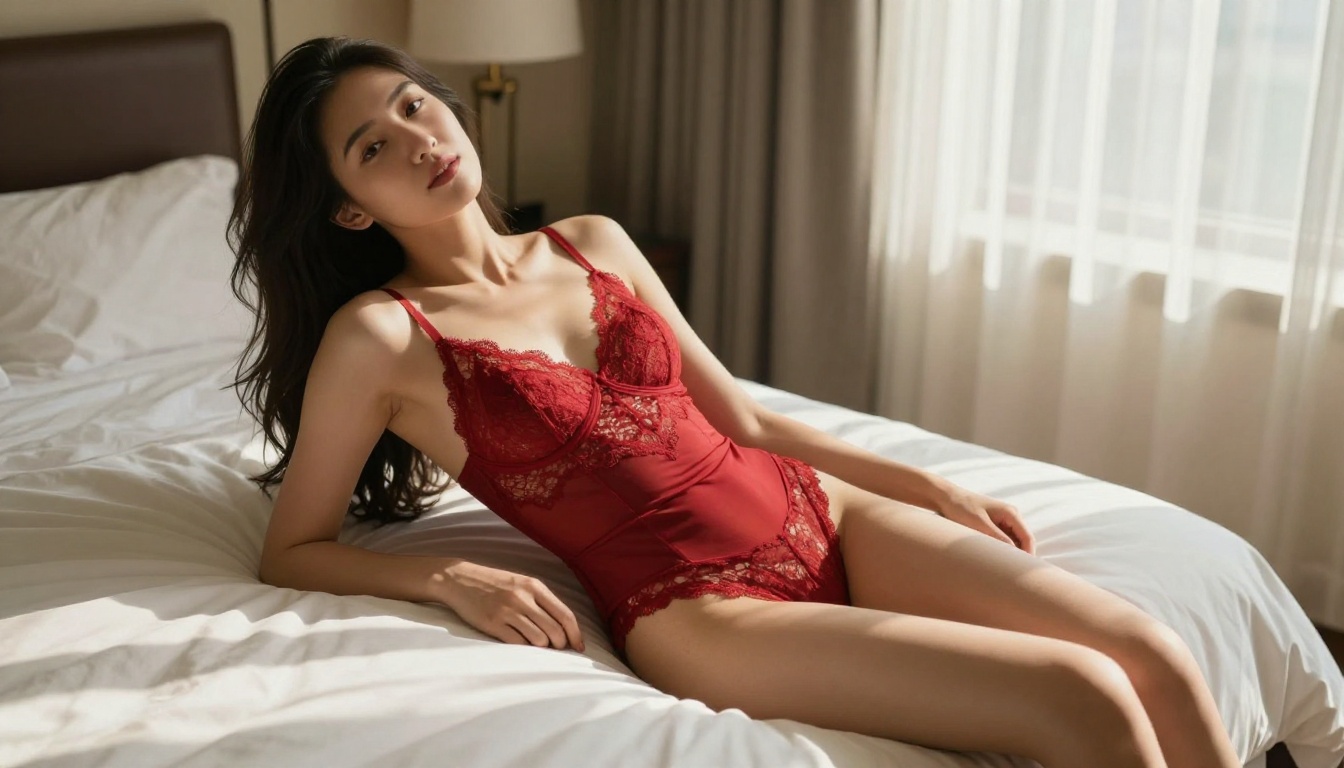
Grok Imagine Video is xAI's text-to-video model, available on PicassoIA as part of a growing library of over 87 video generation models. You type a prompt describing a scene, and the model produces short video clips with cinematic quality. Motion is smooth, characters look photorealistic, and lighting adapts to described scenes with genuine accuracy.
On PicassoIA, you can run Grok Imagine Video without a premium subscription, which puts it in an unusual position: a serious, capable video model that costs nothing to try. That combination of quality and free access is why it's attracting so much attention from adult content creators.
The Free Tier Reality
Free access is real, but it comes with generation limits. Each video clip uses platform credits, and free accounts have a monthly allocation. For light experimentation, that allocation is enough to test the model properly. For heavy production use or large batch projects, you will eventually need a paid plan.
But the more important limit is not credits. It's content policy, and that applies regardless of what plan you're on.
What 18+ Means for AI Video
The phrase "18+ content" covers a wide spectrum: suggestive poses, bikini and lingerie imagery, glamour photography, artistic nudity, and fully explicit material. These categories are not treated the same way by AI models, and understanding the difference saves enormous time.
Grok Imagine Video and its image-based sibling Grok Imagine R2V operate under xAI's content policies. Suggestive but tasteful content often passes through without issues. Fashion, glamour, and sensual atmospheric scenes tend to work well. Explicitly sexual content does not pass. That is a hard boundary enforced at the model level, not just at the platform level, which means it cannot be bypassed by switching platforms.
💡 Know the difference: Glamour photography, fashion imagery, and suggestive poses are typically allowed. Explicit sexual acts are blocked at the model level regardless of which platform hosts the model.
How to Use Grok Imagine Video on PicassoIA
PicassoIA hosts both Grok Imagine Video and Grok Imagine R2V directly within its video model collection. The interface is clean, the setup takes under a minute, and you can be generating your first clip in seconds.
Step by Step
1. Navigate to the model page
Go to Grok Imagine Video for pure text-to-video, or Grok Imagine R2V if you want to animate an existing image you already have.
2. Write a cinematic prompt
Describe your scene with specific detail: subject appearance, environment, lighting conditions, motion type, and camera movement. Vague prompts produce generic results. Specific prompts produce cinematic ones.
3. Adjust resolution and settings
Select your preferred resolution. For maximum quality use 720p or higher. Set aspect ratio based on where the video will be displayed (16:9 for most screens).
4. Generate and download
The model processes your prompt and returns an MP4 clip, typically within 60 to 90 seconds. Download directly from the interface or continue refining your prompt.
Prompt Writing That Gets Results
Weak prompts produce forgettable clips. Strong prompts specify exactly what moves and how. Compare these:
| Weak Prompt | Strong Prompt |
|---|
| "Woman in bikini at beach" | "A woman in a white bikini walks slowly along a quiet tropical shoreline at sunset, hair moving in the ocean breeze, camera panning gently from left to right, warm golden hour light, waves breaking softly at her feet" |
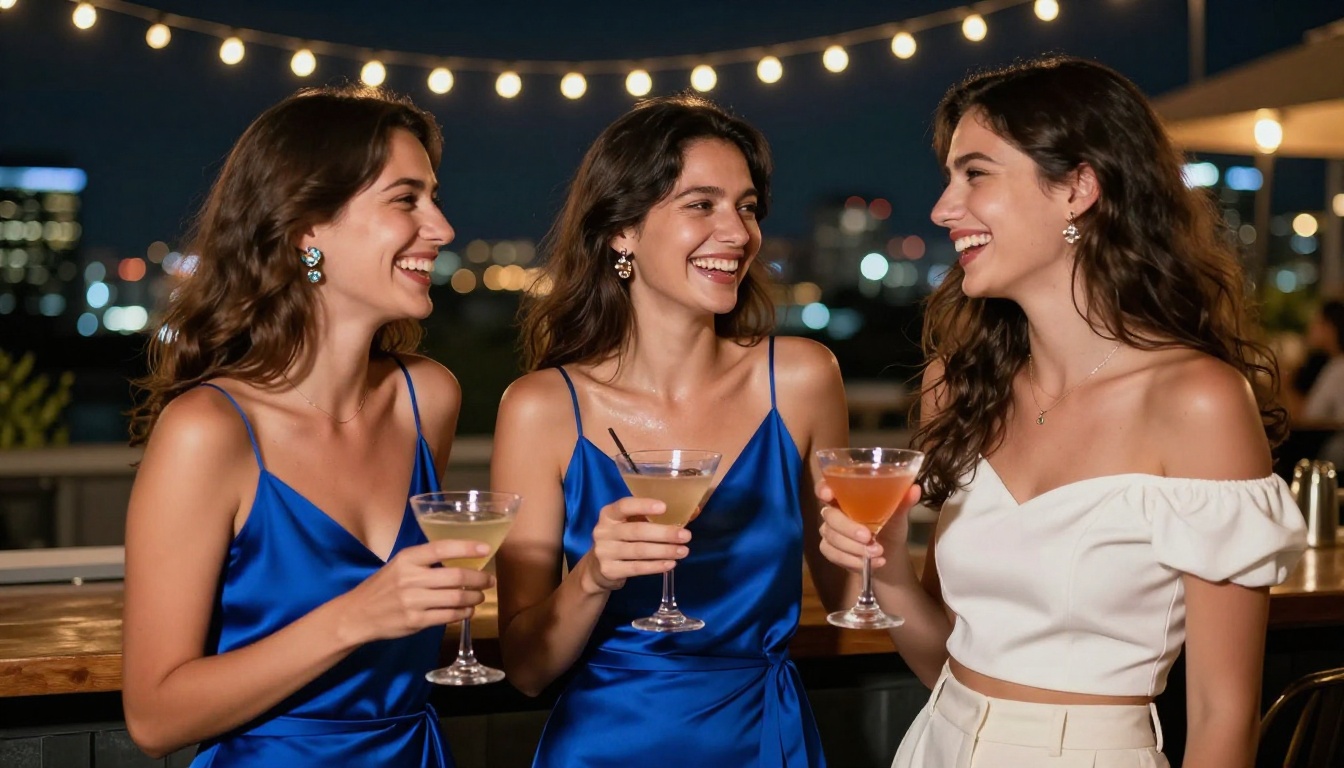
| "Couple at rooftop bar at night" | "Two people standing at a rooftop bar at night, one leaning in close to speak, string lights creating warm amber bokeh behind them, slow dolly-in camera movement, natural nighttime ambiance, city skyline visible" |
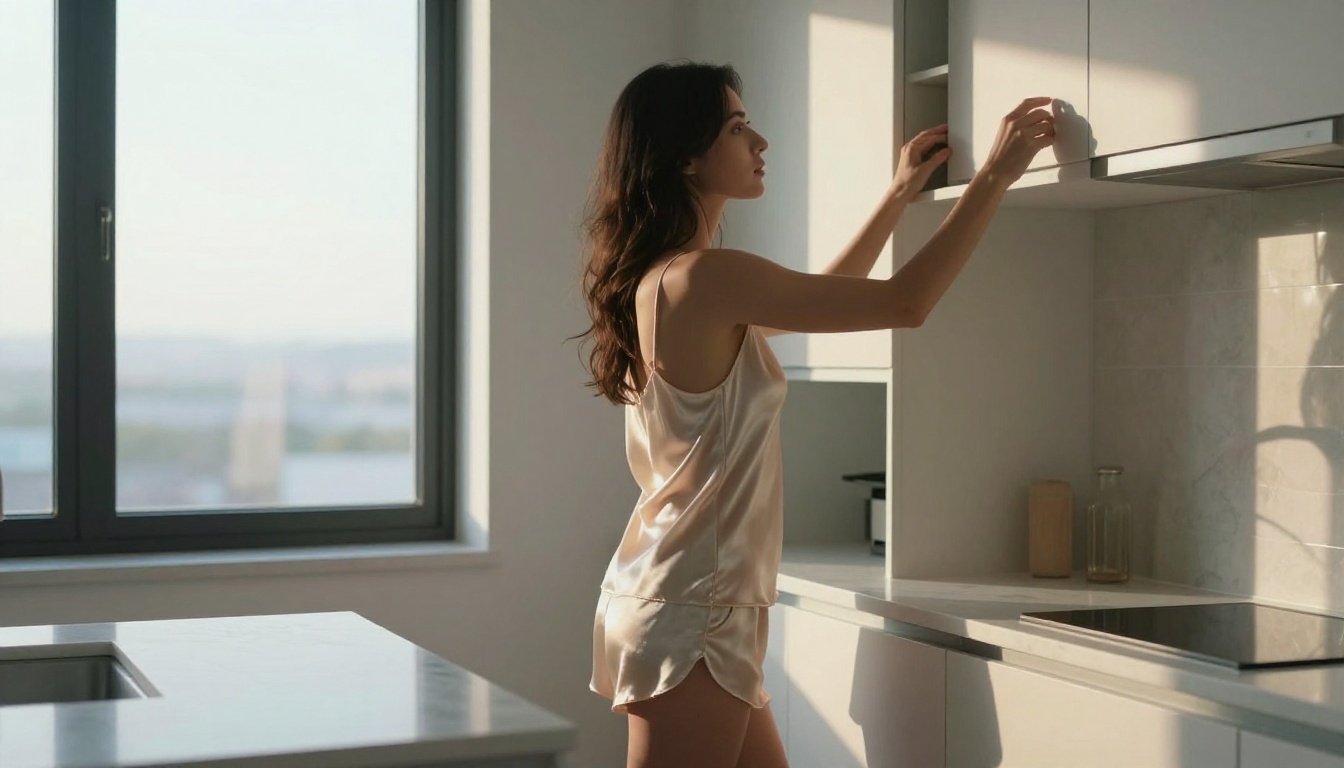
| "Woman in lingerie in bedroom" | "A woman in ivory satin lingerie sits on the edge of a bed in a softly lit bedroom, facing the window, morning light from the left casting gentle shadows across the white duvet, static camera at eye level, breathing motion subtle and natural" |
The motion and camera description is what separates forgettable clips from genuinely cinematic ones.
💡 Tip: Always describe the camera movement explicitly. "Slow dolly-in," "gentle pan right," or "static medium shot" fundamentally changes the feel of the output. Grok Imagine Video responds particularly well to cinematography language.

3 Limits You Will Hit Fast
Knowing the boundaries before you start saves real time and frustration.
The Content Policy Wall
Grok Imagine Video blocks explicit sexual content at the model level. This isn't a PicassoIA platform restriction. It's baked into the model by xAI during training, which means switching platforms doesn't change the outcome. Suggestive, glamorous, and fashion-forward content usually passes. Anything crossing into explicit territory will either trigger a refusal or produce sanitized output that misses your intent entirely.
For projects requiring genuinely uncensored adult content, other models on PicassoIA are the right path. More on those below.
Generation Speed vs. Quality
Grok Imagine Video produces excellent quality, but it is not the fastest model on the platform. If you need rapid iteration through dozens of prompt variations, faster options like Seedance 2.0 Fast or LTX 2 Fast will save significant time during the testing phase. Use speed for iteration, then switch to quality for final output.
Clip Length Constraints
The model outputs fixed-length short clips. Long-form video is not possible in a single generation run. Projects requiring extended sequences need multiple generations chained together in post-production. Plan your workflow accordingly from the start.

Why Free Doesn't Always Mean Uncensored
This is the misunderstanding that frustrates most new users. "Free" and "uncensored" are two completely separate dimensions.
A model can be:
- Free and censored (Grok Imagine Video, Veo 3 Fast)
- Paid and censored (many commercial tools)
- Free and more permissive (select open-weight models)
- Paid and more permissive (specialized adult AI platforms)
Grok Imagine Video sits in the first category. It costs nothing to try, and it produces genuinely beautiful, suggestive, glamour-quality content. But it will not produce explicit material. That line is clear and consistent.
The models that give more creative latitude for mature content are different systems, with different training datasets and content policies. PicassoIA hosts both categories, which is what makes it uniquely useful: you can access restrictive flagship models alongside more permissive specialized models from the same interface.
Better Models for Adult AI Content
When Grok's policy limits are too narrow for your project, PicassoIA's broader library is where to look.
Seedream 4.5 for Images
For adult AI image generation, Seedream 4.5 is the clear first choice. It handles suggestive and glamour content with significantly more flexibility than most models. The output quality is exceptional: realistic skin textures, accurate fabric rendering, natural lighting response, and fast generation speed for iterative workflows. It is the recommended starting point for any 18+ image project on PicassoIA.
After generating your base images with Seedream 4.5, you can then animate them using image-to-video models for a complete production pipeline. Browse the full model collection at picassoia.com/en/all-models.
💡 Important: Do NOT use Seedream 5 Lite for NSFW or mature content. It actively filters adult material and will reject or distort your prompts in ways that are not obvious until you've already wasted credits. Seedream 4.5 is the right version for this use case.
PicassoIA Image Editor for Unlimited Refinement
Once you have a strong base image from Seedream 4.5, PicassoIA's Image Editor lets you refine it without starting from scratch. Inpainting lets you fix specific areas: adjust clothing, change lighting, replace backgrounds, or clean up any artifacts, all while keeping the rest of the image intact. For mature content creation, this is far more efficient than regenerating full images repeatedly.
Top Video Models for Adult Content
These are the video models on PicassoIA offering the best combination of quality, speed, and flexibility for mature creative projects:
Each is accessible on PicassoIA and works directly in combination with image generation for a two-stage production pipeline.

PicassoIA vs. Grok Direct for 18+ Video
People often wonder whether accessing Grok Imagine Video through PicassoIA versus directly through xAI's Grok platform makes any practical difference. Here's the honest answer.
What Changes on PicassoIA
The underlying model is the same. The content policy is the same. What PicassoIA adds is context and flexibility:
- 87+ video models in a single interface, all accessible without switching platforms
- Integrated image-to-video workflows so you can generate a still and animate it in one place
- Side-by-side prompt testing across multiple models simultaneously
- Unified credit system so one balance covers every model on the platform
- Full image generation library for creating source material before animating
The practical advantage is that if Grok Imagine Video doesn't produce the result you need, you switch to Kling v3 Video or Wan 2.7 T2V without leaving the page. That iteration speed is where PicassoIA earns its place in an adult content workflow.
The Unlimited Advantage
PicassoIA's paid plans remove per-generation limits. For high-volume content creation, this matters more than which single model you're using. The workflow becomes: generate reference images with Seedream 4.5, animate them with Grok Imagine R2V or Wan 2.7 I2V, download, iterate. No interruptions, no surprise credit walls mid-project.
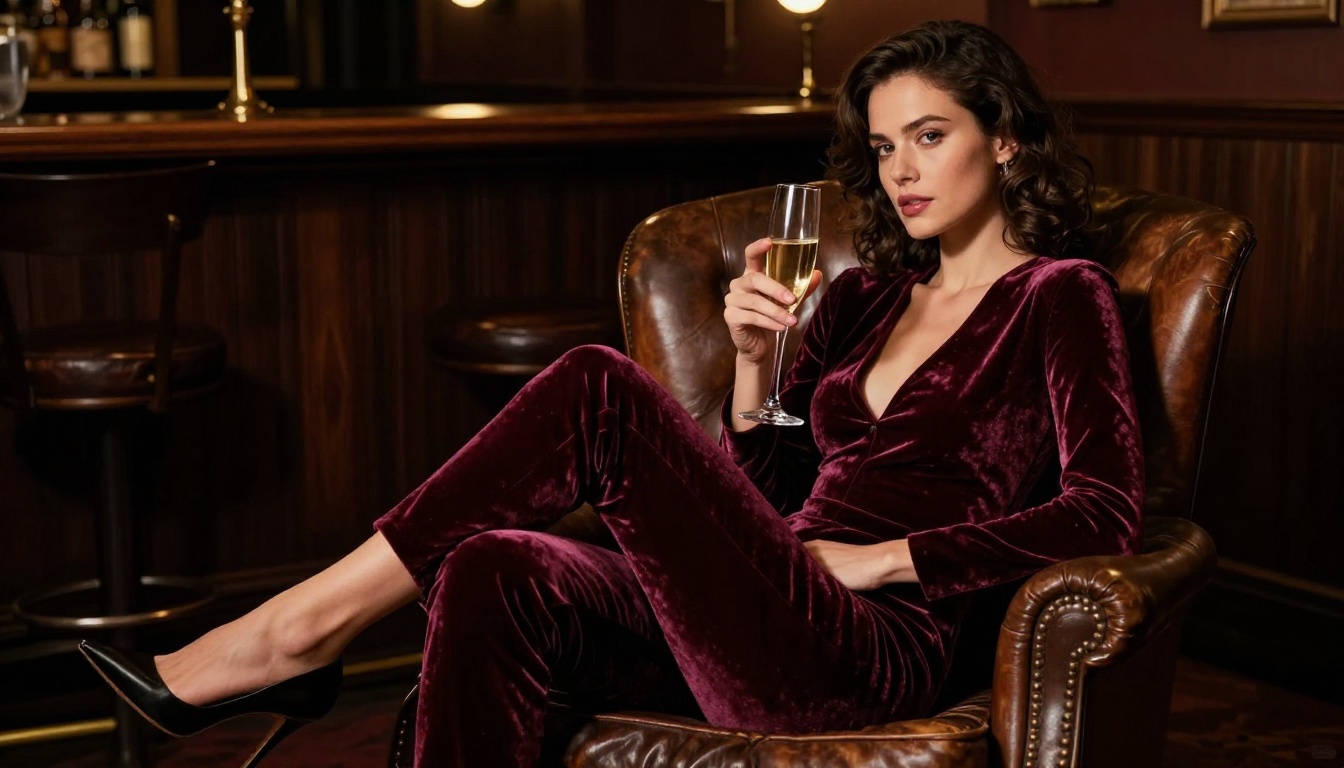
Image-to-Video Workflows That Deliver
The most effective approach for 18+ AI content is not pure text-to-video. It's a two-stage image-to-video pipeline, and the difference in output quality is significant.
Stage 1: Generate your base image
Use Seedream 4.5 or another image model to create precisely the composition you want. At the image stage, iteration is fast and inexpensive. Refine the pose, lighting, wardrobe, and setting until it's exactly right. This is where you establish character appearance, which ensures consistency across all subsequent video clips.
Stage 2: Animate with a video model
Pass that image to Grok Imagine R2V, Wan 2.7 I2V, or Kling v3 Video with a motion prompt describing how the scene develops over the clip duration. The model uses your image as the first frame and builds natural, photorealistic motion from there.
This approach gives far more control than text-to-video alone. You control the exact visual before adding motion, which dramatically reduces wasted video generations.
Motion Prompts for Glamour Content
Prompt structures that work well for sensual, suggestive video content:
- "Subject slowly turns toward camera, hair catching the light breeze, soft natural lighting, gentle camera dolly-in, warm afternoon atmosphere, five seconds"
- "Figure walks slowly through frame from left to right, movement relaxed and confident, camera tracks alongside at medium distance, golden hour lighting on skin"
- "Subject leans back subtly against the wall, breathing motion visible, static camera, intimate close-up framing, warm diffused indoor light"
- "Woman seated at poolside turns her head slowly to look directly at camera, slight smile forming, late afternoon light from behind creating rim light on hair, slow push-in"
Keep motion descriptions simple and natural. Overly complex movements in a single clip often produce visual artifacts or broken anatomy.
Speed Comparison Across Top Models
Not every model moves at the same pace. Here's a realistic speed comparison for video generation on PicassoIA, based on typical prompt complexity:
For smart workflows, use LTX 2 Fast to test your concept quickly, then switch to Grok Imagine Video or Seedance 2.0 once you're satisfied with the direction.
Native Audio in AI Video
One of the bigger recent developments in AI video is native synchronized audio, and it's directly relevant to 18+ content creation. Clips with ambient sound, background music, and environmental audio feel dramatically more immersive than silent video.
Seedance 2.0, Veo 3, and Pixverse v6 all support native audio generation. When you're producing content that needs to feel complete and professional rather than like a raw AI clip, these models are worth prioritizing.
Grok Imagine Video produces high-quality silent video. If your workflow requires audio, pairing it with a separate AI music or sound generation step is the way forward. PicassoIA also includes audio generation models for this exact use case.

What the Best Results Share
The most successful 18+ AI video projects on PicassoIA share a few consistent characteristics:
Photorealistic rather than stylized
Models like Grok Imagine Video, Seedance 2.0, and Kling v3 Video produce far better results when prompted toward realistic photography rather than artistic or illustrated styles.
Specific, directional lighting
"Golden hour from the left," "soft diffused bathroom vanity light," or "single tungsten spotlight overhead" consistently outperform generic lighting descriptions. Lighting defines the mood and quality of both image and video output more than almost any other single element.
No on-screen text
Requesting text in video outputs almost always produces garbled, unreadable results. Remove text requests from mature content prompts entirely.
Character-first iteration
Generate and finalize your character at the image stage using Seedream 4.5 or another high-quality image model. Then animate. This maintains visual consistency across all clips and avoids the character drift that happens with text-to-video iteration.
💡 Production tip: Generate 3-4 variations of your base image before moving to video. Pick the strongest one, then animate it. This approach wastes far fewer video credits than pure text-to-video iteration.
Start Creating Right Now
Whether you start with Grok Imagine Video for its quality and free access, or jump directly to Seedance 2.0 for native audio and cinematic output, PicassoIA puts every major AI video model in a single place. The image generation library runs alongside it with Seedream 4.5 at the top of the stack for mature and glamour content.
The fastest way to figure out which model fits your specific project is to simply try them. Generate the same prompt across Grok Imagine Video, Kling v3 Video, and Pixverse v6 and compare outputs side by side. Each model has a distinct visual signature, and the one that fits your creative direction will become obvious within a few generations.
The full collection of image and video AI models, including everything covered here, is available at picassoia.com/en/all-models.


