TikTok ads have a brutal selection mechanism: if a creative does not stop someone mid-scroll in the first two seconds, it never gets seen. That reality has pushed every serious performance marketer toward AI-generated content, and Grok Imagine Video from xAI has entered the conversation as a compelling option. The question is not whether it can generate video. It can. The real question is whether it is the right tool for TikTok ad production, where speed, vertical format, and click-driving visual quality all matter at once.
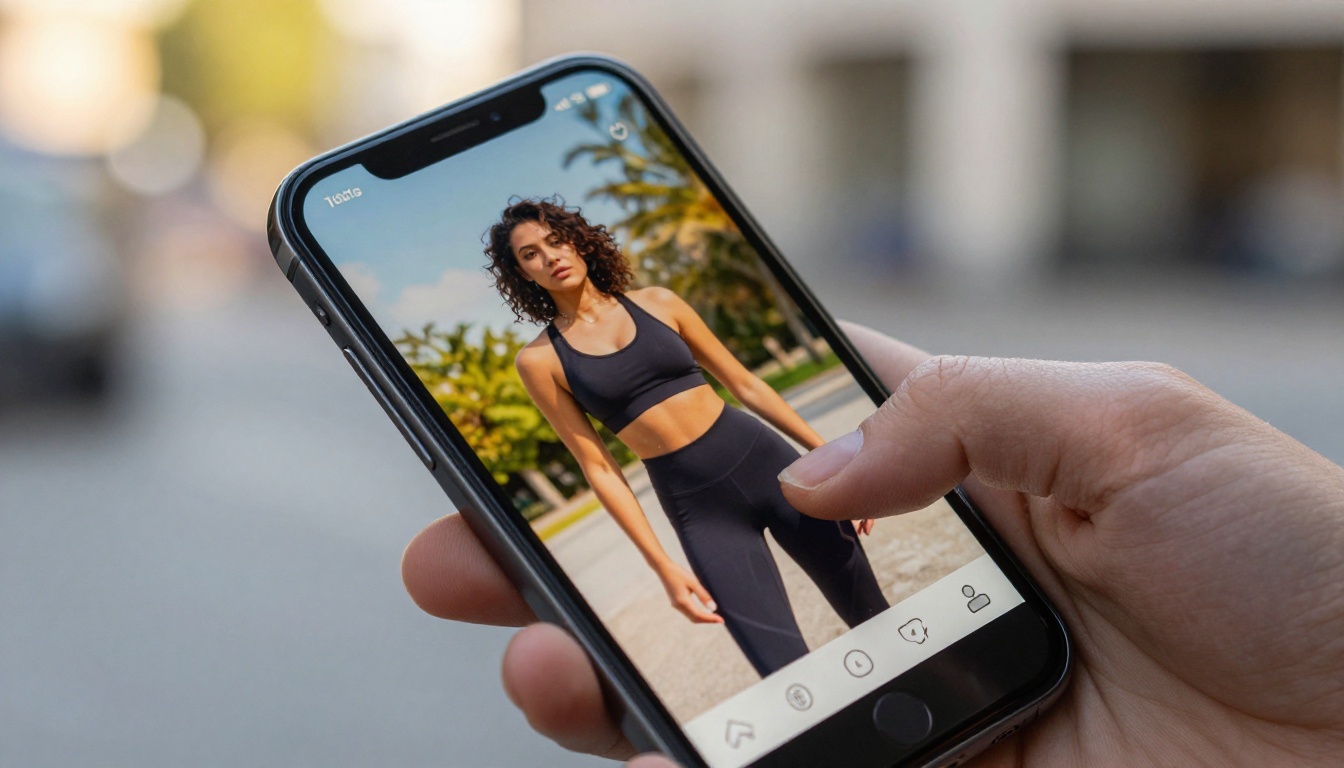
What Grok Imagine Video Actually Does
Grok Imagine Video is xAI's text-to-video and image-to-video model, built on the Aurora architecture that also powers Grok's image generation capabilities. When you prompt it, the model generates short clips from a text description or from a reference image you supply. The output has a photorealistic bias, handles motion reasonably well for its generation tier, and produces results that look noticeably different from older open-source video models.
The model family has expanded significantly. Grok Imagine Video 1.5 adds native audio generation and improved motion coherence over the base model. Grok Imagine R2V specializes specifically in converting reference images into animated clips, which is the most direct application for ad teams that already have product or lifestyle photography.
The Aurora Model Behind It
Aurora is xAI's multimodal foundation model. It processes both text and images natively, which gives Grok's creative tools stronger visual understanding than pure text-to-video pipelines from earlier generations. This matters for ad contexts because the model can reference visual style cues in input images and apply them more consistently across generated frames.
That said, Aurora-based video generation is still catching up to specialist video models on metrics like subject consistency and aspect ratio flexibility. For TikTok ad production specifically, you need cinematic motion, stable subjects, and output that holds up at small phone screen sizes. Aurora delivers on some of those criteria, but not reliably enough for high-volume production workflows without manual curation and retries.
How Grok Video Works for Ads
The practical workflow is simple. Write a prompt describing the scene and the action, optionally attach a reference image, and the model returns a short clip. The most useful application for TikTok ads is rapid concept testing: generate 5-10 different visual interpretations of an ad concept before committing to a full production run. Grok's generation speed makes this feasible even when individual outputs need curation.
For image generation specifically, Grok Imagine Image produces strong photorealistic stills, and Grok Imagine Image Quality runs the same Aurora model at higher resolution settings for sharper 2K outputs suitable for ad creative production.
💡 Workflow tip: Use Grok Imagine Image Quality to generate a sharp reference image first, then pass it to Grok Imagine R2V for animation. This two-step process gives you more control over the visual starting point than text-only video prompts.
TikTok Ads Need Specific Visual Rules
Before evaluating any AI tool for TikTok ad production, it helps to be clear about what the platform actually demands. TikTok is not just a vertical video channel. It has specific visual conventions that separate ads generating results from ads disappearing into the feed.
Vertical Format Matters
TikTok runs natively at 9:16. Most AI video generators default to 16:9 or square output. This is not a minor technical detail: a landscape video letterboxed into a TikTok feed immediately signals "ad" to trained viewers, reducing viewer retention before the content registers. Any tool you use for TikTok ad production needs to handle vertical output natively, or at very high quality through post-production reframe.
Grok Imagine Video currently generates at landscape ratios by default. Cropping or reframing output affects composition and can remove important visual elements from the frame. This is one of the practical friction points for using Grok in a real TikTok ad workflow, and it is worth factoring into tool selection before committing to a pipeline.
First 3 Seconds Are Everything
TikTok ad data consistently points to one metric: the first 3 seconds of a video determine whether a viewer stays or scrolls. Your opening frame needs strong visual tension, clear movement, or genuine novelty. Static AI videos starting with a slow fade or ambient establishing shot simply do not perform in paid social contexts.
When evaluating any AI video tool for TikTok ads, test outputs this way: watch the first 3 seconds with sound off. If the visual alone does not create some form of pull, the creative is not ready for campaign traffic.
| Visual Hook Type | TikTok Effectiveness | AI Generation Difficulty |
|---|
| Fast zoom or reveal | Very high | Moderate |
| Direct-to-camera subject | High | High |
| Bold product close-up | High | Low |
| Scene transition | Moderate | Low |
| Ambient lifestyle | Low | Very low |
Grok Imagine Video is impressive for a general-purpose AI creative tool. Compared to models built specifically around video production volume and quality, the picture gets more nuanced.
Speed and Volume Comparison
Ad teams running TikTok campaigns at scale need volume. Testing 50 creative variants per week is standard practice for performance-focused teams. That requires a generation pipeline that is fast, reliable, and cost-effective enough to justify the volume of outputs needed for systematic testing.
Seedance 2.5 from ByteDance generates up to 30-second videos with built-in native audio at up to 1080p resolution. It handles prompt adherence well and supports aspect ratio options that work for TikTok directly. The base Seedance 2.0 offers a strong mid-tier balance of motion quality and generation speed for teams that need volume over maximum resolution.
For maximum cinematic quality, Veo 3 from Google generates text-to-video with native audio and HDR visual quality that holds up at any output scale. The tradeoff is higher cost per generation, which matters when running at volume across a large creative testing program.
Kling v3 Video consistently performs well for ad teams specifically because of its subject consistency across frames. When an ad features a person or product that needs to remain visually stable throughout the clip, Kling handles this better than most competing models in the current landscape.
Ray 3.2 from Luma delivers cinematic HDR output with fast generation times, making it the right choice when quality per output matters more than batch volume.
Where Grok Falls Short
Grok Imagine Video is built as a general-purpose creative tool first and an ad production tool second. For TikTok ad workflows specifically, it has notable gaps:
- No native vertical output for TikTok's 9:16 format requirement
- Limited subject consistency across multiple generations of the same character or product
- No audio in the base model (only Grok Imagine Video 1.5 adds this)
- No batch generation for high-volume creative testing pipelines
- Inconsistent prompt adherence on complex compositional prompts
For concept testing and initial ideation, Grok works well. For running a production TikTok ad creative pipeline at scale, the specialized models on PicassoIA offer more control per output and better results per generation.

How to Use Grok Imagine Image on PicassoIA
Even where Grok Imagine Video has limitations for full video ad production, Grok Imagine Image and its higher-quality variant are strong tools for generating static ad creatives and reference images that feed into video generation pipelines. Here is how to use them effectively for TikTok ad work.
Step-by-Step Setup
Step 1: Open Grok Imagine Image Quality on PicassoIA. This version runs Aurora at higher resolution settings, producing sharper outputs suitable for ad creative thumbnails or reference images for video generation.
Step 2: Write your prompt with the ad's subject, setting, and emotional tone. For TikTok ads, specificity beats abstraction. Instead of "person using product," write "woman in her mid-twenties in a bright kitchen, holding a matcha drink, natural morning light, relaxed and confident expression, photorealistic."
Step 3: Generate 4-6 variations. Aurora has enough output diversity that identical prompts yield meaningfully different compositions and lighting conditions.
Step 4: Select the top image and pass it to a video model. Grok Imagine R2V keeps Aurora's visual style consistent across the animation. Seedance 2.5 adds longer duration and native audio if those are campaign requirements.
Best Settings for TikTok Visuals
- Composition: Include "vertical portrait composition" in your prompt text even when the model outputs at 16:9. This positions important visual elements in a crop-safe zone for TikTok reframing.
- Style: Photorealistic, natural lighting prompts outperform stylized requests for TikTok ad performance. Content that looks real blends with organic posts on the feed and performs better in the algorithm.
- Subjects: Faces and hands close to camera perform well on TikTok. Request them explicitly in your prompt rather than leaving compositional decisions to the model.
Top AI Models for TikTok Ad Creatives
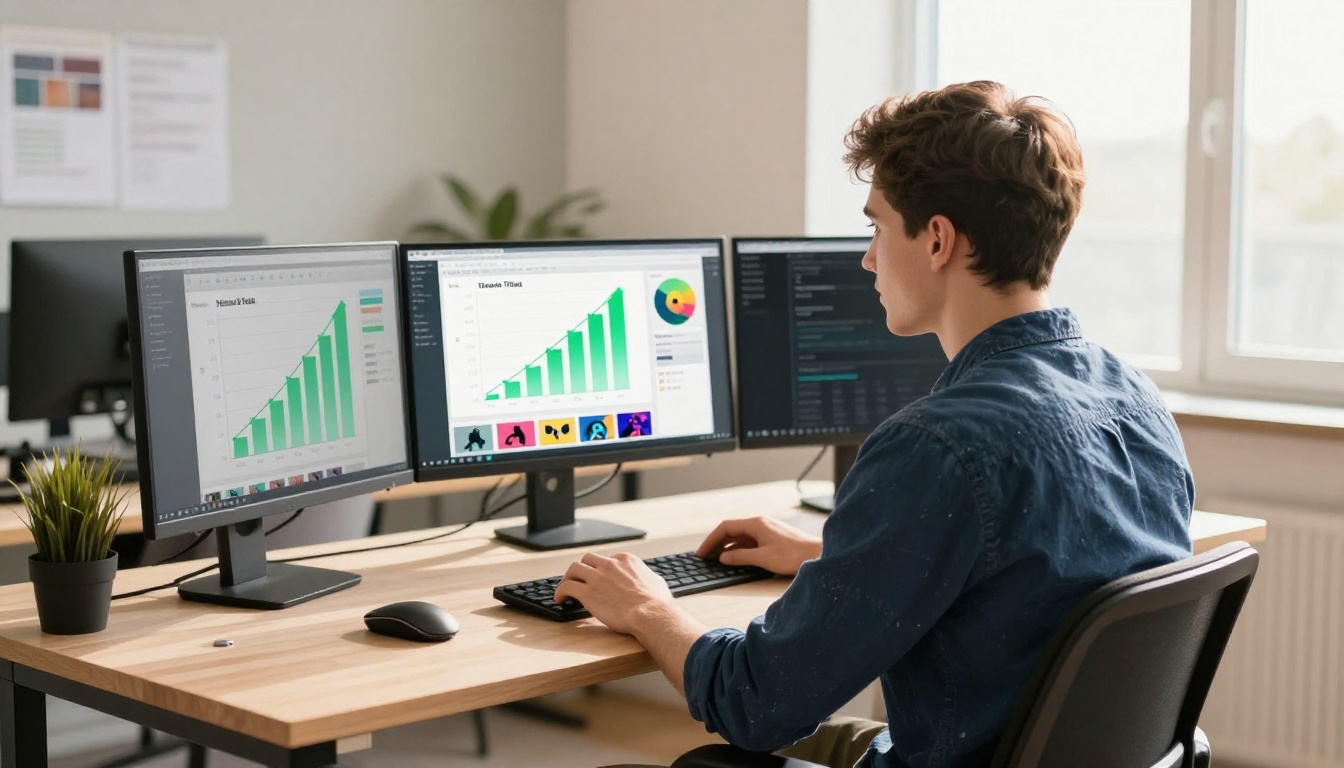
PicassoIA provides access to over 200 image models and 100 video models. For TikTok ad production, a specific subset covers most use cases efficiently.
For Static Ad Images
Seedream 5 Pro generates sharp 2K images with photorealism that holds up on modern phone screens. It handles product and lifestyle shots well, making it a reliable choice for TikTok creative thumbnails and static image ads.
Flux 2 Pro from Black Forest Labs accepts a reference image and applies new creative direction on top of it, letting ad teams iterate from real product photos rather than starting from scratch every time.
Flux Kontext Pro rewrites images with text prompts while maintaining visual coherence. For ad teams starting with an existing product photo and wanting to generate lifestyle contexts around it, this is the most practical tool in the catalog.
Dreamina 3.1 produces cinematic 4MP images with strong subject isolation, useful when a clean hero image needs to be composited over a different background in post-production.
Ideogram v4 Quality handles text embedding in images more reliably than most competing models. TikTok ads frequently use price callouts, offer text, or benefit statements overlaid on the visual, and Ideogram generates these without the blurring and distortion common in other models.
GPT Image 2 from OpenAI delivers strong instruction-following for product mockups and lifestyle scenarios where prompt fidelity matters more than creative variation.
Flux 1.1 Pro Ultra generates 4MP photorealistic images with fine detail retention. At full-screen on a modern smartphone, this resolution and sharpness level makes a visible difference in how premium the ad appears.
PicassoIA Image is the unlimited generation option for high-volume creative testing. When running 50 concept variations without managing per-generation costs, this is the practical choice for iteration-heavy production workflows.
For Ad Video Generation

5 Visual Styles That Win on TikTok
These five visual styles consistently outperform generic lifestyle footage based on performance patterns across TikTok ad campaigns:
1. The Before/After Split
Two frames cut back-to-back showing a clear transformation. Flux Kontext Pro and Grok Imagine Image Quality can both generate "before" and "after" states from the same subject, keeping visual consistency across the cut.
2. UGC-Style Close-ups
Tight shots of hands holding a product, a face reacting naturally, or a texture being touched. These feel organic on TikTok because they match the format of high-performing user-generated content. Seedream 5 Pro at 2K is sharp enough to hold up as a product macro shot at full screen.
3. Motion Text Over Still
A strong static image with animated text elements layered on top. Generate the base creative with GPT Image 2 or Ideogram v4 Quality, then add text motion in a video editor. This approach is faster to produce than full AI video and often outperforms it on CTR.
4. Fast Environment Change
A subject stays constant while the environment around them shifts rapidly. This requires stable subject rendering across frames, which is where Kling v3 Video performs best among available models.
5. Cinematic Product Reveal
A product emerges from shadow into sharp, dramatic lighting over 3-5 seconds. Generate the static hero frame with Flux 1.1 Pro Ultra, then animate the lighting movement with Ray 3.2. The combination produces cinematic quality without complex prompt engineering.
💡 Creative shortcut: Use Grok Imagine Image as your concept generator, select the strongest output, then animate with Grok Imagine R2V for a fully Aurora-consistent visual style across both the static and animated versions of the same ad creative.

Build Your TikTok Ad Creative Stack
No single AI tool covers every phase of TikTok ad production. The strongest creative stacks combine a fast image model for concept iteration, a high-resolution image model for final production assets, and a video model optimized for the specific motion style the campaign requires.
From Concept to Campaign
Phase 1: Rapid Ideation
Use PicassoIA Image for unlimited generation to test 20-30 concept variants. Speed and volume matter more than quality at this stage. The goal is identifying which visual directions create attention in internal review before investing in higher-quality generation runs.
Phase 2: Quality Production
Take the 3-5 strongest concepts and produce final assets with Seedream 5 Pro or Flux 1.1 Pro Ultra. At 2K-4MP resolution, these outputs hold up on modern phone screens at full-screen playback, which is the rendering environment that matters for TikTok ads.
Phase 3: Animation
Select the top 2-3 static creatives and animate them. Use Seedance 2.5 for longer clips with native audio. Use Kling v3 Video for subject-consistent motion where the person or product needs to stay stable throughout the clip. For a fully xAI-based pipeline, Grok Imagine R2V produces animation that maintains Aurora's distinctive visual style from the reference image through to the final video.
Phase 4: Testing
Run 3-5 creative variants simultaneously. TikTok's algorithm allocates budget toward the winning creative within 24-48 hours. The broader the creative range in testing, the faster you identify which visual direction drives the clicks and conversions the campaign needs.
💡 What actually scales: Teams generating 20+ variants per week and testing them systematically find winning creatives 3-4x faster than teams producing fewer, more polished assets. AI generation makes the volume feasible. Systematic testing makes it effective.
If you want to start experimenting with any of the models in this article, PicassoIA provides access to the full catalog at picassoia.com/en/all-models. You can run Grok Imagine Image for fast concept generation, switch to Seedream 5 Pro for production-quality stills, and animate with Seedance 2.5 or Grok Imagine R2V from the same platform, without switching tools or managing multiple API accounts.