The internet has a way of sending people down rabbit holes. If you've landed here, you're probably wondering whether Grok Imagine Video is actually capable of creating adult animations at no cost, and whether there's a better path to the same result. Short answer: it depends on which platform hosts the model, what your definition of "adult" covers, and how much patience you have for content filters. Here's everything you need to know, including the platforms that actually deliver.
What Grok Imagine Video Actually Does
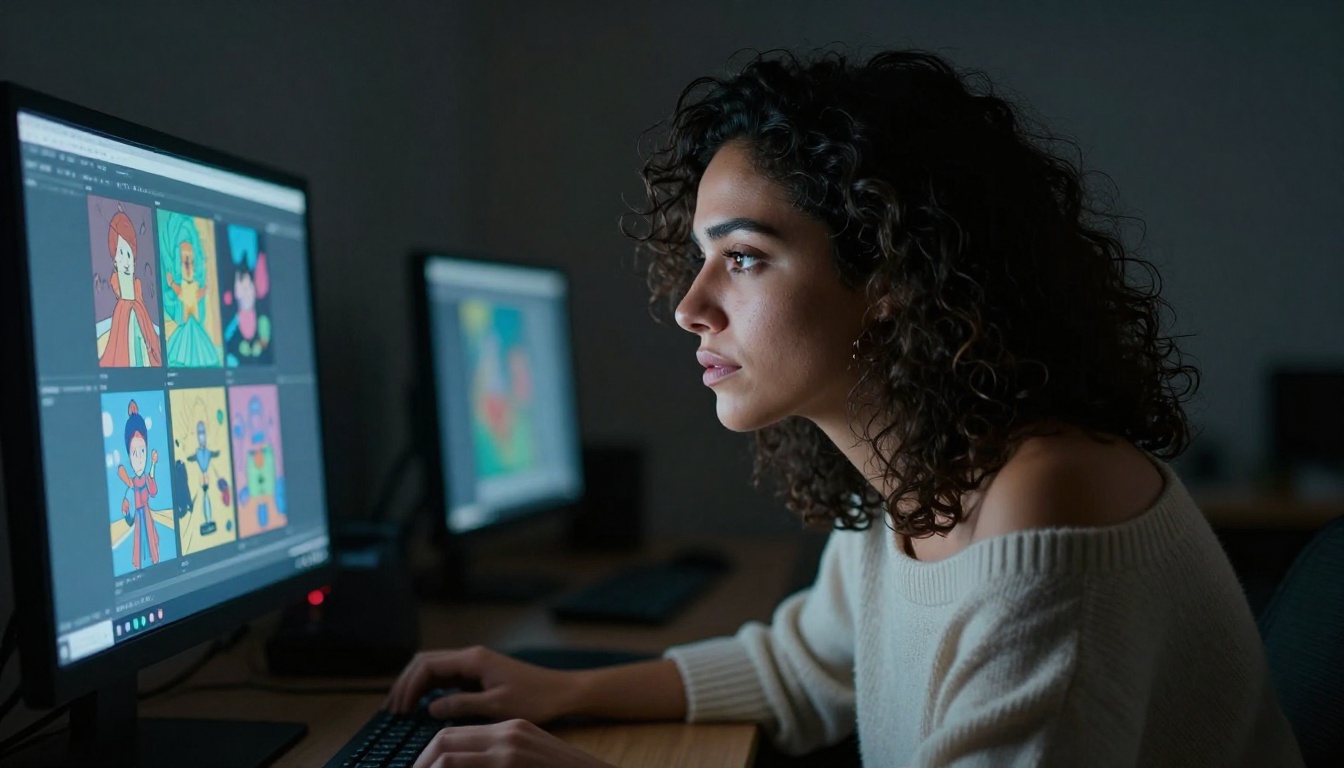
xAI released Grok Imagine Video as its flagship text-to-video model, and unlike many of its peers, it interprets nuanced prompts with a strong degree of accuracy. The model generates short video clips from text descriptions, drawing from a broad training set that includes naturalistic human scenes, atmospheric environments, and stylized sequences.
What makes Grok Imagine Video interesting for adult content creators is its capacity for realistic human likeness. The model renders believable skin textures, natural movement, and expressive facial detail at a quality level that rivals commercial tools costing hundreds of dollars per month.
💡 Key fact: Grok Imagine Video is available directly on PicassoIA, meaning you can run it without a Grok subscription or API key.
How the model handles prompts
Grok's approach differs from other video models in one important way: it leans toward photorealistic outputs rather than stylized ones. If you describe a real-world scenario, the model attempts to render it authentically instead of reaching for a cartoon or CGI aesthetic. For adult animations, this means you can create content that feels cinematic rather than illustrated.
The model also has an image-to-video companion called Grok Imagine R2V. Feed it a reference image and a motion description, and it animates forward from that starting frame. This workflow is particularly powerful when you have a strong character design and want to bring it into motion.
How long are the generated clips?
Grok Imagine Video produces clips in the 5-8 second range. That's standard for current AI video models. These clips can be chained through subsequent generation passes, which many creators do to build longer sequences for adult animation projects. The key is maintaining prompt consistency so your subject's appearance carries across clips.
The Real Limits on Grok Itself
Here's where honesty matters. Grok Imagine Video accessed through xAI's own platform carries content moderation filters. These filters block explicitly sexual content, graphic nudity, and scenarios the system flags as harmful. For strictly adult animations, direct access to xAI will reject many of your prompts.
When the model is deployed through third-party platforms like PicassoIA, the experience differs significantly. PicassoIA hosts the model within its own infrastructure and applies its own content policies, which are considerably more permissive for artistic and adult-themed work.
What gets filtered and what goes through
Here's a practical breakdown of what Grok Imagine Video handles across different deployment contexts:
| Content Type | xAI Direct | PicassoIA |
|---|
| Romantic and intimate scenes | Partially filtered | Available |
| Suggestive clothing, bikini | Usually passes | Passes freely |
| Implied nudity, artistic body | Often blocked | Available |
| Explicit sexual content | Blocked | Blocked (platform policy) |
| Fantasy adult themes | Inconsistent | More permissive |
| Glamour and sensual photography | Hit or miss | Available |
💡 Important: PicassoIA supports non-explicit NSFW content, which includes suggestive, glamour, and artistically implied nudity. Explicitly pornographic content is not permitted regardless of model choice.
The free tier question
Grok Imagine Video on PicassoIA is accessible within the platform's free tier, though higher resolution and batch runs consume credits faster. For free adult animation generation at scale, the smarter move is to pair a strong image model with an efficient video generator, which we cover in detail below.
Why Seedream 4.5 Is Your Starting Point

Before video, you need frames. The single best model for adult-themed imagery on PicassoIA right now is Seedream 4.5 by Bytedance. It was trained on a massive dataset with a broad content policy, producing 4K-quality photorealistic images that handle adult themes with nuance, accuracy, and impressive detail.
What makes Seedream 4.5 stand out for NSFW work:
- Renders realistic human anatomy without the plastic or overly-polished look common in other models
- Handles sheer fabric, skin translucency, and directional lighting on the body with cinematic accuracy
- Produces consistent character faces across multiple generations, which is critical for animation frame sequences
- Fast for a 4K-capable model, averaging 8-12 seconds per image
- Responds accurately to detailed prompts about clothing, pose, skin texture, and expression
The workflow is direct: generate your character frames with Seedream 4.5, then feed those images into an image-to-video model like Grok Imagine R2V or Wan 2.7 I2V to bring them into motion.
PicassoIA Image Editor Pro for unlimited iterations

If you're running a high-volume adult animation project, PicassoIA Image Editor Pro removes the credit ceiling entirely. It offers unlimited AI photo editing and generation cycles, meaning no anxiety about running out of credits when iterating on character designs, inpainting body adjustments, or refining specific details across dozens of frames.
What you can do with Image Editor Pro:
- Inpaint specific regions (adjust clothing, poses, backgrounds) without regenerating the whole image
- Run unlimited prompt iterations to nail a character's look
- Edit lighting, skin tone, and environmental elements with surgical precision
- Use it as a staging tool before feeding final frames into video generation
For serious adult animation creators, combining Seedream 4.5 with PicassoIA Image Editor Pro creates a professional pre-production pipeline at essentially zero ongoing cost.
Video Models That Actually Work for Adults

Once you have reference frames, the choice of video model matters enormously. Here are the top performers on PicassoIA for adult animation content, ranked by output realism and content responsiveness.
Seedance 2.0 for maximum realism
Seedance 2.0 by Bytedance is the top-performing model for photorealistic human motion on PicassoIA right now. It generates video with native synchronized audio, so ambient sound, movement, and environmental audio are included by default. For intimate scenes where atmosphere carries weight, this adds a cinematic quality that pure-silent video models simply can't match.
Seedance 2.0 at a glance:
- Output resolution: Up to 1080p
- Duration: 5-10 seconds per clip
- Native audio: Yes (synchronized)
- Strengths: Realistic close-ups, subtle body movement, natural expression changes
Wan 2.7 for character consistency over time
Wan 2.7 I2V and Wan 2.7 T2V offer longer clip generation with excellent temporal consistency. When a character needs to maintain the same appearance and body proportions across multiple seconds of motion, Wan 2.7 holds that consistency better than most competing models.
Kling v3 for cinematic camera control
Kling v3 Video by Kwaivgi stands out for its cinematic camera movement system. You can specify dolly-ins, orbital pans, and rack focuses directly in the prompt. For adult animations where camera perspective carries as much storytelling weight as the subject itself, this level of control is genuinely valuable.
💡 Pro tip: Describe camera movement explicitly in your Kling prompts, for example "slow dolly toward the subject" or "gentle circular pan," to get intentional cinematography rather than random motion artifacts.
How to Use Grok Imagine Video on PicassoIA

Here is a direct, step-by-step workflow from zero to an adult animation clip using Grok Imagine Video on PicassoIA.
Step 1: Generate your base frame
Navigate to Seedream 4.5 and generate a reference image. Make the prompt specific: describe the subject's appearance, clothing, pose, and lighting. A detailed prompt produces a strong, usable first frame.
Example prompt structure:
[Subject description] + [clothing or state] + [pose] + [environment] + [lighting direction] + [camera lens] + [style: photorealistic, 8K]
Step 2: Animate with Grok R2V
Copy your generated image URL and paste it into Grok Imagine R2V. Write a motion prompt describing what happens over the next 5-8 seconds. Keep descriptions chronological: "subject shifts weight slightly, hair drifts in the breeze, turns to look toward the camera."
Step 3: Evaluate the output
After generation, check for:
- Motion naturalness: Does the movement look physically plausible?
- Character consistency: Did the model maintain your subject's appearance?
- Loop potential: Does the clip end in a position that could transition back to its start?
Step 4: Chain clips for longer sequences
If the clip works, chain it with a second generation starting from the last frame. This builds longer sequences from shorter, consistent clips. If the result needs refinement, tighten your motion prompt or switch to Seedance 2.0 for a different motion style.
Other Free Models Worth Testing
PicassoIA hosts over 87 text-to-video models. Beyond Grok and Seedance, several others are worth testing specifically for adult animation work.
Pixverse v5 handles stylized human motion well and produces particularly expressive faces. Its output has a slightly cinematic color grade baked in that elevates the overall look without extra post-processing.
Hailuo 02 by Minimax generates 1080p clips with strong temporal consistency. Its strength is smooth, natural body movement rather than dramatic action sequences, making it ideal for intimate, slower-paced animations.
Kling v2.6 interprets scenes with a strong narrative quality. Descriptions written like screenplay notes produce particularly compelling results with this model.
Veo 3.1 by Google brings exceptional environmental realism and lighting accuracy. If your adult animation involves atmospheric settings such as beaches, sun-drenched interiors, or golden hour landscapes, Veo 3.1 handles those environments better than almost any competitor.
💡 Browse and compare all of these models at picassoia.com/en/all-models. You can switch between them without leaving the platform.
Building a Real Adult Animation Workflow
A single AI model is a tool. A workflow is a system. If you're serious about producing adult animation content regularly, here's how to build a repeatable process that scales.
Character design phase
Start with Seedream 4.5 to establish your character's visual identity. Generate 8-12 variations in different lighting conditions and angles. Save the prompts that produce the most consistent results.
What to lock down at this stage:
- Hair length, color, and texture
- Skin tone and specific facial features
- Body proportions
- Recurring outfit elements
- Preferred lighting conditions (warm or cool, directional or diffused)
Scene staging with Image Editor Pro
Before generating video, stage your scene in static frames using PicassoIA Image Editor Pro:
- Block out the environment and position the character
- Adjust lighting to match your intended mood
- Inpaint any areas that need refinement
- Lock the final frame before moving to video
This pre-production step significantly reduces wasted video generation credits.
Video production phase
With reference frames ready:
- Use Grok Imagine Video for scenes requiring nuanced prompt interpretation
- Use Seedance 2.0 when cinematic quality with native audio is the priority
- Use Wan 2.7 I2V when you need the longest possible clip duration with consistent character appearance
Post-production
PicassoIA's enhancement tools can refine your output significantly:
- AI Video Enhancement: Upscale and stabilize clips using the AI enhance videos tools
- Effects library: Over 500 video effects are available in the effects category
- Lipsync tools: If your characters speak, the lipsync models sync dialogue to mouth movement with impressive realism
The Numbers That Actually Matter
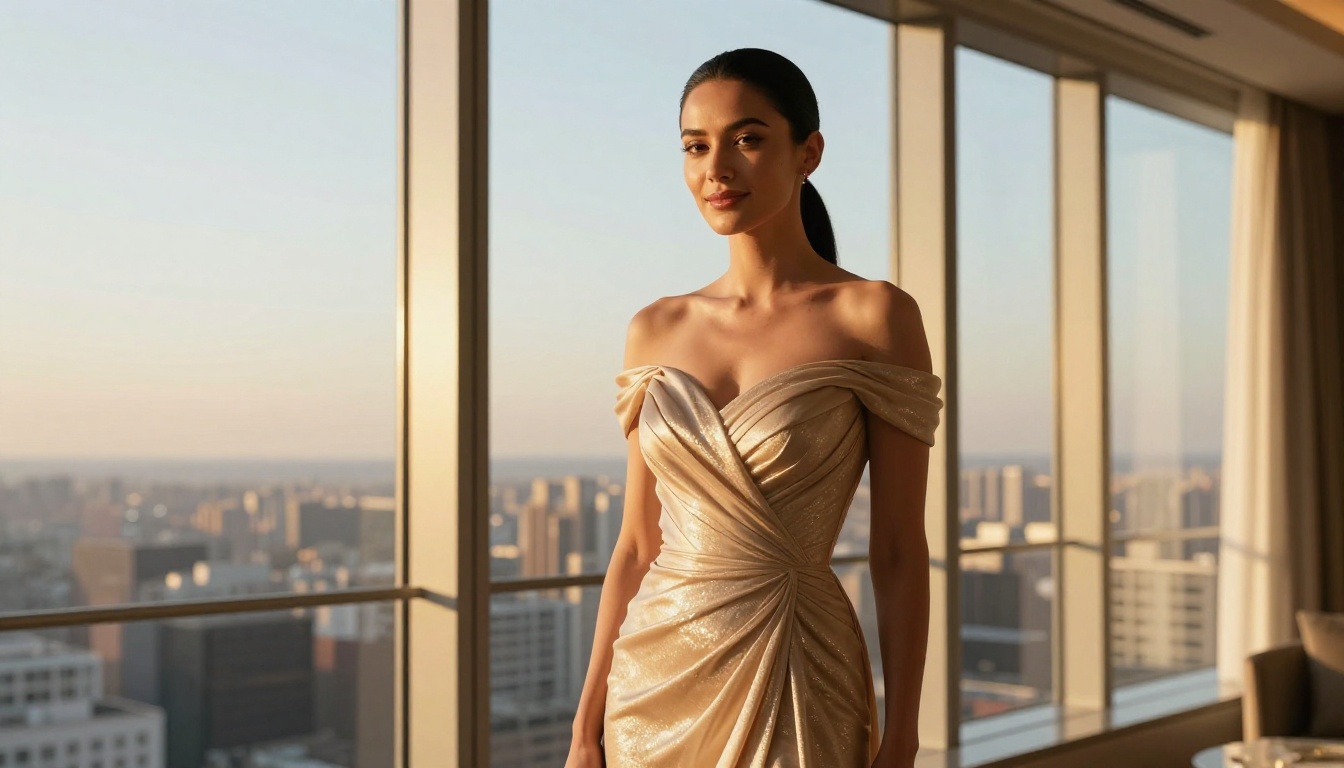
People searching for free adult AI animation tools typically have the same four questions. Here are direct answers.
How much does it actually cost? PicassoIA has a free tier that covers basic generation. Higher resolution outputs and batch processing consume paid credits. For casual use, the free tier handles a meaningful amount of work before any payment is needed.
Is the content kept private? Generated content on PicassoIA is not publicly posted. Standard platform privacy policies apply to all creations.
How good is the output quality? At 1080p with models like Seedance 2.0 or LTX 2.3 Pro, the output is cinema-quality by consumer standards. The gap between AI-generated and live-action content has narrowed dramatically through 2024 and 2025.
What content is not allowed? Content involving minors, non-consensual scenarios, and explicitly pornographic material is blocked regardless of model choice. Non-explicit NSFW content, including glamour, suggestive, and artistically implied work, is supported.
Start Creating on PicassoIA Now
You have the tools, the workflow, and a direct comparison of the best models for adult animation work. Grok Imagine Video is a strong starting point, particularly for photorealistic human motion. Pairing it with Seedream 4.5 for your base imagery gives you a complete production pipeline at minimal cost.
The fastest way to find what works for your specific creative vision is to run your own comparisons. Head to picassoia.com/en/all-models, pick two or three video models from this article, and run the same prompt through each. The differences will tell you exactly which model fits your style and subject matter.
Your next four steps:
- Visit Seedream 4.5 and generate your first character frame
- Take that frame to Grok Imagine R2V and animate it
- Compare the result with Seedance 2.0 for the same scene
- Browse the full library at picassoia.com/en/all-models
The tools are there. The quality is real. The cost barrier is lower than it has ever been.


