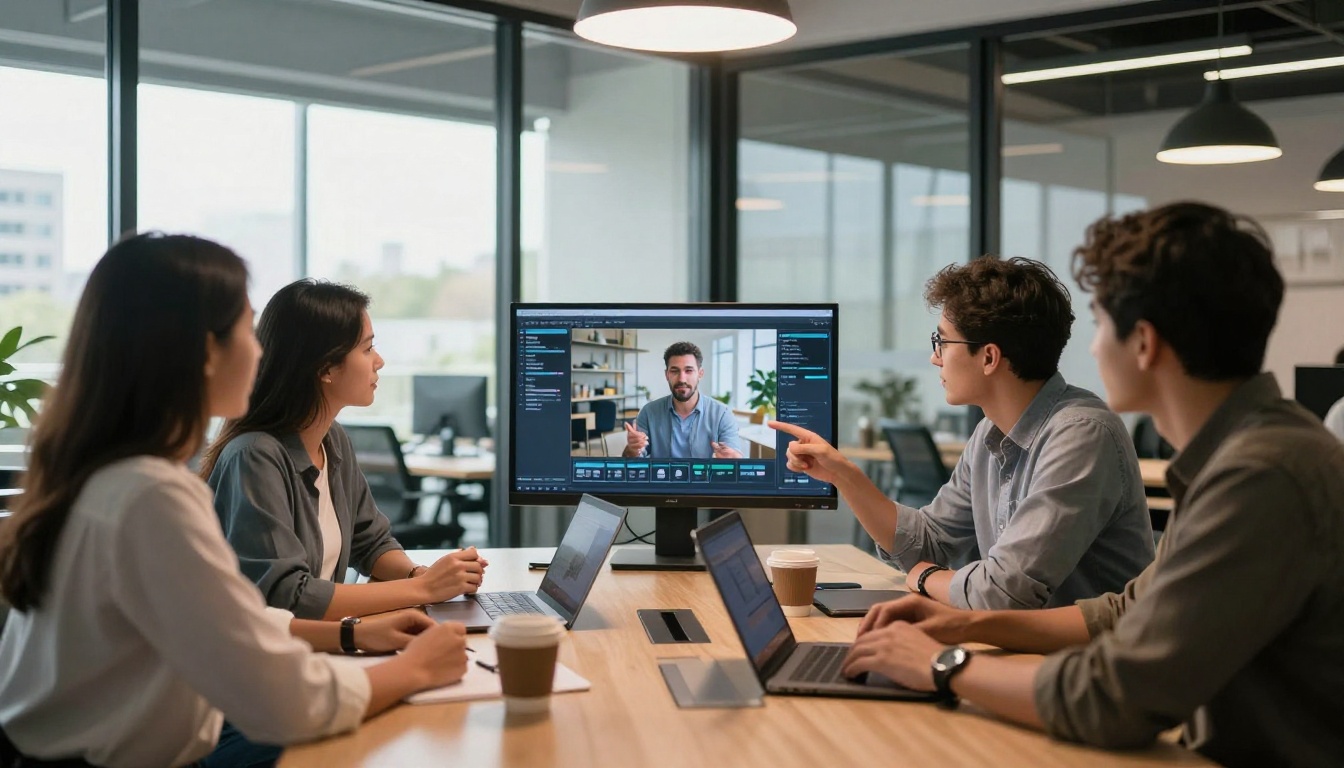
xAI dropped something that quietly changed the text-to-video conversation when it released Grok Imagine Video. Not with a flashy launch event or a viral demo reel, but with a model that produces short, coherent, and surprisingly cinematic clips from plain text prompts. If you have spent any time watching the AI video space accelerate in 2024 and 2025, you already know the field is crowded. What makes xAI's entry worth your attention is where it sits in the competitive stack, and exactly how the underlying model turns a sentence into moving images.
This article walks through the mechanics of Grok Imagine Video: how xAI built it, what it actually does well, where it falls short, and how to use it right now to produce the best output possible.
What Grok Imagine Video Actually Does
From Words to Moving Images
Grok Imagine Video is a text-to-video generation model built by xAI, the AI research company founded in 2023. It accepts a natural language prompt and returns a short video clip, typically between 5 and 10 seconds, at resolutions that scale depending on the compute tier you are using.
The mechanism works through a diffusion-based or flow-matching process that is trained to denoise latent representations of video frames conditioned on a text embedding. What differentiates xAI's implementation is the training corpus and the specific weighting applied to temporal coherence, which is the quality that keeps objects and motion consistent from one frame to the next.
Where many early text-to-video models produced clips that looked frame-by-frame coherent but failed over time (a hand disappearing, a car changing color mid-scene), Grok Imagine Video places explicit emphasis on making motion feel physically plausible. The result is clips that, even at shorter durations, feel less like a slideshow and more like actual footage.
💡 Tip: The model responds best to prompts that describe motion explicitly. Instead of "a person walking in a park," try "a woman walking slowly through a sunlit park, grass swaying in the breeze, camera following from behind."
The R2V Variant: Reference-to-Video Explained
Beyond pure text-to-video, xAI also offers Grok Imagine R2V, a reference-to-video variant that accepts an image as an anchor and animates it based on your text prompt.
This is meaningfully different from simple image-to-video models. R2V uses the reference image not just as a starting frame but as a consistency constraint throughout the entire clip. The character's face, the lighting direction, and the texture of objects in the reference all persist across frames, which dramatically reduces the common problem of subjects morphing or drifting during generation.
For creators who already have a visual identity established in still imagery, this variant is the more practical choice.
The Technology Behind the Model
Multimodal Training at Scale
xAI has been notably less forthcoming about the specific architecture of Grok Imagine Video than competitors like Google have been about Veo. What is publicly known points to a model trained on a large-scale multimodal dataset that combines video, paired text descriptions, and image data, with the broader Grok language model family providing the text understanding backbone.
This matters because the quality of text comprehension directly affects how faithfully the model interprets complex or nuanced prompts. A model with a weak text encoder will produce clips that approximate the general mood of a prompt but miss specific details. Grok's foundation in a capable language model means it handles longer, more descriptive prompts with better fidelity than many competitors that use lighter-weight text encoders.
The training pipeline also incorporates human feedback at scale, a hallmark of xAI's broader approach to model development. This tends to produce outputs that feel more intentional even when the prompt is ambiguous, because the model has been shaped to make reasonable assumptions about underspecified requests.
How It Compares to Sora 2 and Veo 3
The honest answer is that the top-tier text-to-video models are now close enough that use-case fit matters more than raw capability rankings.
Where Grok Imagine Video tends to pull ahead is in generation speed and in handling prompts with abstract or metaphorical language. Where Sora 2 and Veo 3 still hold an edge is in producing longer-form clips and in photorealistic human face rendering across extended sequences.

How to Use Grok Imagine Video on PicassoIA
You do not need an xAI account or a Grok subscription to start using this model. PicassoIA gives you direct access to both Grok Imagine Video and Grok Imagine R2V through a clean interface without any technical setup.
Step 1: Write Your Prompt
Go to the Grok Imagine Video model page and locate the prompt input field. Write your prompt in plain English, describing:
- The subject: who or what is in the frame
- The action: what is happening and how it moves
- The environment: where the scene takes place, including lighting conditions
- The camera: angle, distance, and movement if relevant
A strong prompt example: "A red cargo ship sailing through calm grey morning water, gentle waves parting at the bow, low fog on the horizon, wide-angle shot from just above water level, early morning diffused light."
Step 2: Choose Your Model Variant
If you have a reference image you want to animate, switch to Grok Imagine R2V instead. Upload your image in the designated input slot, then write a motion description in the text field. The model will use your image as the visual anchor while applying the described motion.
For pure text-to-video with no reference image, stay on the standard Grok Imagine Video model.
Step 3: Generate and Iterate
Click generate and wait for the clip to render. xAI's model is notably fast at this step. Once you see the result:
- If the motion is right but the color feels off, adjust your lighting description
- If the subject drifts or changes appearance mid-clip, add more specificity to the subject description
- If the camera movement is not what you intended, be explicit: "static camera," "slow push in," or "tracking shot from left to right"
💡 Tip: Running the same prompt twice often produces different results. Generate at least two or three variations before deciding the prompt itself needs adjustment.

Prompt Tips That Actually Work
Structure of a High-Performing Prompt
The prompts that produce the best output from Grok Imagine Video follow a consistent internal logic:
- Lead with the main subject and action in the first clause
- Follow with environment details in the second clause
- End with technical specifications such as lighting, camera angle, and duration feel
This structure mirrors how the model was trained: subject-action pairing drives the motion synthesis, while environment and technical details shape the visual quality and framing.
Example: "A woman in a white linen dress walks barefoot along the edge of a tide pool, water reflecting the pale morning sky, shot from knee height trailing behind her, gentle breeze moving the fabric."
The more concrete the motion verbs, the better. "Walks slowly," "leans forward," "turns her head," and "reaches toward" all produce more controlled results than vague motion descriptors like "moves" or "goes."
3 Mistakes That Ruin Your Output
1. Overloading the prompt with unrelated details
Packing in scene elements that have nothing to do with the central action confuses the model's spatial and temporal planning. Keep it focused on one main subject and one main action.
2. Ignoring camera language
Not specifying a camera position forces the model to guess, and it often defaults to a static medium shot. Adding even a basic camera instruction, such as "low angle," "close-up," or "wide establishing shot," dramatically improves composition.
3. Writing static descriptions instead of motion descriptions
Text-to-video models generate motion, not photographs. Describing how something looks at rest produces clips with minimal movement. Always describe what is happening, not just what is present.

What Makes xAI's Approach Different
The Training Philosophy
xAI approaches model development with a stated emphasis on models that are "maximally curious and truth-seeking." In practical terms for a video generation model, this translates to a system that tends to produce outputs that are coherent and grounded rather than stylistically exaggerated.
Where some models default to over-saturated, high-contrast visuals that look impressive on first view but become tiring quickly, Grok Imagine Video leans toward naturalistic rendering. Colors stay within plausible real-world ranges, motion physics feel reasonably accurate, and the model does not default to cinematic color grading unless you ask for it.
This makes it particularly well-suited for content that needs to feel authentic: testimonial-style videos, product demonstrations, documentary-style travel content, and anything where "real" matters more than "spectacular."
Speed and Iteration Rate
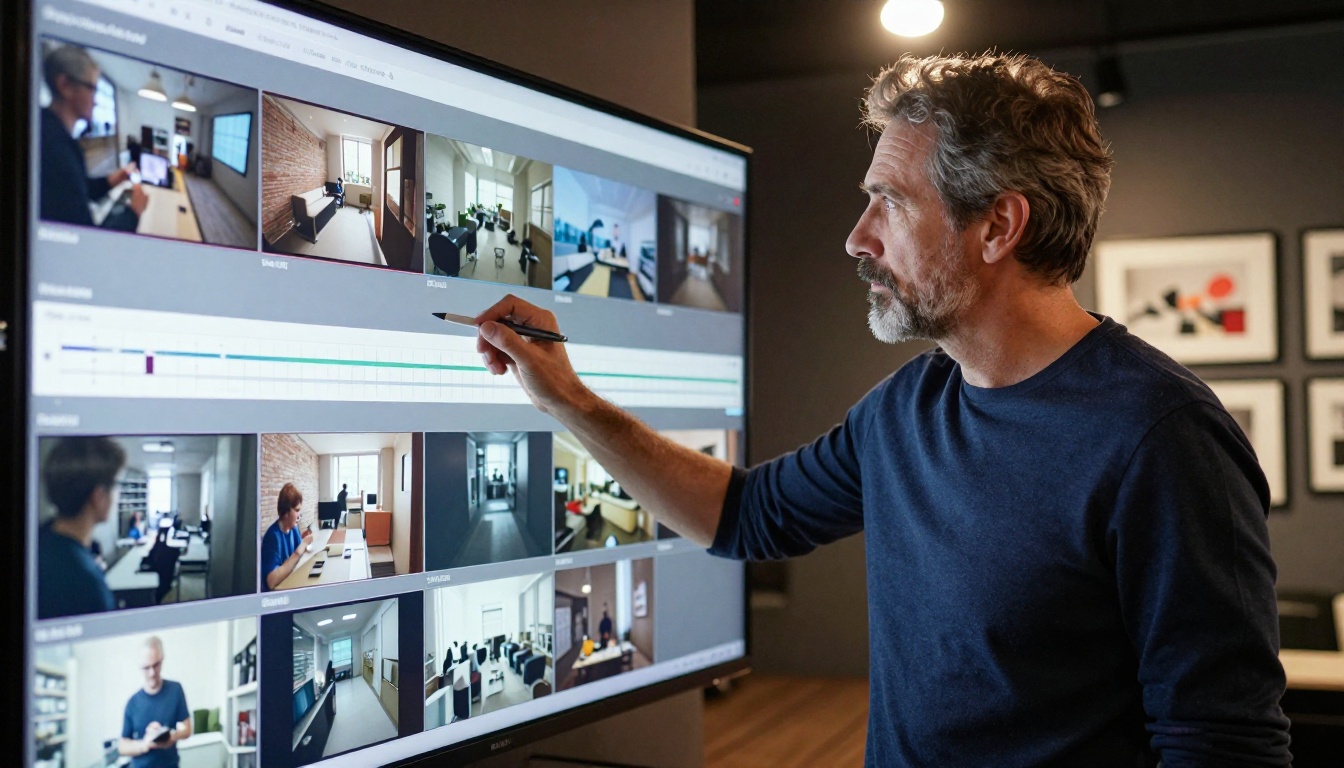
One of the most underrated aspects of Grok Imagine Video is how fast it generates. Faster generation means more iterations per session, and more iterations means better results without spending more time. For creators who work in short bursts or who need to produce multiple variations of the same concept quickly, the speed advantage compounds rapidly.
This is something that becomes obvious only after you have run the model several times. The quality of your fifth attempt at a prompt is almost always better than your first, and when generation takes seconds rather than minutes, getting to that fifth attempt costs very little.
Who This Model Is For
Content Creators and Social Media
Short-form video content on platforms like TikTok, Instagram Reels, and YouTube Shorts is built on a cycle of rapid ideation and rapid production. Grok Imagine Video fits that cycle well because:
- Generation is fast enough to produce multiple options in a single session
- The output quality is high enough to use directly without post-processing
- Prompts can be modified incrementally to produce content series with visual consistency
A single creator can produce a week's worth of short-form video content in a single afternoon by writing variations on a core prompt structure and iterating across different subjects, environments, and camera angles.
Marketing and Brand Video
For brands, the practical use case is pre-production: using AI-generated video to prototype a concept before committing to a shoot. Showing a client a rough AI-generated version of a campaign concept is meaningfully faster and cheaper than building a mood board from stock footage.
Grok Imagine R2V is particularly useful here. Feed it a product photo as the reference image, write a prompt describing the environment and motion you want, and you have a rough animated product concept in seconds.
💡 Tip: For brand video prototypes, use the reference image feature with your existing brand photography to maintain visual consistency throughout the generated clip.

Other Models Worth Testing
Once you have gotten comfortable with Grok Imagine Video, the natural next step is to run the same prompt through other models in the ecosystem and see where differences emerge. Different models produce genuinely different results for the same input.
- Kling v2.6: Strong at cinematic motion with high temporal consistency, particularly for human subjects.
- Veo 3: Google's flagship with native audio generation, excellent for longer-form clips with environmental storytelling.
- Sora 2: OpenAI's model with strong physics simulation and fine-grained prompt fidelity for complex multi-object scenes.
- Seedance 1 Pro: ByteDance's production-ready model with consistent visual quality and reliable 1080p output.
- Hailuo 02: Fast generation at competitive quality for content workflows where turnaround speed is the priority.
Each of these is available directly on PicassoIA without any separate accounts or subscriptions. Testing across models for the same prompt is one of the fastest ways to build intuition about what each one does best.
Start Creating Right Now
The gap between having an idea and having a video of it has shrunk to seconds. Grok Imagine Video is one of the clearest demonstrations of that: write a sentence, get a clip. Write a better sentence, get a better clip.
The best way to build fluency with this model is not to read more about it. It is to run prompts. Start with something simple, something you can picture clearly in your head, and work from there. A person walking. A cityscape at dusk. Water moving.
Then add complexity incrementally: specify the camera angle, add environmental details, describe how the light falls. Each iteration tells you something about how the model interprets language, and that compounds fast.
PicassoIA puts Grok Imagine Video and Grok Imagine R2V alongside over 100 other video generation models in one place. You can run the same prompt across Kling v2.6, Veo 3, and Seedance 1 Pro in the same session, compare results side by side, and build a real understanding of where each model shines.
No setup. No API keys. Just prompts and results.