Grok Imagine Videos turns a plain sentence into a short video clip — no editing software, no camera, no production skills required. You describe the scene, and xAI's model handles everything from motion to framing. If you've spent any time chasing short-form content or just wanted to visualize an idea without pulling out a camera, this tool hits differently than most.
Since its debut inside the Grok platform, the video generation feature has picked up serious attention from creators, marketers, and hobbyists who want quick, usable clips. And now that Grok Imagine Video is accessible directly on PicassoIA, the workflow gets even simpler — no separate account, no API juggling, just a prompt and a result.

What Grok Imagine Videos Actually Does
The xAI Approach to Short Clips
xAI built Grok as a direct, no-nonsense AI assistant — and Grok Imagine Videos carries that philosophy into visual content. Instead of multi-step workflows or manual keyframe settings, the tool takes your text prompt and interprets it as a full scene: subject, environment, motion, atmosphere.
The output is a short video clip, typically a few seconds long. That's intentional. Short clips are what platforms want right now, what audiences consume fastest, and what most content pipelines actually need. A 4-8 second clip with convincing motion and a clear subject is often worth more than a longer video with obvious AI tells.
What makes Grok Imagine Videos stand apart is its connection to xAI's broader language model. The model actually reads your prompt with contextual understanding — it doesn't just keyword-match. Write "a woman walking through a morning market in Lisbon, holding a coffee cup, golden hour" and you get that specific scene, not a generic street shot.
Text In, Video Out — That Simple
The interaction model is exactly as described: text in, video out. There are no required parameters to set, no mandatory aspect ratio choices on the first pass, no upfront style tokens to configure. You write your idea in plain language, hit generate, and the clip renders.
This is a big deal for people who aren't deep into AI tooling. Most AI video generators still require some familiarity with prompt syntax, parameter settings, or model-specific tricks. Grok Imagine Videos removes that friction — at least at the entry level.
💡 Tip: Starting with a very specific scene description (person + action + environment + lighting condition) consistently produces better results than vague or abstract prompts.

Why Short Video Clips Are Taking Over
The 15-Second Attention Window
Short-form video isn't a trend — it's the default format now. TikTok, Instagram Reels, YouTube Shorts, and LinkedIn video posts have all converged on sub-15-second clips as the highest-engagement format. That's not just a social media quirk; it reflects how attention actually works when people scroll.
Brands, solo creators, and agencies all face the same problem: producing enough short clips to stay visible is expensive and time-consuming when done traditionally. You need a shoot, a location, lighting, editing, and hours of post-production — for something that gets 8 seconds of screen time.
AI video generation collapses that pipeline. What took a day now takes minutes.
What Creators Are Actually Making
The practical applications break into a few clear categories:
- Social content: Branded clips for Instagram, TikTok intros, product teaser loops
- Concept visualization: Showing a client what a finished ad campaign could look like before shooting it
- Explainer B-roll: Short cutaway clips to support a longer video without going back to camera
- Personal projects: Music visualizers, travel recaps, short narrative experiments
The range is wide because the barrier is low. You don't need to be a filmmaker to use these tools — you just need to know what you want to see.

How to Use Grok Imagine Video on PicassoIA
Since PicassoIA hosts Grok Imagine Video alongside dozens of other generation models, accessing it is straightforward. Here's the exact workflow:
Step 1: Access the Model
Go to the Grok Imagine Video page on PicassoIA. You'll see the input interface with a text prompt field and basic generation options. No account linking to xAI or separate API setup required — everything runs through PicassoIA's unified interface.
Step 2: Write Your Prompt
This is where most of the work happens. The quality of your output is almost entirely determined by the quality of your prompt. Some principles that hold consistently:
| Prompt Element | What It Does | Example |
|---|
| Subject | Who or what is in the clip | "A woman in her 30s" |
| Action | What's happening | "walking slowly" |
| Environment | Where the scene takes place | "through a rain-soaked alley" |
| Lighting | Mood and time of day | "blue dusk light from above" |
| Camera feel | How the shot should look | "handheld, natural movement" |
Combine all five and you get a full scene that the model can build from. Omit them and you get something generic.
Step 3: Generate and Iterate
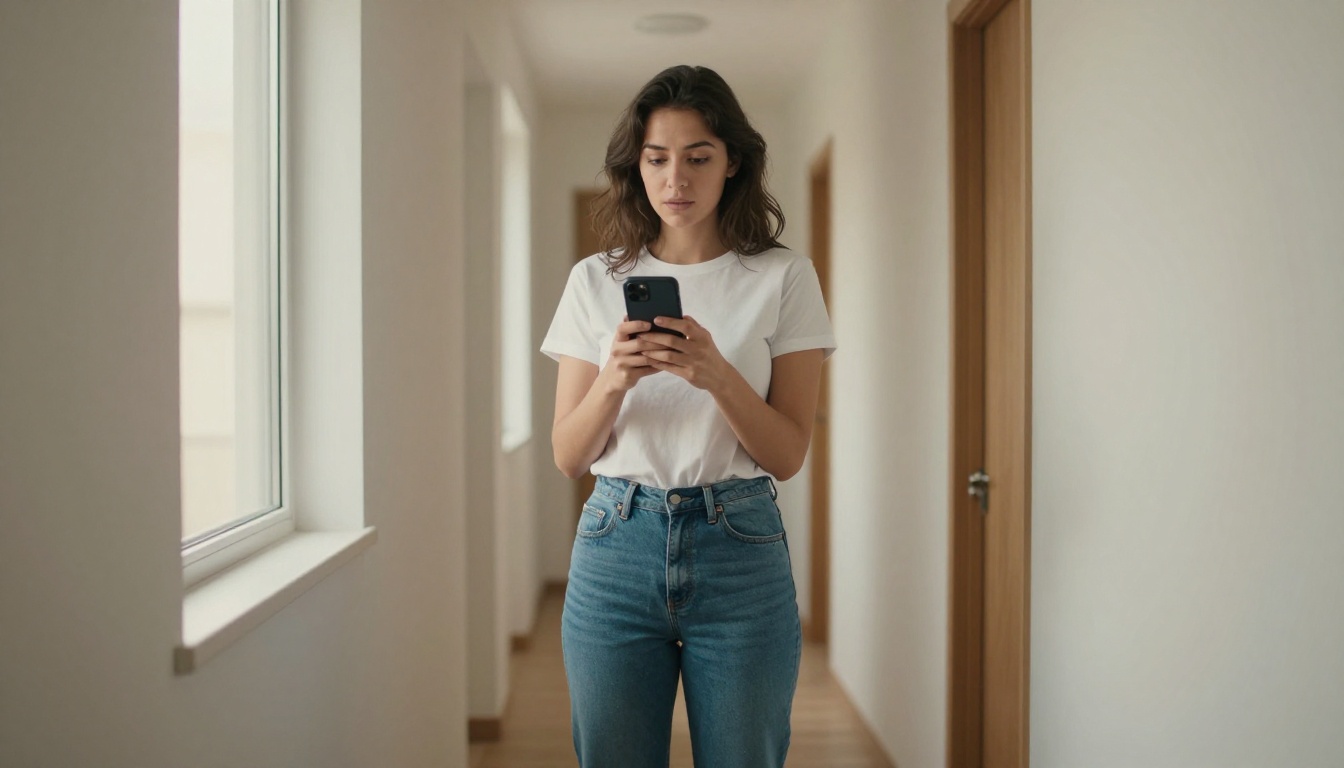
Hit generate. The first output won't always be perfect — that's normal. AI video generation works best when you treat the first result as a draft, then refine your prompt based on what you see.
If the motion is too fast: add "slow motion" or "gentle movement" to the prompt.
If the scene is too abstract: be more literal — describe the exact object, position, and action.
If the lighting is off: name a specific light source or time of day.
💡 Tip: Running two or three slight variations of the same prompt in parallel gives you options without committing to a single take.
Prompt Writing That Gets Results
What Works vs. What Doesn't
The difference between a forgettable clip and a usable one usually comes down to specificity. Here's what consistently works — and what doesn't:
Works well:
- Specific subjects with age, style, or appearance details
- Named environments (Paris café, Japanese train station, rooftop at dusk)
- Explicit motion direction (slow pan right, camera pulling back, subject walking toward camera)
- Named lighting moods (golden hour, overcast diffused light, interior warm lamplight)
Doesn't work:
- Abstract concepts without visual anchors ("hope", "innovation")
- Overloaded prompts with 10+ separate ideas competing for attention
- Vague actions ("doing stuff", "being happy") that give the model no real direction
- Mixed styles in one prompt (asking for photorealism and animation at the same time)
5 Prompt Formulas to Try Right Now
These templates consistently produce strong results with Grok Imagine Video:
-
The Scene Setter: [Subject] + [action] + [location] + [lighting]
"A man in a white shirt pouring coffee in a sunlit kitchen, morning light from the window"
-
The Product Close-Up: Close-up of [product] + [surface] + [motion detail]
"Close-up of a glass of red wine on a marble table, slow surface ripple, warm restaurant lighting"
-
The Crowd Moment: [Group activity] + [environment] + [camera movement]
"Friends laughing around a bonfire on a beach, camera slowly orbiting the group, night sky above"
-
The Urban Cut: [Urban setting] + [weather or time] + [one moving element]
"Empty city street after rain, reflections on asphalt, single car passing in the distance"
-
The Nature Loop: [Natural element] + [specific motion] + [light condition]
"Ocean waves rolling onto a dark volcanic sand beach, slow motion spray, overcast morning light"

Side-by-Side Feature Comparison
Grok Imagine Video doesn't exist in a vacuum. There are several strong alternatives available on PicassoIA, each with a different profile:
| Model | Strength | Best For |
|---|
| Grok Imagine Video | Natural language understanding, fast results | Quick concept clips, text-heavy scenes |
| Kling v3 | High motion quality, cinematic output | Premium social content, ad production |
| Veo 3 | Photorealistic detail, physics simulation | Nature scenes, architectural B-roll |
| Sora 2 | Complex scene composition | Multi-element narrative clips |
| PixVerse v5.6 | Style variety, stylized options | Creative and stylized content |
| Wan 2.6 T2V | Open-source architecture, flexible | Custom workflows, technical users |
When to Pick Each One
The choice depends entirely on your use case:
- Moving fast and need a draft clip in under 2 minutes: Grok Imagine Video
- Commercial quality for a client-facing deliverable: Kling v3 or Veo 3
- Building a narrative with multiple subjects and actions: Sora 2
- Stylized or animated output: PixVerse v5.6
- Custom pipeline: Wan 2.6 T2V
Grok's position is squarely in the speed-and-accessibility lane. It's not always the highest-fidelity option, but it's consistently the fastest path from idea to watchable clip.

Real Use Cases Worth Knowing
Social Media Content in Minutes
The most common application is straightforward: you need a short video for a post and you don't want to shoot anything. Grok Imagine Videos handles this without requiring you to pre-plan a shoot location or arrange talent.
For a product launch post, you can generate three or four variant clips in the time it would normally take to set up a single shot. Test different scene framings, lighting moods, and product angles before committing to a visual direction. What comes out isn't always pixel-perfect, but for social formats that auto-play without sound at reduced size, it consistently clears the usability bar.
💡 Tip: Generate 3–4 variants from slightly different prompts and pick the best one. It's faster than trying to perfect a single prompt over multiple rounds.
Product Demos Without a Camera Crew
For e-commerce and DTC brands, short product clips drive conversion — but producing them at scale is expensive. Grok Imagine Videos offers a way to prototype those clips quickly. Describe the product in a realistic setting, add a close-up motion detail, and you have something testable.
The key word is testable. These clips aren't meant to permanently replace professional photography in every case. But they work for A/B testing, ad draft review, or pre-production direction. Getting stakeholder sign-off on a visual direction before spending on a real shoot saves real money.

Personal Projects That Actually Look Good
Not everything is commercial. A lot of people using Grok Imagine Video are just curious. They want to see a scene from a short story they wrote. They want a visual loop for a music track. They want to test whether an idea looks as good in motion as it does in their head.
That experimentation is where the tool is most genuinely fun. There are no stakes, no client expectations, and no production budget to justify — just the idea and the result.
Some personal project use cases worth trying:
- Music video B-roll: Generate atmospheric clips that match the mood of a track
- Travel concept boards: Visualize a trip itinerary as short scenes before you go
- Short film storyboards: Use AI clips as rough animatics before committing to live production
- Visual journaling: Capture abstract moods or memories as short stylized clips

What Grok Imagine Videos Can't Do (Yet)
No tool covers everything. Being clear about the limitations saves time and prevents frustration:
- Duration: Grok Imagine Videos produces short clips, not long-form video. If you need something longer than 10–15 seconds with narrative continuity, you'll need to stitch multiple generations or switch to a different model.
- Precise control: You can't specify exact camera movements frame-by-frame or lock a specific character's face across multiple clips. For that level of control, Kling v3 Motion Control offers more precision.
- Synchronized audio: Grok Imagine Video generates silent visual clips. For clips with audio, models like LTX-2.3 Pro or Wan 2.5 I2V handle that separately.
- Consistency across clips: Getting the same character or setting across multiple separate generations requires careful prompt discipline and sometimes an image-to-video workflow instead.
These are real limitations — and worth knowing upfront. But for single-clip outputs where speed and accessibility matter more than fine-grained control, Grok Imagine Video is one of the most capable tools available right now.
Try It Yourself on PicassoIA
The best way to get a feel for what Grok Imagine Video can do is to run a few prompts yourself. Start with something specific — a person, a place, a clear action — and see what comes back. Then iterate from there.
PicassoIA hosts Grok Imagine Video alongside a full library of text-to-video models including Kling v3, Veo 3, Sora 2, PixVerse v5.6, and more — so you can compare outputs across models without switching platforms or managing separate accounts.
If you've been waiting for AI video generation to feel genuinely accessible without sacrificing output quality, that point has arrived. Open PicassoIA, write one sentence about what you want to see, and hit generate. The first clip takes seconds — and you'll know within that time whether this belongs in your workflow.


