Picking the right AI for portrait work is not a minor decision. One wrong model gives you plastic skin, dead eyes, and faces that look slightly off in ways you can't quite articulate. Two names coming up constantly in this conversation right now are Grok Imagine and Nano Banana 2, and the difference between them for portrait work is real, measurable, and worth talking about directly.
This isn't a theoretical rundown. It's a focused comparison on faces: skin texture, lighting accuracy, prompt adherence, and the kind of fine detail that separates a portrait people believe from one they immediately identify as artificial.
What Portrait AI Actually Needs to Get Right
Before comparing specific tools, it's worth being precise about what "portrait quality" actually means for AI-generated images. People are hardwired to detect faces. The human visual system processes facial anomalies faster than almost any other kind of image input. A landscape can be slightly off and no one blinks. A face that's even subtly wrong registers instantly, even when the viewer can't explain why.
This makes portrait generation the most demanding benchmark for any text-to-image model. Every element that a human face contains needs to be rendered coherently: skin structure, eye anatomy, the way light moves across curved facial surfaces, hair at the micro level, and the slight asymmetry that makes real faces interesting. Miss any of these and the portrait collapses.
Skin Is Not a Smooth Surface
Photorealistic portrait AI must render skin as the complex structure it actually is. Pores, fine facial hairs, subtle color variation between the forehead and cheeks, the slight translucency around the nose tip, residual warmth from blood circulation near the surface, and the way different parts of the face respond to light at different intensities. Flat, uniform, or overly smooth skin signals AI to any viewer immediately. The best portrait models understand skin as texture, not paint.
Eyes Define Credibility
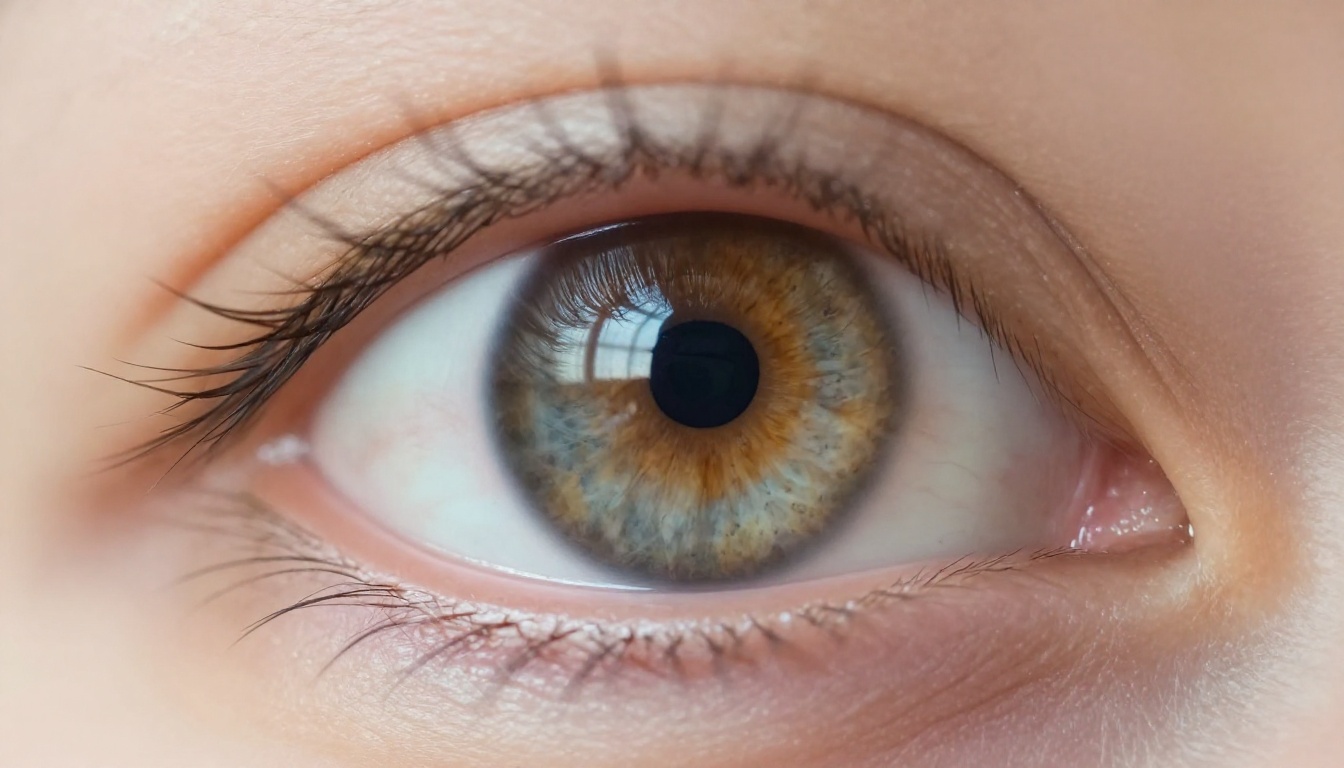
The iris is the hardest single element in portrait generation to render convincingly. Real irises have radial fiber patterns, subtle color gradients from the pupil outward, a specular highlight that reflects and positions the light source, and visible structure in the sclera including fine capillaries and natural coloring at the edges. Models that render flat, solid-color circular irises fail the portrait test at the first close look.
Lighting Has to Follow Physics
A portrait lit from the left should show that light source consistently across every surface it touches: the shadow falls to the right on the correct cheek, specular highlights on the nose and forehead align with the source direction, the rim on the ear catches light from the same angle, and the catch light in the eye matches. When lighting sources within a single portrait contradict each other, the result reads as fake regardless of how realistic individual elements might be.
Prompt Fidelity Under Technical Pressure
General portrait prompts perform adequately across most modern models. The real separation happens under specificity. Ask for Rembrandt lighting versus butterfly lighting versus split lighting and watch how accurately the model executes. Ask for a 100mm macro look versus a 35mm environmental portrait and see whether the perspective and depth of field actually shift. How well the model translates technical photographic intent into the output is what separates the tools worth using from those that approximate.
Grok Imagine for Portraits
Grok Imagine is xAI's image generation capability, available through the Grok platform. It runs a diffusion-based architecture built for broad-purpose generation rather than portrait specialization.
What Grok Gets Right
Grok Imagine delivers a reasonably consistent baseline for portrait work. Skin tones are generally coherent across the face and it handles common lighting setups, particularly flat studio frontal lighting, with acceptable results. For quick headshots with broad prompts ("professional portrait, neutral background, natural lighting"), output lands clean and usable more often than not.
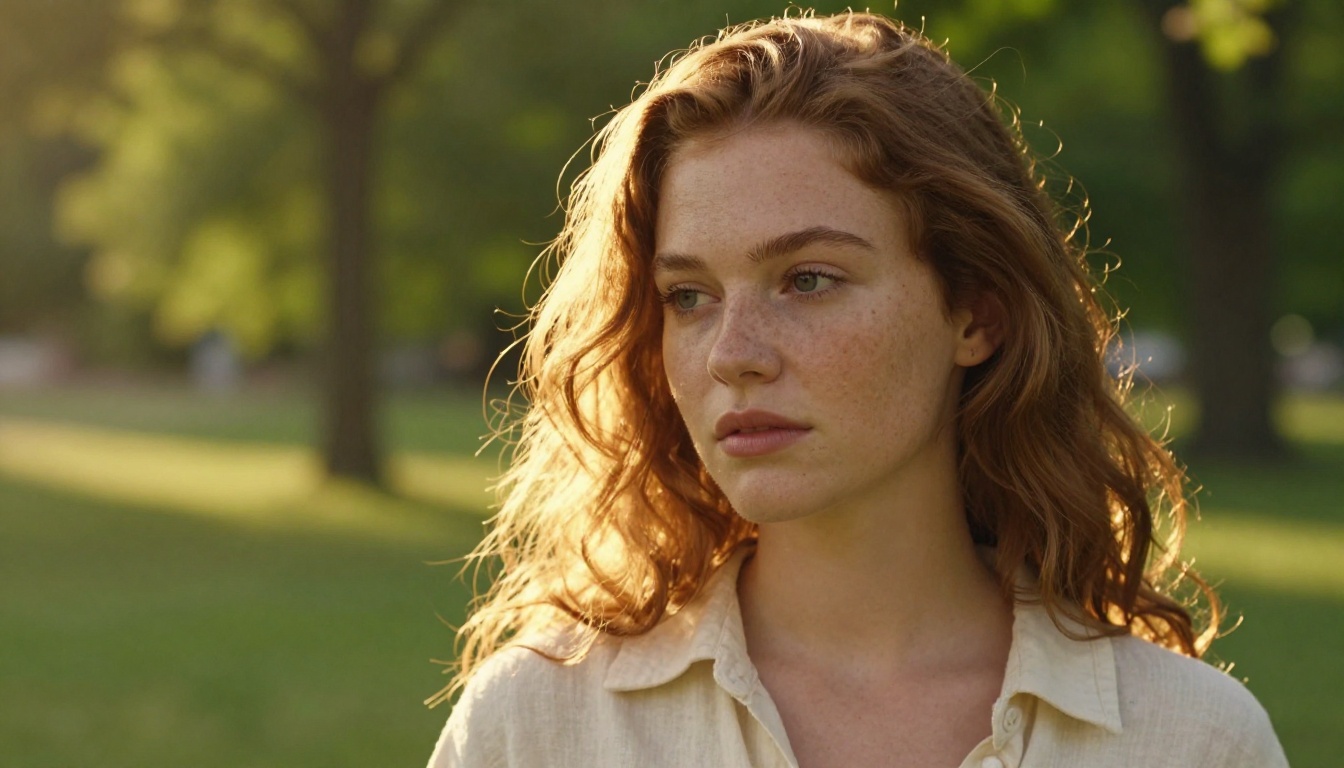
It also handles stylistic range without serious resistance. Push toward a warm vintage palette or request high contrast shadows and the model follows without breaking. For users who need stylistic flexibility in portrait work without demanding photographic precision, Grok Imagine is functional.
Where Grok Falls Short
The issues with Grok Imagine in portrait work appear consistently at the detail level. Skin texture under this model tends toward smoothness, particularly in tight crops. Pores, the micro-shadow structure of actual skin surface, and the natural imperfections that make faces look real are often blended away in the rendering. At a distance the portrait looks fine. Under scrutiny it reads as cleaned up and artificial.
Eye rendering is Grok's most consistent failure point for portrait work. Irises lack the fiber structure and color complexity of real eyes. Catch light placement is often inconsistent with the stated or implied light source direction. Sclera rendering is frequently too white and uniform. Under any close inspection, eyes generated by Grok Imagine signal AI clearly.
💡 Tip: Grok Imagine performs better at medium and three-quarter shots than tight close-ups. The detail limitations are less visible when the face doesn't fill the frame completely.
Prompt fidelity also drops under technical specificity. Writing "85mm f/1.4 shallow depth of field, Rembrandt lighting, skin texture visible at pore level" produces results that gesture toward the intent without reliably executing the technical elements. Grok interprets prompts at the aesthetic level rather than the technical-photographic level.
Access is an additional constraint. Grok Imagine is platform-locked, which affects output resolution options, downstream usage rights, and integration into professional creative workflows.
Nano Banana 2: What It Does to Faces
Nano Banana 2 is Google's photorealistic image model, and in portrait work specifically it runs at a noticeably different level than most competitors. The gap is not subtle. Run the same portrait prompt through Grok Imagine and Nano Banana 2 and the difference in facial realism is visible from the first result.
Skin That Reads as Real
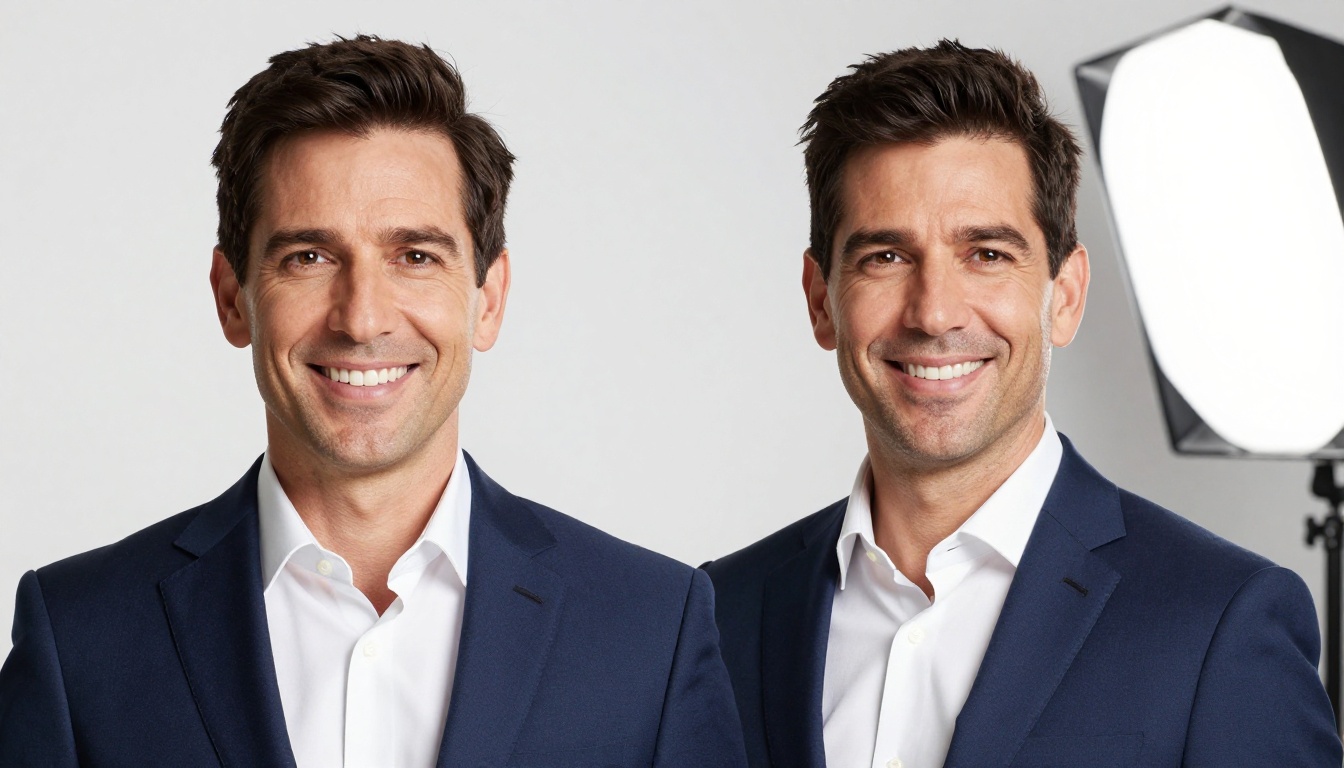
Where Grok smooths, Nano Banana 2 renders. Skin under this model shows actual texture structure: pore patterns, the micro-shadows pores cast at low angles, color variation between different facial zones, and the natural translucency that makes nose tips and ear edges glow in backlit shots. This is the level of skin rendering that separates a portrait that reads as a photograph from one that reads as a generated image. Nano Banana 2 consistently lands on the photograph side of that line.
Eye and Iris Accuracy
Iris rendering in Nano Banana 2 is substantially more detailed than Grok Imagine's output. Fiber patterns within the iris are present, color gradients exist from pupil to the outer limbal ring, and catch light placement corresponds to the implied light source. Sclera has naturalistic slight warmth and vasculature near the inner corners. Under close examination, eyes generated by this model retain credibility in a way that Grok's outputs do not.
Lighting Execution
Nano Banana 2 interprets technical lighting requests with genuine accuracy. Ask for Rembrandt lighting and the shadow triangle appears on the correct cheek at the correct angle. Ask for rim lighting and there's a defined edge light tracing the silhouette with appropriate falloff. Request split lighting and the face divides correctly at the vertical midline.
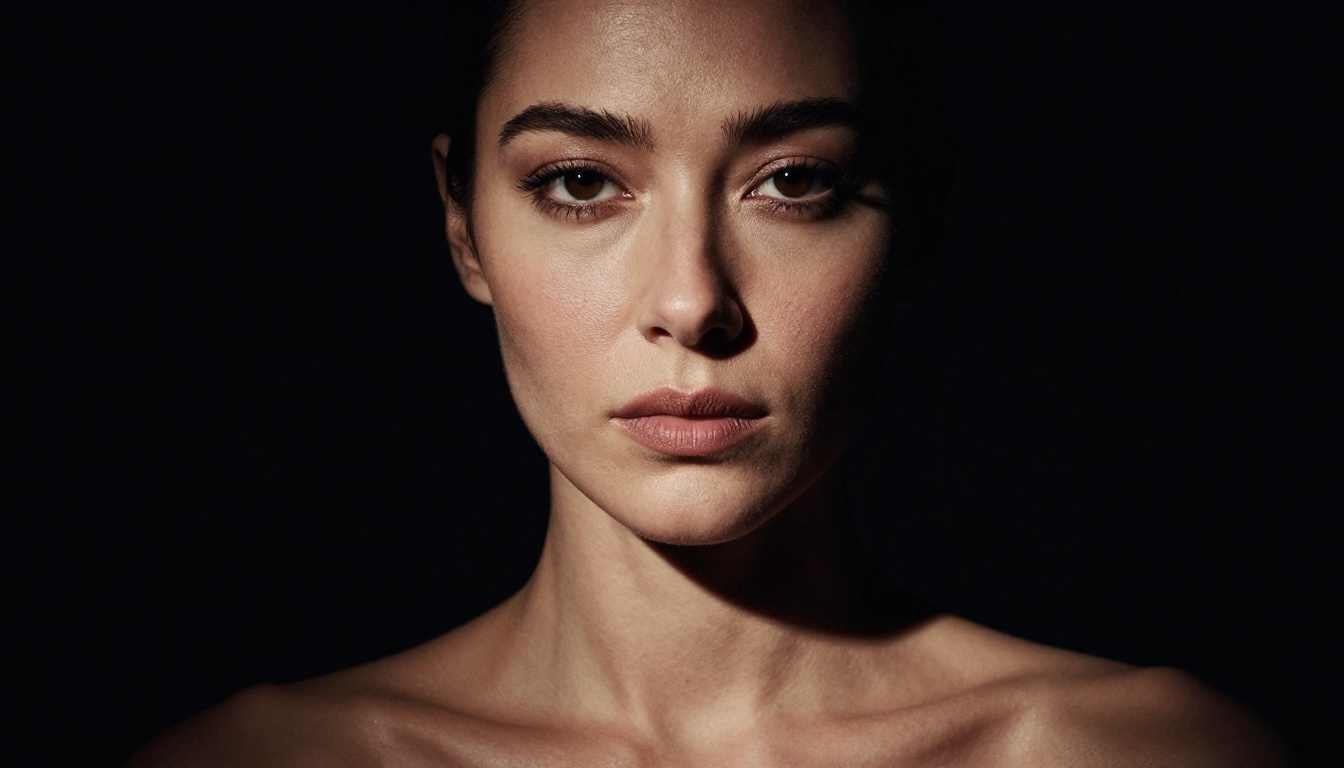
The model appears trained on actual photography reference material in ways that translate directly into outputs following the logic of how light moves across curved facial geometry.
Nano Banana 2 Lite and Nano Banana Pro
For faster iteration, Nano Banana 2 Lite retains a high proportion of the portrait quality at reduced generation time. It's practical when moving through concept variations quickly. Nano Banana Pro sits at the ceiling of the model family for maximum resolution and detail, appropriate when the final output demands the absolute best this architecture can produce.
How to Use Nano Banana 2 on PicassoIA
PicassoIA gives you direct access to Nano Banana 2 without platform restrictions or locked usage rights. Here's how to get the best portrait results from this model:
Step 1: Navigate to the model
Go to the Nano Banana 2 model page on PicassoIA and open the generation interface.
Step 2: Build a technically specific prompt
For portraits, this model rewards specificity. Include the lighting setup with source direction and quality (Rembrandt, butterfly, rim, golden hour window), the lens perspective with focal length and aperture, skin characteristics including age and texture notes, and the expression and gaze direction.
Step 3: Use photography references
Nano Banana 2 responds well to photographic terminology. Phrases like "Kodak Portra 400," "film grain in shadow areas," "shallow depth of field," and "natural color grading" consistently push output toward film-quality realism rather than the clean digital look that reads as AI-generated.
Step 4: Start medium, tighten from there
Begin with a medium shot to establish the face structure correctly. The model maintains coherence as you tighten the crop in subsequent generations, using the established facial structure as a reference point.
Step 5: Choose aspect ratio deliberately
For traditional headshots, 3:4 works well. For editorial or cinematic portrait framing, 16:9 gives room for environment and mood. Both aspect ratios perform well with this model without quality penalty.
💡 Film grain trick: Adding "Kodak Portra 400, film grain visible in shadows, natural color variation across skin" to any Nano Banana 2 portrait prompt adds organic texture that pushes the output away from the over-processed AI look definitively.
| Criterion | Grok Imagine | Nano Banana 2 |
|---|
| Skin texture depth | Medium | High |
| Iris and eye detail | Low-Medium | High |
| Lighting coherence | Medium | High |
| Technical prompt fidelity | Medium | High |
| Fine detail at macro level | Low | High |
| Diverse skin tone accuracy | Medium | High |
| Aged face rendering | Low-Medium | High |
| Film texture and grain | Low | Medium-High |
| Platform access | Grok only | PicassoIA and API |
The table reflects the reality: across every criterion that directly affects portrait realism, Nano Banana 2 scores higher. Grok Imagine holds its position on broad stylistic flexibility, but the specific detail work that makes faces feel real and photographically credible is not its strength.
Other Portrait Models Worth Testing
The comparison doesn't have to end at two. PicassoIA hosts several models with significant portrait capabilities worth knowing about.
FLUX for Portraits
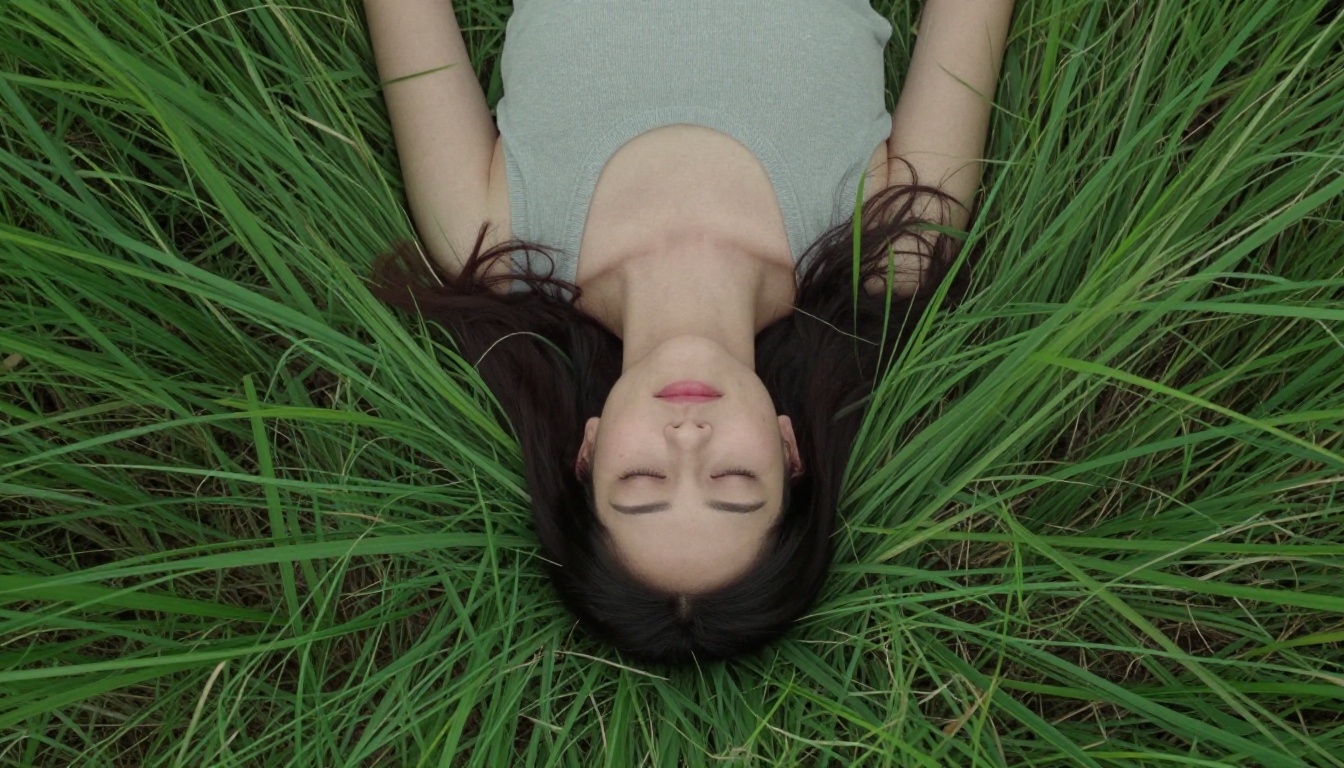
The FLUX Kontext Portrait Series is built specifically for portrait compositional work within the FLUX ecosystem. It handles artistic and editorial portrait styles with real strength. For corporate and professional use, FLUX Professional Headshot is a dedicated tool with fine-tuning for that specific application.
FLUX 1.1 Pro and FLUX 2 Pro deliver strong portrait results across a wider range of styles, particularly for commercial portrait work where a slightly elevated aesthetic quality serves the output better than strict photographic naturalism.
Seedream 4.5
Seedream 4.5 from ByteDance is a serious portrait competitor with strong handling of facial diversity. It produces clean photorealistic results across a wide range of skin tones and ethnicities and performs particularly well for editorial and commercial portrait applications.
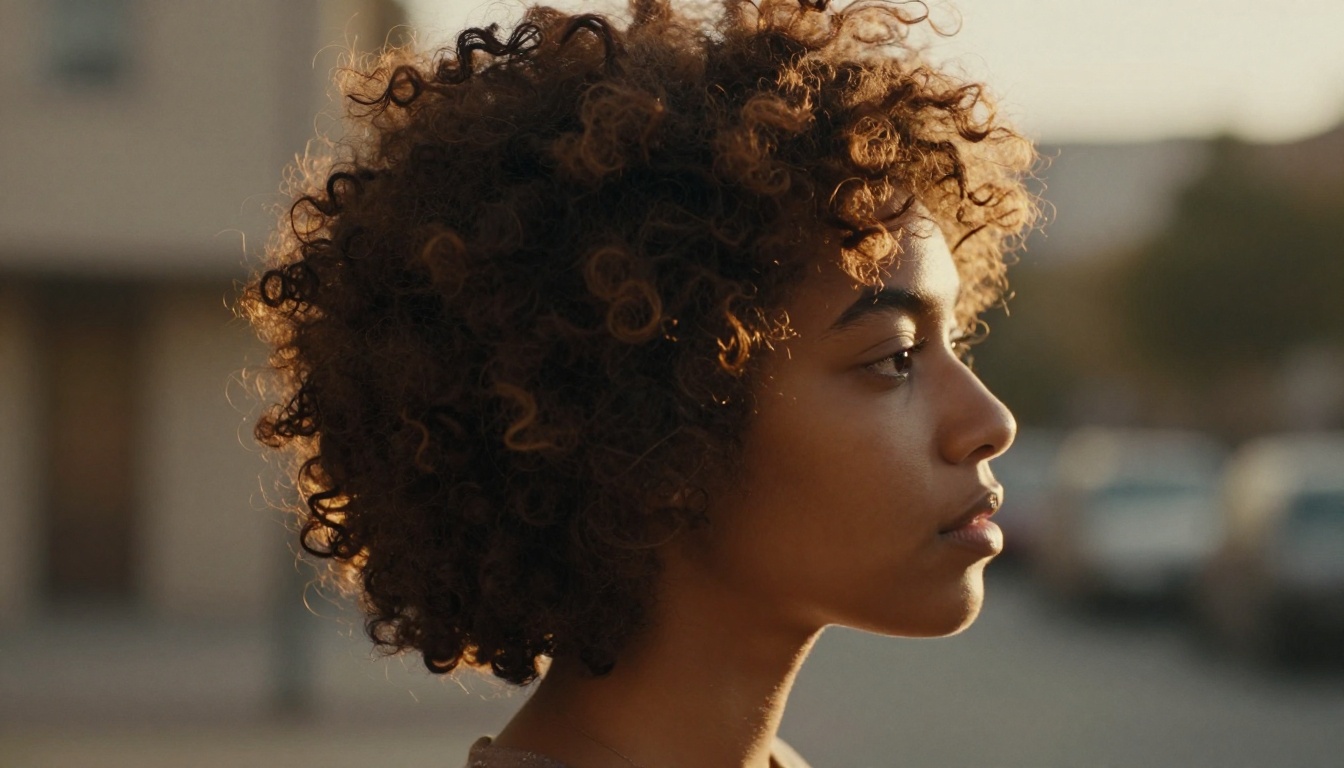
Seedream 5 Pro pushes further into photographic accuracy and is worth testing for high-stakes portrait applications where quality matters above all else.
Realistic Vision v5.1
Realistic Vision v5.1 is the SDXL-based option for portrait work with a well-established prompting community and strong track record. It handles female portrait work particularly well and responds to lighting variety with consistency. For anyone coming from a Stable Diffusion background, this is the familiar entry point with a strong portrait ceiling.
Age and Character in Portraits
One of the most demanding tests for any portrait AI is rendering aged faces with genuine character. Elderly subjects with deep wrinkles, pronounced nasolabial folds, liver spots, visible vein structure at the temples, and the way decades-old skin responds differently to light require a model that treats texture as a complex layered system, not a surface filter.
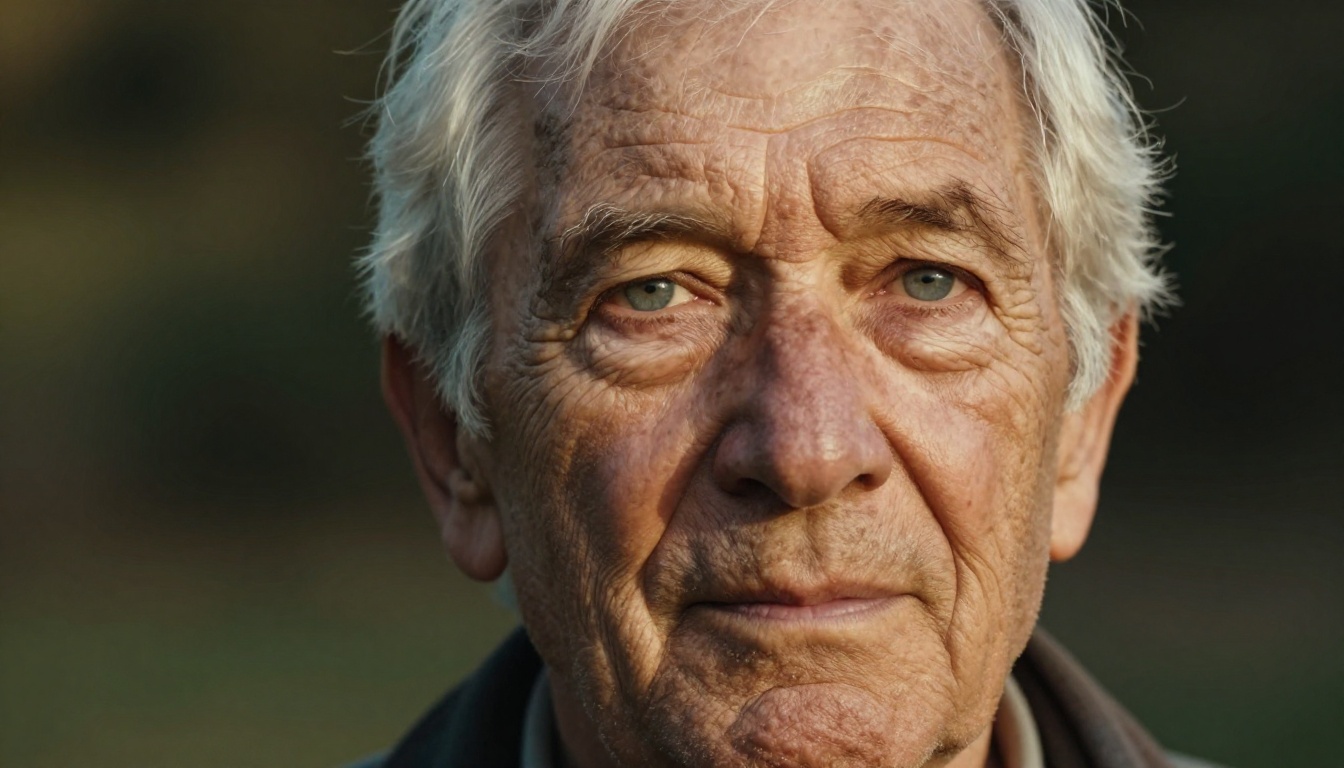
Nano Banana 2 handles aged faces better than most accessible models. Wrinkle rendering is naturalistic rather than exaggerated, skin translucency is preserved at the ears and nose, and the way raking light moves across deeply textured facial terrain is handled with photographic fidelity. Grok Imagine tends to flatten aged faces toward a median reading of "older" without capturing the genuine structural complexity that makes elderly portraits believable.
This is not a small distinction. Portrait photographers know that a character face is harder to render than an idealized one. The model that handles age well is also the model that handles all the micro-detail of a face honestly.
Portrait Prompts That Actually Work
The difference between a mediocre and a genuinely strong portrait often comes down entirely to prompt construction. Here's the structure that works consistently across Nano Banana 2 and the other top models on PicassoIA:
[Subject: age, gender, key features] + [Expression and gaze] + [Lighting: type, direction, quality] + [Camera: lens mm, aperture] + [Background] + [Film stock or color palette] + [Texture notes]
A strong Nano Banana 2 portrait prompt looks like this:
"Portrait of a 35-year-old woman with dark eyes, confident direct gaze into camera, illuminated by soft sidelight from a large window on the left, catch light visible in her right eye, natural shadow falling across right cheek. 85mm lens at f/1.4, face filling the frame, neutral linen studio background blurred to soft creamy bokeh. Kodak Portra 400 color palette, film grain in shadow areas, skin texture with visible pores and natural color variation across zones."
This level of specificity is what Nano Banana 2 is built to respond to. The results make the case more clearly than written description can.
The same prompt structure also works well with FLUX Kontext Portrait Series and Seedream 4.5, with each model adding its own character to the output. Testing the same detailed prompt across multiple models is one of the fastest ways to understand what each one does distinctively.
Which One Actually Wins?
The answer is not close: Nano Banana 2 wins for portrait photography.
The gap is most visible at the detail level. Skin texture, iris rendering, lighting coherence under technical specification, and the overall facial credibility under close inspection all favor Nano Banana 2 over Grok Imagine by a significant margin. Grok Imagine is not poor at portraits, but Nano Banana 2 is operating at a measurably higher level of photographic realism across every criterion that matters for face work.
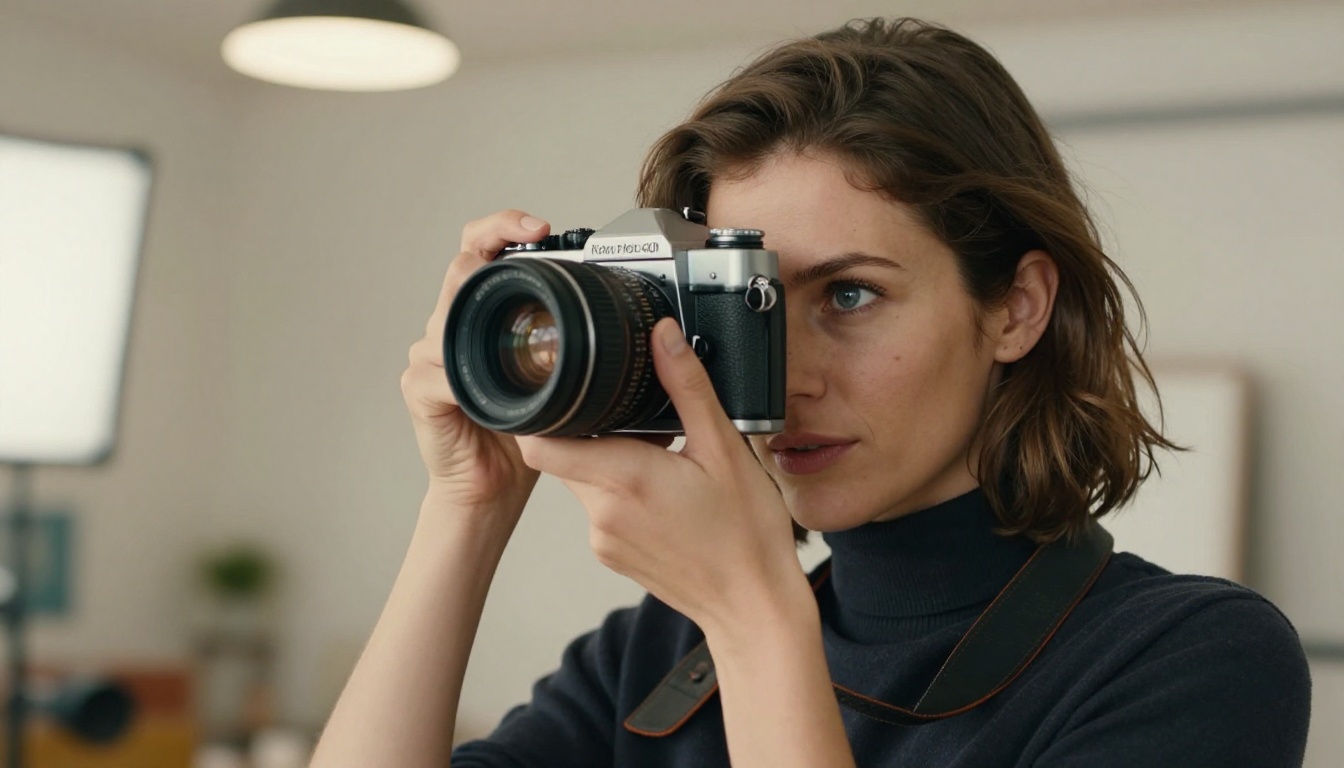
For practical decisions:
- Use Nano Banana 2 when portrait realism is the priority: headshots, editorial faces, tight crops, character-driven portraits
- Use Grok Imagine when platform convenience and broad stylistic flexibility outweigh photographic precision
- Use FLUX Portrait Series or Seedream 4.5 for stylistic range alongside high realism
All of the top portrait models in this comparison, with the exception of Grok Imagine, are available directly on PicassoIA. You can test them, compare outputs on the same prompt, and let the results speak for themselves. Start with Nano Banana 2 and run the same prompt you've been using elsewhere. The difference is visible from the first generation.


