The question keeps coming up in creative communities: Grok Imagine or PixelDojo? Both have built reputations as NSFW-friendly AI platforms, both accept prompts that other tools reject outright, and both have attracted serious adult content creators looking for real creative freedom. But they are not the same tool, and choosing wrong means wasted credits, mediocre output, and a lot of frustration. This article goes deep on both platforms, compares them honestly across every category that matters, and shows you exactly where to access Grok Imagine without jumping through subscription hoops.
Whether you care about photorealistic glamour images, short NSFW video clips, or just want to know which uncensored AI generator actually delivers on its promises, this is the comparison you need. The NSFW AI space has exploded in 2027, and picking the right platform from the start saves real money and real time.

What Is Grok Imagine?
Grok Imagine is xAI's creative image and video generation product, built on top of the Aurora model architecture. It was developed by the same team behind the Grok chatbot and positioned from day one as a less-restricted alternative to OpenAI's tools. The pitch is straightforward: fewer filters, stronger output quality, and a model trained with the assumption that adult creators exist and should actually be served.
Grok Imagine Image and Grok Imagine Video are both available on PicassoIA, which gives you a clean web interface without needing an X Premium subscription. That accessibility is a significant advantage for creators who do not want to pay for social media access just to use a generation tool.
The platform gained momentum fast. When xAI first gave Grok Imagine broader public access, the internet quickly noticed that it was producing results that other mainstream tools refused to attempt. That reputation has stuck, and for good reason.
Image Output Quality
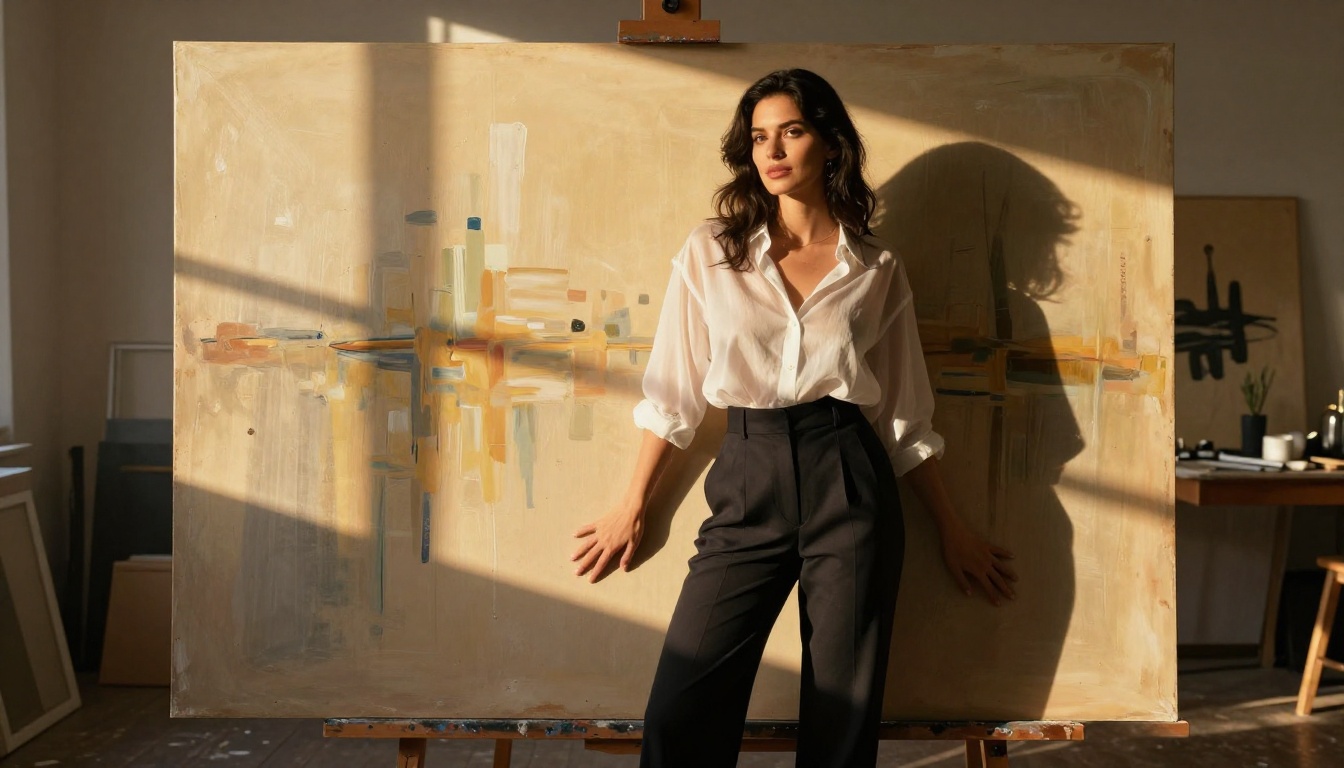
Grok Imagine's image generation sits firmly in the higher tier of the current market. The Aurora model handles photorealistic human subjects well, maintains strong prompt adherence, and produces images with natural skin tone and lighting behavior that rivals Flux 1.1 Pro at similar speeds. Faces are consistently stable, proportions hold up in complex poses, and the model avoids the over-processing that makes older generators immediately identifiable as AI.
The detail work is where Grok Imagine genuinely impresses. Hair strand separation, fabric drape, and specular light behavior on skin all land in a way that makes outputs feel photographed rather than rendered. For adult content creators who need images that hold up at full resolution, this matters a great deal.
It also handles stylistic range. While it is not as artistically expressive as Stable Diffusion 3.5 Large for highly stylized requests, the default output from Grok Imagine looks immediately usable for most professional content pipelines without heavy post-processing.
The Video Feature
Grok Imagine Video is the newer addition and still maturing in terms of motion quality. It generates short clips from both text prompts and image inputs. The motion is coherent for simple subjects, though complex camera movements and multi-person scenes can degrade.
For NSFW content specifically, the video model is permissive in ways that most competing services simply are not. That permissiveness, combined with xAI's direct control over the underlying model, is what keeps Grok Imagine on the shortlist for adult video creators even when pure technical quality is not the deciding factor.
The image-to-video workflow is where the tool really shines. Generate a high-quality base image first, then pass it to the video model. This gives you tight control over what the final clip looks like while benefiting from the model's freer content handling.
What Is PixelDojo?
PixelDojo is a web-based AI creative platform that initially built its audience by being one of the early services to openly allow NSFW image prompts. It uses a combination of fine-tuned Stable Diffusion variants and some custom model work, targeting the creative community that felt locked out by the mainstream tools.
The interface is beginner-friendly, the generation speeds are reasonably fast, and the pricing has historically been accessible. That combination earned PixelDojo a loyal early user base that keeps the platform alive even as larger competitors have moved in on the same space.
PixelDojo's Main Appeal
The biggest draw has always been permissiveness. PixelDojo accepts prompts that Google's models, OpenAI's tools, and most cloud providers reject without discussion. For creators who work in the adult space, that is a substantial operational advantage.
The platform also offers model variety, with options for anime-style outputs sitting alongside more realistic render styles. Creators who want a comic aesthetic for some projects and photorealistic content for others can switch within the same account. The SDXL-based backbone models that power many of PixelDojo's style presets, similar to SDXL in its standard form, are well-suited to that kind of stylistic flexibility.
For batch generation work where you need many images quickly and are not overly concerned with print-quality fidelity, PixelDojo delivers solid throughput at a competitive price point.
Weak Points Worth Knowing
PixelDojo's video generation is limited. The video tools available on the platform are significantly behind where the top-tier generators have landed in 2026. If video output is your primary goal, PixelDojo will disappoint you relative to what the current market can deliver.
The photorealism ceiling is also noticeably lower than Grok Imagine. For professional-level images that hold up when printed at large formats or displayed on high-DPI screens, the standard model outputs from PixelDojo show compression artifacts, inconsistent skin rendering, and a certain softness in high-frequency detail areas that Grok's Aurora model handles more cleanly.
Platform stability has also been a recurring complaint in user communities. Outages and slower-than-expected generation queues during peak hours are more common than users would like.
💡 PixelDojo shines for quick NSFW image batches at low cost. Grok Imagine wins on quality and is the clear leader when video is part of the workflow.
Quality Head-to-Head
This is where numbers matter less than what you actually see on screen. A direct comparison tells you more than any benchmark score.
Photorealism and Detail
| Feature | Grok Imagine | PixelDojo |
|---|
| Skin texture accuracy | Excellent | Average |
| Face consistency | Very good | Variable |
| Lighting behavior | Natural and physical | Stylized default |
| Prompt adherence | High | Medium-high |
| Resolution ceiling | 4K+ supported | 1080p typical |
| NSFW permissiveness | High | High to very high |
| Video capability | Yes, functional | Basic only |
| API access | Yes | Limited |
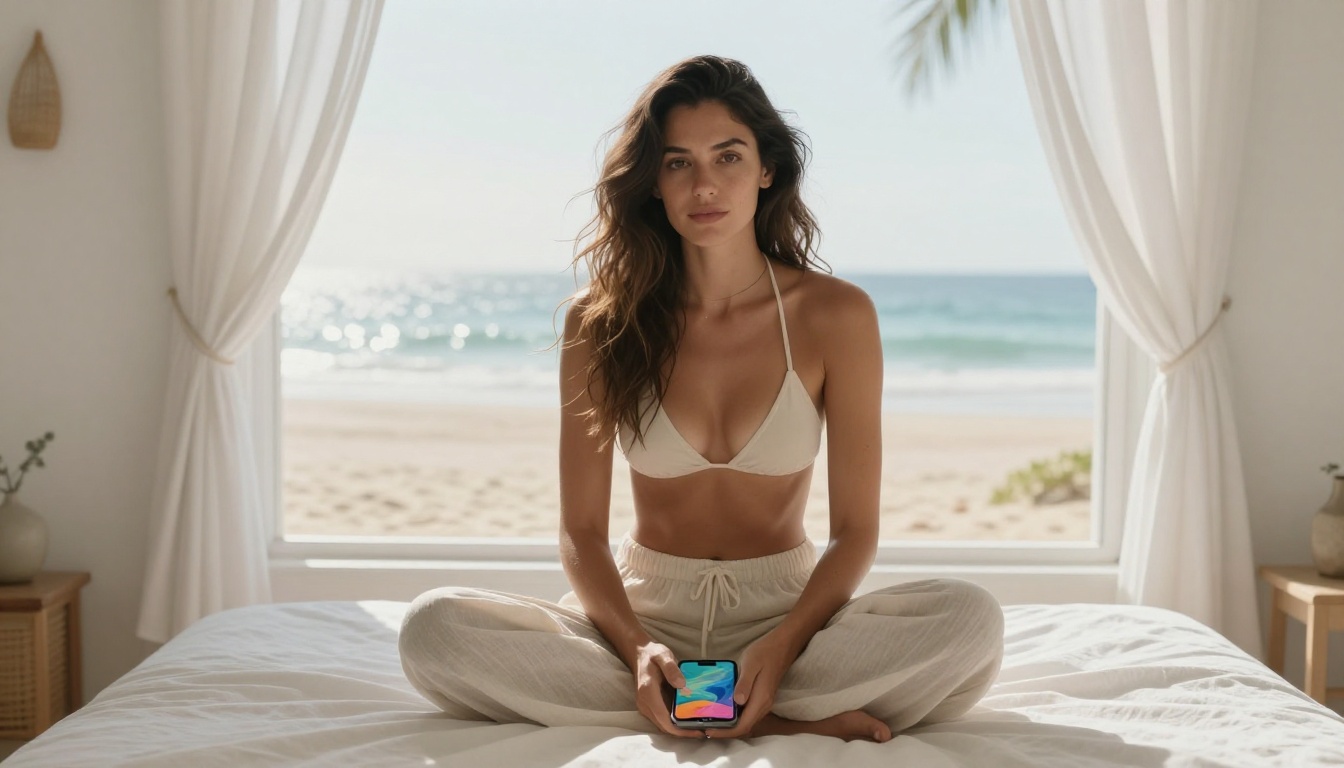
Grok Imagine consistently produces images that could pass for high-end editorial photography in the right context. The film grain behavior and light falloff on skin surfaces particularly stand out. For adult creators who need images that feel real, not rendered, the quality gap is noticeable.
PixelDojo handles stylized output competently but struggles to match that natural photography aesthetic. The model's defaults lean toward the slightly processed look that signals "AI image" to trained eyes, which limits professional applications.
Motion and Video Fluidity
Video is where the comparison becomes most lopsided. PixelDojo's video output is not competitive by 2027 standards. Short clips are possible, but motion consistency and temporal coherence are weak enough to limit practical use for anything beyond quick social media content.
Grok Imagine Video, while not yet at the level of Kling v3 or Seedance 2.0 on raw technical quality, produces clips that move naturally enough for most content use cases. For NSFW video specifically, the model's permissive training means you are not constantly fighting content filters while trying to iterate through variations.
For creators who want the absolute best AI video quality available right now, models like Wan 2.6, Hailuo 2.3, and Veo 3 still lead the market on motion quality, though they come with stricter content policies that limit NSFW applications.
NSFW Content Rules
This is the section most people actually care about. Let's be direct and specific.
How Grok Handles Adult Prompts
xAI has taken a relatively open stance on NSFW content generation from the start. The Aurora model powering Grok Imagine Image accepts adult-oriented prompts including suggestive scenarios, bikini and lingerie content, implied nudity, and glamour photography requests. The filters are calibrated for genuinely harmful content rather than anything merely suggestive or erotic.
The key nuance: Grok Imagine's permissiveness varies depending on where you access it. Access through X Premium has different calibration than access through the API or third-party platforms. On PicassoIA, the implementation follows the platform's safety guidelines, which are designed to be permissive for artistic and adult content while maintaining non-explicit standards.
For glamour and suggestive content, this is more than enough. The quality at this tier beats most alternatives. For creators who need fully explicit outputs, the X Premium direct access with adult content enabled in account settings offers a wider window.
💡 When using Grok Imagine for NSFW content, use photography framing. "Boudoir editorial", "glamour portrait", and "artistic beauty photography" prompts extract better quality and more consistent permissiveness than blunt descriptions.
PixelDojo's Adult Content Policy
PixelDojo built its reputation on being NSFW-friendly and that remains its core identity. The platform accepts explicit prompts beyond what Grok Imagine officially supports at its standard access tier. For creators who need outputs at the fully explicit end of the spectrum, PixelDojo has historically provided a broader window.
The tradeoff is quality. You can go further with PixelDojo's content permissions, but what comes back looks less convincing at the same resolution. For suggestive and glamour-tier content where photorealism matters, Grok Imagine's higher base quality wins clearly. For fully explicit batch generation where fidelity is a secondary concern, PixelDojo's broader permissions give it a distinct use case that Grok Imagine does not currently fill.
Most serious adult content creators end up using both for different purposes rather than committing exclusively to one platform.
Pricing and Access
Knowing what you pay per output matters as much as knowing what quality you get back.
| Factor | Grok Imagine | PixelDojo |
|---|
| Access method | X Premium or third-party API | Web subscription |
| Free tier | Limited via X free plan | Yes, limited daily |
| Image cost | Credit-based via platforms | Credit-based |
| Video generation | Yes, additional credits | Basic only |
| API access | Yes, via xAI | Limited |
| Best access point | PicassoIA | Direct platform |
| Quality per dollar | High | Medium |
Grok Imagine requires either an X Premium subscription or access through a platform that has integrated the xAI API directly. PicassoIA offers both Grok Imagine Image and Grok Imagine Video without requiring an X account, making it the most accessible entry point for creators who do not want a social media subscription tied to their creative tools.
PixelDojo offers a free tier with limited daily generations, which is genuinely useful for testing before committing to a paid plan. Their paid tiers scale by generation volume, and for high-volume batch work they can be cost-effective.
For professional adult content creators who care about per-image quality, Grok Imagine via PicassoIA offers better value at the quality tier that matters for commercial output.
How to Use Grok Imagine on PicassoIA
Since PicassoIA hosts both Grok Imagine models directly, here is how you use them for best results.
Step 1: Pick Your Model
Navigate to Grok Imagine Image for still photography outputs, or Grok Imagine Video for clip generation. Both pages display example outputs alongside credit costs and available parameters before you commit to a generation.
If you are building a still-to-video workflow, start with the image model first. Get a base image you are happy with, lock in the seed, then pass that image to the video model as an image-to-video starting point. This two-step approach gives you significantly more control over what the final video looks like.
Step 2: Write a Strong Prompt
Grok Imagine responds well to photography-style prompt construction. Instead of describing what you want to happen, describe the photograph you want to see.
Weaker prompt: "A beautiful woman on a beach in a bikini"
Stronger prompt: "A woman in a white linen bikini standing ankle-deep in shallow turquoise water at golden hour, backlit by the setting sun creating a rim light halo effect, Canon EOS R5 85mm f/1.4, photorealistic skin texture with visible sun on her collarbone, Kodak Portra 400 film grain, 8K RAW photography"
Adding camera lens specifications, lighting direction, material texture details, and film grain references consistently improves output quality. The Aurora model was trained heavily on photography data and responds to photography vocabulary in a way that generic descriptors do not trigger.
💡 For NSFW outputs, use editorial framing: "artistic glamour photography", "boudoir editorial", "fashion beauty portrait". This keeps you in the model's high-quality output zone while being specific enough to get what you want.

Step 3: Adjust the Parameters
On PicassoIA's interface for Grok Imagine Image, the main parameters worth adjusting are:
- Aspect ratio: 16:9 for landscape and video-ready outputs, 9:16 for portrait and social content, 1:1 for square posts
- Seed: Once you find an output direction you like, lock the seed number so you can iterate on prompt variations while keeping the composition stable
- Prompt upsampling: Toggle this on to let the model expand your prompt with additional detail automatically, which often improves output quality for shorter or simpler prompts
For Grok Imagine Video, the model accepts an input image plus a separate motion prompt. Keep your motion descriptions physical and simple: "slow pan left", "gentle hair movement in a light breeze", "subtle body sway, breathing". Complex multi-camera descriptions and rapid action sequences often produce temporal inconsistencies that break the naturalness of the output.
Beyond Grok and PixelDojo
Both platforms have strengths in specific areas and gaps in others. Knowing what else exists on the market makes you a better buyer.
More Video Options
If video quality is your primary metric and you can work within more conservative content policies, several models deliver noticeably better motion than either Grok Imagine or PixelDojo's video tools:
- Kling v3: Currently among the best in class for smooth, coherent motion with realistic physics
- Seedance 2.0: Supports native audio generation alongside video, which is a major production advantage
- Wan 2.6: Excellent for cinematic camera movement and high temporal consistency over longer clips
- Hailuo 2.3: Strong for expressive character animation and close-up portrait animation
These models apply stricter content policies than Grok Imagine but deliver noticeably higher video quality for non-explicit creative work.
More Image Options
For NSFW-adjacent image generation where maximum quality and creative control both matter, these models on PicassoIA are worth running alongside Grok Imagine:
- Flux 2 Pro: Excellent photorealism with very strong prompt control and high-detail output
- Flux 1.1 Pro: Reliable, consistent output with fast generation speeds
- GPT Image 1.5: Best-in-class for fine detail and prompt following, though more conservative on adult content
- Flux Schnell: Ideal for fast iteration at lower credit cost when speed matters more than maximum quality
The pattern across the market is consistent: higher technical quality models tend to apply stricter content policies, while NSFW-permissive models are closing the quality gap. Grok Imagine currently sits at an unusually good position on that spectrum, combining above-average quality with above-average permissiveness.
Start Creating Now
Reading comparisons only takes you so far. The real way to decide between Grok Imagine and PixelDojo is to run your actual prompts through both and compare what comes back. No review can substitute for what you see with your own content.
PicassoIA gives you direct access to both Grok Imagine Image and Grok Imagine Video alongside over 90 other models, so you can test Grok against the full competitive field in one place. Run the same prompt through Flux 2 Pro, Grok Imagine Image, and Seedance 2.0 back to back and see exactly what each model does with your specific creative needs.
For adult content creators who care about both quality and permissiveness, Grok Imagine is the stronger choice in 2027. The Aurora model's photorealism, combined with its relatively open content stance and accessible pricing through PicassoIA, makes it the best single tool for most creators in this space. For those who need the widest possible content permissions and can accept lower fidelity, PixelDojo still serves a specific purpose.
Start with a prompt you actually care about. See what comes back. Then build your workflow around what the output tells you, not what the platform's marketing promises.


