If you've been following xAI's rapid development, you already know Grok is more than a chatbot. It generates images. And with Grok Spicy Mode, it generates images that most AI platforms refuse to touch. This article breaks down exactly what Spicy Mode is, how the Aurora model behind it works, what you can actually create, and why PicassoIA's Grok Imagine Image model gives you the same power with far more control.
What Is Grok Spicy Mode
Grok Spicy Mode is an optional content filter setting inside xAI's Grok chatbot, accessible through X (formerly Twitter). When activated, it allows the Aurora image generation model to produce content that goes beyond standard safe-for-work boundaries, including suggestive imagery, artistic nudity, and romantically themed visuals that other AI tools block by default.
The feature caused a wave of attention when xAI quietly rolled it out in early 2025. It's not hidden. It's not a jailbreak. It's a legitimate toggle that verified adult users on X can switch on in their Grok settings.

The xAI Aurora Model Behind It
Aurora is xAI's proprietary image generation model, and it's genuinely impressive. Unlike many competitors that layer safety filters on top of older architectures, Aurora was built with flexible content policies from the start. That means the photorealism is not compromised by overcautious training data filtering.
The model excels at:
- Photorealistic portraits with accurate skin tones and lighting
- Fashion and glamour photography styles
- Artistic and implied nudity when Spicy Mode is active
- Complex scene composition with multiple subjects and environments
Aurora's training data skews heavily toward real photography rather than illustrations, which gives it a clear advantage when generating the kind of suggestive, aesthetically-focused content that Spicy Mode enables.
Spicy vs Standard Mode
Here's a quick breakdown of what changes when you flip the switch:
| Feature | Standard Mode | Spicy Mode |
|---|
| Suggestive poses | Blocked | Allowed |
| Implied nudity | Blocked | Allowed |
| Lingerie and swimwear | Partial | Full |
| Explicit content | Blocked | Blocked |
| Realistic skin rendering | Limited | Unrestricted |
| Romantic scenes | Conservative | Open |
The critical point: Spicy Mode is not a path to explicit pornographic content. xAI maintains hard limits on explicit material regardless of mode. What it does is remove the overly cautious filters that would otherwise reject a prompt like "woman in lingerie by a hotel pool" as a policy violation.
How to Activate Spicy Mode on Grok
Activating Spicy Mode is simpler than most people expect. It's not buried in a developer console or requiring a workaround. xAI made it accessible through standard account settings.
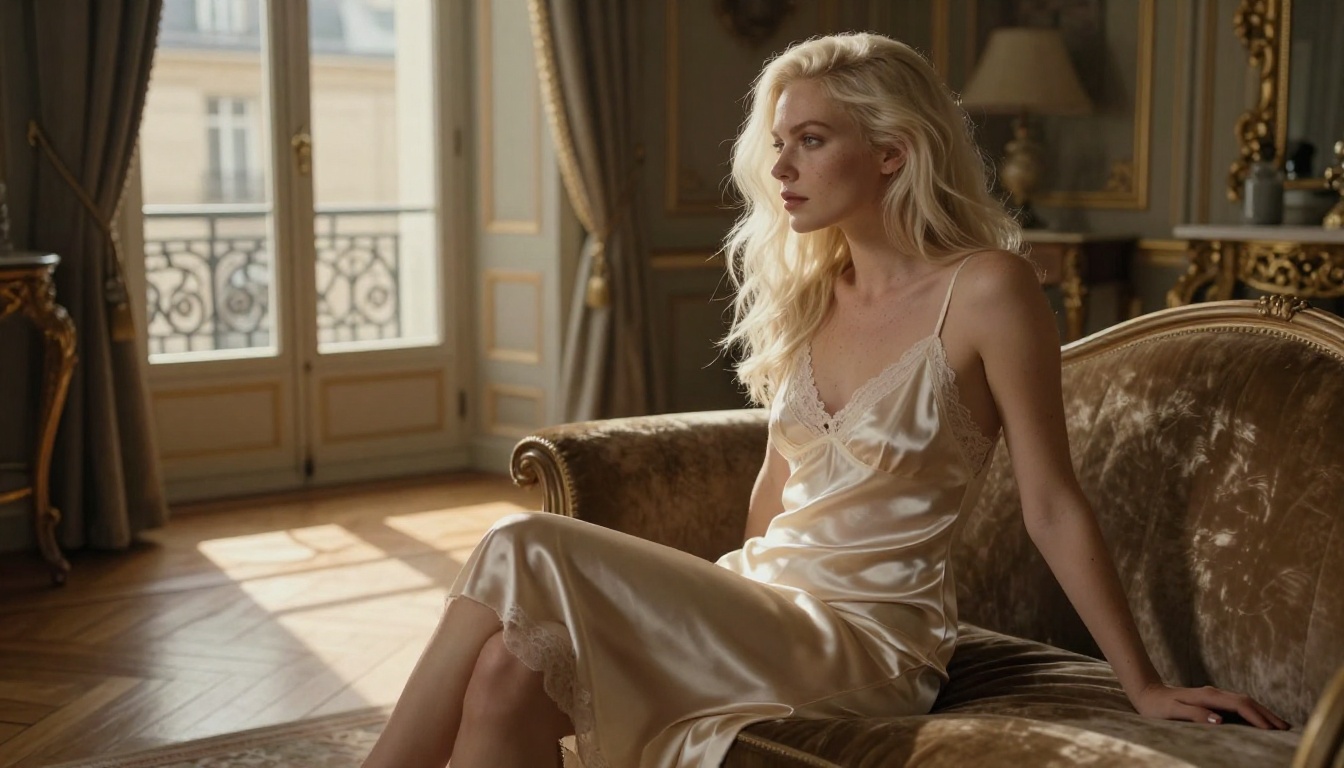
Step by Step on X
- Open X (formerly Twitter) and log into your account
- Navigate to Grok from the left sidebar
- Tap the Settings or profile icon within the Grok interface
- Scroll to Content preferences or Image generation settings
- Toggle on Spicy Mode
- Confirm your age if prompted
Once enabled, your subsequent image generation prompts through Grok's Aurora model will operate under the relaxed content policy. The toggle persists across sessions, so you do not need to re-enable it each time.
Who Gets Access
Not everyone has immediate access to Spicy Mode. xAI has rolled it out with a few restrictions worth noting:
- Age verification required: X requires users to confirm they are 18+ before enabling the feature
- Premium subscribers: Early access was tied to X Premium and Premium+ plans
- Regional restrictions: Some countries have limited access based on local regulations
- Account standing: Accounts flagged for policy violations may have restricted access
💡 Tip: If you do not see the Spicy Mode toggle, make sure your X account has completed age verification and that you are on an eligible subscription tier.
What You Can Actually Create
With Spicy Mode active, Aurora's output range expands significantly. The results lean heavily into glamour photography aesthetics rather than anything explicitly sexual, which produces some surprisingly high-quality imagery.

Images That Push the Limit
The most popular use cases for Spicy Mode center around a handful of content categories:
Swimwear and lingerie: Aurora handles swimwear and lingerie prompts with remarkable photorealism. Fabric texture, lighting on skin, and compositional framing all benefit from the relaxed filters.
Boudoir-style photography: Think dimly lit bedroom scenes, silk sheets, and editorial-style poses. Aurora produces results that look genuinely like high-end photography rather than AI output.
Implied nudity: Artistically composed shots where nudity is suggested but not explicit, similar to classic boudoir photography or fine art nude work.
Romantic couple scenes: Intimate scenes between couples, including kissing, embracing, and suggestive poses that would be blocked in standard mode.
The image quality in these categories is where Aurora genuinely stands out. The model does not produce the uncanny valley artifacts that plague many competing image generators when rendering human skin at close range.
What's Off the Table
Even in Spicy Mode, xAI enforces firm limits:
- No explicit genitalia or graphic sexual acts
- No content involving minors in any context
- No non-consensual scenarios
- No real identifiable people in sexual contexts
- No fetish content that violates platform policies
These are not soft guidelines. Attempting to generate content in these categories results in hard refusals regardless of how the prompt is constructed.
The launch of Spicy Mode put Aurora directly in competition with the handful of specialized NSFW AI generators that existed before xAI entered the space. How does it compare?

Aurora vs Midjourney and Flux
Midjourney remains the benchmark for aesthetic quality in AI image generation, but it has no NSFW mode whatsoever. Even relatively mild suggestive prompts get rejected. Flux 1.1 Pro Ultra and Flux Dev offer significantly better prompt adherence and photorealism, and with a platform like PicassoIA, you can push those models further than you can in locked-down environments.
The practical takeaway: Grok's Spicy Mode is convenient if you already use X, but for serious content creation with precise control over style, lighting, and composition, dedicated image generation platforms offer a superior experience.
Why Realism Matters
One reason Spicy Mode gets so much attention is Aurora's photorealism. When generating suggestive content, the difference between an obviously AI-generated image and something that looks like a real photograph is massive. Aurora sits closer to the photorealistic end of the spectrum than most consumer AI tools.
This is partly architecture, partly training data. xAI was aggressive about incorporating high-quality photography into Aurora's training set, which shows in the model's handling of skin texture, fabric behavior, and natural lighting conditions.
How to Use Grok Imagine on PicassoIA
Since PicassoIA hosts the Grok Imagine Image model directly, you can access xAI's Aurora-powered image generation without needing an X Premium subscription or navigating X's chat interface.
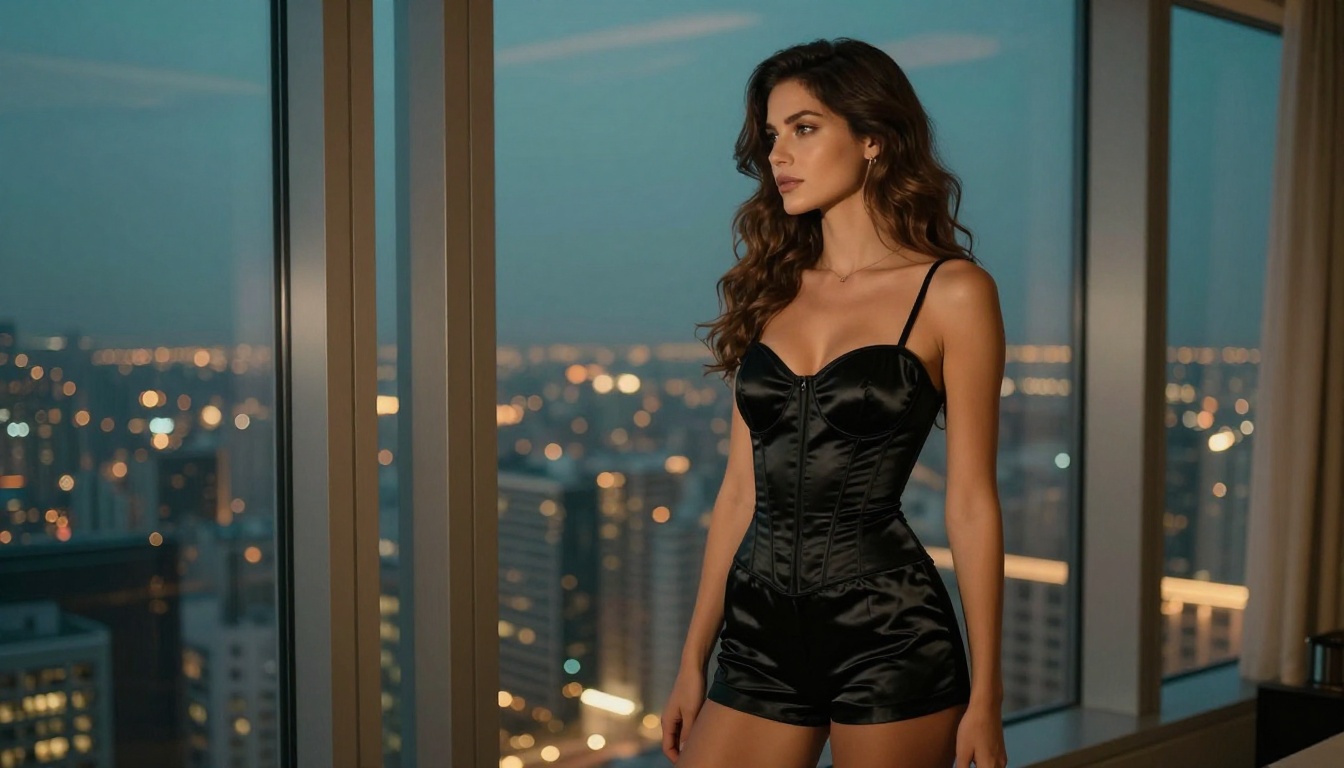
Step-by-Step Tutorial
Using Grok Imagine Image on PicassoIA takes about 30 seconds once you are set up:
- Go to PicassoIA and open the Grok Imagine Image model page
- Write your prompt in the text input field, being specific about lighting, pose, and environment
- Set the aspect ratio to 16:9 for widescreen or 1:1 for portraits
- Adjust generation parameters if available, including steps and guidance scale
- Click Generate and wait a few seconds for your result
- Download or share your image directly from the platform
The PicassoIA interface gives you generation history, the ability to regenerate with the same seed, and the option to iterate on prompts without losing your previous results.
Tips for Better Results
Getting high-quality output from Grok Imagine Image on PicassoIA comes down to a few prompt engineering principles:
💡 Prompt tip: Always include lighting direction. "Soft morning light from the left" produces dramatically better results than leaving lighting unspecified.
- Be specific about the setting: "luxury hotel suite in Dubai" beats "nice room"
- Specify the camera and lens: "85mm f/1.4 shallow depth of field" tells the model exactly how to frame the shot
- Include style references: "Vogue editorial style", "boudoir photography", "Victoria's Secret campaign"
- Describe skin and fabric details: "visible pore texture", "silk with light sheen", "denim weave texture"
- Name the mood: "intimate and warm", "confident and direct", "dreamy and soft"
Other Models Worth Trying
Grok Imagine Image is excellent, but PicassoIA hosts dozens of models that compete at the highest level for realistic and suggestive imagery.

Realistic Vision and RealVisXL
Realistic Vision v5.1 is a perennial favorite for photorealistic human rendering. It was trained specifically for this use case and it shows in its handling of facial features, skin detail, and natural body proportions. For portrait-focused work, it often surpasses much larger general-purpose models.
RealVisXL v3.0 Turbo takes the Realistic Vision approach and scales it with SDXL architecture, producing 1024x1024 base images with significantly more detail. The Turbo variant generates at remarkable speed without sacrificing output quality, making it ideal for rapid iteration on prompts.
Flux Pro Ultra for Detail
When maximum detail and prompt adherence are the priority, Flux 1.1 Pro Ultra from Black Forest Labs is in a class of its own. The model handles complex scene descriptions with multiple elements, specific lighting setups, and intricate fabric or texture details better than almost any competitor.
Flux 1.1 Pro offers a slightly faster and more accessible option that still delivers exceptional photorealism, while Flux Dev is available for experimental and iterative generation workflows.
SDXL remains relevant as the backbone architecture for many of the specialized models in this space. Knowing how SDXL works helps you get more out of the models built on top of it.
Craft the Right Prompt
The single biggest factor separating average AI image output from something genuinely impressive is the quality of the prompt. Spicy Mode or not, a vague prompt produces mediocre results every time.

The Anatomy of a Good Prompt
A well-structured prompt for photorealistic suggestive imagery follows this pattern:
[Subject] + [Outfit/State] + [Setting] + [Lighting] + [Camera] + [Style/Mood]
Example: "Young woman with auburn hair, wearing a black lace bralette and high-waist shorts, standing on a rooftop terrace in Barcelona at golden hour, warm side light from the left casting soft shadows, Canon 85mm f/1.4 shallow depth of field, Vogue editorial style, photorealistic, film grain"
That single prompt contains everything the model needs to produce a coherent, high-quality image. Compare it to "sexy woman on rooftop" and the difference in output quality is not subtle.
Lighting and Style Keywords
These are the lighting and style terms that consistently produce better results across all the top models on PicassoIA:
Lighting terms that work:
- Volumetric morning light from the left
- Dramatic single-source spotlight from above
- Soft diffused window light
- Golden hour rim lighting
- Warm amber practical lighting
Style references that elevate output:
- Kodak Portra 400 film grain
- Vogue Italia editorial
- Victoria's Secret campaign photography
- RAW 8K photography
- Annie Leibovitz portrait style
💡 Quality tip: Adding "Kodak Portra 400 film grain" to almost any realistic portrait prompt improves the organic, natural feel of skin rendering dramatically.
What to avoid in prompts:
- Generic terms like "beautiful", "sexy", or "hot" without specifics
- Multiple conflicting styles in the same prompt
- Overloading with too many subjects or scene elements
- Vague location descriptions without atmosphere details
Why PicassoIA Gives You More Control
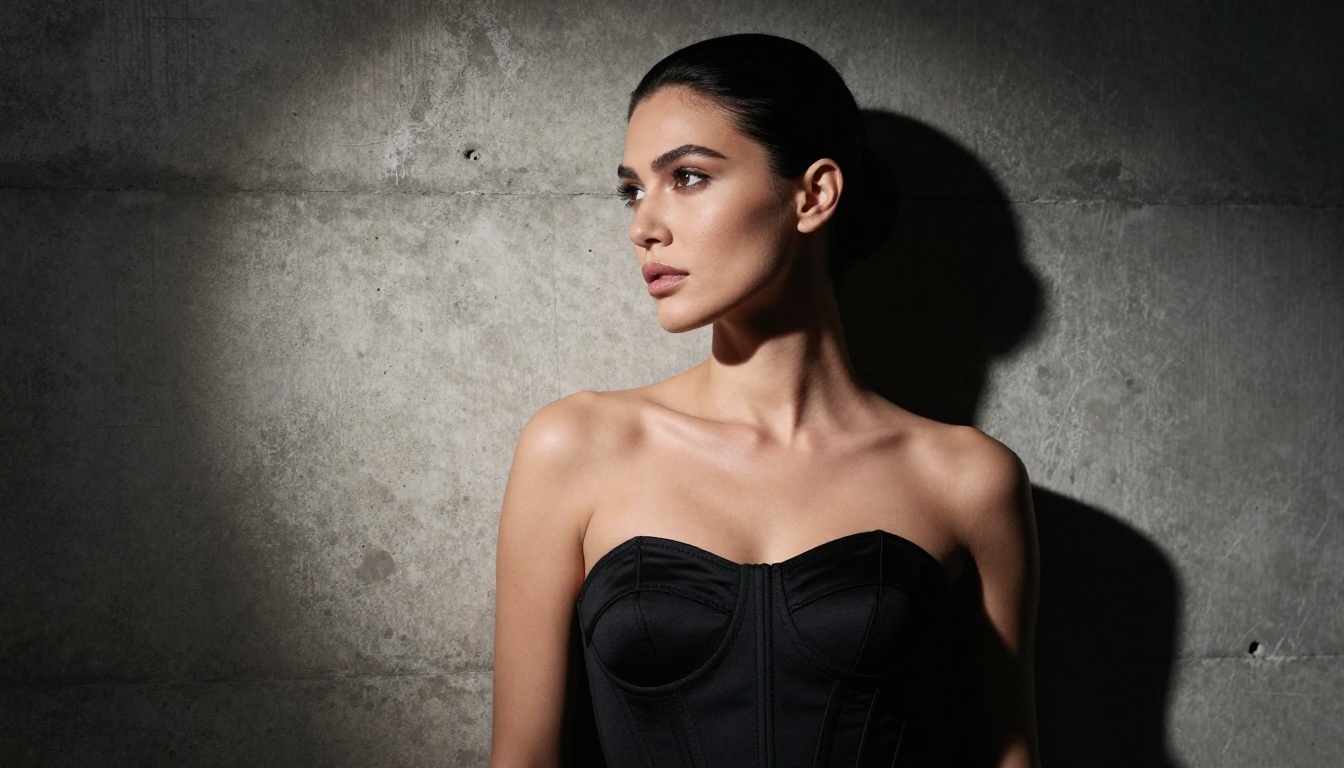
Grok Spicy Mode is a convenient entry point, but it comes with real limitations. You are generating through a chatbot interface that was designed for conversation, not creative image production. Parameter control is minimal. Iteration is clunky. And you are dependent on your X subscription status and regional availability.
PicassoIA solves every one of those problems. You get direct access to Grok Imagine Image plus over 90 other text-to-image models including Flux 1.1 Pro Ultra, Realistic Vision v5.1, and RealVisXL v3.0 Turbo, all in an interface built specifically for image creation.
The platform also integrates tools that go beyond simple text-to-image:
- Super Resolution: Upscale your generations 2x to 4x without losing detail
- Face Swap AI: Replace faces in generated images with photorealistic accuracy
- Background Removal: Strip backgrounds cleanly for compositing
- Outpainting: Expand the canvas of any generated image
- AI Video Enhancement: Take still generations and add motion-ready polish
See What You Can Build

Grok Spicy Mode opened a real conversation about where AI image generation is heading. The fact that a mainstream platform with hundreds of millions of users now has a built-in NSFW toggle signals that this kind of content creation is moving firmly into the mainstream.
The best results, whether you are using Grok directly or working through a dedicated platform, come from how these models actually work: what kind of prompts they respond to, how lighting descriptions shape output, and why specificity always beats vagueness.
PicassoIA puts Grok Imagine Image alongside the best photorealistic models available anywhere online. Open a model, write a detailed prompt, and see what Aurora actually produces when you give it real instructions. The gap between what you imagine and what the model outputs closes fast once you start prompting with precision.
Every image in this article was generated with these exact techniques. Your starting point is the same as everyone else's: a blank prompt field and an idea. Start there.


